Mid-surfacing, Meshing and Integration of Passenger car seat with associated assembly using connections for NVH domain, as per NASTRAN algorithms...
OBJECTIVE:
The given car seat CAD is to be meshed and integration of the car seat using connection for NVH domain, as per NASTRAN algorithms.
THEORY:
Realizing connections CAD into FE: For the given model, CAD for connections is present.
Types of connections: (All connections are as per NASTRAN algorithms for NVH domain.)
- Seam weld. (Parallel sheet panels and perpendicular sheet panels)
- Bolt and Nut assembly.
- Spot welds.
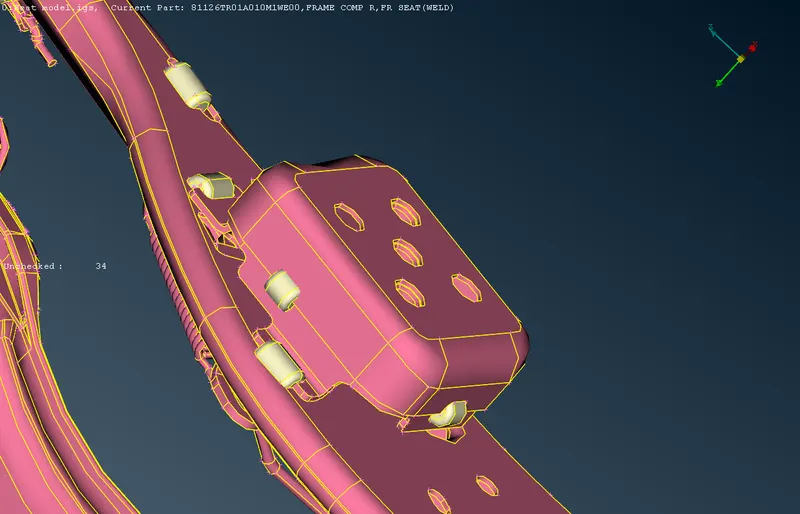
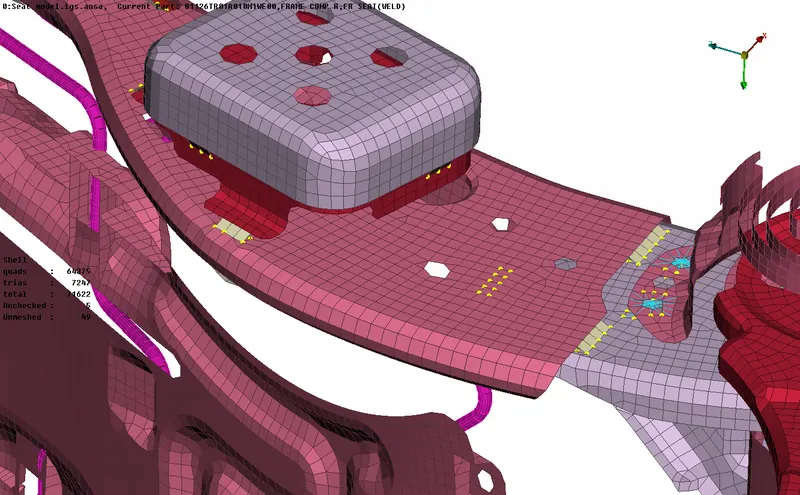
A. Seam welds for parallel sheets:- For NVH domain in ANSA, parallel sheets are welded using "OVERLAP - SHELL"
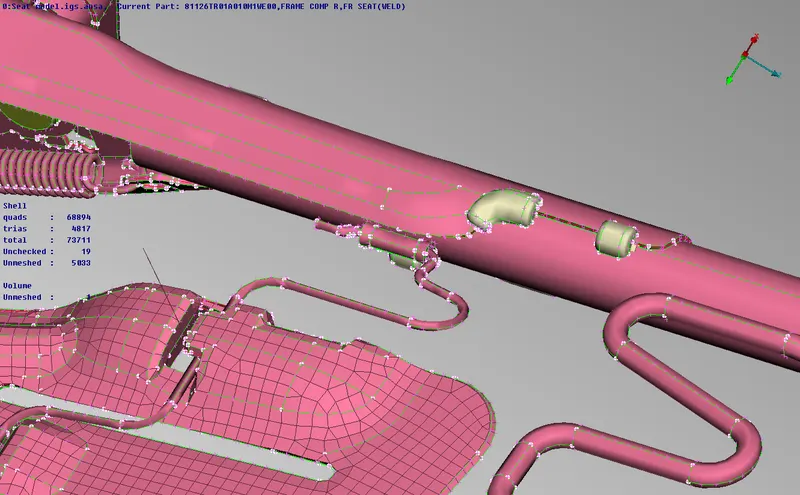
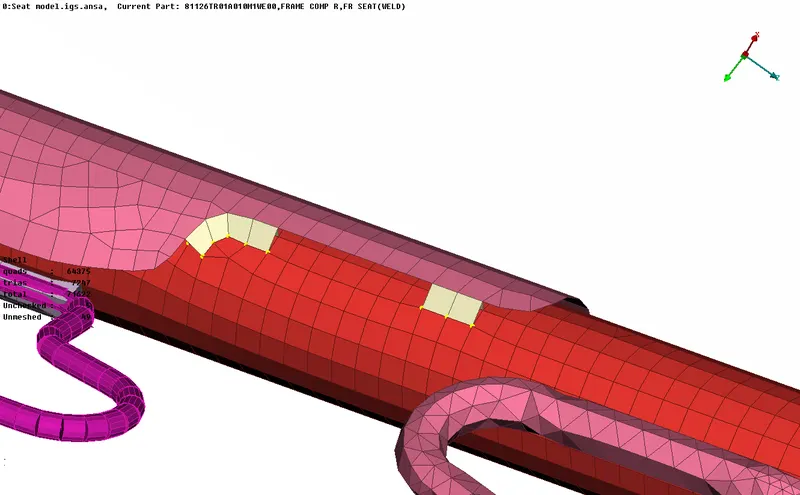
B. Seam welds for perpendicular sheets:- For NVH domain in ANSA. perpendicular sheets are welded using "Y-Joint Shell"
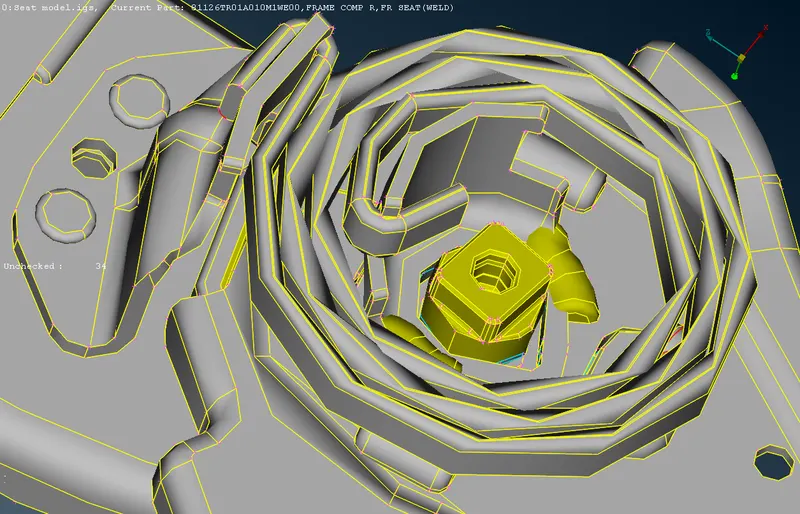
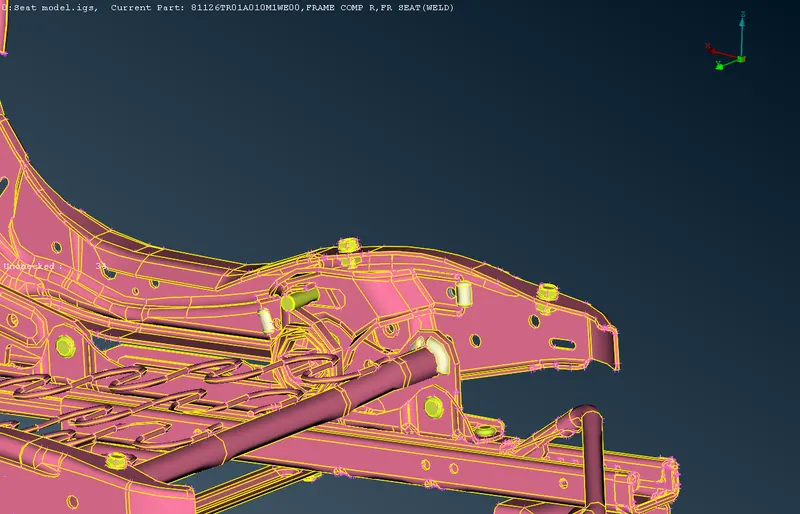
C. Bolt and Nut assembly:- Using RBE2 elements, many nodes are using to constrain the neighbouring nodes using RBE2 elements.
Two nodes RBE2 elements are used to connect two constrained RBE2 many nodes and represents stem of Bolt.
D. Spot welds:- Spot welds for NVH domain are represented by a solid Hexa element "RBE3-HEXA-RBE3"
Mid-surfacing of given CAD:
The given geometry consisits of following componenets:-
- Sheet panels with constant thickness.
- Volumes with variable thickness.
- Rods and Bars.
- Coils.
PRE-REQUISITES:
- Mid-surfacing for sheet panels.
- Meshing for generated mid-surface.
- Meshing for tetra mesh.
- Volume mesh for defined volumes.
- Loading parameters for 2D mesh.
- Loading parameters for tetra mesh.
- CBAR element generation.
- Using automated scripts using curves to convert into various connections.
GIVEN CAD:
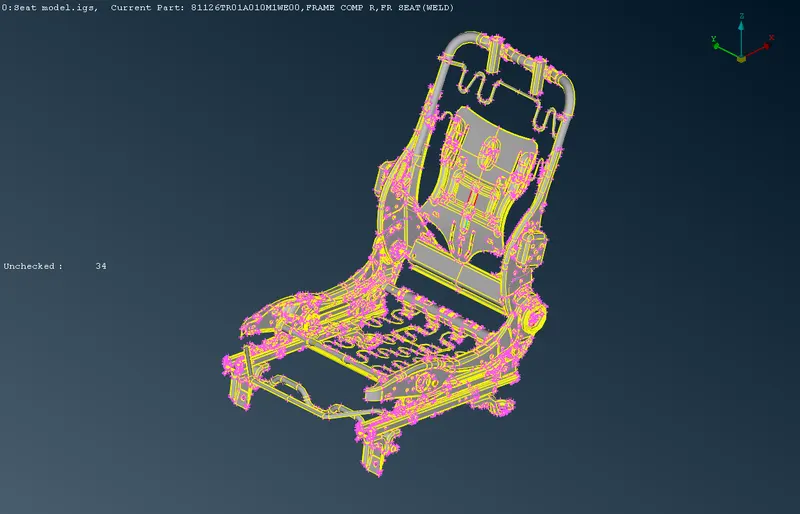
Given CAD comprises of Sheet panels with constant thickness, closed volume part, cylindrical rods, coils and connections CAD.
For instance:
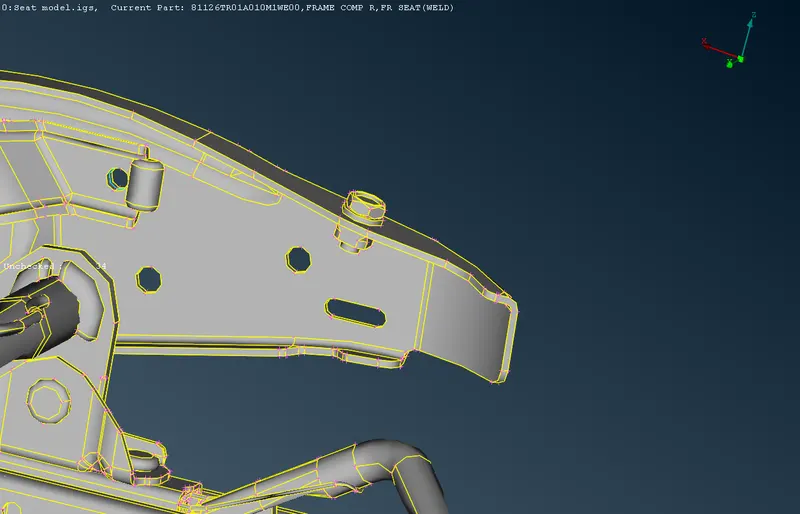
Sheet panels with constant thickness:-
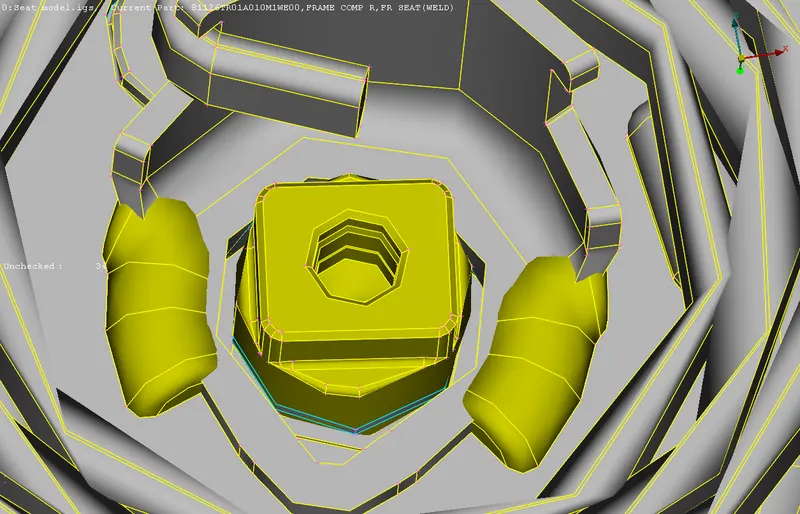
Closed volumes with varying thickness:-
Torsional rods(solid)
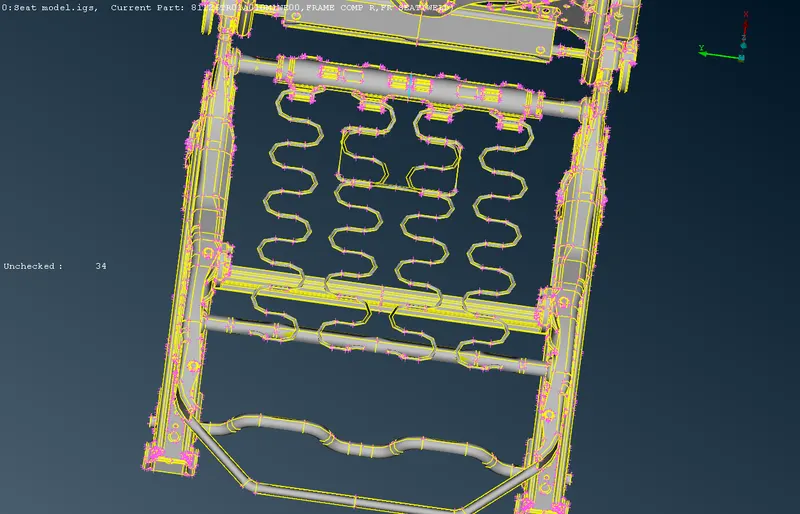
Coils:
CAD for connections:
Seam welds(white)
Bolts & Nut(yellow):
APPROACH:
2D mesh for sheet panels with constant thickness can be achieved by first extracting the mid surface.
Methods in ANSA:-
Topo deck >> Faces >> Offset >> Assign offset value >> Middle click
alternate method:
Topo deck >> Faces >> Mid surface >> skin >> choose entities >> offset value >> middle click
FOOD FOR THOUGHT
"However sheet panels with various constant thickness are present so it is feasible to extract mid surface (one at a time) by offsetting the targeted sutface by isolating using !Not.
Solid volumes are extracted saperately using !Not for tetra meshing.
Torsional rods are isolated using !Not for meshing using HEXA meshing or CBAR element. Since Hexa meshing requires greater computational time hence extracting cylindrical rods using CBAR element is more convinient. These torsional rods also not much contrubite to solving."
PROCEDURE:
Procedure is divided into stages:-
1. MIDSURFACING & PIDs ASSIGNEMENT:-
Mid-surfacing of sheet panels and assign PIDs with appropriate thickness.
All sheet panels are isolated and midsurface is extracted manually.
(WITHOUT CONS)
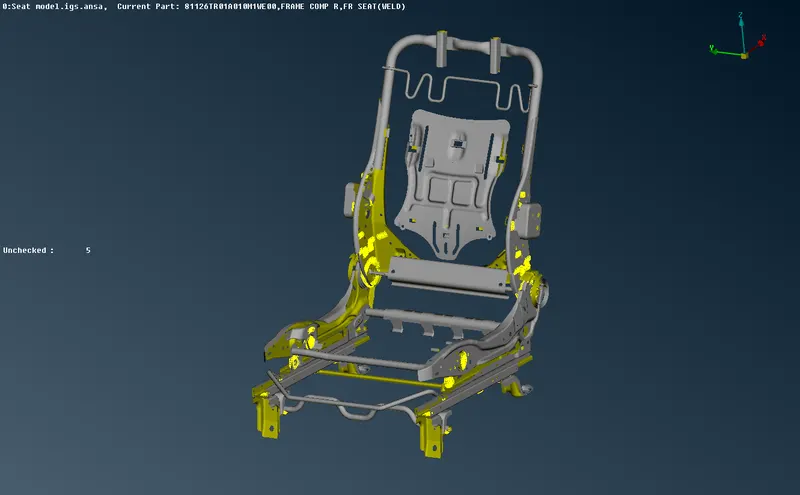
(WITH CONS)
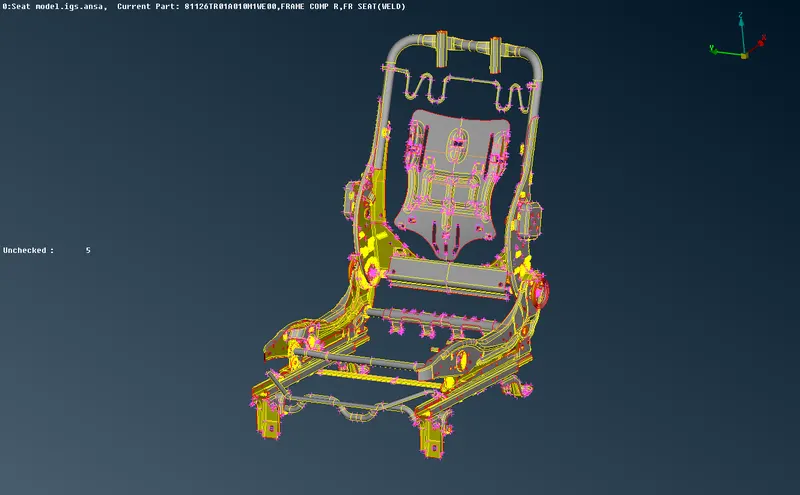
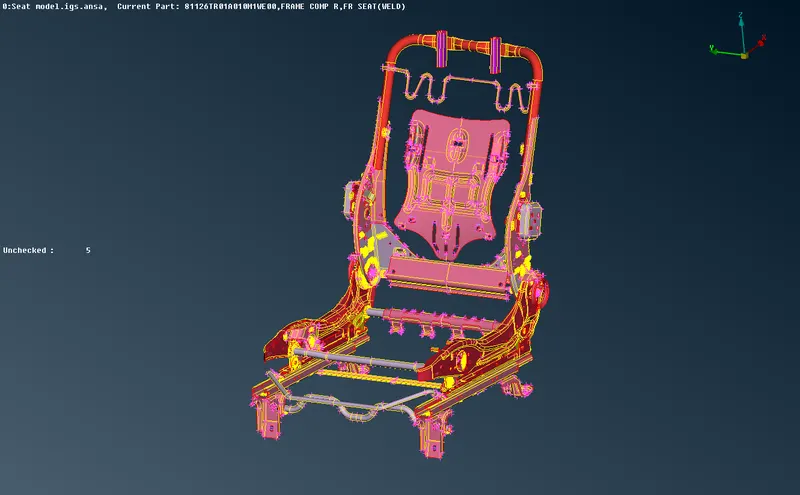
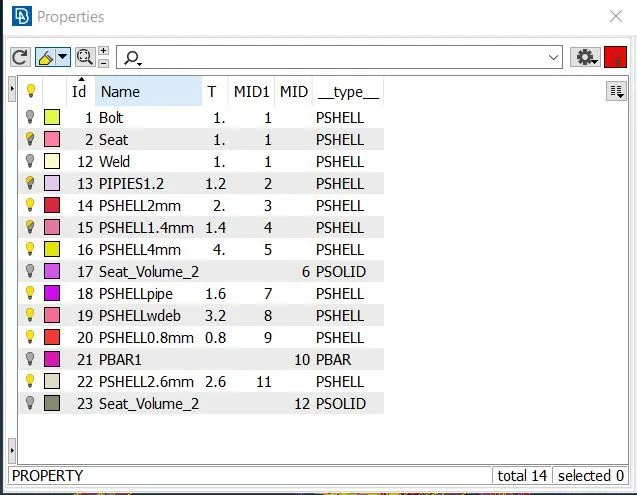
Sheet panels are of constant thickness but thickness varies from part to part so appropriate PIDs are assigned to each panel.
(PID VIEW)
Property card:
2. VOLUME COMPONENTS ISOLATION:-
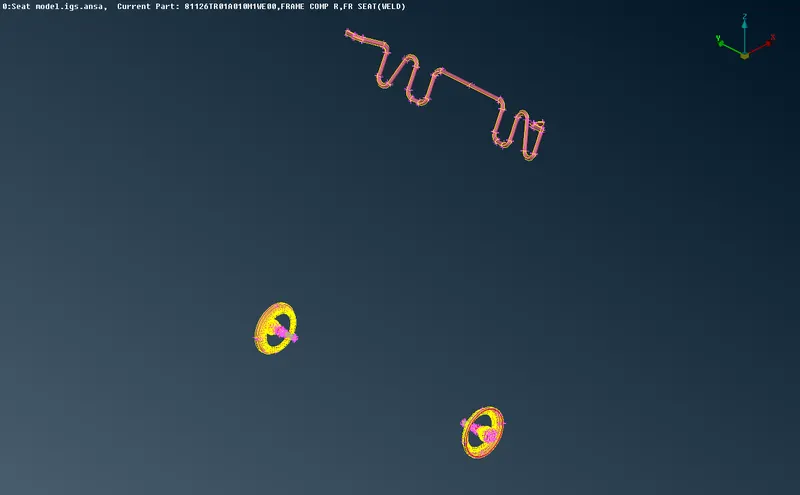
Isolating closed volumes.
There are few componenets and parts which are closed volumes and are meshed using Tetra mesh.
3. 2-D MESHING:-
Defining criterias for 2D mesh.
Press F11
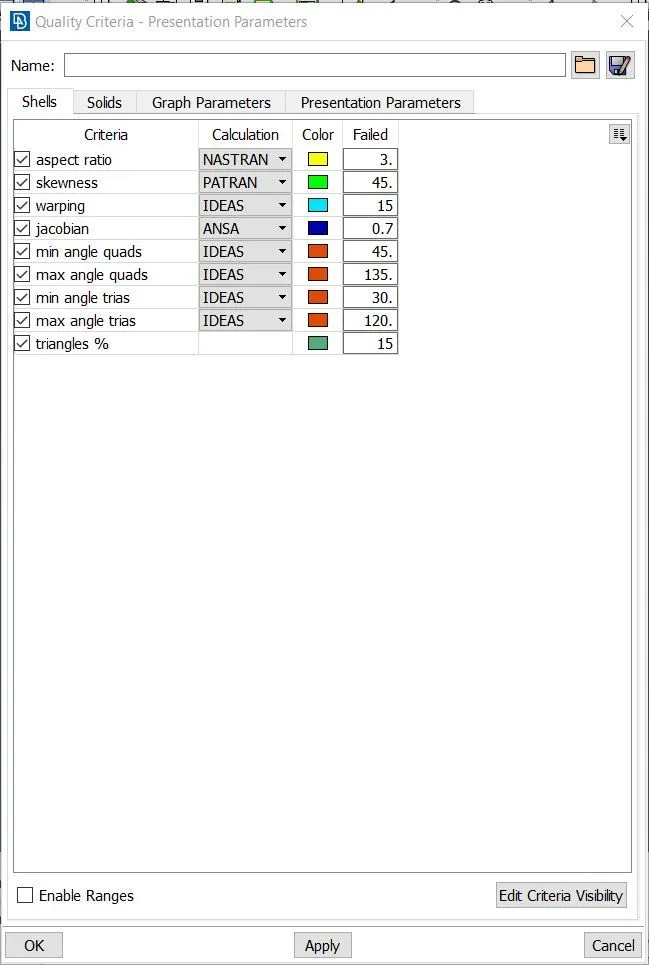
Defining criterias for tria mesh.
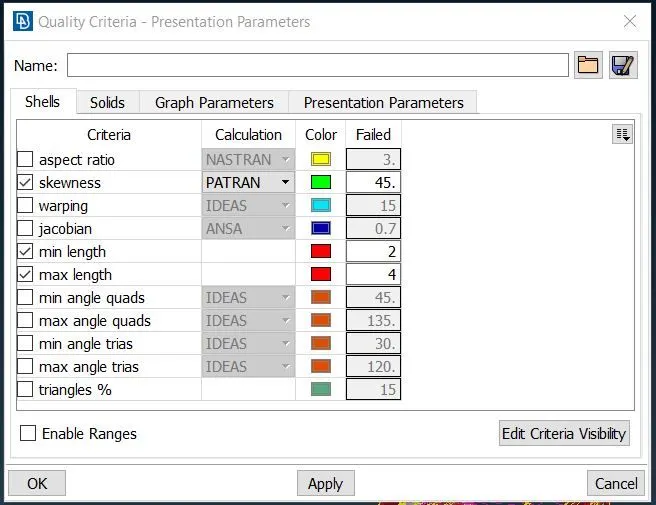
Additionally, Tet collapse value of 0.2 for tetra mesh.
2D mesh of sheet panels
Using Mesh Deck >> Mesh generation >> BEST/ SPOT MESH/ MAP.
Improvement of Mesh - Mesh Deck >> Shell mesh >> Reconstruct / Smooth
Meshed sheet panels: (PID view)
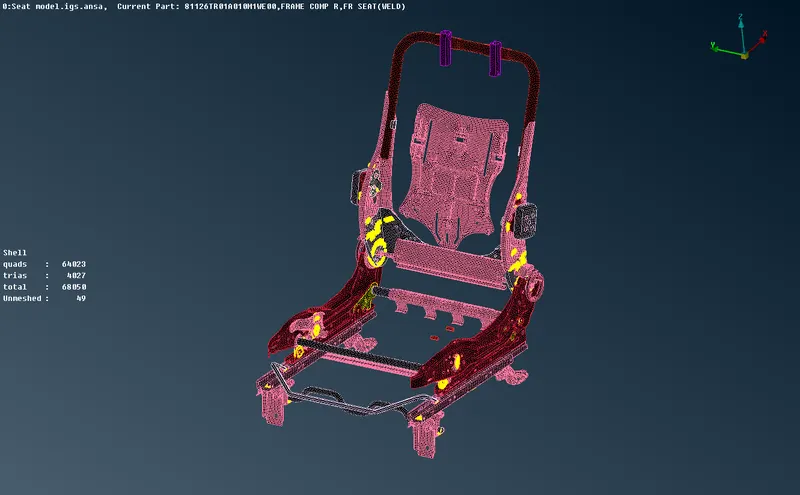
Tria mesh of closed volumes surfaces.
Points to remember in 2D mesh:-
1. No tria elements near the boundaries
2. No trias in fillet region.
3. No rotating quads
4. No neighbouring tria elements.
5. Smooth mesh flows.
4. VOLUME MESH:-
All closed volumes whose surfaces are meshed using tria elements and are converted into Tetra mesh.
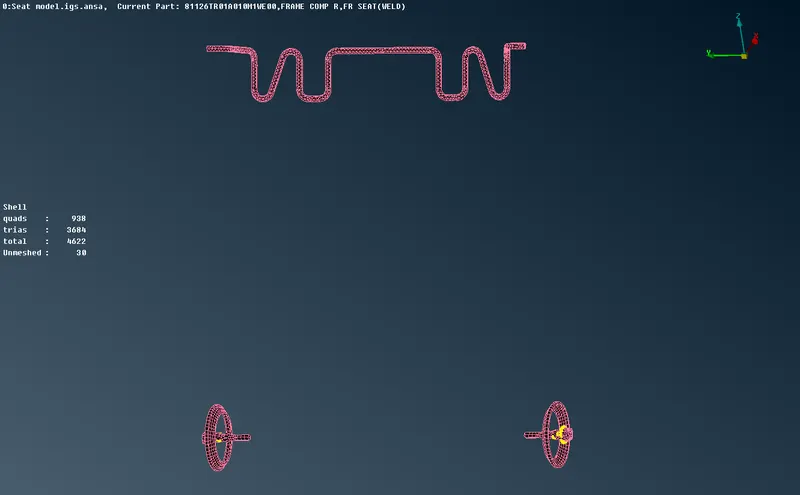
Volumes are defined in VOLUME DECK >> Volumes>> Define >> Auto >> Select >> List >> Remesh >> Tetra mesh >> Middle click
5. ISOLATION OF TORSIONAL RODS:-
All torsional rods are isolated.
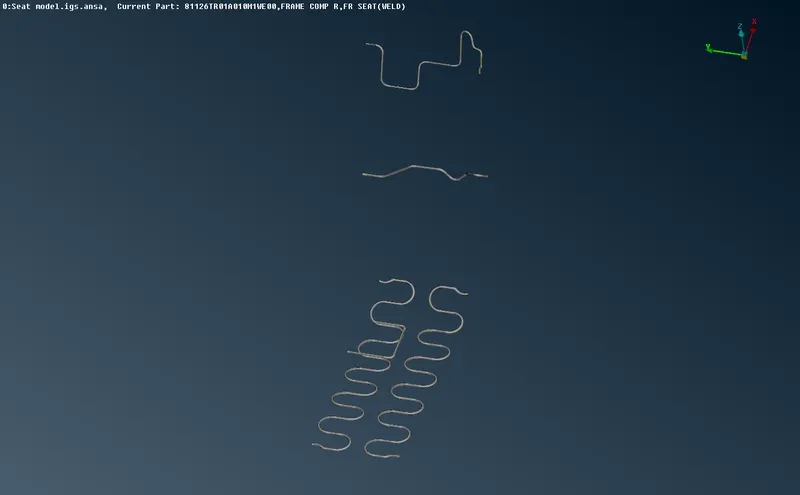
All these rods are converted into single curves by getting a middle curve using TOPO DECK >> Curves >> Middle >> middle click
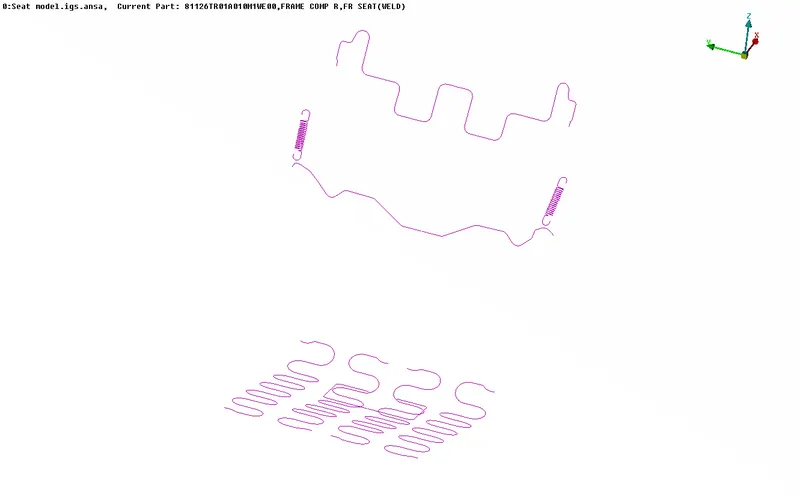
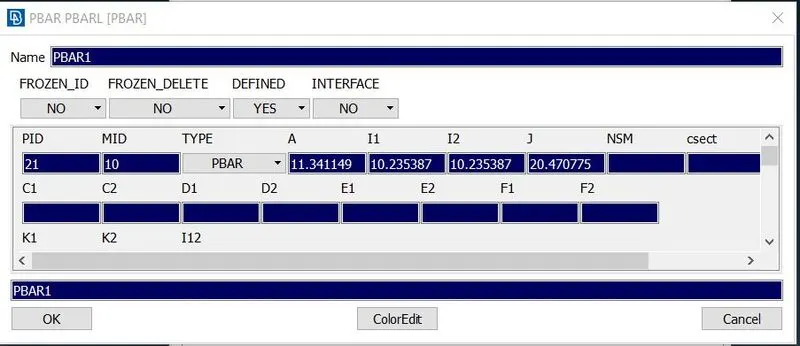
In PIDs, based on entry of radius following entities can be defined:-
Moment of Inertia for circular cross section (I)
Polar moment of Inertia (J)
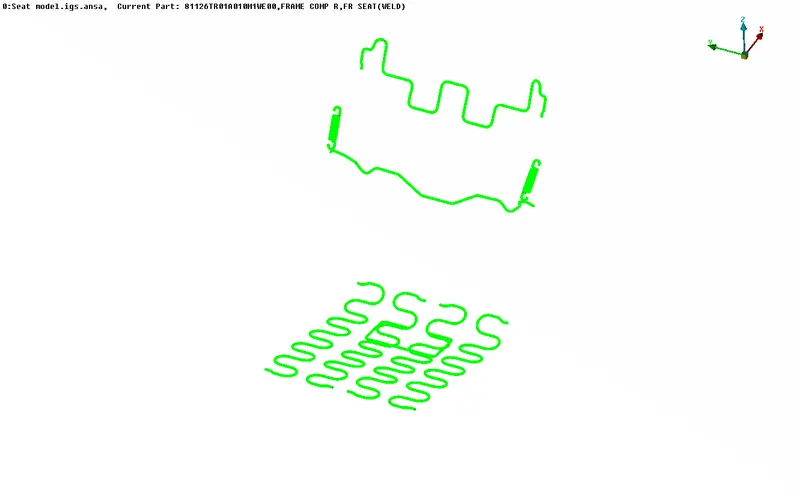
Solid visualisation of these PROD elements.
CAD
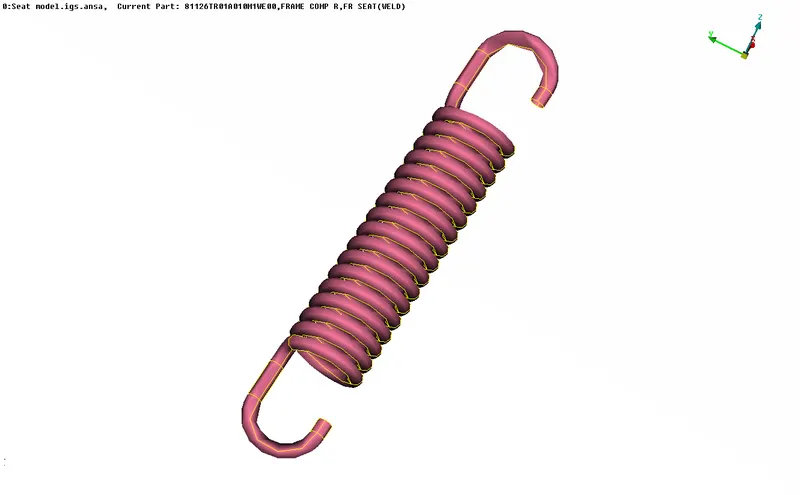
PBAR
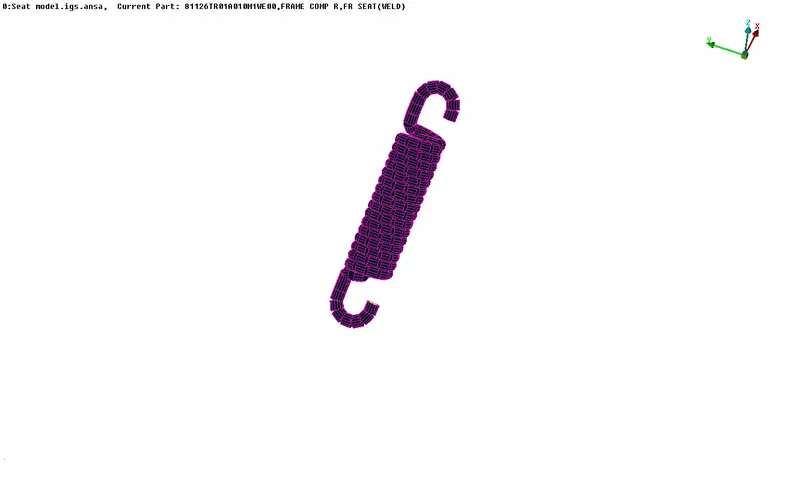
PBAR elements in complete FE (Purple in visualisation)
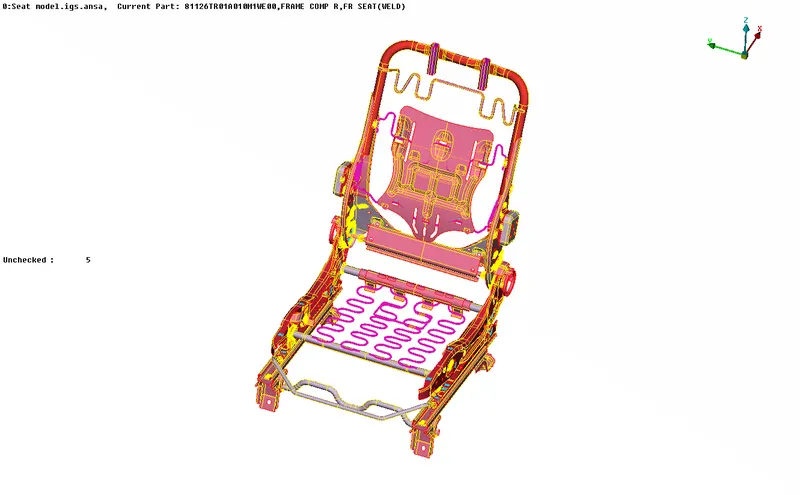
6. INTEGRATION OF ASSEMBLIES:-
Since geometries comprises of connections CAD so those CADs can be converted into FE.
Representation of NUT AND BOLT in CAD & realization in FE:
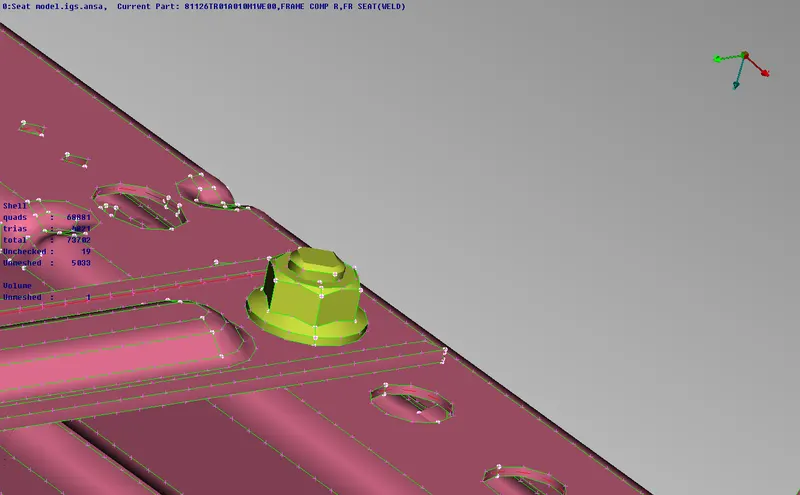
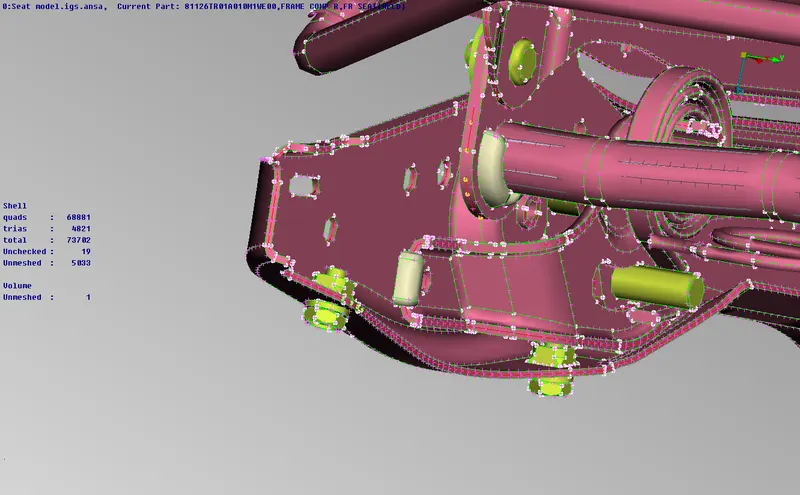
Nut and Bolts are realized using RBE2 elements.
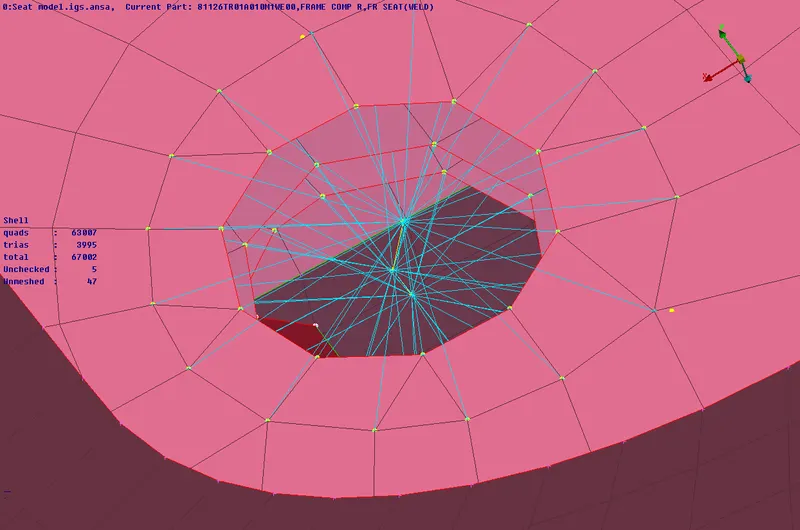
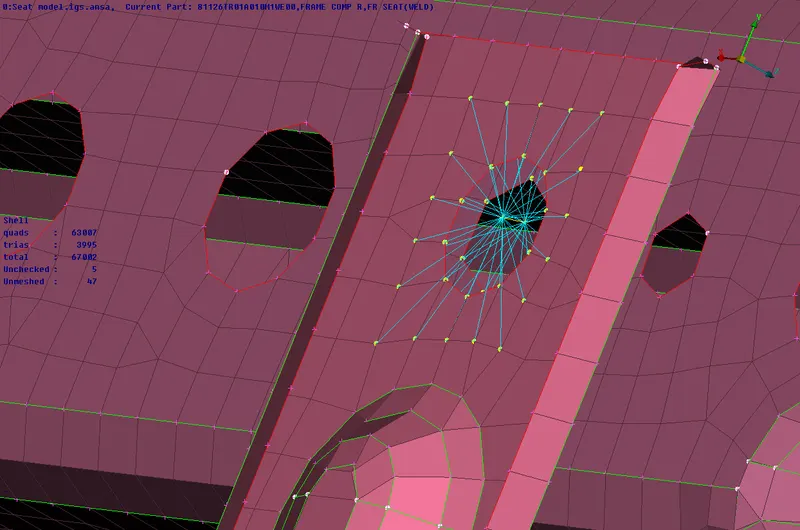
All Nut and Bolts (Blue):
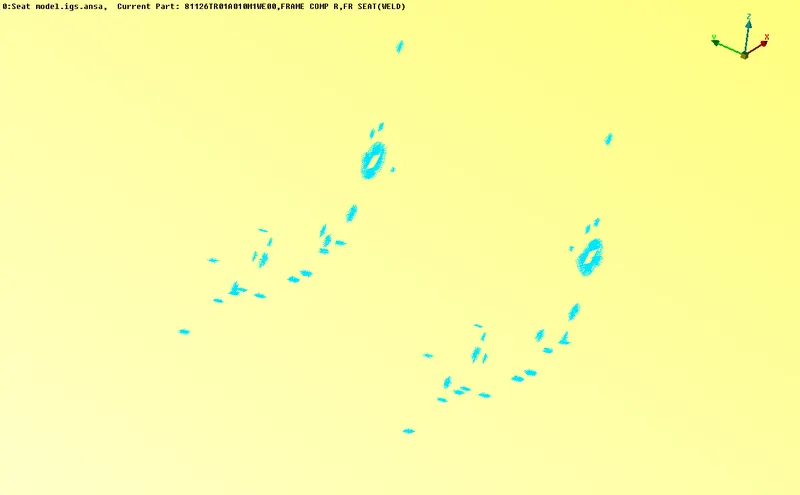
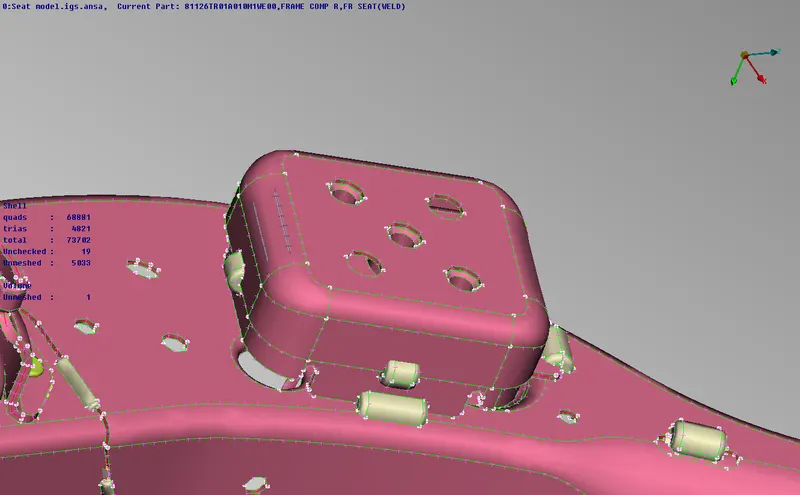
CAD for SEAM WELDS and realization in FE:
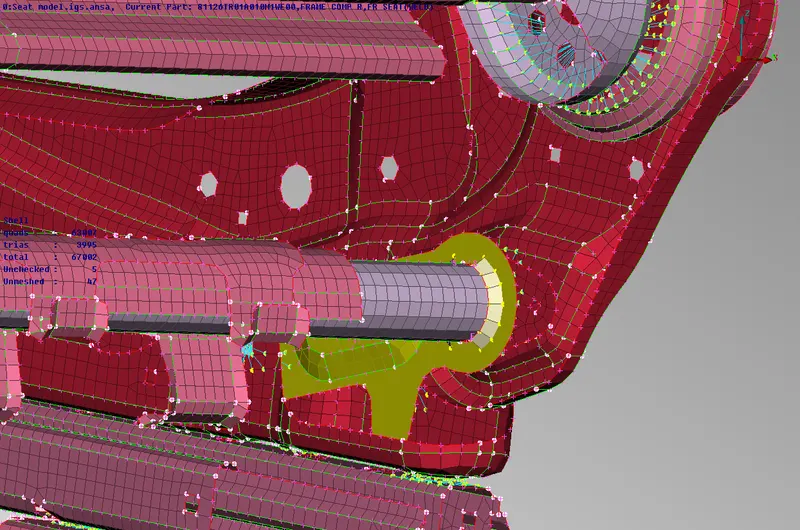
Points to remember:
1. All parallel plates are joined using Seam weld (Over lap joint)
2. All perpendicular plate sare joined using Seam welds (Y joint)
3. Spot welds are solid welds
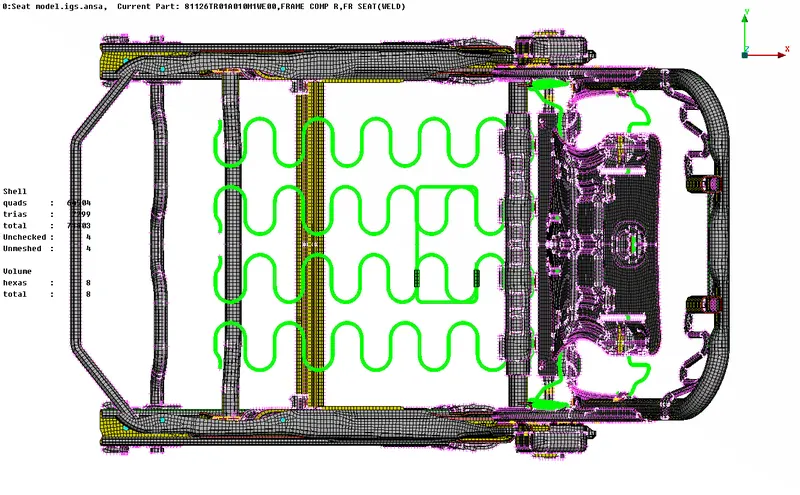
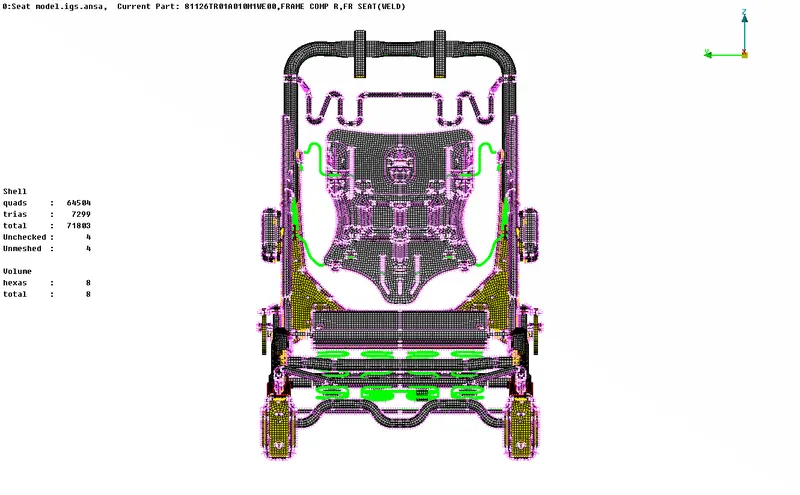
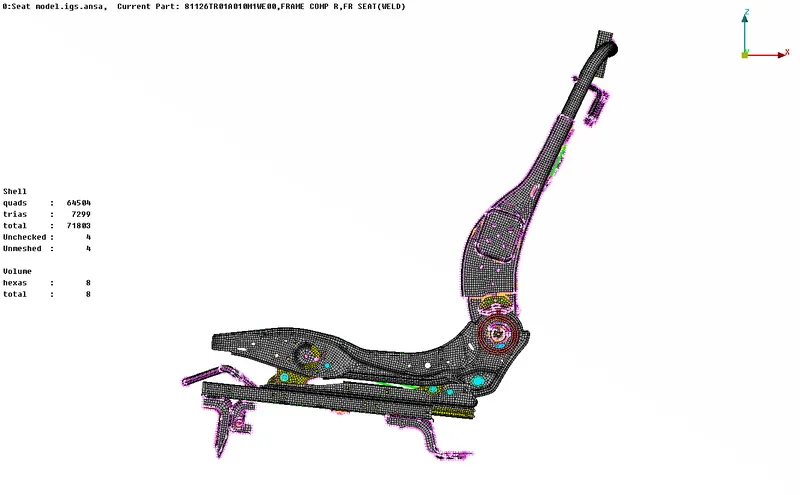
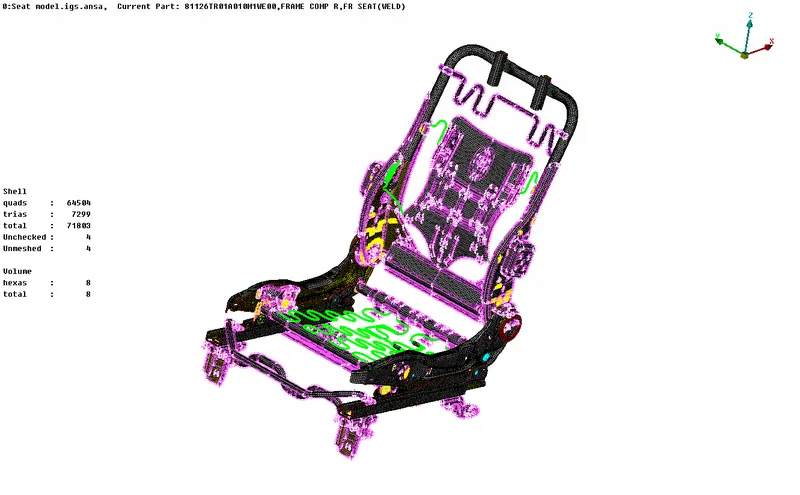
COMPLETE MODEL IN DIFFERENT VIEWS:
PID VIEW
VIEW1
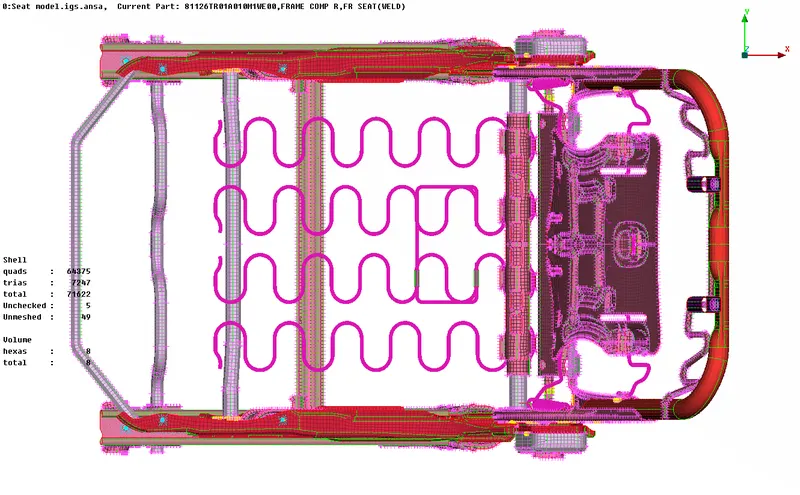
VIEW2
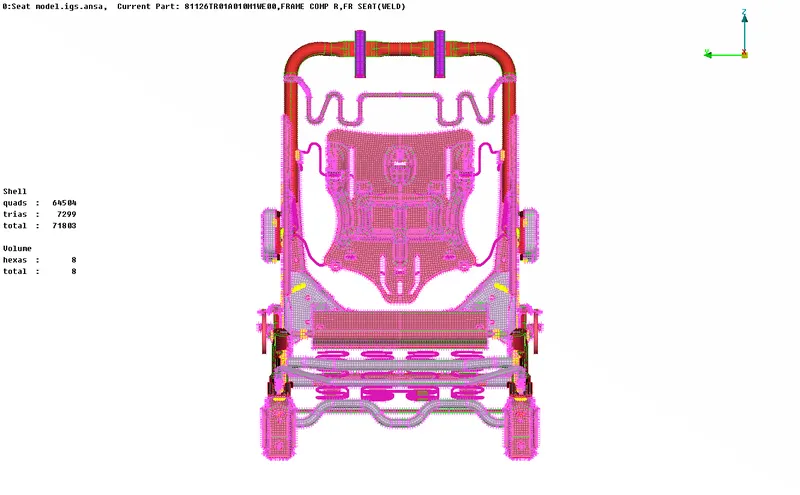
VIEW3
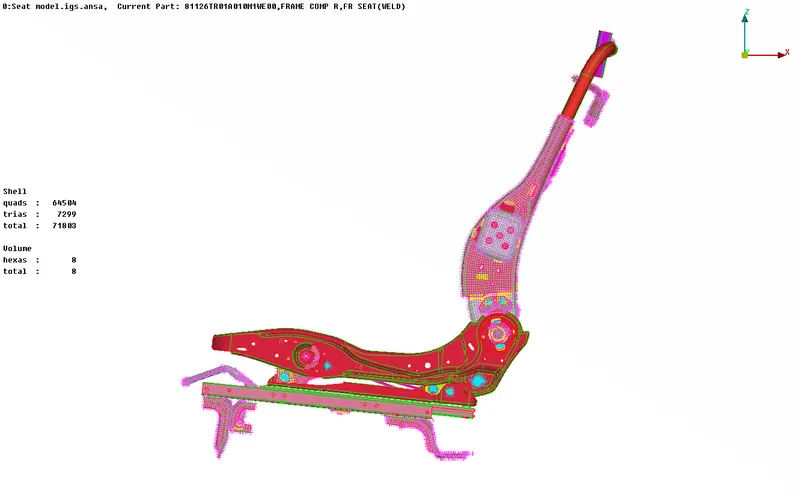
VIEW4
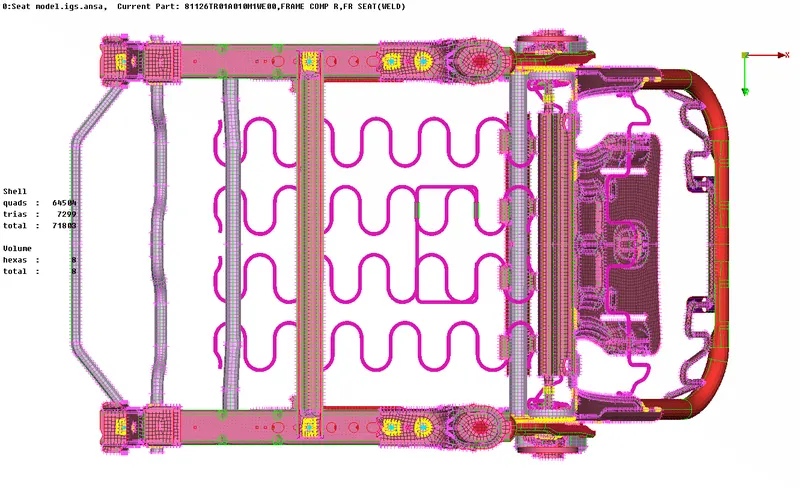
VIEW5
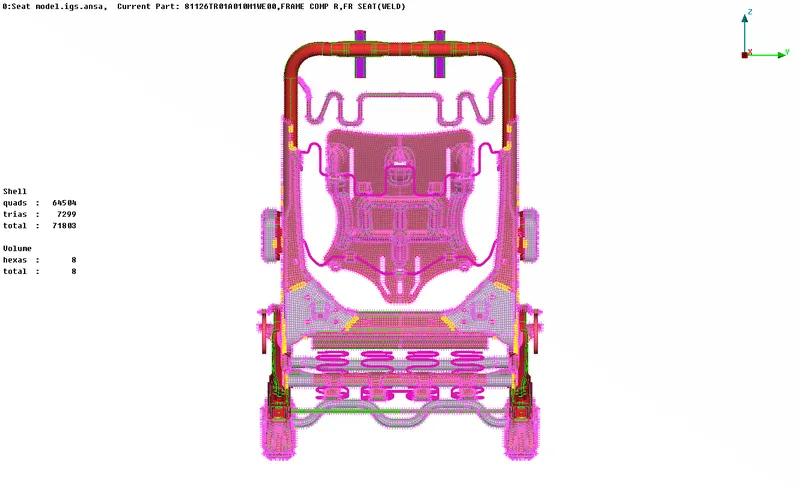
VIEW6
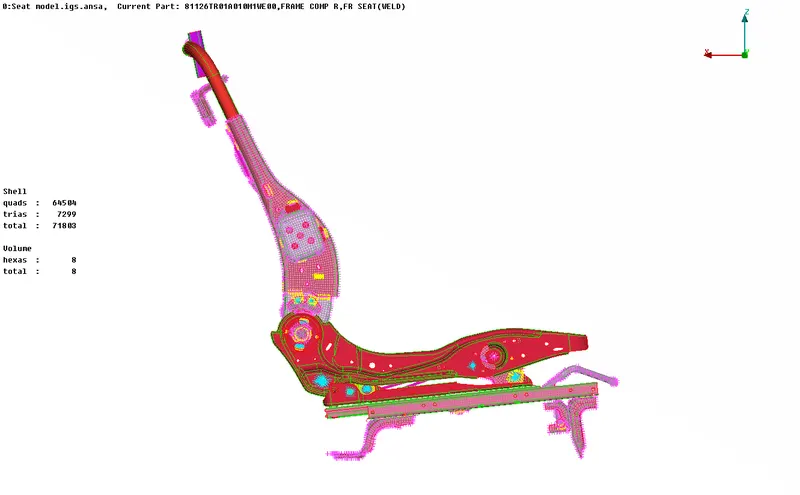
ENTITY VIEW:
VIEW1
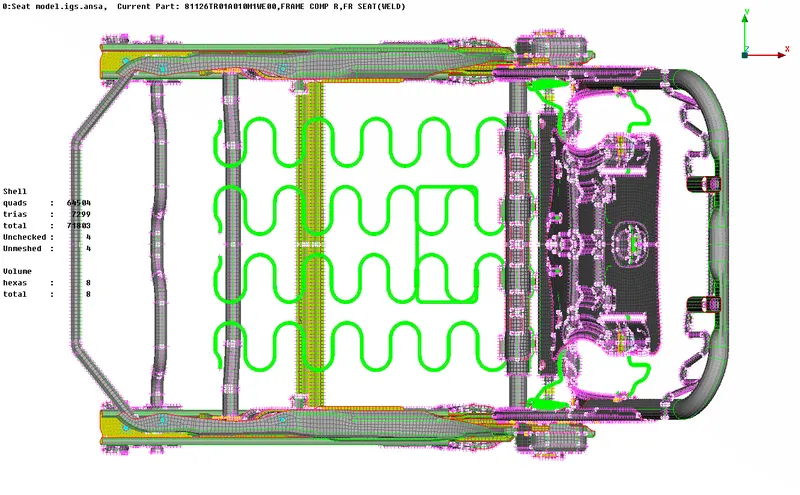
VIEW2
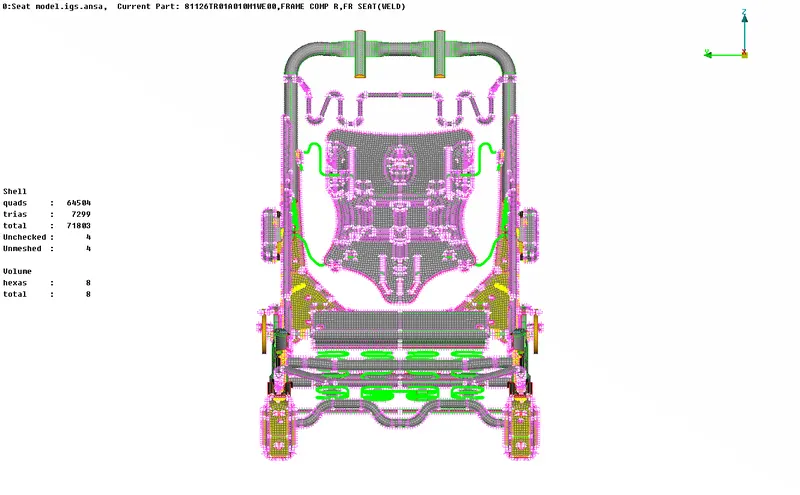
VIEW3
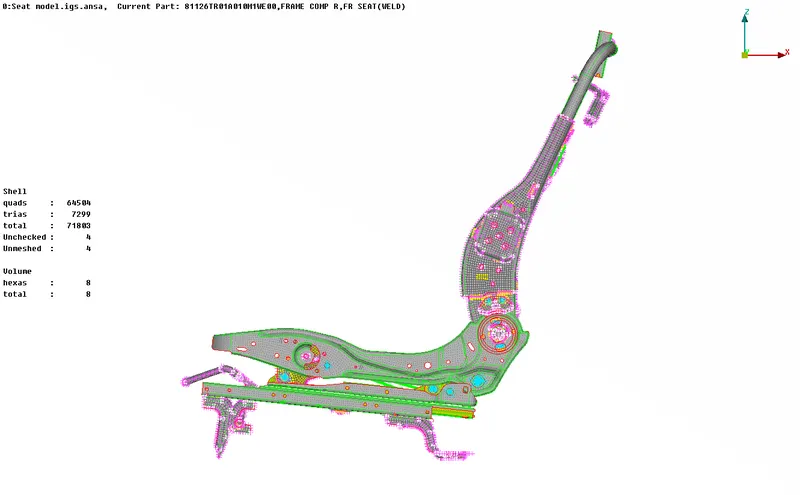
VIEW4
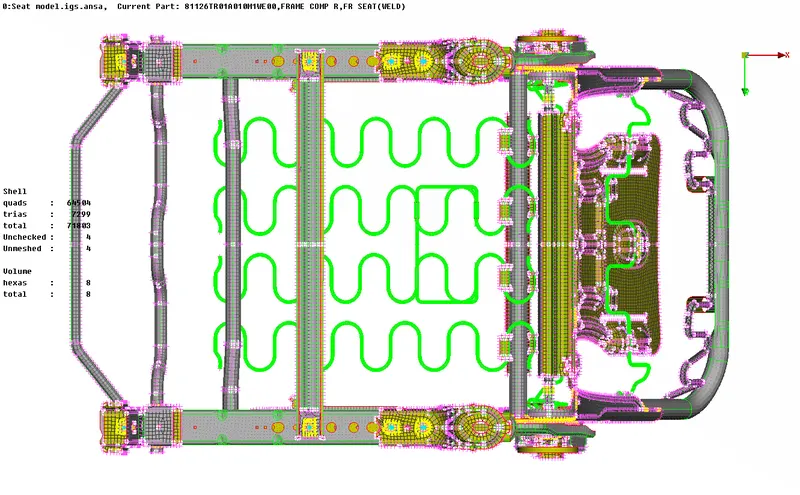
VIEW5
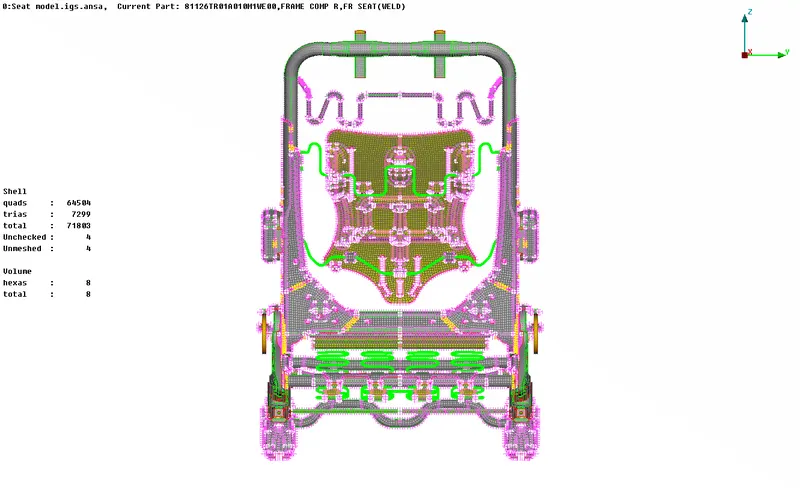
VIEW6
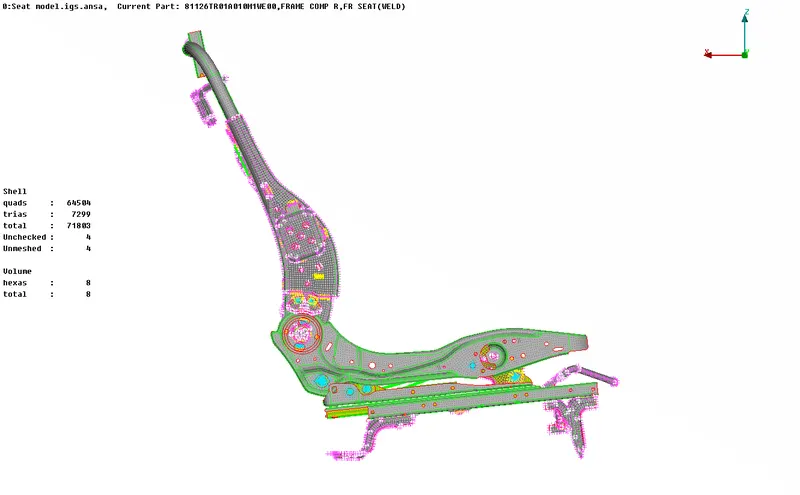
SOLID VISUALISATION: