Hexa mesh for Helical Bevel Gear using Hexa8 elements in Hypermesh.
OBJECTIVE:
To mesh the given solid using Hexa8 elements.
Ensure proper connectivity.
DESIGN OF EXPERIMENT:
1. Strategise the meshing procedure.
The geometry has to be broken into multi parts so that meshing can be done one by one on in each part and later its connectivity with adjacent geometry can be checked.
The basic intention is to divide the geomtery and decide the node(descritisation) in such a way that progressive connecting the adjacent sub parts will be feasible.
2. Disintegrating the solid into multiple parts to carry out meshing without the need of masking.
The solid part is disintegrated into:-
- Solid helical gear teeth
- Shank
- square teeth
- Tail
3. Number of nodes for discretisation.
It is very much necessary for start face and end face to match each other during solid map. That is:
Number of nodes should be same.
Density of nodes along the map should be feasible.
Nodes number should be as such that while connecting the sub parts abnormal hexa elements dont form.
Hexa meshing is cummulative effort and should be planned very carefully to avoid any short coming while doing it as in such scenerio, modeller and mesher need to start from begining.
4. Connectivity.
The connectivity of hexa elements whenever a method other than solid map (like - rotate, reflect, ) is used, should be checked.
The connectivity should be checked when you are moving from one part to another.
Without proper connectivity, mesh is not acceptable.
PROCECURE:
Starting with helical gear
Imported solid:
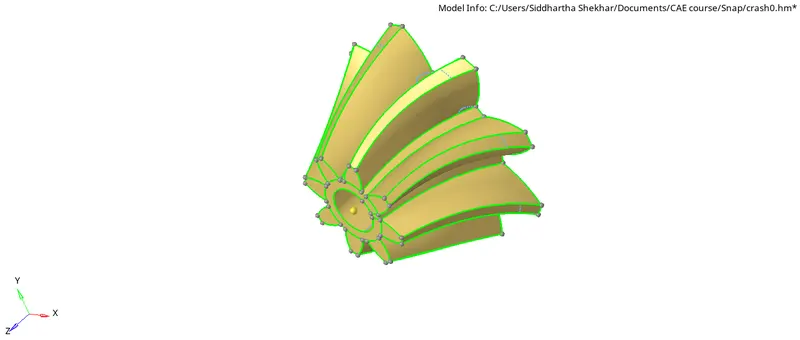
A teeth will be meshed and later on the same mesh will be rotated to cover rest of the teeth.
1. Mesh a teeth.
2. Rotate
3. Check connectivity.
4. Repeat.
Using solid edit and trim with line, a Teeth is segregated.
2D mesh
Each side is meshed with equal number of elements and quad elements so that there is no mismatch in source and termination during solid map.
2D>Automesh (5 size, 1st order, align)>choose surface>set boundary nodes>Mesh
Later on using 3D-Solid map.
source elements (2D mesh on one side) > Choose termination elements (2D mesh on other side)>Choose geometry along with mapping needs to be done (Line) > Enter the 3D element map by size or density> Mesh
The land part(space between two successive teeth need to be meshed too. This combination will be rotated.)
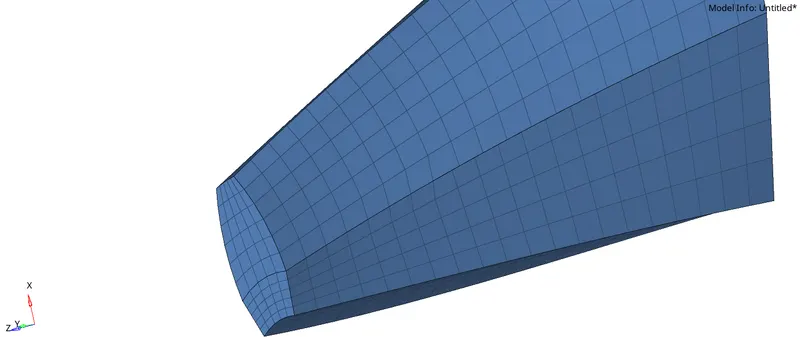
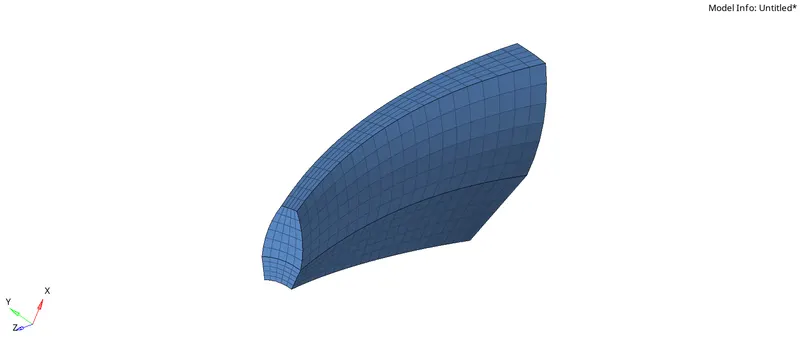
Nor rest of the teeth need to be meshed using Rotate command.
To use the rotate command we need
- The Angle of rotation.
- Axis of rotation.
- A base point.
Angle of rotation is 360/8 = 45, since number of teeth is 8.
Now, to create a base point, we need to go to Node>centre to circle or acr>select arc or circle>create.
A temp node is created at the axis of rotation and centre of the circle of rotation.
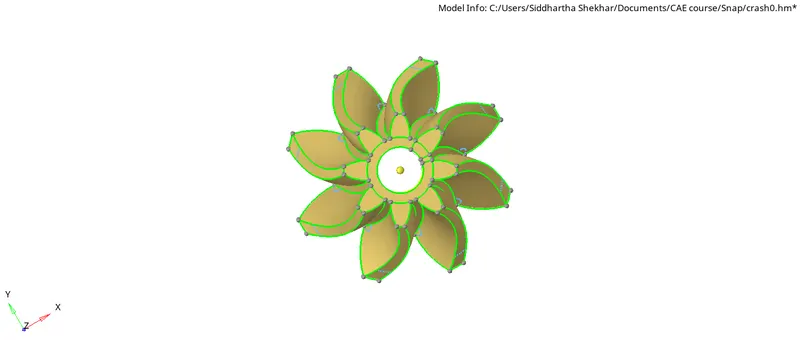
Now using rotate, we can create duplicat nodes using ROTATE option in Tools
Tools>ROtate>Select all hexa8 elements by config>duplicate selected nodes>enter angle>select base node>enter.
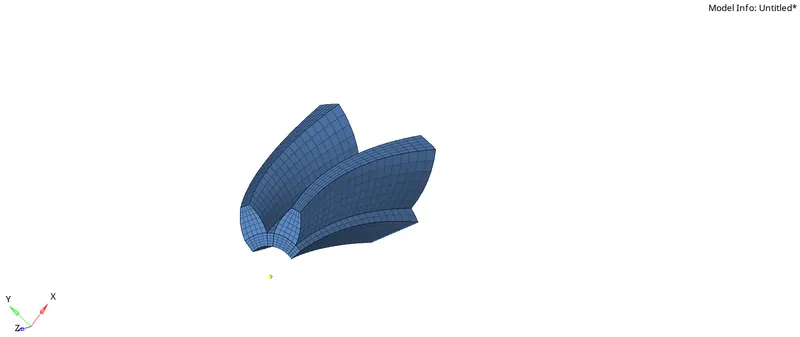
Noe check connectivity, using Tool>Edge>select elements>find edges>Enter
Now connect all the disconnected elements using F3>node1>Node2>Connect
One can also, use equivalence under specified tolerance, but still one needs to check manually for disconnected elements.
Now, repeat same using two teeth to get four teeth
Angle of rotation is 90.
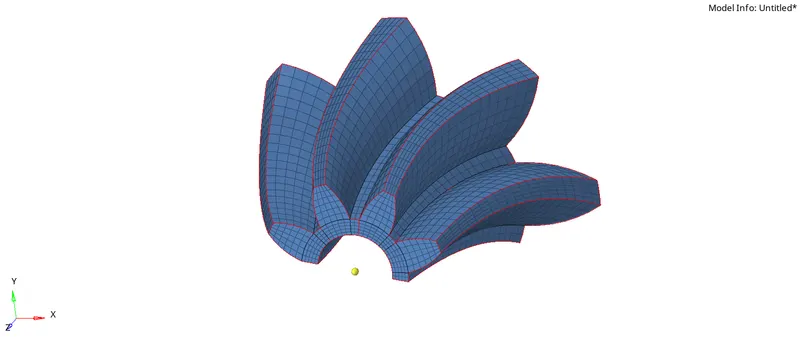
Now repeat same for four teeth to get eight teeth.
Angle of rotation = 180
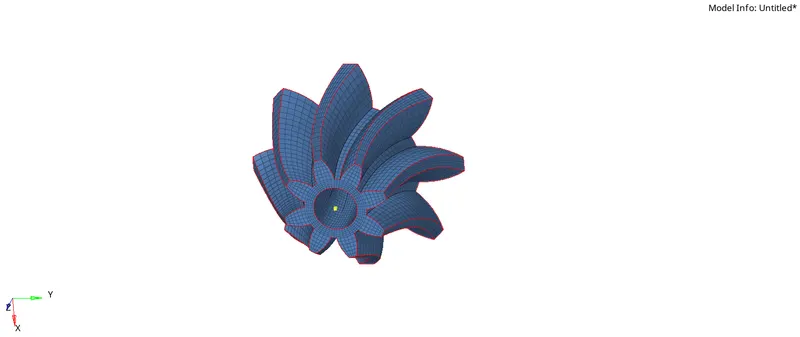
Now helical bevel teeth are complete.
Moving to shank.
Replicating the mesh to shank
The solid elements at the mating surface(surf btw helical teeth and shank) are converted into shell using- Tool>Faces>slect the mating elements>Create faces.
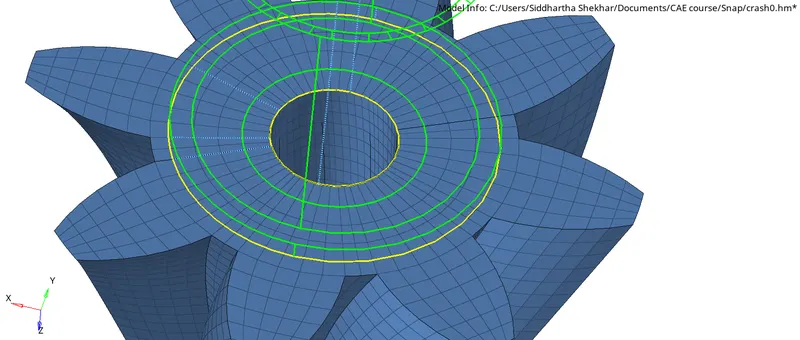
All elems with in yellow circle are converted into shell and stetched along vertical axis of shank.
This creates the shell elements over those solid elements because only shell can be mapped to form solids.
3D>select source elements>(No termination elements)>select the along geometry>engter density>enter.
Repeat same to stretch solids along the entire geometry of shank.
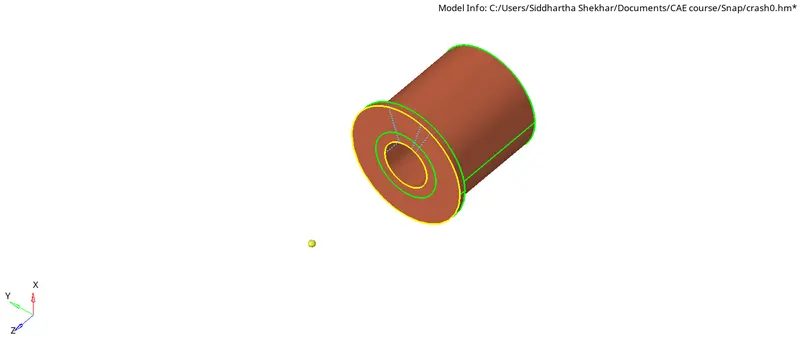
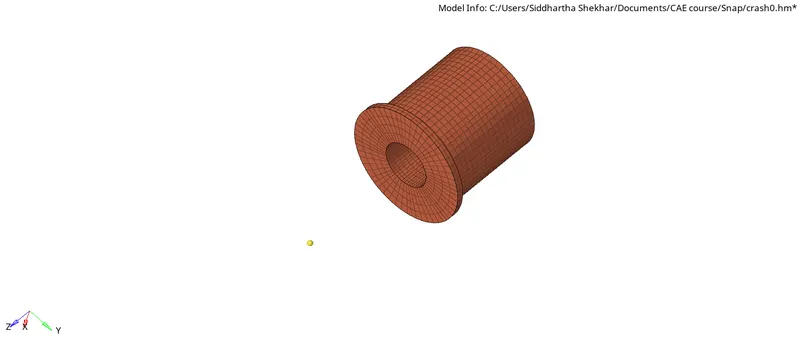
Now coming to shank with square gear.
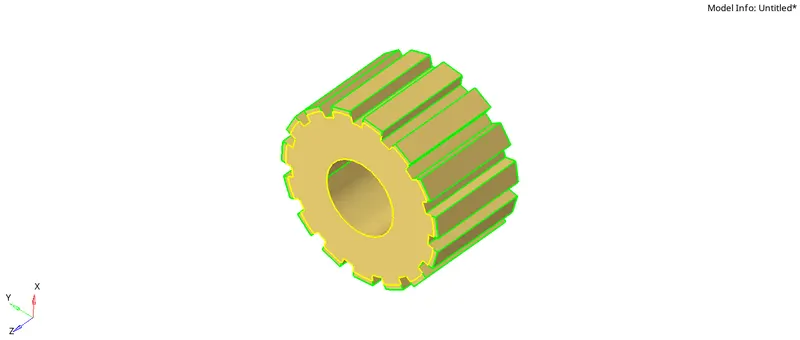
The yellow region is where, previous part mates with this part. so from previous mesh those elements can be stretched by converting them into shell elements.
Later on we can map teeth and check for connectivity.
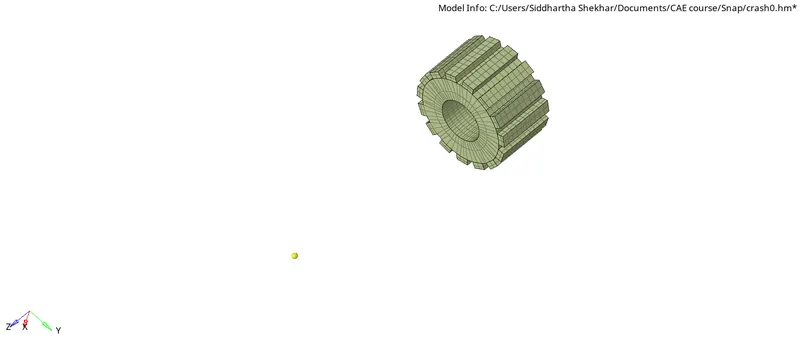
Connectivity:
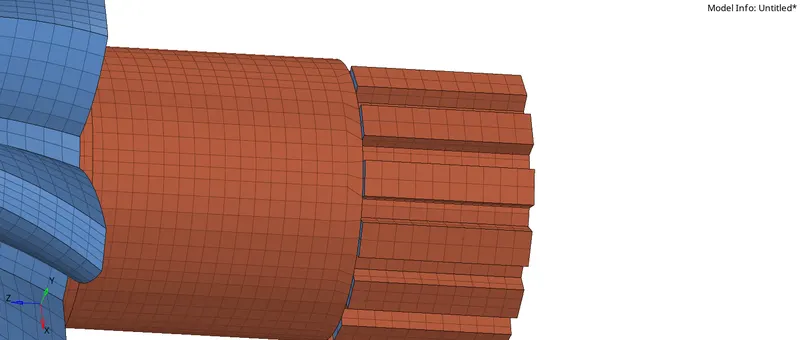
All teeth are connected with shank, using F3>Node to node.
Tail
The mating surface elements are converted into shell and later on mapped using 3D solid mapping.
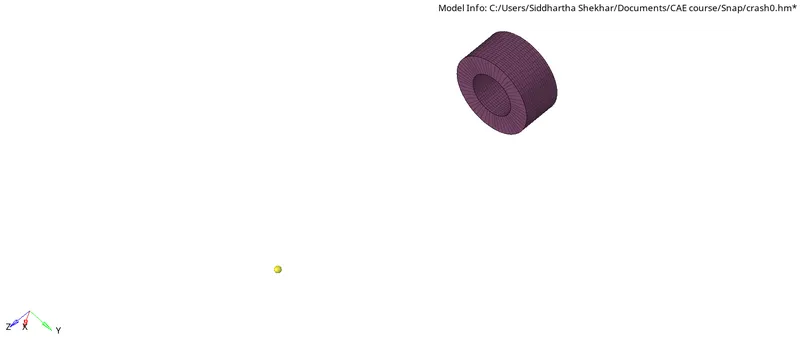
Helical Teeth
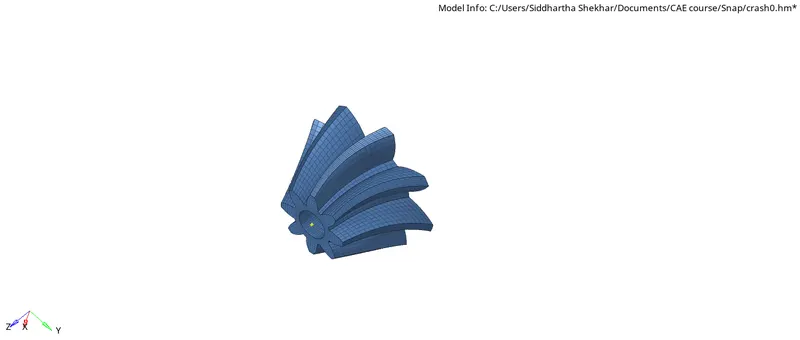
Shank
Square gear
Tail
Combined mesh
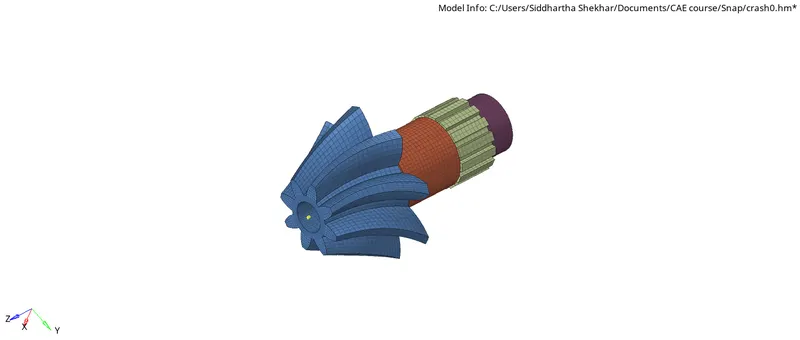
Releasing mesh
Deleting shells- It is very much necessary to delete all the shell elements. Delete>Select elems by config: quad>Ok
Segregating from solids - All the solid mesh are to be segregated in a saperate component.
NOTE: In this project, only meshing is done - No material and property assignment is done.