Foundation Design using SAFE
Aim : Foundation Design using SAFE .
Introduction :
SAPFire® Analysis Engine (Slab Analysis by the Finite Element Method)
CSI solvers have been tried and tested by the industry for over 45 years. The SAPFire Analysis Engine can support multiple 64-bit solvers for analysis optimization and can perform both eigen analysis and Ritz analysis. Parallelization options are available to take advantage of multiple processors.
- SAFE offers a single user interface to perform modeling, analysis, design and reporting. A new model explorer is available for quick access to objects, properties and forms.
- SAFE is ideal for modeling foundations, basemats, and footings. Easily model soil supports and zero tension soil models with uplift analysis. The area assignment of soil supports is based on the subgrade modulus, and they automatically adjust whenever the mesh changes. Basemat foundation models can include pedestals, walls, columns, beams, and piles in addition to the foundation area.
- Design strips are used to define how reinforcement requirements are to be calculated. SAFE can automatically define the strips for you, or you can define them yourself.
- SAFE includes the ability to define post-tensioning in slabs, as banded or distributed tendons. An interactive tendon editor simplifies the task of laying out the tendon profiles. Tendon layouts can also be automated based on strip position and direction. also provides a wide range of code-based design features for reinforced concrete and PT beam, slab design and composite steel beams.
- Laying out models is quick and efficient way with the user-friendly drawing tools, or user can import model layouts from AutoCAD or loading conditions from other software's like CSI ETABS and CSI SAP2000.
1. Model the isolated footing provided in week 11 challenge on SAFE. Analyze and design it to verify the size, depth and steel provided as per calculations.
2. A column of size 600x600 carrying an unfactored gravity load (DL+LL) of 1175 KN is to be supported on pile cap, which ultimately transfers load to the piles underneath. Piles of 16 metres length and 500 mm diameter are to be used. Each pile has a load carrying capacity of 200 KN. Model, analyse and design the pile cap on SAFE to evaluate the following:
- Pile group to be used
- Depth of pile cap
- Longitudinal steel on top and bottom face in both directions.
Procedure 1:
calculations needed in modelling:
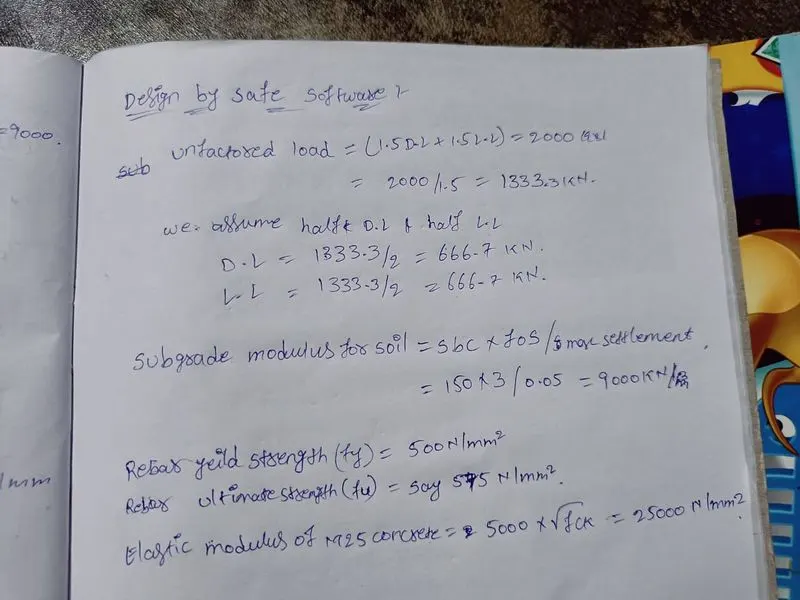
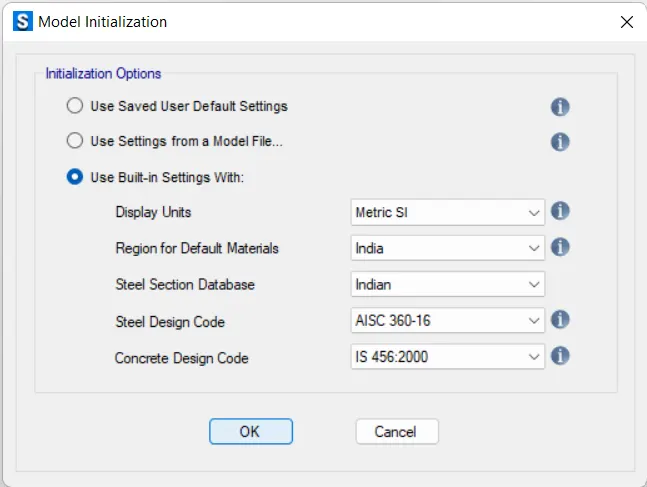
- open the safe software ,create new model .
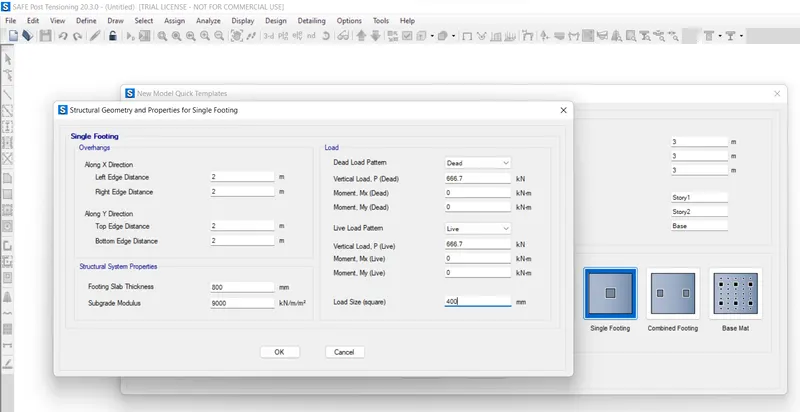
- select the simple footing option in the 1model quick template.
- eneter the designed data in the templete.take ,footing distance is 4 x 4 m.then click ok the model space will created.
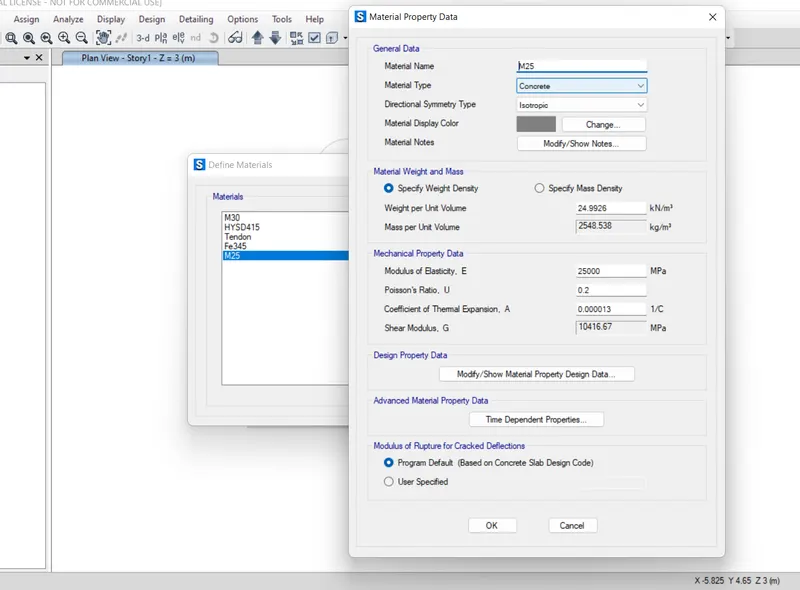
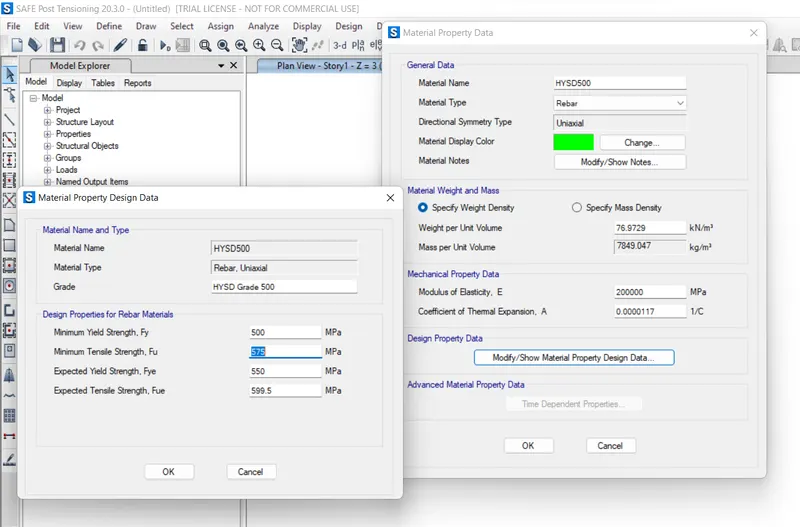
- define the material properties such as M25 concrete,Fe500 rebar.
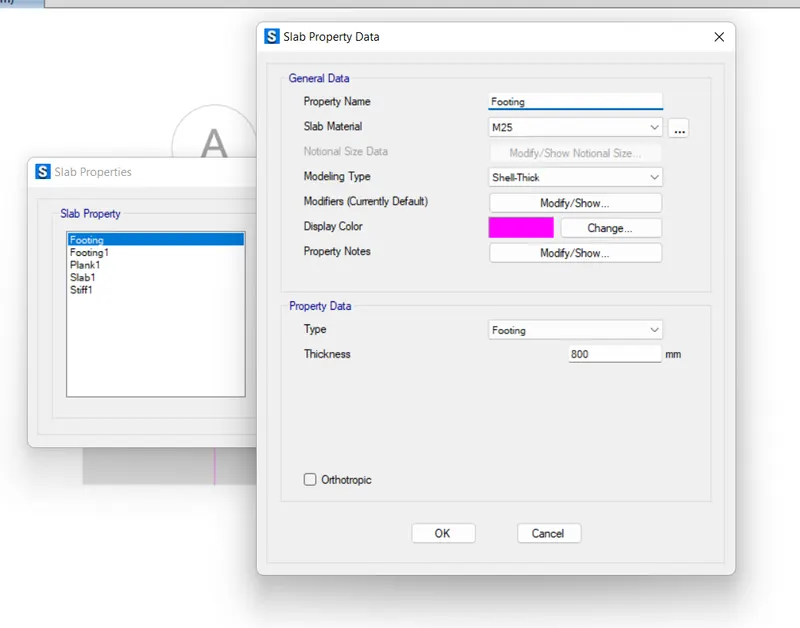
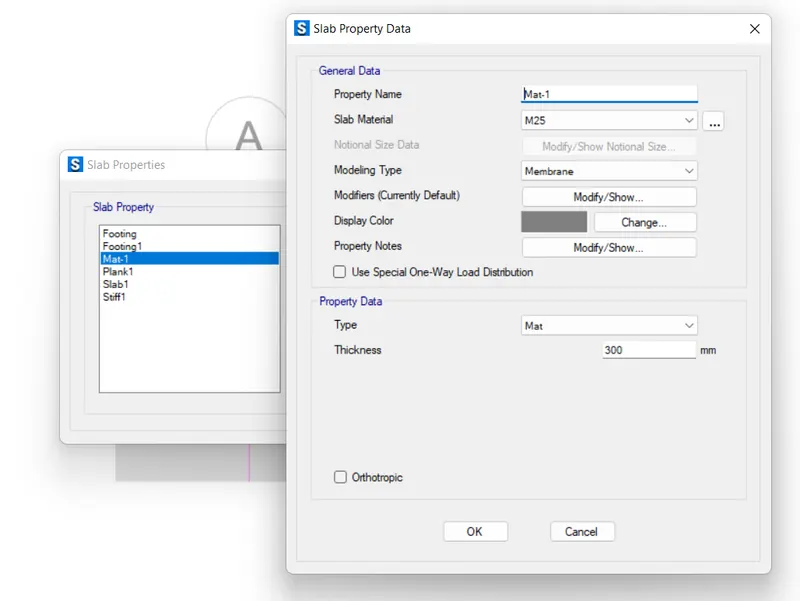
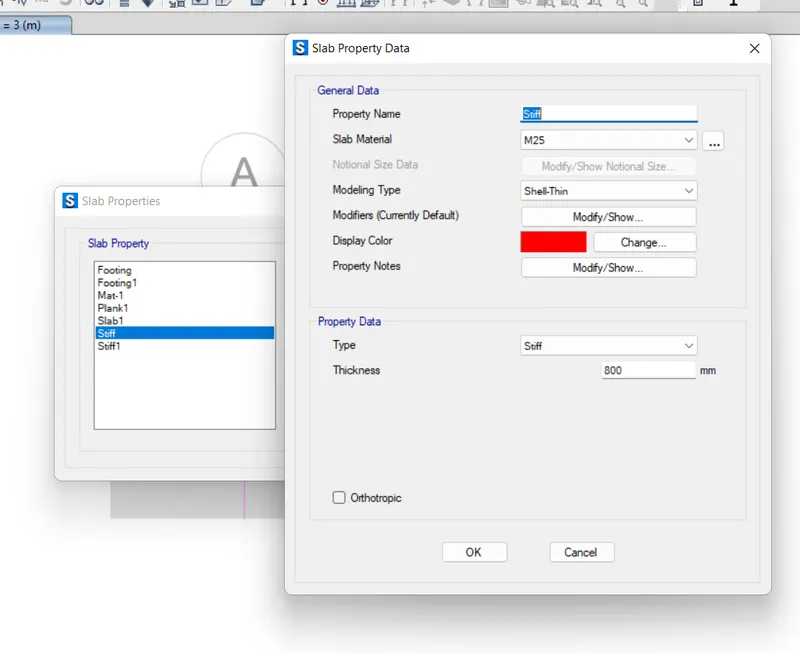
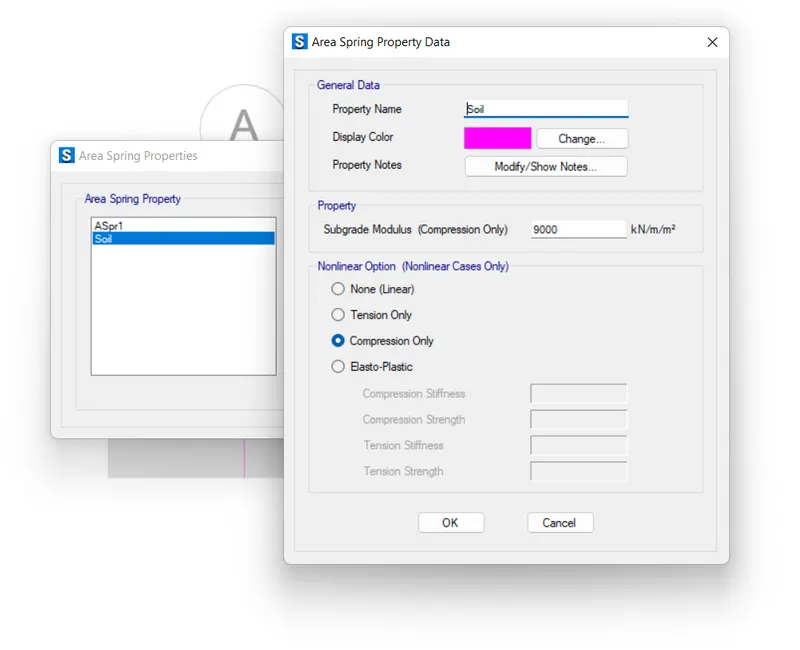
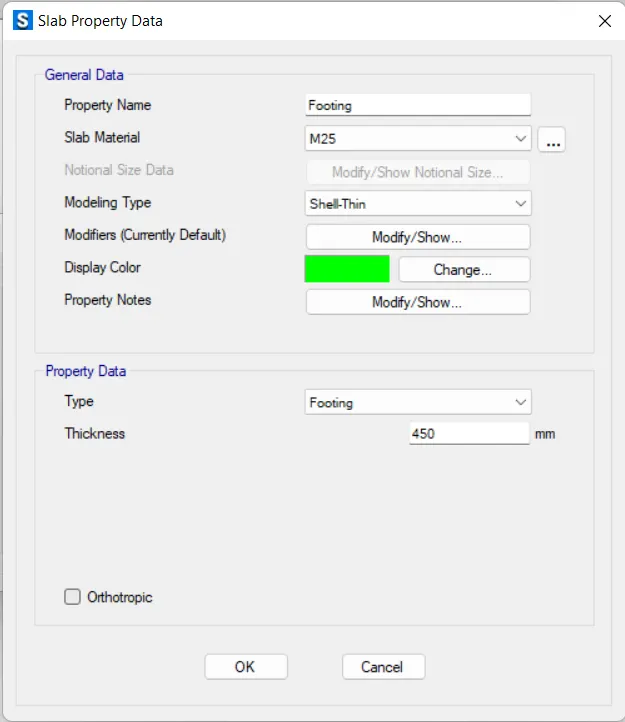
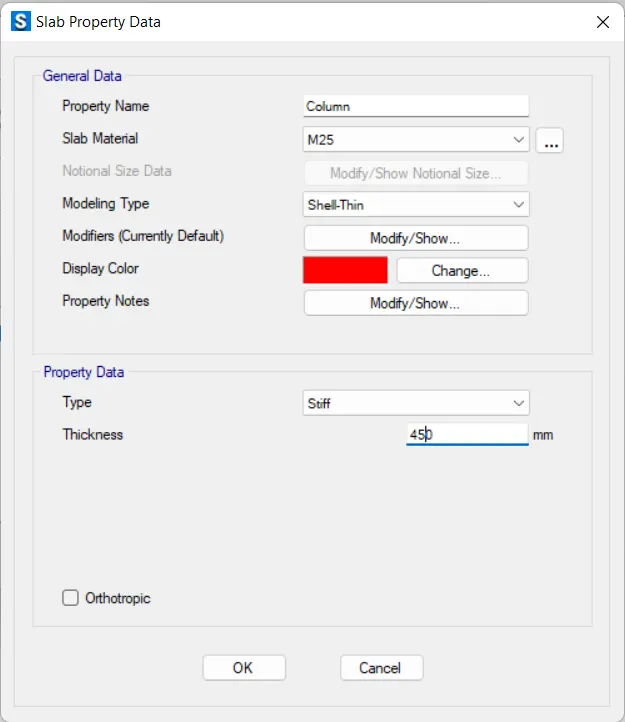
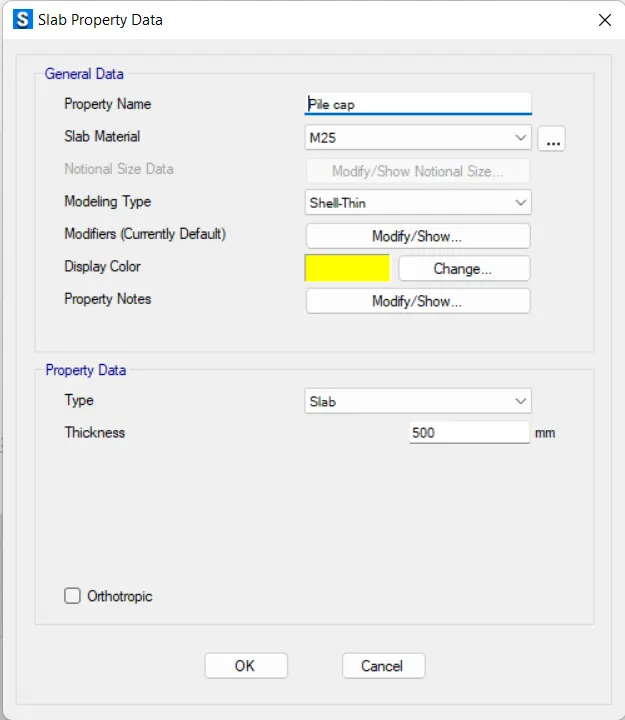
- define the slab properties,stiff footing and mat.
- next add the subgrade modulus of soil in the define -spring properties -area .
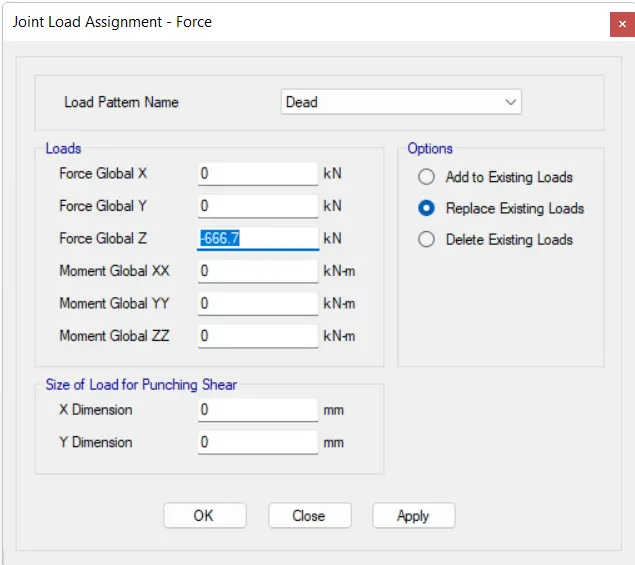
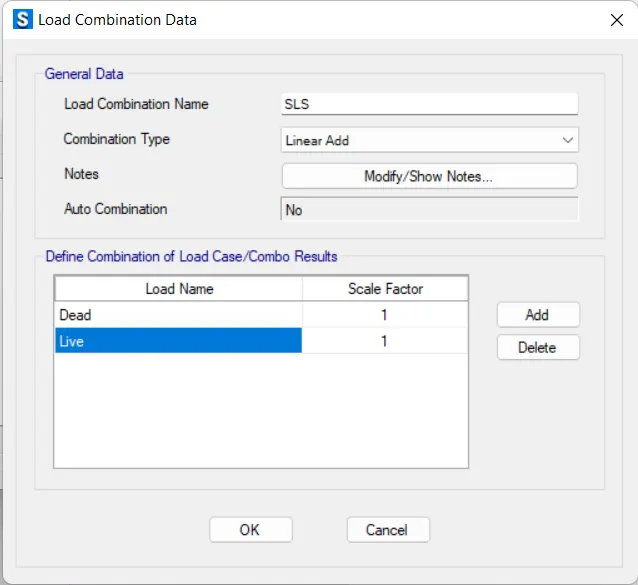
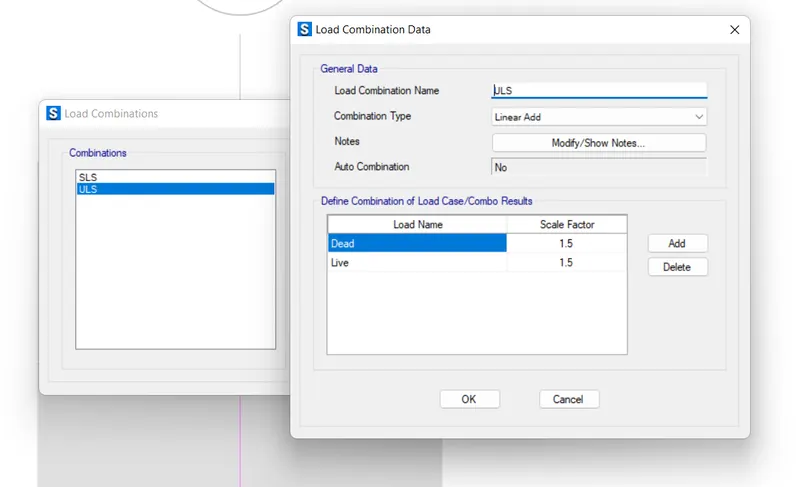
- after that defining the materials we add the load patterens and load combinations.
- then we have to assign the loads to the model.
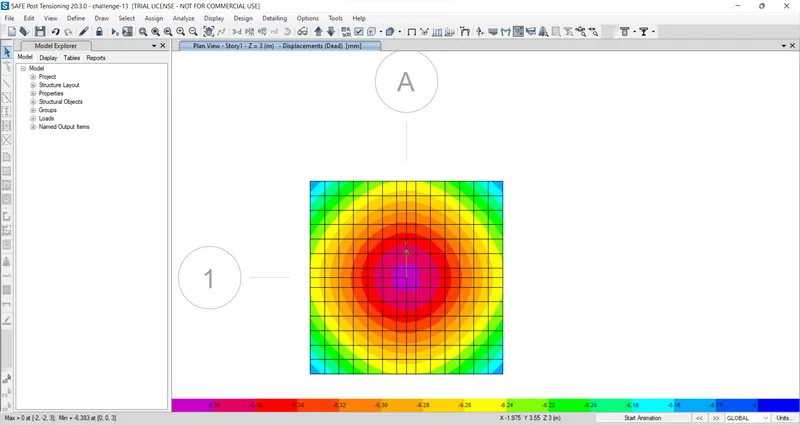
- after that we can run the analysis of the model.
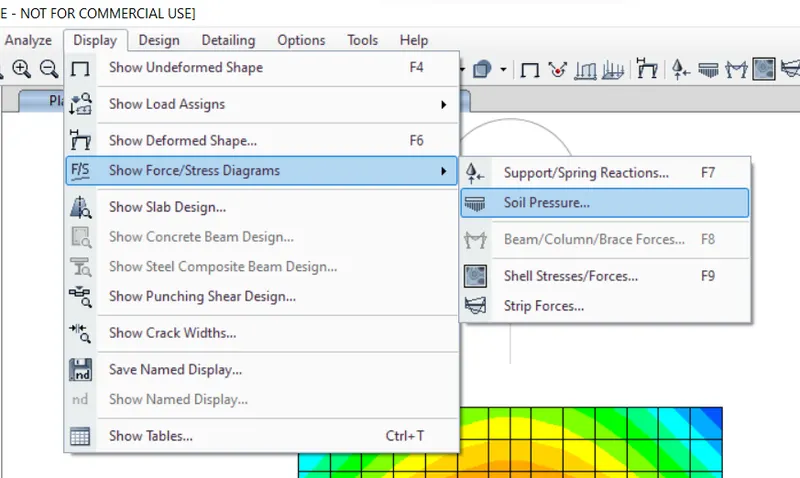
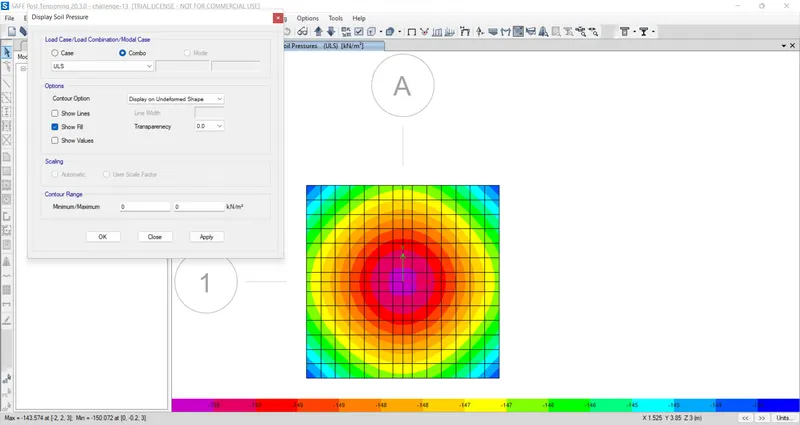
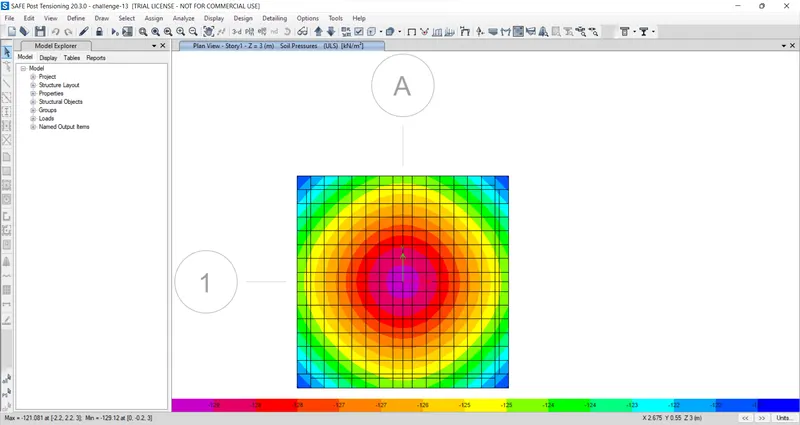
- nect,check the displacement below 25mm,and soil pressure should be lessthan the SBC ,in this case soil pressure is more so we have to increase the footing area .
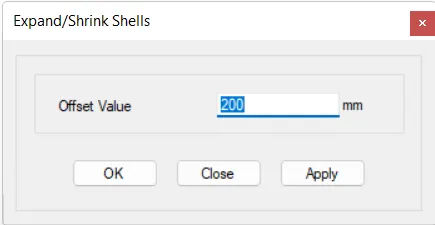
- unlock the model ,selct the slab go to edit shell then extend it offset as 200mm.then again run the analysis.check the result is below 150 kn or not.
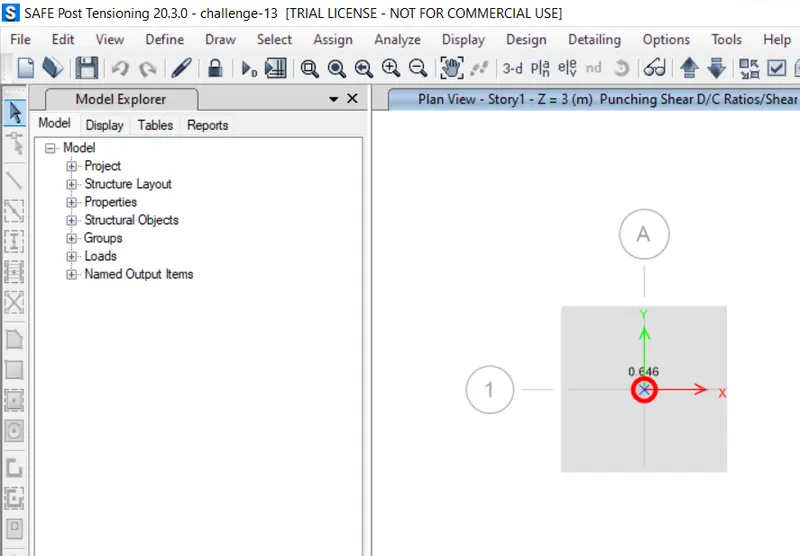
- then check the punching shear that should be below 1 .
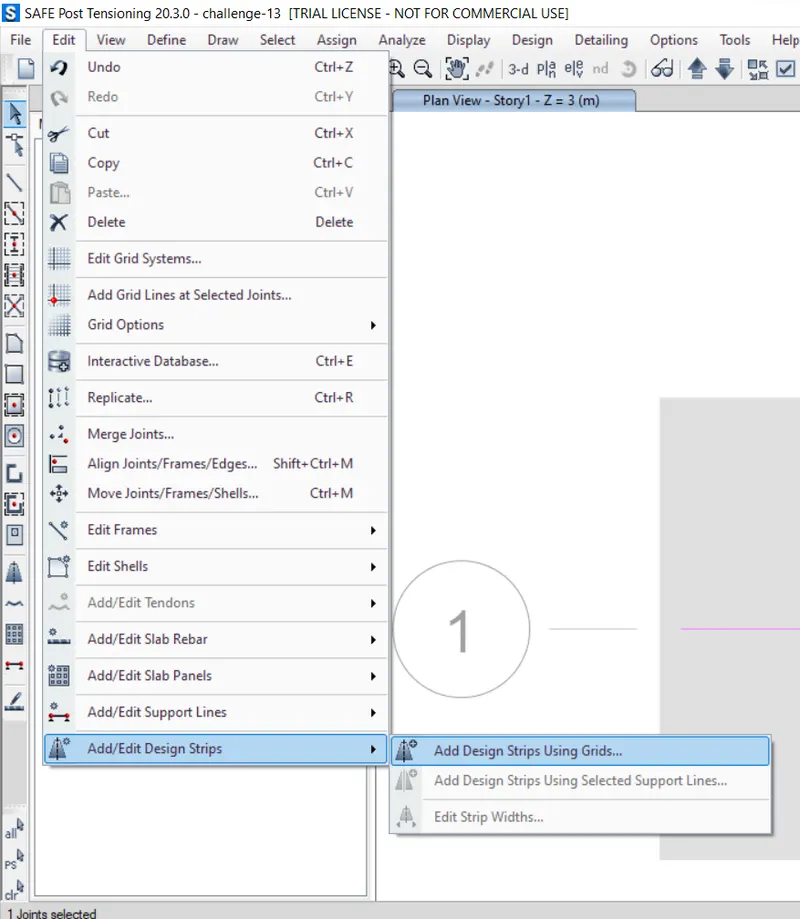
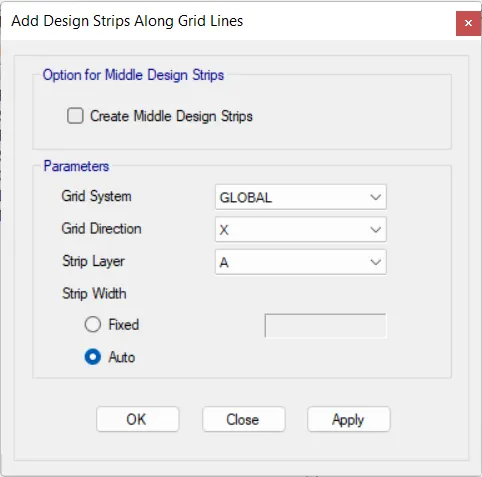
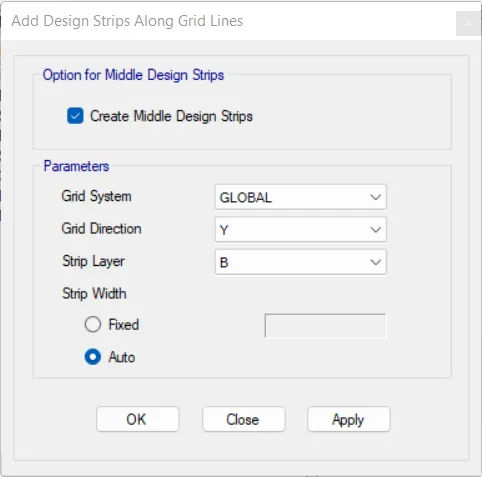
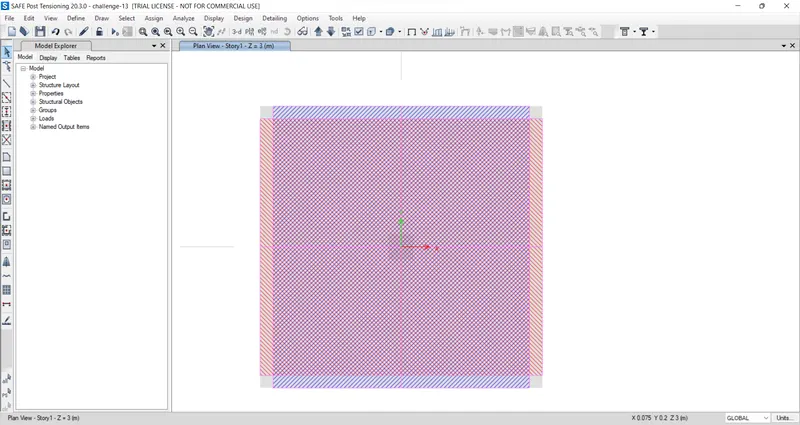
- after thAT WEW HAVE TO ADD THE STRIPS TO CHECK THE REINFORCEMNET.
- unlock the model then goto edit strips add the A and B.
- next click on concrete /slab design button.
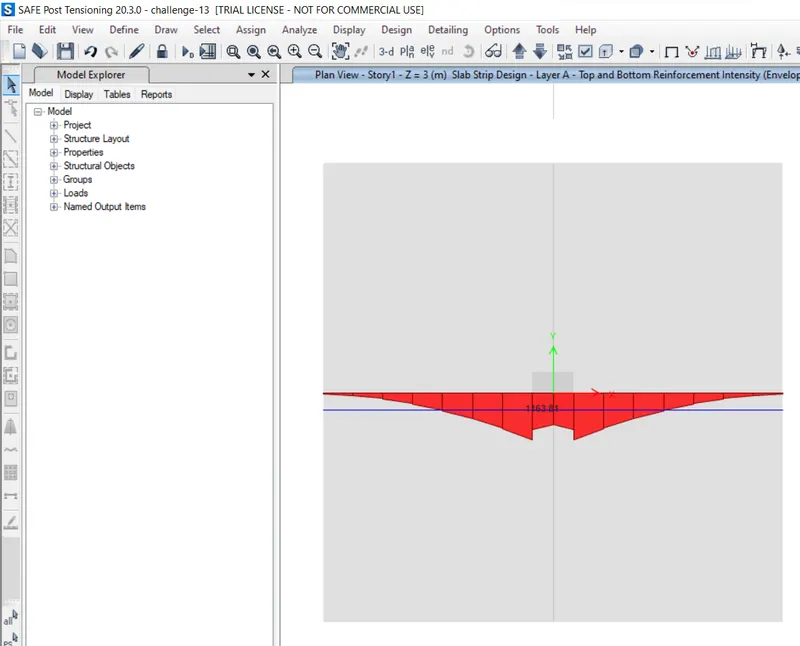
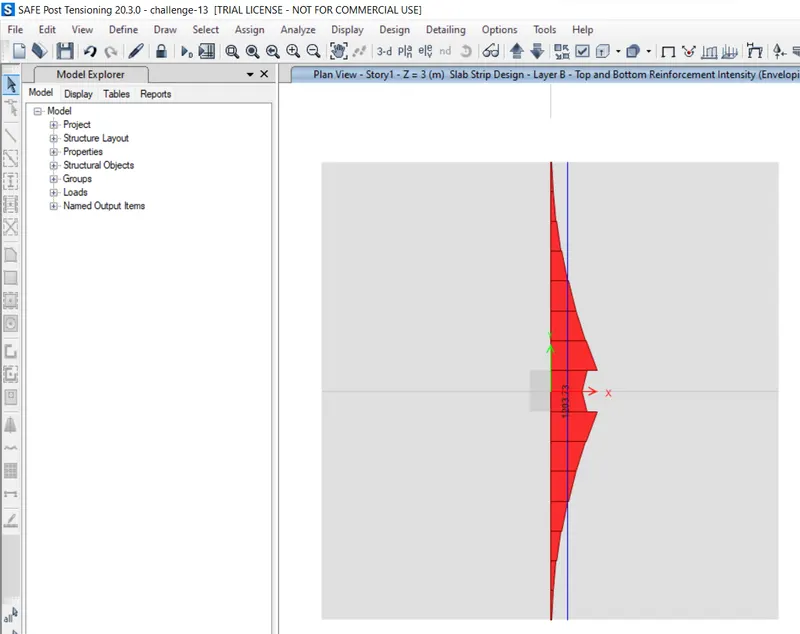
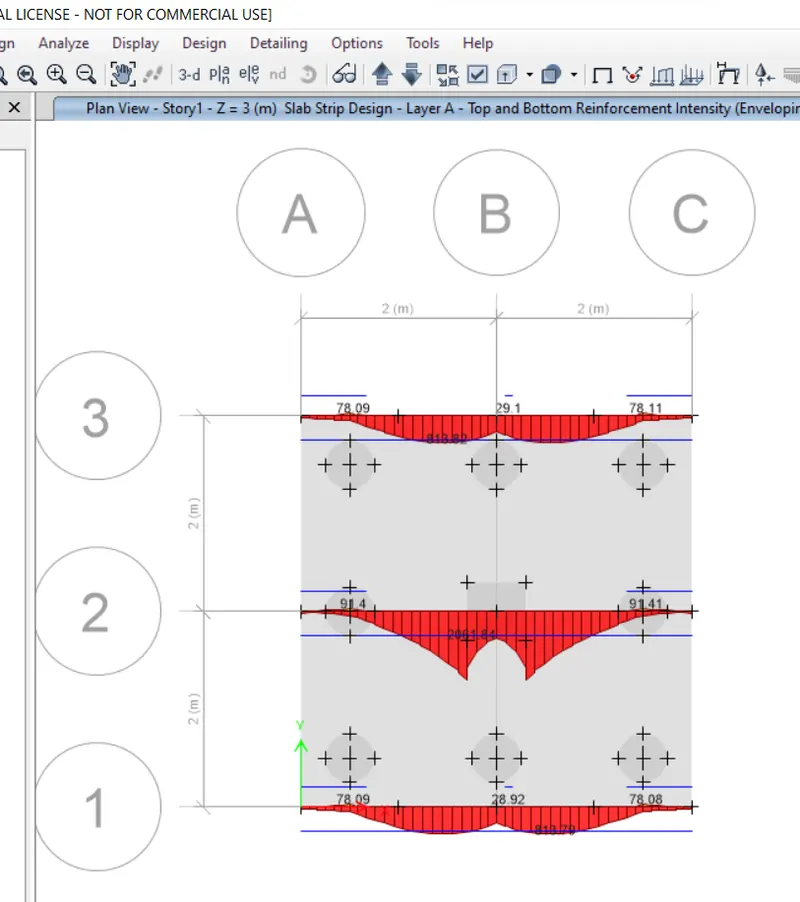
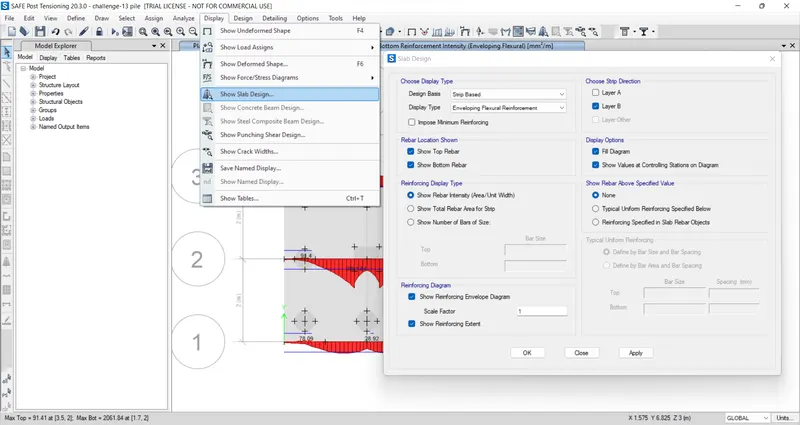
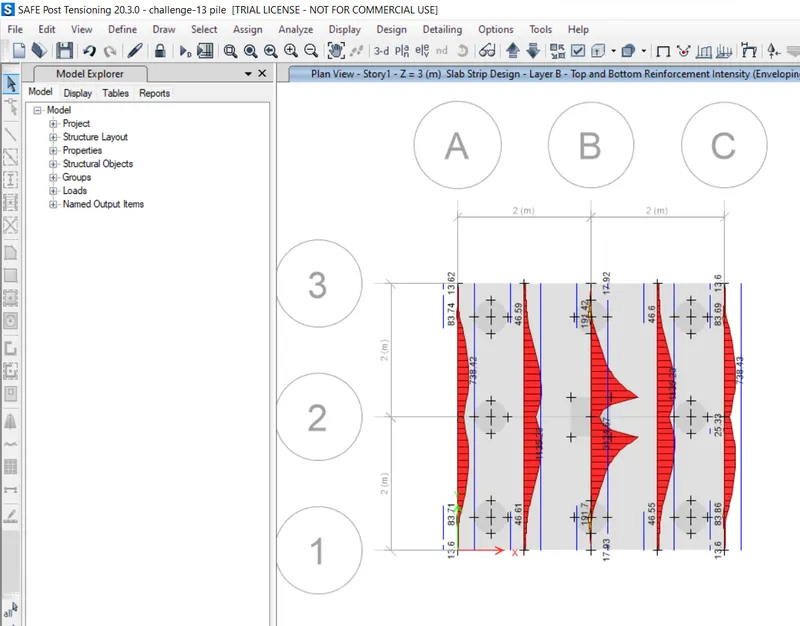
- then you simply go to the display show slab design u can see the reinforcement design simultaneously Layer A and B.
Results
- Isolated Footing is Designed for Square column of size 400mm x 400 mm
- We have to provide Footing Size as 4.2m x 4.2m
- Bearing soil pressure is checked and it will be safe
- Punching shear ratio is checkd and it will be safe
Procedure 2:
calculations needed in modelling:
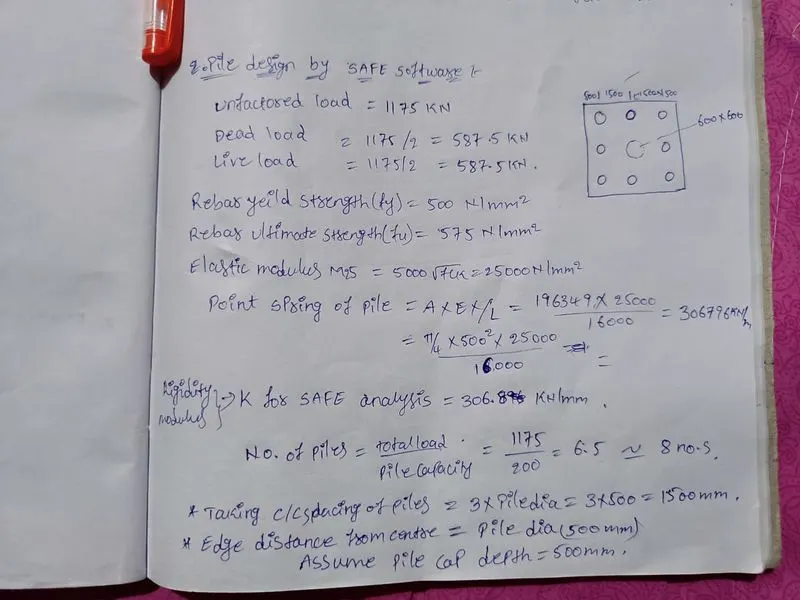
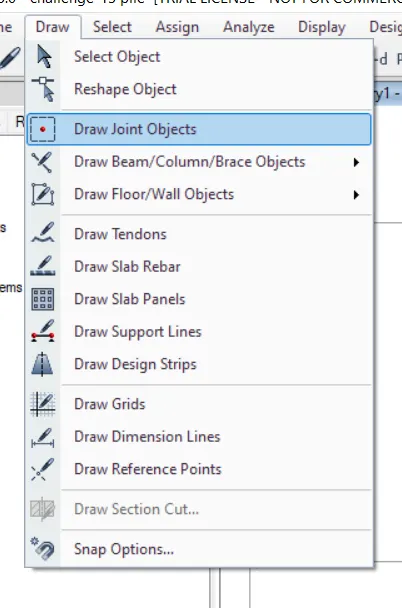
- open the safe software ,create new model .
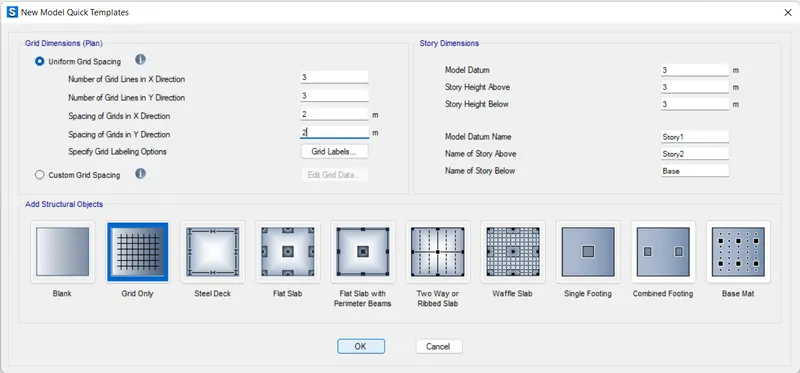
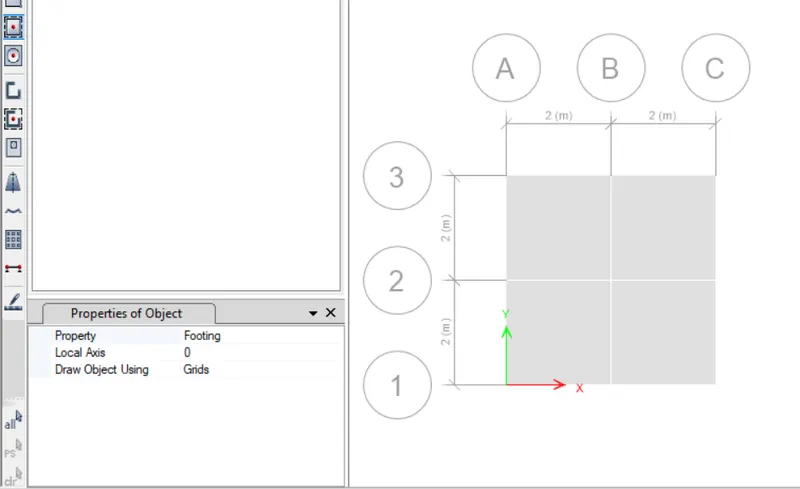
- select the grid option ,eneter the grid data in the templete.
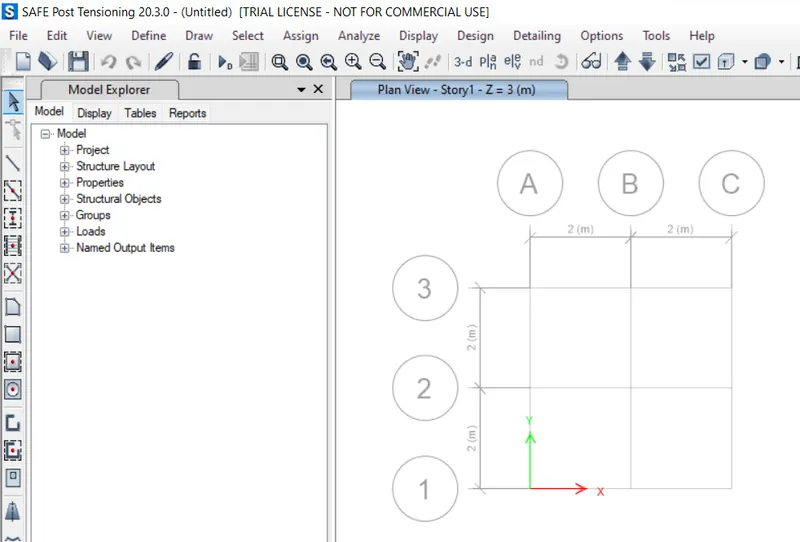
- take ,footing distance is 4 x 4 m.then click ok the model space will created.
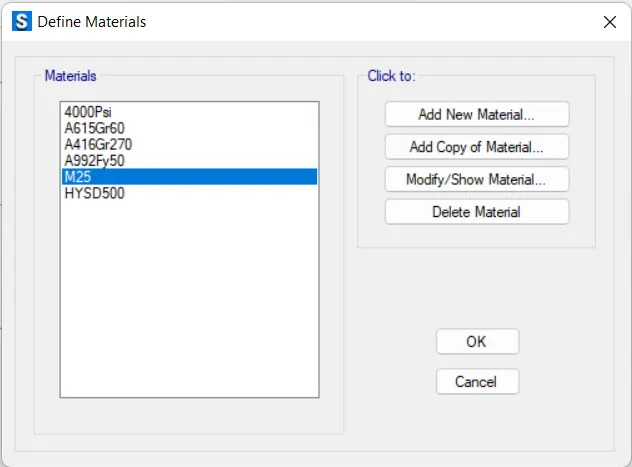
- define the material properties such as M25 concrete,Fe500 rebar.
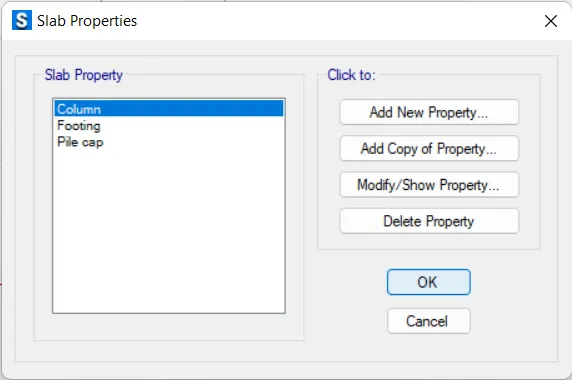
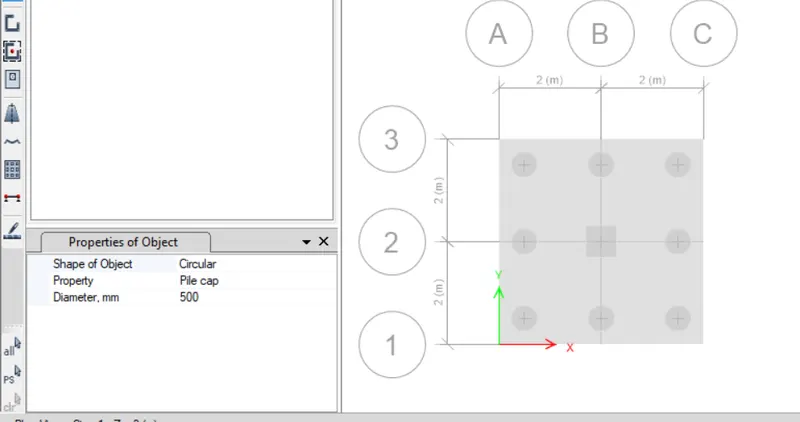
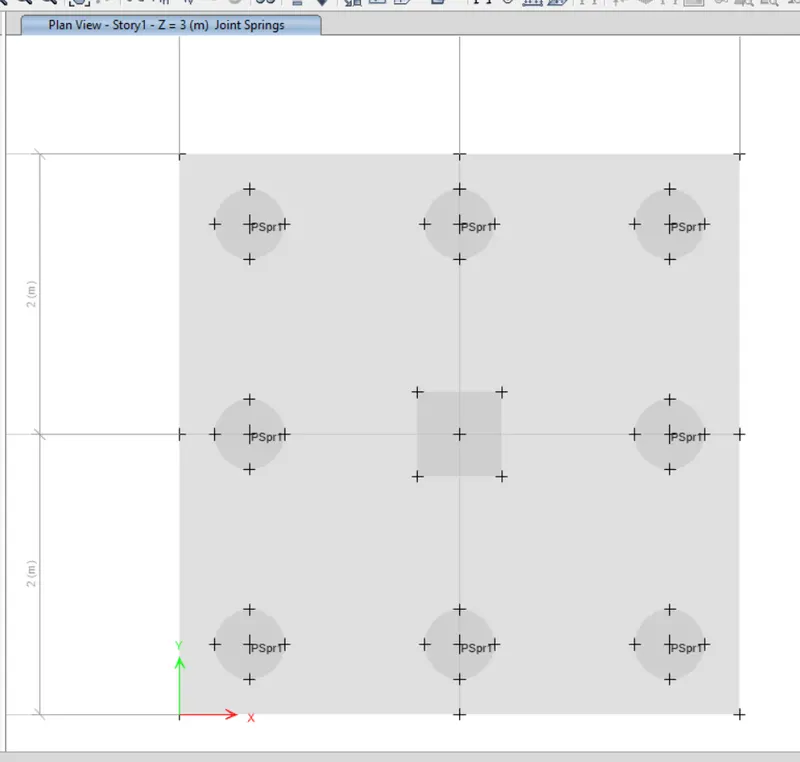
- define the slab properties,column (stiff) , footing and pile cap (slab).
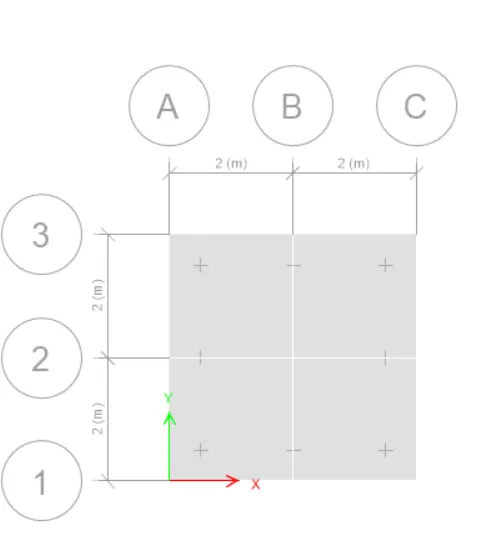
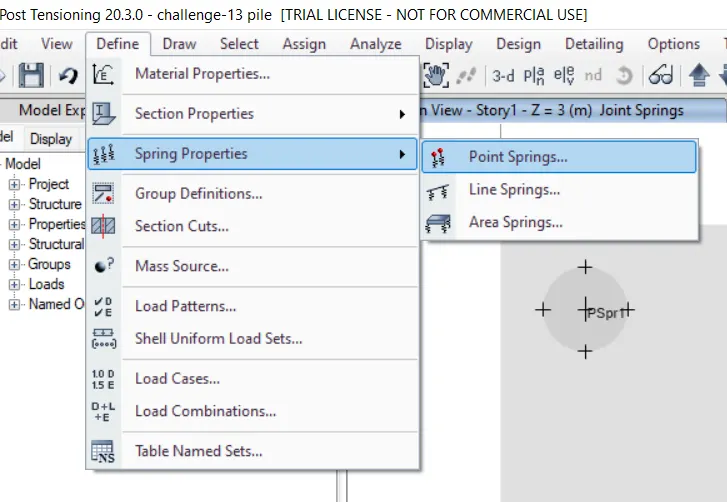
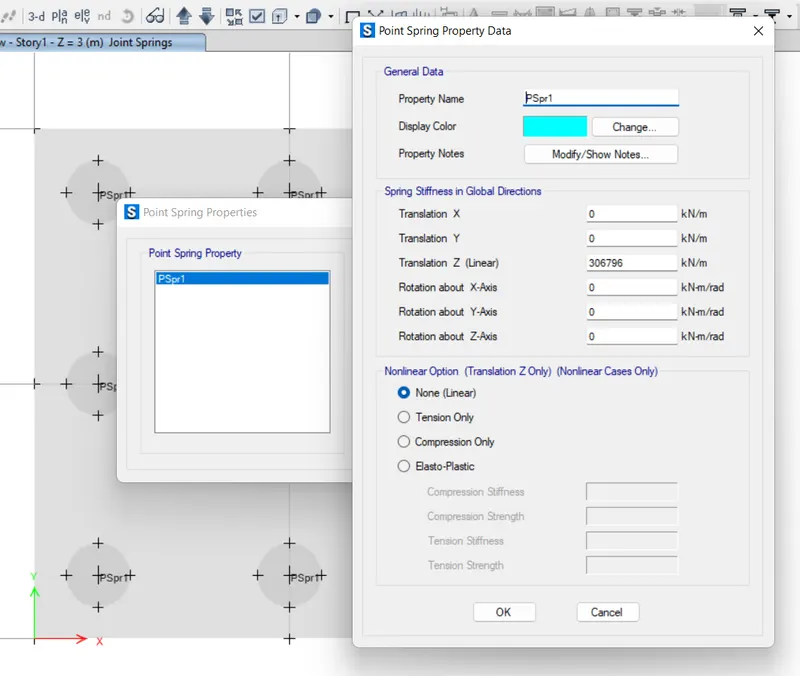
- next add the spring pressure 306796 KN/m, in the define ponit -spring properties.
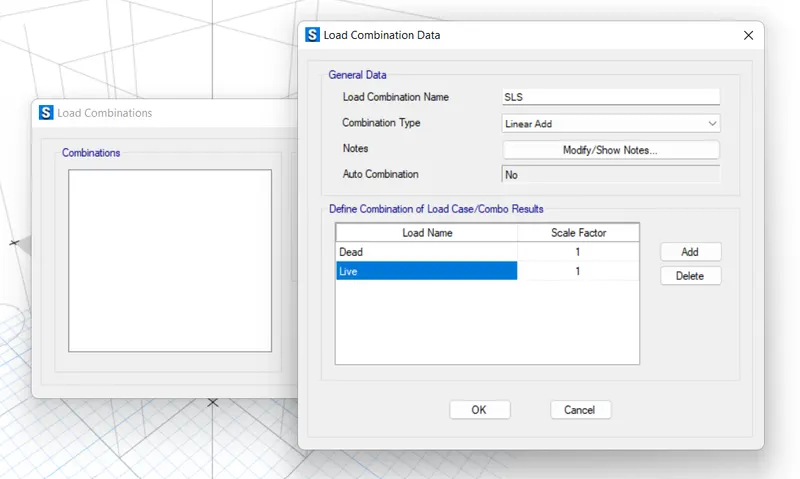
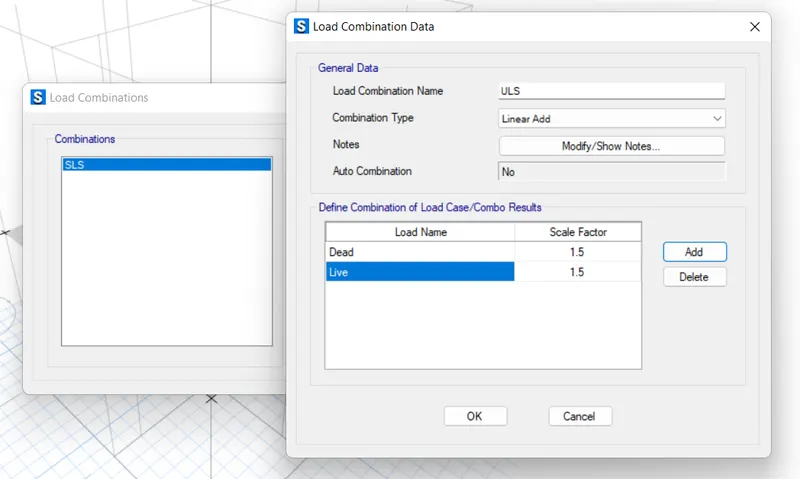
- after that defining the materials we add the load patterens and load combinations (SLS),(ULS).
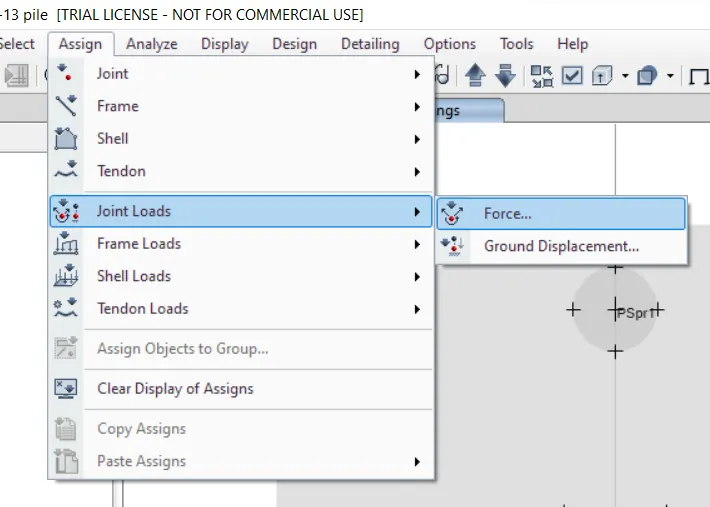
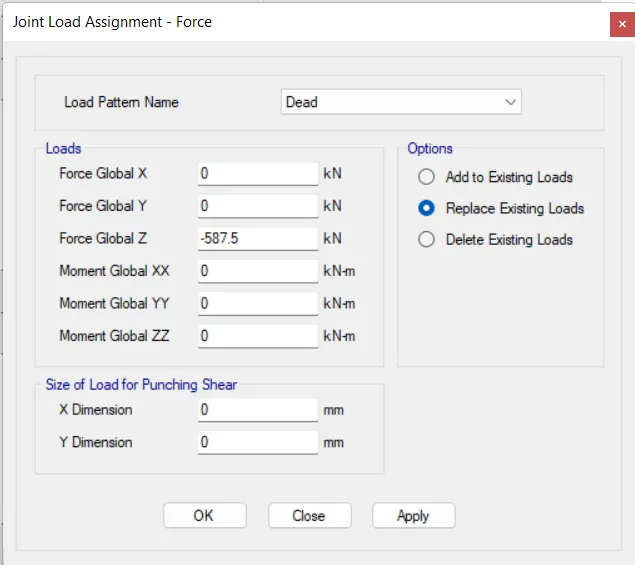
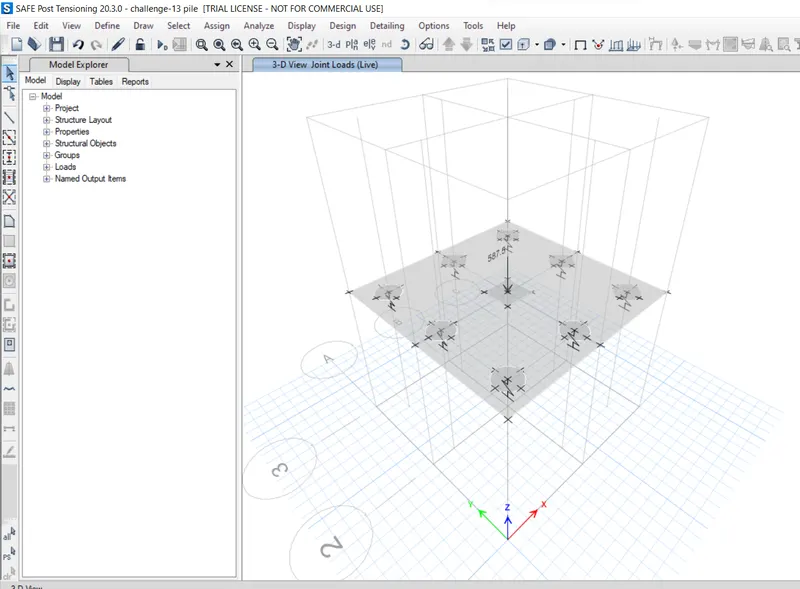
- then we have to assign the loads to the model.,
- after that we can run the analysis of the model.
- next,check the displacement below 25mm.
- then check the punching shear that should be below 1 .
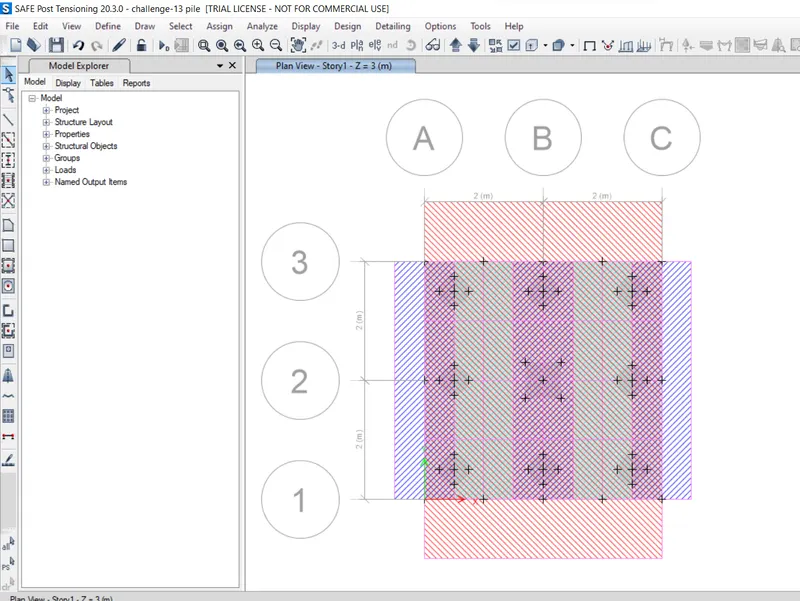
- after thAT WEW HAVE TO ADD THE STRIPS TO CHECK THE REINFORCEMNET.
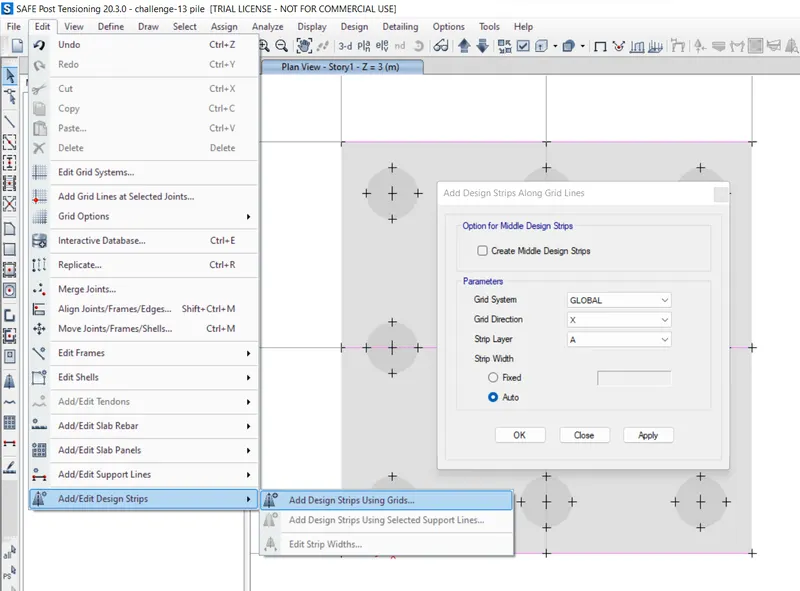
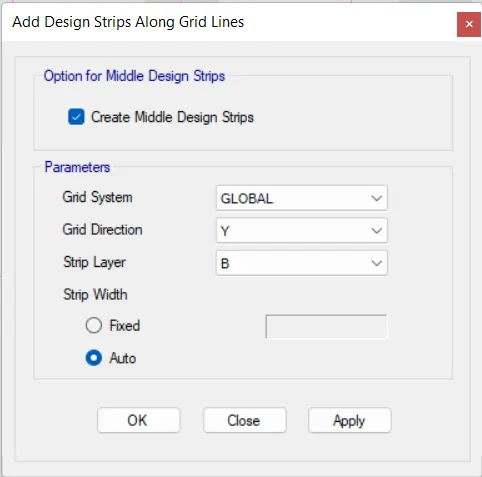
- unlock the model then goto edit strips add the A and B.
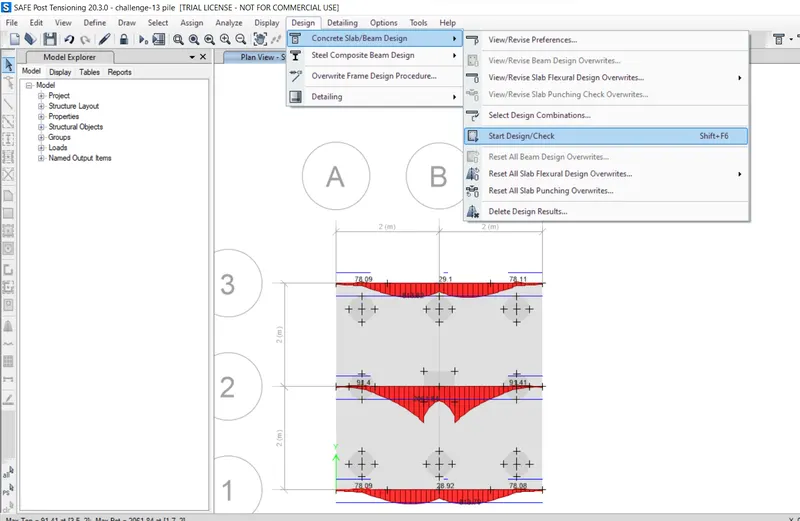
- next click on concrete /slab design button.
- then you simply go to the display show slab design you can see the reinforcement design simultaneously Layer A and B.
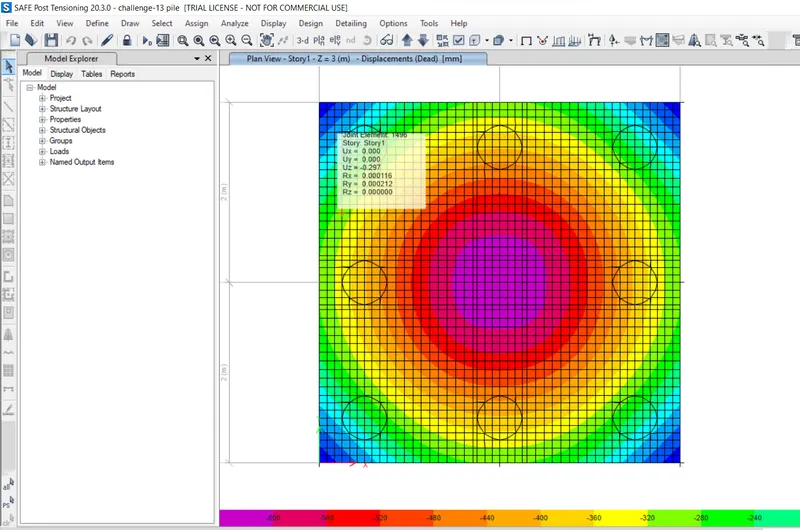
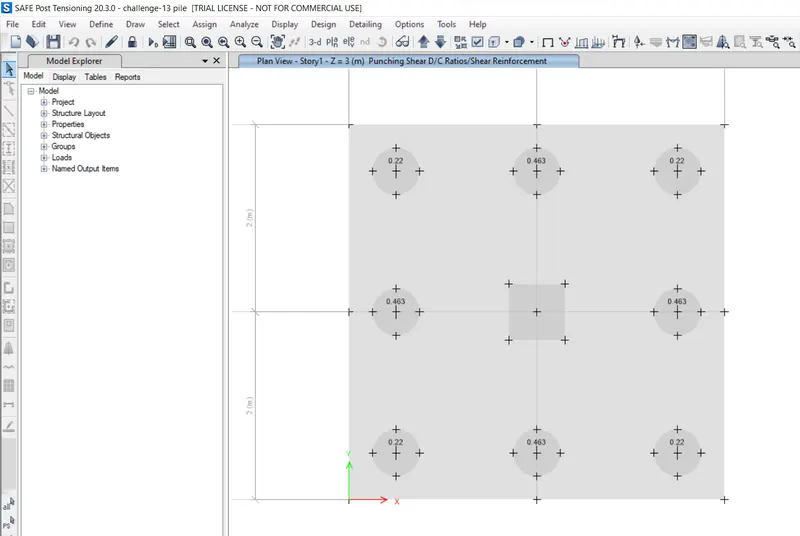
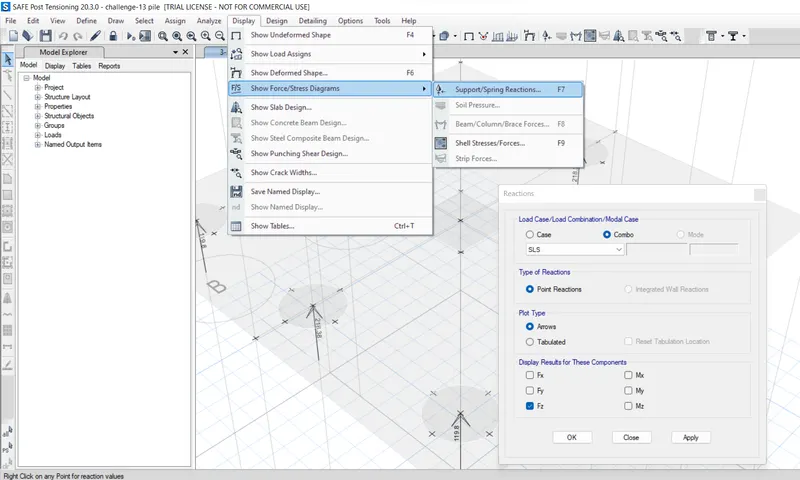
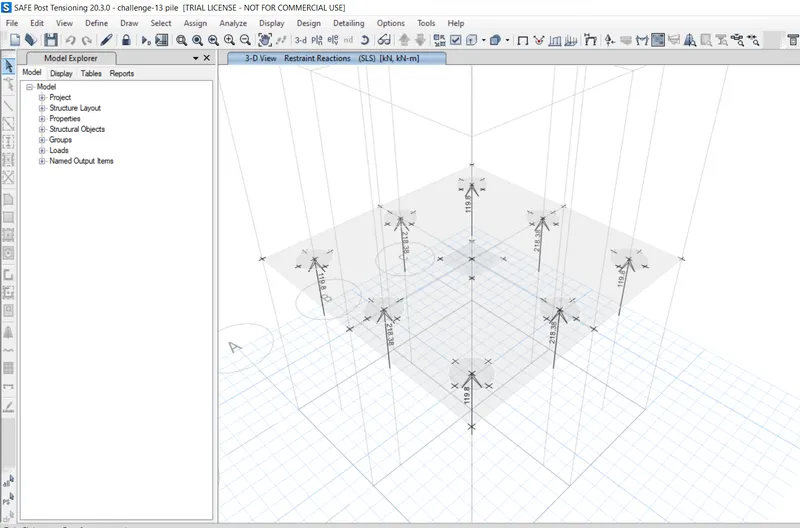
Results :
- Pile Cap is Designed for Square column of size 600mm x 600 mm
- We have to provide pile cap Size as 4m x 4m.
- Punching shear ratio is check and found to be safe
- the reinforcement details also be designed.