Flow over a cylinder
Objective
Simulate the flow over a cylinder
Theory
- Transient Simulation
In Transient Flow Analysis, transient CFD simulations can be used to capture comprehensive data on time varying flow features or phenomena that can be difficult and expensive to record in physical testing owing to the small timescales and the corresponding sophisticated instrumentation required.
- Reynolds number
The Reynolds number is the ratio of inertial forces to viscous forces within a fluid which is subjected to relative internal movement due to different fluid velocities. A region where these forces change behavior is known as a boundary layer, such as the bounding surface in the interior of a pipe. A similar effect is created by the introduction of a stream of high-velocity fluid into a low-velocity fluid, such as the hot gases emitted from a flame in air. This relative movement generates fluid friction, which is a factor in developing turbulent flow. Counteracting this effect is the viscosity of the fluid, which tends to inhibit turbulence. The Reynolds number quantifies the relative importance of these two types of forces for given flow conditions, and is a guide to when turbulent flow will occur in a particular situation.
Re=ρVDμ">Re=ρVDμRe=ρVDμ
Where ρ">ρρ is the density of the fluid (kgm3">kgm3kgm3) = 1000kgm3">kgm3kgm3
V">VV is the velocity of the fluid (ms">msms)
D">DD is the diameter of the pipe (m">mm) = 0.04m">mm
μ">μμ is the dynamic viscosity of the fluid (Pa.s">Pa.sPa.s) = 1.002×10⁻³Pa.s">1.002×10⁻³Pa.s1.002×10-3Pa.s
Since the velocity has not been given, we need to find it manually by using the above equation.
For v=10, Re will be 26849
20% of Re
Re = 32219, v=12m/s
40% of Re
Re = 37589, v=14m/s
100% of Re
Re = 53698, v=20m/s
Procedure
- Geometry creation (Sketch, Extrude)
- Boundary conditions (Outlet - Static pressure, Inlet - Velocity inlet, Wall - Real)
- Mesh (Global mesh - manual - setting up the number of cells along x,y and z (20,20,100))
- Setting up the cut plots
- Setting up the animation using animation wizard
Results
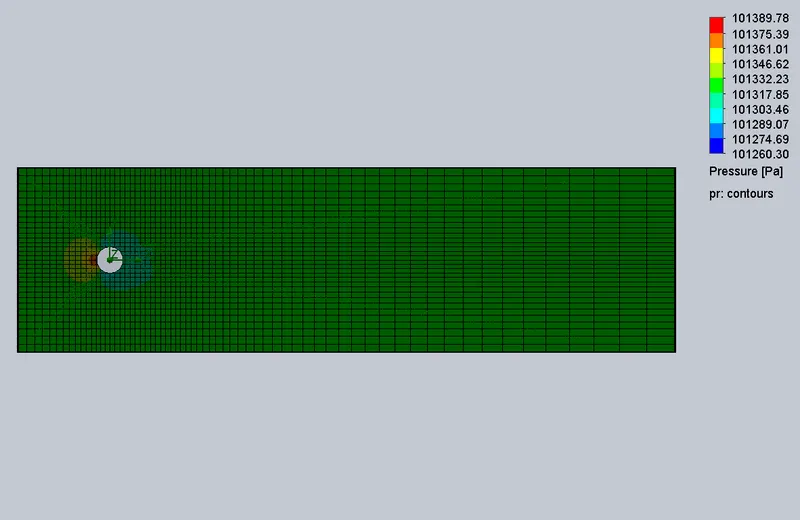
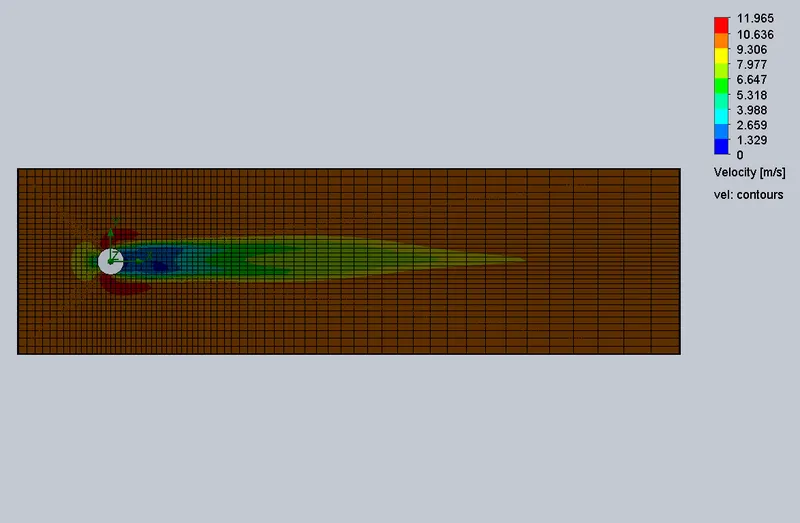
Flow velocity, v=10m/s
- Pressure
- Velocity
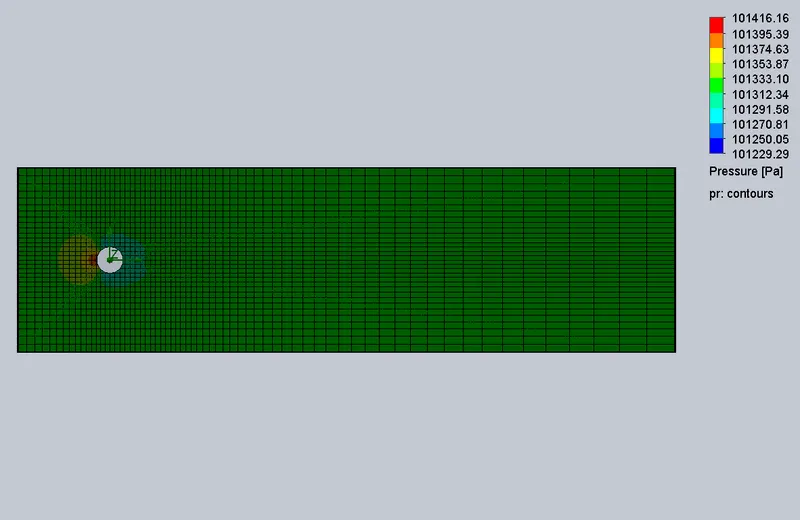
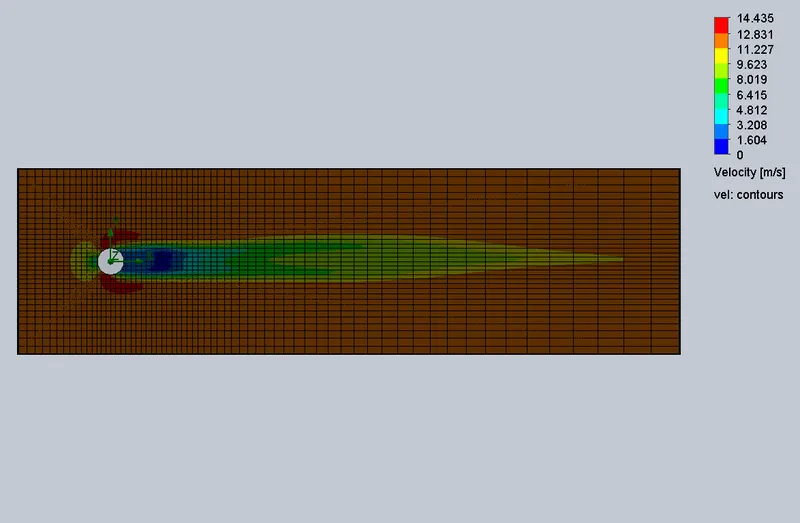
Flow velocity, v=12m/s
- Pressure
- Velocity
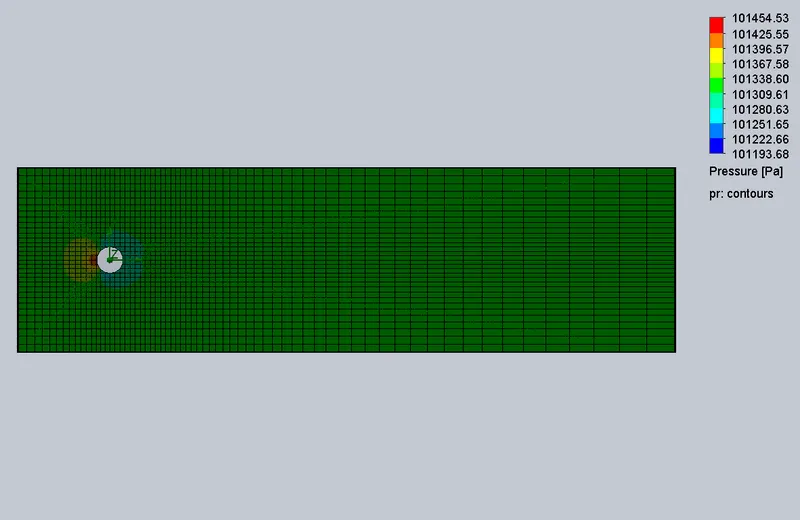
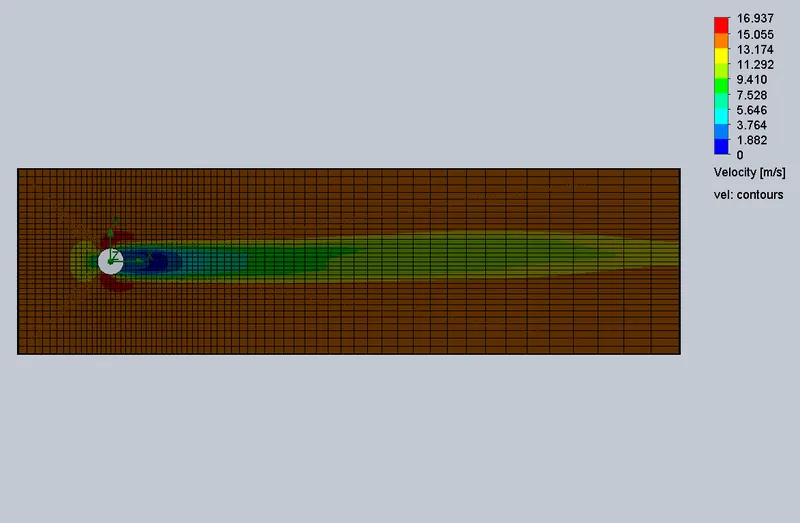
Flow velocity, v=14m/s
- Pressure
- Velocity
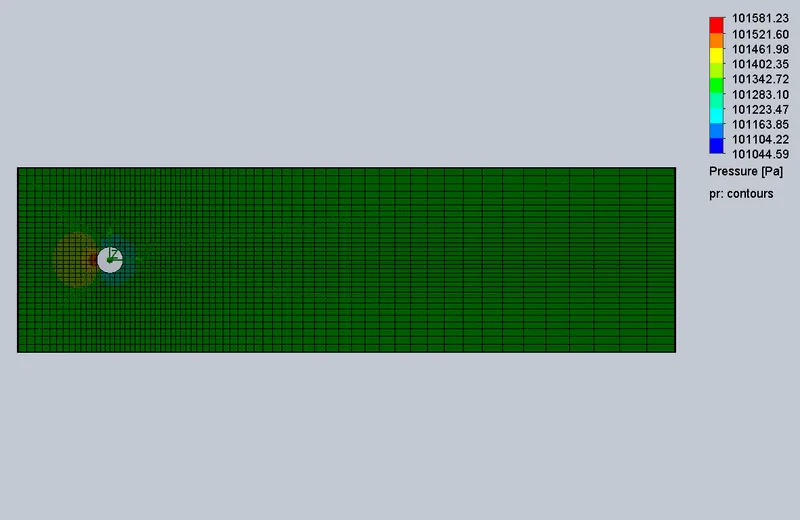
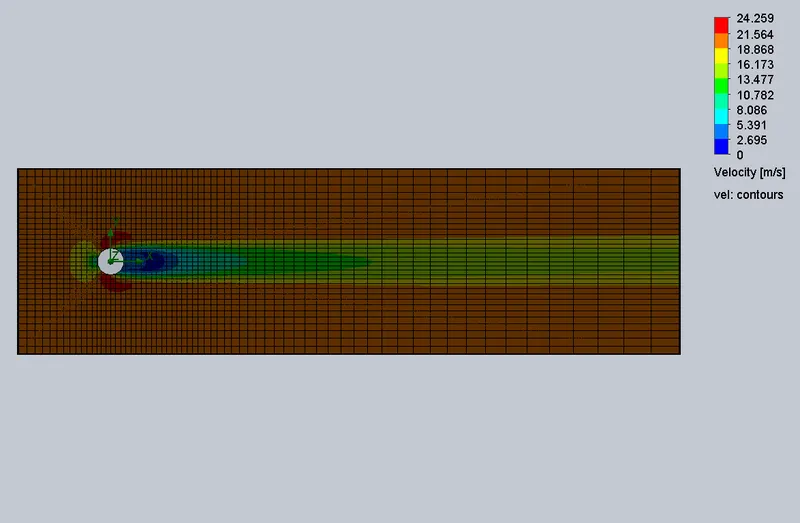
Flow velocity, v=20m/s
- Pressure
- Velocity
Animation
https://drive.google.com/drive/folders/1GJn7Xv_2TzA490RoNyC4ebKfwpzpITSk?usp=sharing