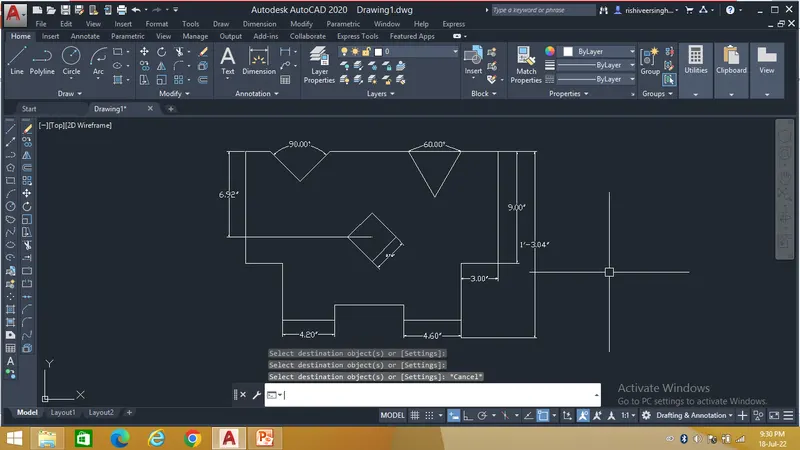
Drafting of various geometries using Chamfer, Fillet tool in AutoCad
1.
Aim - To draw the given challenge by use of different geometric tools to enhance my autocad learning.
The first step is to take the Line command and select the start point.
After taking the command follow the steps as shown below
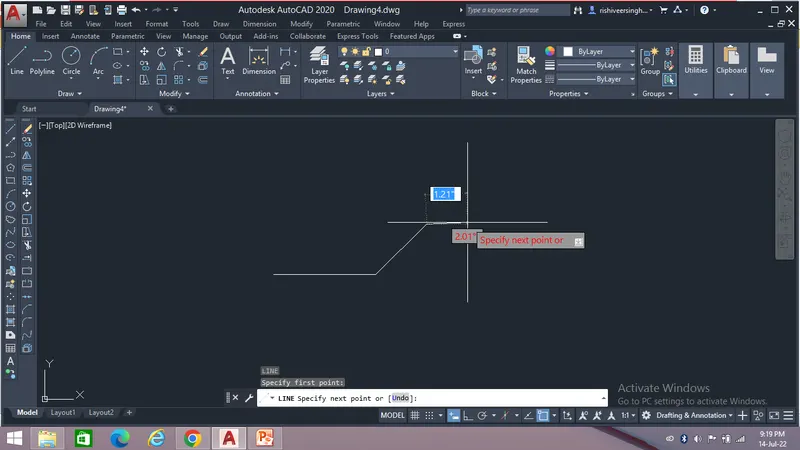
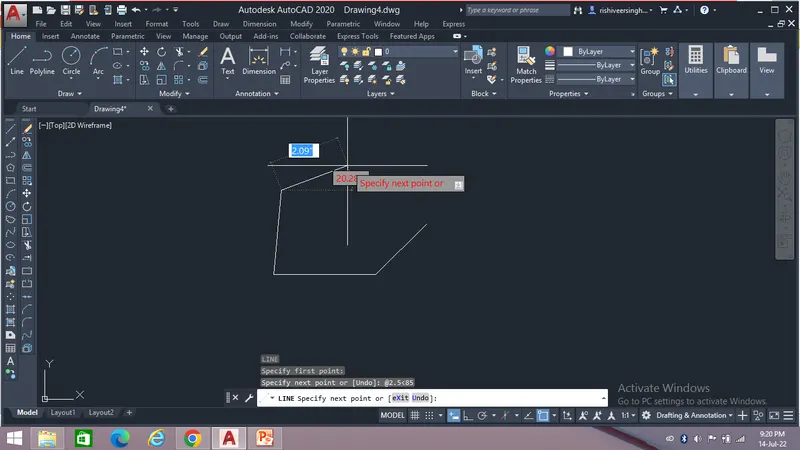
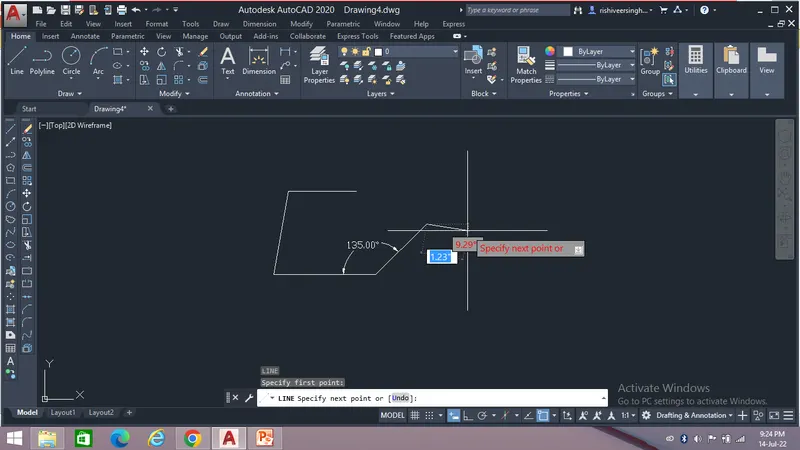
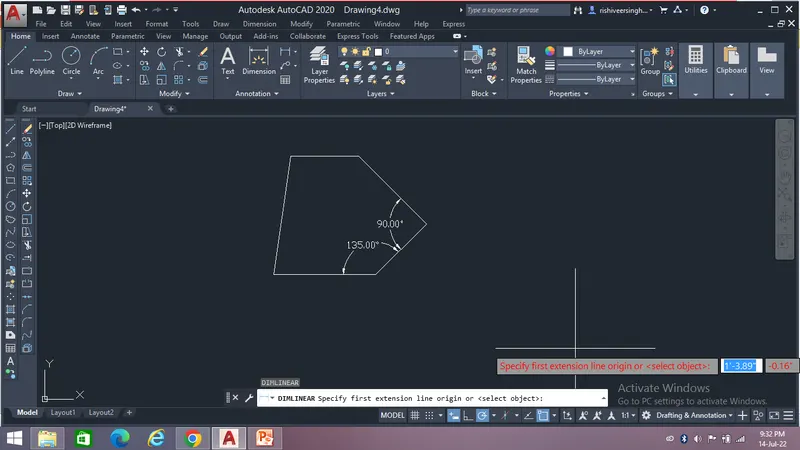
Result:-
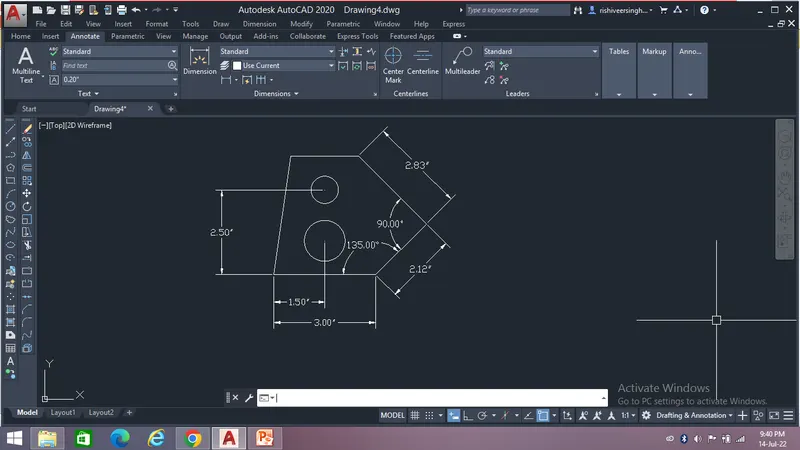
After following the steps we will get the desired drawing as show below...
2.
Aim - To draw the given challenge by use of different geometric tools to enhance my autocad learning.
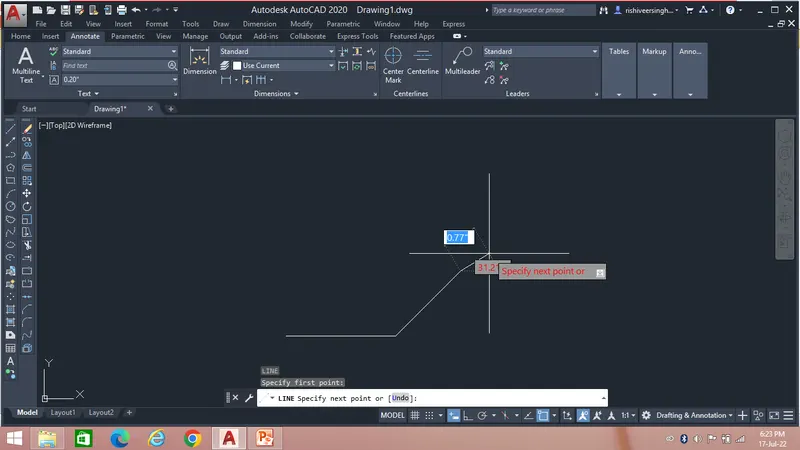
The first step is to take the Line command and select the start point.
After taking the command follow the steps as shown below
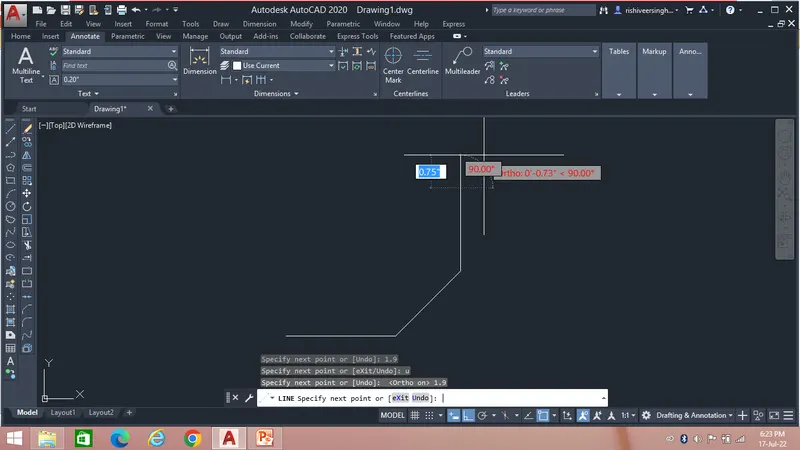
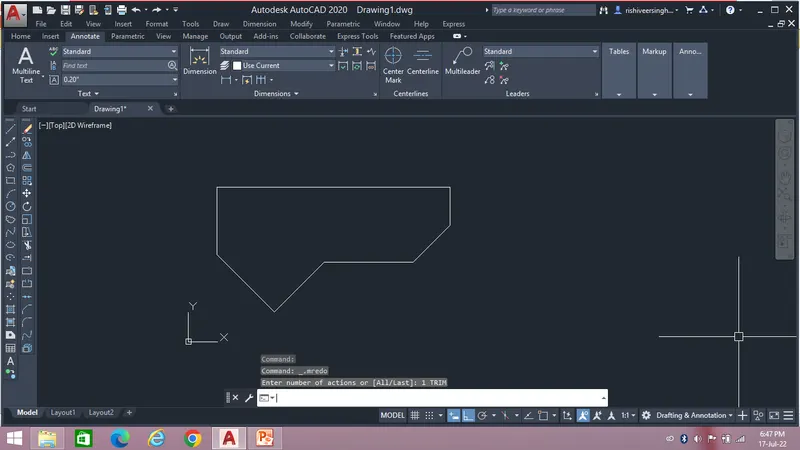
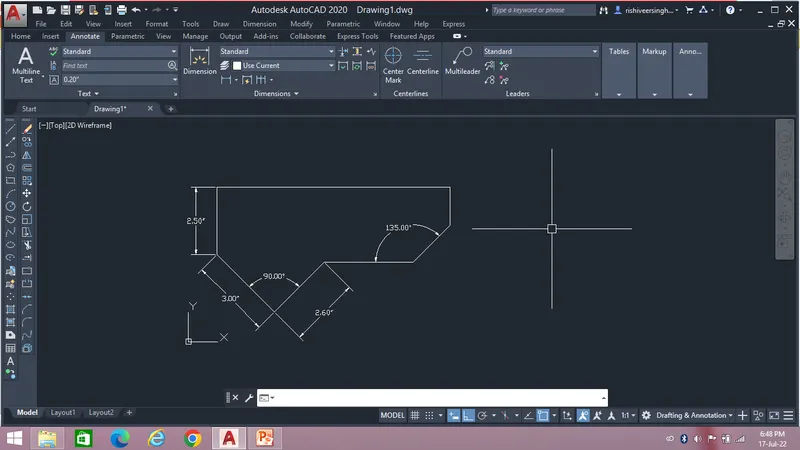
Result:-
After following the steps we will get the desired drawing as show below...
3.
Aim - To draw the given challenge by use of different geometric tools to enhance my autocad learning.
The first step is to take the Line command and select the start point.
After taking the command follow the steps as shown below
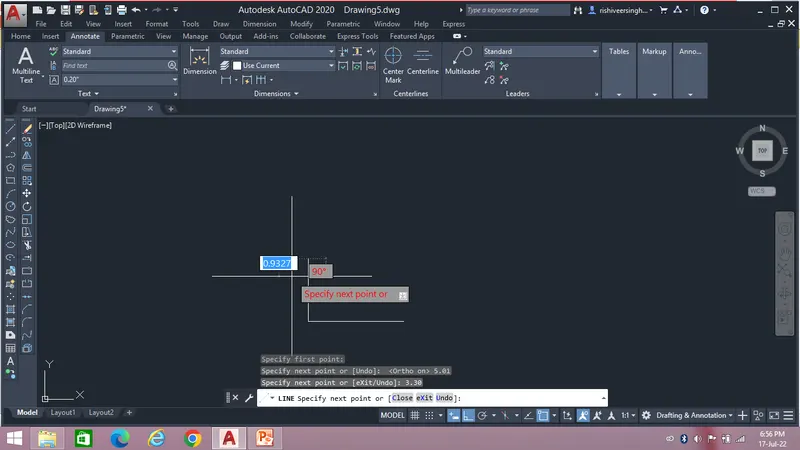
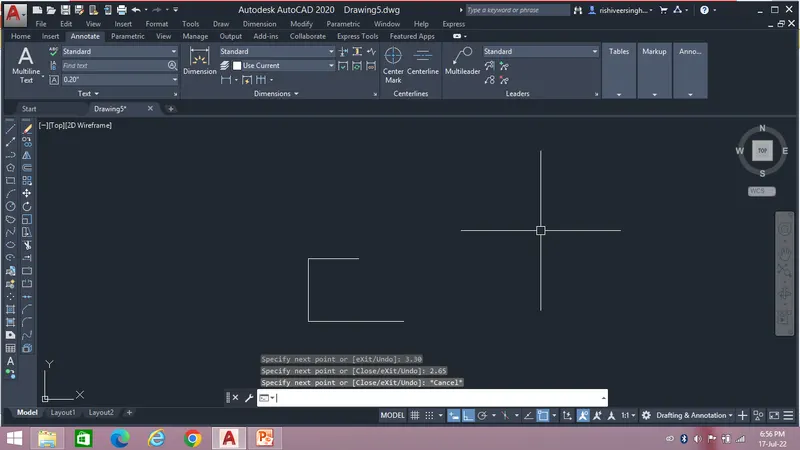
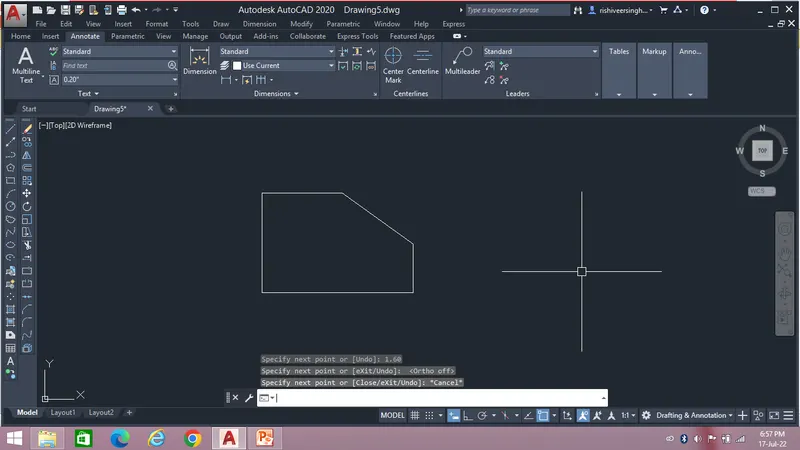
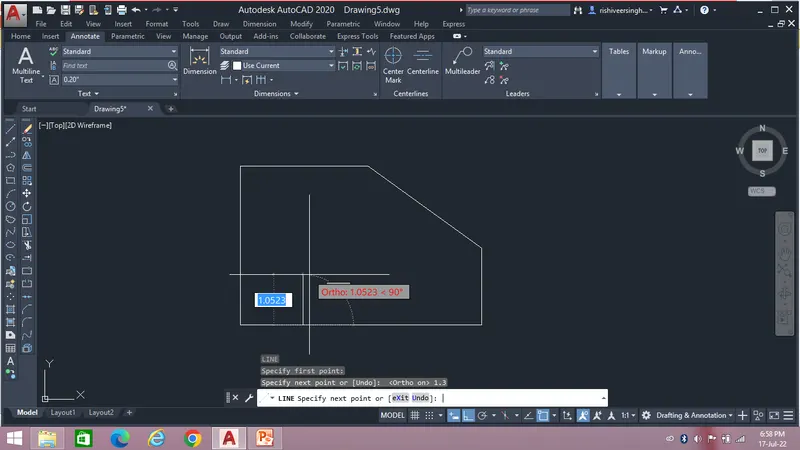
Then take the Circle point and specify the centre point and radius as shown in the figure.
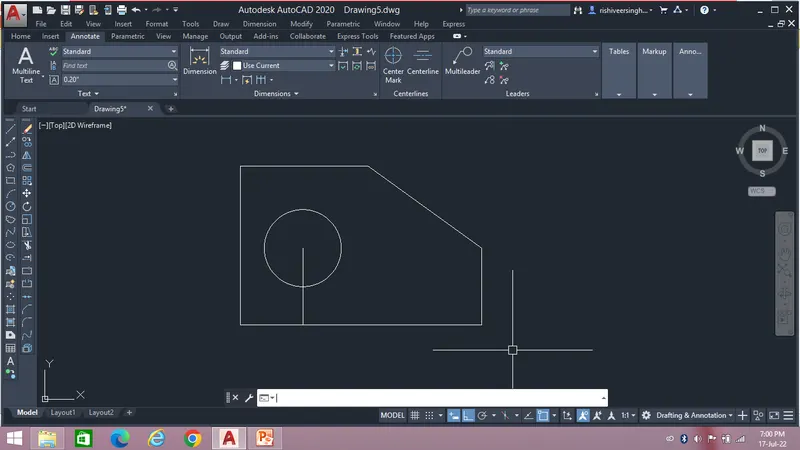
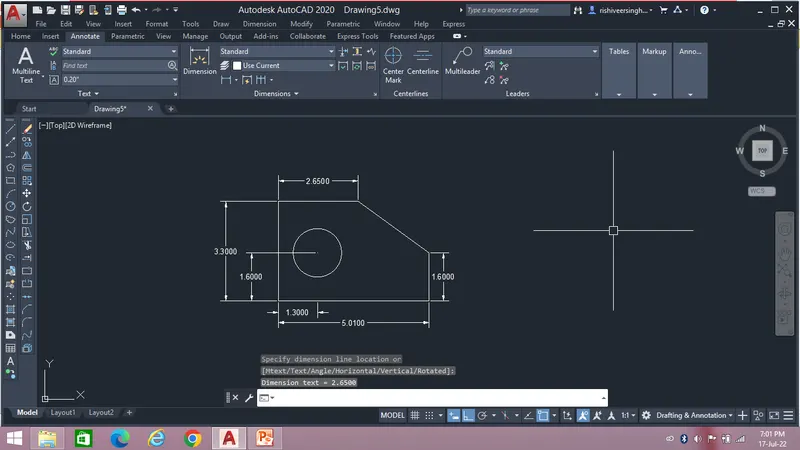
Result:-
After following the steps we will get the desired drawing as show below...
4.
Aim - To draw the given challenge by use of different geometric tools to enhance my autocad learning.
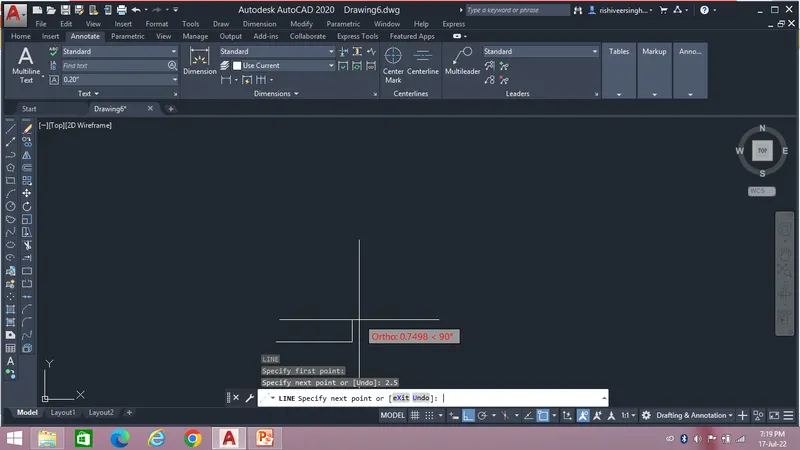
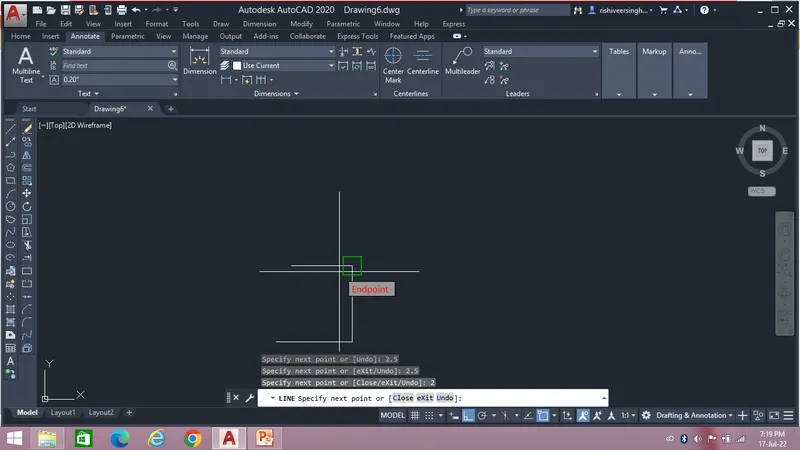
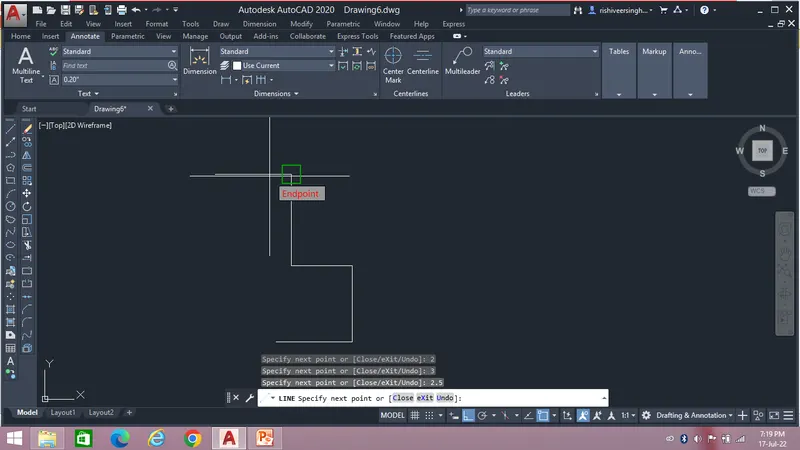
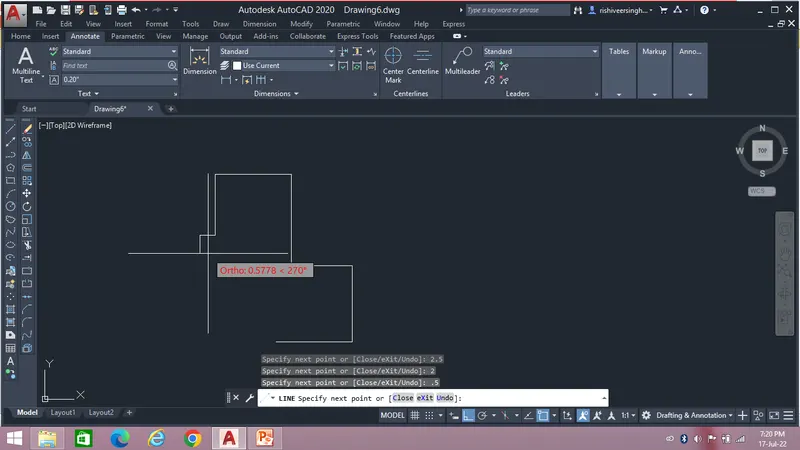
The first step is to take the Line command and select the start point.
After taking the command follow the steps as shown below
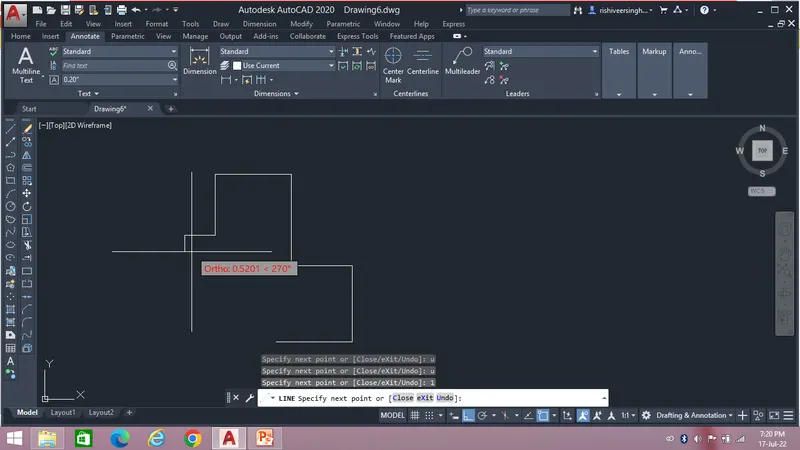
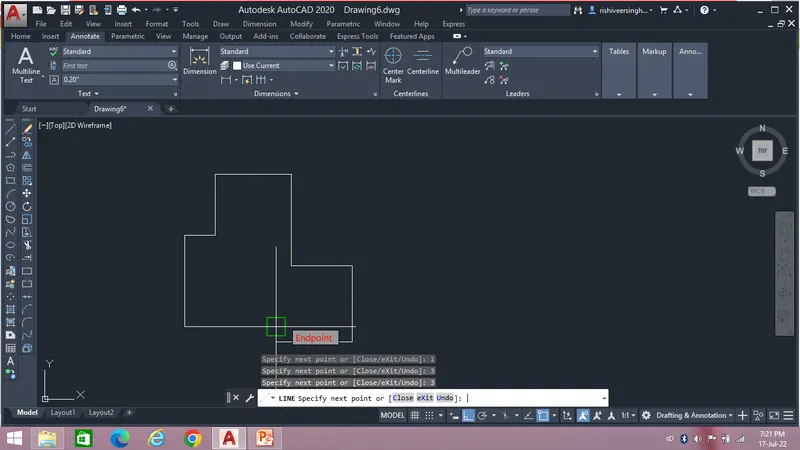
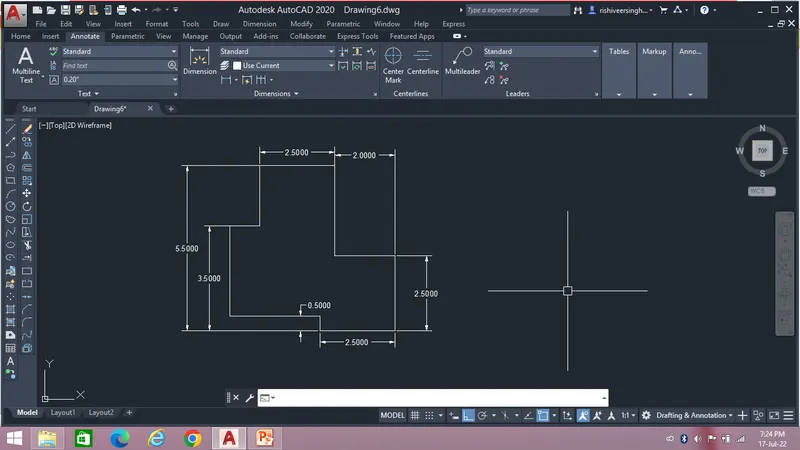
Result:-
After following the steps we will get the desired drawing as show below...
5.
Aim - To draw the given challenge by use of different geometric tools to enhance my autocad learning.
The first step is to take the Line command and select the start point.
After taking the command follow the steps as shown below
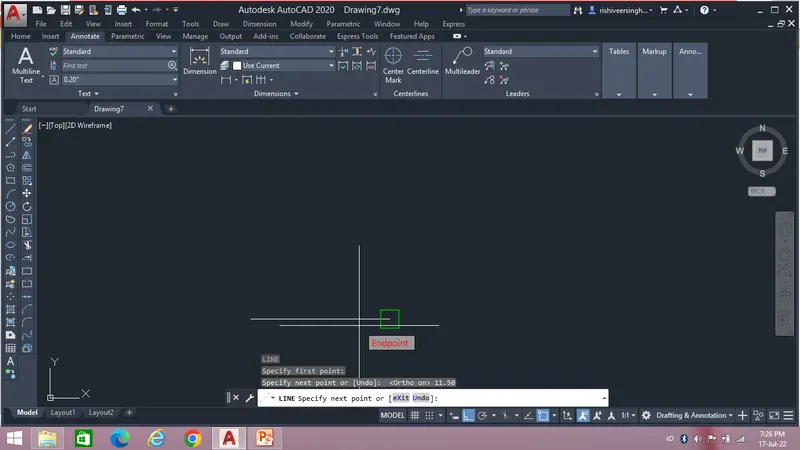
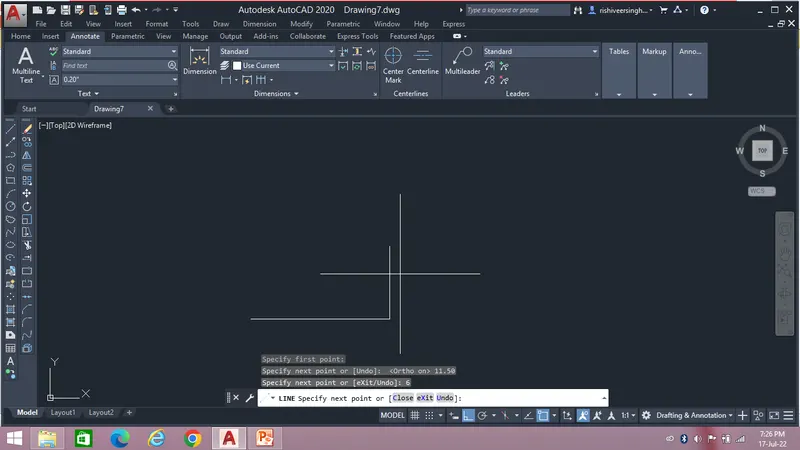
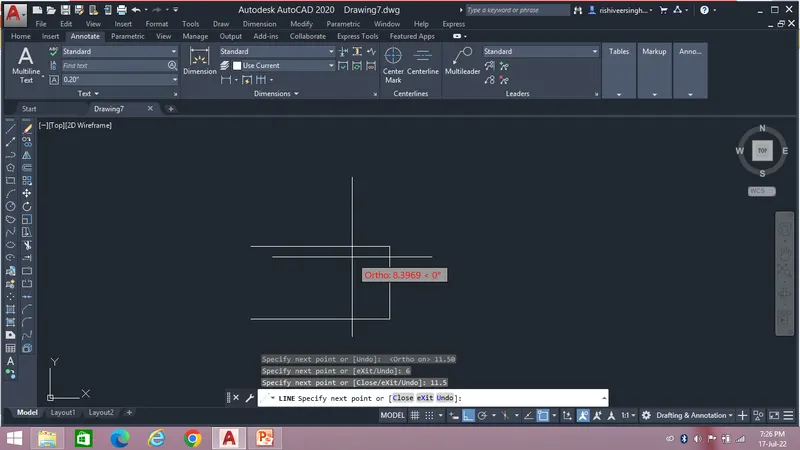
Then invoke the Circle command and specify the centre point and radius as shown in the figure.
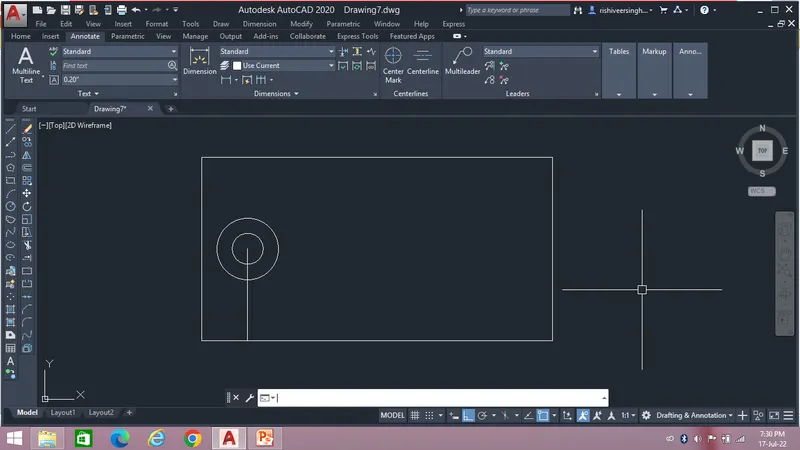
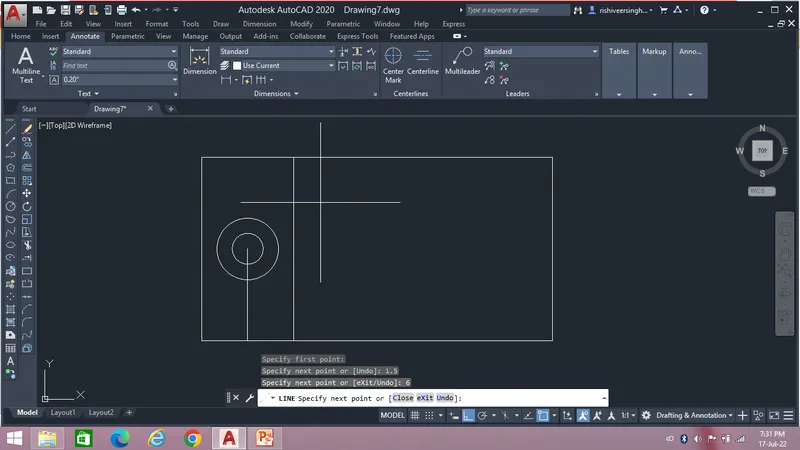
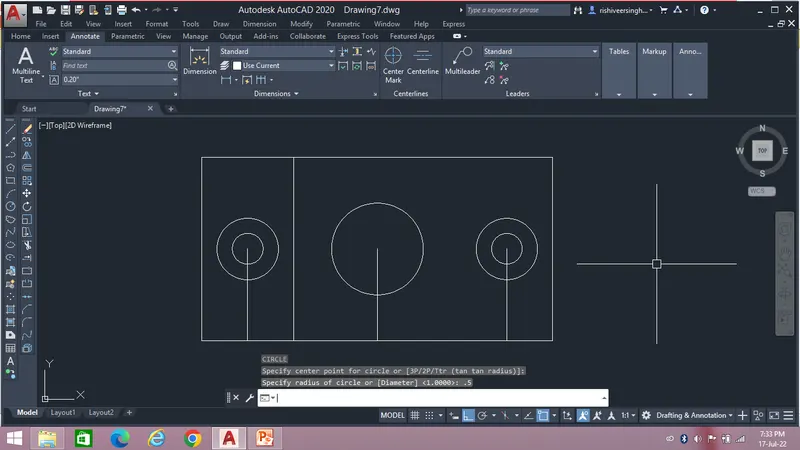
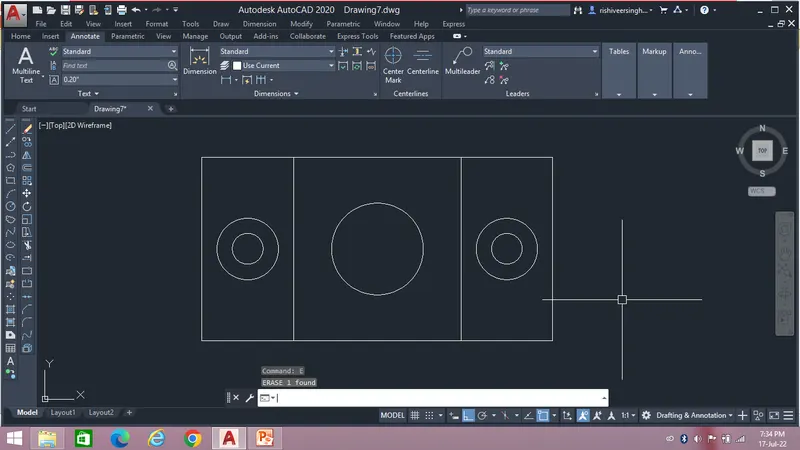
Result:-
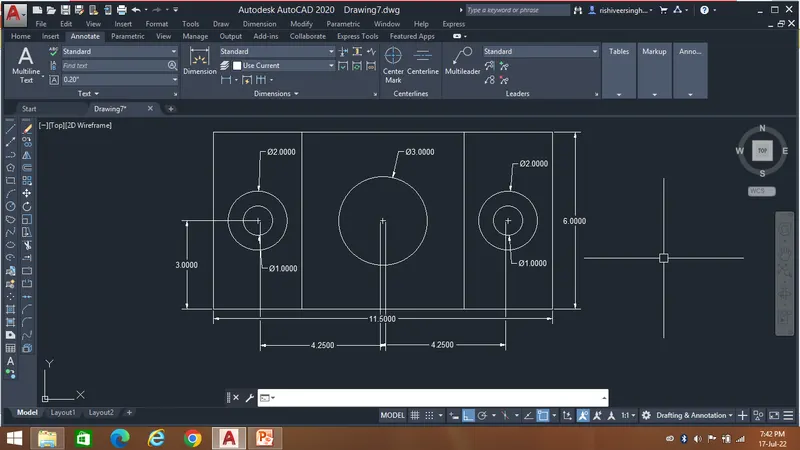
After following the steps we will get the desired drawing as show below...
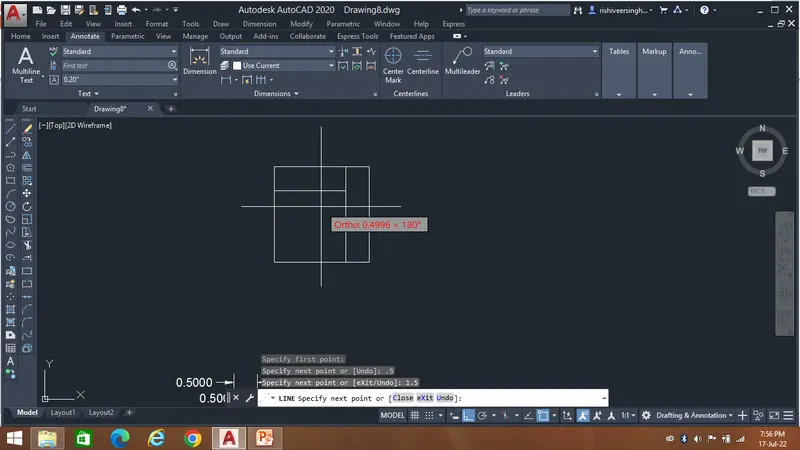
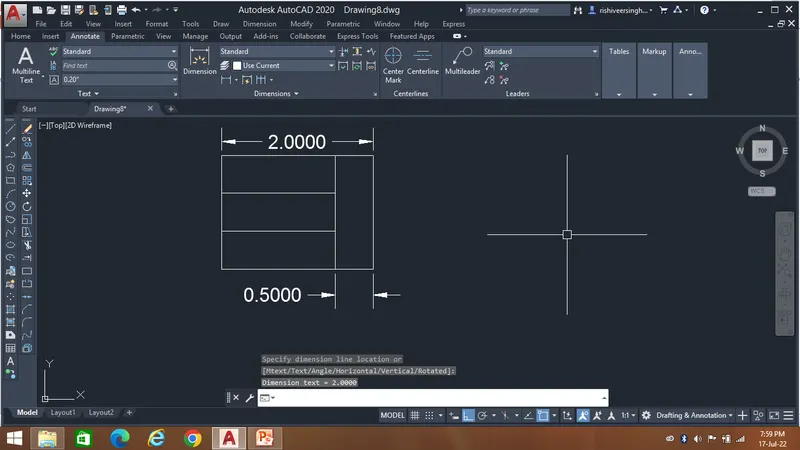
6.
Aim - To draw the given challenge by use of different geometric tools to enhance my autocad learning.
The first step is to take the Line command and select the start point.
After taking the command follow the steps as shown below
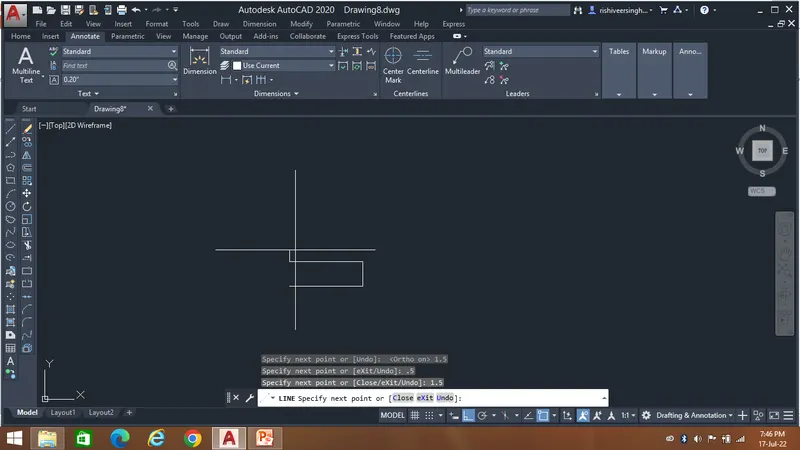
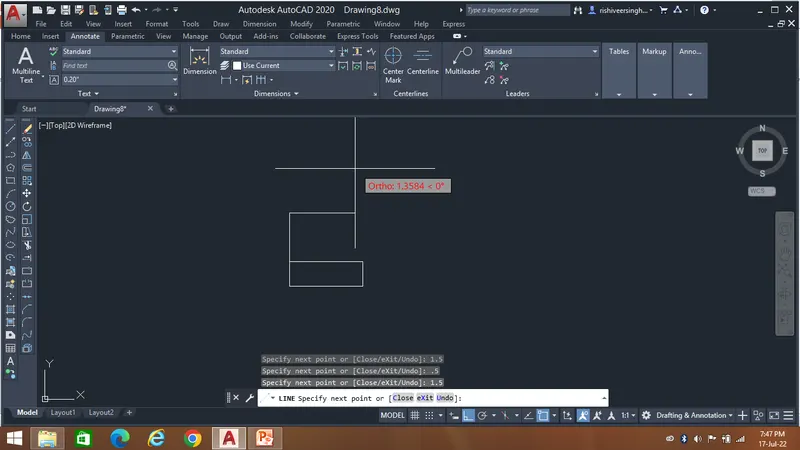
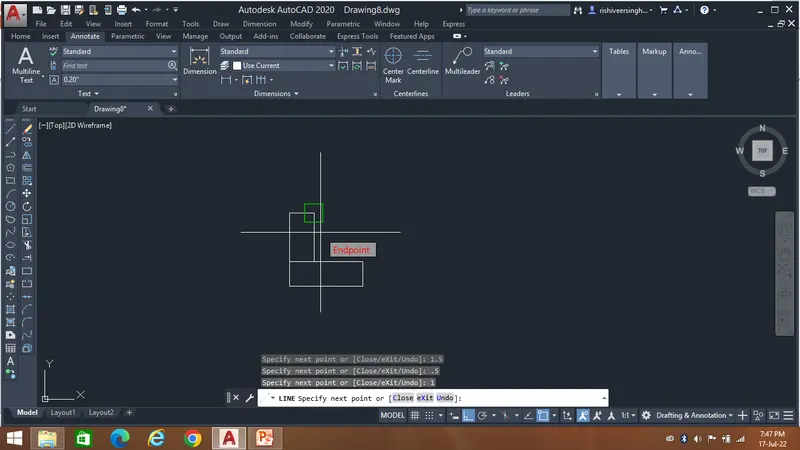
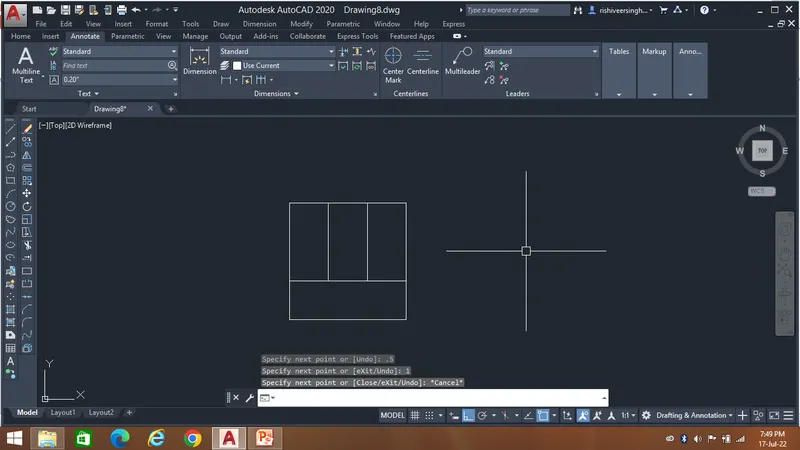
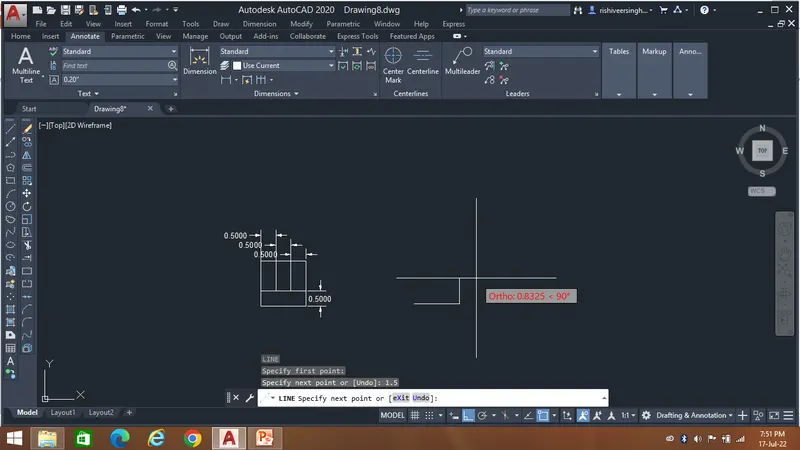
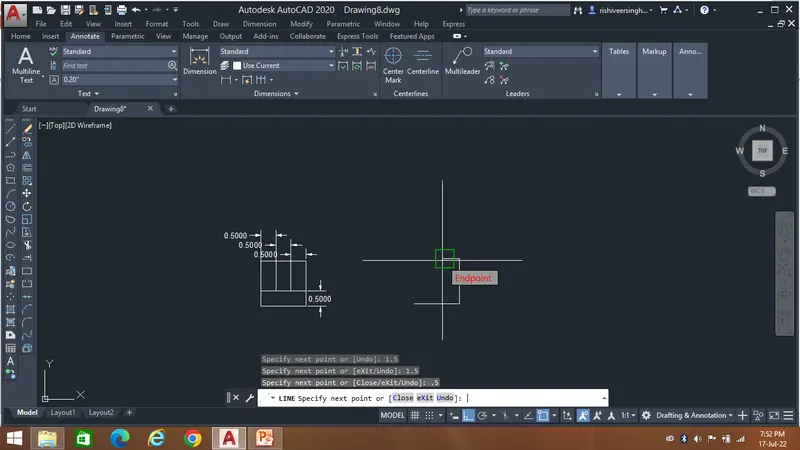
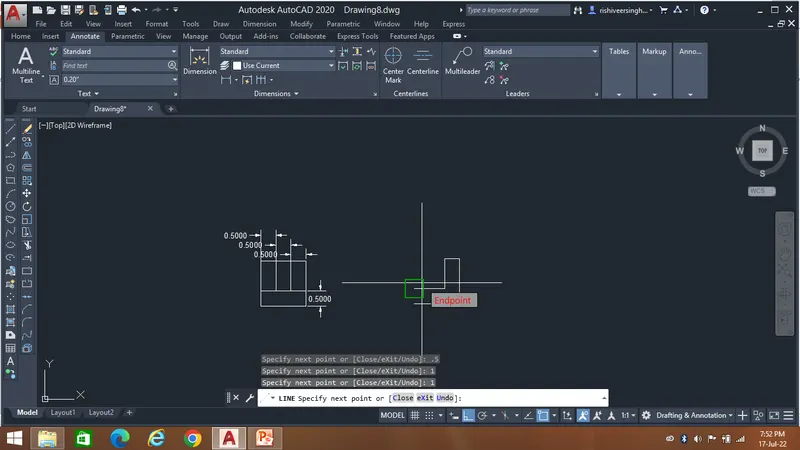
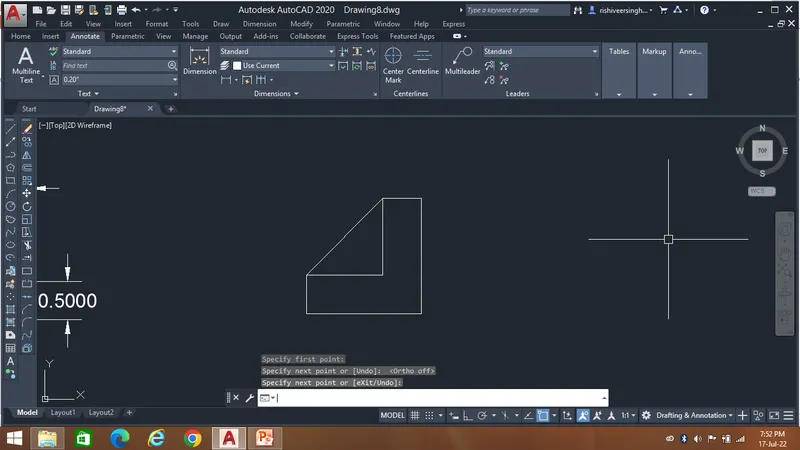
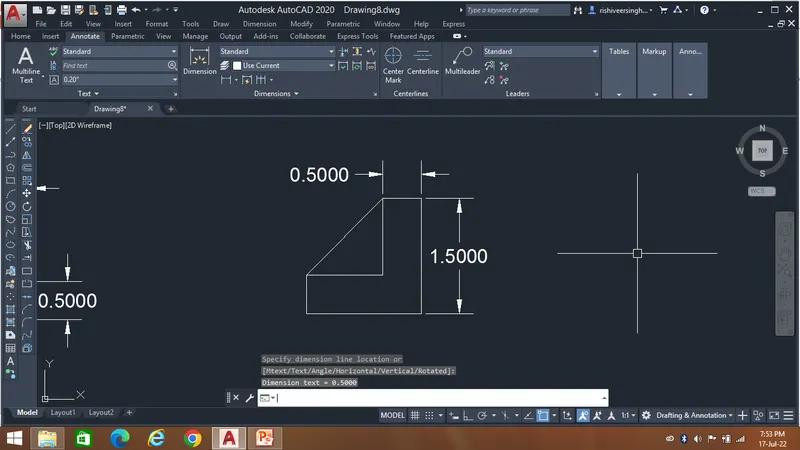
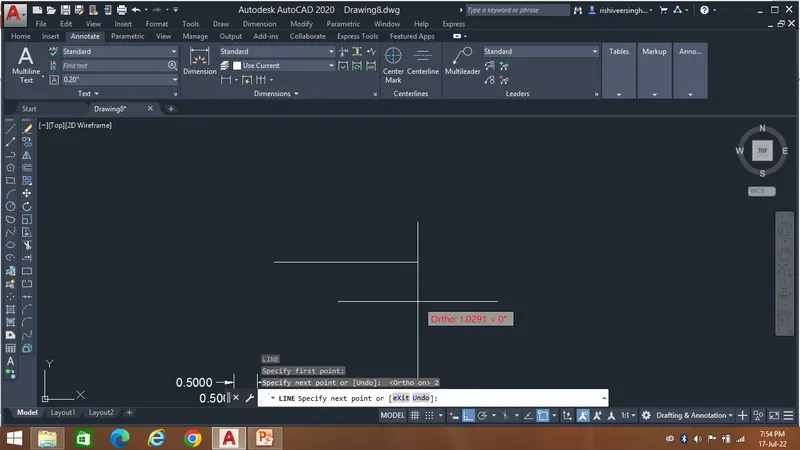
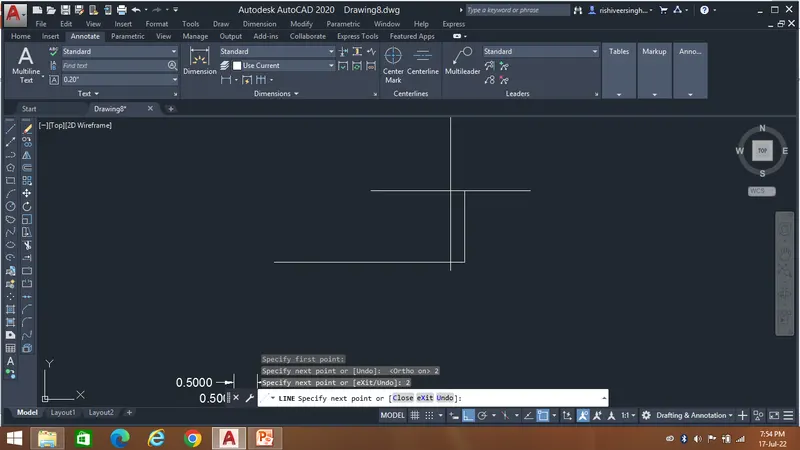
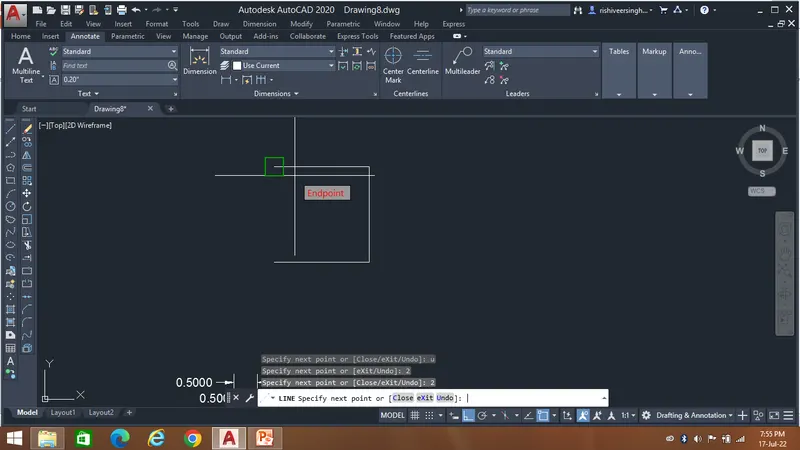
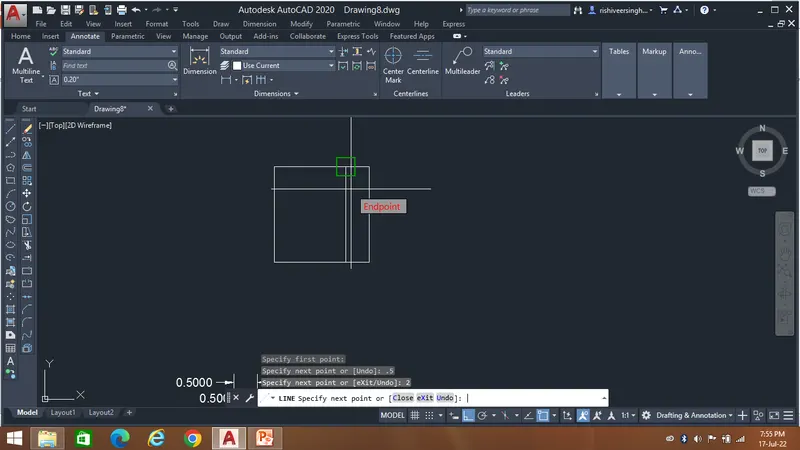
Result:-
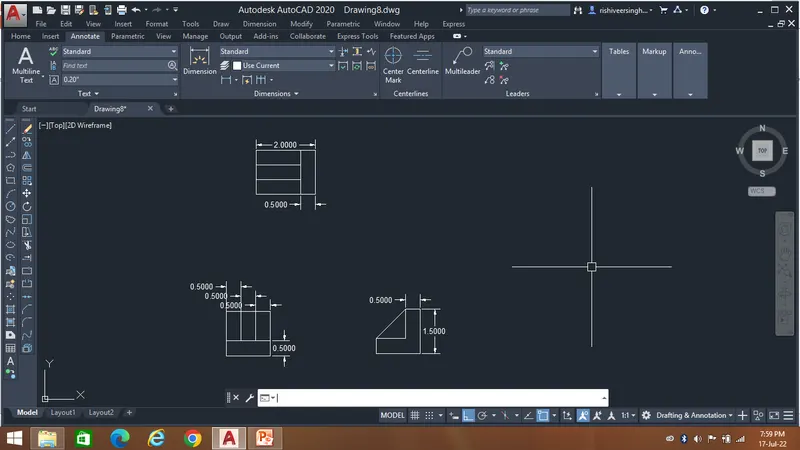
After following the steps we will get the desired drawing as show below...
7.
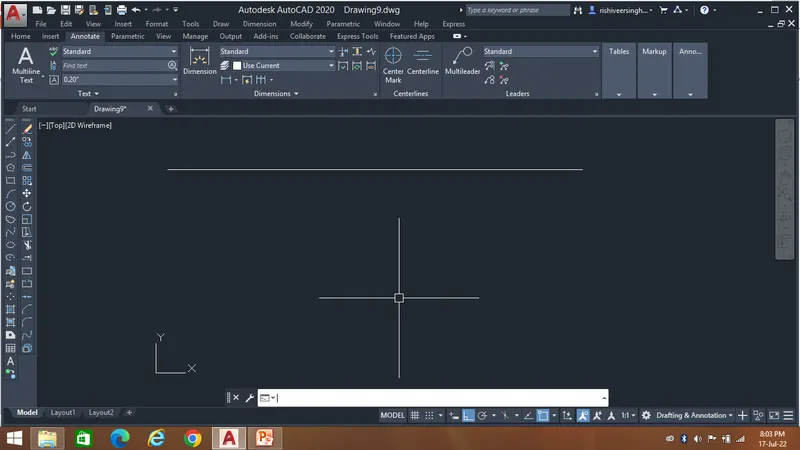
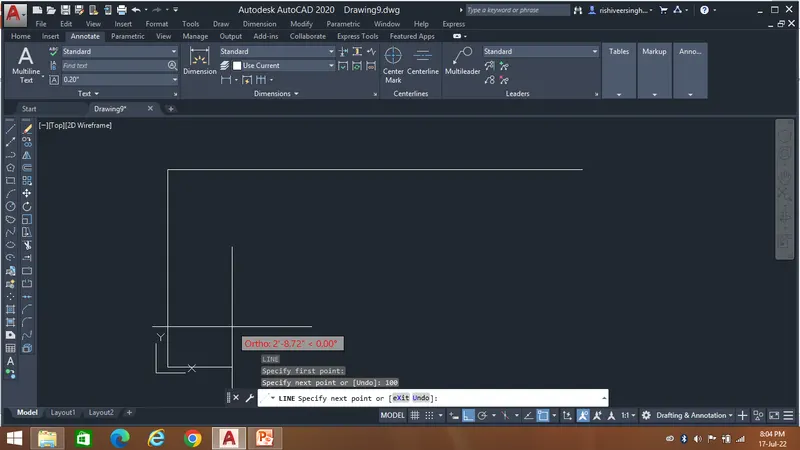
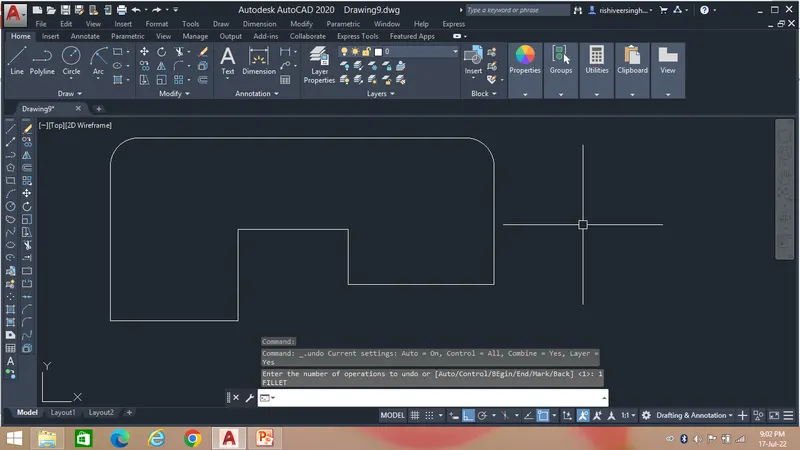
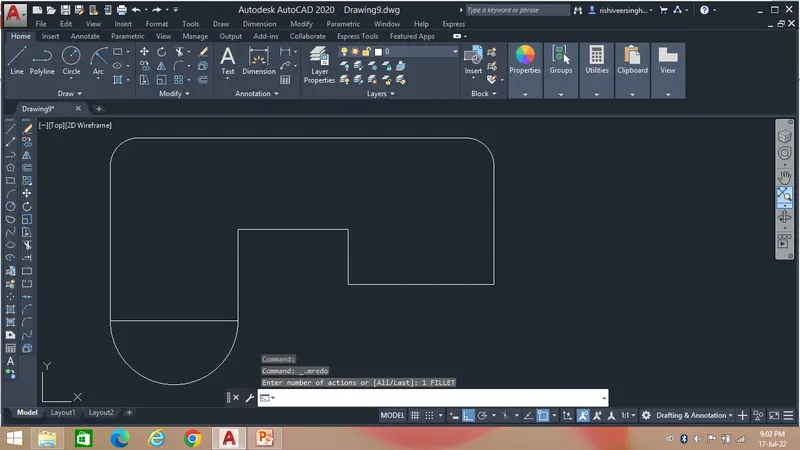
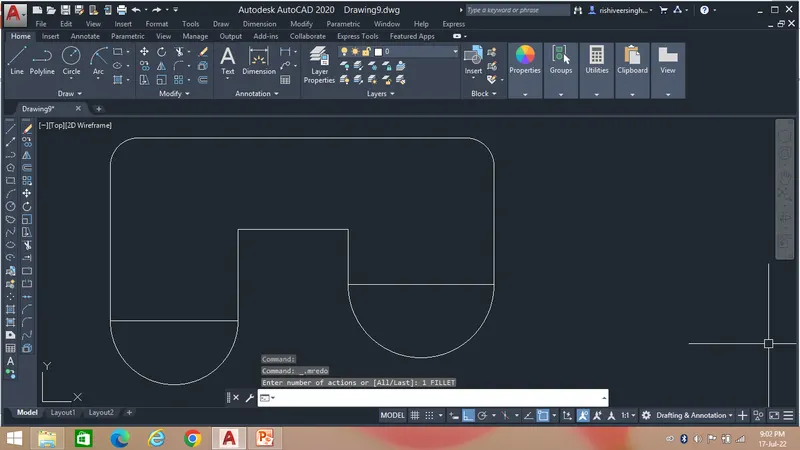
Aim - To draw the given challenge by use of different geometric tools to enhance my autocad learning.
The first step is to take the Line command and select the start point.
After taking the command follow the steps as shown below
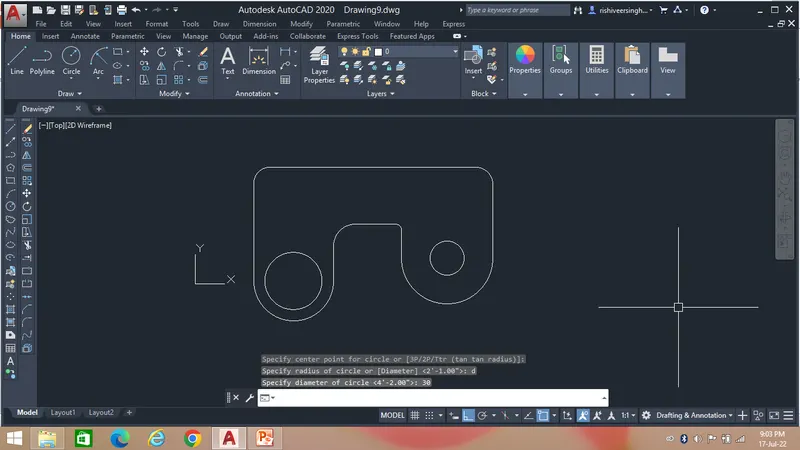
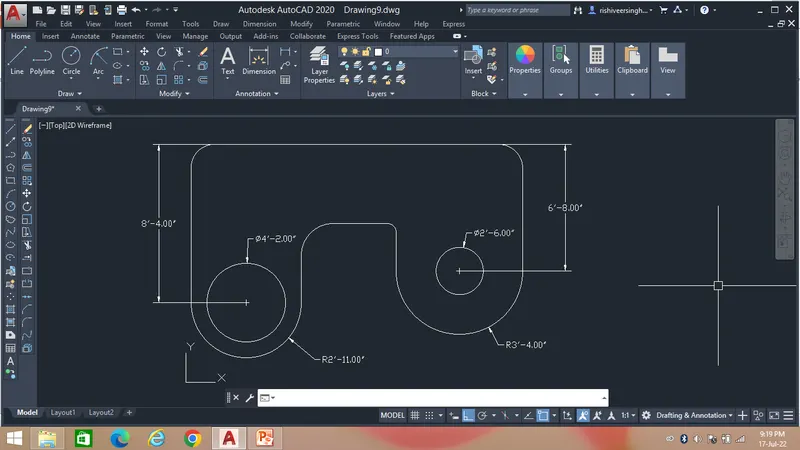
Result:-
After following the steps we will get the desired drawing as show below...
8.
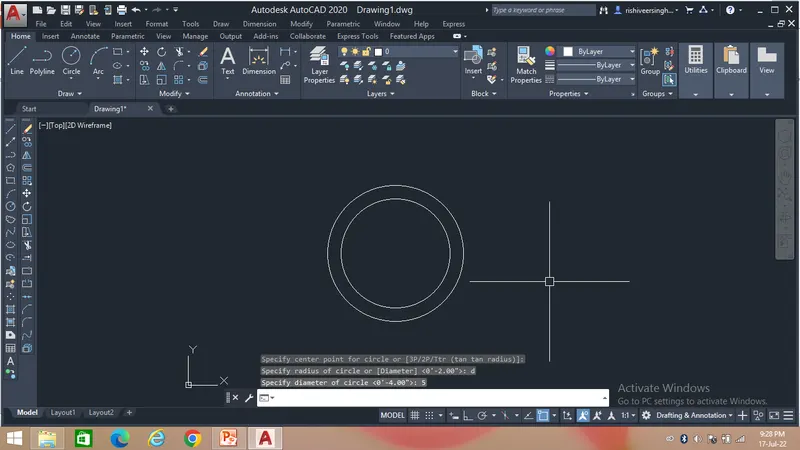
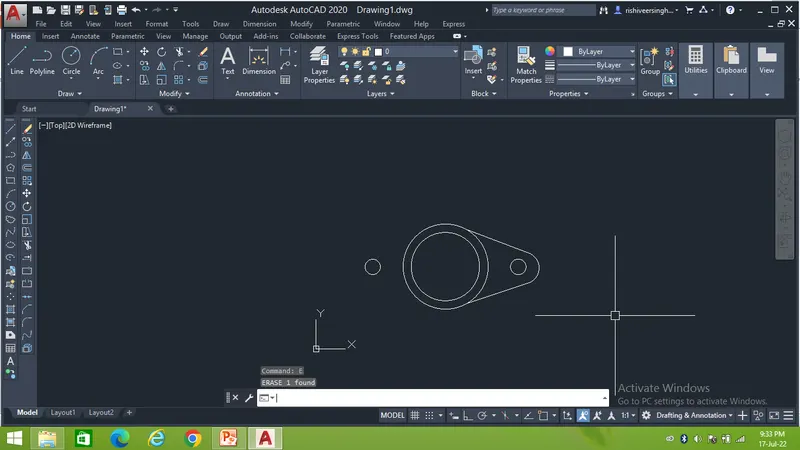
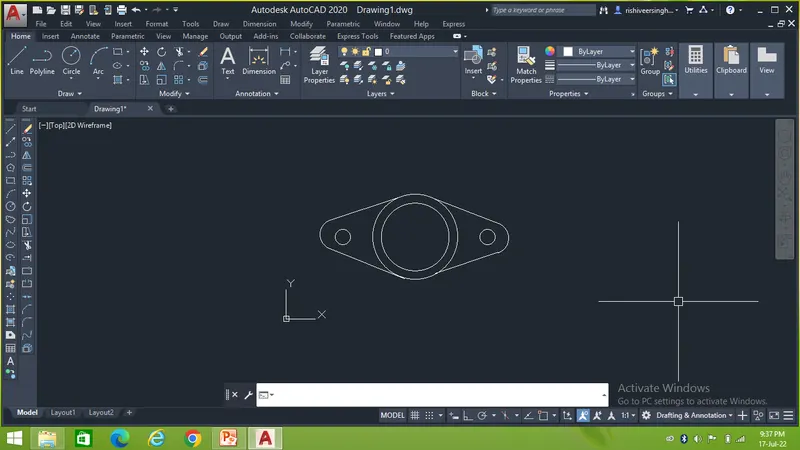
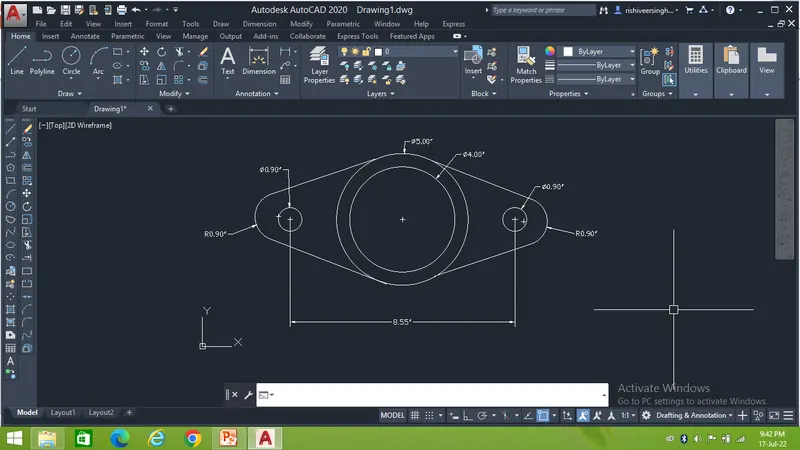
Aim - To draw the given challenge by use of different geometric tools to enhance my autocad learning.
The first step is to take the circle command and select the centre point.
After taking the command follow the steps as shown below
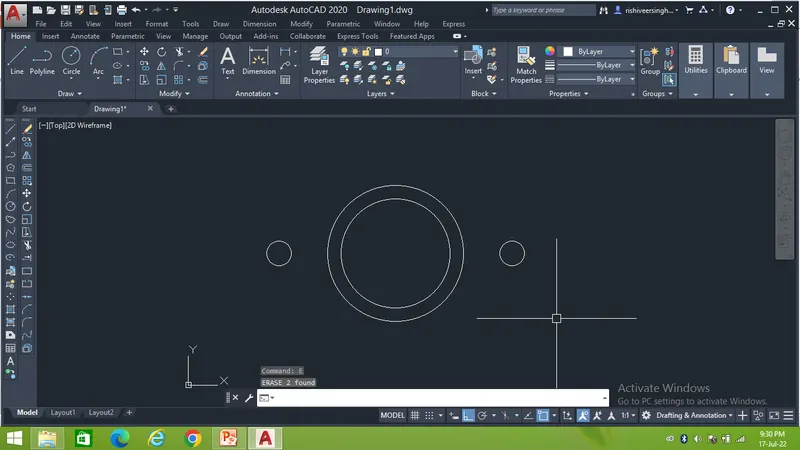
Result:-
After following the steps we will get the desired drawing as show below...
9.
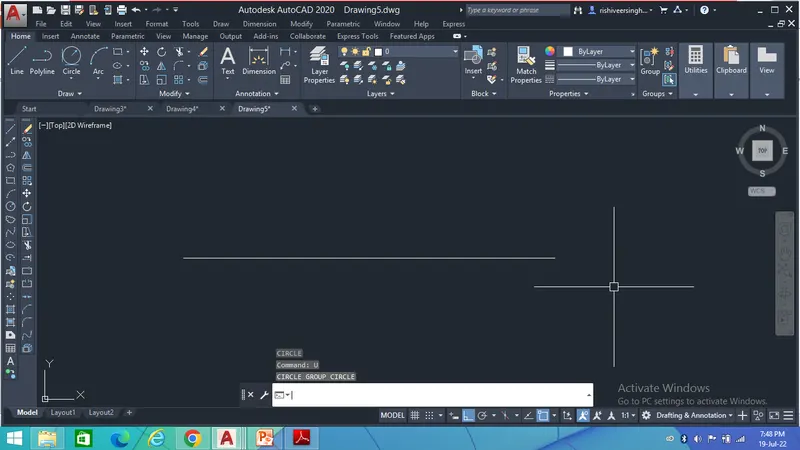
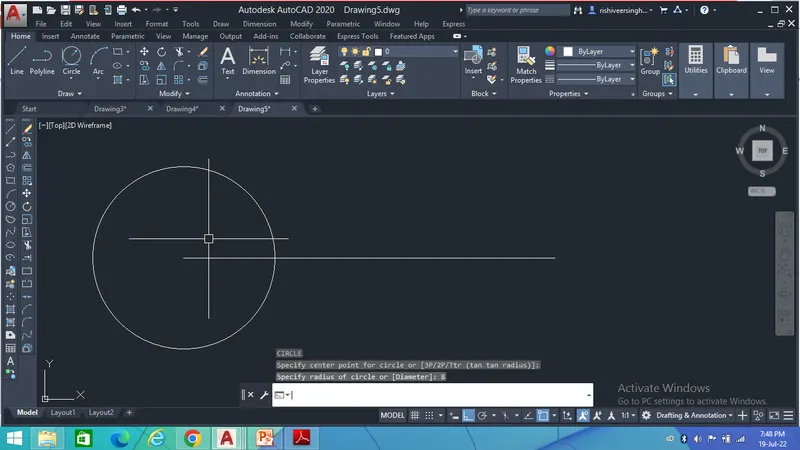
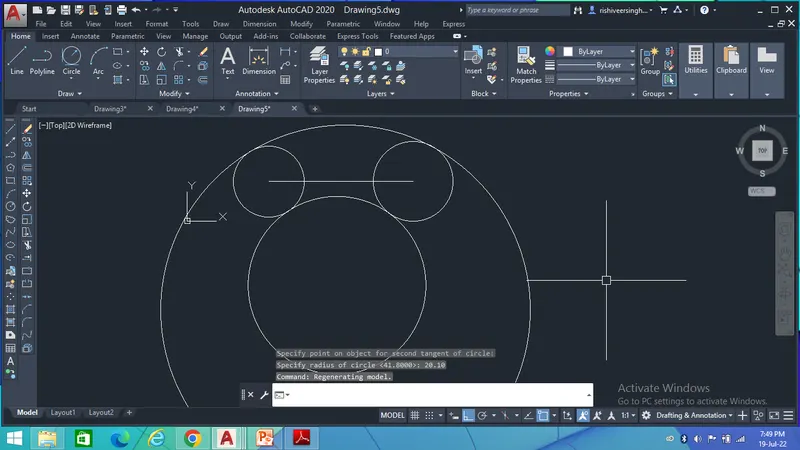
Aim - To draw the given challenge by use of different geometric tools to enhance my autocad learning.
The first step is to take the Line command and select the start point.
Then take the circle command and select the centre poin with specied radius.
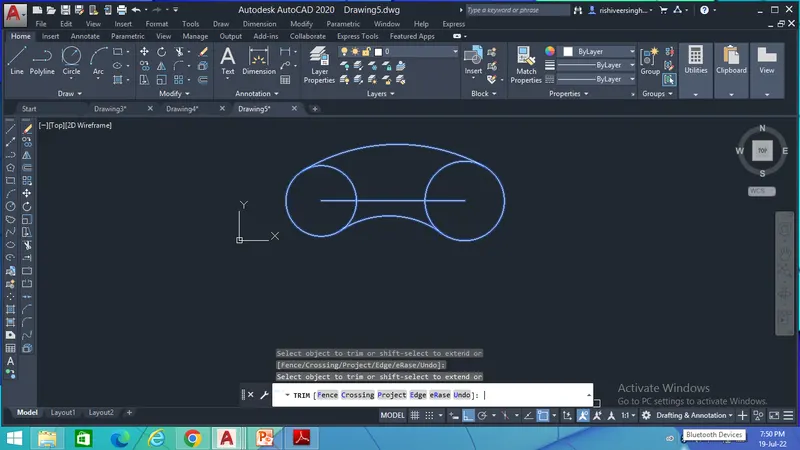
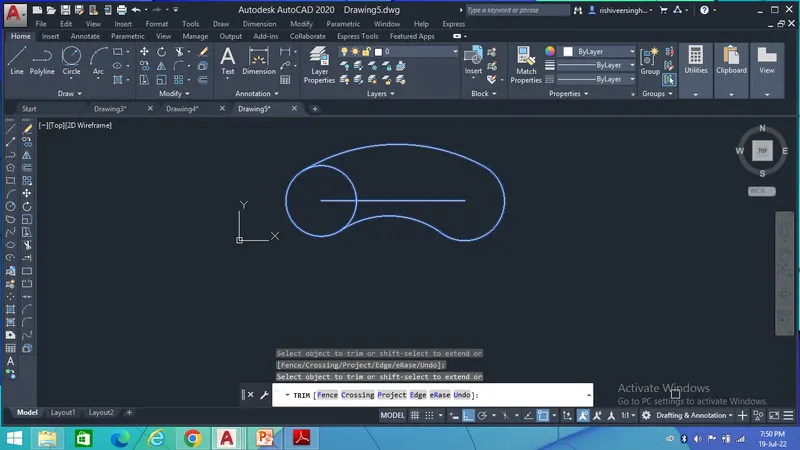
After taking the command follow the steps as shown below
Result:-
After following the steps we will get the desired drawing as show below...
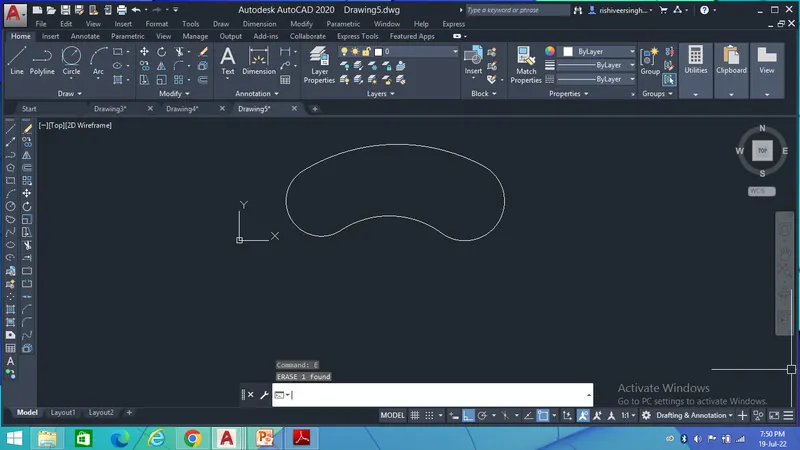
10.
To draw the given challenge by use of different geometric tools to enhance my autocad learning.
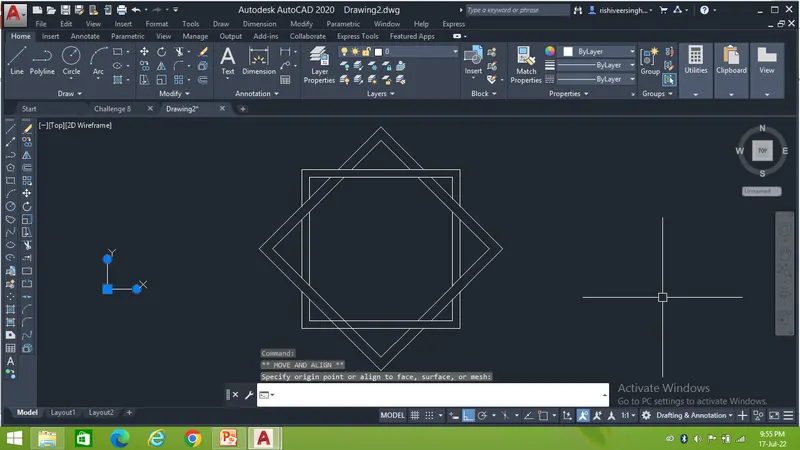
The first step is to take the Polygon command and select the centre point.
After taking the command follow the steps as shown below
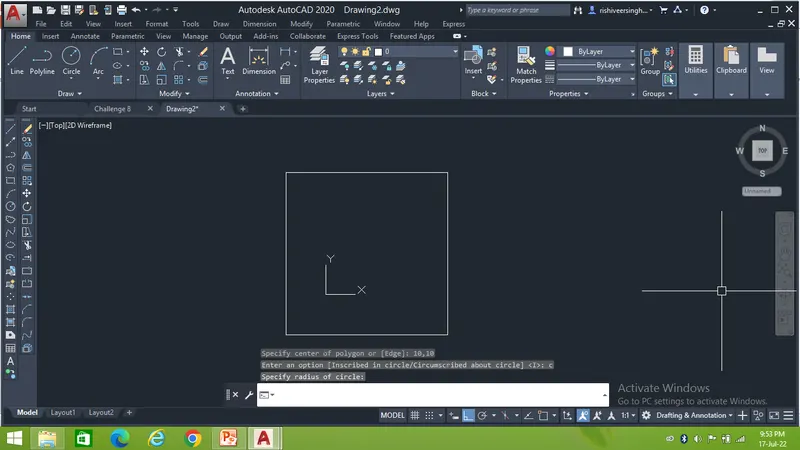
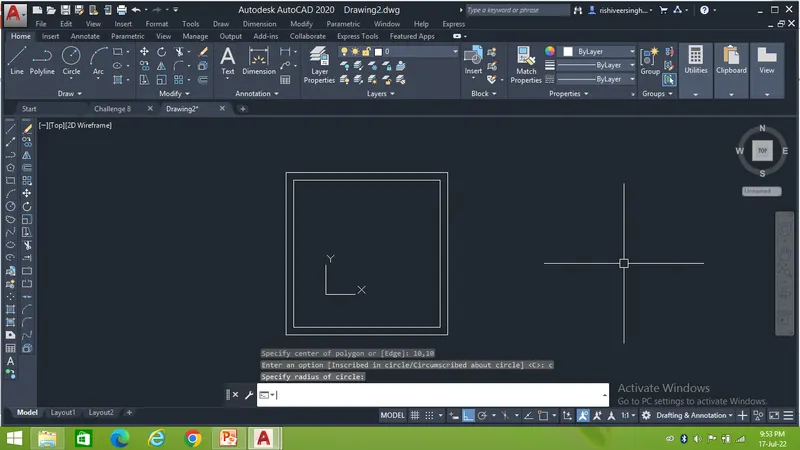
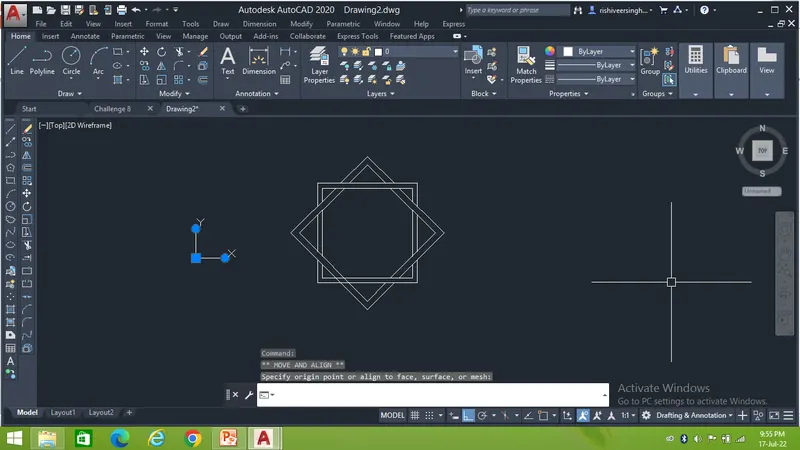
Result:-
After following the steps we will get the desired drawing as show below...
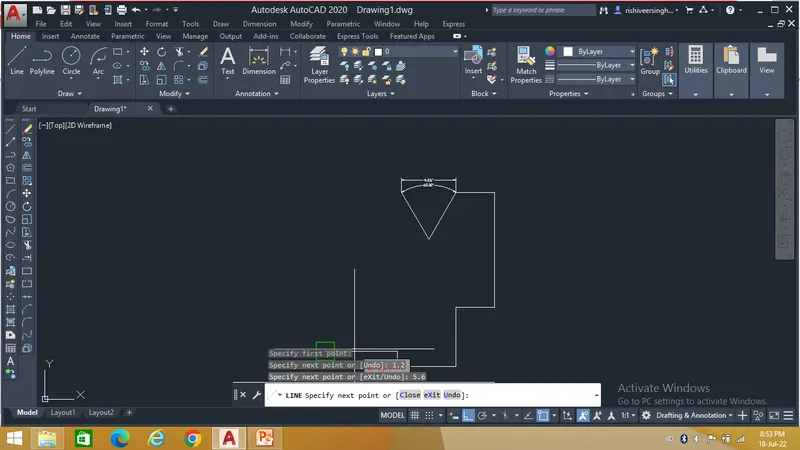
11.
To draw the given challenge by use of different geometric tools to enhance my autocad learning.
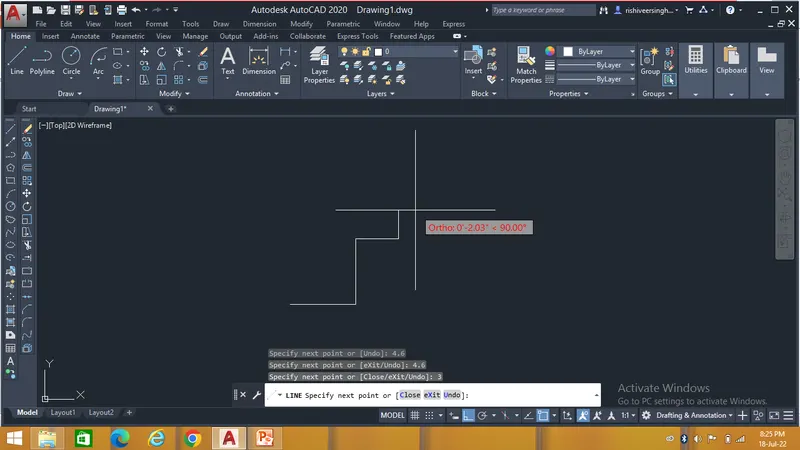
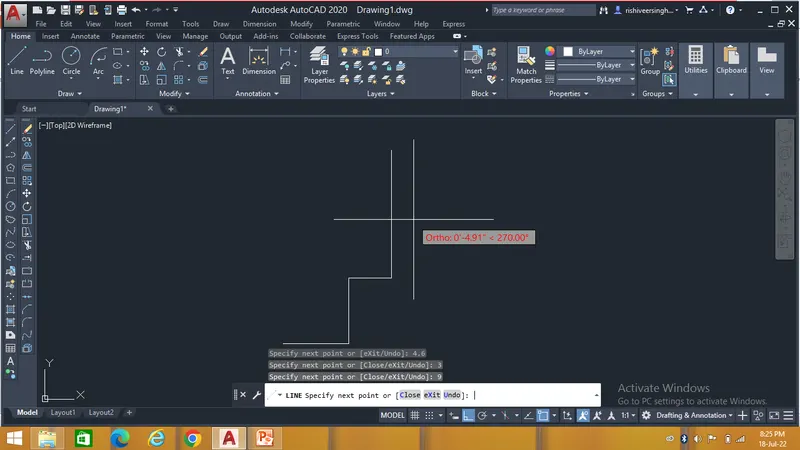
The first step is to take the Line command and select the start point.
Then take the circle command and select the centre poin with specied radius.
After taking the command follow the steps as shown below
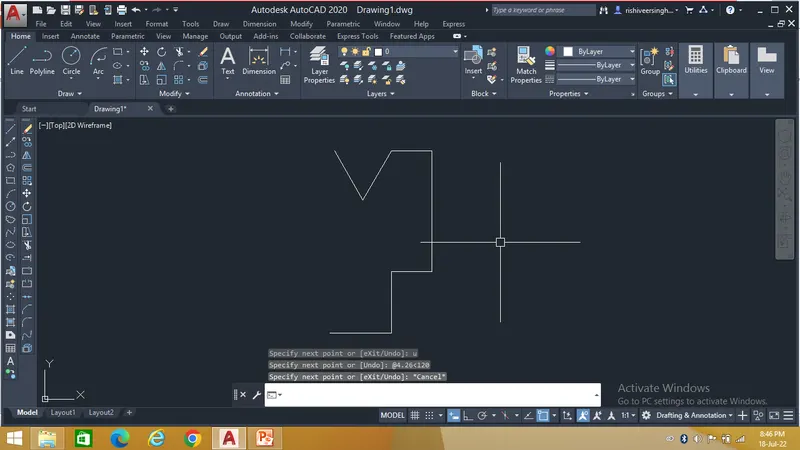
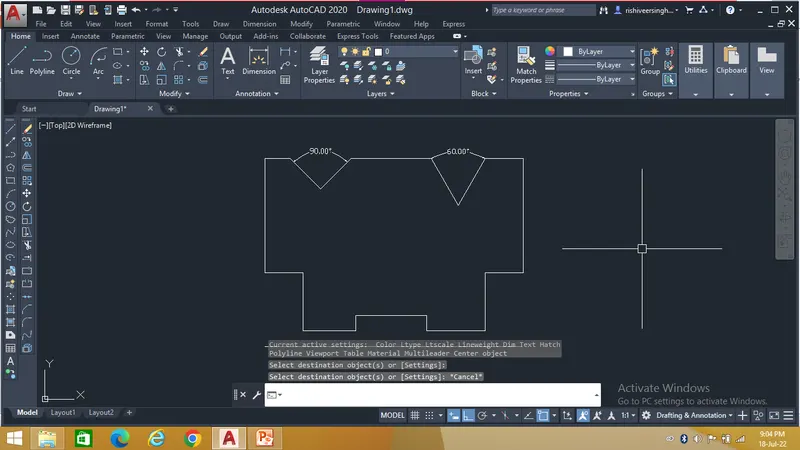
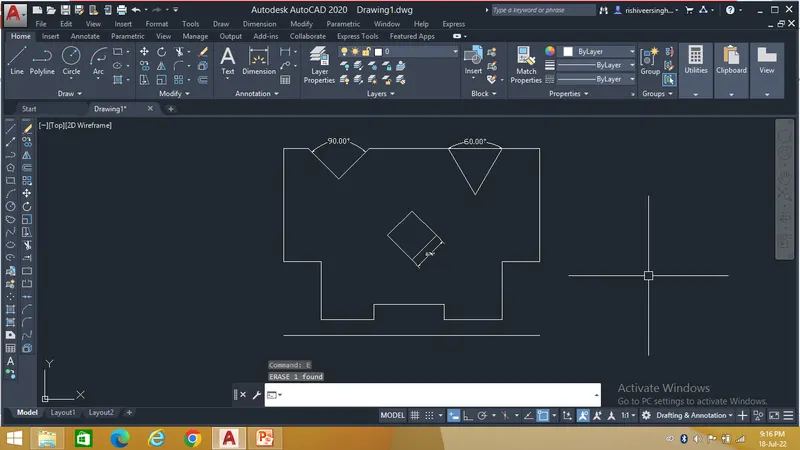
Result:-
After following the steps we will get the desired drawing as show below...