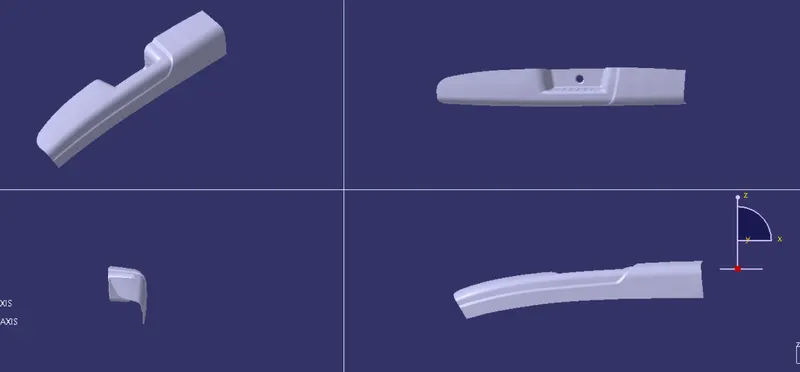
Door Arm Rest Week 8 Challenge
Objective: The main objective of the Door Armrest challenge is to create Class B and Class C surfaces with the help of class A surface finally Draft analysis.
Tooling Axis: It is the direction in which the components will eject the part after the molding process is completed. By adding the side core it will increase the cost of manufacturing.
Procedure
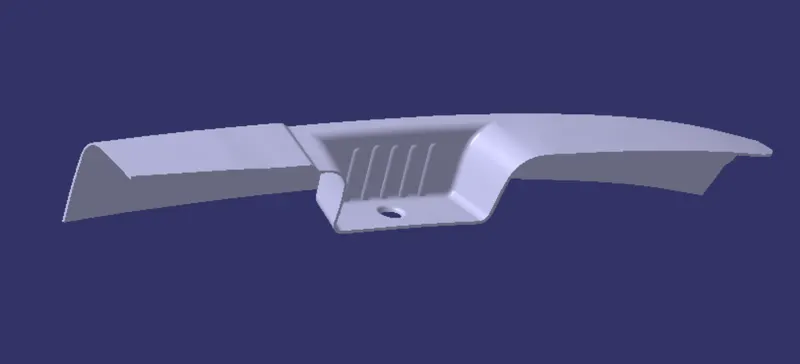
Class A surface
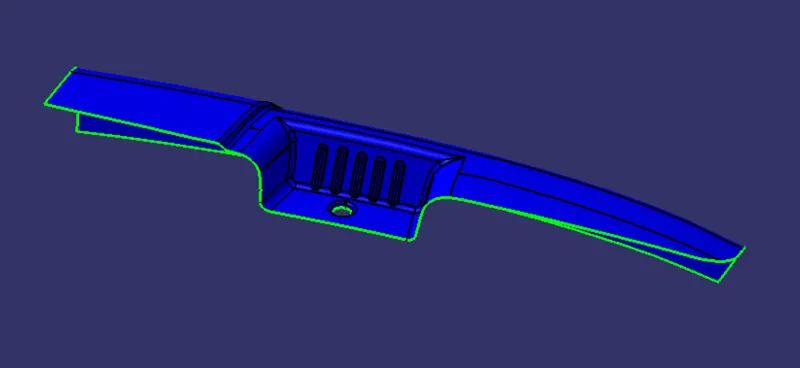
- Before going to the procedure to create the class B surface here we need to check the Boundary where it is opened or closed for the given Class-A surface.
- Creating a Tooling axis for the given Class-A surface to check the Draft analysis, also for this components side core is required.
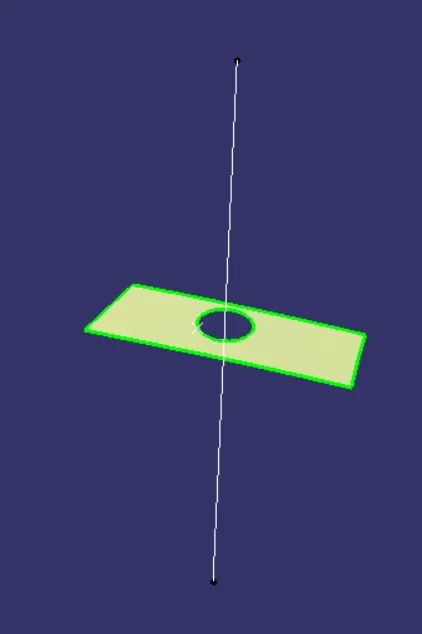
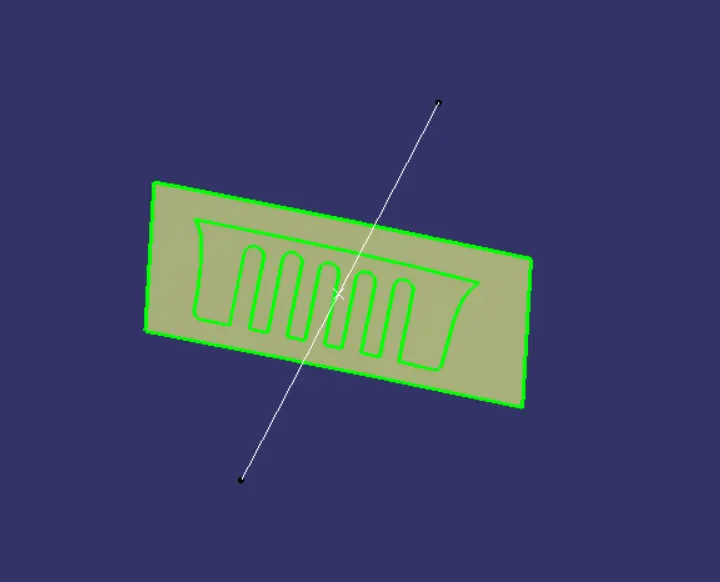
- Creating a tooling axis for the given components.
Procedure for Tooling Axis
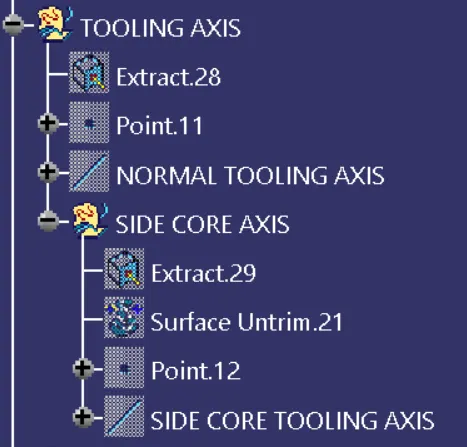
- Extract the surface to create a tooling axis, place a point at the center of the surface create a random line on the surface perpendicular to the extracted surface for the tooling axis.
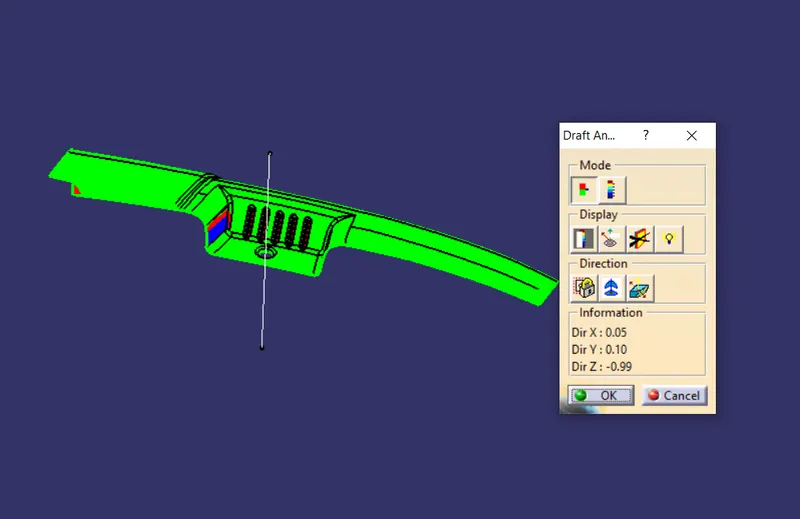
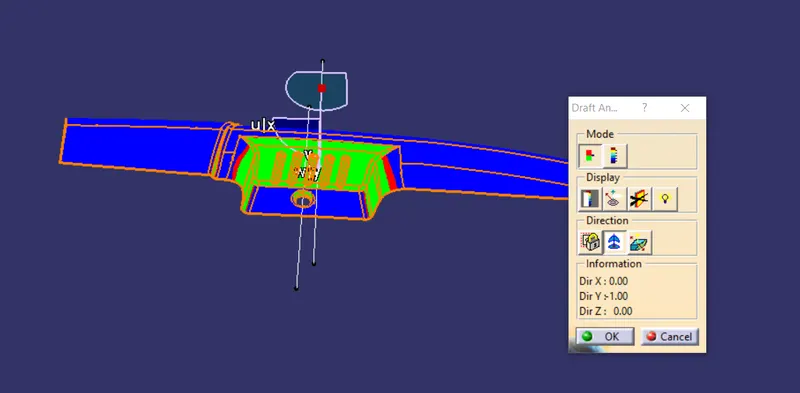
- Check the draft analysis place the compass on the created axis, click on the surface.
- The surface will hilite as green, red, blue colors. The top view will show green in colors, but the side view shows blue so here we need to create a side core axis.
Class B surface
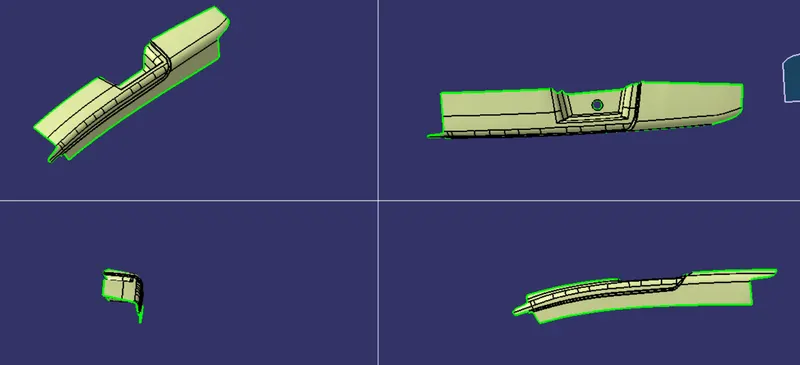
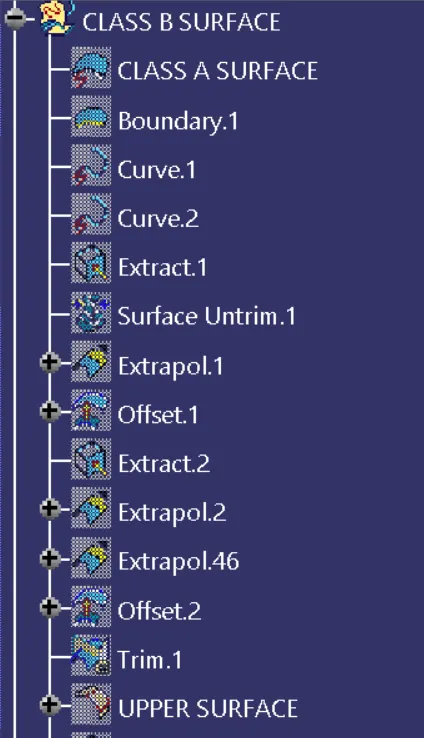
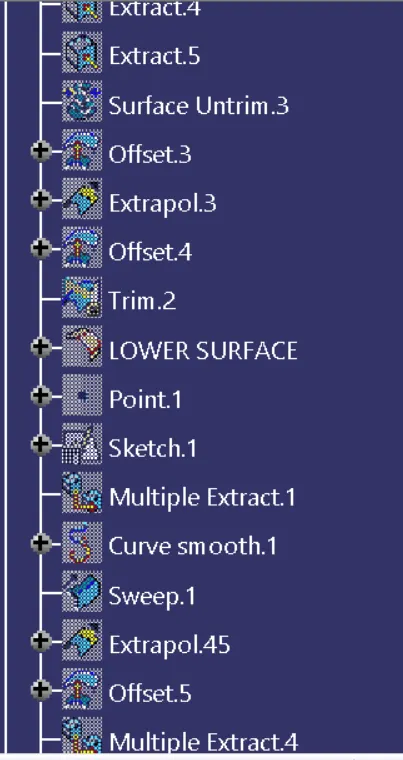
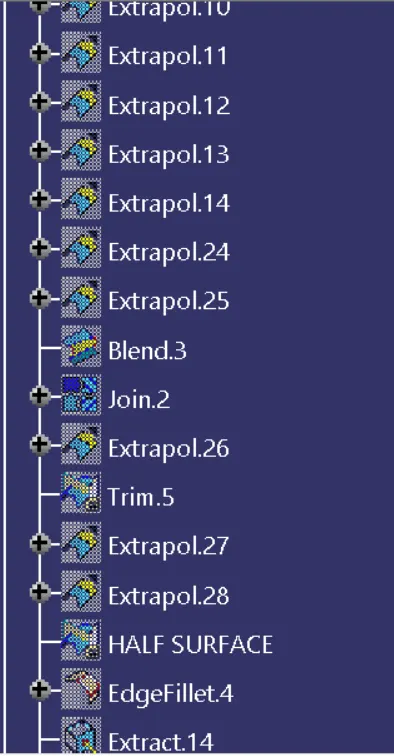
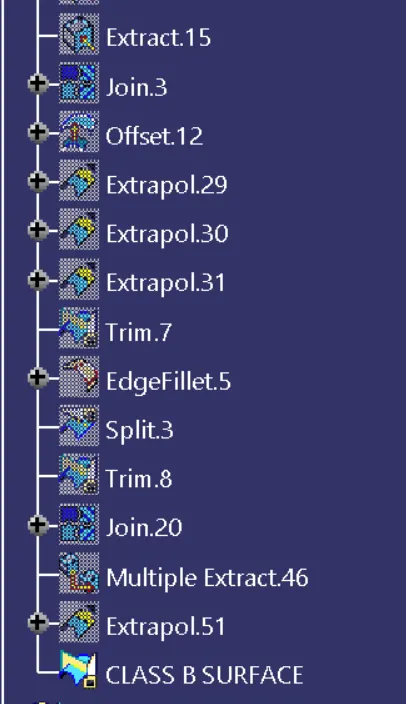
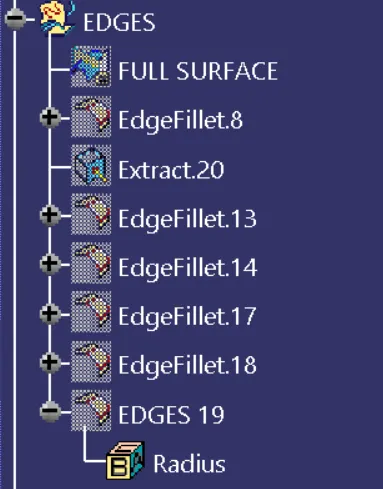
- By extracting the Class A surface offset up to 2.5 mm to create Class B surface.
Side walls
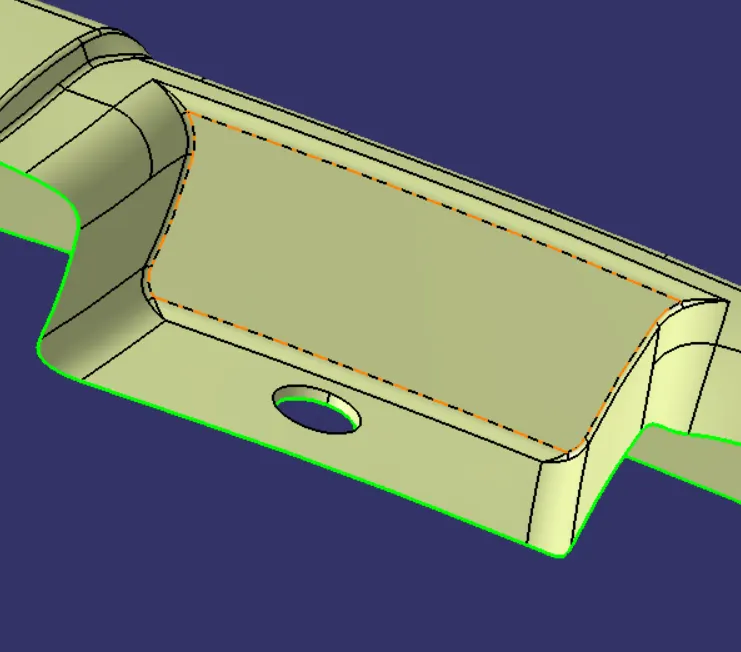
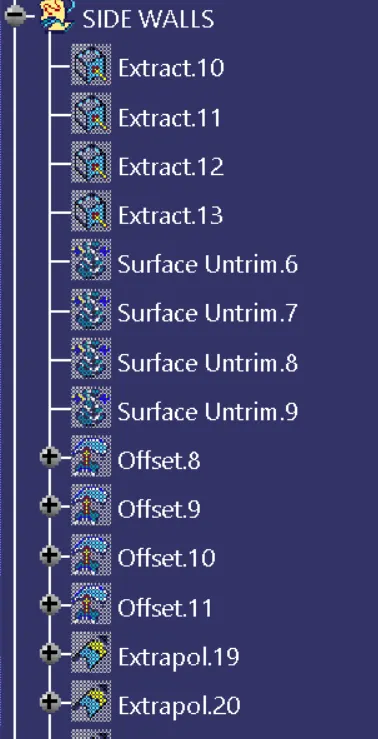
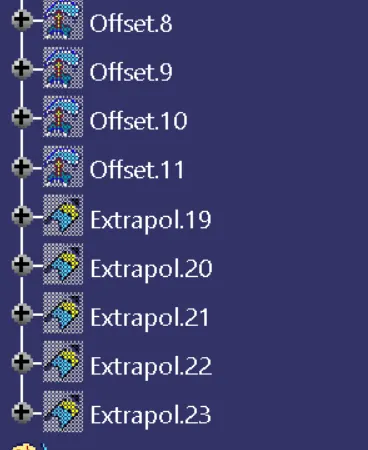
- Providing a fillets for side walls to measure the fillet radius, first select face from the Class A surface extract them and untrime them we got proper radius.
Class C surface
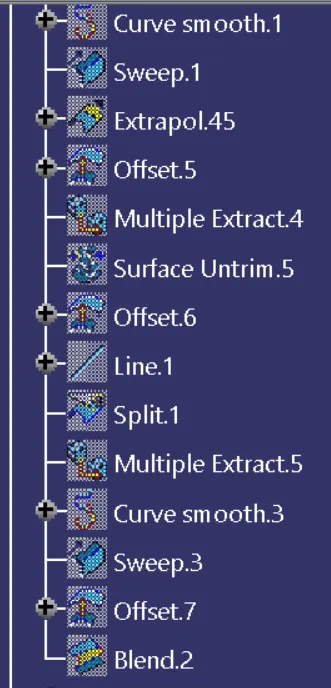
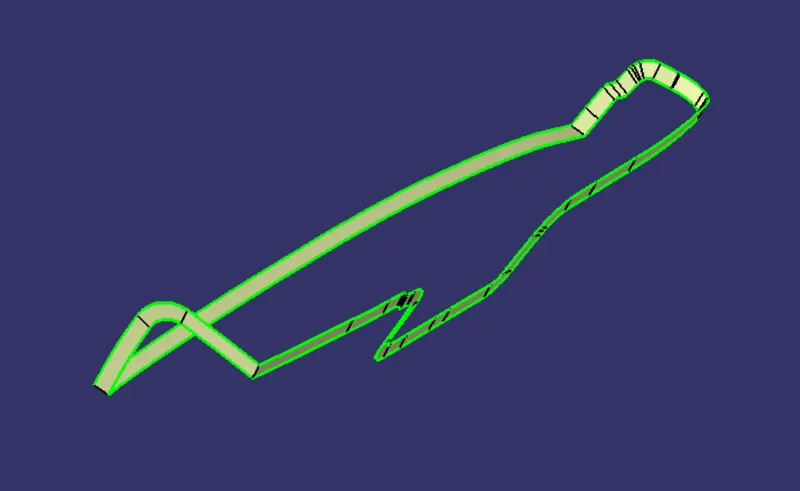
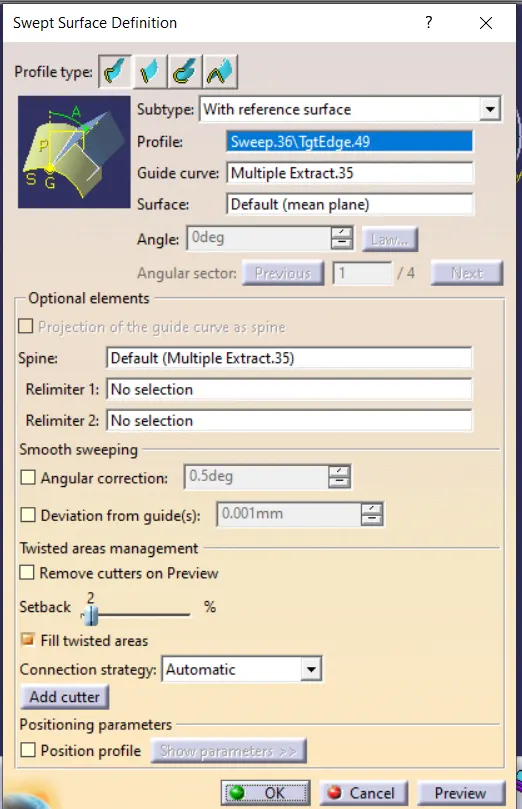
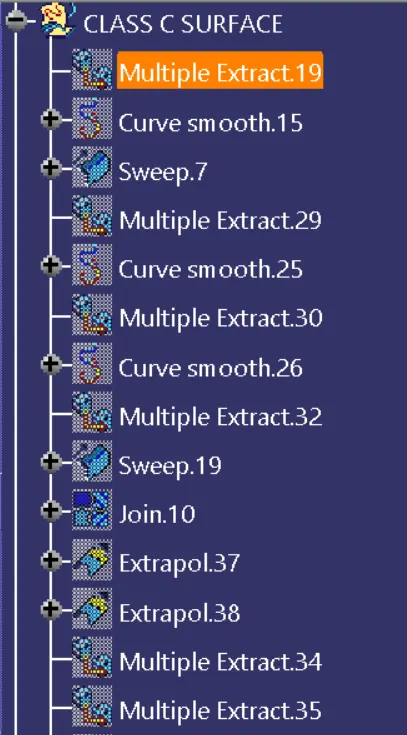
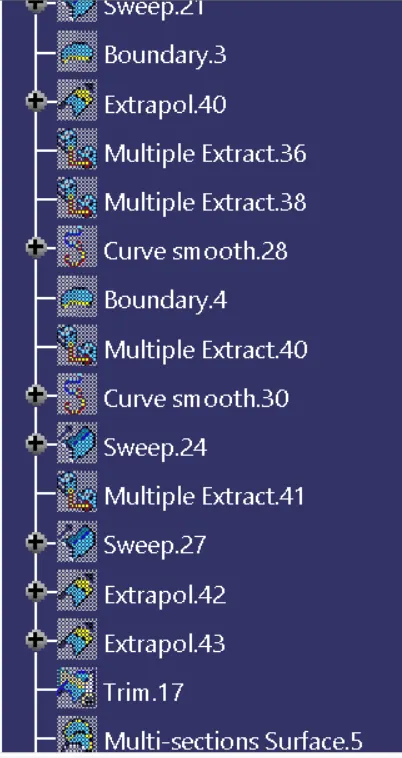
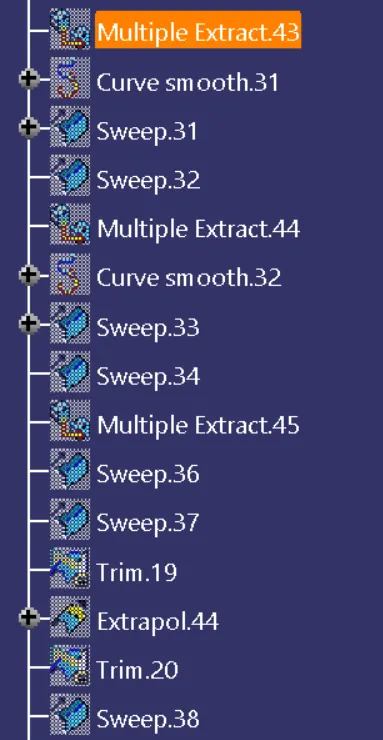
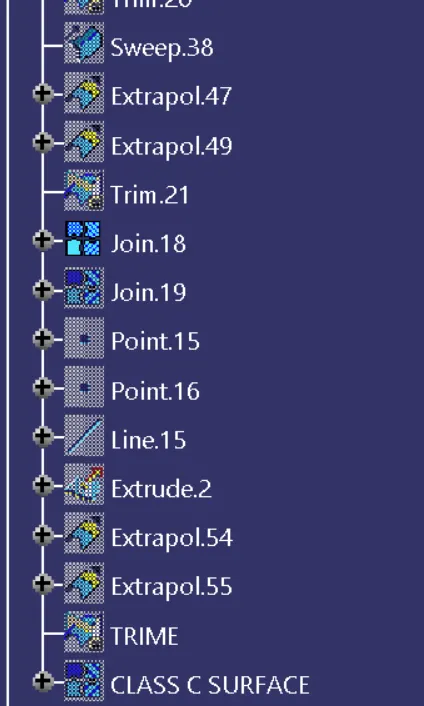
- By using a sweep option from the class A surface created a sweep by applying a draft angle and direction.
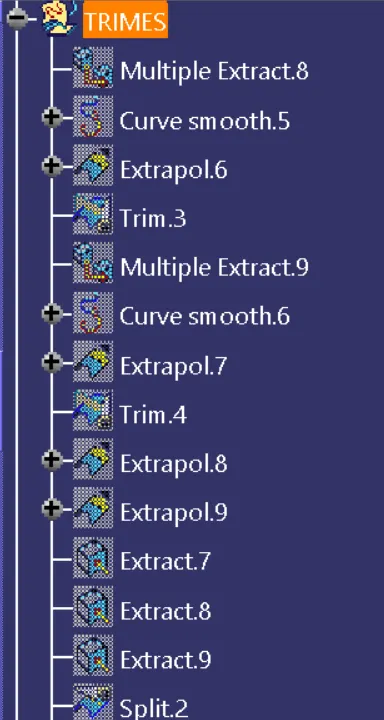
- By using the Multi extract options selected the boundary from the class A surface and also smooth curve option is used to get smooth surface.
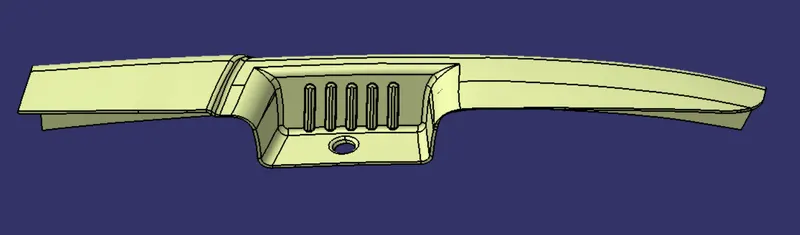
Draft Analysis
- Creating a Draft analysis for given Class-A surface and Finally Closed components as Class C surface.
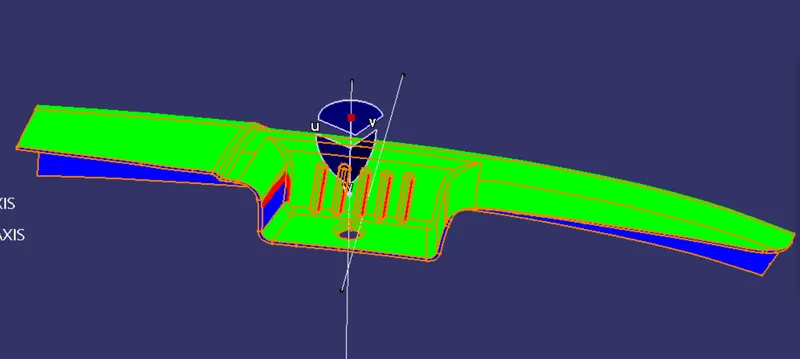
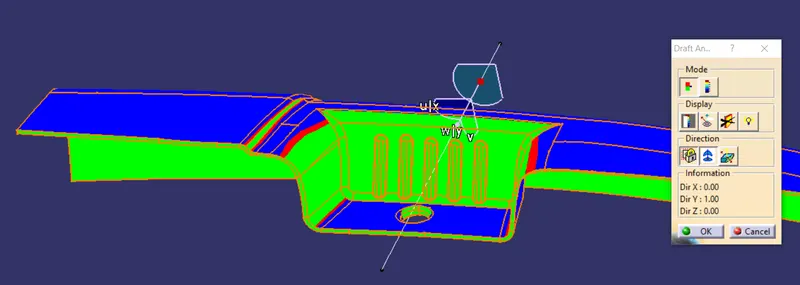
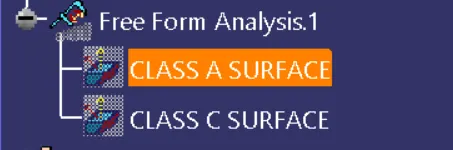
Closed Surface
Start-Mechanical design-Part design
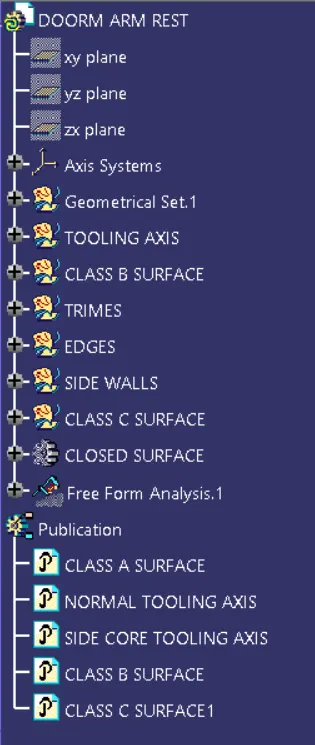
Feature Tree
Views