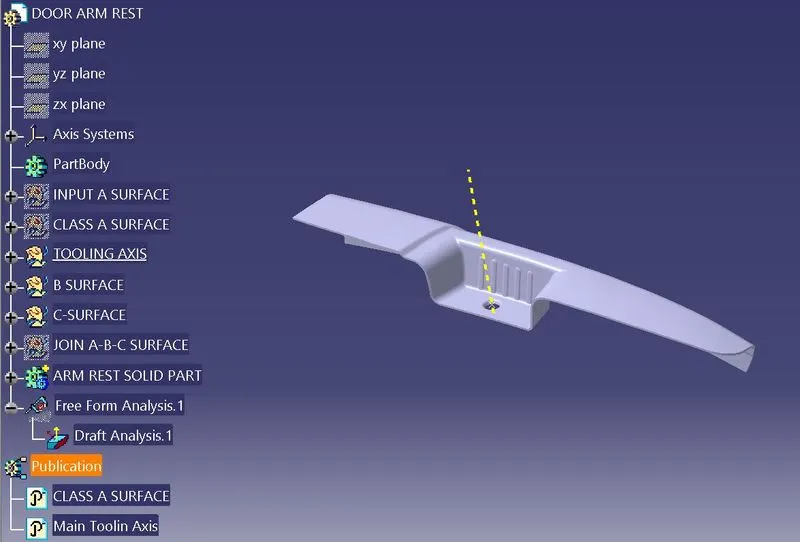
Door Arm Rest Week 8 Challenge
1. Input class A surface in the igs format.
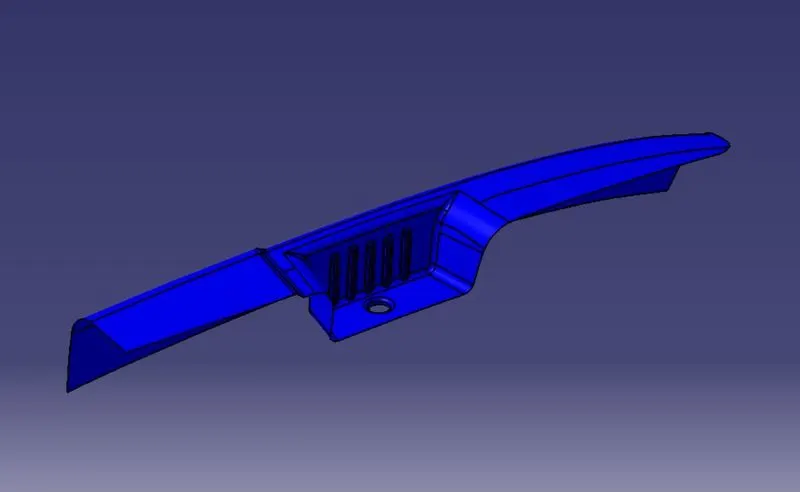
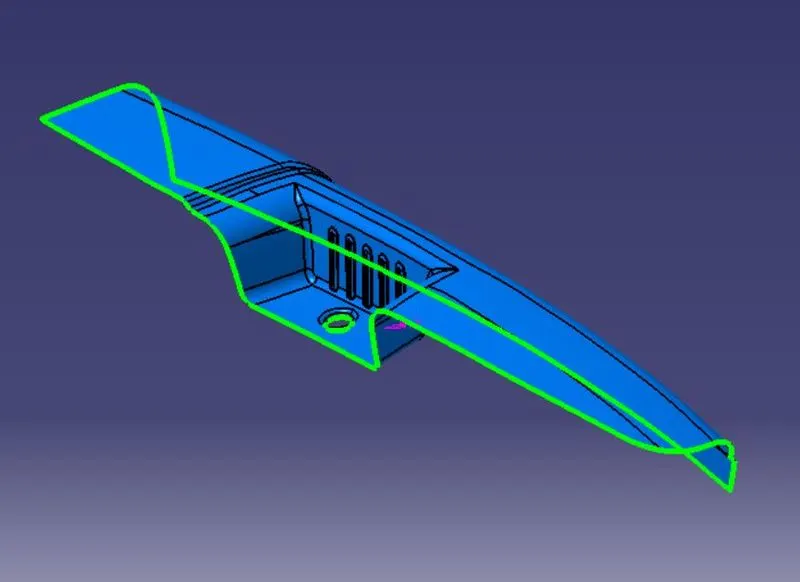
2. Join the input surface and checking the boundries contion. Green line shows the A Surface join properly.
3. Create tooling axis with three surface but here side surface is under cut which and upper side surface is postive draft which is not possibe in the plastc componet so he have to first discuss with Class A designer reagarding this situation.
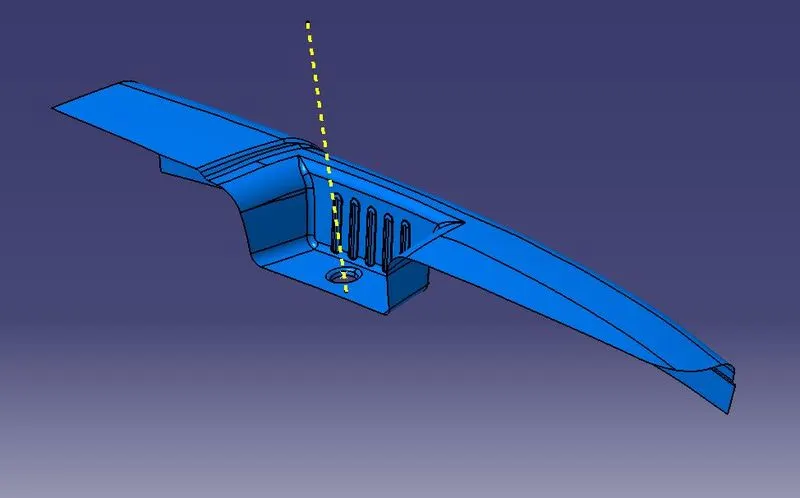
4. Class B surface design with offset command, Here below is the class B surafce.
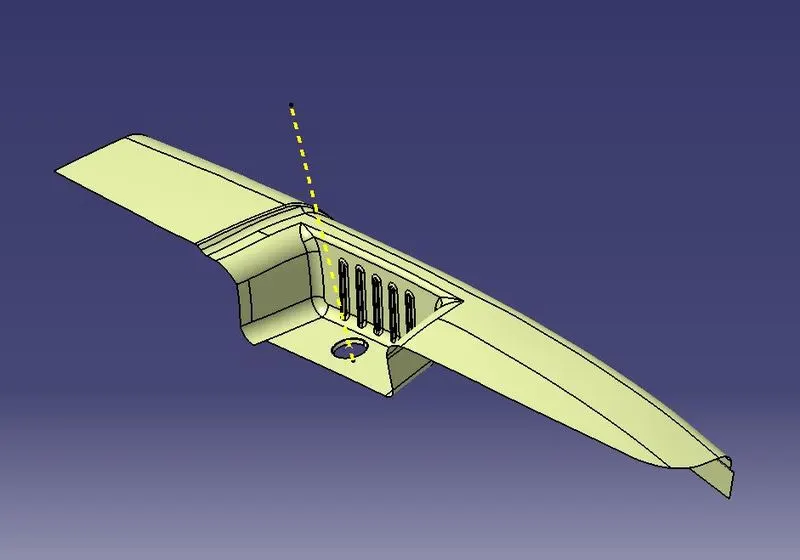
5. We have to create Class C surface with the help of class A surface boundries and join the All surface A,B & C with the help of join command.
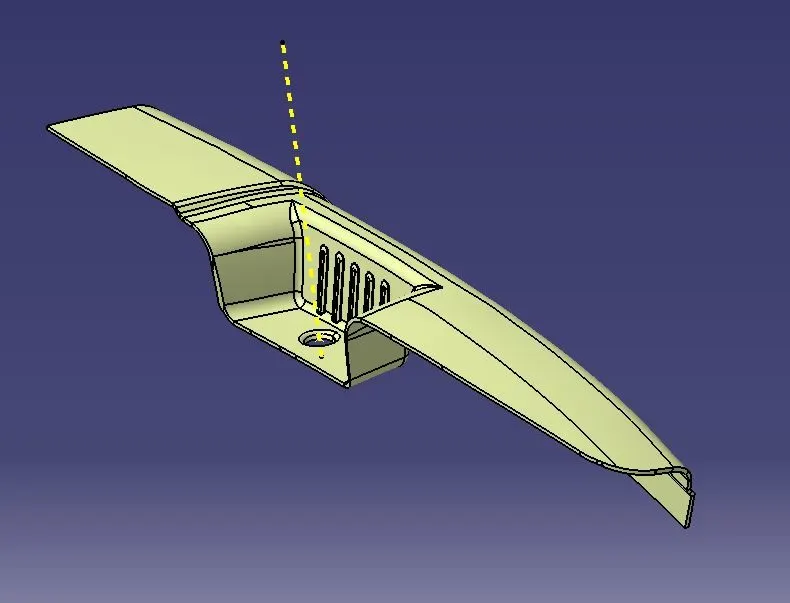
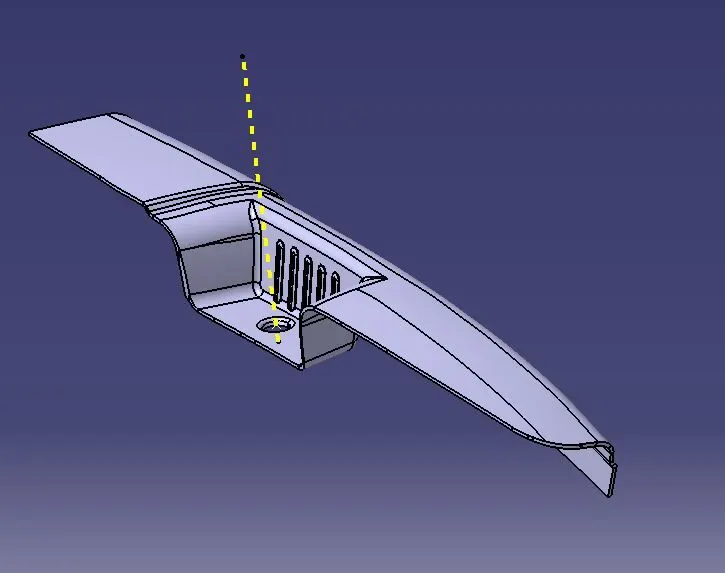
6. Create solid part with the help of closed surface command in the part work bench module.
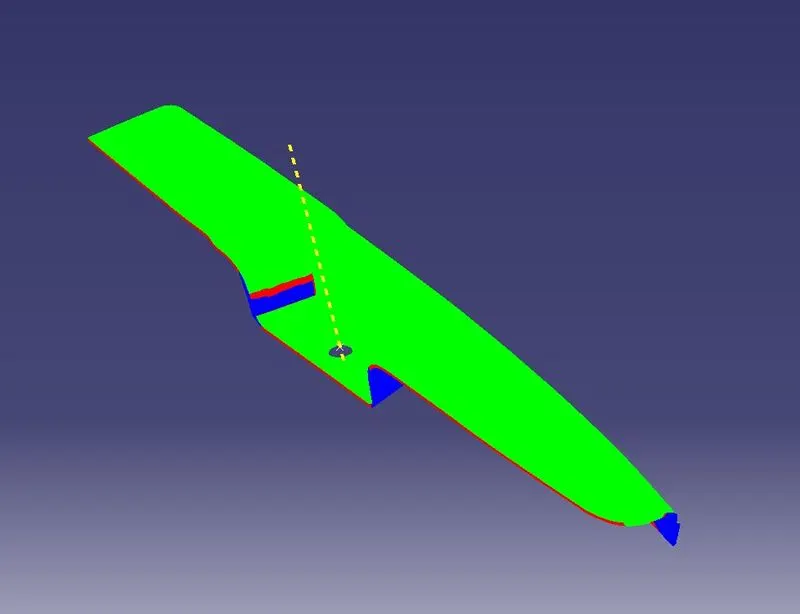
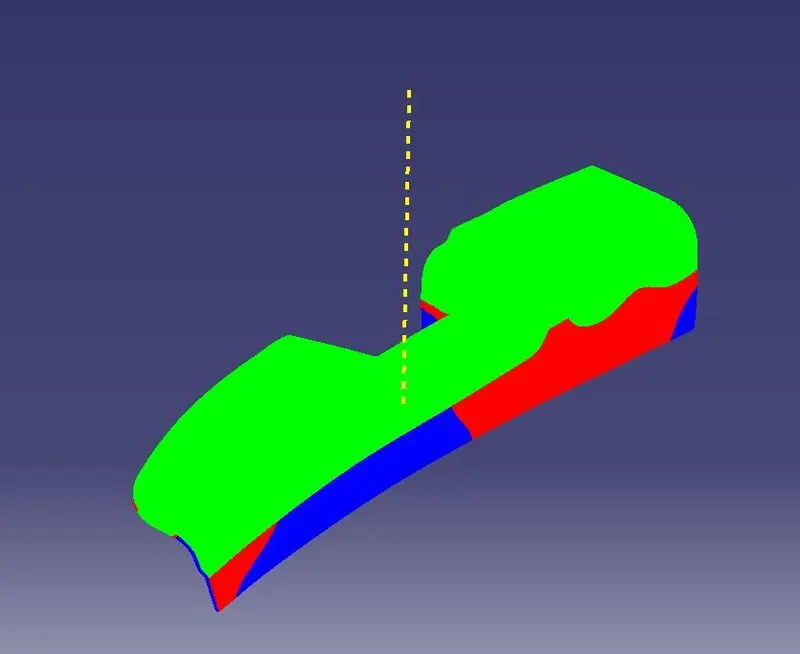
7. Checking the draft angle in which green are shows the cavity region and blue are shows the core region. In this part blue are also show in the cavity region which means A Class surface need to modify ater the disussion with Designer.
8. This is tree structure of the arm rest body.