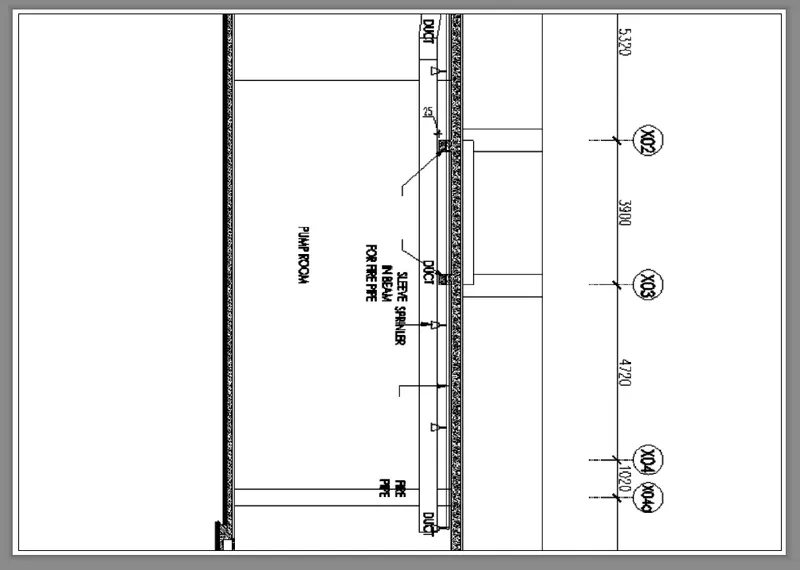
Creation of Multiple viewports, Scaling the drawing and setting in Template in AutoCad
1)
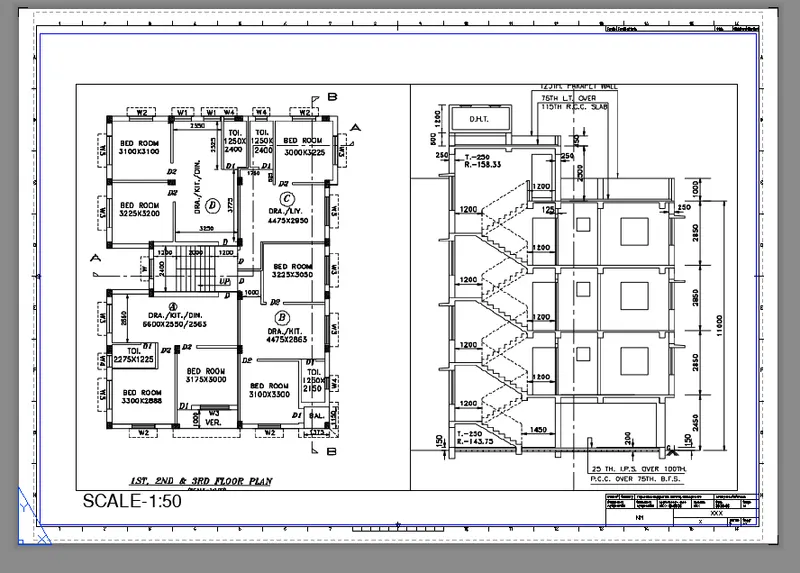
AIM-Create a layout of the Plan and Section A also using the template Tutorial-mArch.dwt in a scale as given in the Figure. Use the MV command to create the viewport of the size as shown in Figure. Also, use ATTEDIT command to edit the information in the title block. Use A1 size for the layout
PROCEDURE
- open file of plan and layout of section A from weak 7 challenge
- from bottom left corner select the layout
- right CLICK on layout and go to from template option
- open Tutorial-mArch.dwt press ok
- right click on the template and go to page setup manager
- go to modify
- select paper size and scale and press ok
- use MV command speicify 1st and 2nd corner point
- Use MS to adjust
- use PS to zoom in page
- do the same for the section
- In the bootom right corner of the template block right click and edit attribute
RESULT
2)
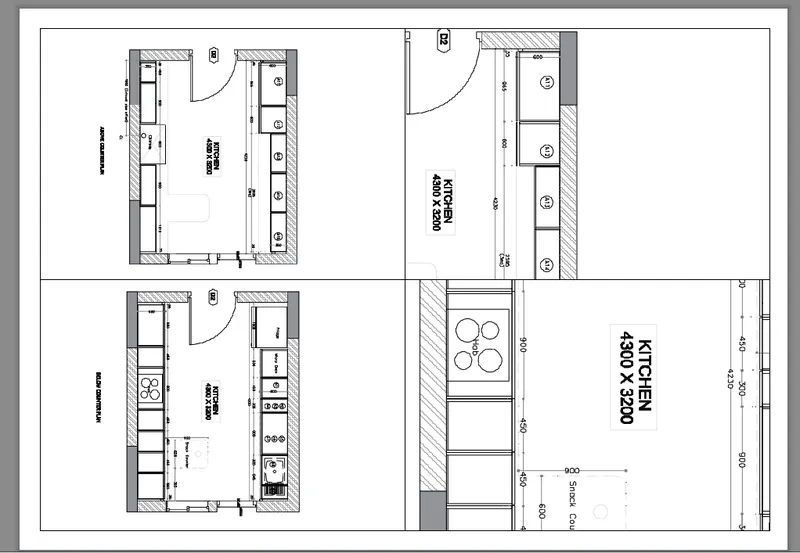
AIM- Create a layout of the Kitchen drawn in Challenge 9 as shown in Figure. Use the scale as shown in the Figure. Use A4 Size page for the layout
PROCEDURE
- open file of plan and layout of KITCHEN LAYOUT from weak 7 challenge
- from bottom left corner select the layout
- right click on the LAYOUT and go to page setup manager
- go to modify
- select paper size and scale and press ok
- use MV command select 4 than speicify 1st and 2nd corner point
- Use MS to adjust
- use PS to zoom in page
RESULT
3)
AIM-Create a layout of the section created in Challenges 9.Use scale as mentioned in the Figure. Use MV command create multiple viewports
PROCEDURE
- open file of plan and layout of the section from weak 9 challenge
- from bottom left corner select the layout
- right click on the LAYOUT and go to page setup manager
- go to modify
- select paper size and scale and press ok
- use MV command select 4 than speicify 1st and 2nd corner point
- Use MS to adjust
- use PS to zoom in page
RESULT