Creation of Multiple viewports, Scaling the drawing and setting in Template in AutoCad
INTRODUCTION-Creating multiple view ports of the figures given as per the question,using MS command ,plot and view manager.
AIM-To create view ports of layouts,floor plans and of sectional view in AutoCAD 2019.
COMMANDS USED
- View,model space,multiple view,pan,trim,scale.
STEPS FOR QUESTION-1
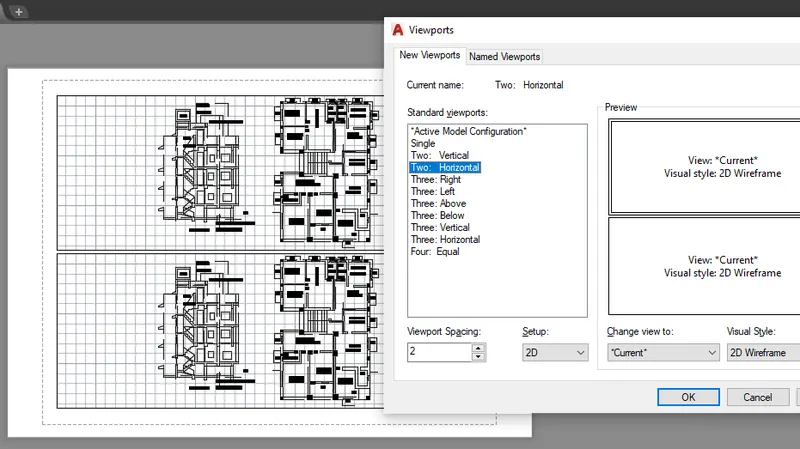
- Select the drawings as per the question and select it fully and now click in layout tab,to view the layout of the drawing,now type MV which stands for multiple view ,click it and select two horizontal from there,after this type MS which stands for model space, click it to get the desired result.
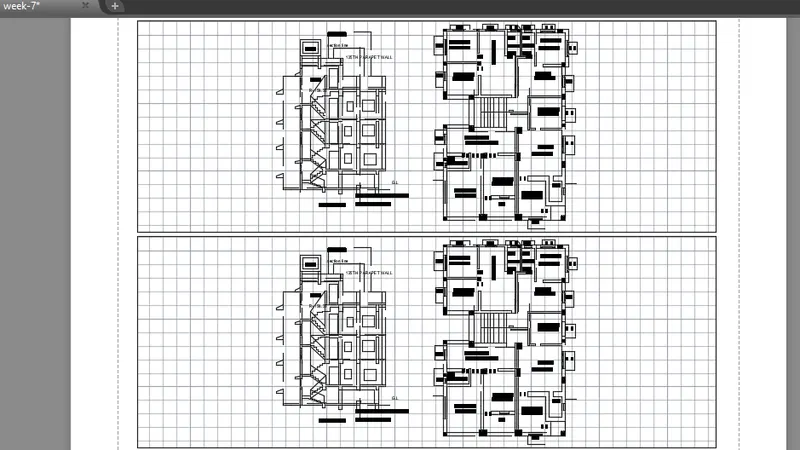
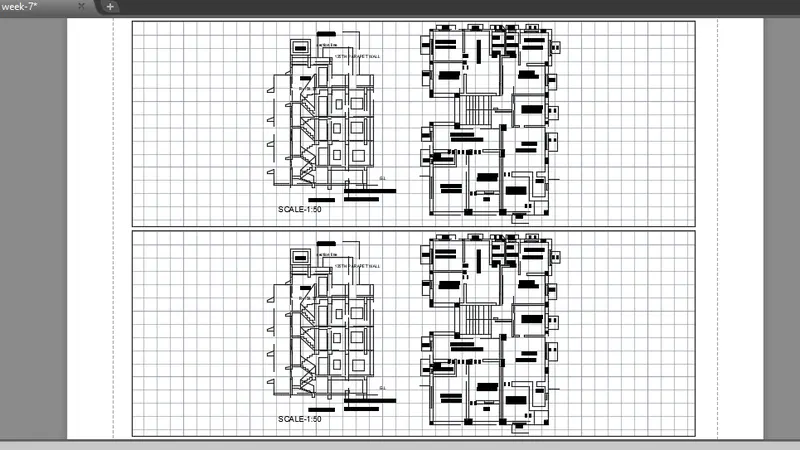
- Provide the namings by using text command and provide appropriate scale to the drawing.
STEPS FOR QUESTION-2
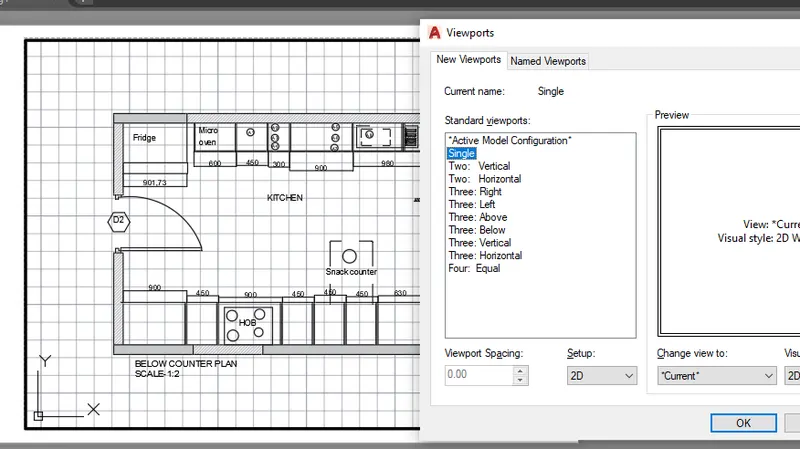
- Click on layout tab,then give command VPORT ,after that select single in there and drag cursor to specify the boundary for our layout.
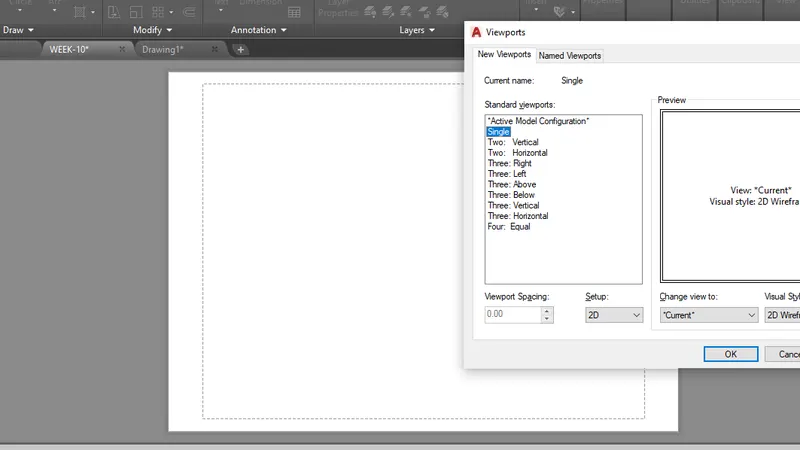
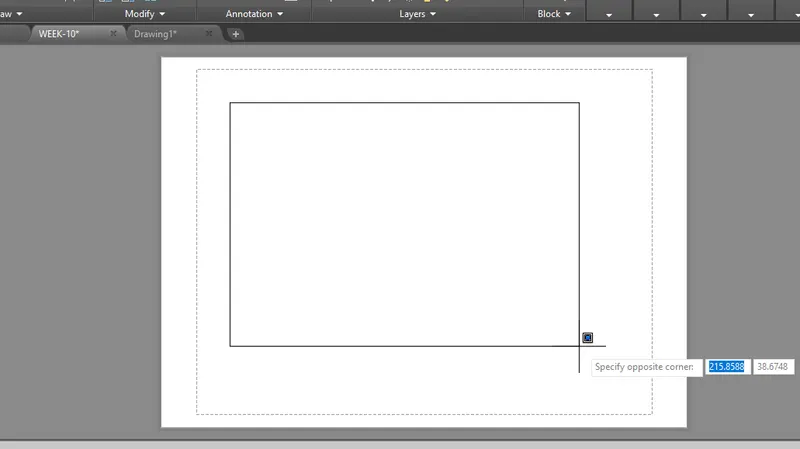
- Select the kitchen layouts given as per the question and select it fully and now click in layout tab,to view the layout of the drawing,now type MV which stands for multiple view ,click it and select single from there,after this type MS which stands for model space, click it to get the desired result.
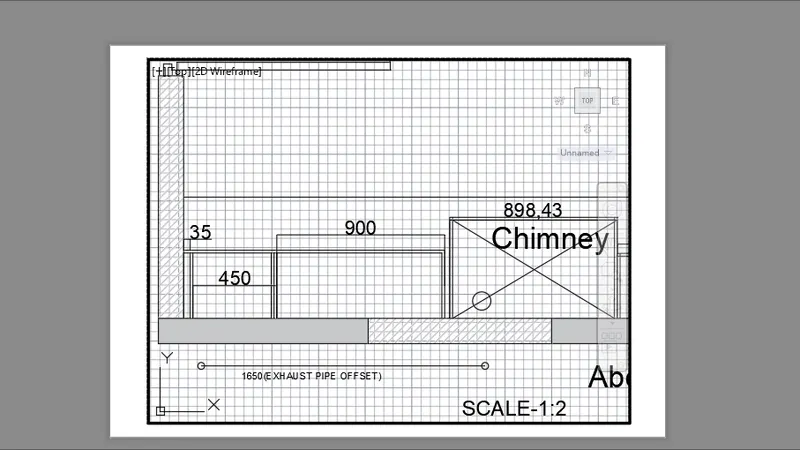
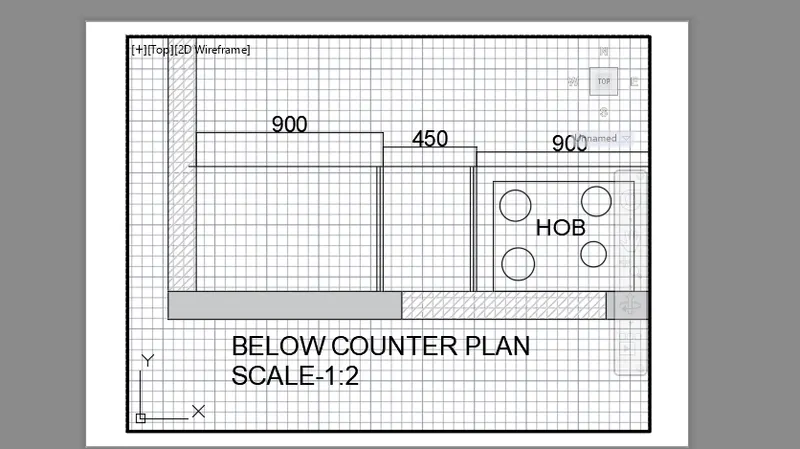
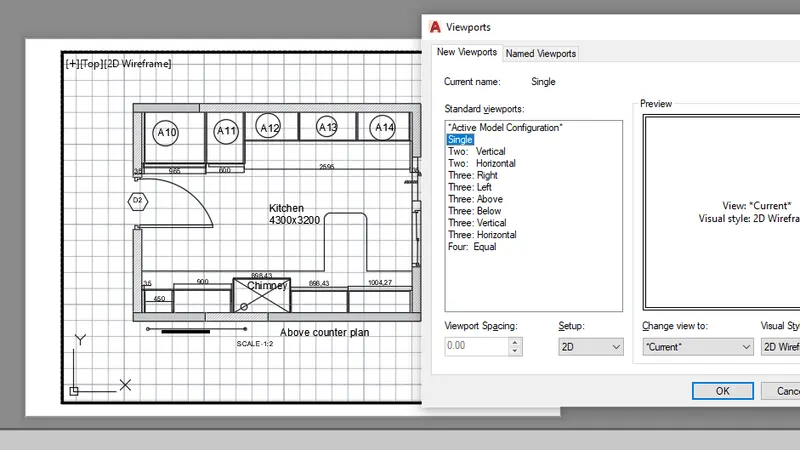
- Provide the namings by using text command and provide appropriate scale to the drawing.
STEPS FOE QUESTION-3
- Select the sectional view given as per the question and select it fully and now click in layout tab,to view the layout of the drawing,now type MV which stands for multiple view ,click it and select SINGLE, from there,after this type MS which stands for model space, click it to get the desired result.
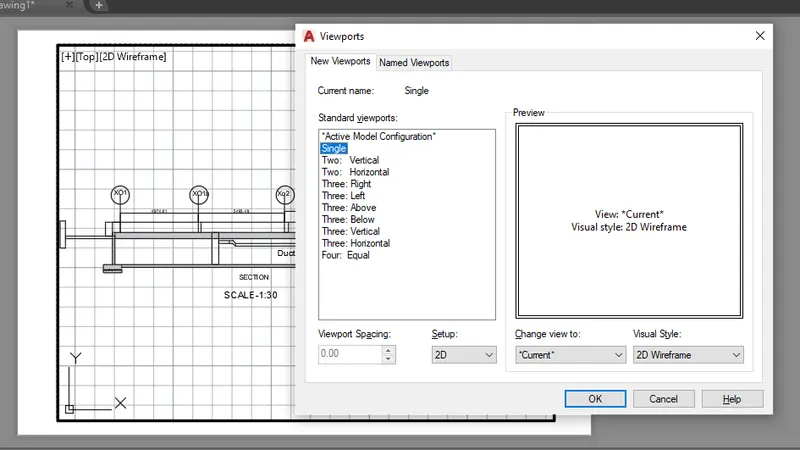
- Give MS command,to lock the viewport.
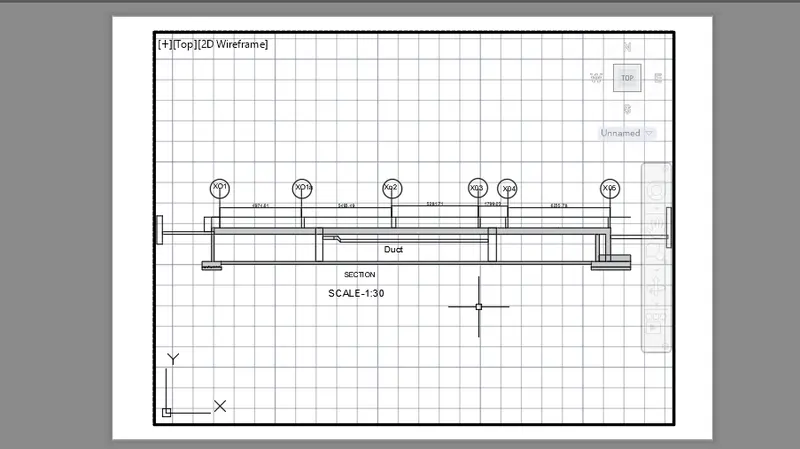
RESULT
We have successfully completed oue challenge 10th,in AutoCAD 2019 version by covering questions through layout features.