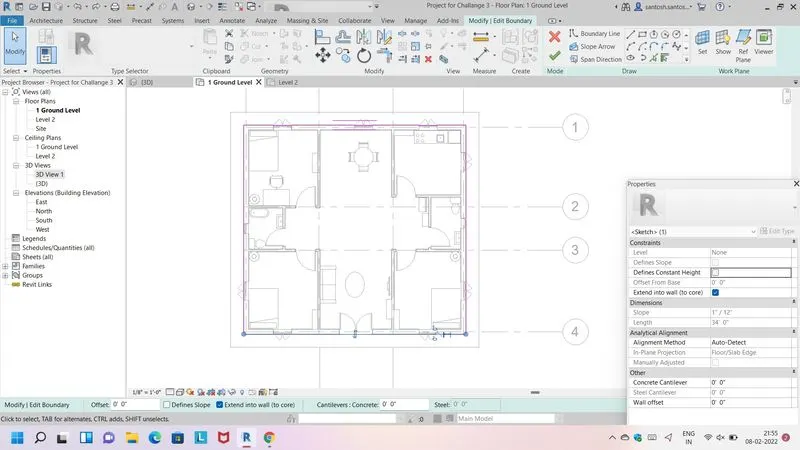
Creating Walls, Partition walls and Floors for a residential layout using REVIT
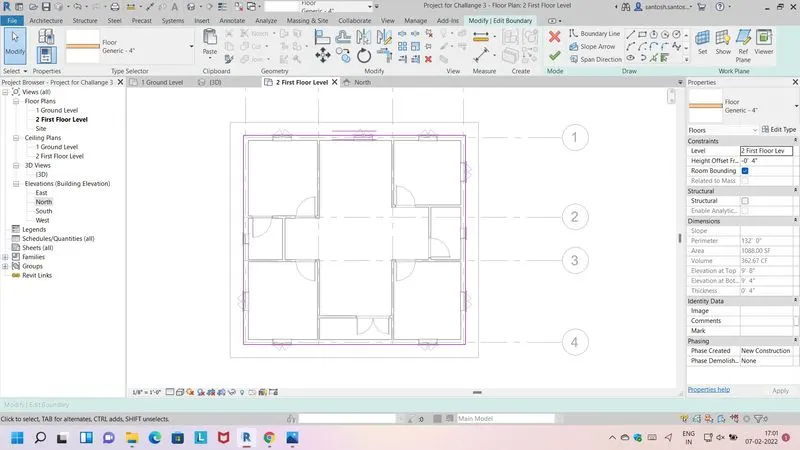
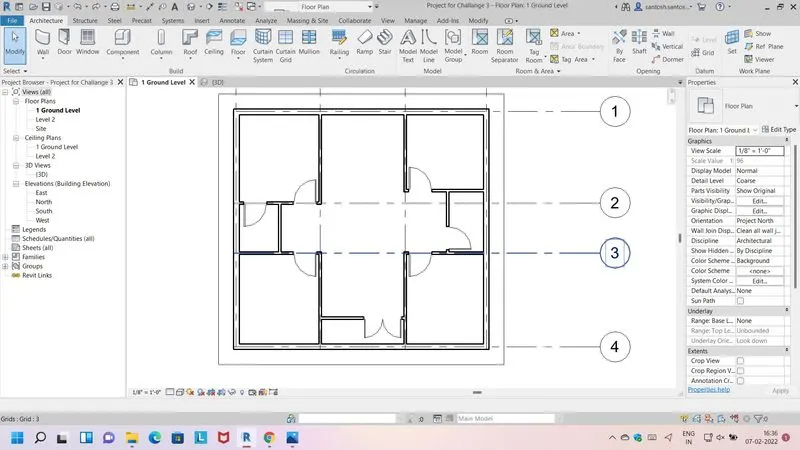
1) Use the project file created from Week 2. Use it for this assignment. Based on your layout from week 2, using floor tool under architecture tab and select the floor with appropriate material and thickness using the property browser create a layout in the Ground floor Level. Align the floor plan with grids created from week 2
Ans - Creating Floor
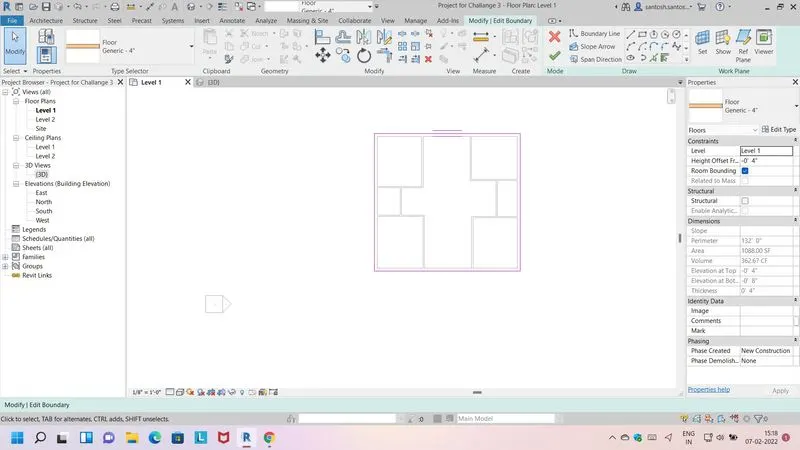
Align With Grid-
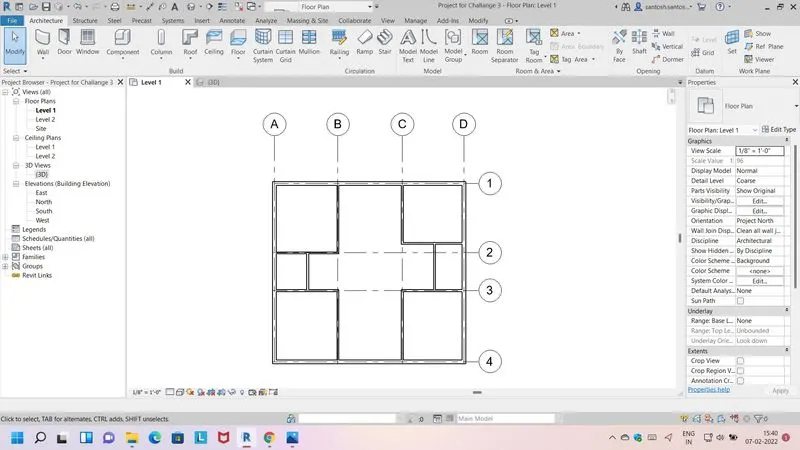
2) Add walls based on the floor layout. Pick lines or use the draw tool to modify the boundary of walls. Use the property browser to select appropriate material and thickness for walls. After creating the walls verify using the property browser to see if the top and bottom of the walls are constrained?
Ans-
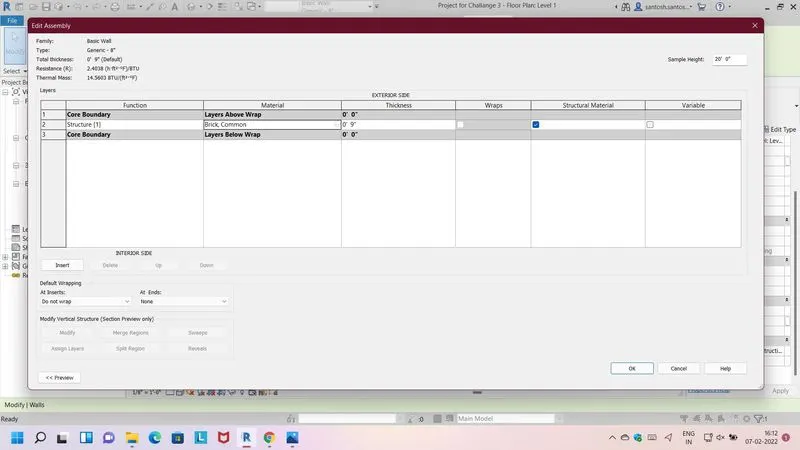
a- As per my observation connecting walls with associated level is better than being unconnnected.
b- Height option is more convient .
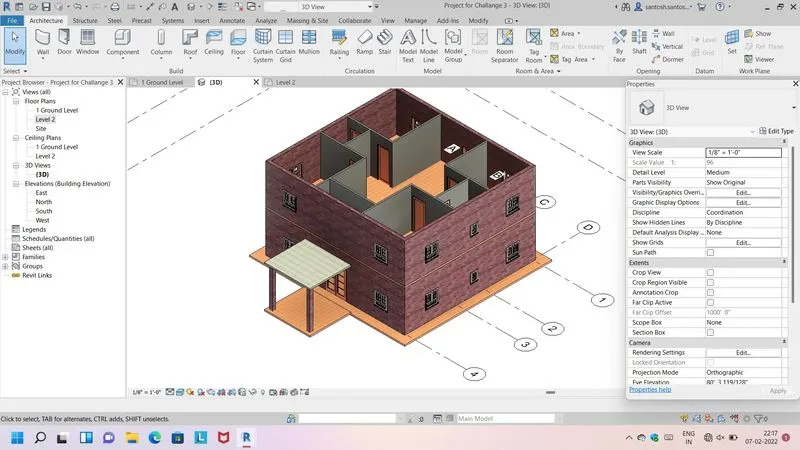
3) Copy the model elements ( wall, floor ) modelled to Ground Floor Level and paste it aligned to First Floor Level . Use modify tab to utilize copy and paste options to align
elements to a different level?
Ans- copy of model to ground floor with modify tab, clipboard tool and paste in level 2 with align option.
4) Use interior partition walls to create separate rooms within your residential unit?
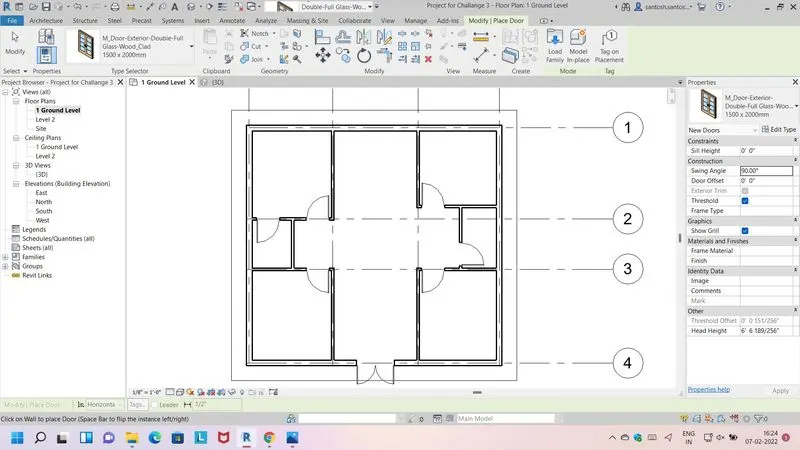
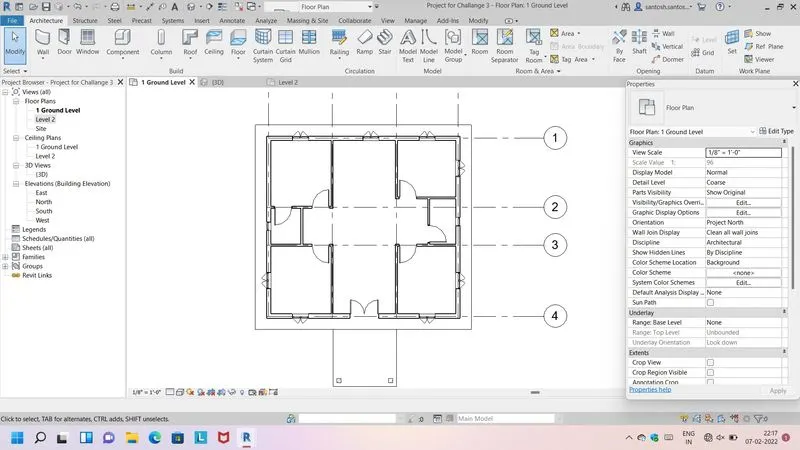
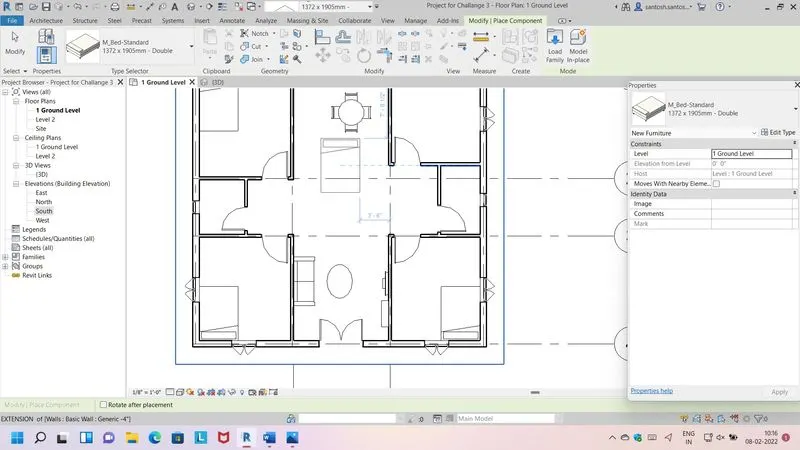
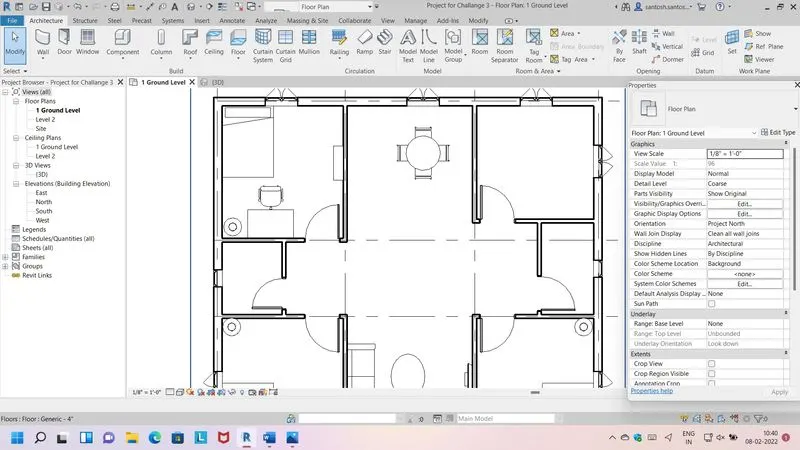
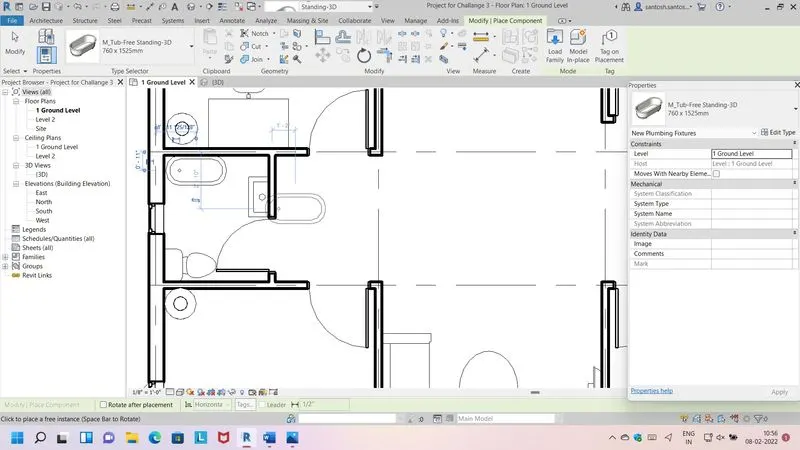
5) Based assignment, the components to be included in a residential unit were inserted to the Revit file. Place these components in appropriate locations to add details to your residential model?
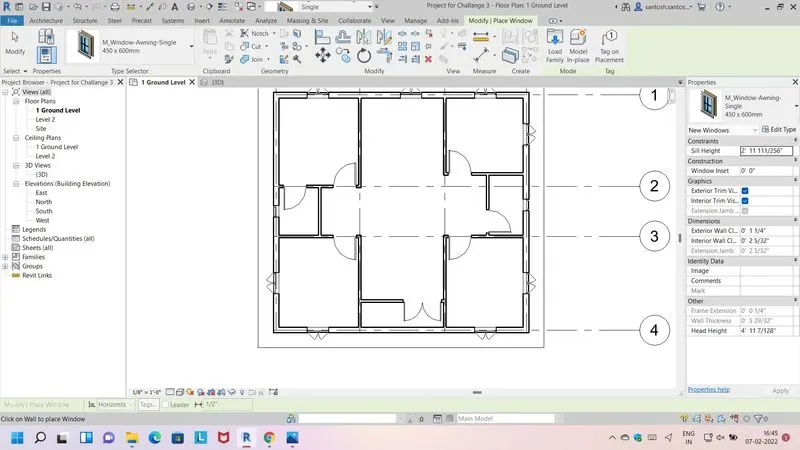
A) Place doors & Windows in wall at appropriate location
B) Living Room TV ,Coutch ,Table
C) Dining room table & Chair
D) Bedroom include Bed shelf ,lighting ,dtudy desk and chair
E) Wash room include plumbing fixure
F) Kitchen & Storage included all element