Creating various 3D Models like Furniture, Footing, Girder, Column drop with panel and Gable Wall in AutoCad
1. Creation of the 3D Furniture Element.
a. Creation of the Furniture Font View:
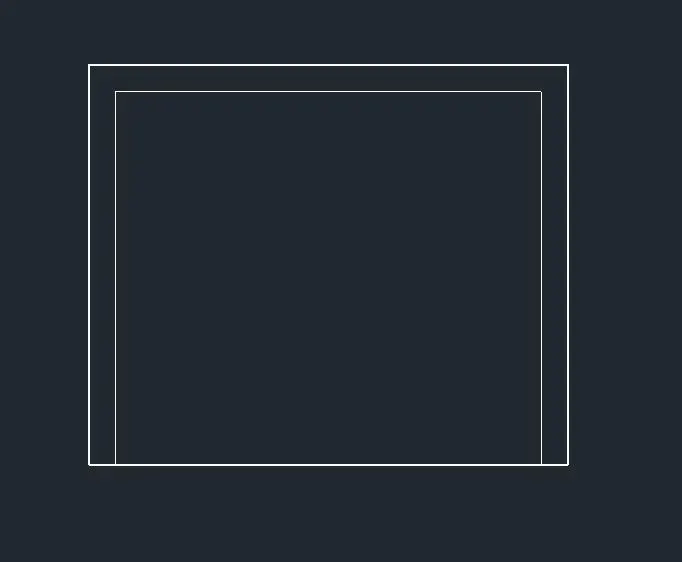
b. Creation of the 3D Object by Rotating using 3DRotate and Extrude Commond:
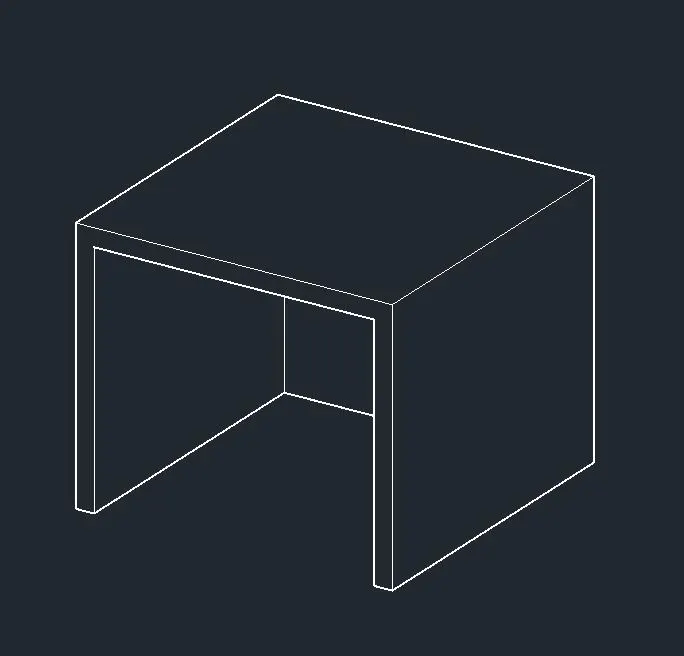
c. Results Showing 3D Furniture Element:
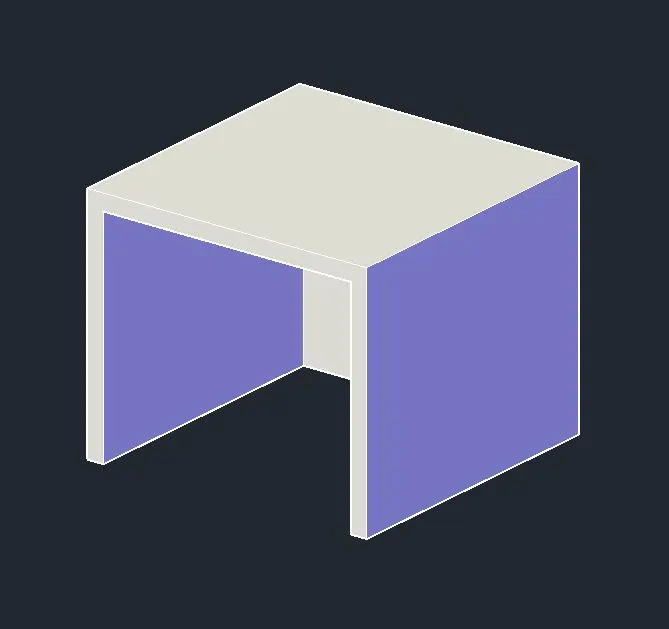
2. Creation of 3D Model Isolated Footing:
a. Creation of the Rectangular objects with Repective measurements and Respective Heights:
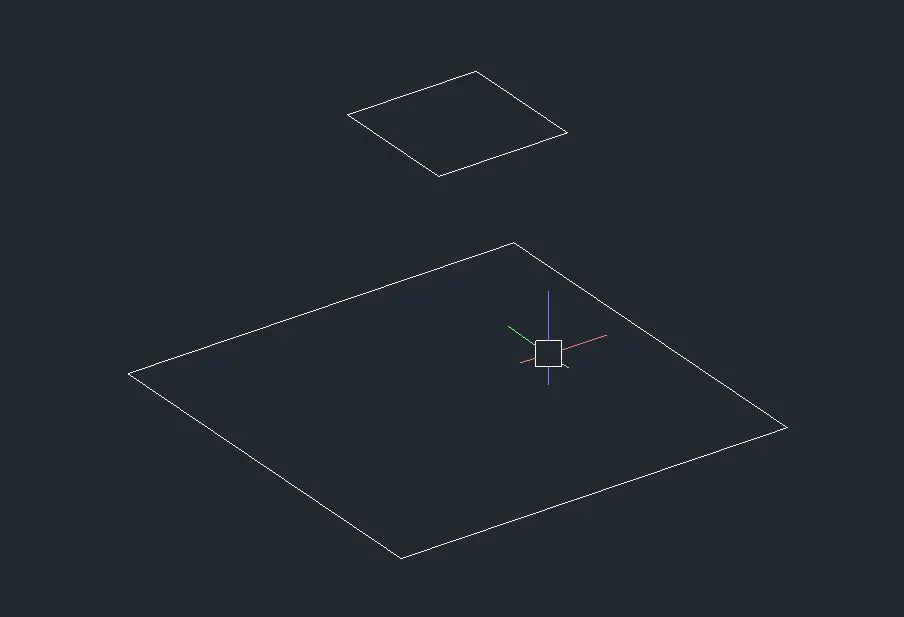
b. Creation of the 3D View by using Loft and Extrude command:
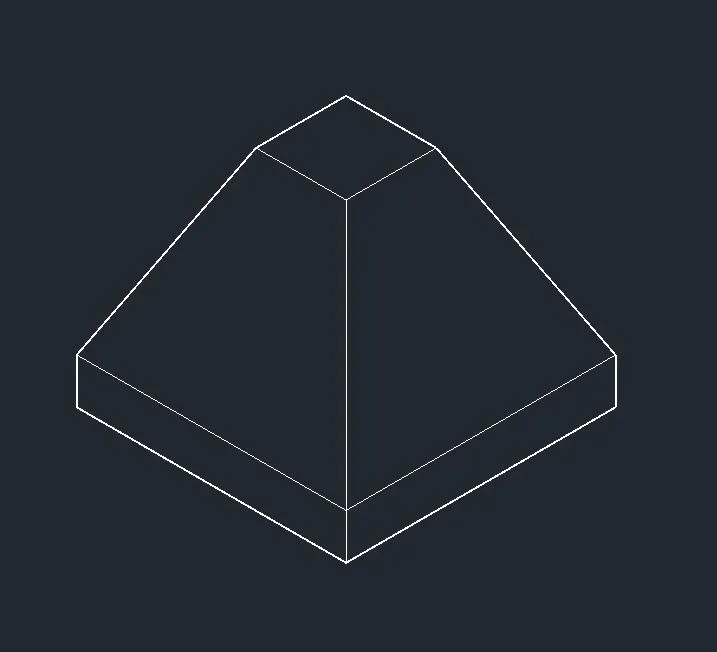
c. Results Showing 3D Isolated Footing:
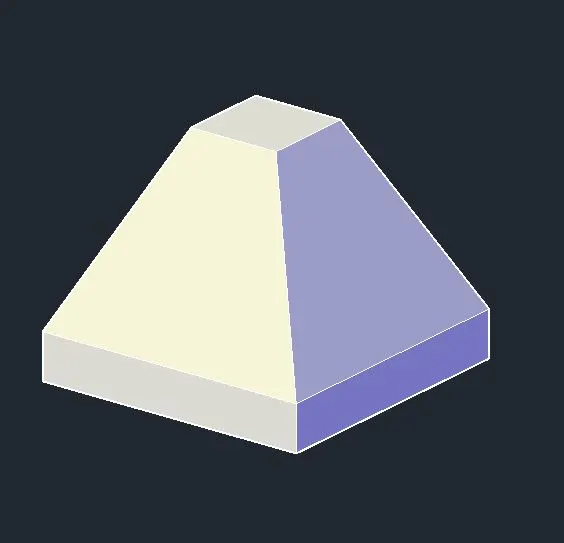
3. Creation of the AASTHO Type Grider 3D View.
a. Creation of the Front View of the AASTHO Type Grider with appropriate Measurements:
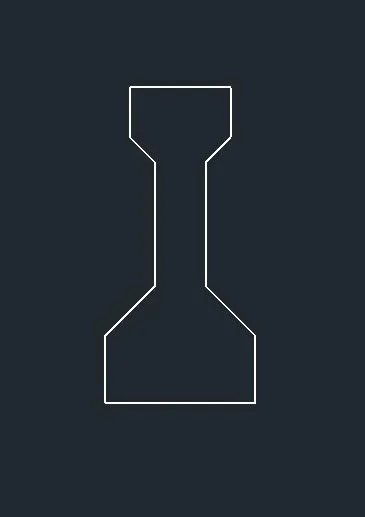
b. Creation of the 3D Object by Rotating using 3DRotate and Extrude Commond:
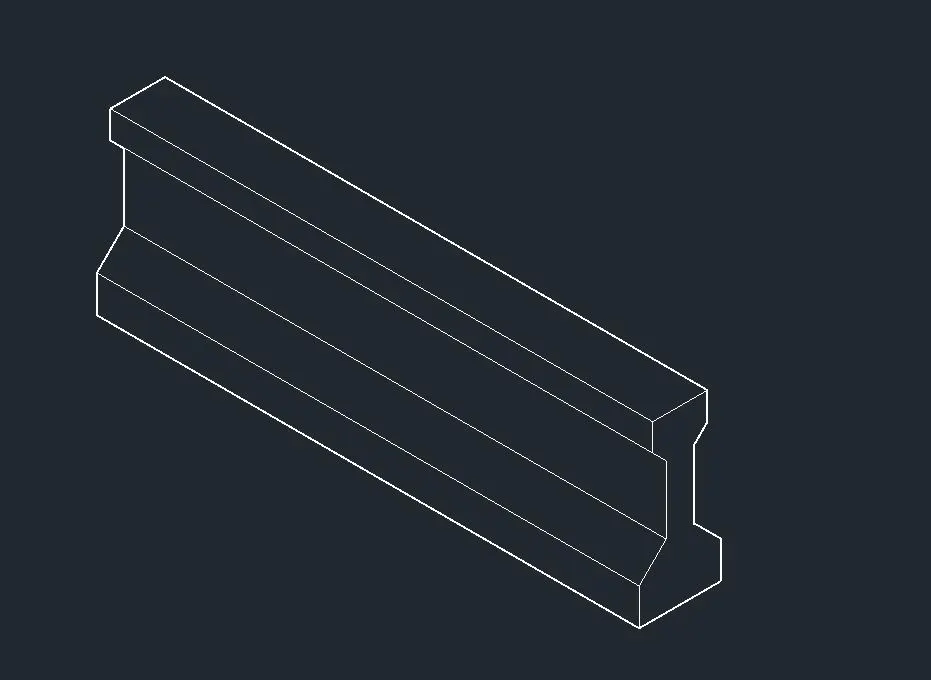
c. Results Showing of the AASTHO Type Grider 3D View.
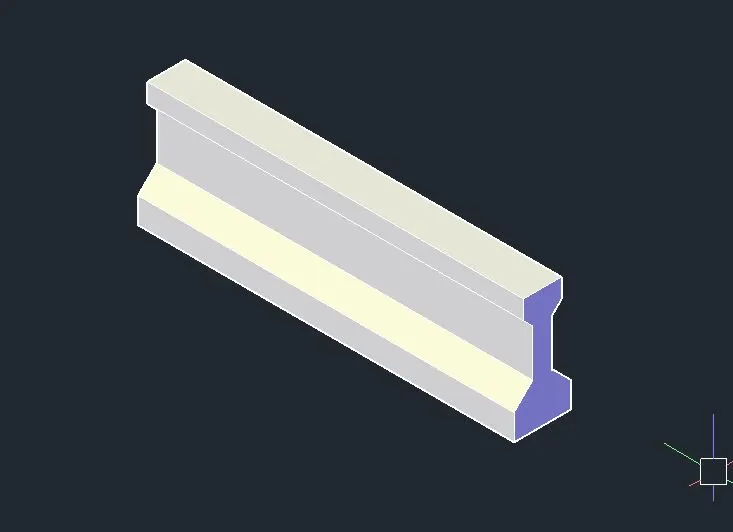
4. Creation of the Column drop Panel 3D View.
a. Creation of the Top View of the column drop panel objects in respective heights:
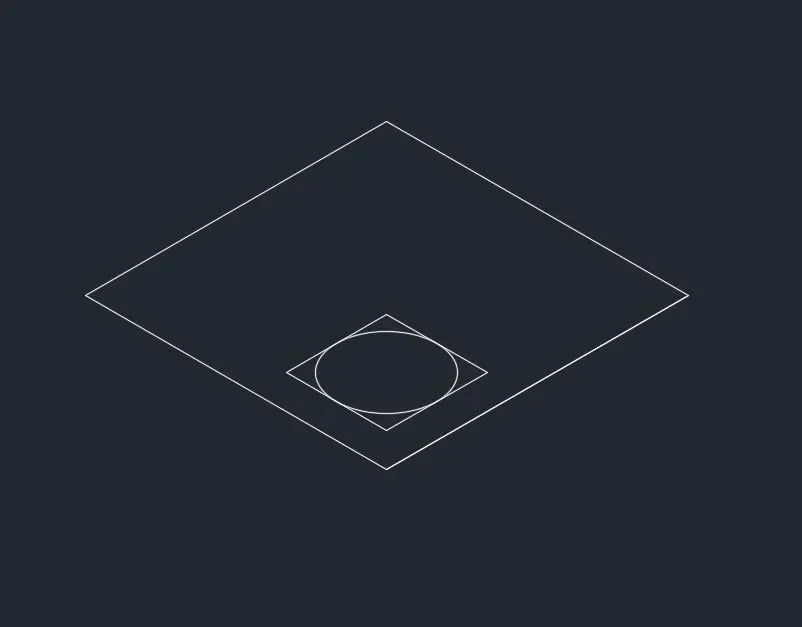
b. Creation of the 3D View using loft, Extrude,Box Commansds:
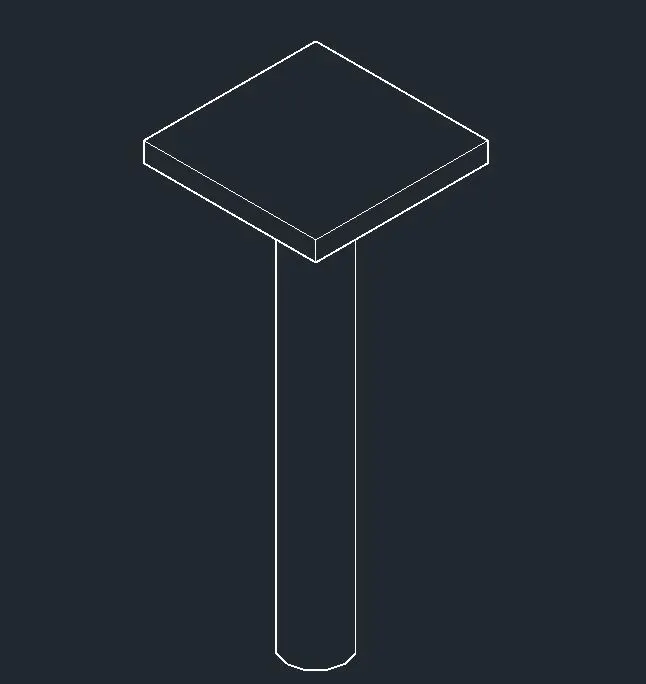
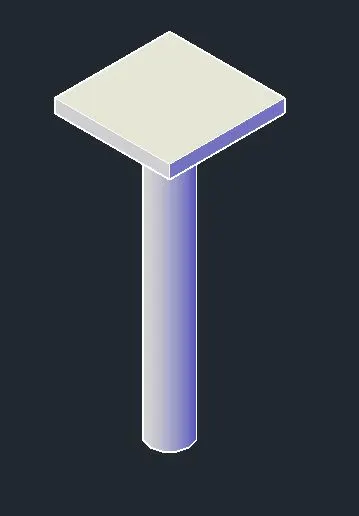
C. Results showing the 3D View of column drop panel:
5. Creation of the Wall 3D View.
a. Creation of the Furniture Font View:
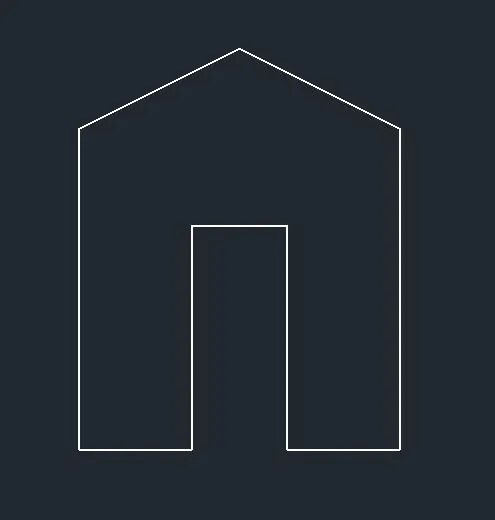
b. Creation of the 3D Object by Rotating using 3DRotate and Extrude, Subtract Commonds:
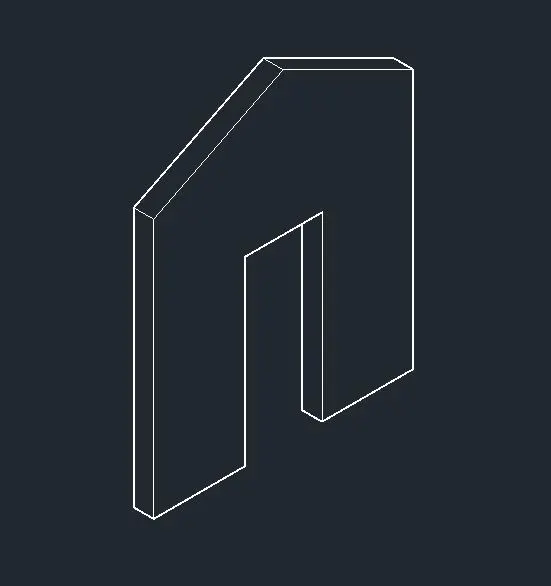
c. Results showing 3D View of the Wall: