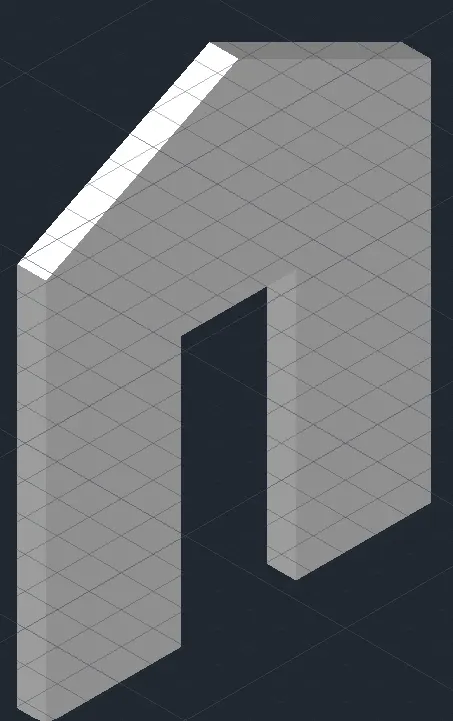
Creating various 3D Models like Furniture, Footing, Girder, Column drop with panel and Gable Wall in AutoCad
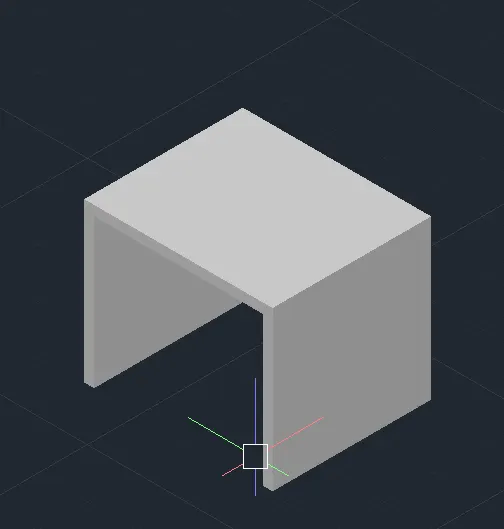
Aim : To a 3D Furniture element as shown in the Figure 1
Introduction : It is a 3D Furniture element
Procedure :
By 3Dorbit, boundry, line, join, region, rotate3D, extrude, subtract, move commands it can be done
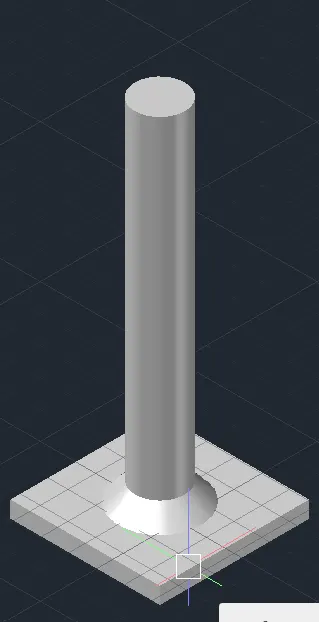
Aim : To the 3d Model of an Isolated footing as shown in Figure 2.
Introduction : It is an Isolated footing
Procedure :
By 3Dorbit, boundry, line, join, region, rotate3D, extrude, subtract, move commands it can be done
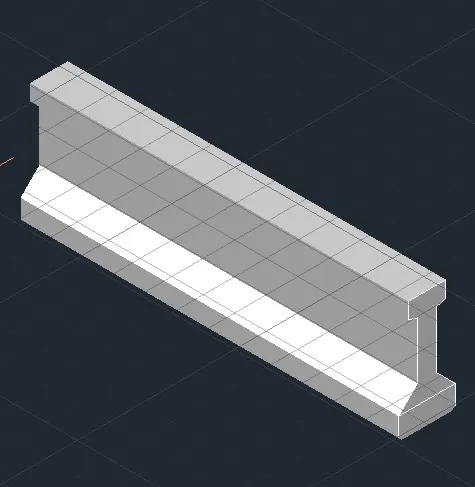
Aim : To the 3D view of the AASTHO Type Girder Figure 3.
Introduction : It is the AASTHO Type Girder
Procedure :
By 3Dorbit, boundry, line, join, region, rotate3D, extrude, subtract, move commands it can be done
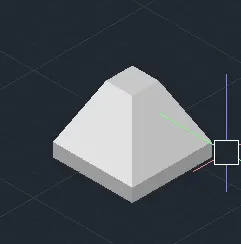
Aim : To a 3d Model of a drop column with panel as shown figure 4.
Introduction : It is a drop column with panel
Procedure :
By 3Dorbit, boundry, line, join, region, rotate3D, extrude, subtract, move commands it can be done
Aim : To the 3d model of a wall as shown in Figure 5.
Introduction : It is a wall
Procedure :
By 3Dorbit, boundry, line, join, region, rotate3D, extrude, subtract, move commands it can be done