Creating Levels, Grids, Layout and model elements for a residential unit using REVIT
Q1- Ans: BIM stands for Building Information Modelling. BIM is a process and methodology which helps a team of architects, engineers, and contractors work collaboratively to design and build a commercial building utilizing the same database and computer model.
Following are the benefits that BIM allows over 2D CAD tools:
1. It helps in creating detailed digital representations that are managed in an open cloud platform for real-time collaboration as well as gives you greater visibility, better decision-making, more sustainable options, and cost-savings on AEC projects.
2. At its core, BIM offers a digital representation of the real facility, including function systems (HVAC, electrical) and aesthetics (walls, roof, windows).
3. BIM allows designers to discover, among other things, errors in the design before construction begins, avoiding costly change orders. More importantly, design engineers are able to utilize manufacturer-specific products in their design to analyze their impact on key goals such as energy usage or sustainability.
Q1- Ans: BIM stands for Building Information Modelling. BIM is a process and methodology which helps a team of architects, engineers, and contractors work collaboratively to design and build a commercial building utilizing the same database and computer model.
Q2- Ans: All of these aspects of Revit helps in adding detail to project space.
Categories - These are properties of Revit that are already present and are predefined in it for example walls, doors, windows, columns, etc.
Families - These are groups of elements of their respective category that share common properties for example the category door will have many families such as single flush door, double door, sliding door, etc.
Elements - Revit uses 3 types of elements in projects: model elements, datum elements, and view-specific elements. Elements in Revit are also referred to as families. The family contains the geometric definition of the element and the parameters used by the element. Each instance of an element is defined and controlled by the family.
Instances - Each element we place in a drawing is an instance of a family type. Elements have 2 sets of properties that control their appearance and behavior: type properties(The same set of type properties is common to all elements in a family, and each property has the same value for all instances of a particular family type.) and instance properties(A common set of instance properties also applies to all elements that belong to a particular family type, but the values of these properties may vary according to the location of an element in a building or project.)
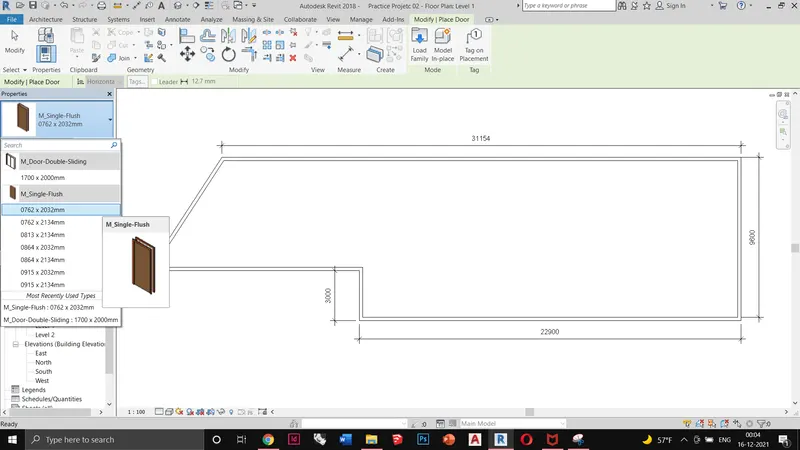
In this screenshot, you can see that I have opened the Door category and selected the M_Single_Flush door family for the project
Q3- Ans
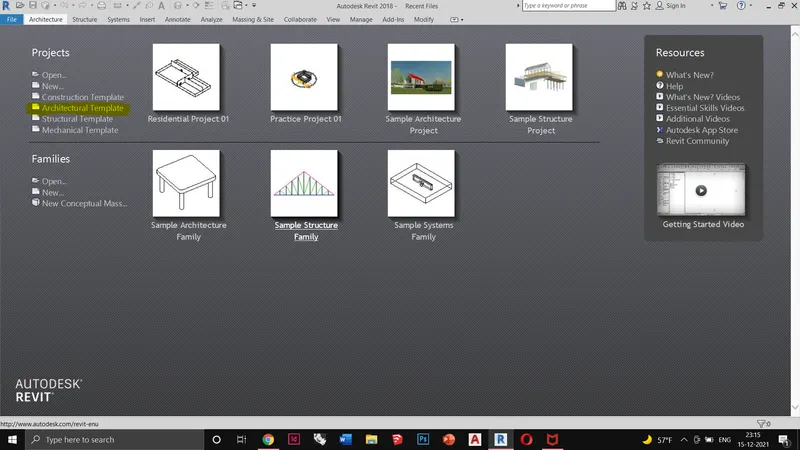
Opening an architectural template from the startup menu
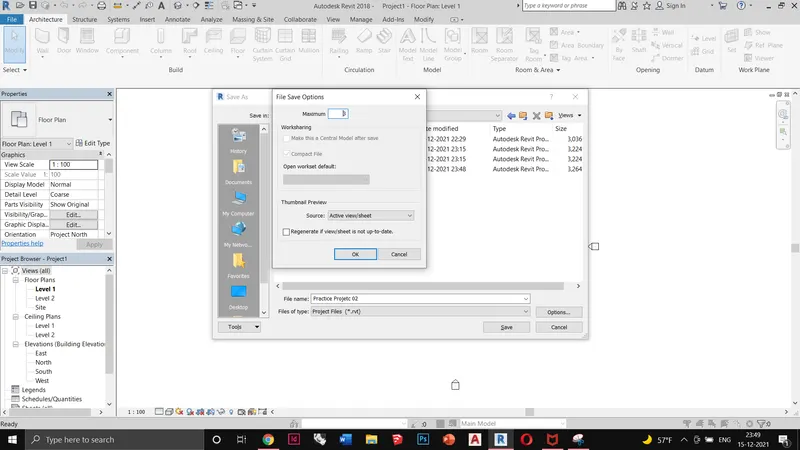
Saving the file and setting up maximum backups for the file up to 3
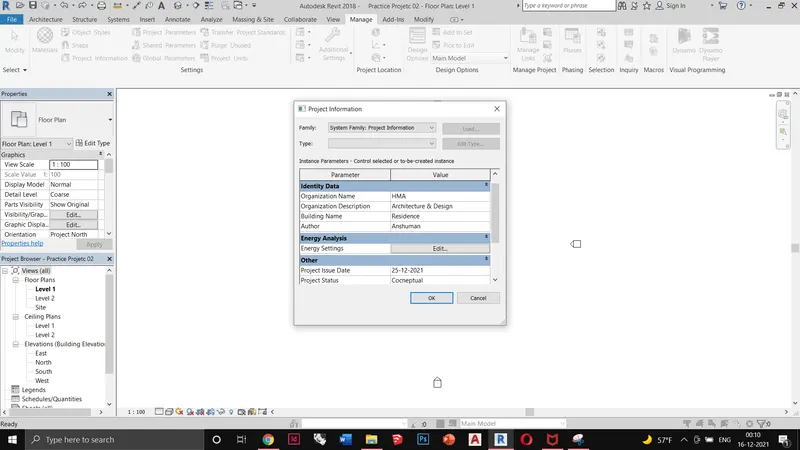
Setting up my project by providing the requisite information in the Project Information tab.
Q4- Ans: Revit Levels and Grids are really the skeletons of building projects. Typically Levels in Revit are used to indicate the locations of floors, foundations, and the roof of a building in section and elevation views. Grids are used to host columns and walls.
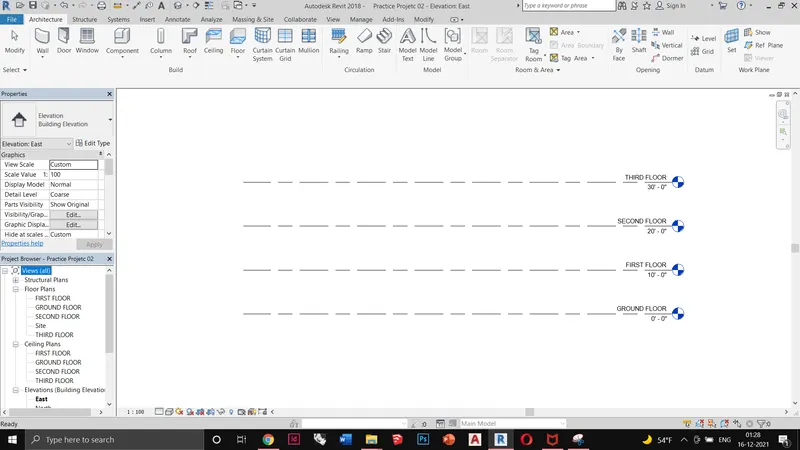
Creating levels up to the third floor
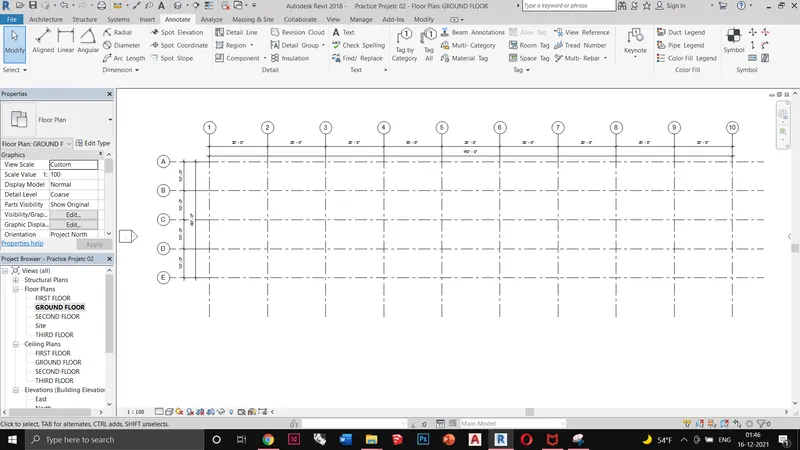
Adding transverse and longitudinal grids in the ground floor plan and dimensioning it using linear dimension tool
Q5 TO Q7- Ans:
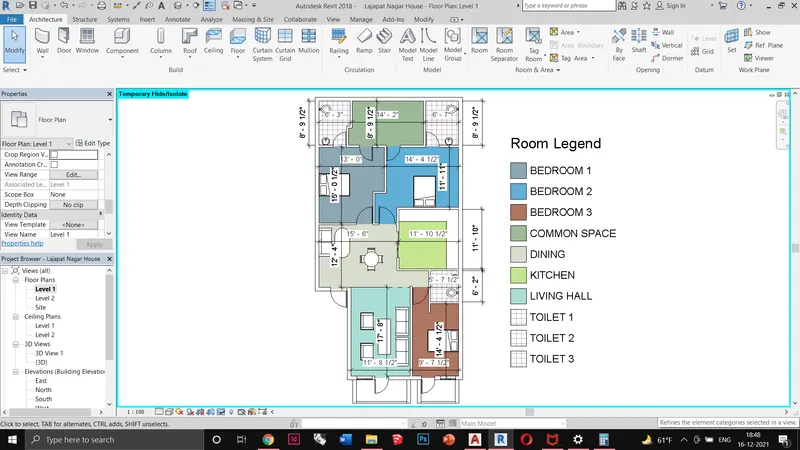
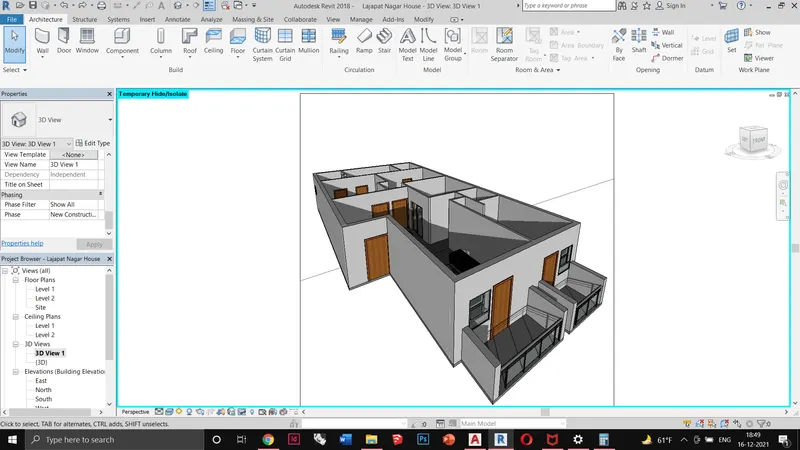
I have made a Revit model of the residential unit as shown in the screenshot above. The steps which I followed for making the model is mentioned below:
1. I imported a CAD file of residence which I designed earlier
2. Saved the Revit file, entered the project information, and changed the units to feet inches.
3. Using wall command I created 9inch exterior walls (unconnected 10' high) & 4.5inch internal walls (unconnected 10' high)
4. Using doors I inserted single flush doors and duplicated them into Large Door, Room Door & Bathroom Door as per the dimensions.
5. Inserted a sliding door from the doors library.
6. Inserted sliding window and bathroom vents from window library.
7. Added beds, table, chair, sofa from the Revit library
8. Provided room names and coloured schedule
9. Dimensioning of rooms by using linear dimension.
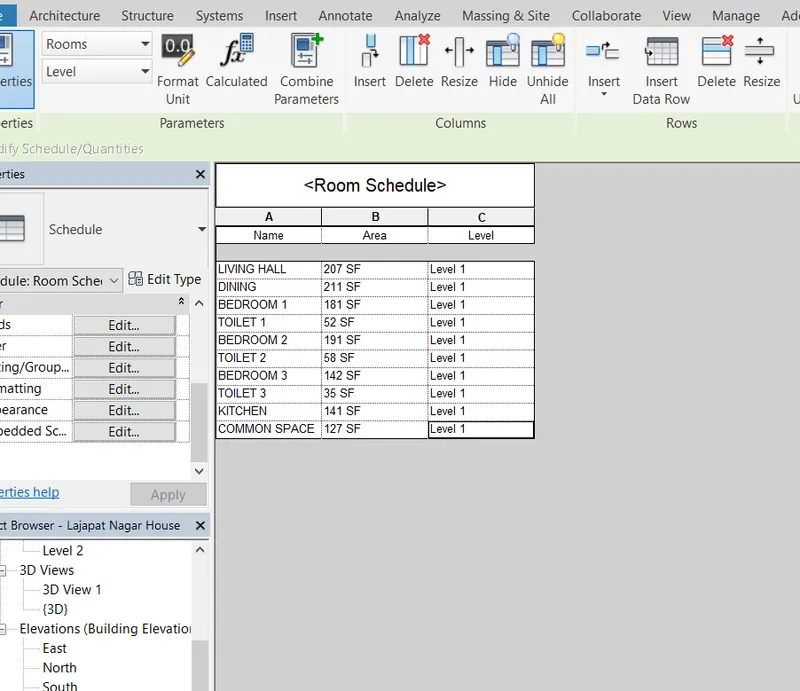
10. Making a room area schedule from schedule /quantities in the project browser