Menu

Executive Programs

Workshops

Projects

Blogs

Careers

Student Reviews


More

Academic Training

Informative Articles

Find Jobs

We are Hiring!


All Courses

Choose a category

Loading...

All Courses

All Courses

logo

Creating Conceptual mass in REVIT and Creation of Sinusoidal curve and a Parametric stadium using Dynamo

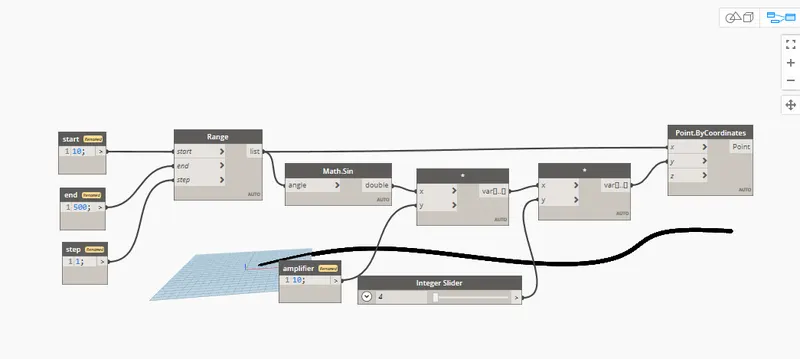
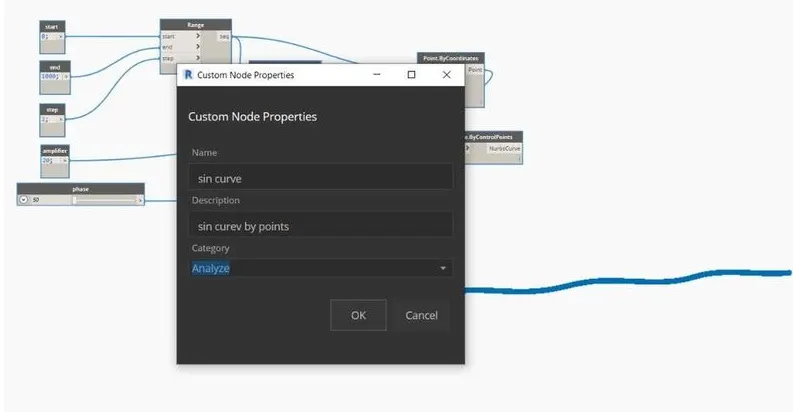
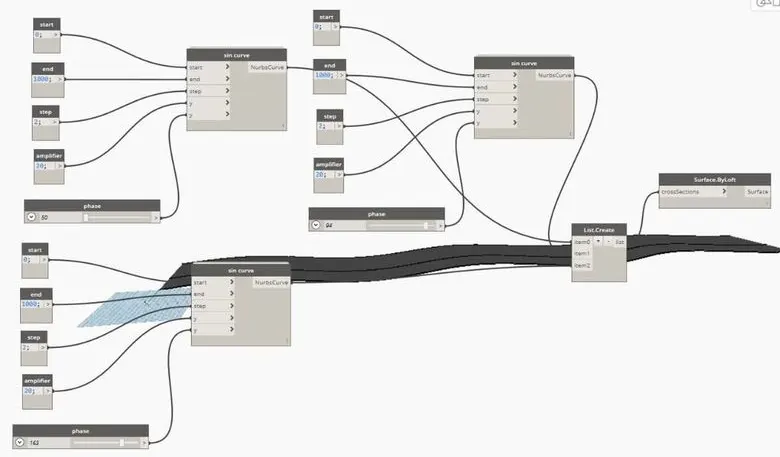
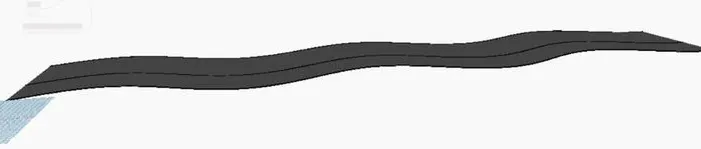
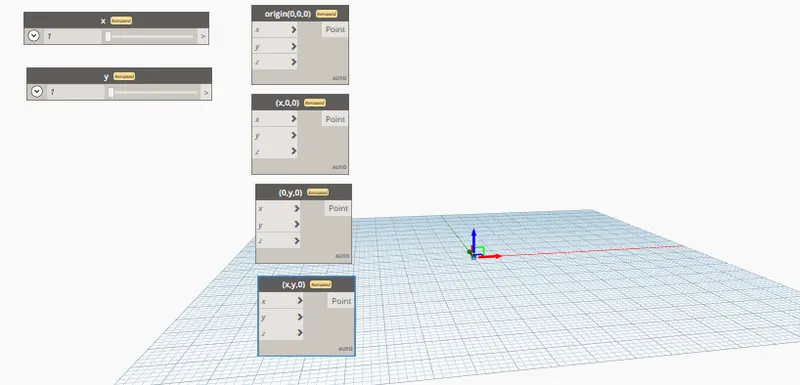
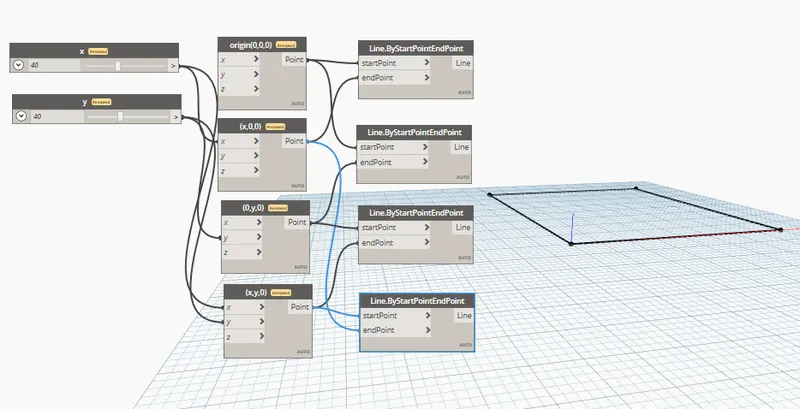
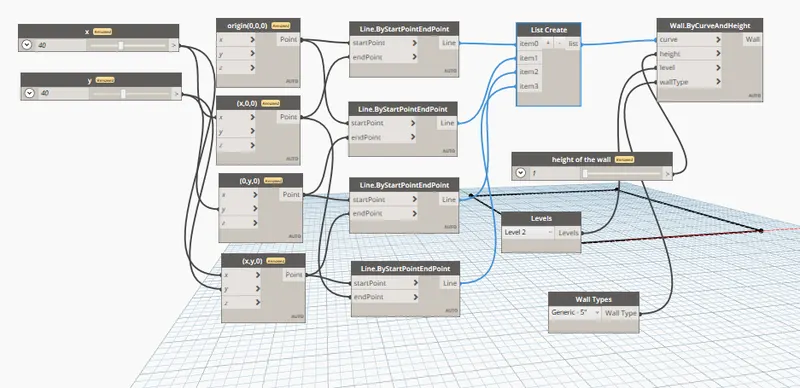
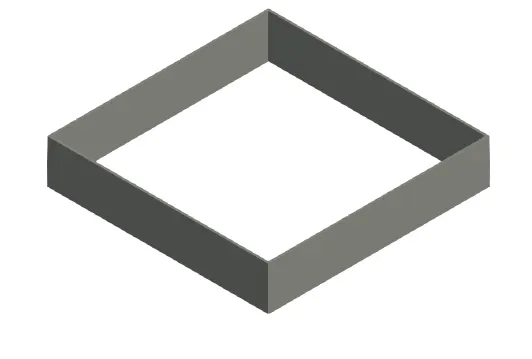
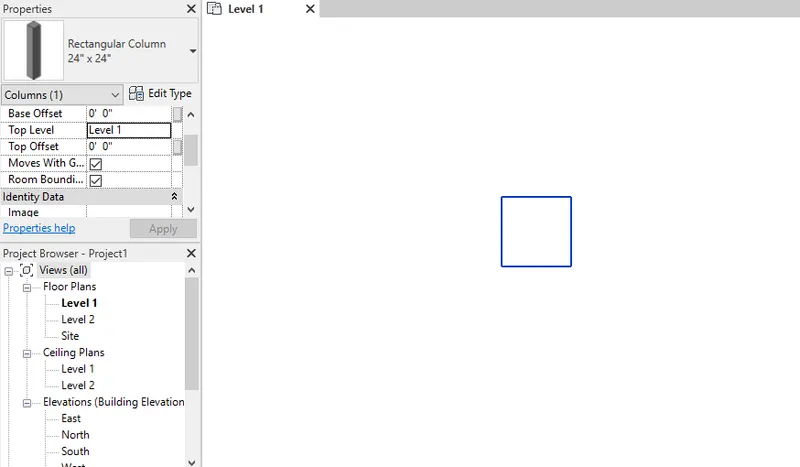
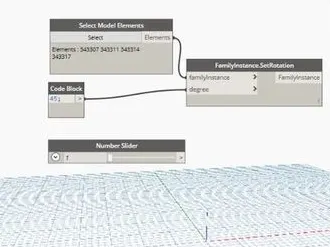
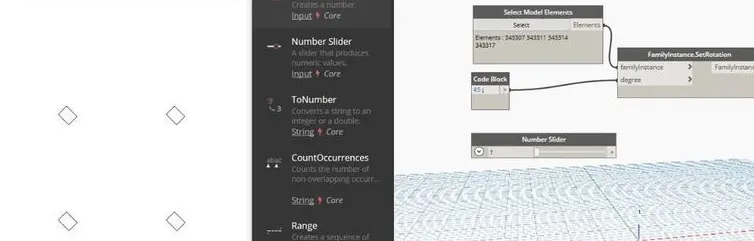
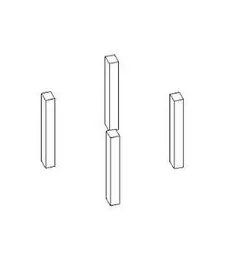
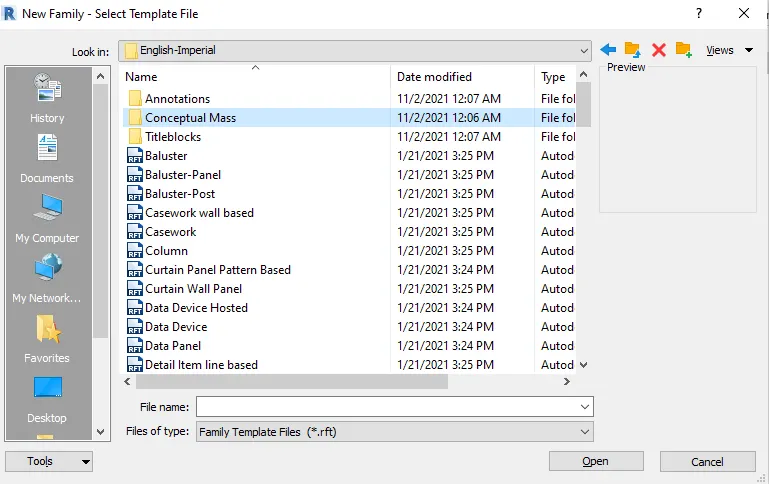
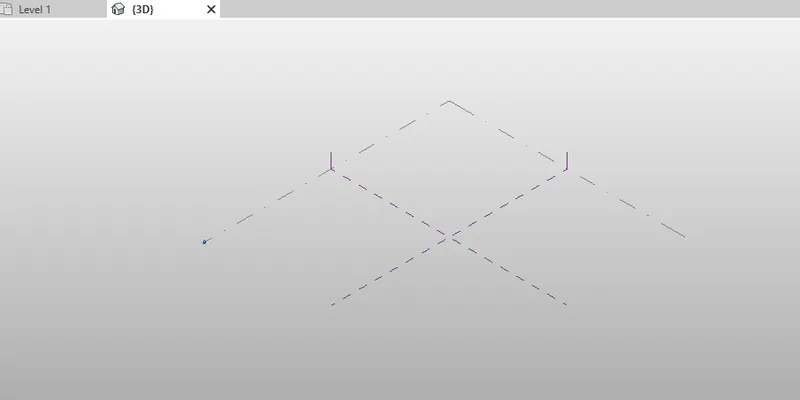
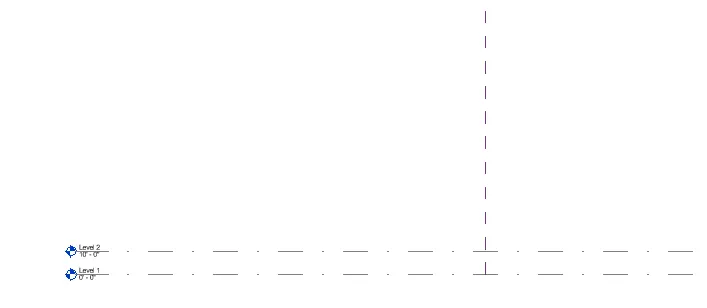
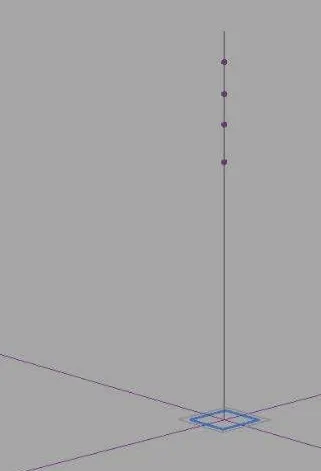
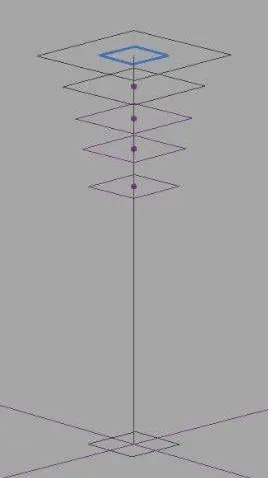
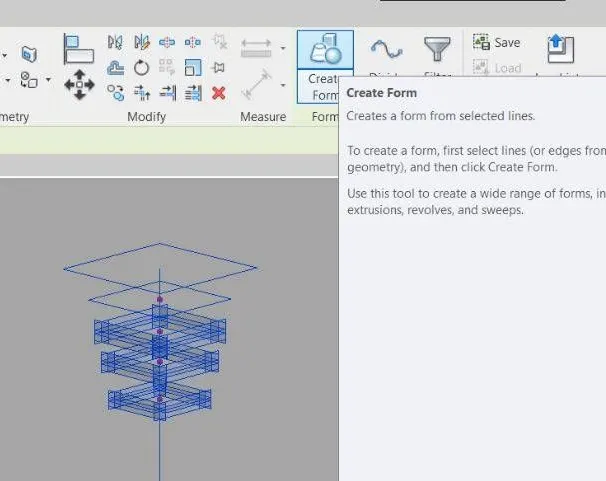
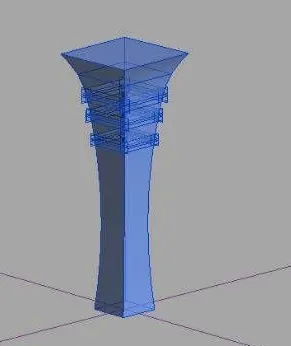
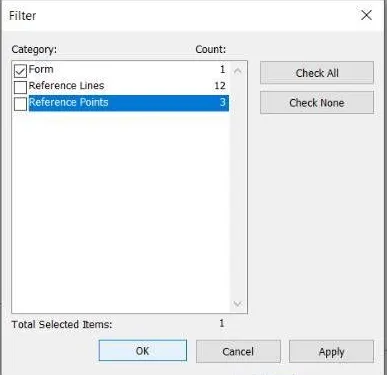
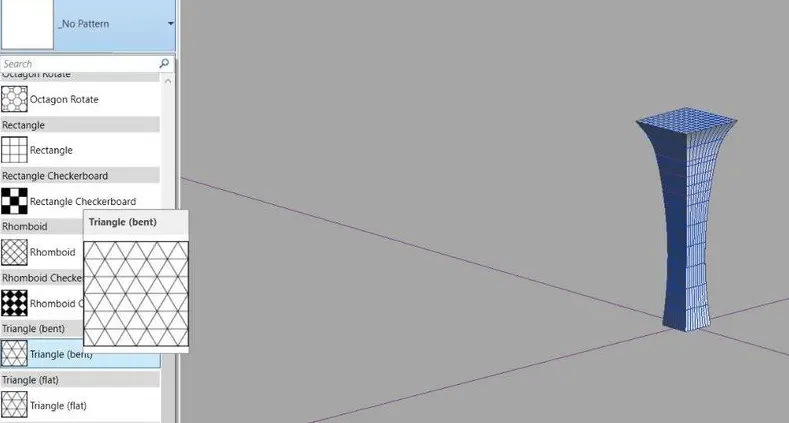
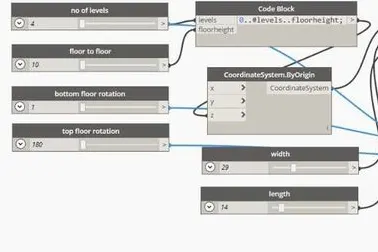
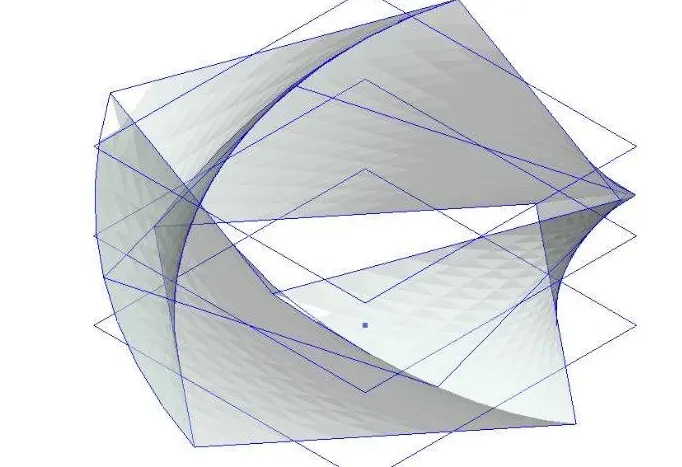
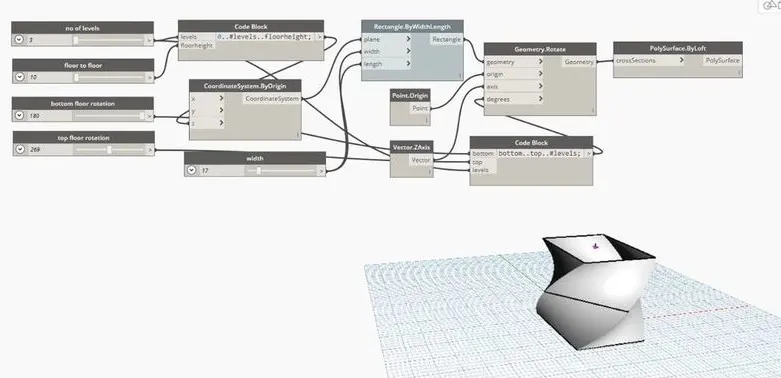
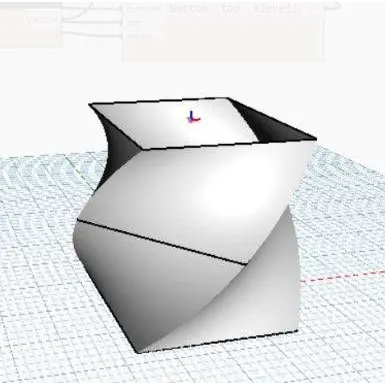
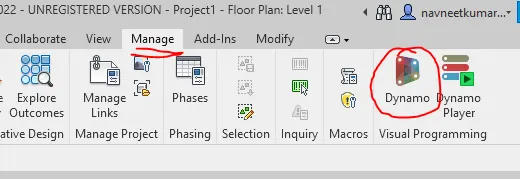
1) Using Dynamo create a set of sinusoidal points and create a curve and create a surface out of the curve. AIM:- To create a set of sinusoidal points and create a curve and create a surface out of curve. PROCEDURE:- Open a new Revit file and a architectural template. Click on manage tab and select Dynamo tool. Click on…
Project Details

Loading...

Leave a comment

Thanks for choosing to leave a comment. Please keep in mind that all the comments are moderated as per our comment policy, and your email will not be published for privacy reasons. Please leave a personal & meaningful conversation.

Please  login to add a comment

Other comments...

No comments yet!
Be the first to add a comment

Read more Projects by Navneet kumar (41)

Project 1 - English Dictionary App & Library Book Management System

Objective:

IPYNB file has been attached.

calendar

06 Jul 2022 05:53 PM IST

    Read more

    Project 2 - EDA on Vehicle Insurance Customer Data

    Objective:

    import pandas table1=pandas.read_csv('customer_details.csv')table2=pandas.read_csv('customer_policy_details.csv')print(table1.head())print(table2.head()) table1_labels={'0':'customer_id','1':'gender','2':'age','3':'driving_lecence_presence','4':'region_code','5':'previously_insured','6':'vehicle_age','7':'vehicle_damage'}…

    calendar

    03 Jul 2022 03:26 AM IST

      Read more

      Project 2_Design & Analysis of a Hostel building at Guwahati, Assam

      Objective:

      AIM:- Etabs model for the two blocks on either side of the expansion gap Foundation details illustrating the pile & pile cap reinforcement Tie beam details connecting the pile caps Column reinforcement Framing plan for typical floor Beam reinforcements for ground floor PROCEDURE:- Open the Etabs software. Add the grids.…

      calendar

      01 Apr 2022 09:54 AM IST

        Read more

        Foundation Design using SAFE

        Objective:

        1. Model the isolated footing provided in week 11 challenge on SAFE. Analyze and design it to verify the size, depth and steel provided as per calculations.   AIM:- To model the isolated footing in week 11 challenge on safe and also to analyse and design it to verify the size, depth and steel provided as per calculations.…

        calendar

        22 Mar 2022 05:46 PM IST

          Read more

          Design of Shallow Foundation (Isolated Footings)

          Objective:

          Design a square footing for a column size of 400x400. The compression axial load for the load combination of (1.5 DL + 1.5 LL) is 2000 KN. The safe soil bearing capacity is 150 KN/m2 at a depth of 2 metres below E.G.L. Participants are free to go for either a tapered or stepped footing. Besides the total axial load, also…

          calendar

          16 Mar 2022 03:19 PM IST

            Read more

            Structural Modelling using Etabs 2018

            Objective:

            The architectural drawings for a G+7 residential building in zone 5 has been provided. The floor plan is the same for all 7 floor levels. Possible column positions have also been provided. Conceptualize a framing plan layout and then model the building in Etabs. The following architectural drawings have been provided:…

            calendar

            13 Mar 2022 06:20 PM IST

              Read more

              Analysis & Design of RCC shear walls in the model using ETABS

              Objective:

              The etabs file for a G+6 building is provided. Run the analysis and design the RCC shear walls (show in the etabs model). The following challenge deals specifically with the shear wall of size 300x1500 at grid A-11 in the structural model. Extract values of longitudinal steel ratio, boundary element length and shear reinforcing…

              calendar

              07 Mar 2022 04:35 PM IST

                Read more

                Reinforcement detailing of Columns from ETABS output

                Objective:

                The ETABS file for a G+4 building is provided. Run the analysis and design the RCC Moment Resisting Frame. The following challenge deals specifically with two columns at the following grid intersections. 3A 3B Provide details of longitudinal reinforcement for the two columns, from foundation to terrace level. Sketch the…

                calendar

                16 Feb 2022 02:40 PM IST

                • ETABS
                Read more

                Reinforcement Detailing of Beams from ETABS output

                Objective:

                Detail design of beams in Etabs 2018.The ETABS file for a G+4 building is provided. Run the analysis and design the RCC Moment ResistingFrame. The following challenge deals specifically with two continuous beams in the 1st floor.         1) 3 span continuous beam along grid A       …

                calendar

                31 Jan 2022 01:15 PM IST

                Read more

                Projefct 1_Comparative study of different storey buildings for Seismic forces

                Objective:

                AIM:- To illustrate the concept of natural period of the different buildings. Procedure:- BUILDING A:- In popup set user built in and metric and set the Indian codes. Set up the bays. Add the stories. Now define the material in define tab.   Slab property is also defined. Draw the columns by quick draw columns for…

                calendar

                21 Jan 2022 03:32 AM IST

                  Read more

                  Modelling of 25 storey building with the specified properties using ETABS

                  Objective:

                  Model a 25 storey building on ETABS with structural properties as specified below. Ground floor or plinth floor level can be taken at a height of 1.5 metres from the base. Each of the successive 25 storeys has a storey height of 3 metres. Structural Element Sizes  Beams : 300 × 400 mm  Columns : 800 ×…

                  calendar

                  09 Jan 2022 02:43 PM IST

                  Read more

                  Conceptual design of a building with columns and shear walls

                  Objective:

                  Question 1:The building shown, 20 × 35 m in plan, has columns on a 5 × 5 m grid and shear walls (with dimensions shown in m, 250 mm in thickness) in three alternative arrangements, (a), (b), (c), all with the same total cross-sectional area of the shear walls. Compare the three alternatives, taking into account…

                  calendar

                  03 Jan 2022 02:45 PM IST

                    Read more

                    Concept on positioning of Columns

                    Objective:

                    Question 1: Comment on the layout of the framing plan concerning earthquake resistance in the two horizontal directions X or Y (dots are columns, lines depict beams). Look into aspects of symmetry, redundancy and bi-directional stiffness and ductility. Ans:- Symmetric in both the directions and well distributed which helps…

                    calendar

                    28 Dec 2021 04:08 PM IST

                      Read more

                      Understanding the concepts on Degrees of Freedom

                      Objective:

                      Question 1: A five storey structure with 5 translational DOF is shown here. Each storey has mass ‘m’. The eigenvalue problem has been solved and the 5 periods of vibration Tn and their corresponding mode shapes, φn has been derived. The fundamental period of vibration (T1 = 2 seconds) and…

                      calendar

                      23 Dec 2021 01:16 PM IST

                        Read more

                        Calculation of Stiffness in Structural elements

                        Objective:

                        1) Compute lateral stiffness of the one story frame with an intermediate realistic stiffness of the beam. The system has 3 DOFs as shown. Assume L = 2h and Elb = Elc   Ans:-       2) For the following structures: Determine the number of degrees-of-freedom for dynamic analysis Establish the…

                        calendar

                        18 Dec 2021 02:00 PM IST

                          Read more

                          Identification of Cracks

                          Objective:

                          1.)What is the mode of failure or damage of the beams in the figure above? Are the damages repairable? Elaborate.       ANS:- Beam column connection failure is the mode of failure in the above figure. Formation of plastic hinge at underisable locations. The joint is not supported to beam thr weak link…

                          calendar

                          12 Dec 2021 01:31 PM IST

                            Read more

                            Usage of Navigation tool , Timeliner and Clash Detection test using Naviswork

                            Objective:

                            1) Use the Architecture/ Structure Project file developed by you in Week 6 to 8. Export the Revit architecture and structure model to Navisworks Cache file following the export settings discussed in class. AIM:- Use the Architecture/ Structure Project file developed by you in Week 6 to 8.Export the revit file to navishwork…

                            calendar

                            05 Dec 2021 05:11 PM IST

                              Read more

                              Creating Conceptual mass in REVIT and Creation of Sinusoidal curve and a Parametric stadium using Dynamo

                              Objective:

                              1) Using Dynamo create a set of sinusoidal points and create a curve and create a surface out of the curve. AIM:- To create a set of sinusoidal points and create a curve and create a surface out of curve. PROCEDURE:- Open a new Revit file and a architectural template. Click on manage tab and select Dynamo tool. Click on…

                              calendar

                              02 Dec 2021 02:17 PM IST

                              Read more

                              Preparing Schedule & Cost Estimation for a building using REVIT

                              Objective:

                              1) Use the shortcut keys in Revit discussed in class to complete the following tasks and list them below. Ans:-           a. Using 3D model create a section box - BX           b. To create similar doors and windows in a floor plan layout - CS   …

                              calendar

                              26 Nov 2021 02:03 PM IST

                                Read more

                                Structural analysis of a buidling using Robot Structural Analysis

                                Objective:

                                1) What are HVAC systems? Why are they essential in the modeling of buildings? Ans:-The initials HVAC stan/ctions of an HVAC system.This mechanical system's design is primarily an attempt to take control of the environment conditions inside the space you work. A good HVAC system aims to provide thermal control and indoor…

                                calendar

                                26 Nov 2021 01:33 PM IST

                                Read more

                                Creating Architectural and Structural model with 3D rendering using REVIT

                                Objective:

                                 Select the type of structure you want to build from one of the three below:        a. Multi-Unit Residential Apartment        b. Office Buildings        c. School Ans:- a.Multi-Unit Residential Apartment MULTI-UNIT RESIDENTIAL APARTMENT Procedure:-…

                                calendar

                                24 Nov 2021 03:25 PM IST

                                Read more

                                Usage of Collaborate tool in REVIT

                                Objective:

                                1) Open an architectural template. Using the Manage tab set project base point and project shared coordinates for the project. AIM:- To open an architectural tab and set project base pooint and project shared coordinates using manage tab for the project. PROCEDURE:- Open revit and select architectural template. Select…

                                calendar

                                18 Nov 2021 01:52 PM IST

                                  Read more

                                  Introduction to National Building Code and Steps in a Construction project

                                  Objective:

                                  1) Why are building codes or standards essential for the modeling/ efficiency of drawings in Revit ? Ans: Building codes or standards essential for the modelling/efficiency of drawings in Revit due to following reasons:- A model building code organisation is a set of building codes that are developed and maintained…

                                  calendar

                                  16 Nov 2021 03:08 PM IST

                                  Read more

                                  3D Creation of Celing, Roof, Architectural plan, Structural plan, Sectional view, Elevation view and Camera specific view for a house plan using REVIT

                                  Objective:

                                  1) Based on the project saved from Week 3, proceed from the First Floor Level. Model a Ceiling from the architecture tab above the walls at the first-floor level. AIM:- To Model a Ceiling from the architecture tab above the walls at the first-floor level. PROCEDURE:- Go to architectural tab and select ceiling tool.  Go…

                                  calendar

                                  12 Nov 2021 04:26 PM IST

                                    Read more

                                    Creating Walls, Partition walls and Floors for a residential layout using REVIT

                                    Objective:

                                    1) Use the project file created from Week 2. Use it for this assignment. Based on your layout from week 2, using floor tool under architecture tab and select the floor with appropriate material and thickness, using the property browser create a layout in the Ground floor Level. Align the floor plan with grids created from…

                                    calendar

                                    08 Nov 2021 03:09 PM IST

                                      Read more

                                      Creating Levels, Grids, Layout and model elements for a residential unit using REVIT

                                      Objective:

                                      1) What is BIM? Summarize the features of BIM and benefits of using BIM over 2D CAD tools. BIM is an acronym for Building Information Modeling or Building Information Management. It is a highly collaborative process that allows architects, engineers, real estate developers, contractors, manufacturers, and other construction…

                                      calendar

                                      06 Nov 2021 02:30 PM IST

                                      Read more

                                      Introduction to REVIT concepts

                                      Objective:

                                      1) From the file menu, create a new project (Structural / Architectural / Construction template ) and name the project appropriately. Procedure:- Open Revit application. Go to the file menu. Select New> project. Select the template (Structural / Architectural / Construction) Create new project. Hence, New project created.…

                                      calendar

                                      02 Nov 2021 03:10 PM IST

                                        Read more

                                        Project 2_Creating a 3D rendered model for a Residential Building in AutoCad

                                        Objective:

                                        AIM:- To create a 3D model of a residential building with a rendered view. PROCEDURE:- Set units>engineering>inches Type limax>100,100. Limits>0',0'. Type>zoom>a. Use L command to draft the desired lines. In the 3D model it is changed to top view to draw the plan. set layers for walls, door and windows.…

                                        calendar

                                        27 Oct 2021 03:40 PM IST

                                          Read more

                                          Creating 3D Isometric view of various structural elements in AutoCAD

                                          Objective:

                                          1. Create a 3D Isometric view of the building with plan and elevation given. AIM: To create a 3D isometric view of the building with plan and elevation using Autocad. PROCEDURE: Type units>engineering>0'-0'' Type limax>100',100' Type limits>0'0' Type zoom>a Go to the top view. Use L command to draw the lines…

                                          calendar

                                          27 Oct 2021 02:25 PM IST

                                            Read more

                                            Creating various 3D Models like Furniture, Footing, Girder, Column drop with panel and Gable Wall in AutoCad

                                            Objective:

                                            1.FURNITURE:- AIM:- Create a 3D Furniture element as shown in the Figure. Assume dimensions which are missing. Step by step procedure :- Command: Isodraft(on) Draw the lines using Lines command. Specify Iso right or Iso left whereever required. Show the dimensions using Dim and Dimalined command.   Result: …

                                            calendar

                                            21 Oct 2021 04:19 PM IST

                                              Read more

                                              Creation of Multiple viewports, Scaling the drawing and setting in Template in AutoCad

                                              Objective:

                                                1.LAYOUT OF BUILDING:- AIM:-   Create a layout of the Plan and Section A of the project in Challenges 7, using the template Tutorial-mArch.dwt in a scale as given in the Figure. Use the MV command to create the viewport of the size as shown    in Figure. Also, use ATTEDIT command to edit the…

                                              calendar

                                              18 Oct 2021 02:49 PM IST

                                                Read more

                                                Creating Kitchen layout, Hatching of Architectural elements and sectional view of an Industrial Building in AutoCad

                                                Objective:

                                                1.Kitchen layout:- Aim:-        Create the layouts of the Kitchen and provide hatches pattern as shown. Also, use blocks wherever required. Step by step procedure:- Draw the line using Xline command. Using offset command give proper distance between lines. Trim and erase extra lines using…

                                                calendar

                                                16 Oct 2021 08:35 AM IST

                                                  Read more

                                                  Creating Bar Bending schedule, Different Door types, and Creation of standard drawing templates using AutoCad

                                                  Objective:

                                                    1.TEMPLATE:- AIM:- Create the templates as shown in Figures. Use text and attributes wherever required. After creating the title block you need to save it as a block with names: Custom1_titleblock and Custom2_titleblock, respectively. STEP BY STEP PROCEDURE:- Draw the table using xline command. Use offset command…

                                                  calendar

                                                  08 Oct 2021 05:13 PM IST

                                                    Read more

                                                    Project 1 _Creating an Architectural plan for the provided plot size and develop relevant basic structural drawings

                                                    Objective:

                                                      1.AIM:- To Design and Draft a layout of a residential building with the following details: a. Plot Size: 60’x20’(18.3m x6m)  b. Orientation- Facing East  i.) Floor plan: Introduction: Outer wall: 9'' Inner wall: 4.5'' D:42''*80"" D1:36''*80'' D2:30''*80'' W1:36''*48'' W2:72''*48'' W3:24''*36''…

                                                    calendar

                                                    03 Oct 2021 07:15 PM IST

                                                      Read more

                                                      Creating a Layout, Section and Elevation with dimensions using AutoCad

                                                      Objective:

                                                      1.PLAN AND SECTION OF RESIDENTIAL BUILDING:- Aim:-         Create the Plan and Sections as shown in the Figures using AutoCAD. Step by step procedure:- Draw the line using Xline command. Using offset command give proper distance between lines. Trim and erase extra lines using Trim and…

                                                      calendar

                                                      29 Sep 2021 07:02 AM IST

                                                        Read more

                                                        Creating a Wardrobe detailed drawing, Floor Plan, Kitchen Layout and Column Detail using AutoCad

                                                        Objective:

                                                          1.Wardrobe:- Aim:-        Draw the elevation and details of a wardrobe  using AutoCAD. Step by step procedure:- Draw the lines using Xline command. Using offset command give proper distance between lines. Trim and erase extra lines using Trim and erase command. Using Mtext command…

                                                        calendar

                                                        25 Sep 2021 04:43 AM IST

                                                          Read more

                                                          Creation of Column Schedule and Drawing Template using AutoCad

                                                          Objective:

                                                          1.Column schedule:- Aim:-        Create a column schedule using AutoCAD. Step by step procedure:- Draw the table using Xline command. Trim and erase extra lines using Trim and erase command. Using Mtext command provide the text. Set the text size to 20. Give rotation angle of text where it is required.…

                                                          calendar

                                                          15 Sep 2021 02:58 PM IST

                                                            Read more

                                                            Drafting of various geometries using Chamfer, Fillet tool in AutoCad

                                                            Objective:

                                                            1. AIM:- To create geometry using Auto CAD . Step by step procedure :-  Command: UNITS Command: LIMITS Specify lower left corner (0,0) Specify upper right corner (420,297) Command: ZOOM Command: ALL Regenerating model Command: LINE Specify first point: Specify next point:3 Specify next point:2.12 Specify next point:2.83…

                                                            calendar

                                                            03 Sep 2021 05:36 PM IST

                                                              Read more

                                                              Creating a Floor plan, Footing detail and Isometric view using AutoCad

                                                              Objective:

                                                                    1.C-1 AIM:- To create C.S of load bearing wall over spread footing. Step by step procedure :-  Command: UNITS Command: LIMITS Specify lower left corner (0,0) Specify upper right corner (420,297) Command: ZOOM Command: ALL Regenerating model Command: XLINE Specify a point: V Specify through point: …

                                                              calendar

                                                              01 Sep 2021 03:00 PM IST

                                                                Read more

                                                                Creation of geometries by Coordinate system methods using AutoCad

                                                                Objective:

                                                                1.P-1 AIM:- To create geometry using Auto CAD . Step by step procedure :-  Command: UNITS Command: LIMITS Specify lower left corner (0,0) Specify upper right corner (420,297) Command: ZOOM Command: ALL Regenerating model Command: LINE Specify first point (2,1) Specify next point (@0,1) Specify next point (@-5,0) Specify…

                                                                calendar

                                                                01 Sep 2021 11:43 AM IST

                                                                  Read more

                                                                  Project on Concrete Mix Design for various grades of Concrete

                                                                  Objective:

                                                                                                                                                             …

                                                                  calendar

                                                                  28 Jul 2021 04:38 PM IST

                                                                  Read more
                                                                  Showing 1 of 41 projects