Creating Conceptual mass in REVIT and Creation of Sinusoidal curve and a Parametric stadium using Dynamo
1) Using Dynamo create a set of sinusoidal points and create a curve and create a surface out of the curve.
AIM: To create a sinusoidal points and curve and to a surface too using dynamo
Tools Used: Revit, dynamo.
Procedure:
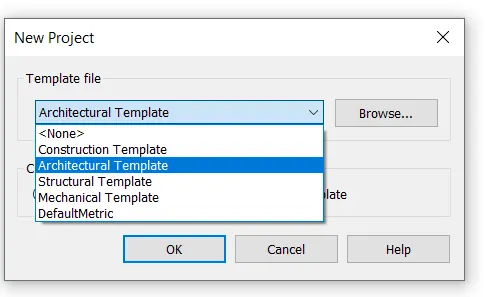
Step1: In a new Revit file and open a Dynamo using manage tab.

Step2: Then a new screen will be displayed which is Dynamo screen.
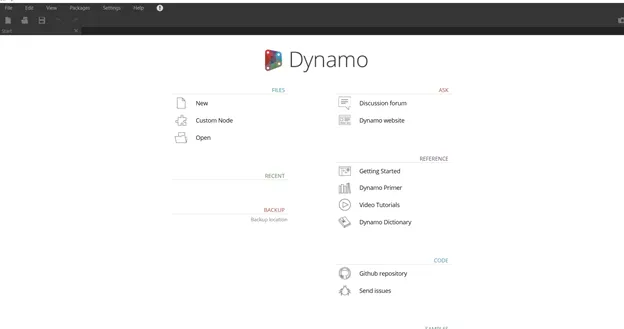
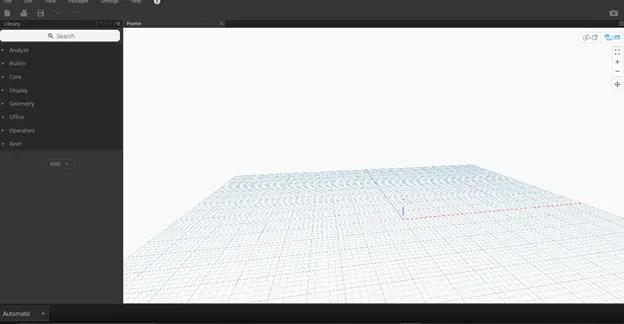
Step3: Then click on new to open new file.
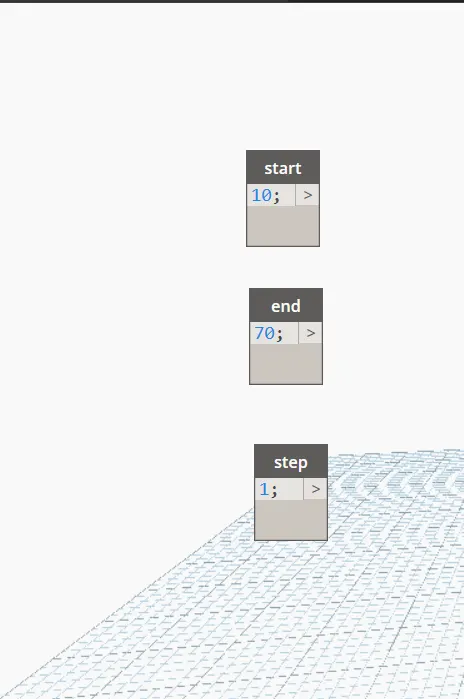
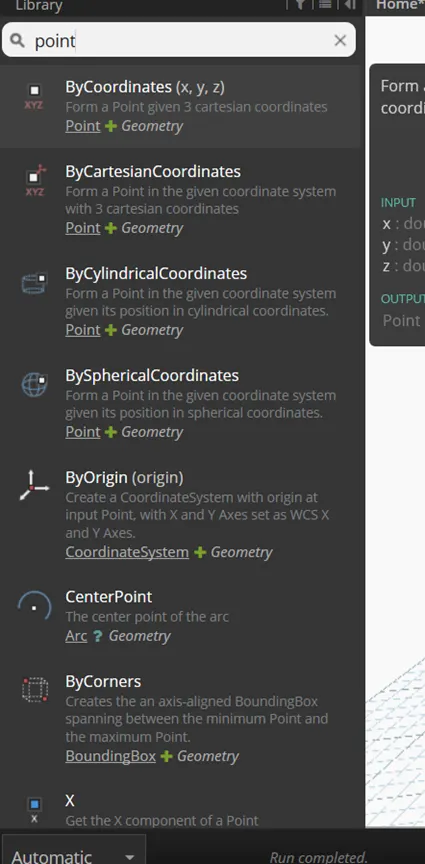
Step4: Now create points using points by coordinate and use integer slider to give range and connect them as shown below.
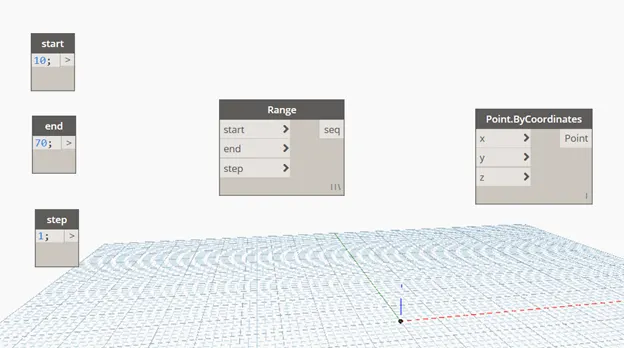
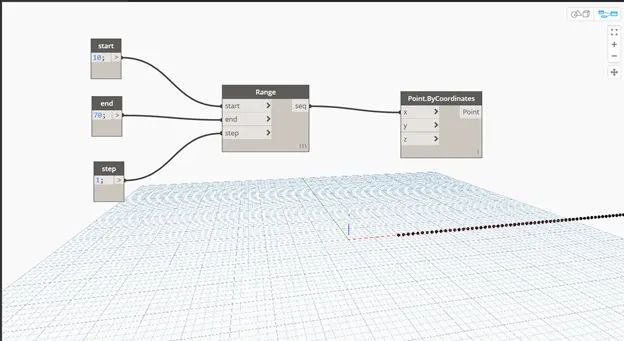
Step5: To create curve command is used and connected accordingly.
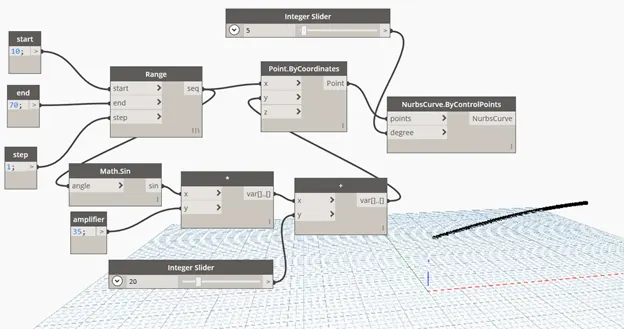
Step6: To create plain then we have to copy them and list them then a surface loft is taken and then a surface will be created as below.
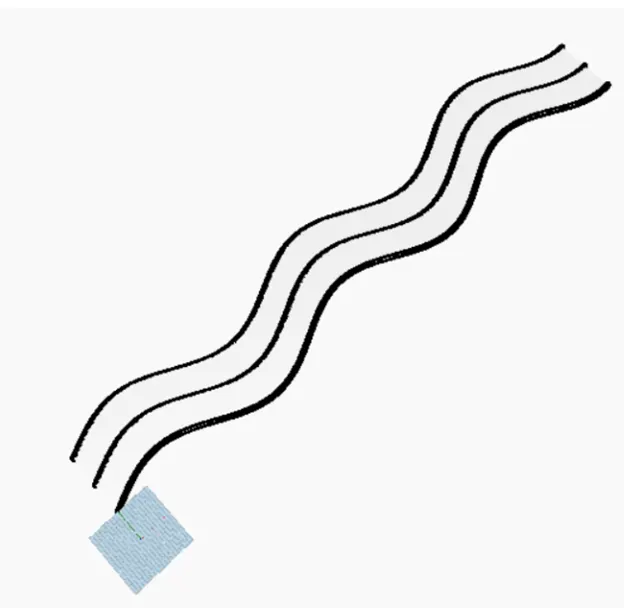
RESULT: Created a set of sinusoidal points, curve and surface using Dynamo.
2) Create a conceptual layout of floor plan in dynamo . Using the tools available in dynamo link the lines to appropriate model elements in Revit by choosing the wall types and wall parameters. Make use of the sliders to slide through the height of the wall and length of the wall.
AIM: To create a conceptual layout of floor plan in dynamo using the tools available in dynamo link
Tools Used: Revit, Dynamo, architecture template, integer slider, point by coordinates, line by start point end point, levels, wall type, walls by curves and height.
Procedure:
Step1: Open a new architecture template file and open dynamo.
Step2: Now create the programming as shown below and link them properly.
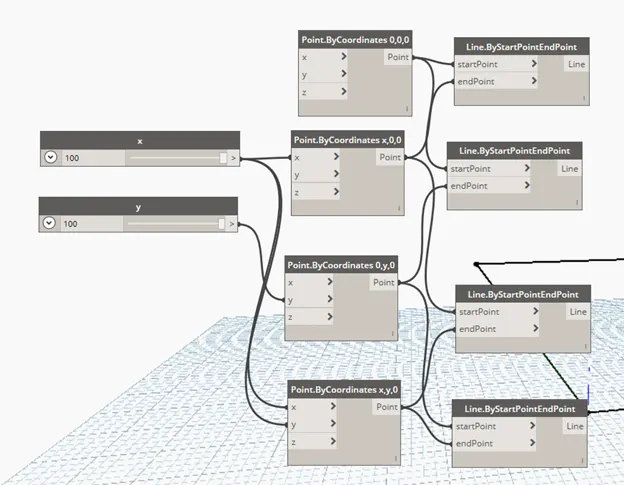
Step3: By the below image we had created the wall and shown in Revit too by minimizing dynamo.
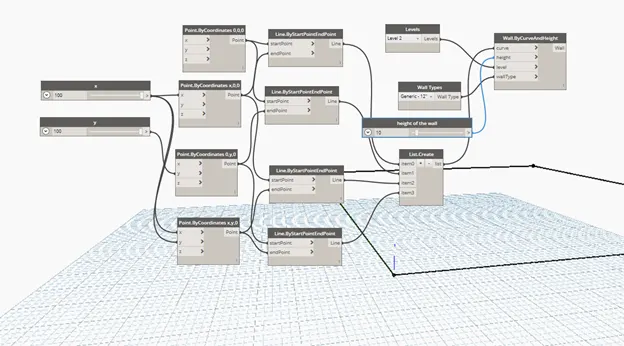
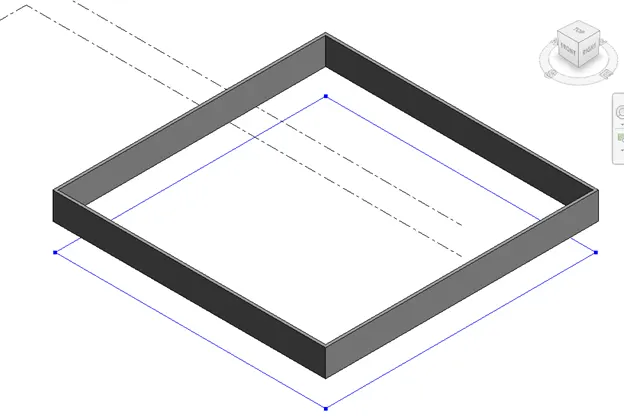
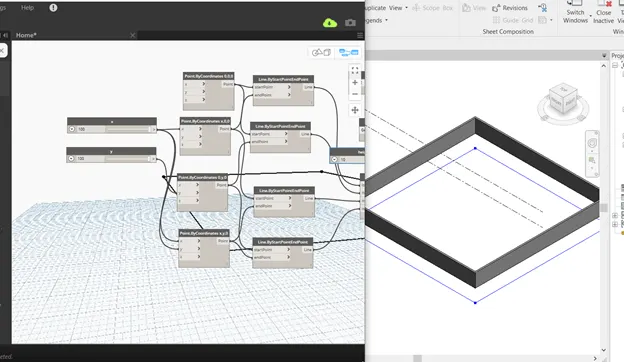
Step4: Now you can change the height or length by changing the Integer value in programming.
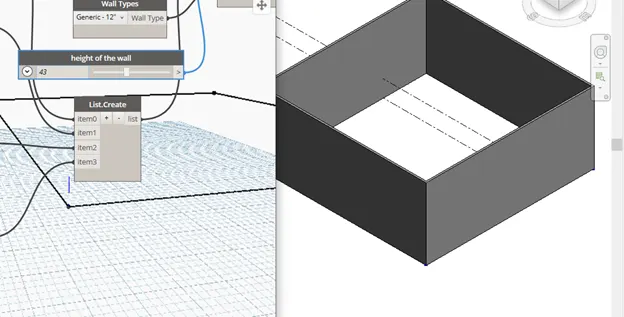
RESULT: Created a conceptual layout of floor plan in dynamo using the tools available in dynamo link. And changed the height and length of the wall using slider.
3) Create an array of model elements in Revit. Use dynamo to vary the properties of model elements by using the slider or code block
AIM: To create an array of model elements in Revit using dynamo to vary the properties of model elements by using the slider or code block.
Tools Used: Revit, Dynamo, Architecture template, architectural columns, array, select model element in dynamo, Integer slider/ Code block, Family instance.
Procedure:
Step1: Open a new file using architecture template.
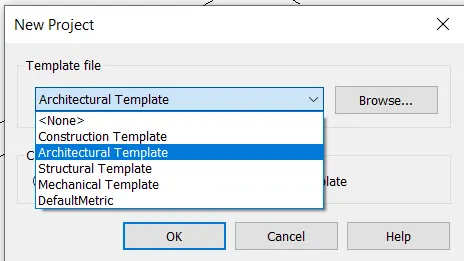
Step2: Now use the architecture column and place it in the drawing area and array it.
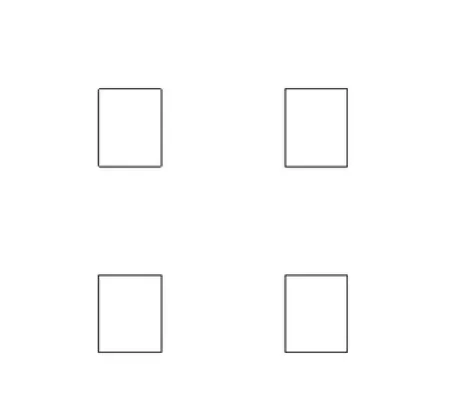
Step3: Now open dynamo and create virtual programming as shown below and them the columns will be rotated as shown below.
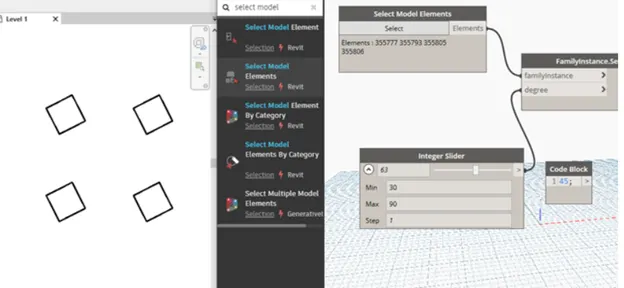
RESULT: Created an array of model elements in Revit using dynamo to vary the properties of model elements by using the slider or code block.
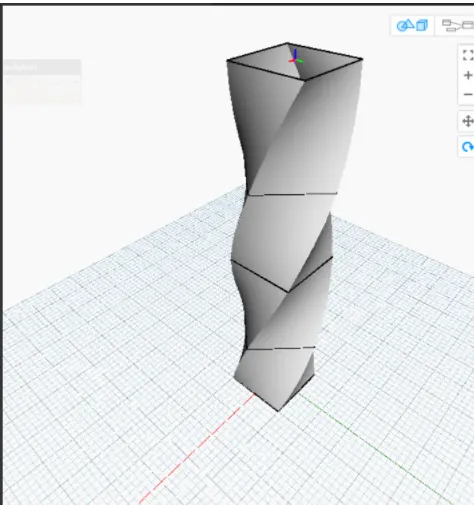
4) Create a conceptual mass in Revit and develop a parametric column by dividing the surfaces and apply the concepts similar to used in parametric walkway modelling. Use triangular bent or square shaped panels to add finish to the parametric column
AIM: To create a conceptual mass and develop a parametric column and by dividing the surface and create a square shaped paneled parametric column.
Tools Used: Revit, New conceptual mass family.
Procedure:
Step1: Open Revit and click on new conceptual mass family and then click on mass to open a new mass family file to create.
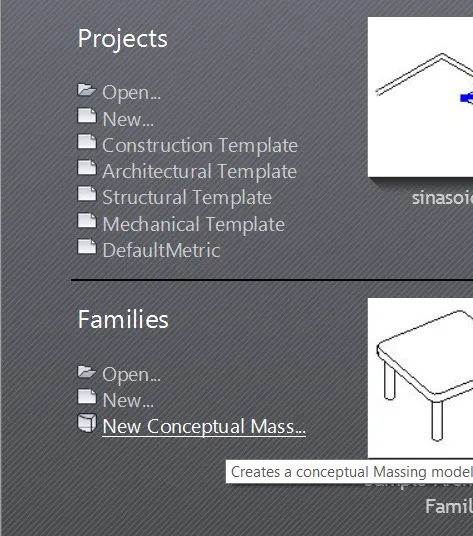
Step2: After opening it will look like this.
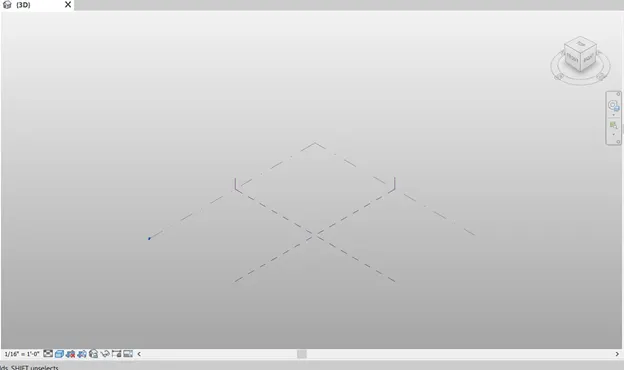
Step3: use draw tools to draw the shape required to create.
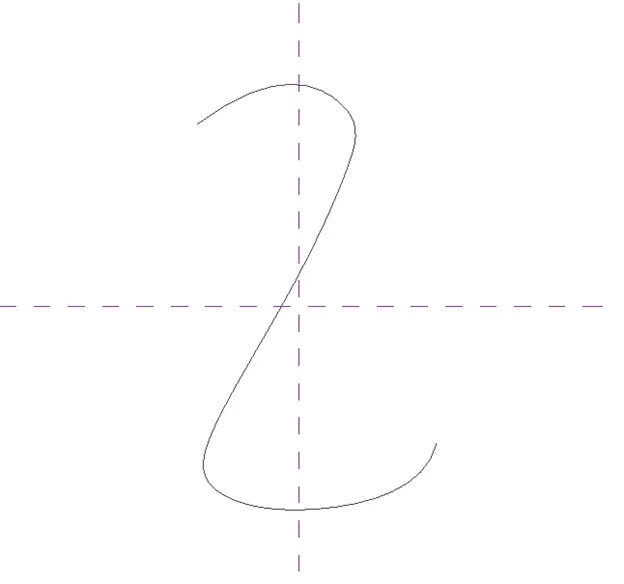
Step4: Once the required shape is created the polygon shape is set and the block is created as required.
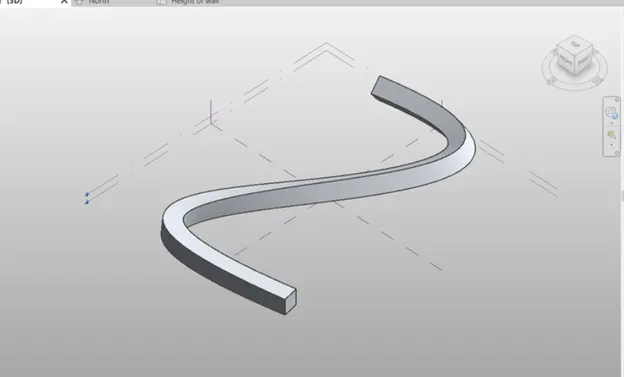
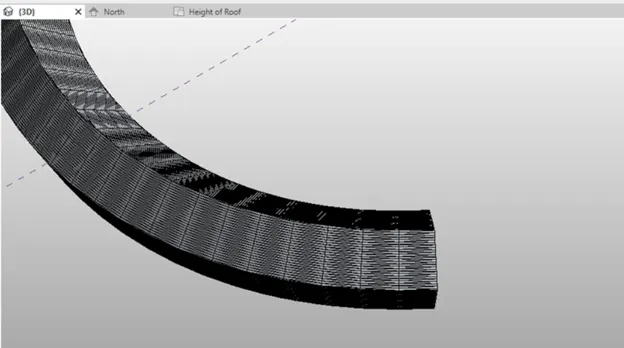
RESULT: Create a conceptual mass and develop a parametric column and by dividing the surface and create a square shaped paneled parametric column.
5) Use Dynamo to work on developing a Parametric Stadium. List your parameters and use the visual programming approach to complete the modelling, You can use the concepts discussed in parametric high rise tower in class for reference.
AIM: To create a parametric stadium using Dynamo.
Tools Used: Revit, Dynamo, architectural template.
Procedure:
Step1: Open a new file using architectural template and open dynamo.
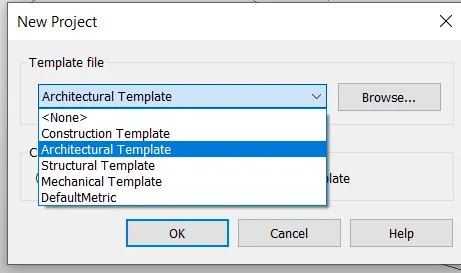
Step2: In dynamo file points are created using points by coordinates.
Step3: Rectangle slides are created and connected by levels.
Step4: Rotation slider is used to rotate the rectangles.
Step5: Height is adjusted, and we can do any changes as we required.
Step6: By following the below shown diagram we can create any parametric model easily.
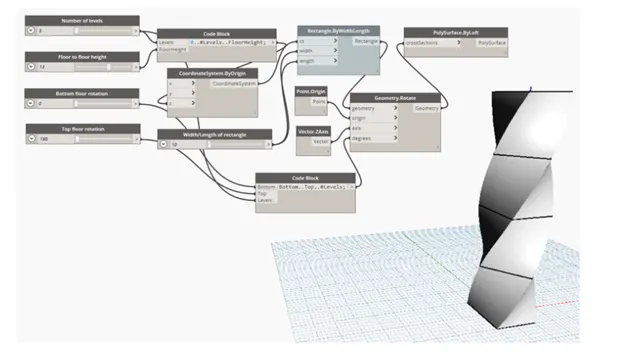
RESULT: The parametric stadium had been created successfully using Dynamo.