Creating Conceptual mass in REVIT and Creation of Sinusoidal curve and a Parametric stadium using Dynamo
1. Aim: To creating the set of sinusoidal points, a curve and a surface out of the curve using dynamo.
Tools used:
- Dynamo
- Points
- Curve
- Loft
Procedure:
Step 1:
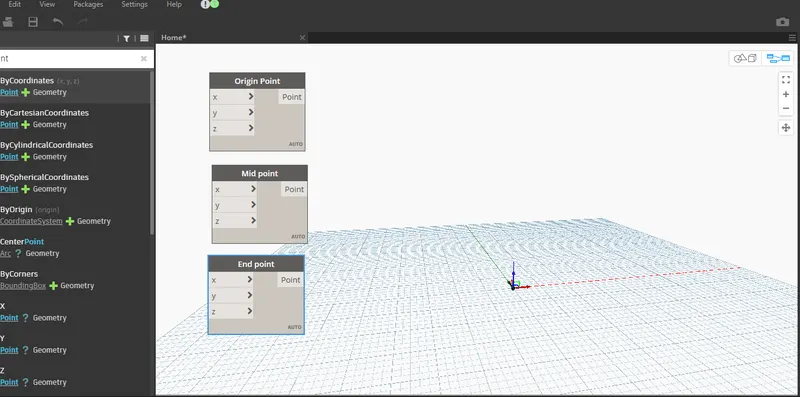
Step 2:
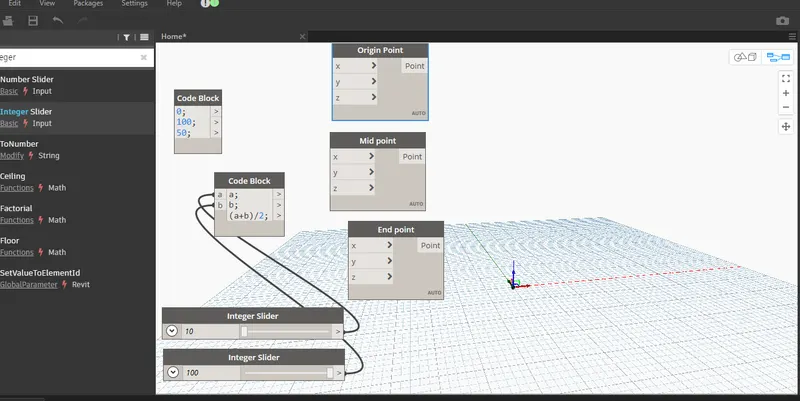
Step 3:
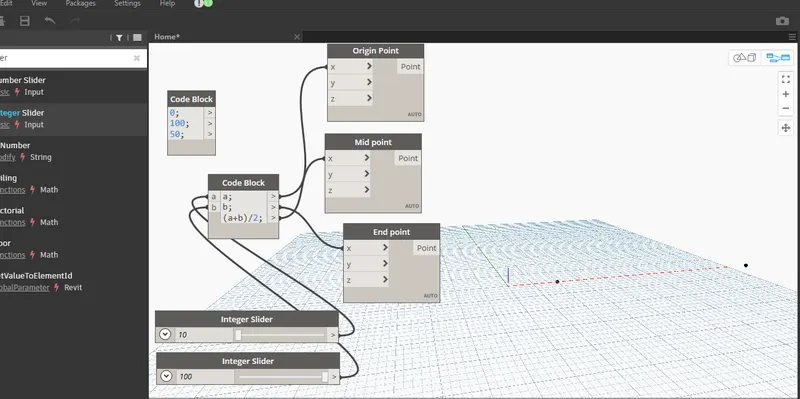
Step 4:
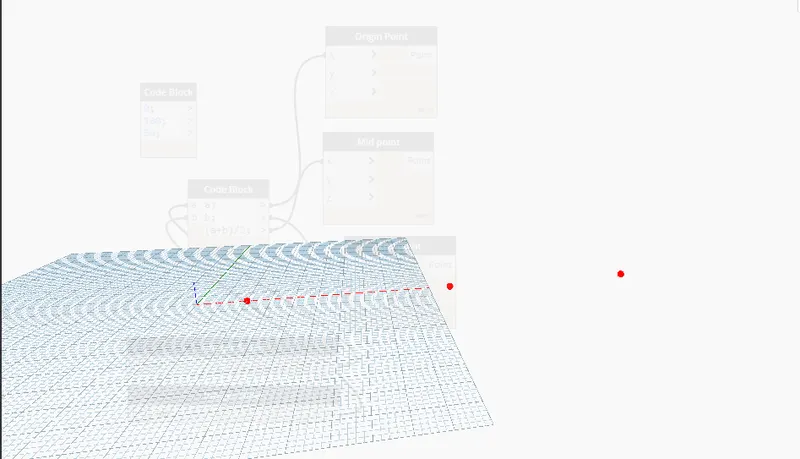
Step 5:
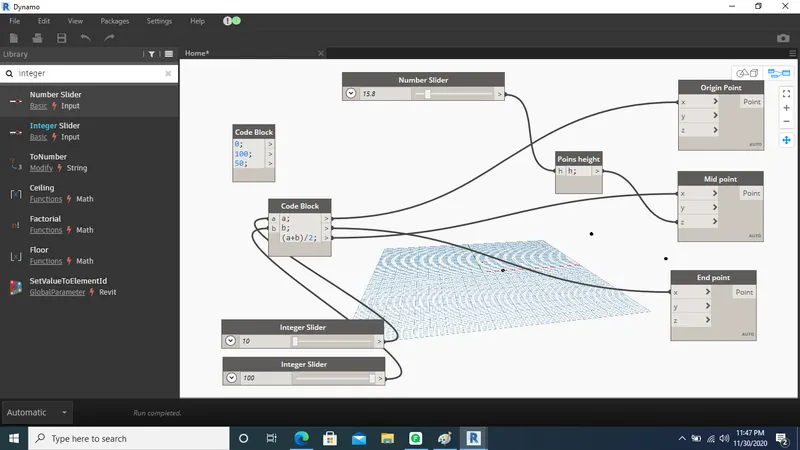
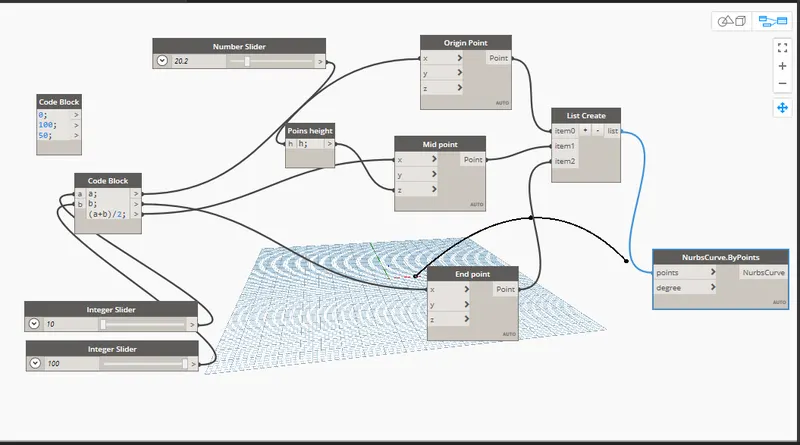
Step 6:
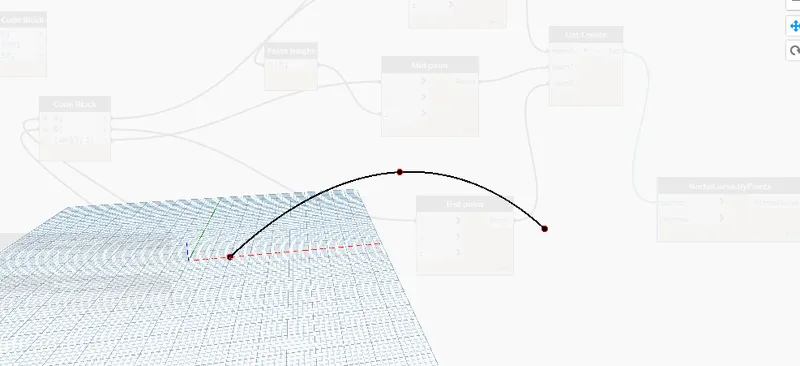
Step 7:
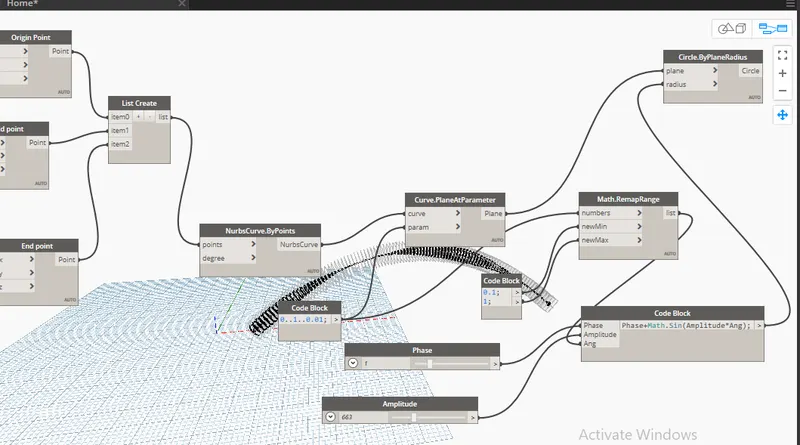
Result:
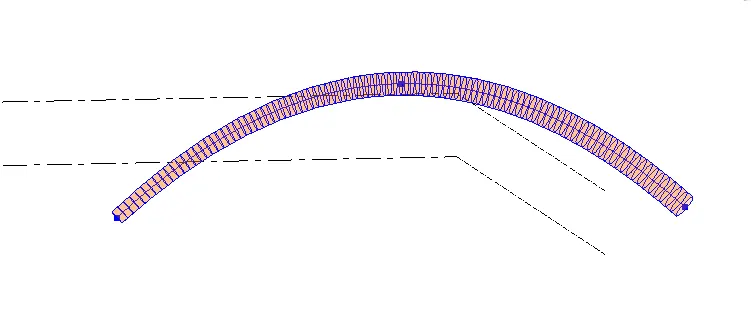
- The surface of the curve has been created successfully
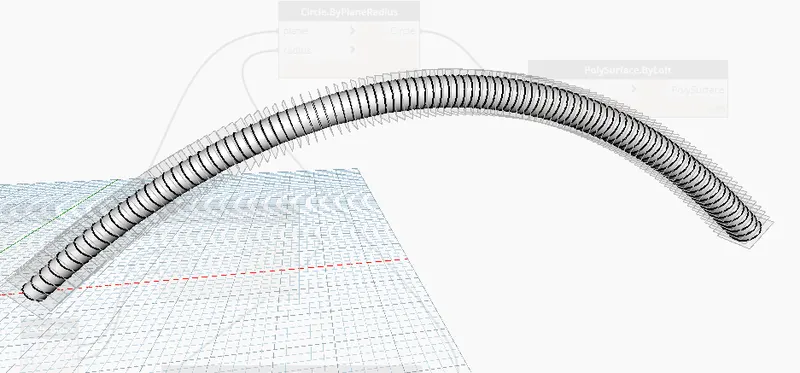
- Switch it into the Revit 3d view
2. Aim: To creating a layout by choosing the wall types and wall parameters using dynamo
Tools used:
- Dynamo
- Wall
- Wall type
Procedure:
Step 1:
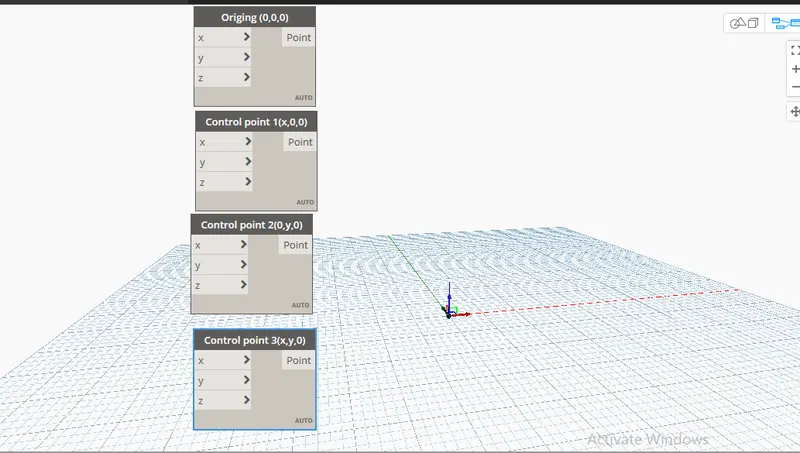
Step 2:
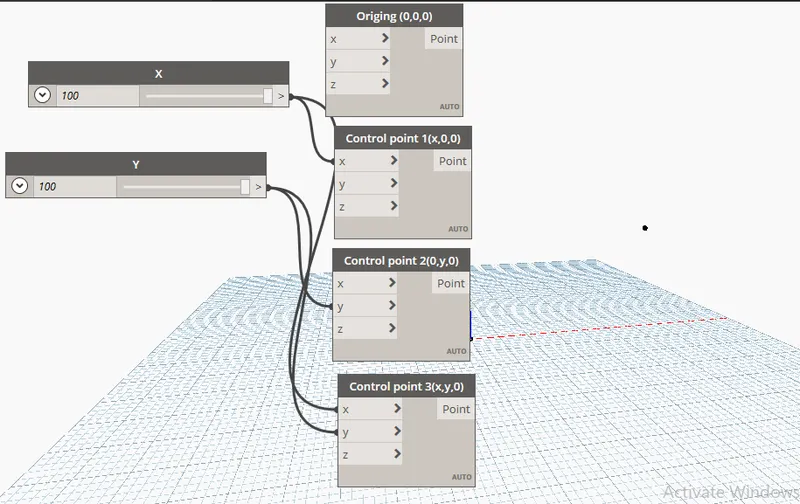
Step 3:
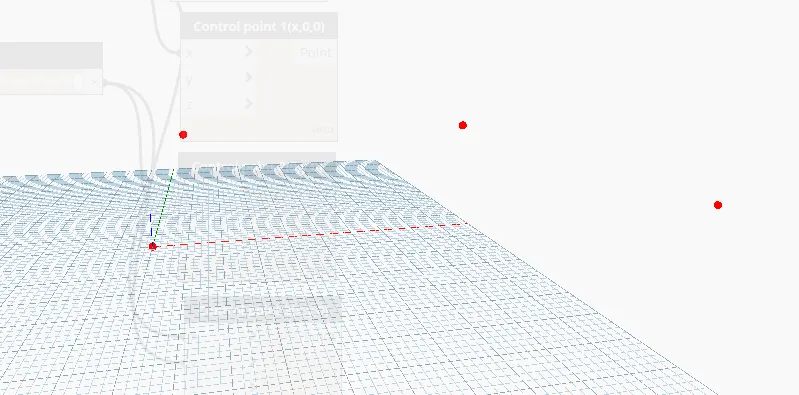
Step 4:
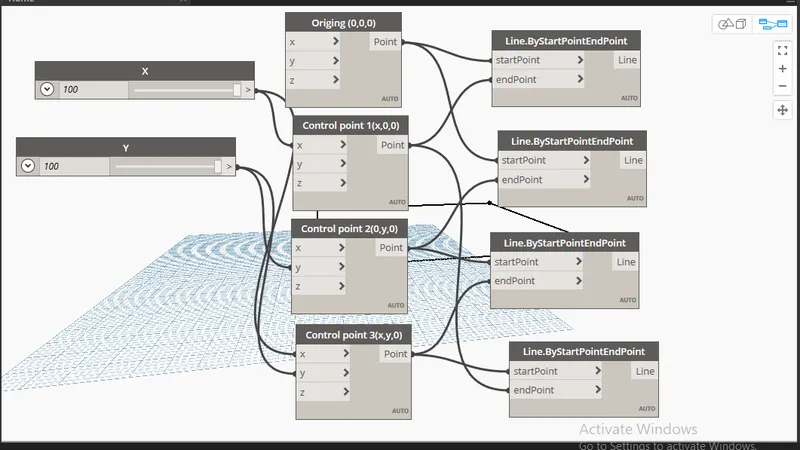
Step 5:
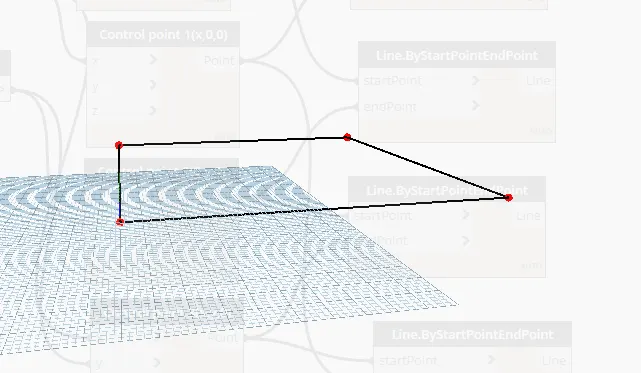
Step 6:
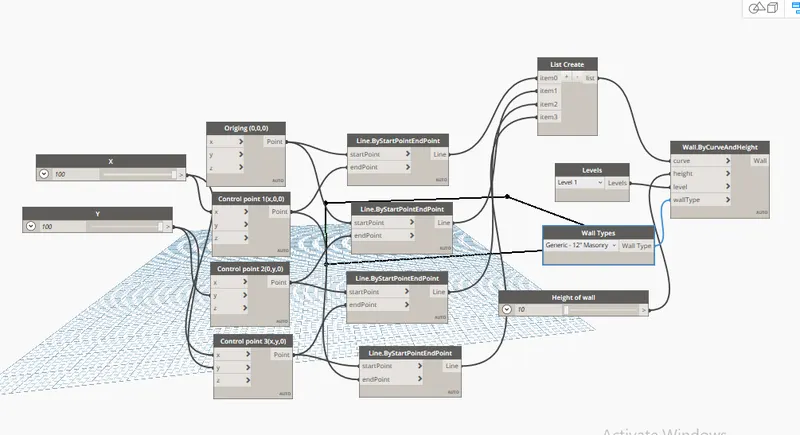
Result:
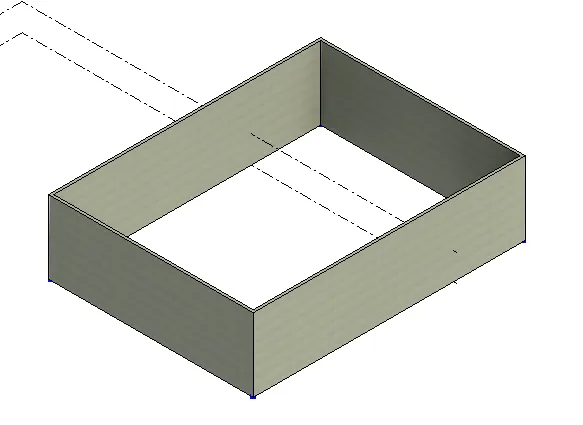
3. Aim: To creating a an array of model elements in Revit using dynamo to vary the properties of model elements by using the slider or code block
Tools used:
- Dynamo
- Rotate
- Column
Procedure:
Step 1:

Step 2:
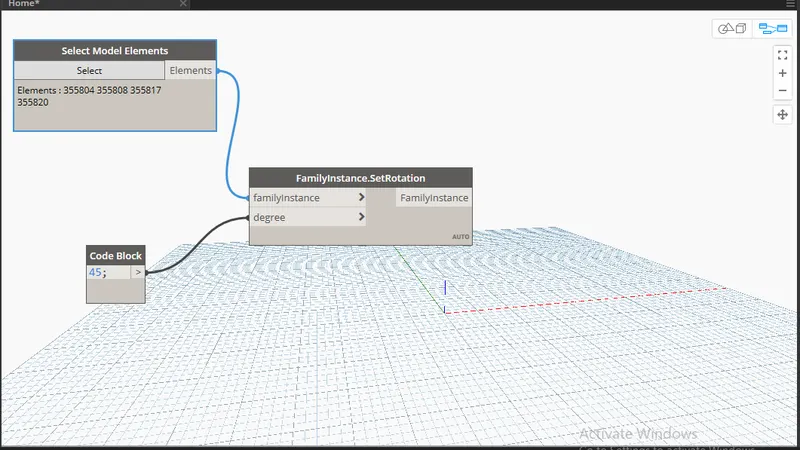
Step 3:

Result:
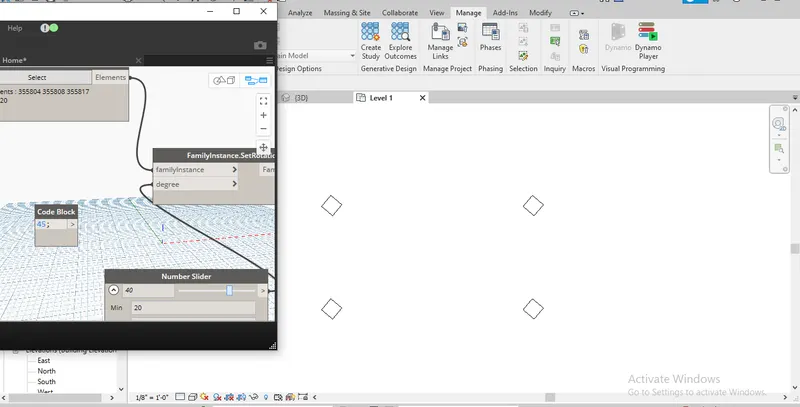
4. Aim: To creating a conceptual mass in Revit and develop a parametric column by dividing the surfaces and apply the concepts similar to used in parametric walkway modelling.
Tools Used:
- Dynamo
- Divide surface
- Curve
Procedure:
Step 1:
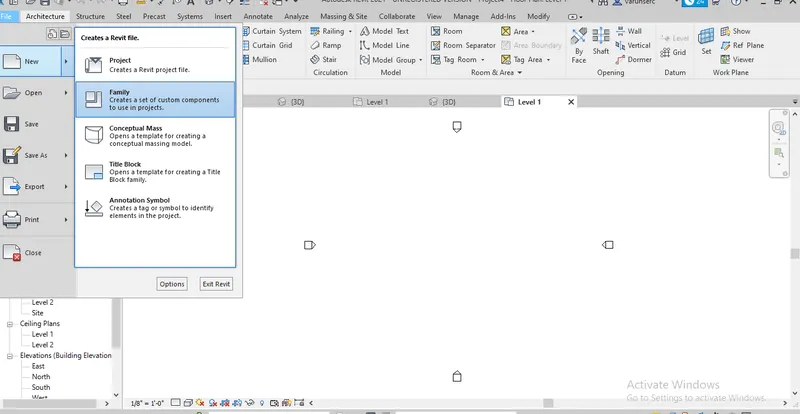
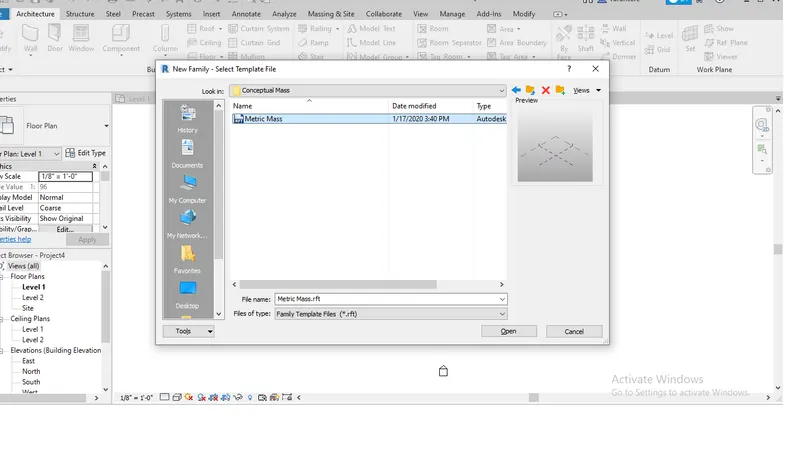
Step 2:
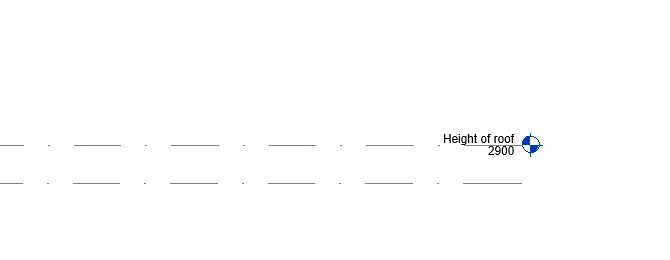
Step 3:
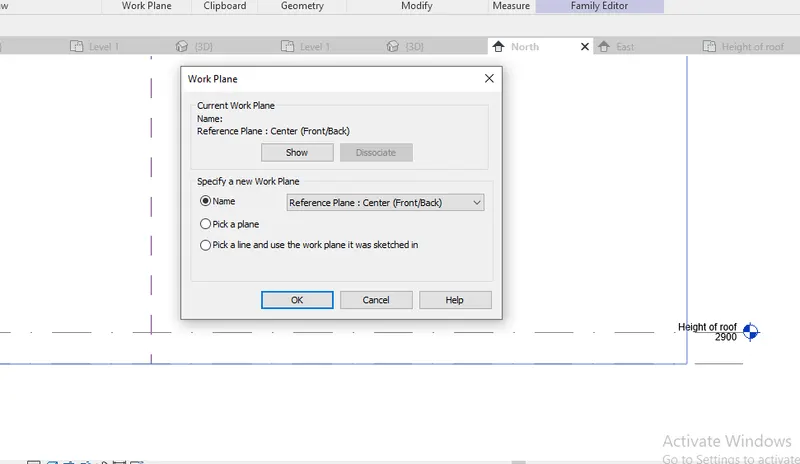
Step 4:
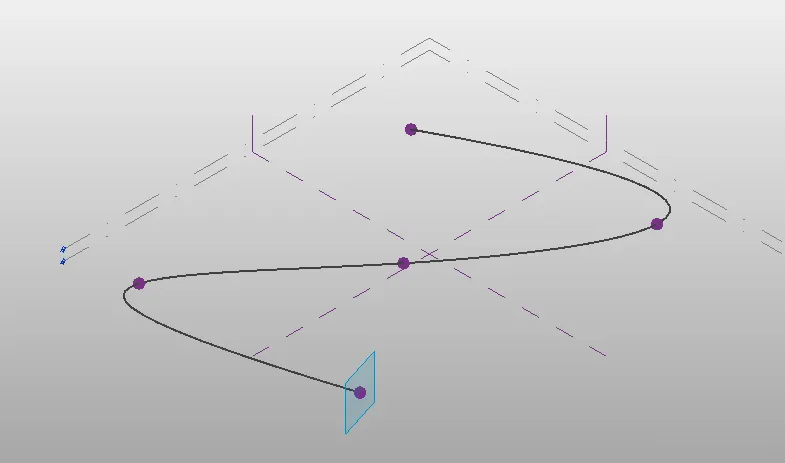
Step 5:
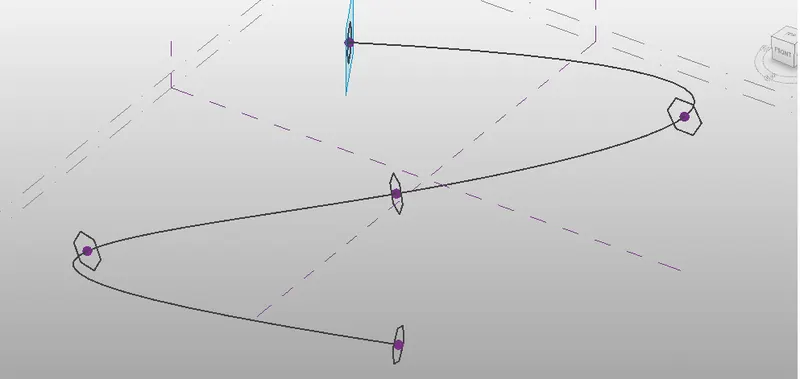
Step 6:
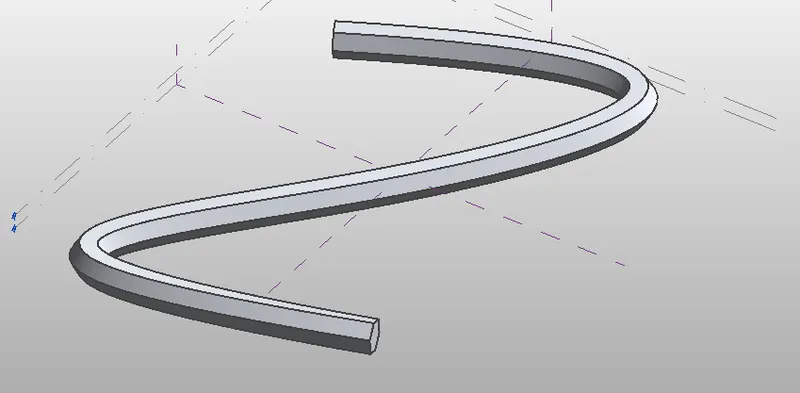
Step 7:
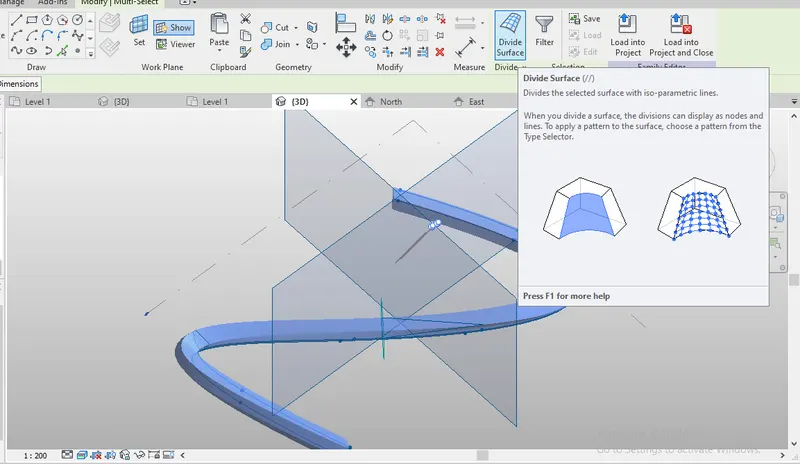
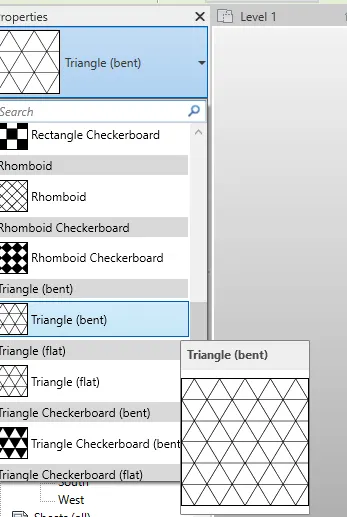
Result:
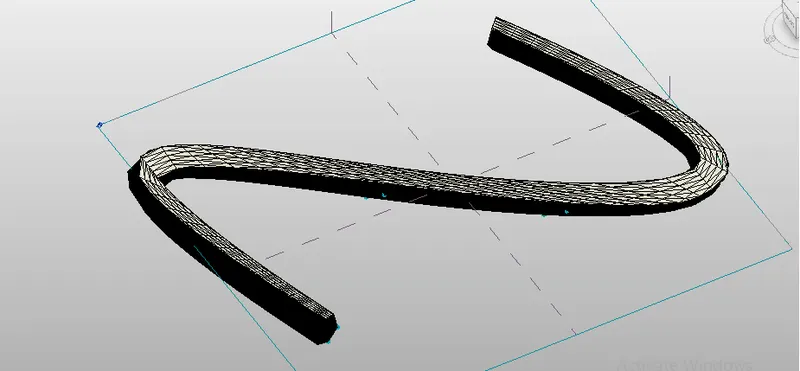
5. Aim: To creating a conceptual mass of parameters and the visual programming approach.
Tools Used:
- Dynamo
- Rectangle
- Rotate
Procedure:
Step 1:
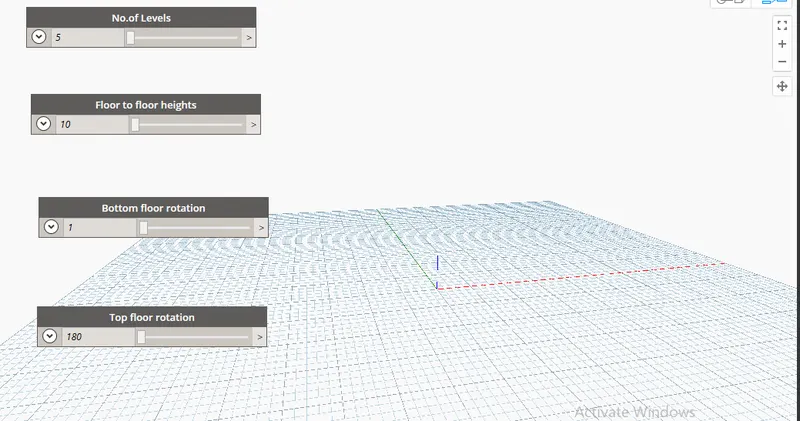
Step 2:
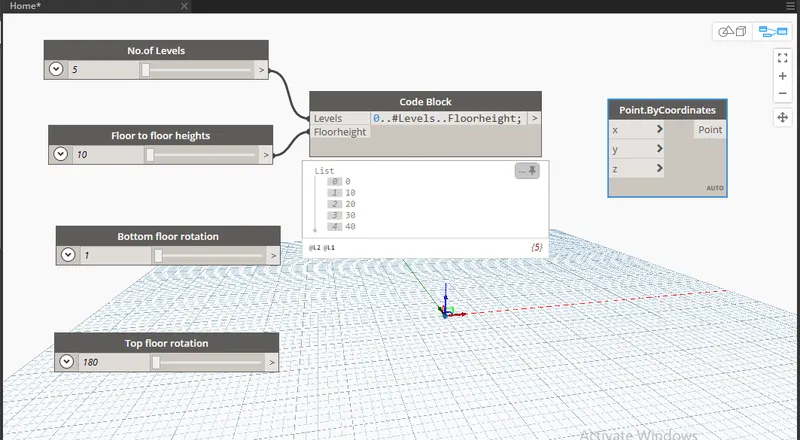
Step 3:
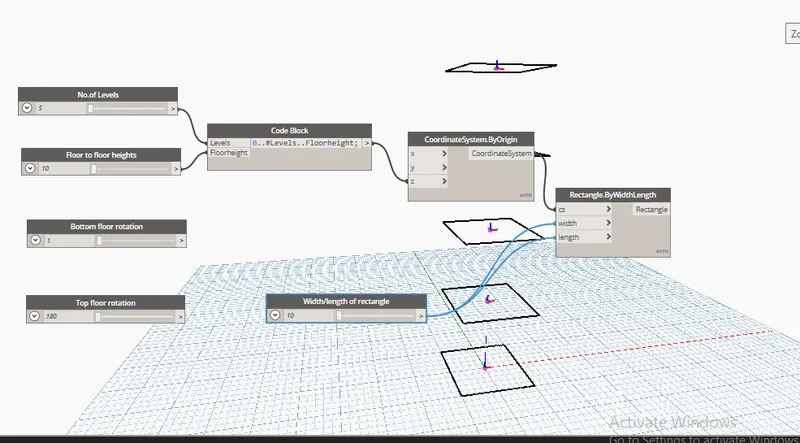
Step 4:
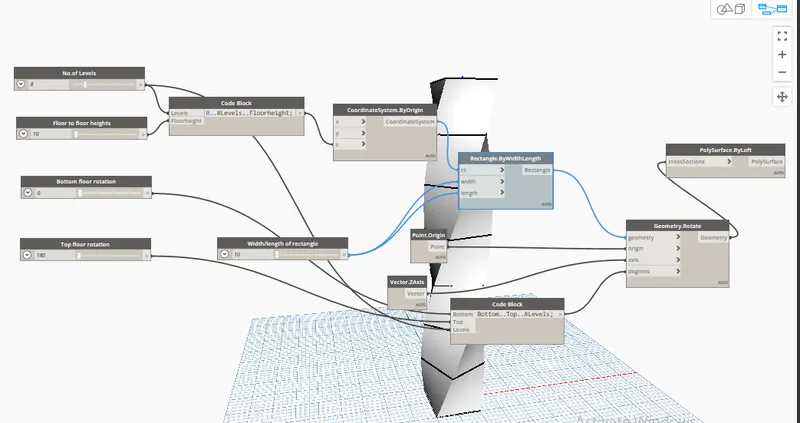
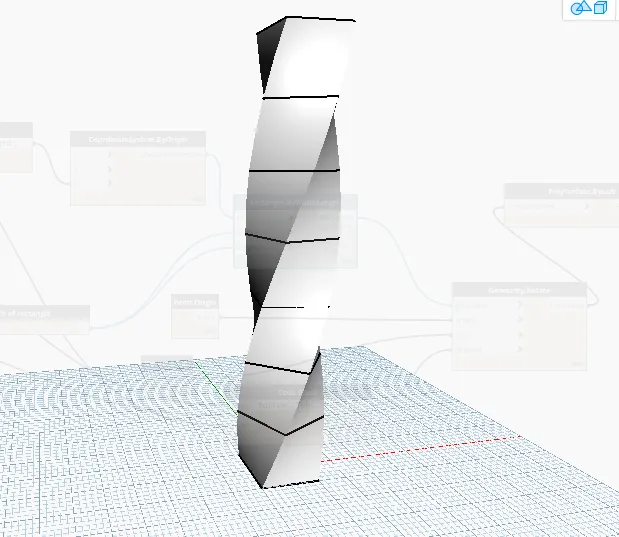
Result:
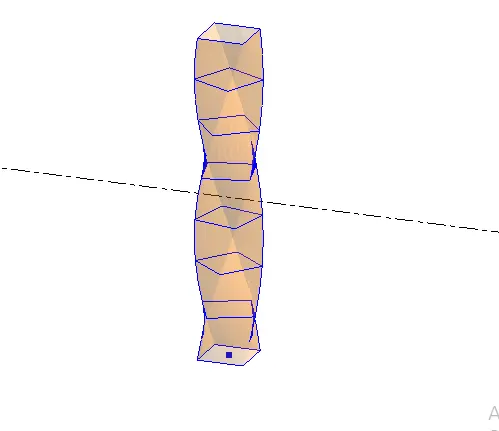
Note: It is copied from Live session Challenge