Creating a Wardrobe detailed drawing, Floor Plan, Kitchen Layout and Column Detail using AutoCad
AIM
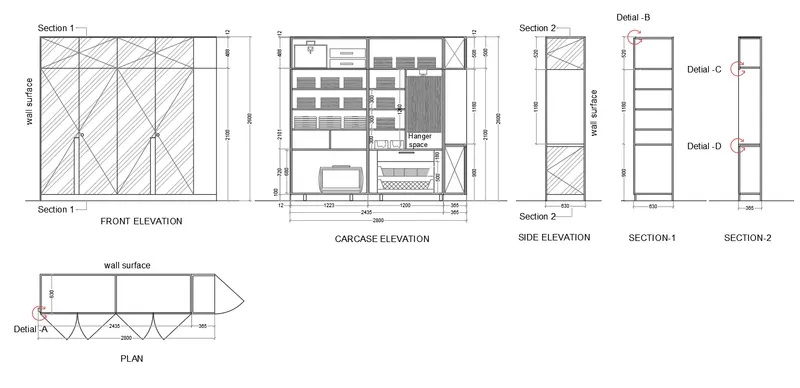
To draw the elevation and details of a wardrobe as shown in the Figure below. And provide the dimensions and text with the use of layer
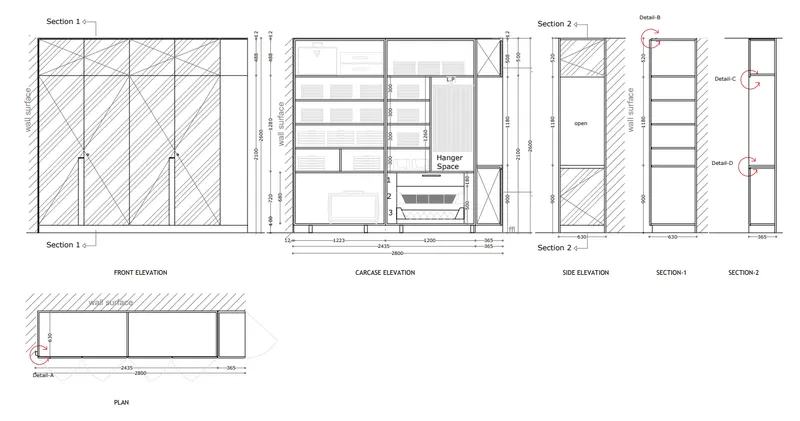
INTRODUCTION
Here we are using
Line tool
Offset tool
Text
Hatch
Dimensioning etc…
PROCEDURE
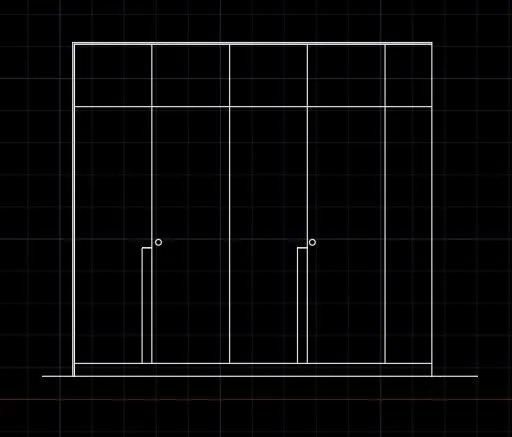
Step 1:Draw the wardrobe front elevation using line tool offset tool
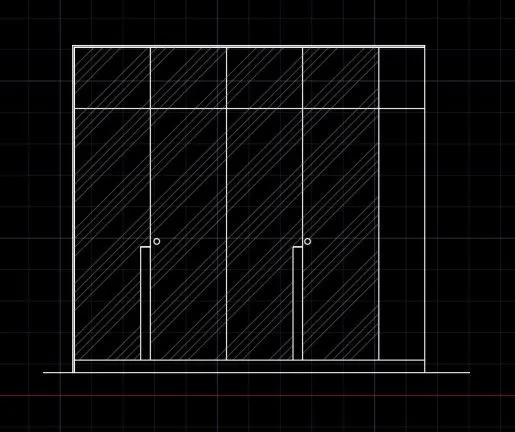
Step 2:Enter hatch command
Hatch the places where needed
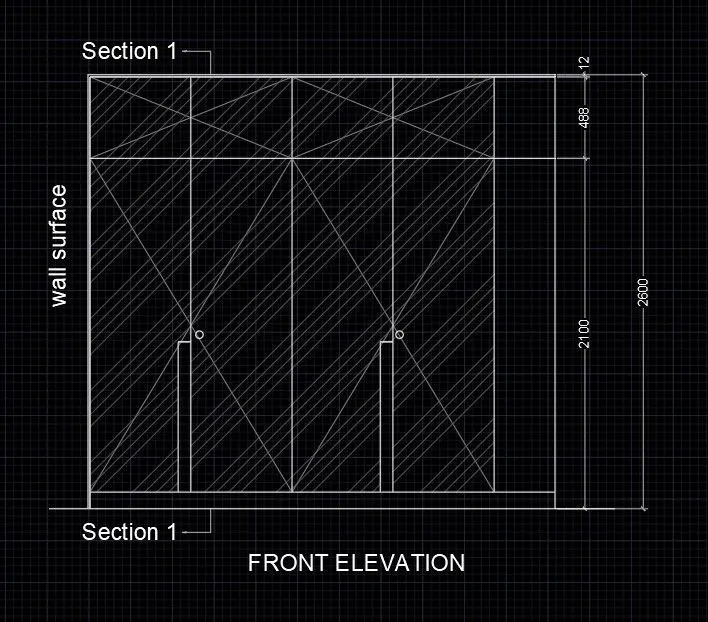
Step 3:Mark the dimensions
Then add titles and other text
Step 4:Draw the carcase elevation using line tool offset tool
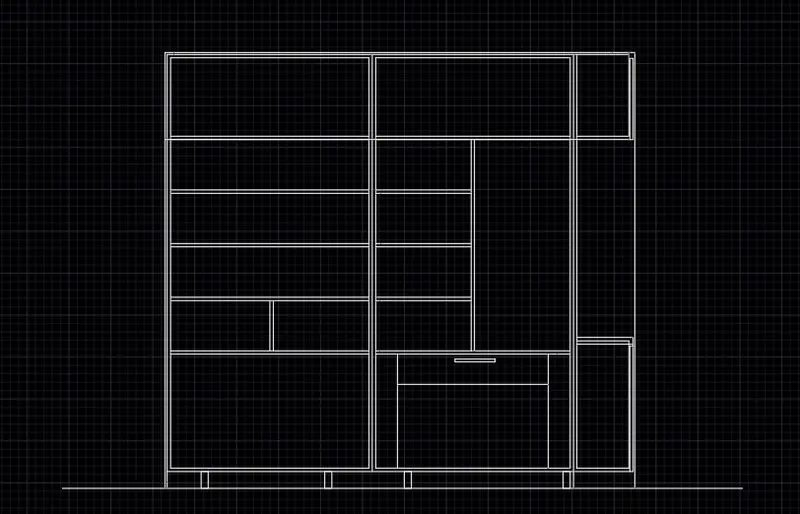
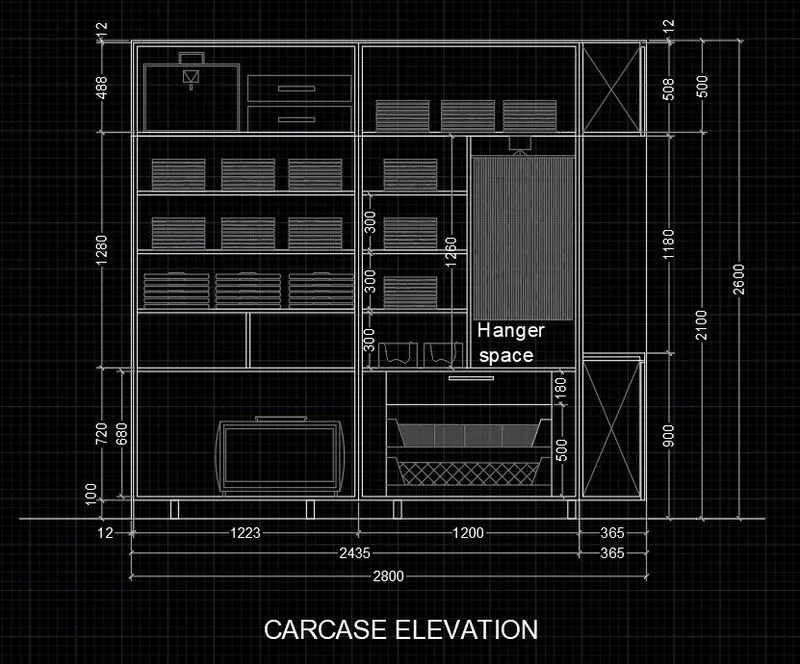
Step 5:Draw the inner elements using line tool,offset tool,arc tool
Step 6:Mark the dimensions
Then add titles and other text
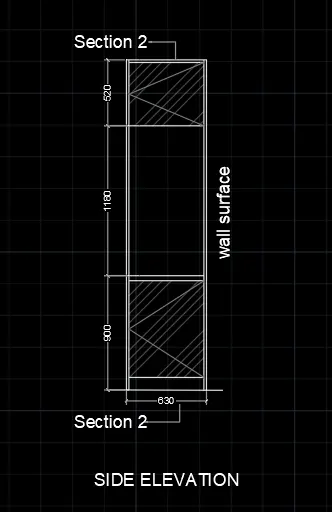
Step 7:Draw the wardrobe side elevation using line tool offset tool
Step 8:Enter hatch command
Hatch the places where needed
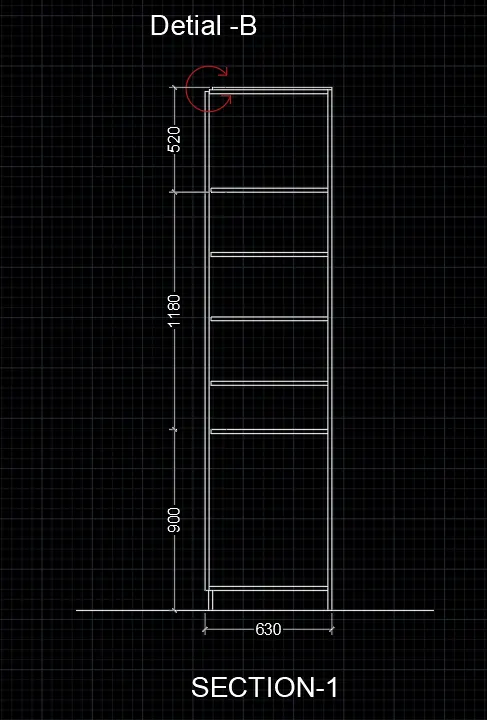
Step 9:Draw the section 1 using line tool offset tool
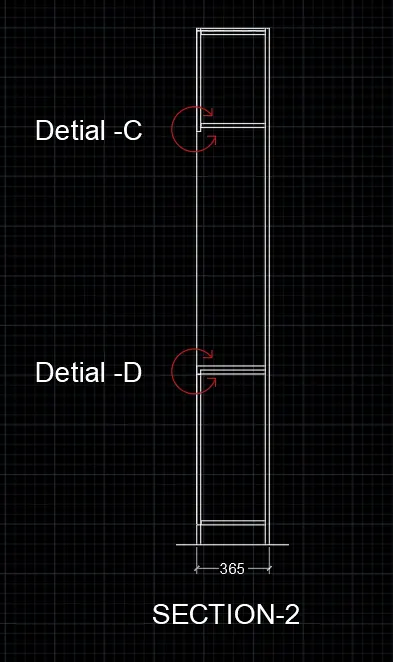
Step 10:Draw the section 2 using line tool offset tool
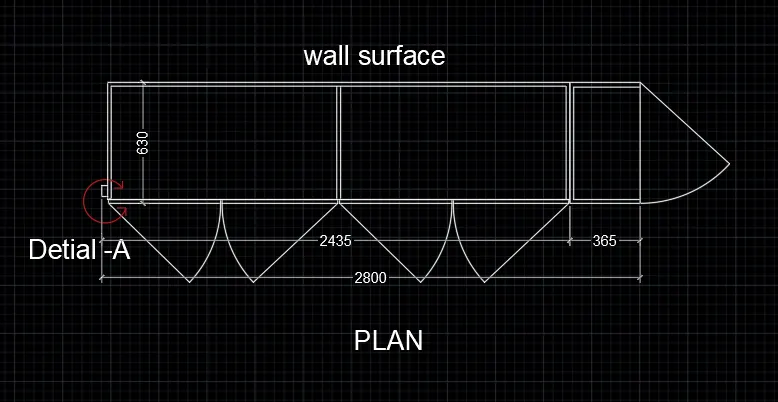
Step 11:Draw the plan using line tool offset tool,arc tool
RESULT
AIM
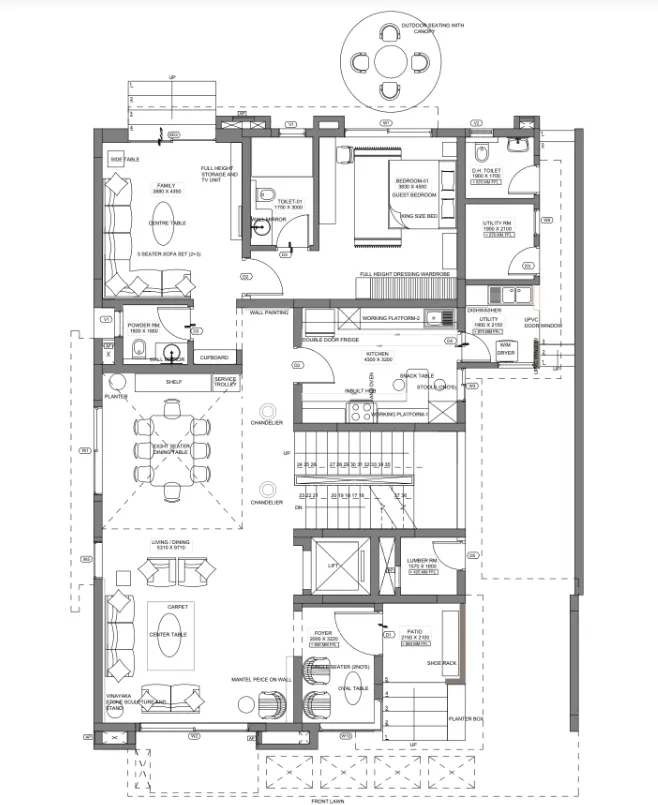
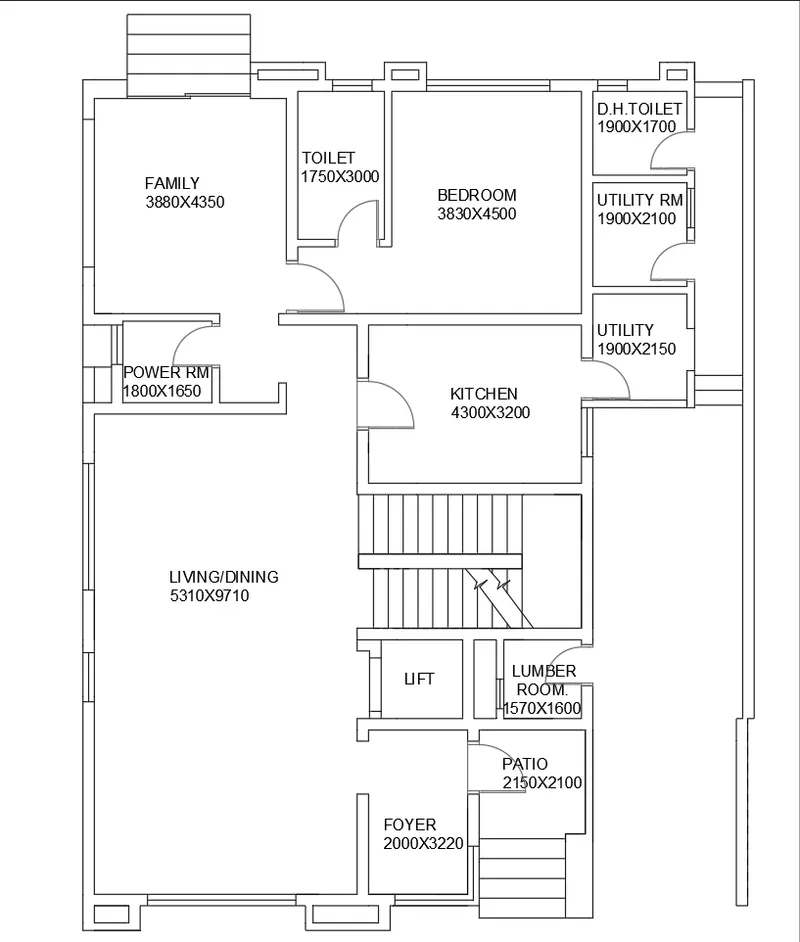
To draw the floor plan as shown in the Figure
INTRODUCTION
Here we are using
Line tool
Offset tool
Text
Hatch
Dimensioning etc…
PROCEDURE
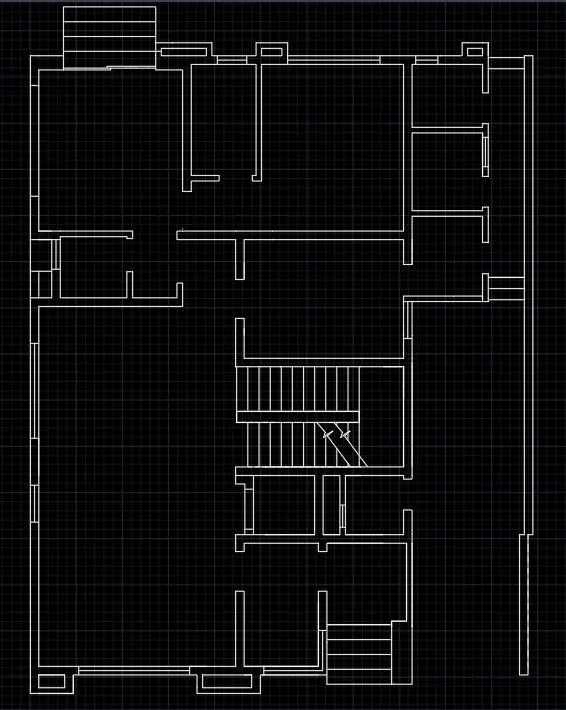
Step 1: Draw the plan using construction line,line tool offset tool
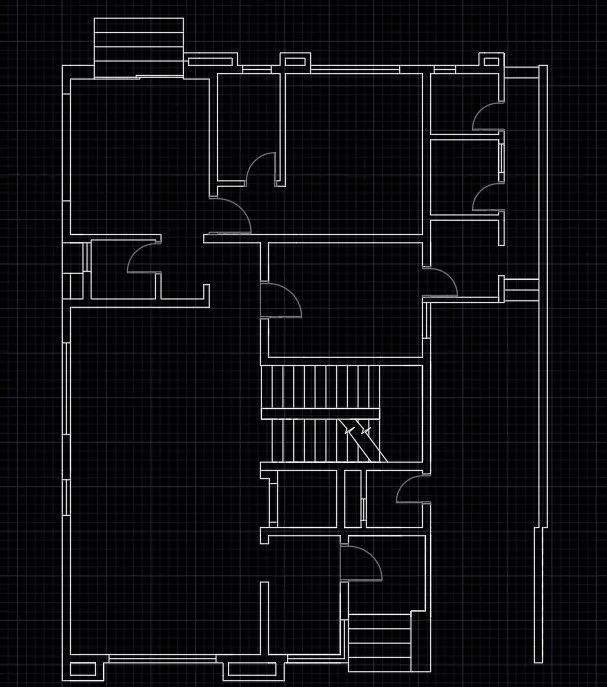
Step 2:Draw the doors using arc and line tool
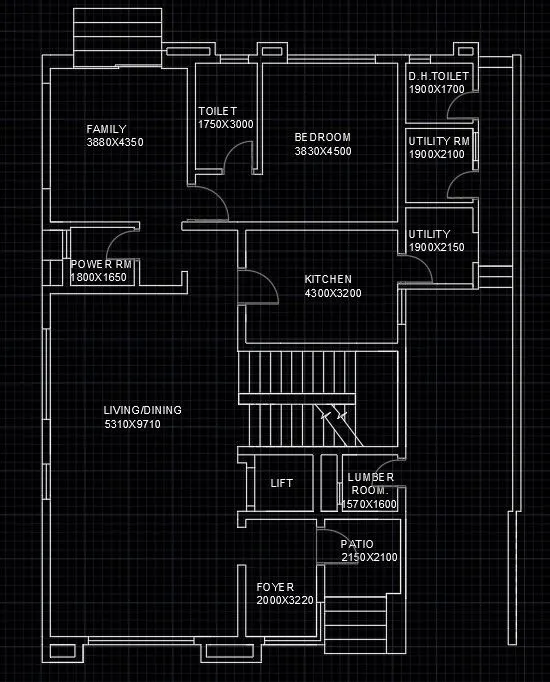
Step 3:Add text to the plan using ‘text’
RESULT
AIM
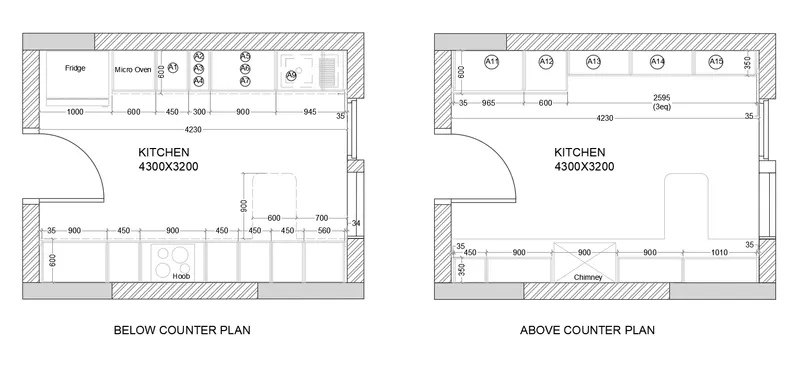
To create the Kitchen Layout as shown in the Figure below
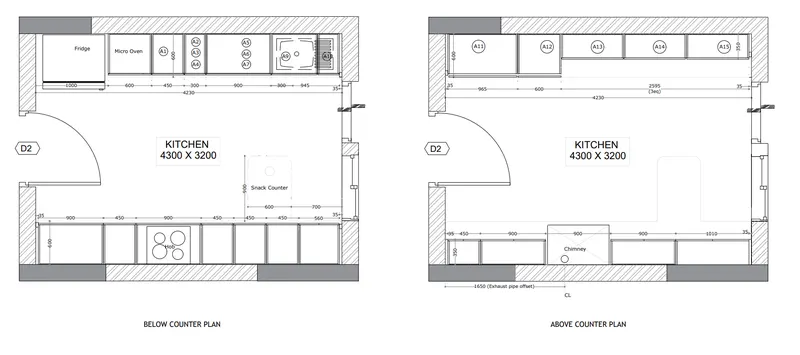
INTRODUCTION
Here we are using
Line tool
Offset tool
Text
Hatch
Dimensioning etc…
PROCEDURE
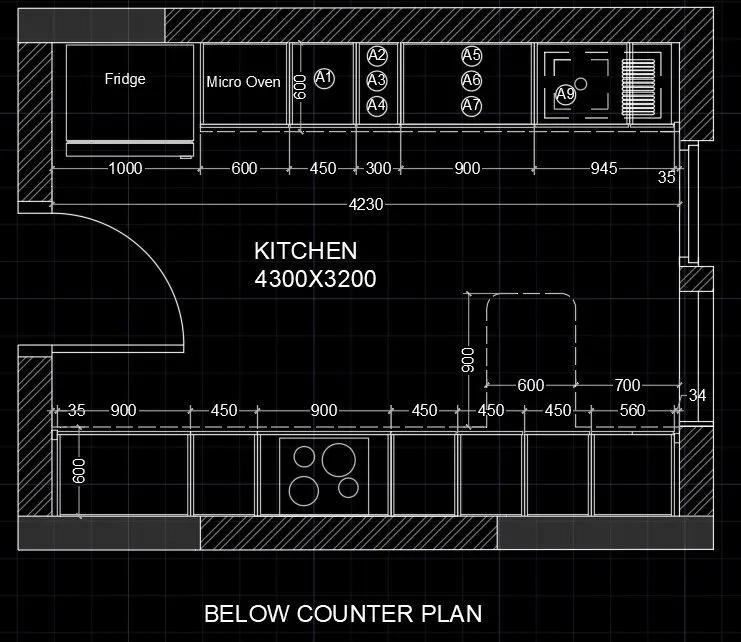
Step 1: Draw the plan of the wall using line tool offset tool
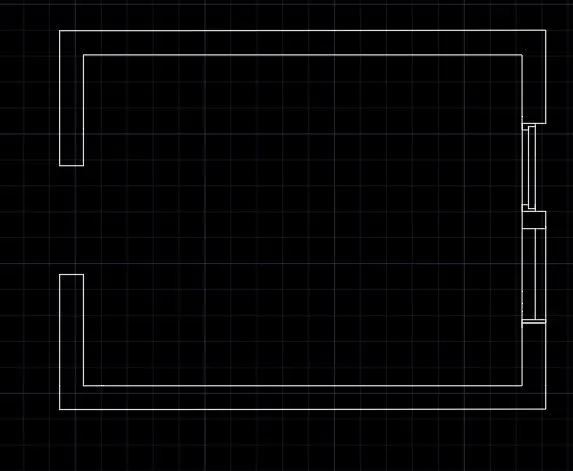
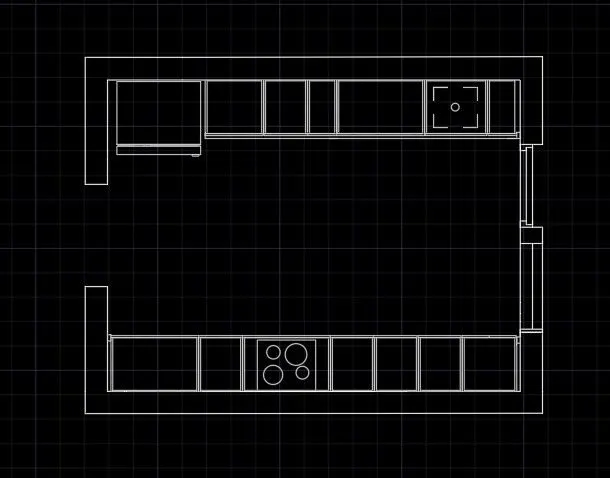
Step 2:Draw the furniture layout for below counter
Step 3:Draw door using line tool and arc tool
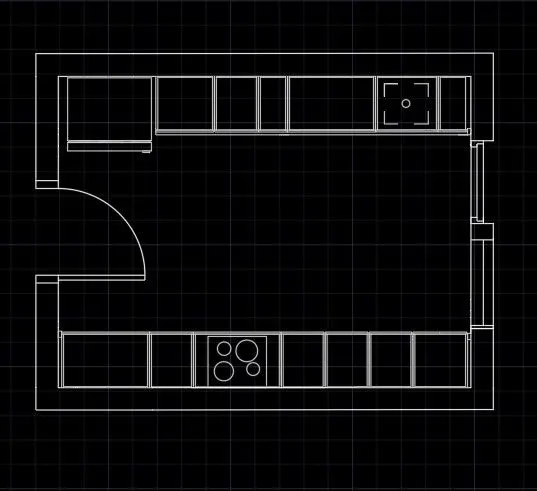
Step 4:Mark dimensions and add text
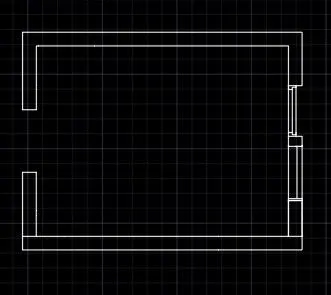
Step 5: Draw the plan of the wall using line tool offset tool
Step 6:Draw the furniture layout for above counter
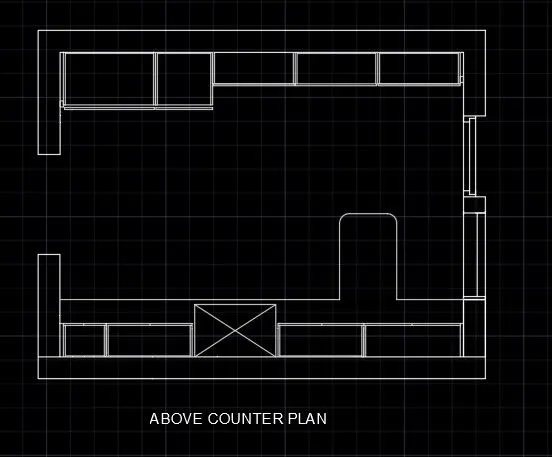
Step 7:Draw door using line tool and arc tool
Step 8:Provide hatch for different elements
Mark dimensions and add text
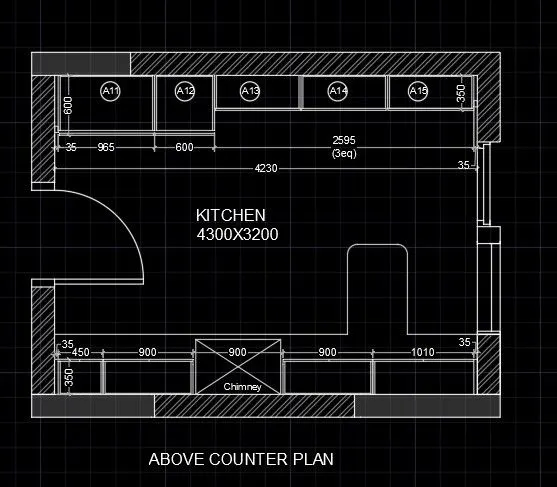
RESULT
AIM
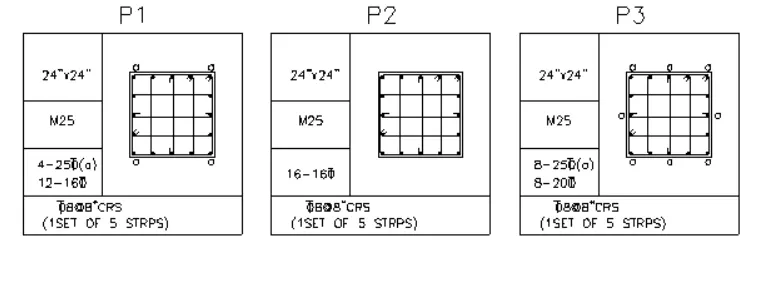
To sketch the column details as shown in figure. Insert dimensions and text in the figure
INTRODUCTION
Here we are using
Line tool
Offset tool
Text
Hatch
Dimensioning etc…
PROCEDURE
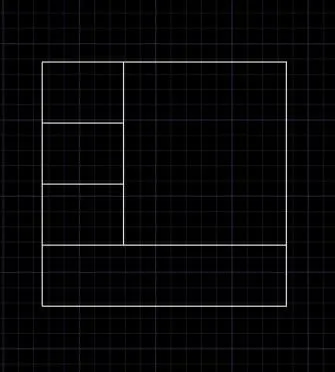
Step 1: Draw the table using line and offset tool
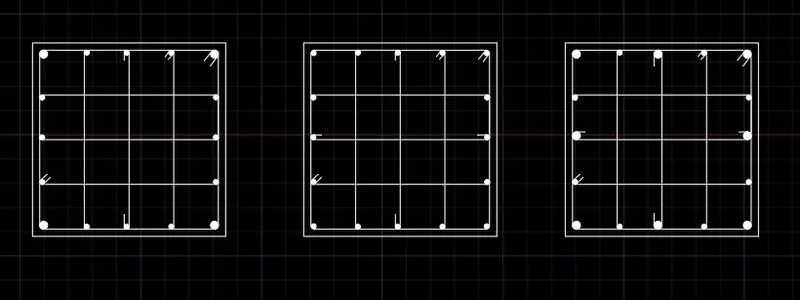
Step 2:Draw the column section details
Step 3:Enter the given data for P1 using ‘text’
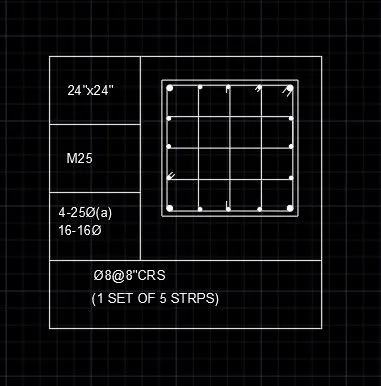
Step 4:Enter the given data for P2 using ‘text’
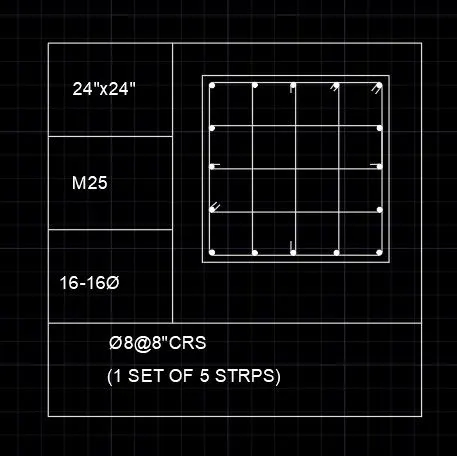
Step 5:Enter the given data for P3 using ‘text’
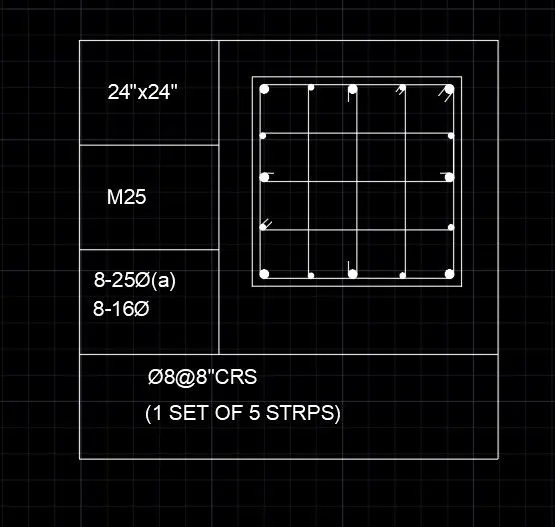
RESULT
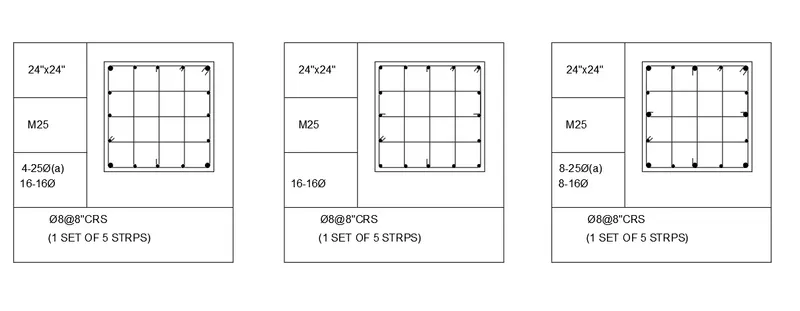
AIM
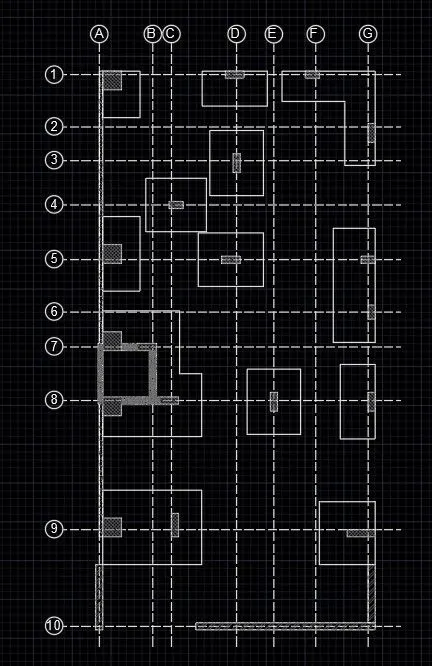
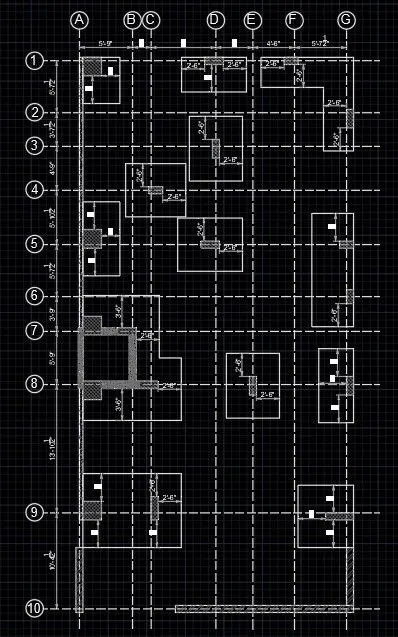
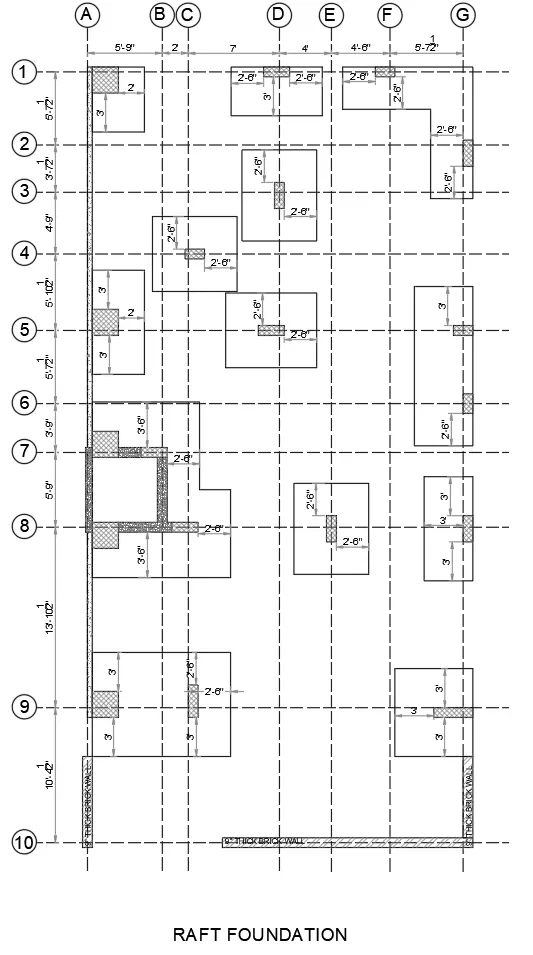
To draw the Raft Layout as shown in the figure. Assume the column size as per your knowledge
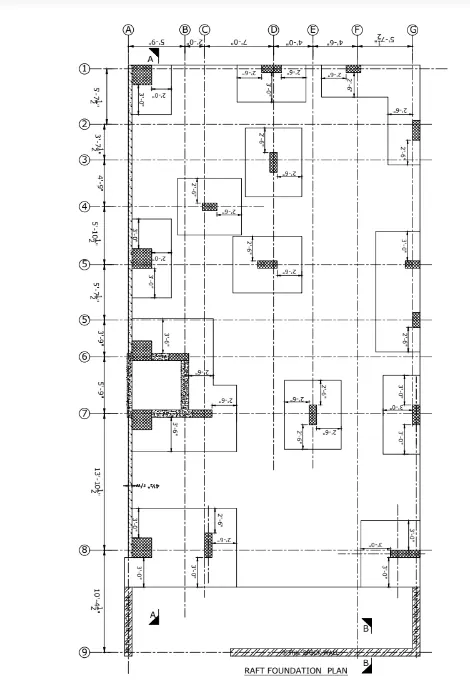
INTRODUCTION
Here we are using
Line tool
Offset tool
Text
Hatch
Dimensioning etc…
PROCEDURE
Step 1: Draw the center line drawing using line tool
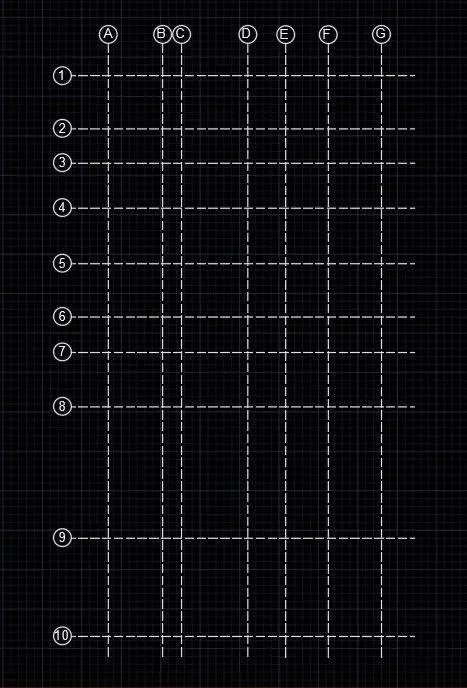
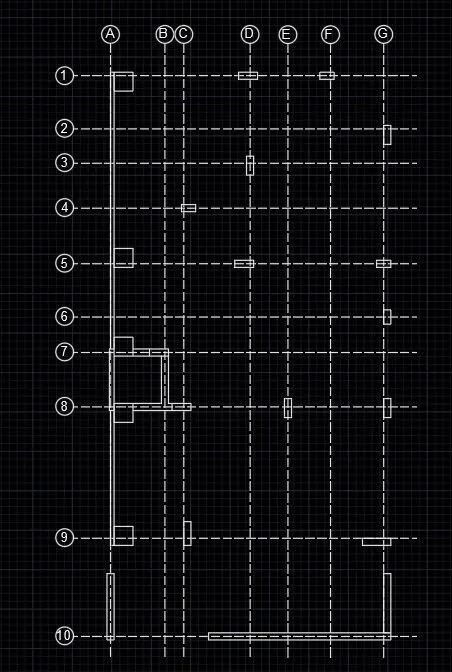
Step 2: Draw walls and columns using line tool offset tool
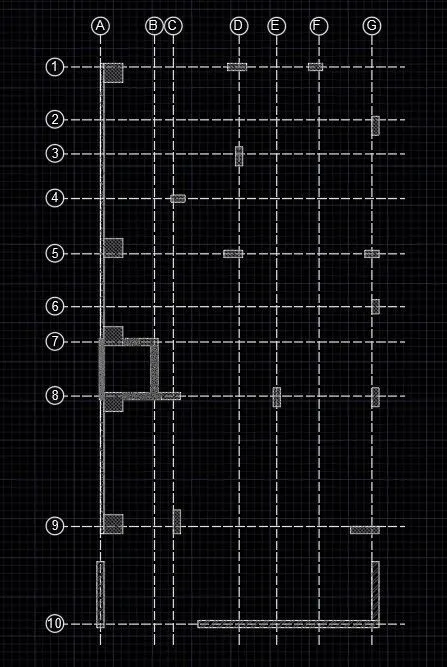
Step 3:Provide hatch of column and walls
Step 4:Draw footing details
Step 5:Mark the dimensions
Add the given datas
RESULT
RESULT
Here we studied about dimensioning in detial
Also studied to add text to the drawing
And studied how to draw furnuture drawing, plan,column schedule, centerline drawing