Mid Surface Extraction Using Offset & Skin Command
Aim : To Perform Mid Surface Extraction.
Objective : To Perform Mid Surface Extraction Using Offset & Skin Command
Geometry Preparation :
- Import Raw Cad Geometry
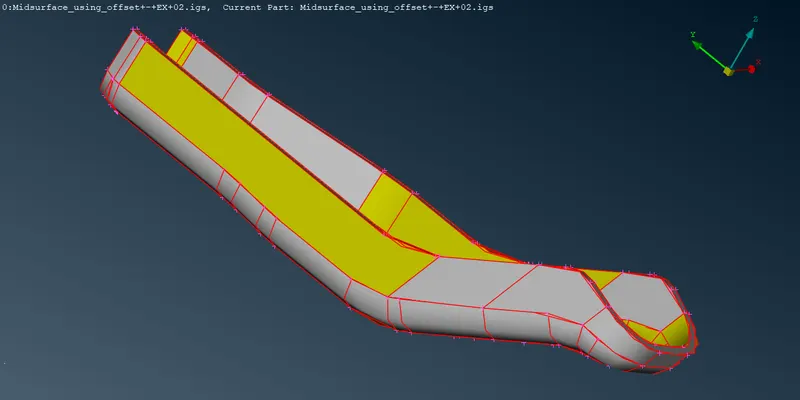
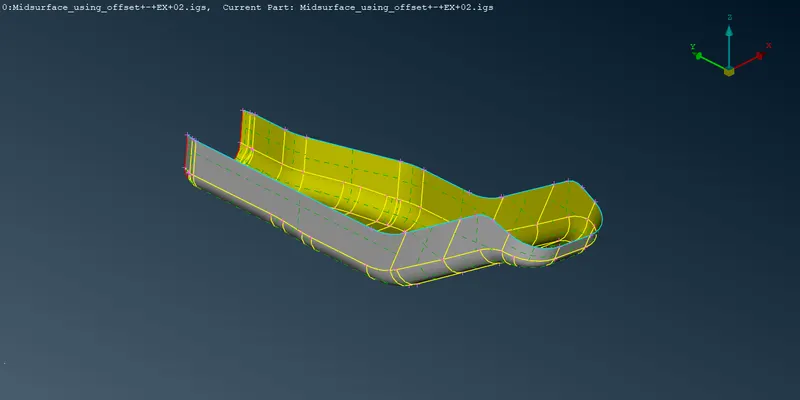
- Hit Topo on the Geometry(It will help us to join the coons properly)
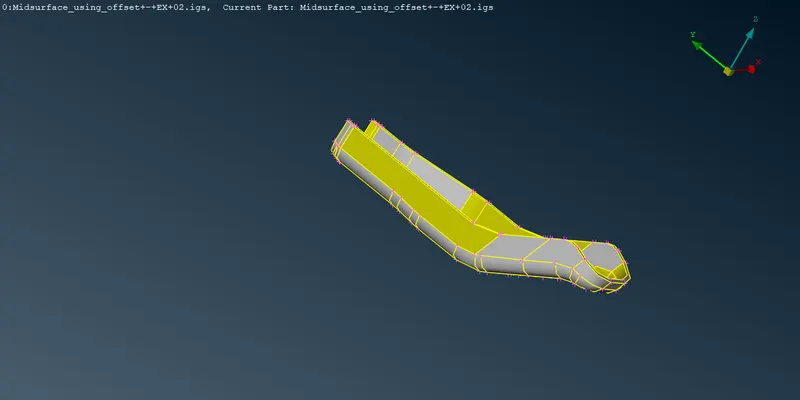
- Checking Thickness of different edges -> which is 4 mm.
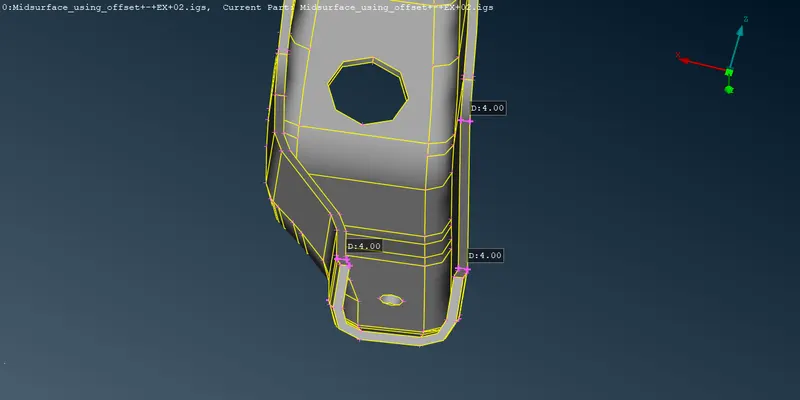
- As the 3rd dimension is of negligible size compared to the other two dimensions..We can Perform 2d Meshing on this geometry
Mid Surface Extraction
- Faces -> Offset -> Select the Face -> Give Offset Distance ( Half of the geometry thickness i.e 2 mm)
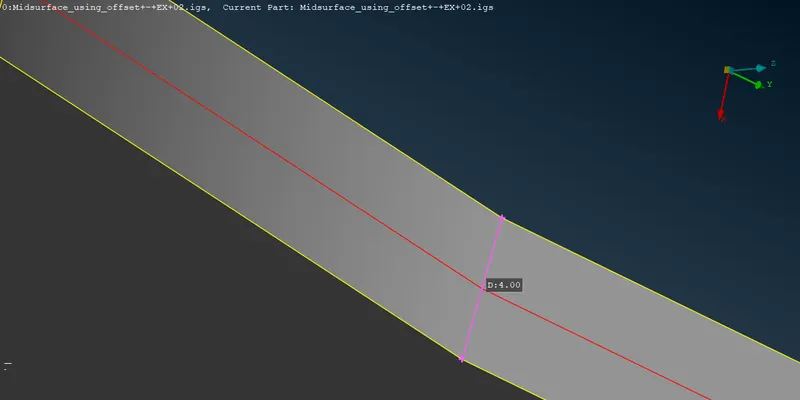
- Red Coons indicating the extracted Mid Surface
- Now there are few surfaces where the surface didnt got extracted due to non-uniformity of the geometry
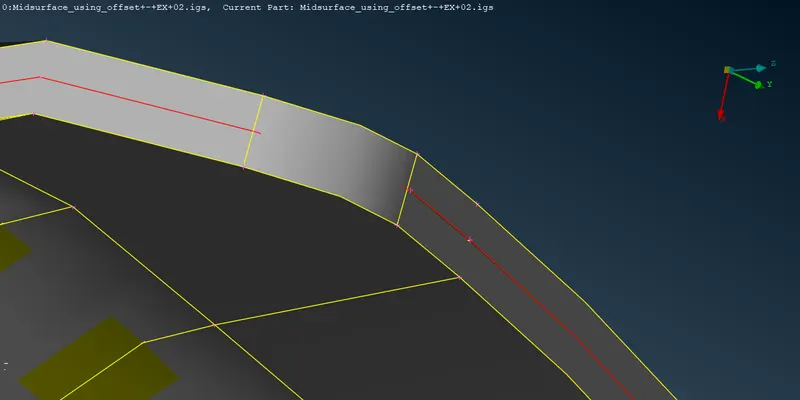
- For this Perform Mesh -> Perimeters -> Length -> Select the Geometry -> Length( 5 mm) -> Distortion Angle ( 20 degree)
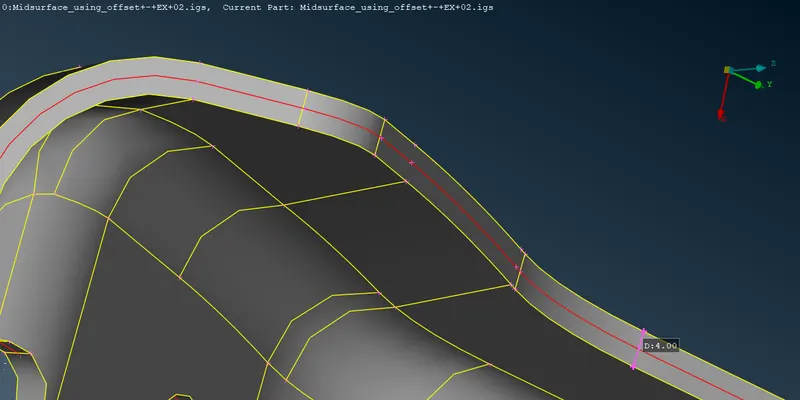
- Now it is observed that few surfaces has been extended
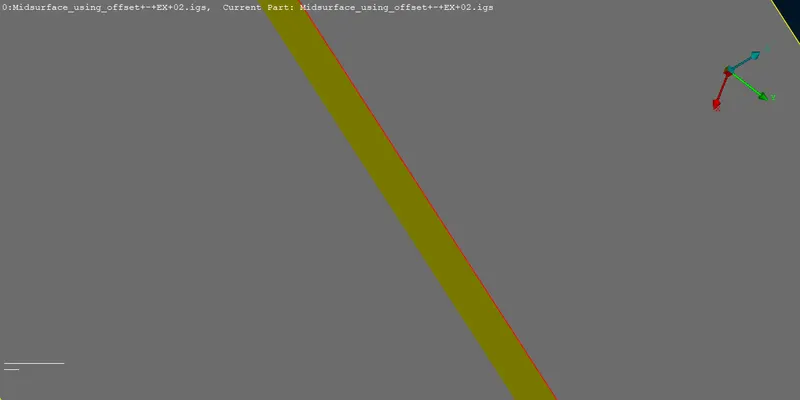
- For this perform Topo -> Extend -> Select all the single coons(use feature to select the red coons at once)-> Select the corresponding faces
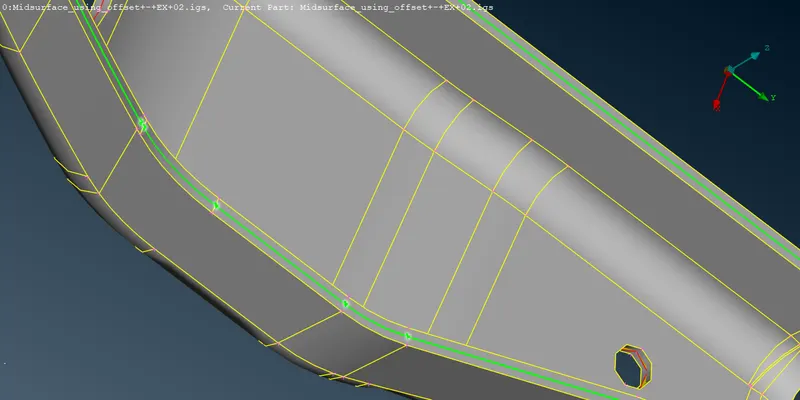
- Here is our final mid-surface-extracted-geometry
Mid Surface Extraction Using Skin Command
- Faces -> Skin -> Select all the Faces -> Confirm Selection
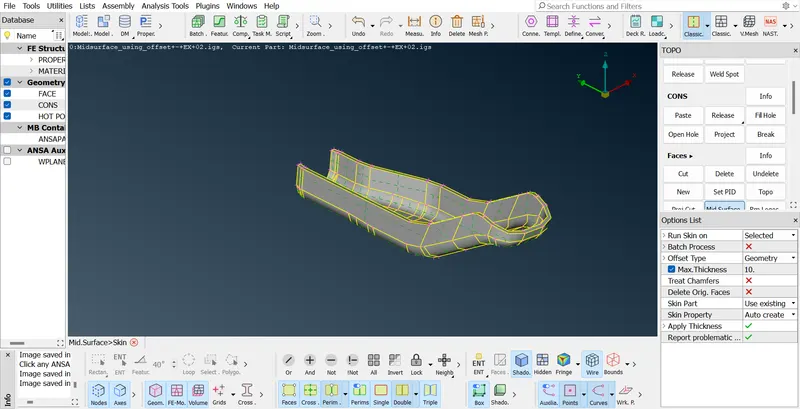
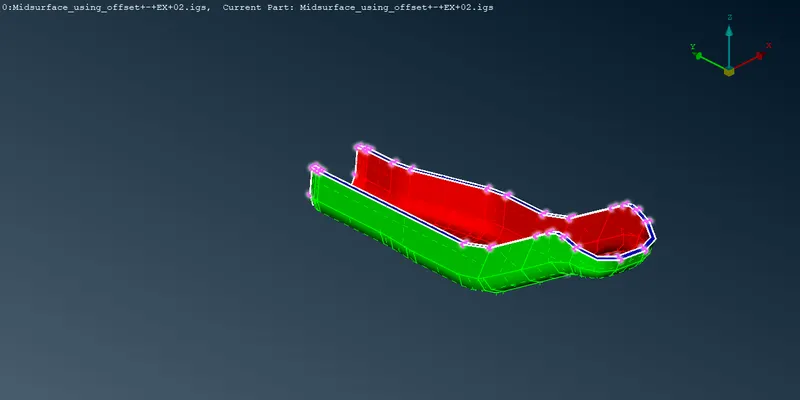
Here is our final extracted mid surface using Skin Command