Batch Meshing and Casting
BATCH MESHING
OBJECTIVE:
- For the given Sheet Metal model, take the mid-surface after checking the geometrical errors.
- Perform the Batch Meshing on the mid-surface with the given element quality criteria.
|
S.No |
Quality Criteria |
Value |
|
1 |
Target/Average length |
3 |
|
2 |
Minimum Length |
1 |
|
3 |
Maximum Length |
5 |
|
4 |
Aspect |
3 |
|
5 |
Warpage |
15 |
|
6 |
Skewness |
45 |
|
7 |
Jacobian |
0.7 |
|
8 |
Minimum Quad Angle |
45 |
|
9 |
Maximum Quad Angle |
135 |
|
10 |
Minimum Tria Angle |
30 |
|
11 |
Maximum Tria Angle |
120 |
|
10 |
Tria Percentage |
15 |
PROCEDURE:
- Import the CAD model into the ANSA interface.
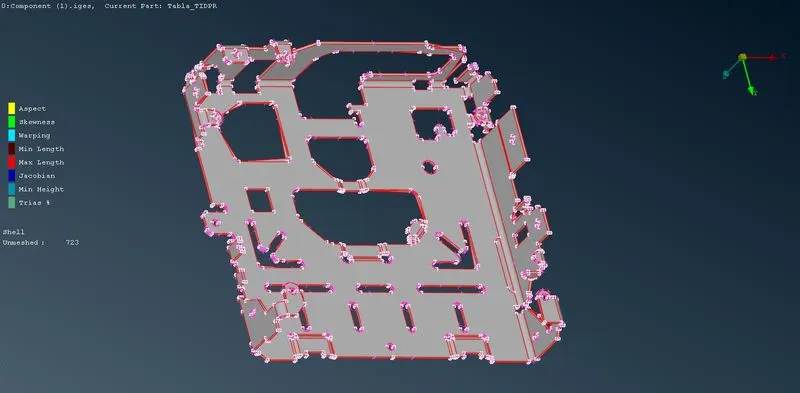
- Perform CONS resolution by using the Length option under the Classic Mesh module. The suggested value is 1 for CONS resolution.
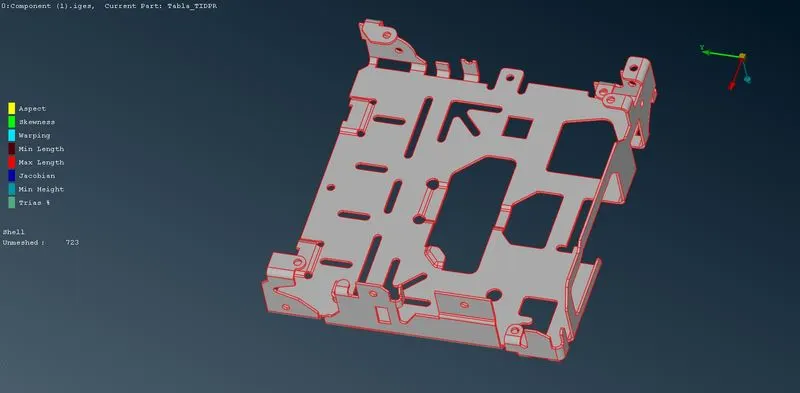
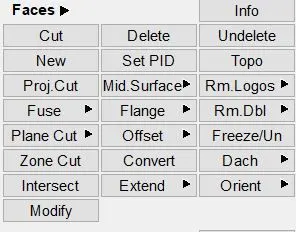
- Check for connectivity between surfaces by visual inspection and use the Topo option.
- By using the Orient option, make sure that all surfaces have normal in one particular direction.
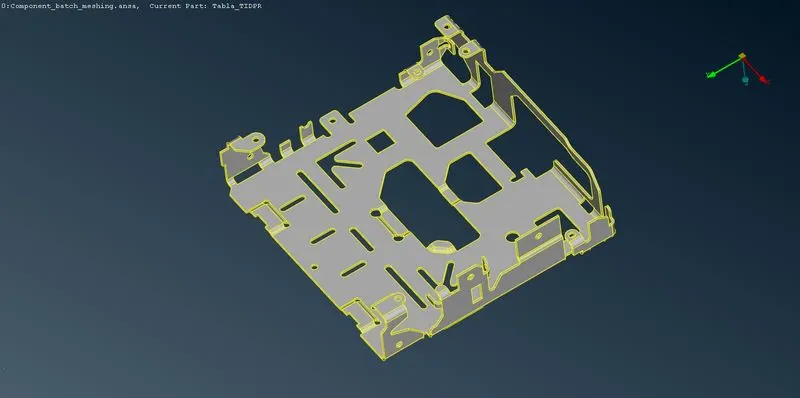
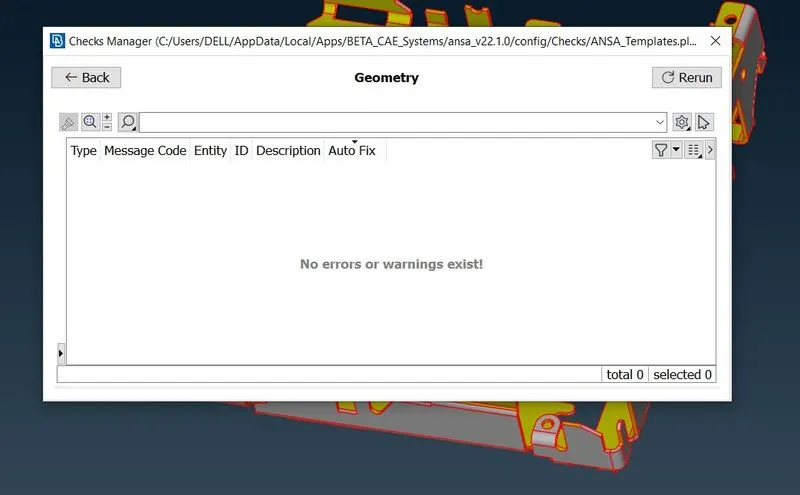
- Perform a geometry check on the given model to eliminate errors like superimposed surfaces, single cons, holes, etc.
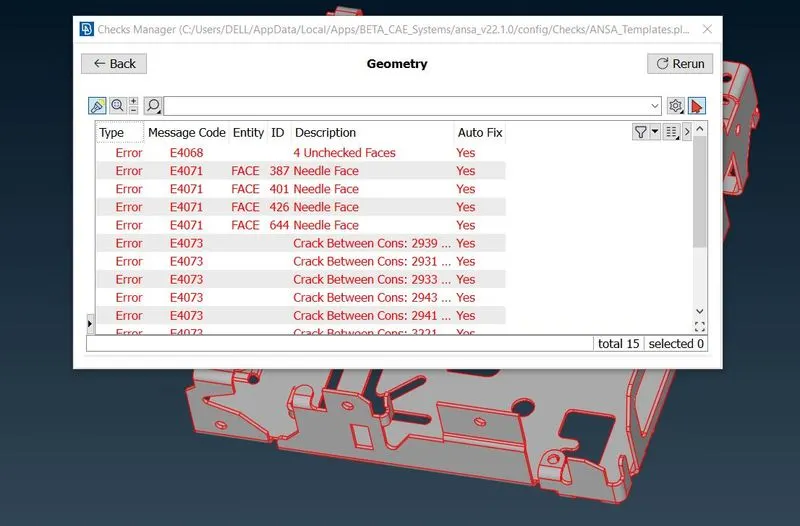
- Use the Auto fix option to eliminate the errors.
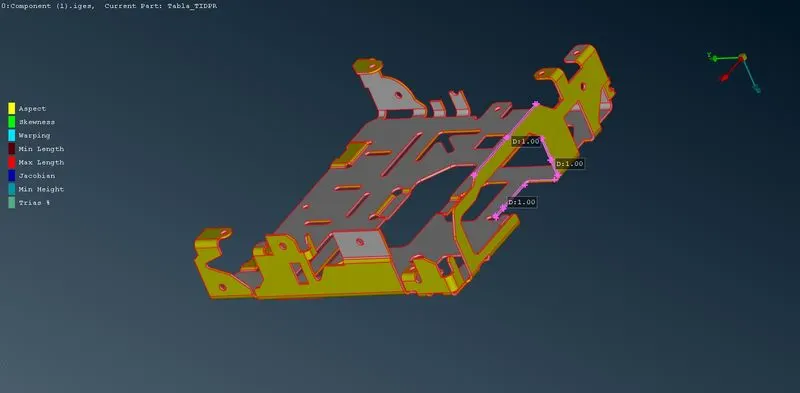
- Measure the thickness of the model to make sure that it is a sheet metal model.
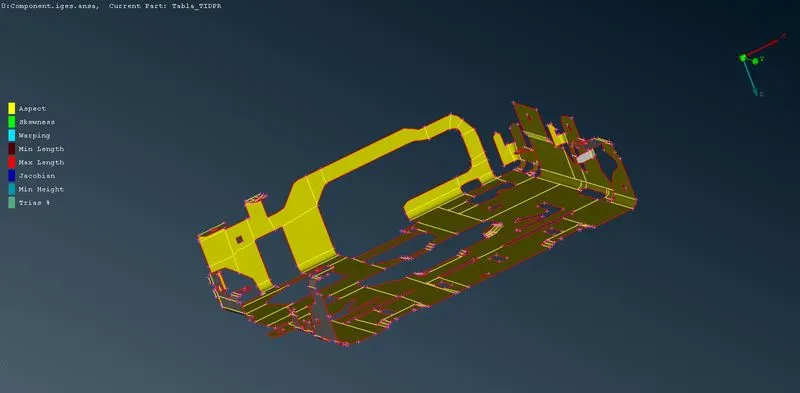
- Use the Midsurface - Skin option to generate the mid-surface of the given model. Make sure to uncheck the 'Delete Original Faces' option from the list before performing this operation.
- After the generation of the mid-surface, go to Perimeters -> Length and enter the target element length.
- Now open the Batch Mesh Manager from the taskbar. Create a Meshing Scenario from the New option.
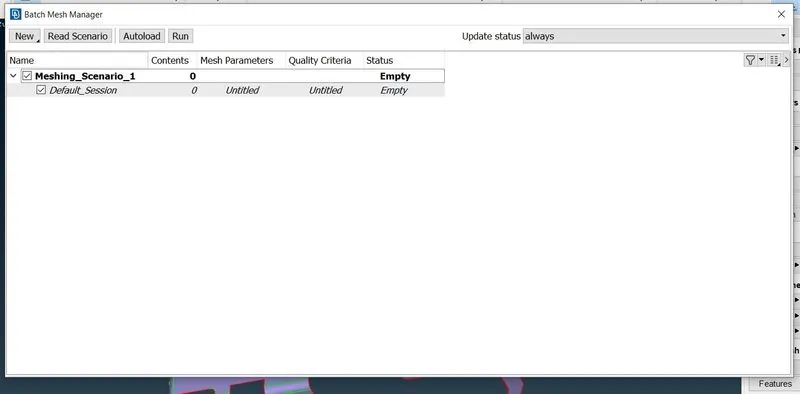
- Right-click the Meshing_Sceneario_1, go to Edit, and then open Contents.
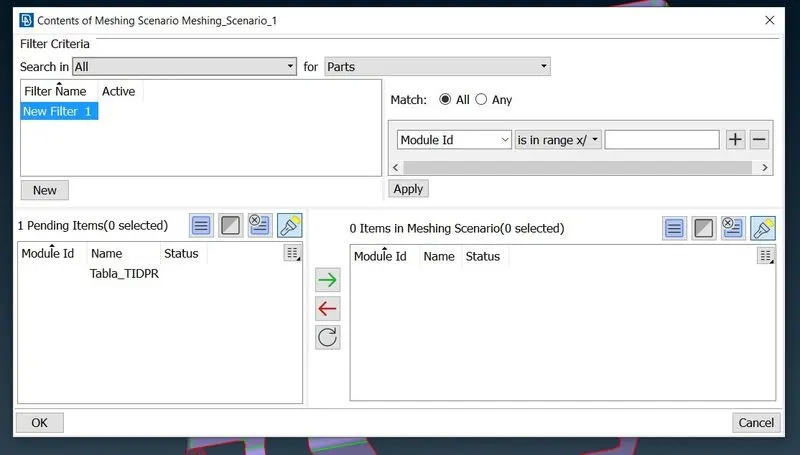
- Now select Search for PIDs and choose the mid-surface we have already created.
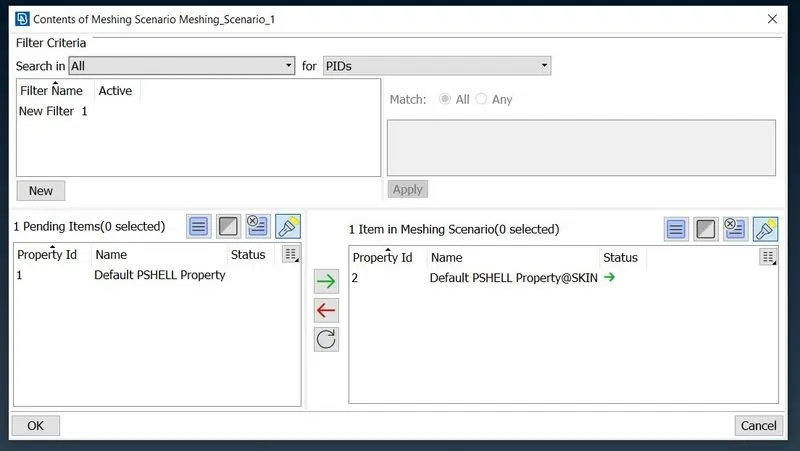
- Check the Mesh parameters and Quality criteria one more time and then click the Run button.
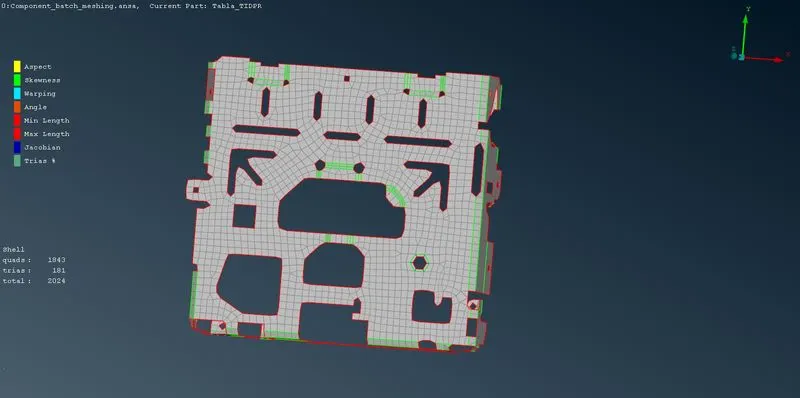
- The mesh has been generated but the mesh flow is not that good. We will take 2 areas and try to create a good mesh flow.
- The area before is given below
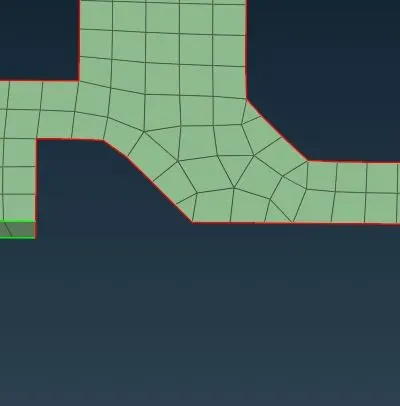
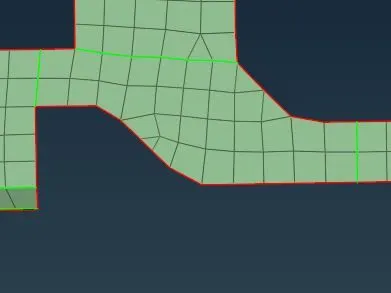
- From observing the above area, we can see a lot of tria elements. we can divide this area by using the Edge2Perimeter option and then reconstruct it.
- Now consider an area with a hole. For proper mesh generation, we can increase the number of nodes to 6.
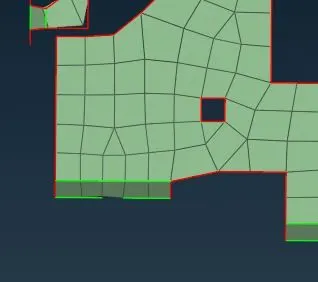
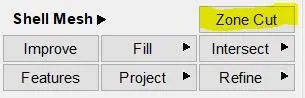
- Now slide the node in such a way that the edge is parallel to the nearest feature line. After that mark the nodes. We need to create a washer around the hole using the Zone Cut option.
- Convert the edges of the washer to the perimeter and freeze the mesh to avoid any changes while reconstructing.
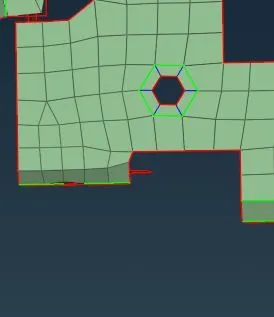
- Similarly, other areas should also be reconstructed in such a way that there is a good mesh flow.
CASTING
OBJECTIVE:
- For the given plastic model, generate the Casting after checking the geometrical errors with the given element quality criteria.
|
S.No |
Quality Criteria |
Value |
|
1 |
Target/Average length |
5 |
|
2 |
Minimum Length |
2 |
|
3 |
Maximum Length |
7 |
|
4 |
Aspect |
5 |
|
5 |
Warpage |
15 |
|
6 |
Skewness |
45 |
|
7 |
Jacobian |
0.7 |
|
8 |
Minimum Quad Angle |
45 |
|
9 |
Maximum Quad Angle |
135 |
|
10 |
Minimum Tria Angle |
20 |
|
11 |
Maximum Tria Angle |
120 |
|
10 |
Tria Percentage |
15 |
PROCEDURE:
- Import the CAD model into the ANSA interface.
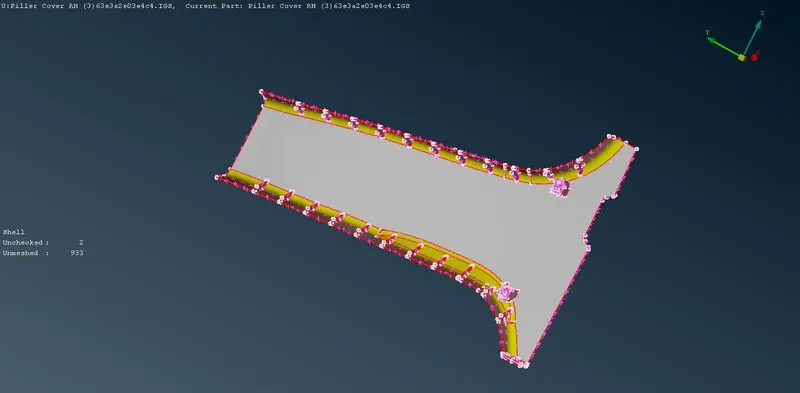
- Perform CONS resolution on the model using the Length option from the Classic Mesh module.
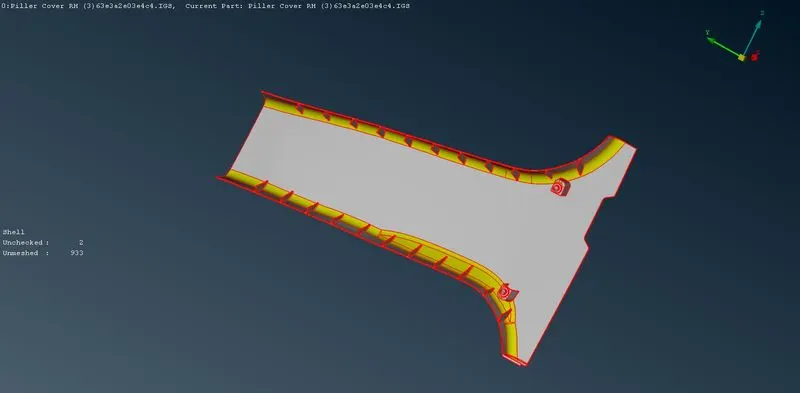
- Check for connectivity and use the Topo option to make sure that all surfaces are connected.
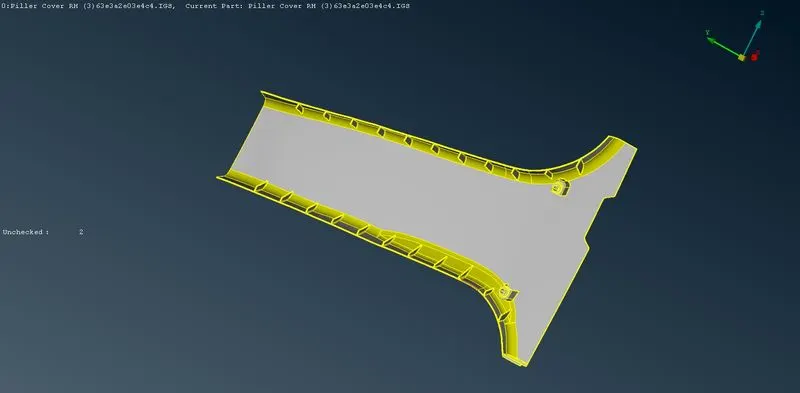
- Use the Orient option to ensure that the normal is in one particular direction.
- Perform a geometry check on the model to identify any faults or single CON errors. Use the Auto Fix option to eliminate those errors.
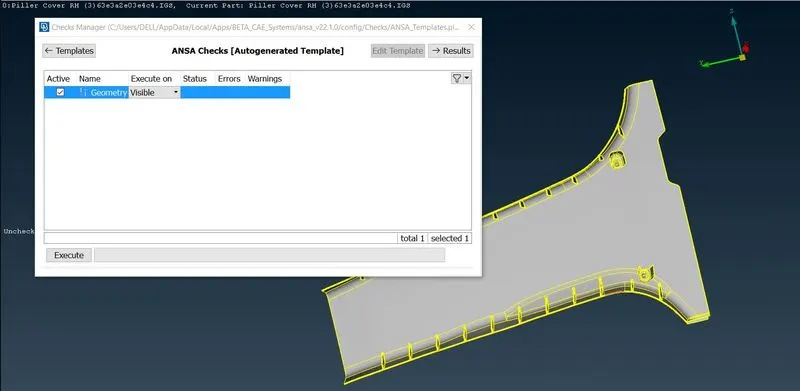
- In this method of mesh generation, we don't have to create a mid-surface.
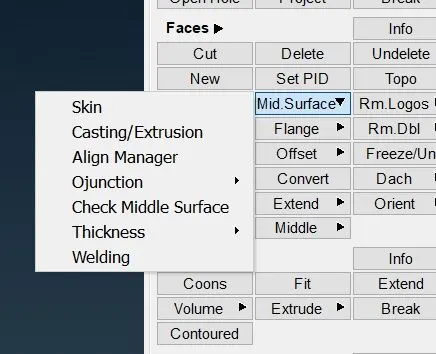
- Select the Mid Surface -> Casting/Extrusion option from the Faces section under the Topo Module.
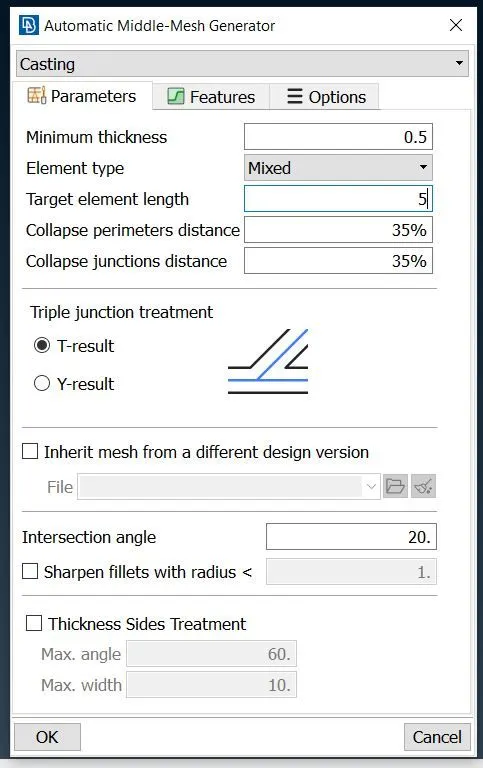
- Enter the Minimum Thickness and Target element length as per the problem statement.
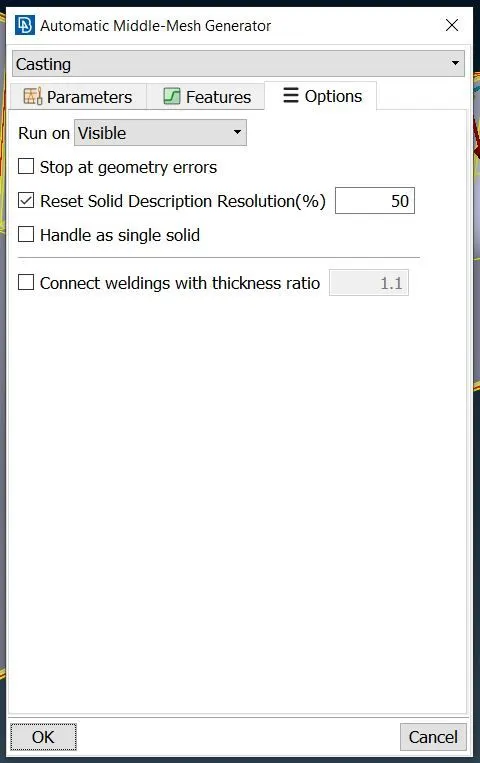
- Go to the Options tab and uncheck the 'Stop at geometry errors'.
- Click on OK and wait until the entire mesh has been generated.
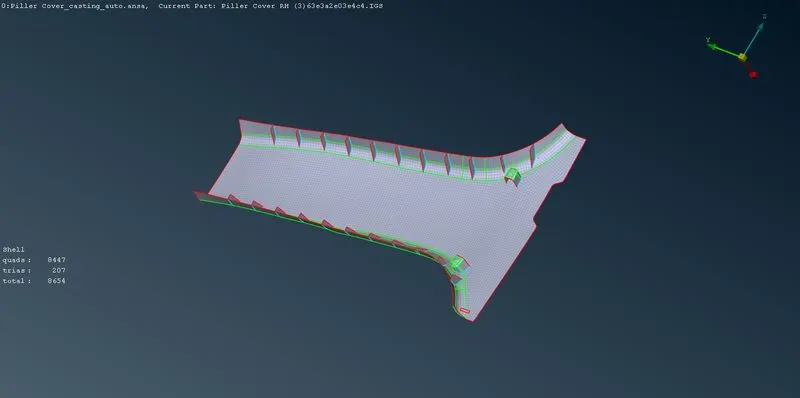
CONCLUSION:
- The Batch Meshing method was used to generate mesh for the sheet metal model.
- The Casting Method was used to generate automatic mesh for the plastic model.