Aston Martin ONE-77 suraface modelling using Soliworks
SURFACE MODELLING OF Aston Martin ONE-77
Objective: To design and render Aston Martin ONE-77 car using surface and solid modelling using solid works with proper relations and create a final assembly of the Aston Martin ONE-77.
Introduction :
Solid Works is a solid modelling computer-aided design and computer-aided engineering computer program published by Dassault Systems that runs primarily on Microsoft Windows.
Solid works solid modelling is a parametric, or history-based, process. solid modelling assigns all its parts thickness and mass properties, along with parametric relationships to other parts in the model. As such, it is a much less “on-the-go” process than NURBS modelling.
Solid works surface modelling is primary solution to modelling freeform shapes. Surface modelling allows adjustment of topology and profile of any object drawn with parametric accuracy i.e. the engineer can mold the surface precisely as per any dimension manually set according to design constraints.
Design methodology :
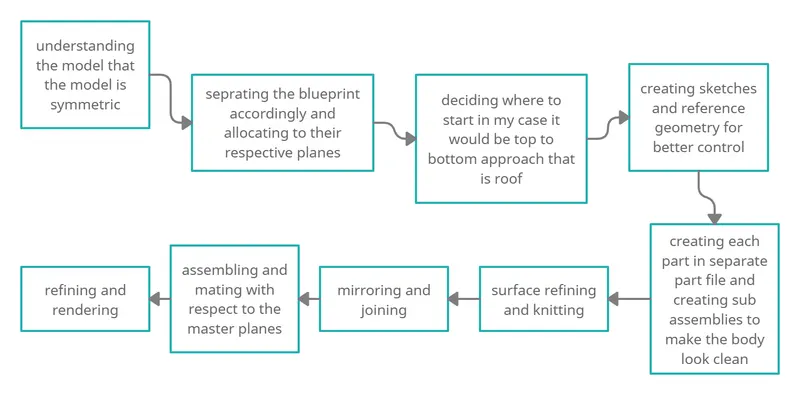
The approach to the modelling of the Aston Martin one-77 is shown in the below flowchart.
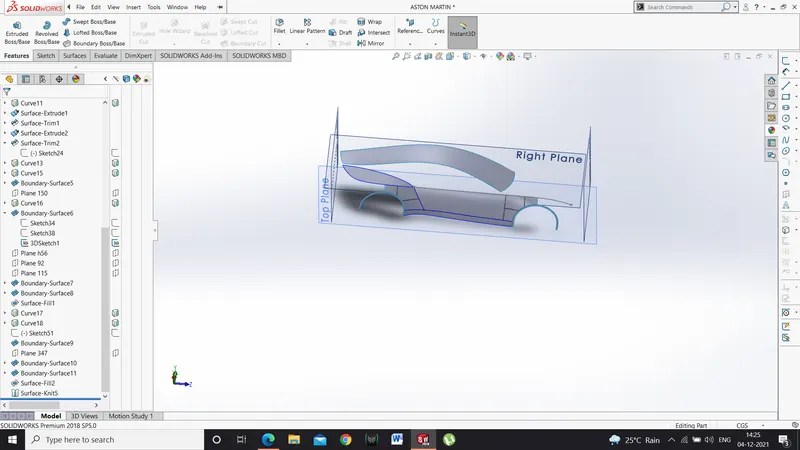
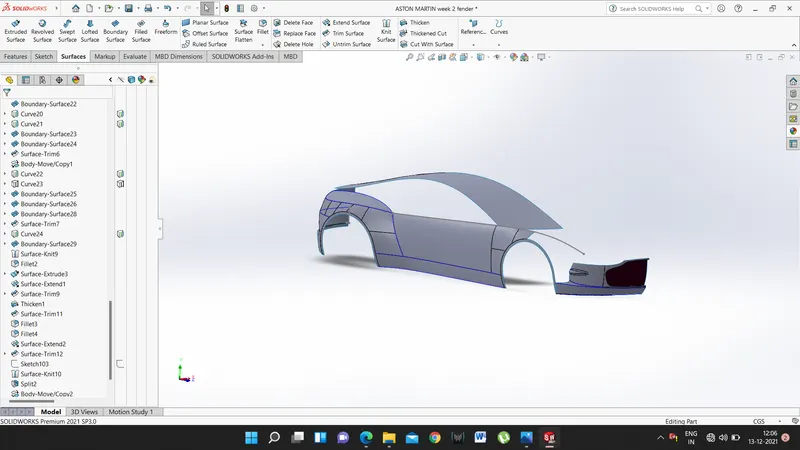
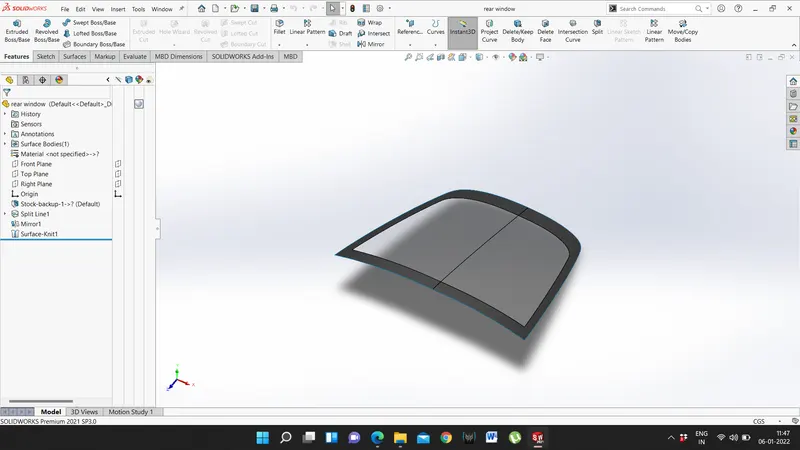
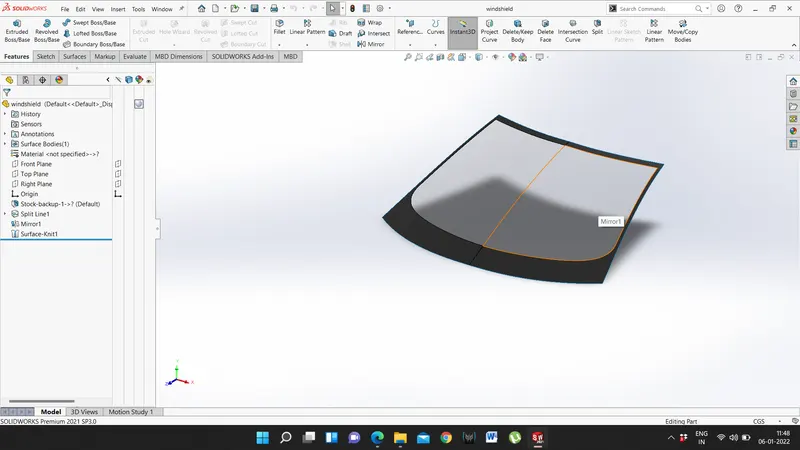
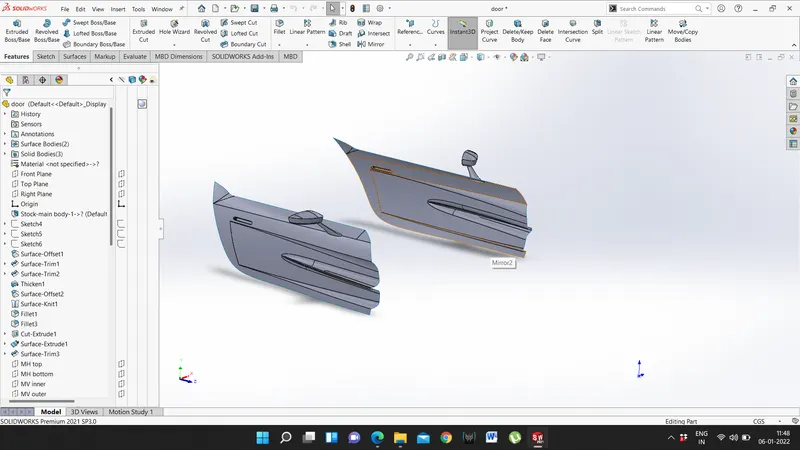
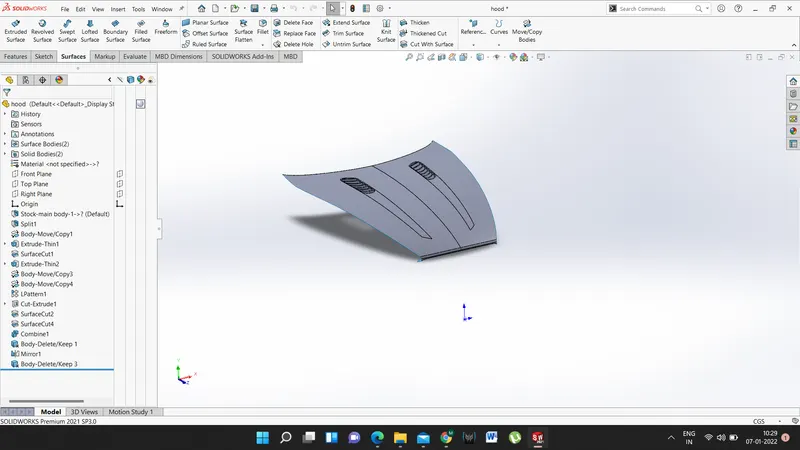
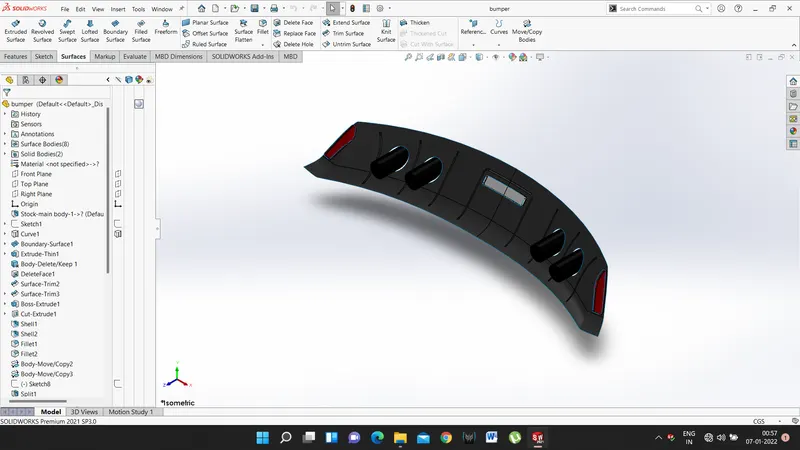
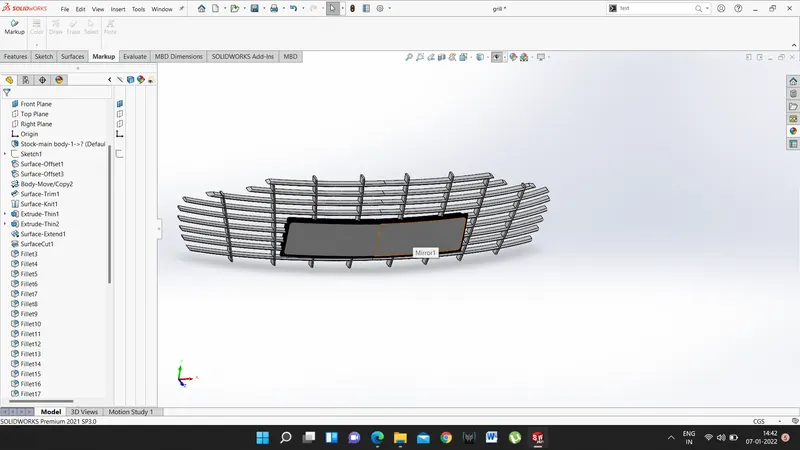
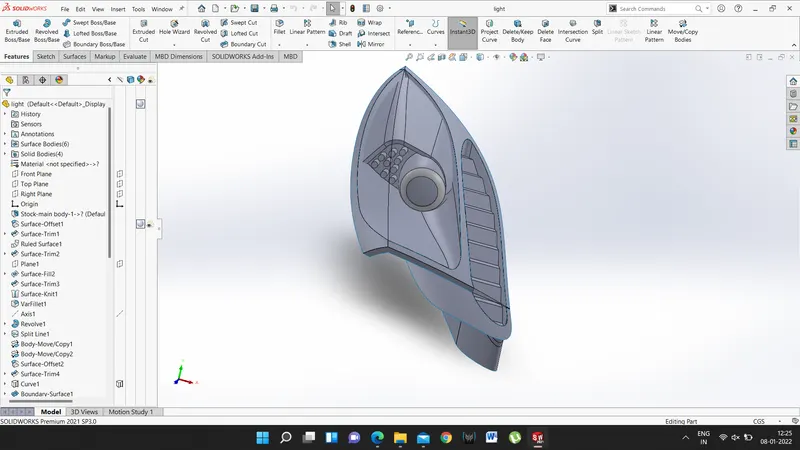
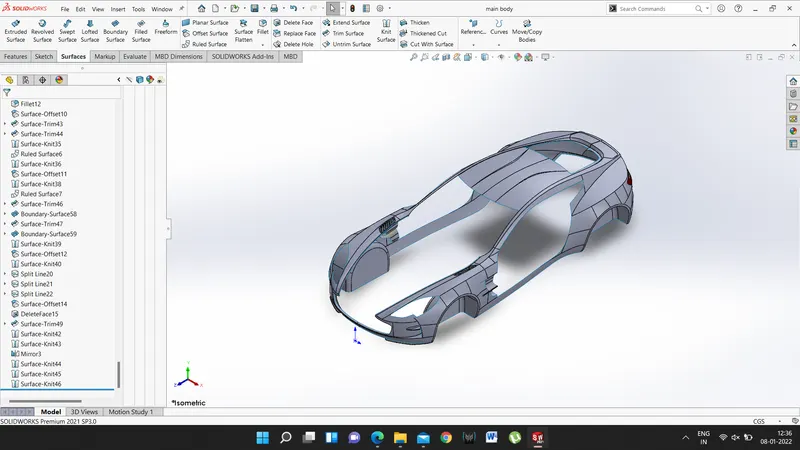
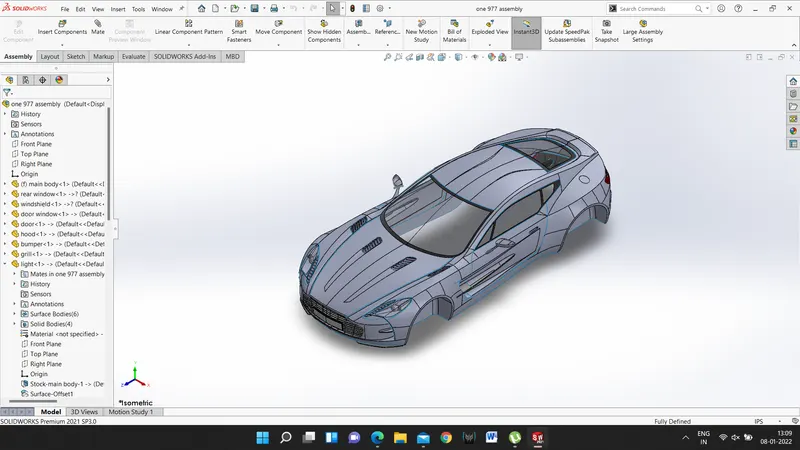
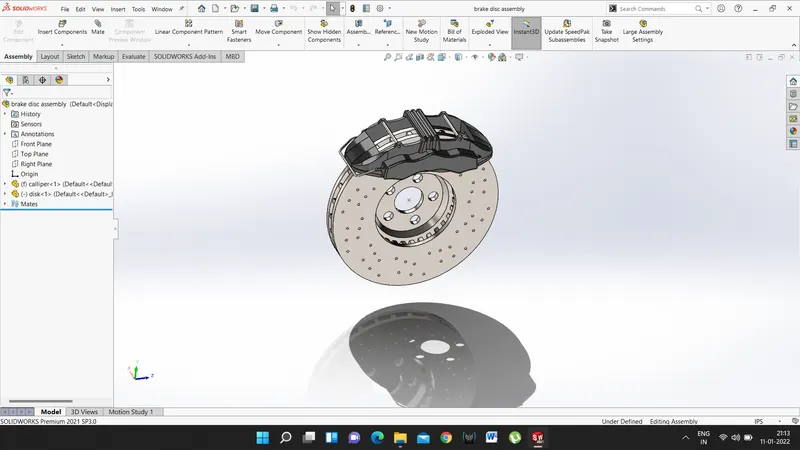
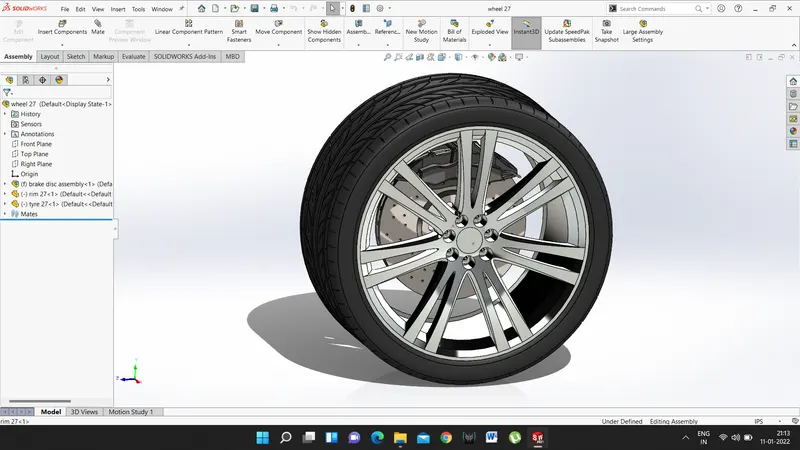
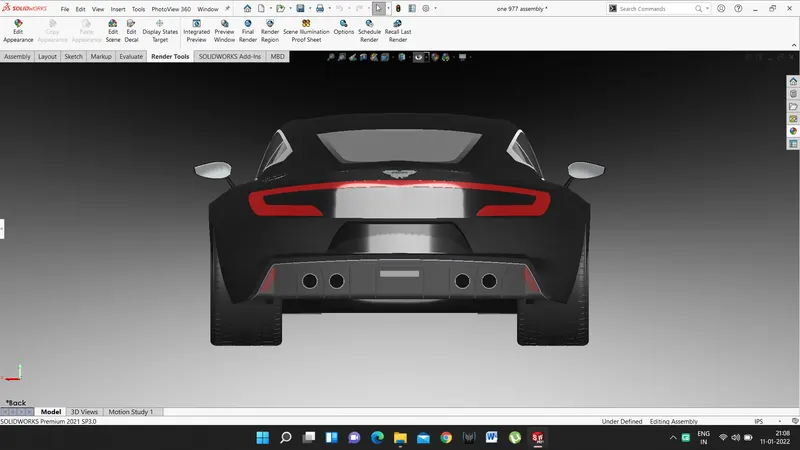
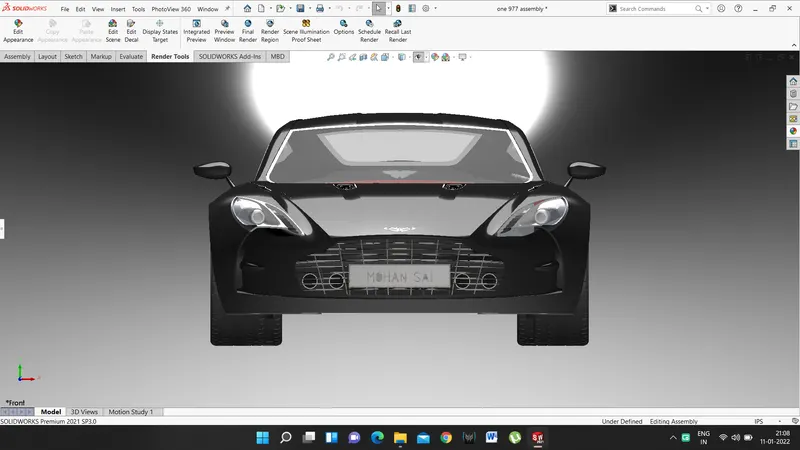
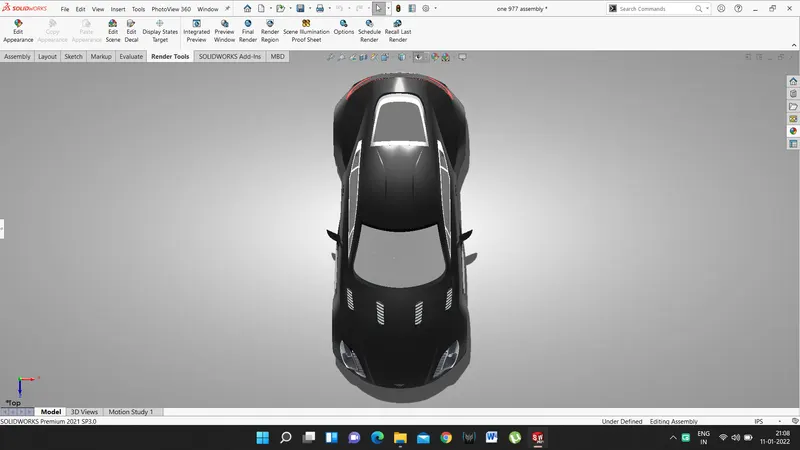
Description :
DESIGNING TOOLS AND FEATURES:
- SKETCHING TOOLS - the name suggest this is drawn on a specific plane. For modelling of this car sketch entities like lines, splines and areas were used the most.
- 3D Sketches these are the sketches drawn all over the space. For this model, it is mostly used to join specific points in 3D space to be used as the boundary of a surface.
- Convert Entities- this tool lets us convert an already existing edge or sketch into new sketch entities of the same dimension on the plane on which new sketch is defined.
- Offset Entities - this tool works similarly to the Convert Entities tool with an exception that it creates the sketch of the selected entity at a specified distance from the original sketch.
REFERENCE GEOMETRIES
- Point- a simple point is defined anywhere in the space of the desired location.
- Axis-an axis is positioned at the desired place for reference purpose.
- Plane-apart from the 3 base planes, a plane at the desired location is used to create sketches and for other reference purposes.
CURVES o Projected Curves- the most useful curve in this modelling is projected curves. It is generated by creating sketches on two different non-parallel planes and then projecting them on each other to create a curve in 3d space between these planes.
Projection on Face -this type of curve uses only one sketch which is projected into the face of an already existing surface or solid 3D splines one of the simplest and efficient ways of creating a curve is drawing a spline in space using the 3D sketch tool.
SURFACE tools
Generating a surface to create the model of the car is the sole purpose of this project. There are different types of planes and numerous
- Boundary Surface - most used type of surface for this model. This type of surface requires input in minimum 2 directions; it gives the most accurate result when a closed well-defined closed profile is given as boundary. Although there are ways where an open profile can be used and let Solid Works guess and build the surface, this is not an accurate method. A surface can be trimmed by profile selected. We can also give special alignments like tangency or normal to its surroundings. Generally, a guide curve is also provided to
- Lofted Surface - This tool creates a surface by joining different profiles with additional guide curves. All the alignments mentioned in the boundary surface are applicable in the offsetted surface as well.
- Filled Surface - this the easiest way of creating a surface. This works a patchwork; edges of already existing surfaces are used to fill the gap between them by creating the desired surface. The accuracy of this type of surface is less and cannot be controlled. Alignments with surroundings can be adjusted in these too.
- Ruled Surface-a sketch entity is transitioned for a specified length in the desired direction which again is given by another sketch
- Surface Trim - the existing surface is trimmed with the help of a sketch or another surface.
- Surface Knit- this tool knits the neighbouring surfaces converting them into a single surface body.
- Move/Copy Surface - this feature helps in relocating and making a copy of an existing surface
- Mirror Surface - this is another useful feature with help of which a surface can be copied as a mirrored surface of the selected surface about the symmetry plane.
SOLID MODELING
- Boss Extrude - a 2D profile is extruded to a specified given dimension to build a 3D solid.
- Extruded Cut - this is opposite of boss extrude, solid is removed from a 3D entity.
- Linear and Circular Pattern - a solid body or solid feature is repeated several times in a linear direction. A similar thing happens in a circular pattern in a circular direction instead of linear. The number of instances and distance between consecutive bodies can be controlled to get the desired result.
- Revolve Boss & Revolve cut-profile is revolved around an axis to create 3D geometry in the revolved boss feature. The reverse is valid for revolved cut, a profile is revolved around an axis to remove solid.
- Split - the body is divided by using a profile and converted into two or more separate solid bodies.
- Chamfer - solid edge is cut using either distance and angle or distance to both sides of the edge.
- Fillet-a curvature is given to solid edge to eliminate the sharp edges. The radius of the fillet can be kept constant or variable as per requirement.
ASSEMBLIES
Parts are assembled in assembly we can also add sub-assemblies to parts and apply constraints to make the assembly intact. We can fix one part and contain other with it and remaining is kept in float condition.
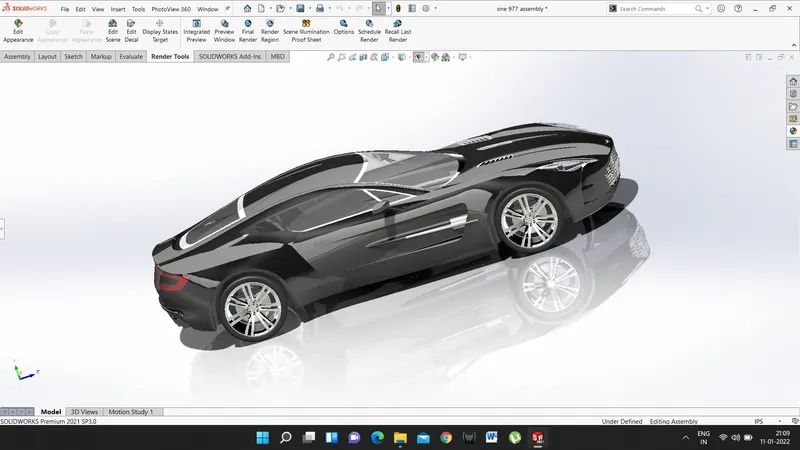
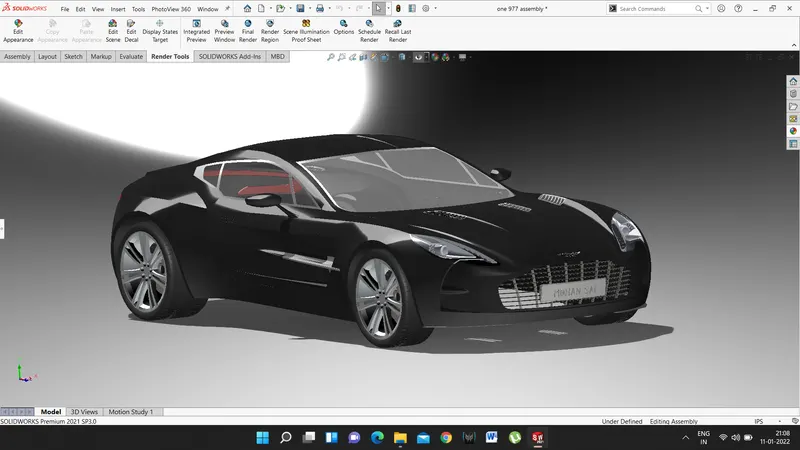
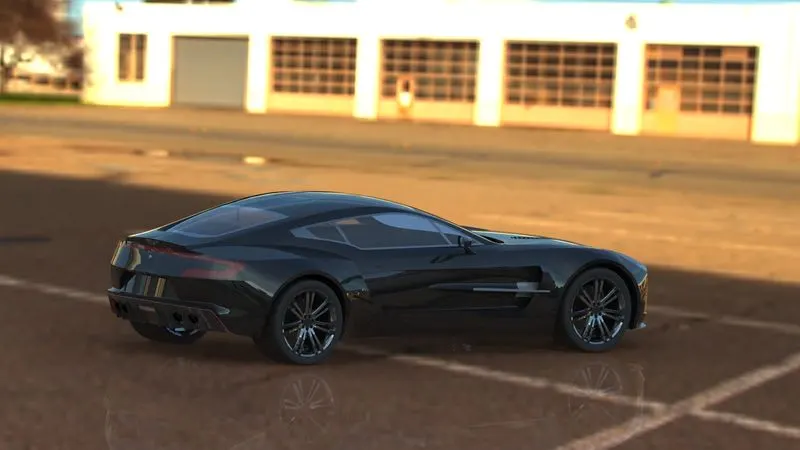
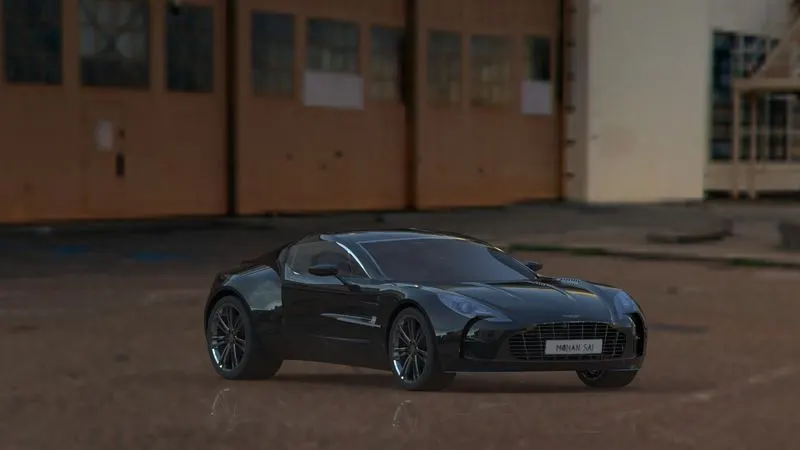
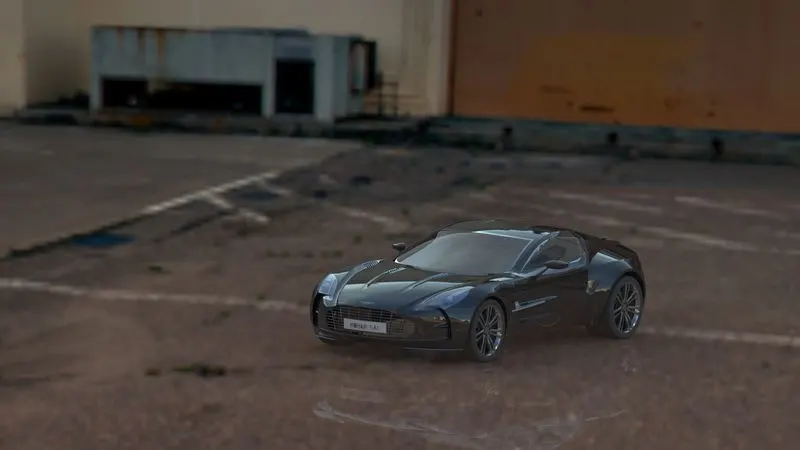
following are some rendered images of the model
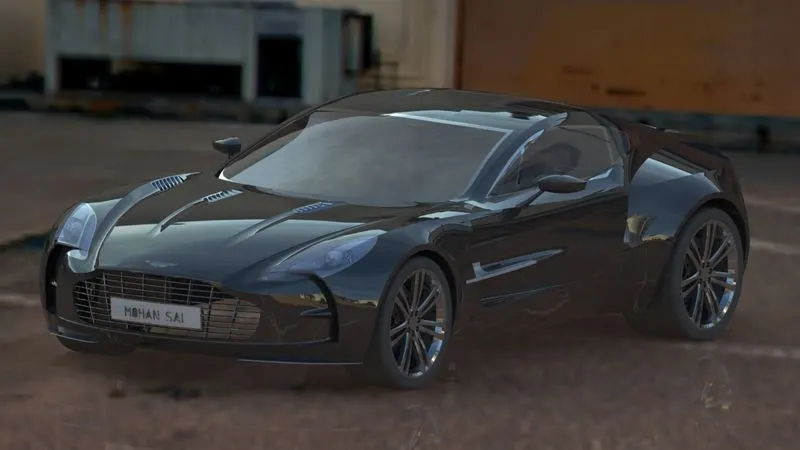
Conclusion:
Using all the learning’s Aston Martin ONE-77 assembly is modelled and rendered with all the details and subassemblies and efforts have been done to match the original car.