Assignment 5-RADIOSS Interfaces & Study of Effect of Notches Challenge
Assignment 5-RADIOSS Interfaces & Study of Effect of Notches Challenge
AIM
- Create the mesh for bumper assembly,mesh size should be 6mm.
- Run the crash tube model as it is.
- Change the Inacti=6 and run.
- Create the type 11 contact and run.
- Remove both notches and remove boundary condition on rigid body node then run.
- Create a new notch in the middle,select the whole section and run
- Create a new notch with nodes only from opposing 2 faces and run
procedure
- we have to mesh the bumper assembly with 6 mm
- import the model to the graphic area
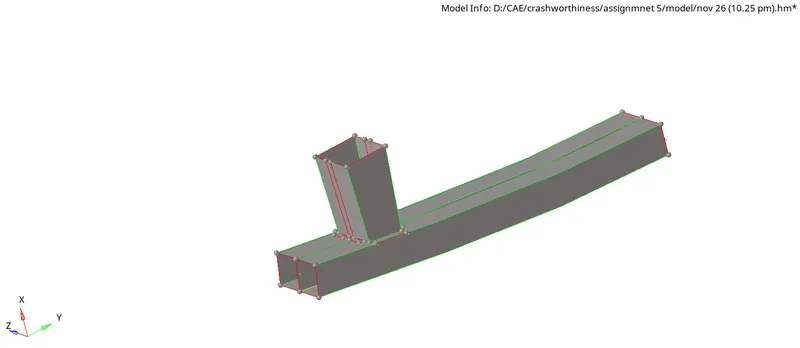
- and then go to the 2d- auto mesh -select the surface

- and give the mesh for the selected components
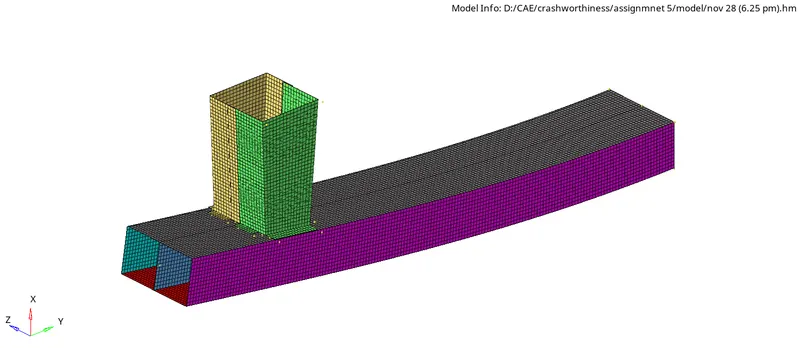
- after that, we have to connect the components by using connectors
- by using weld and rbe2 we give the connections
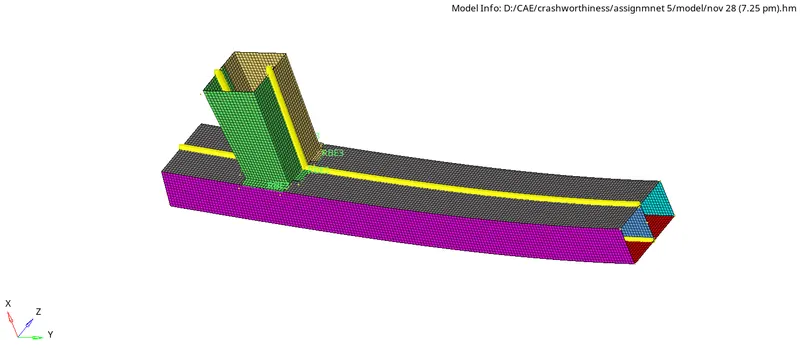
case 1
- Run the crash tube model as it is.
- create the folder with the given file
- import the file to the graphic area
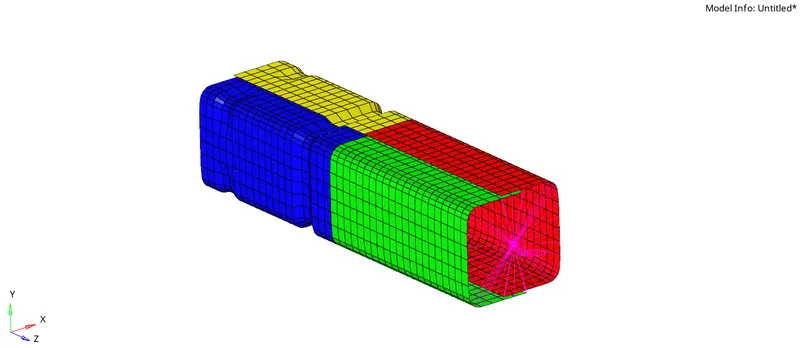
- go to analysis - save as the same folder
- and select the radioss

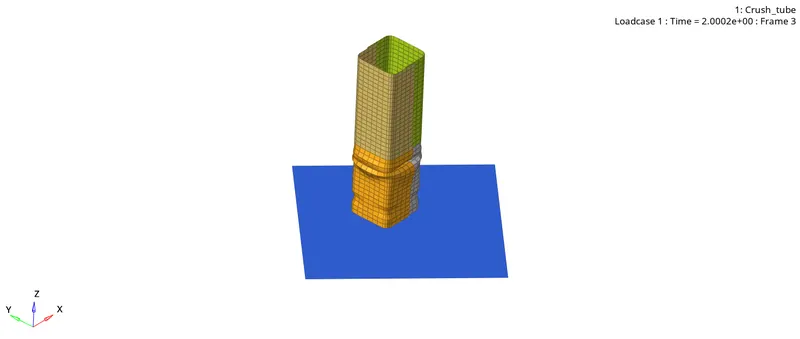
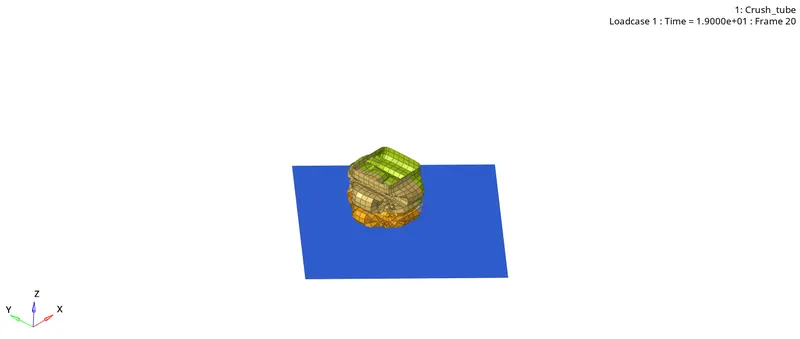
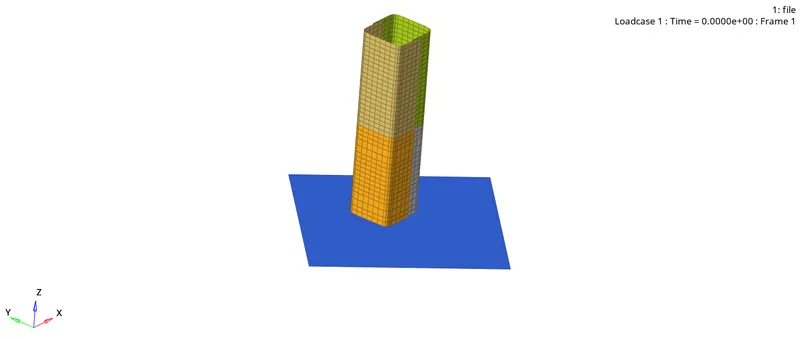
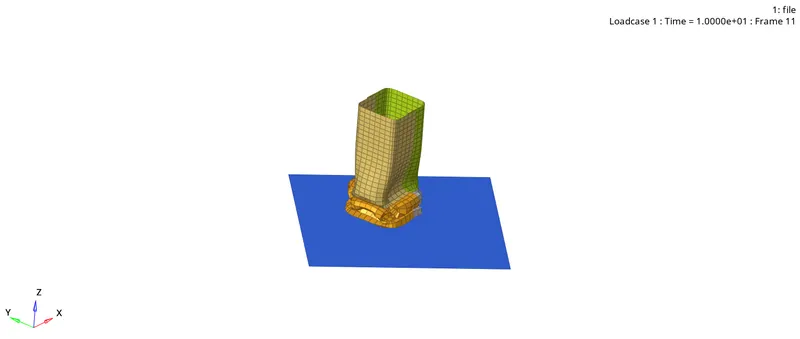
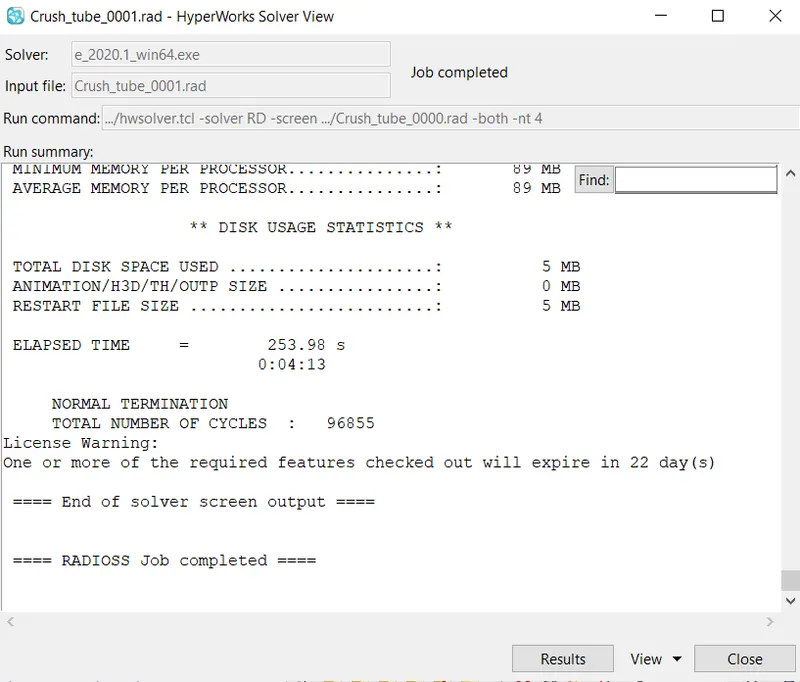
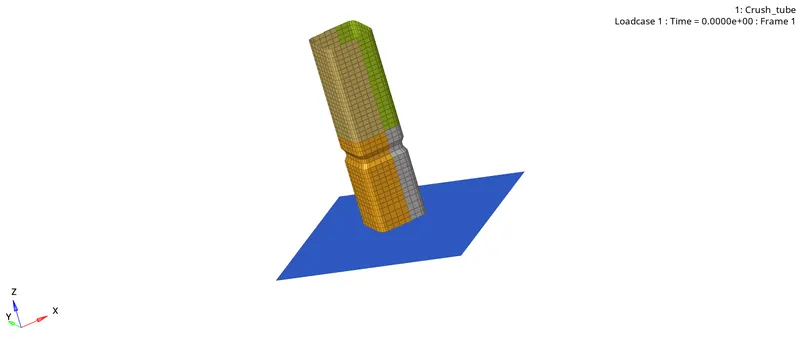
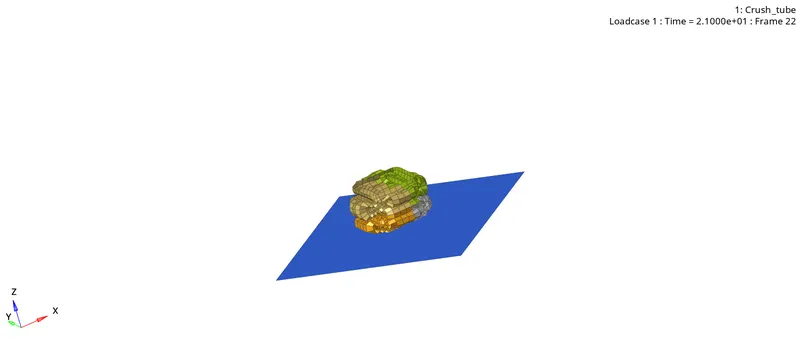
- we have a solution like this
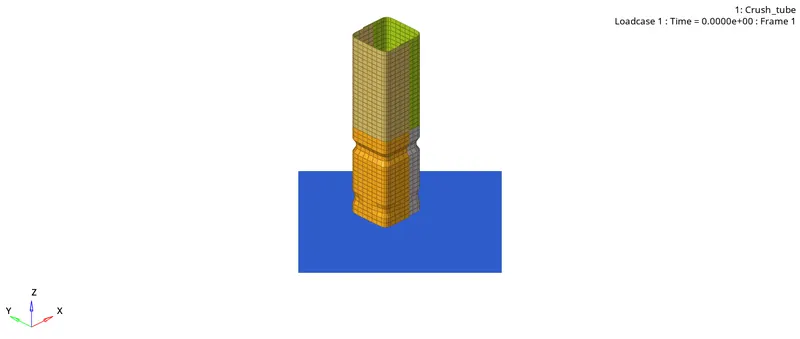
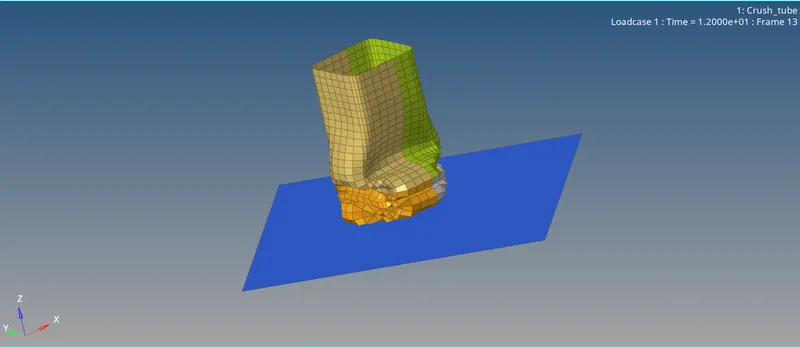
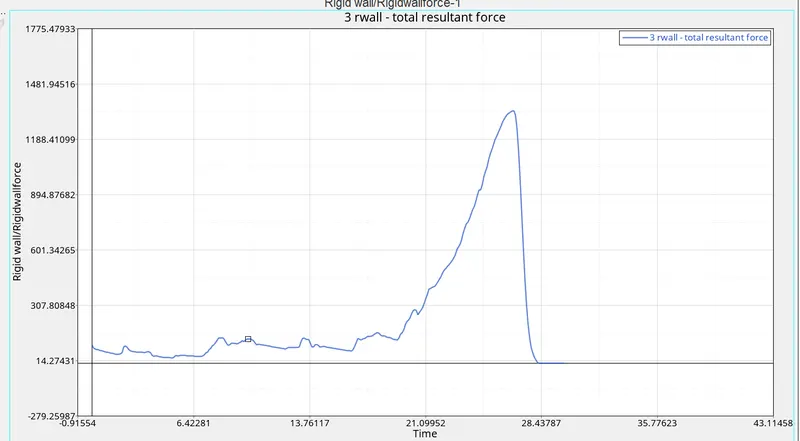
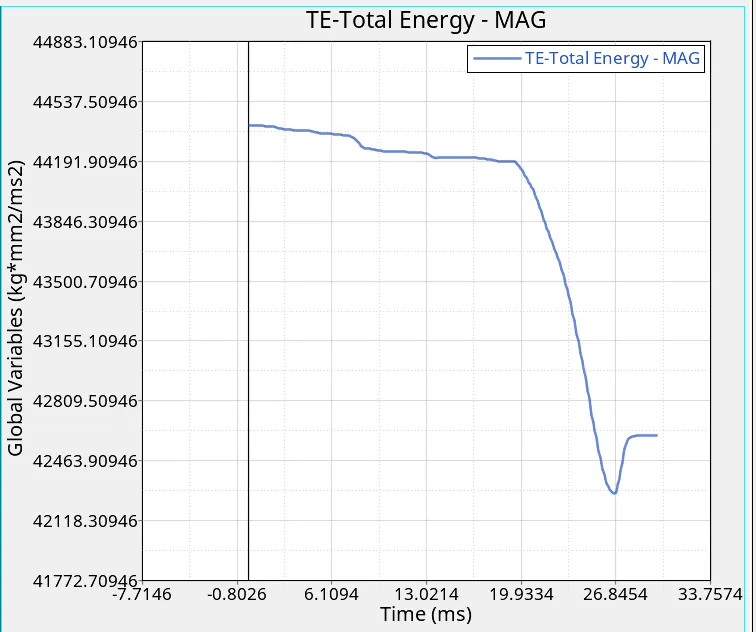
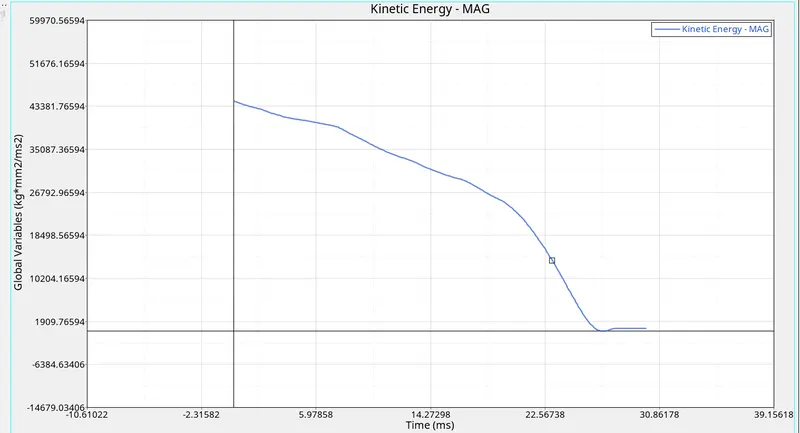
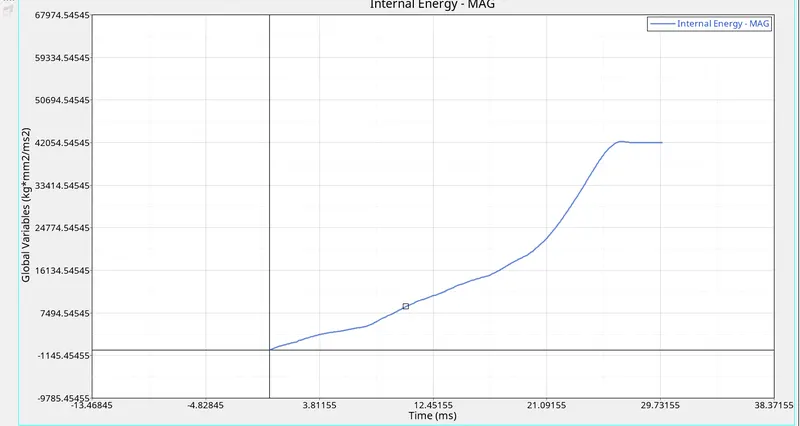
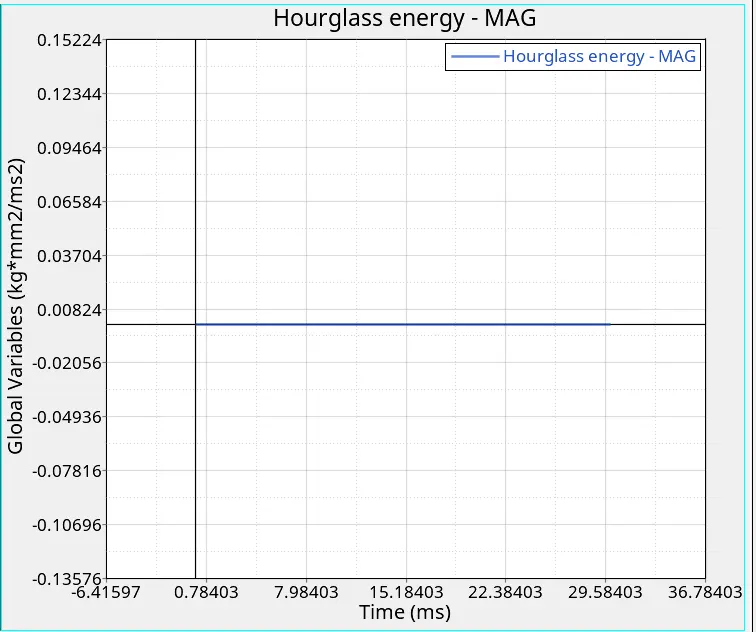
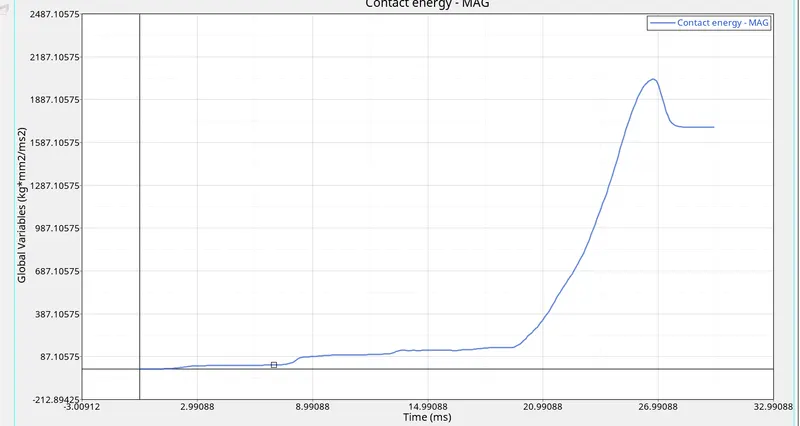
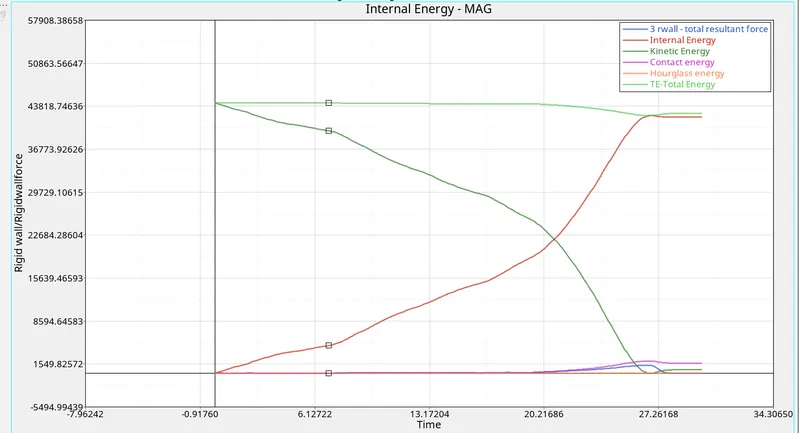
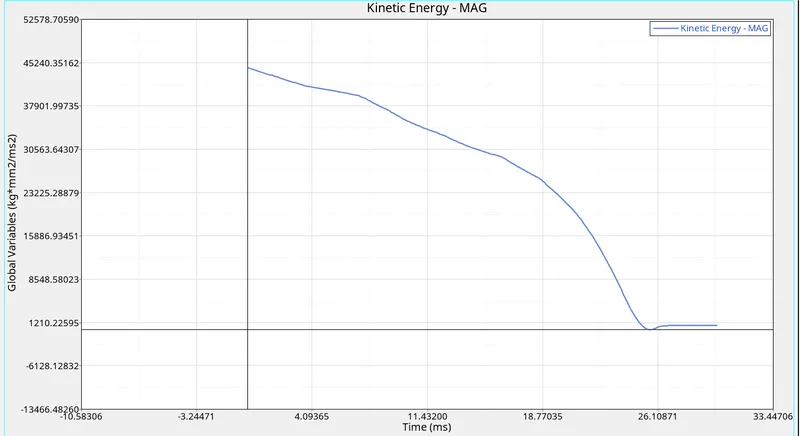
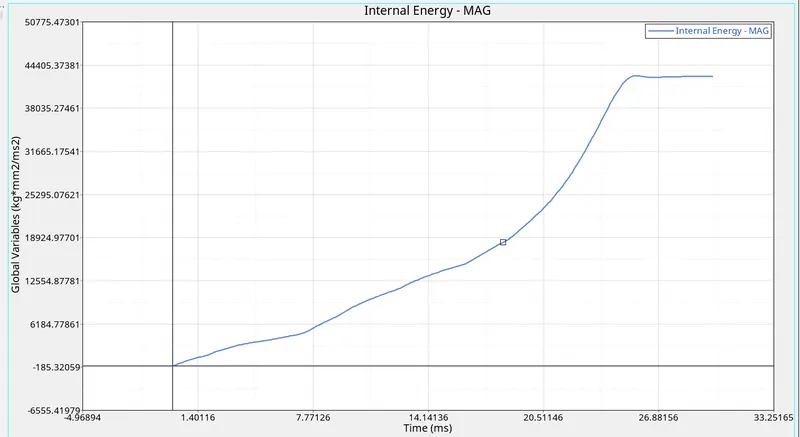
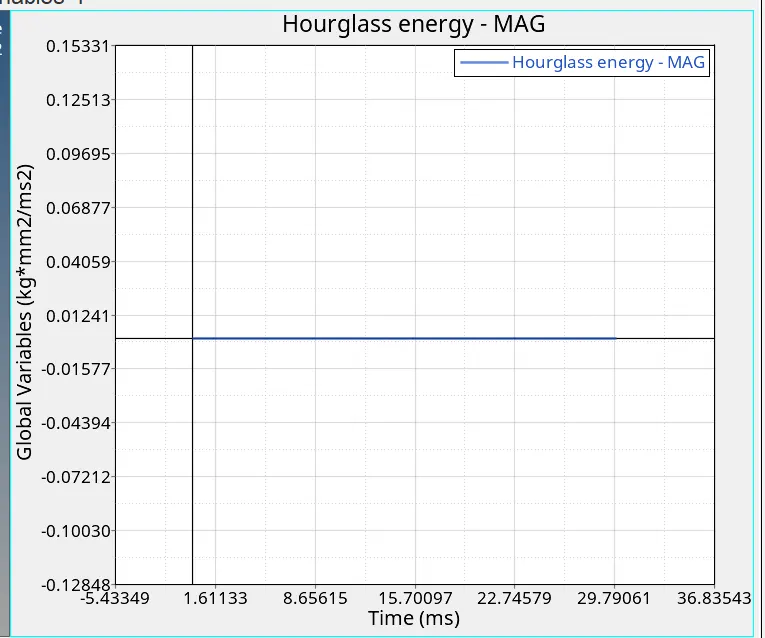
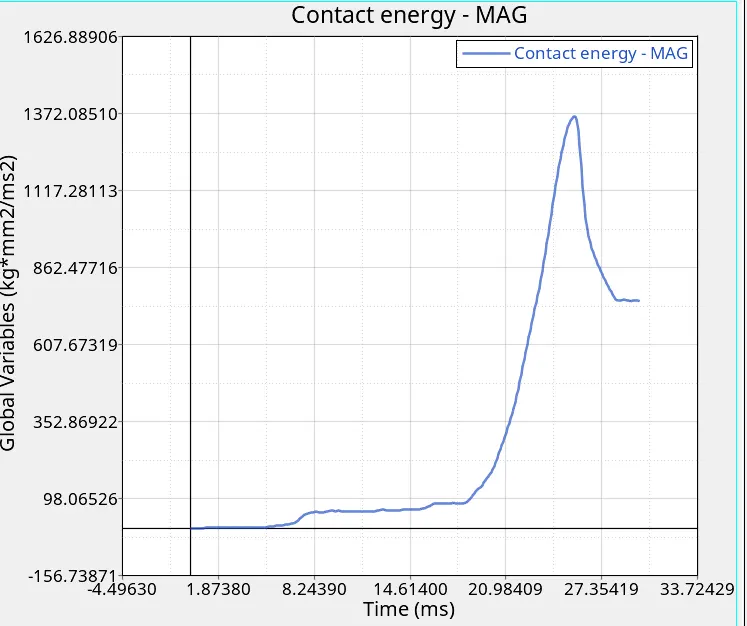
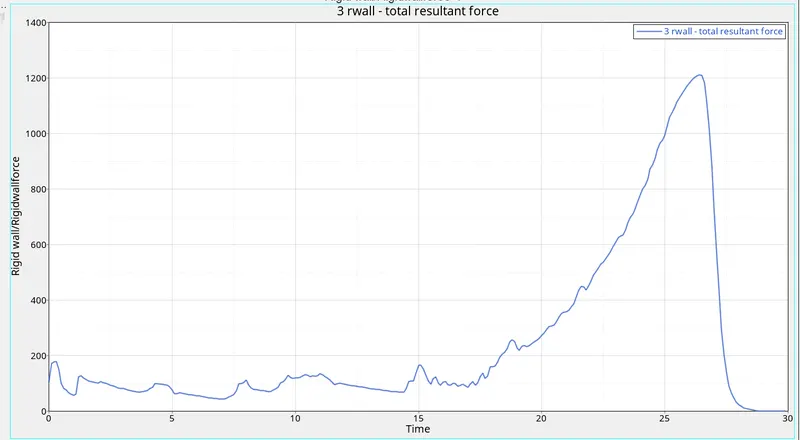
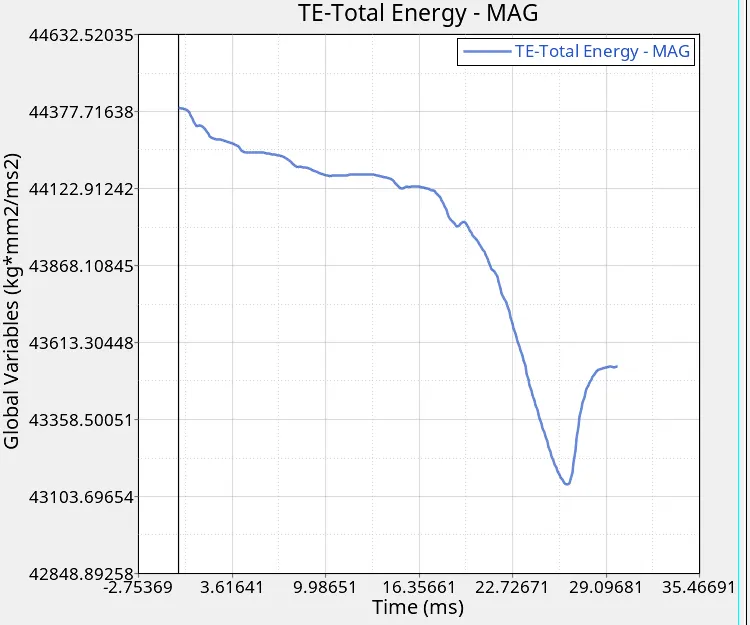
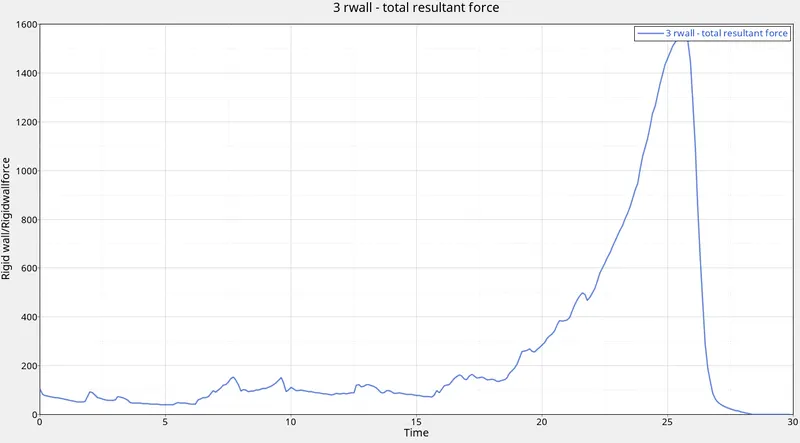
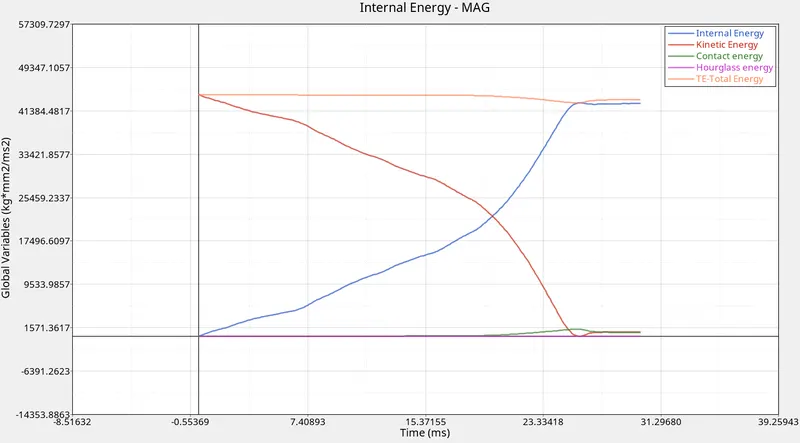
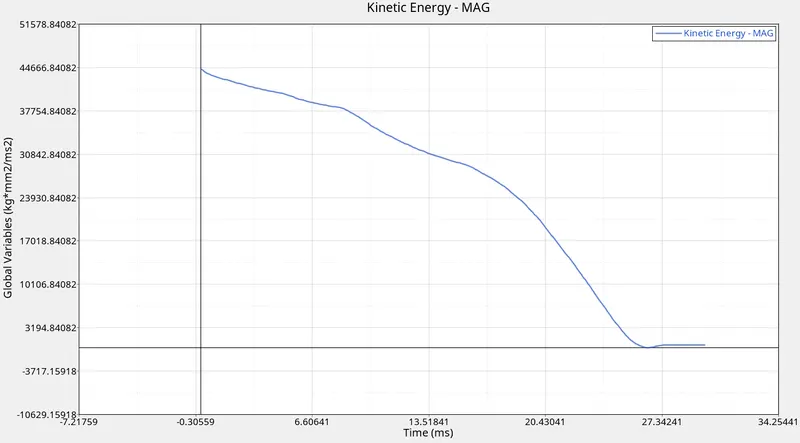
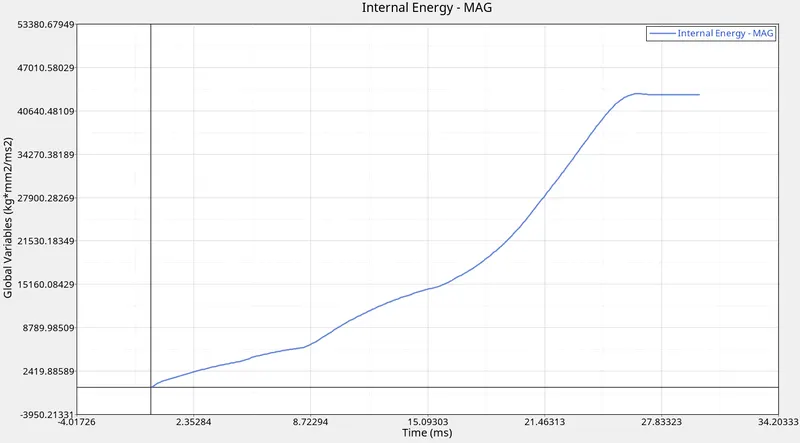
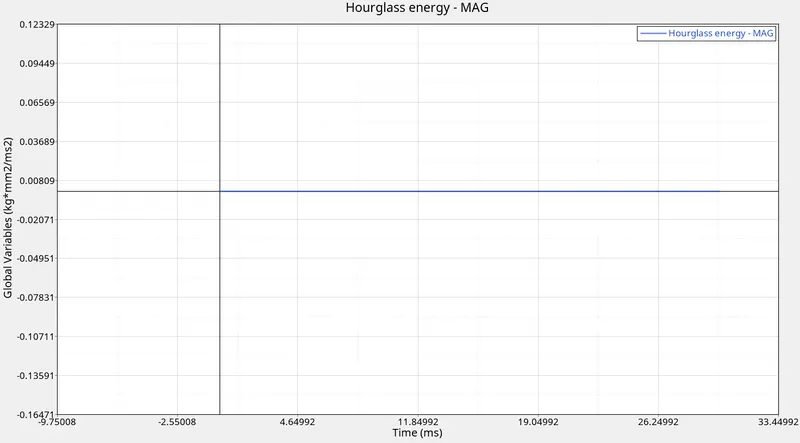
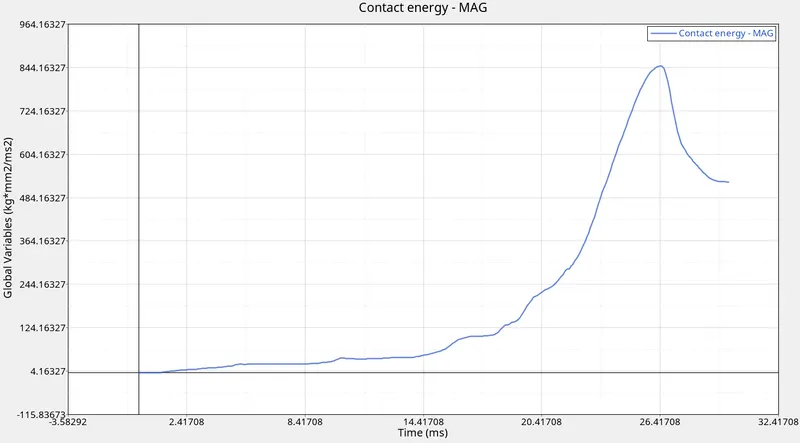
- and then we have to crack the graph for this case 1
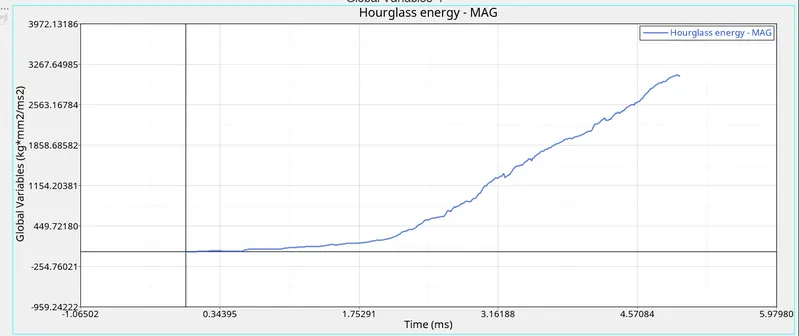
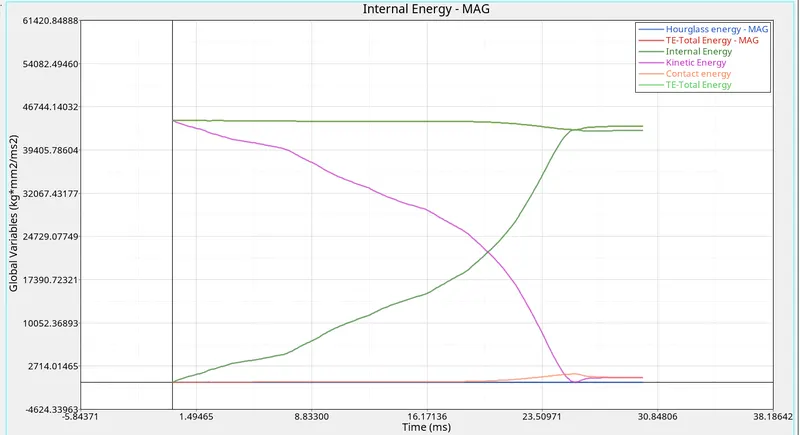
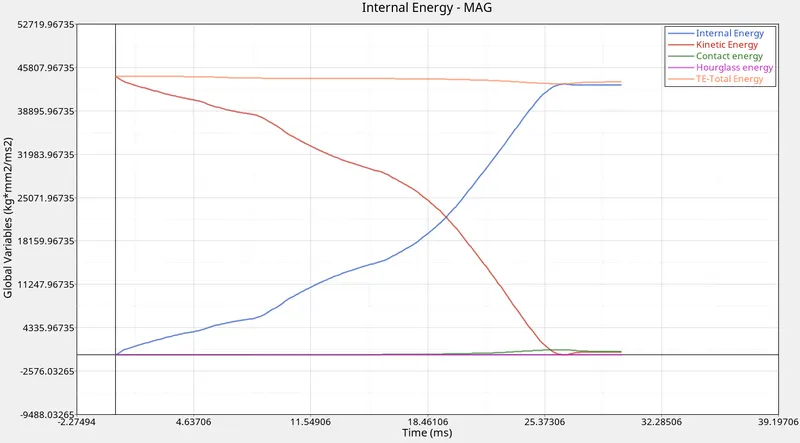
- hourglass energy
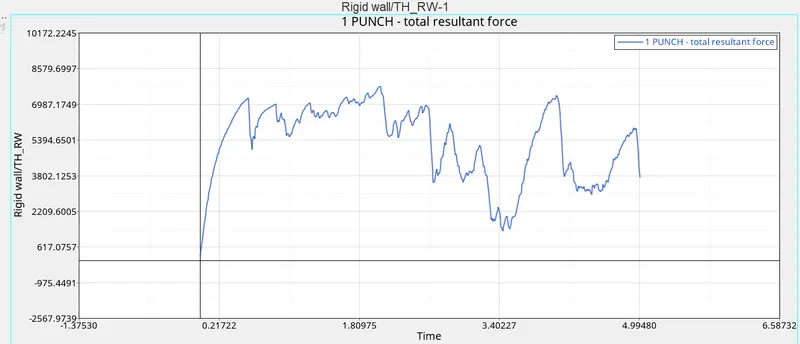
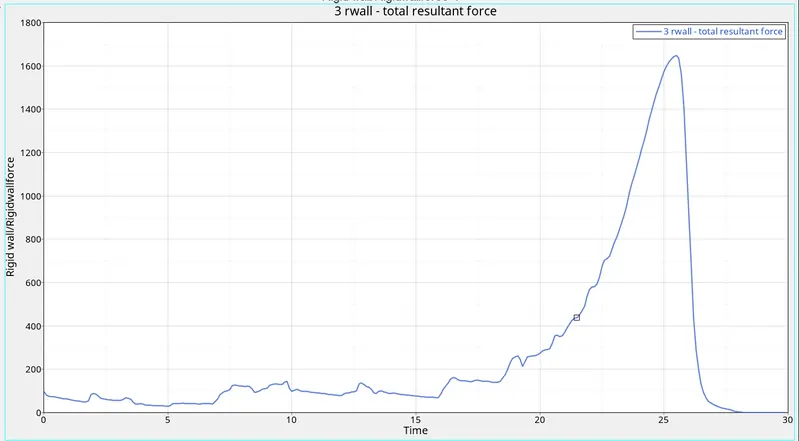
- total resultant force
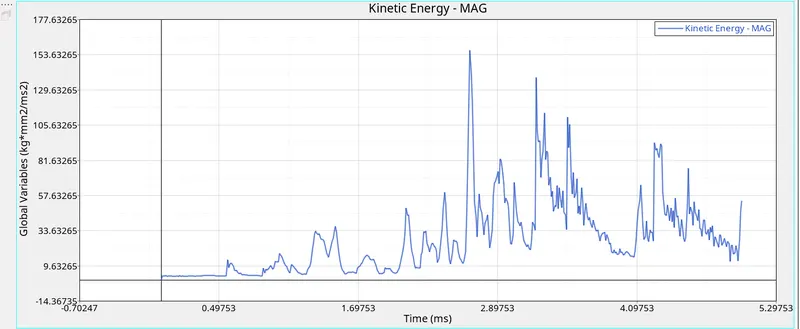
- kinetic energy
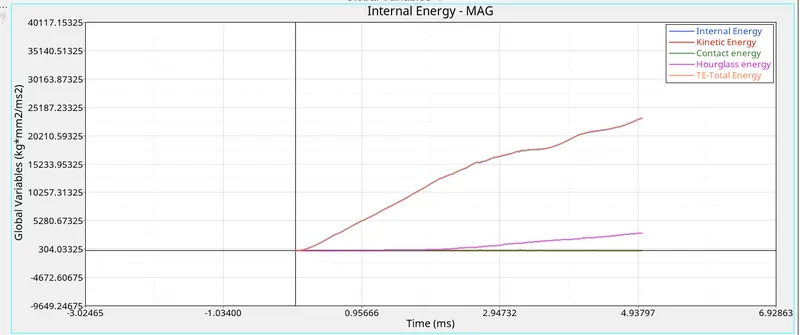
- internal energy
case 2
- Change the Inacti=6 and run.
- as same as before we have to import the model to graphic area and then
- go to inter - type 7 - inactive 6
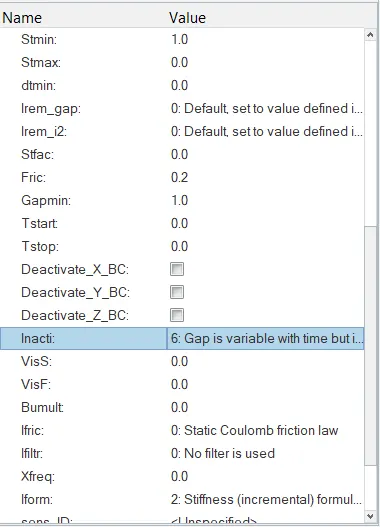
- and then run the model now we may find diff time and something
CASE 3
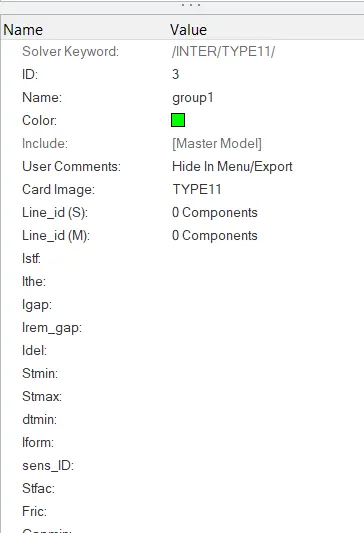
- Create the type 11 contact and run.
- IMPORT THE MODEL INTO THE GRAPHIC AREA
- now this time we have to create the type 11 and run the model
- go to solver - create - interface -type11
- after that as usual go to
- analysis - radioss - and run the model
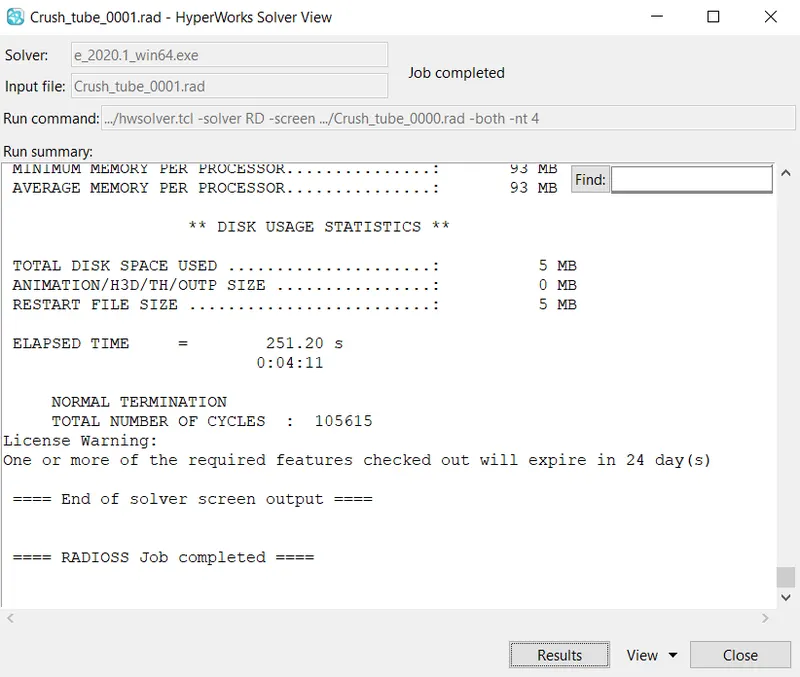
- and we have component like this
CASE 4
- Remove both notches and remove boundary condition on rigid body node then run.
- now we have to remove the notches in all areas
- now import the same model
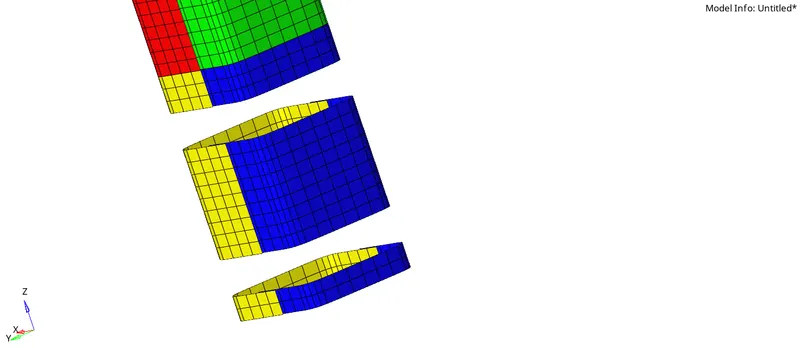
- now we have to create the ruled
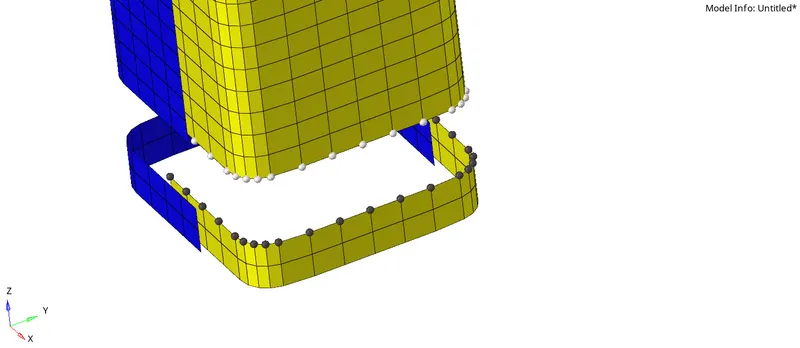
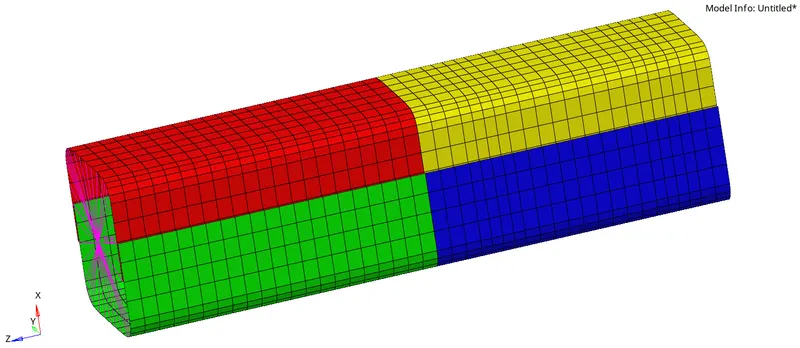
- now the model is ready and then we have to analysis the model
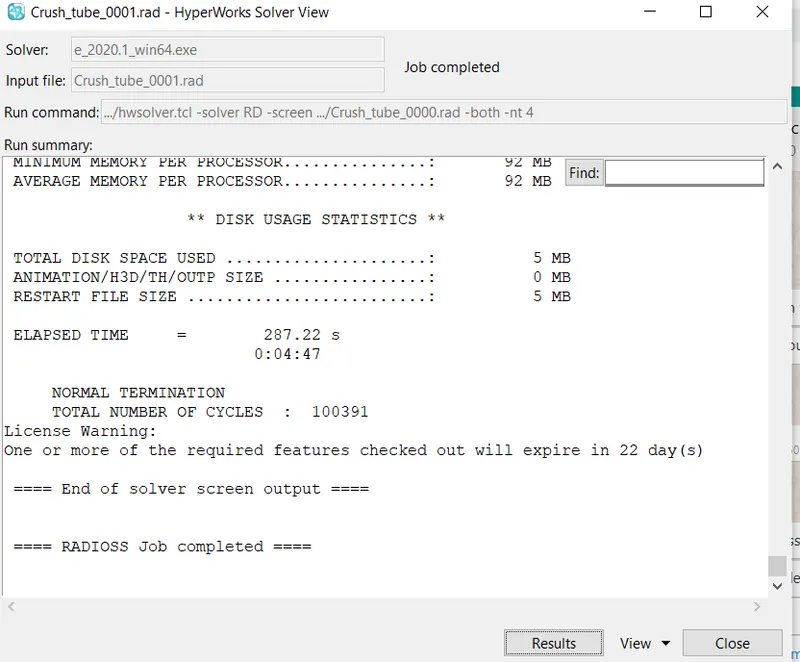
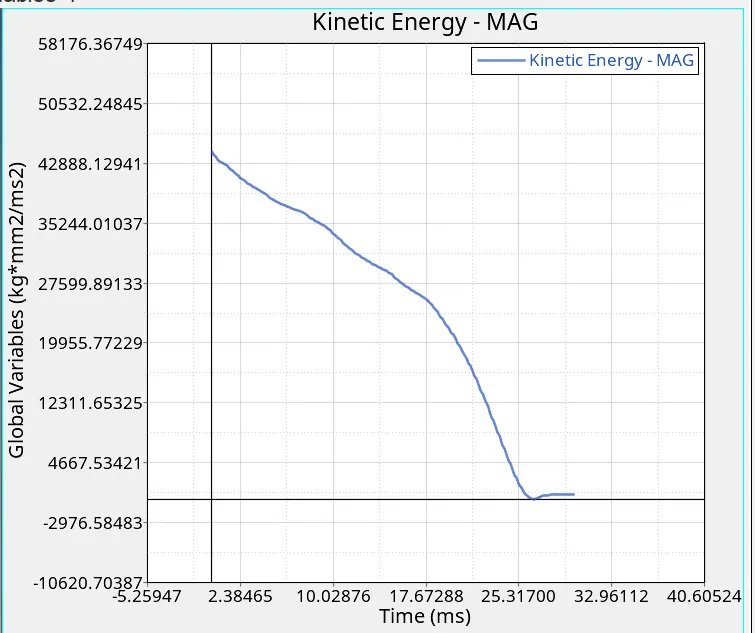
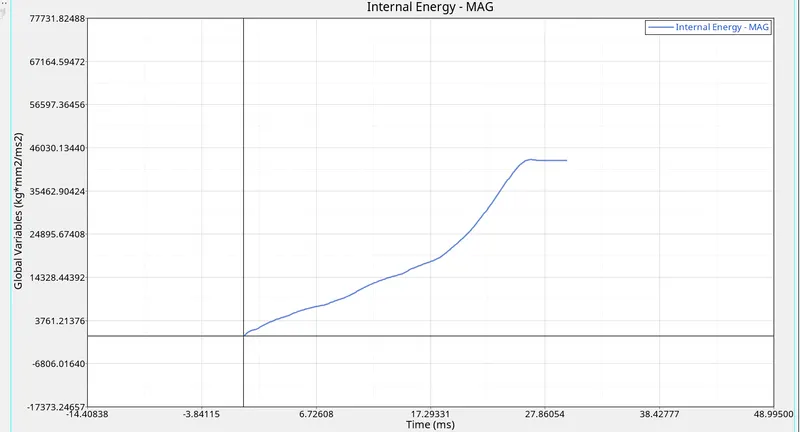
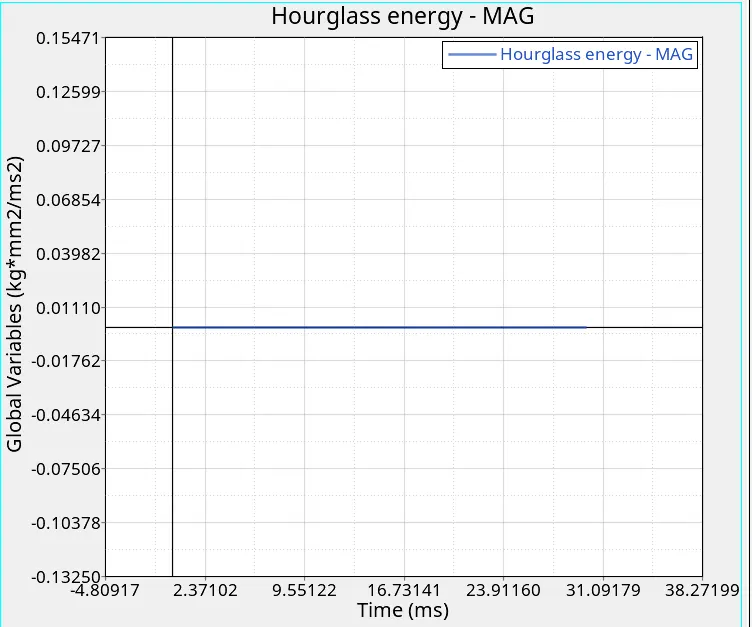
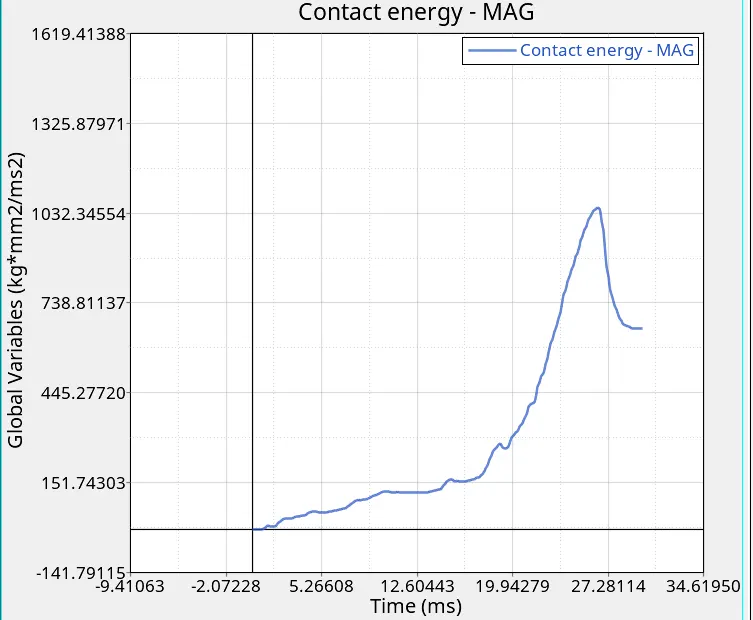
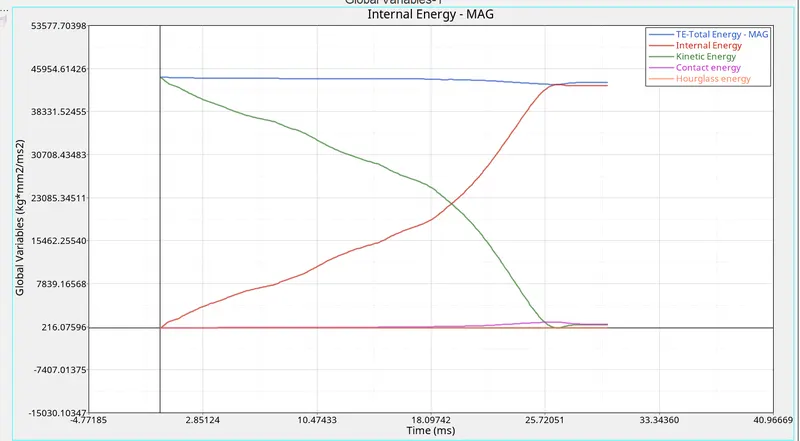
CASE 5
- Create a new notch in the middle ,select the whole section and run.
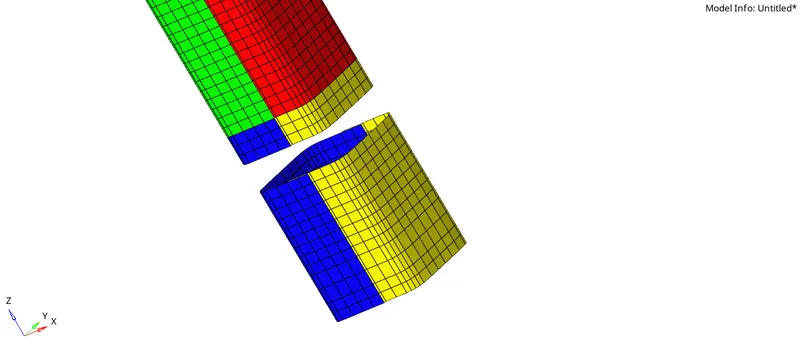
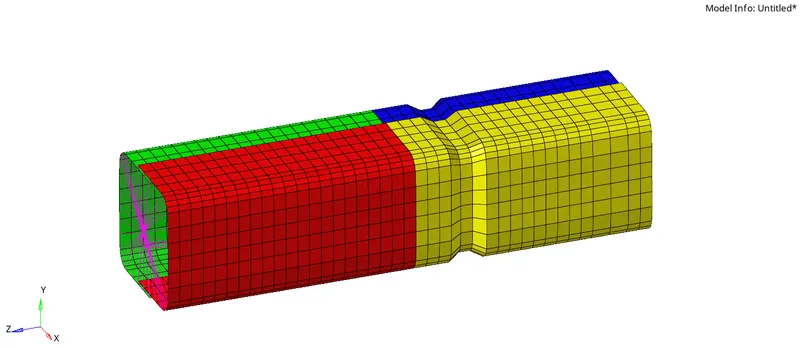
- now we have to analysis the model as sameas before
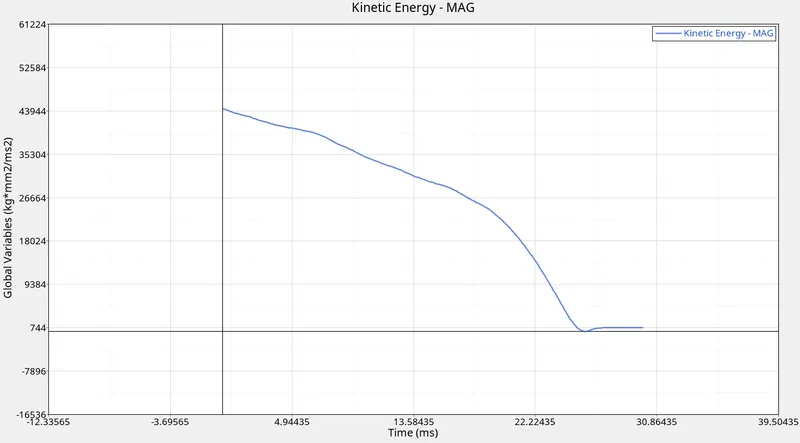
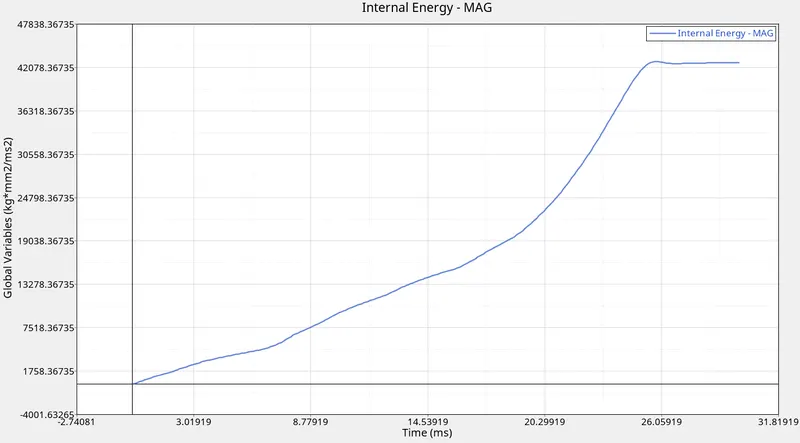
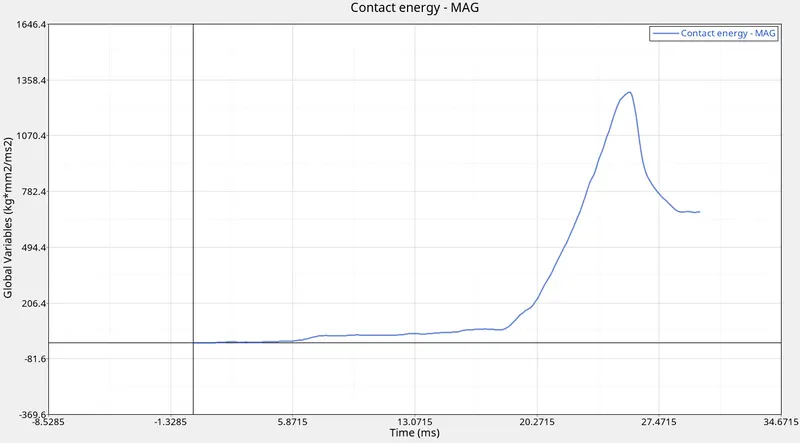
CASE 6
- Create a new notch with nodes only from opposing 2 faces and run.
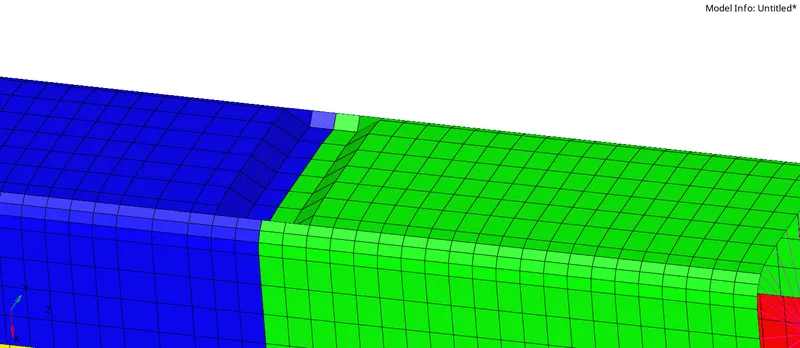
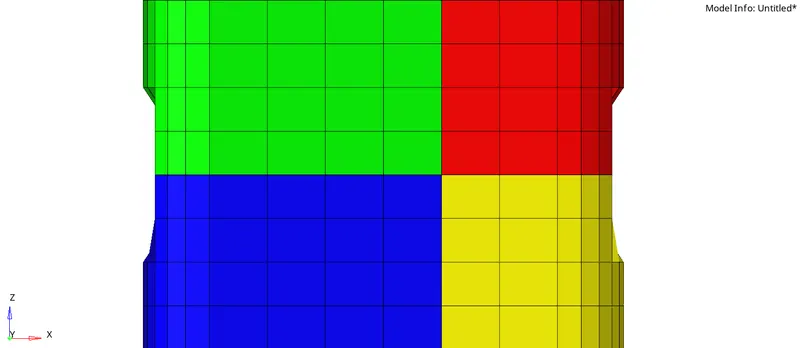
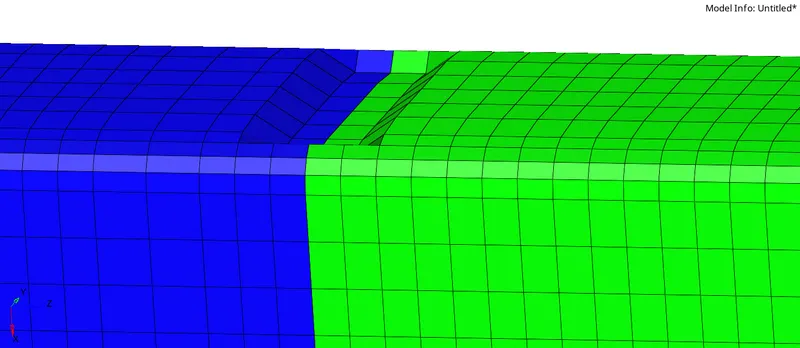
- after creating this kind of notches now we have to analysis the model
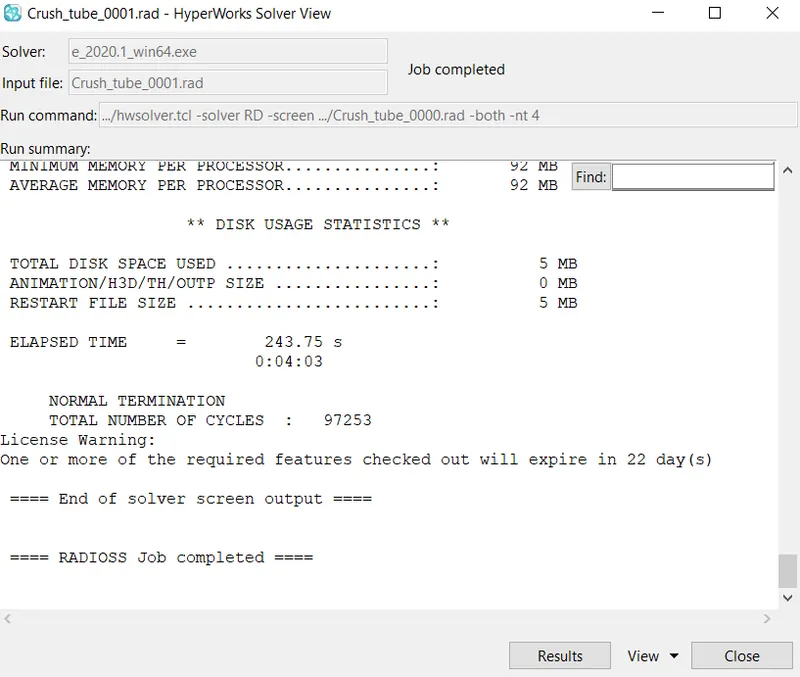
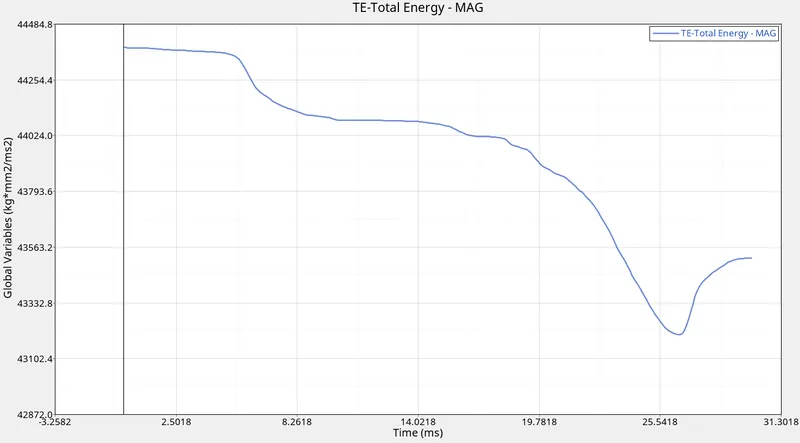
RESULTS
- cases no total.no.of. energy error mass error simulation time max.von.misses
- cycles stress
- 1 83527 -3.8% 0% 61.33 0.6949
- 2 83469 -3.8% 0% 60.30 0.6953
- 3 85294 -4.0% 0% 69.72 0.6441
- 4 77306 -3.0% 0% 54.35 0.6533
- 5 82015 -4.2% 0% 58.94 0.6280
- 6 79862 -2.9% 0% 57.00 0.6560
- by this projects we studied about type 7 and type 11
- and their working method
- effects of notches
- what if notches located in diff places and how many notches may change the results are studied