Assignment 4-RADIOSS Material Laws Challenge
AIM:--
1) To apply very cases as per the given questions
2) Run the simulation for every case and do the post-processing.
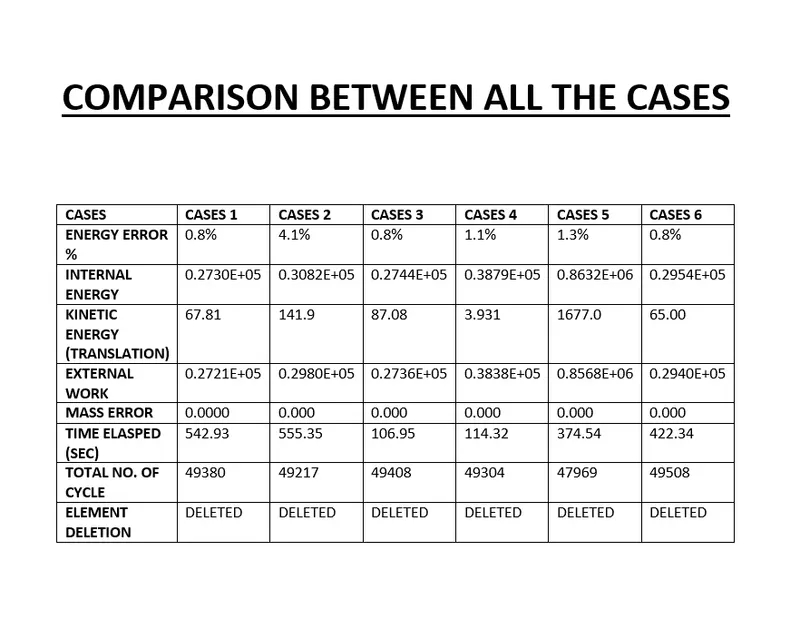
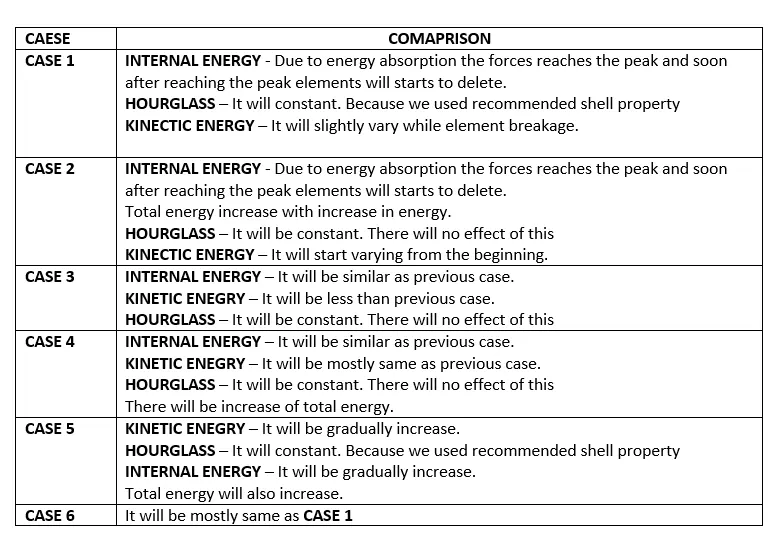
3) Compare all the cases.
PROCEDURE:--
CASE-1 ( RUN THE SIMULATION WITHOUT DOING ANY CHANGES)
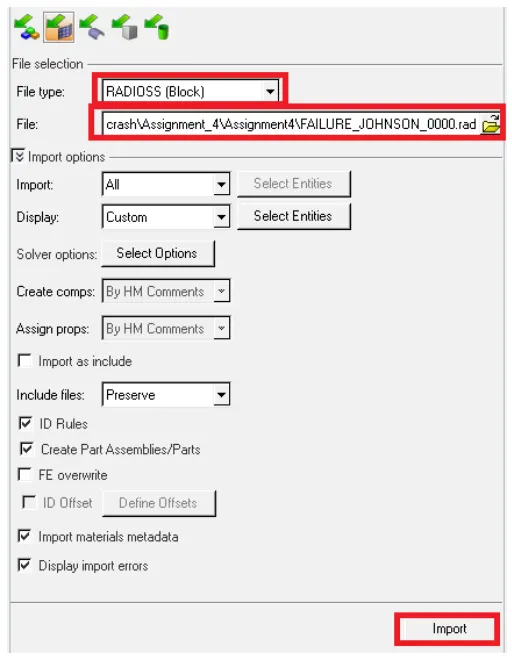
1) Import the model by IMPORT--SOLVER DECK.
2) choose the 0000.rad file and hit Import.
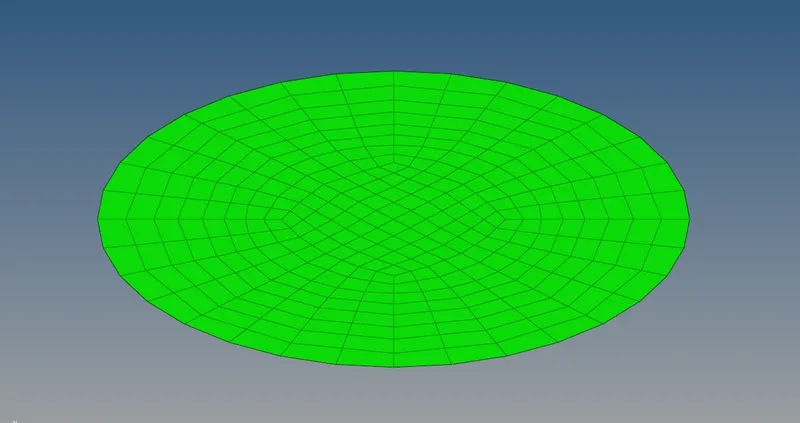
3) This is the imported model
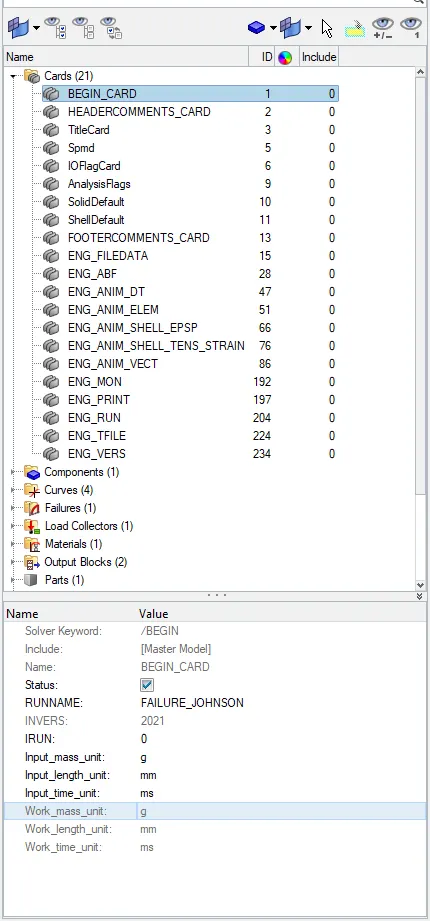
4) To check the unit of the system of the simulation--BEGIN_CARD is used. As the unit plays a vital role in defining the parameter.
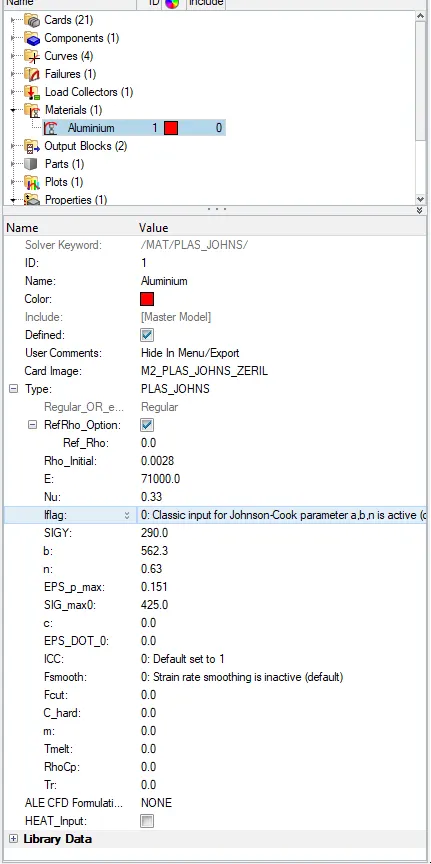
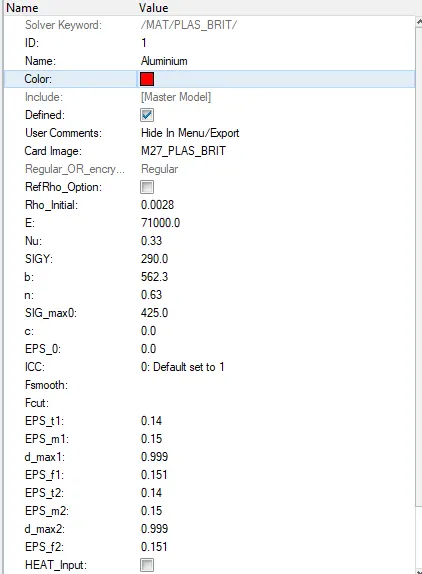
5) Now check the Material card to check whether everything is specified or not.
6) After material, check property card as well
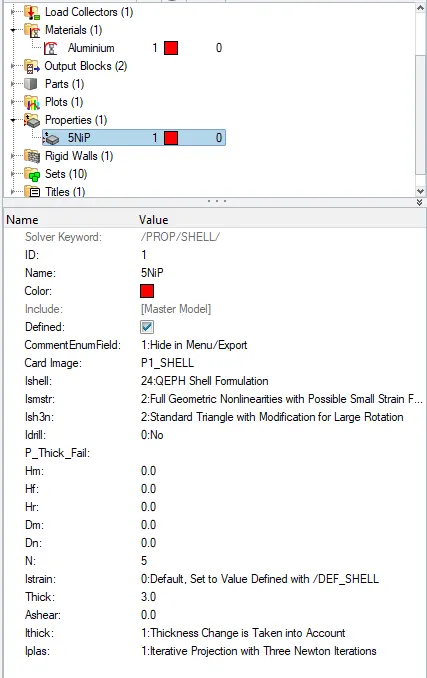
7) Now as per the question, we have run the simulation without doing any changes.
8) To run the simulation, ANALYSIS--RADIOSS--Choose the location where you want to save the simulation file--OPTION -nt 4 ( this is specified to run the simulation at a faster rate)--RADIOSS.

9) Now a new window will pop and shows JOB IS COMPLETED.
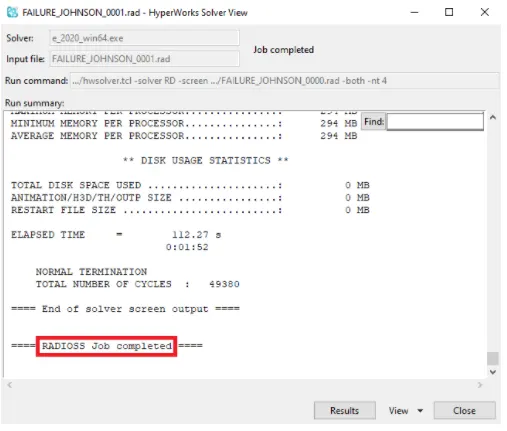
10) Hit Result and hypermesh will take you to hyperview window where you can see the animation of the simulation how it is deforming. There is one more method to view the animation.
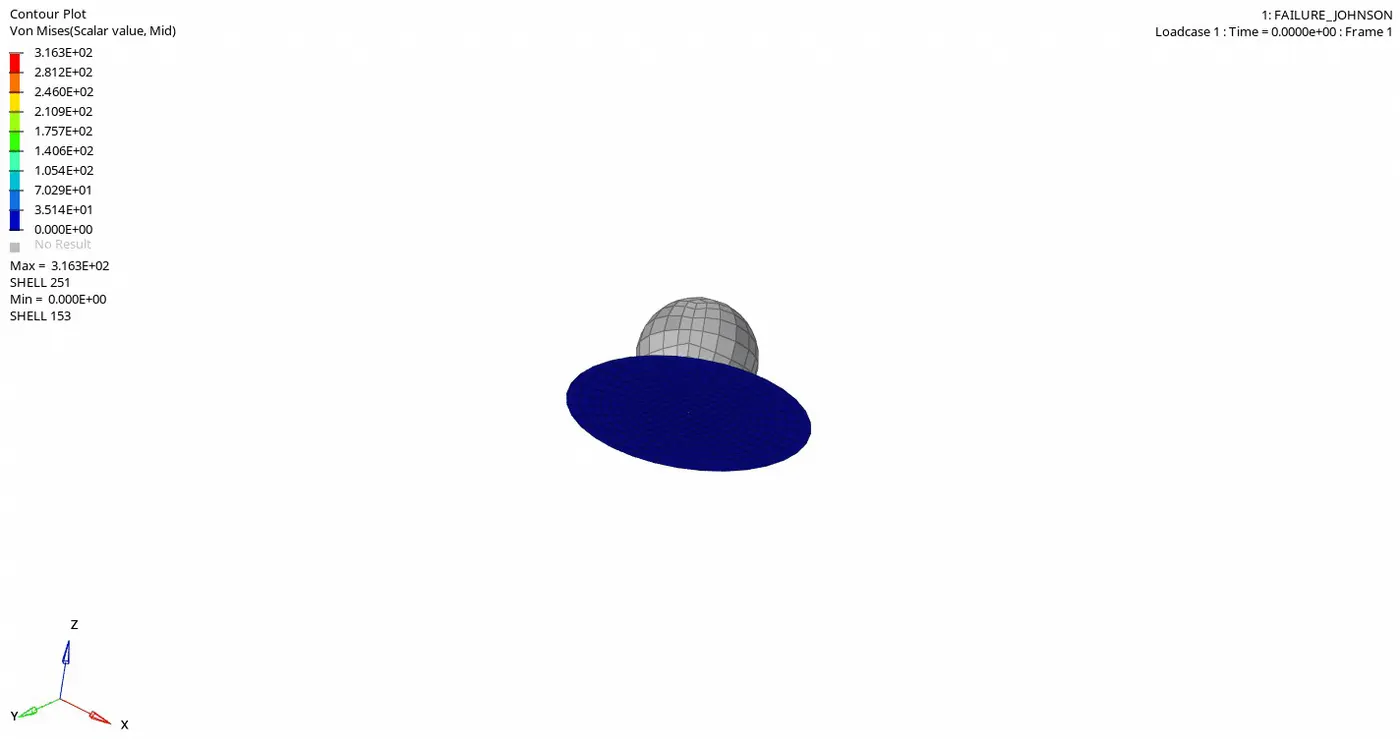
11) Open the hyperview window open the .h3d file to view the animation. And switch to contour mode.
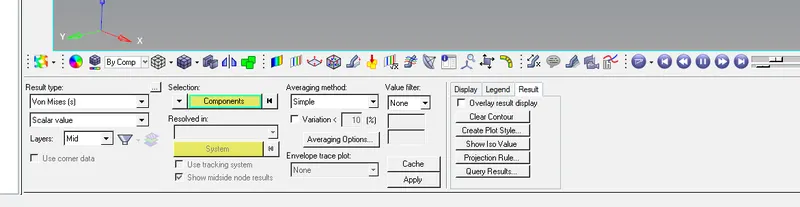
12) Now choose the RESULT TYPE (von misses)--SELECTION (components)--AVERAGING METHOD (simple)--APPLY
13) Now we can see the animation.
14) Now we can do Post-processing, plot the graph for various energy parameters. For this, we have to switch to the Hypergraph window and open . TO1

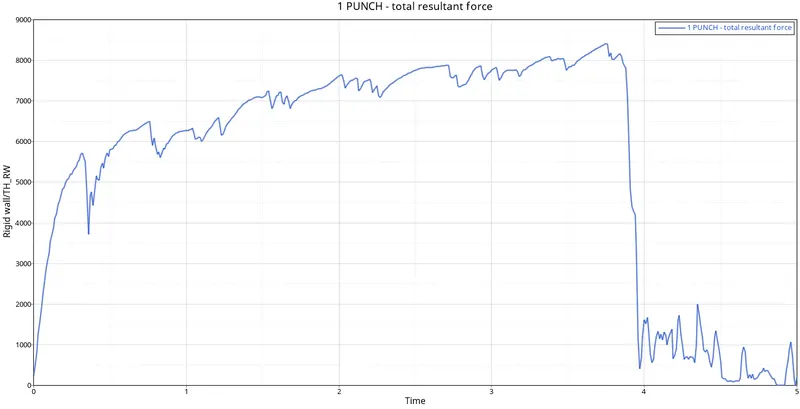
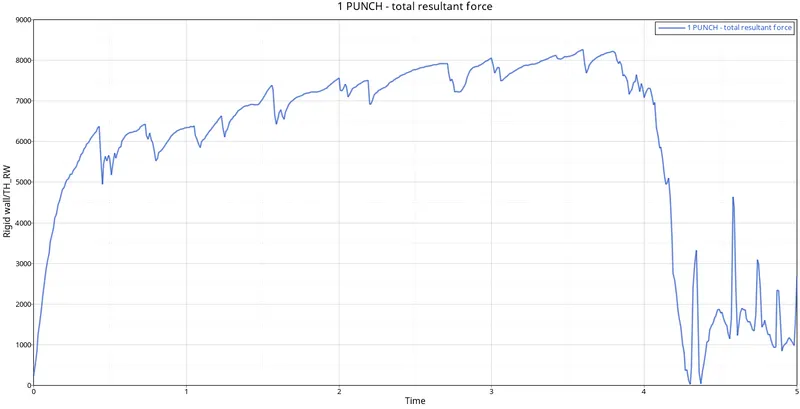
15) Rigid wall--total resultant force graph
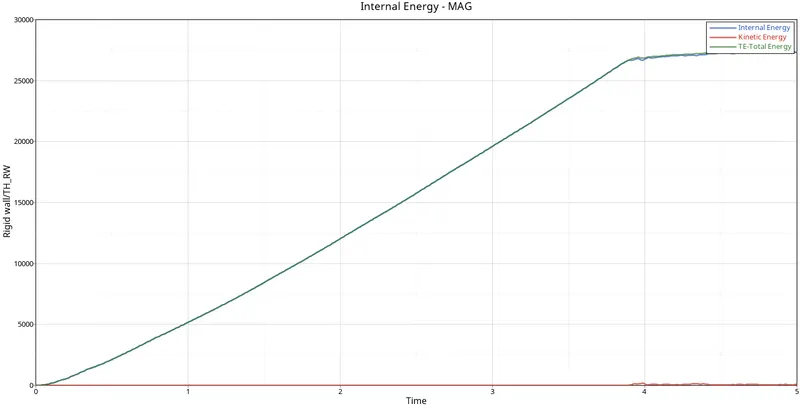
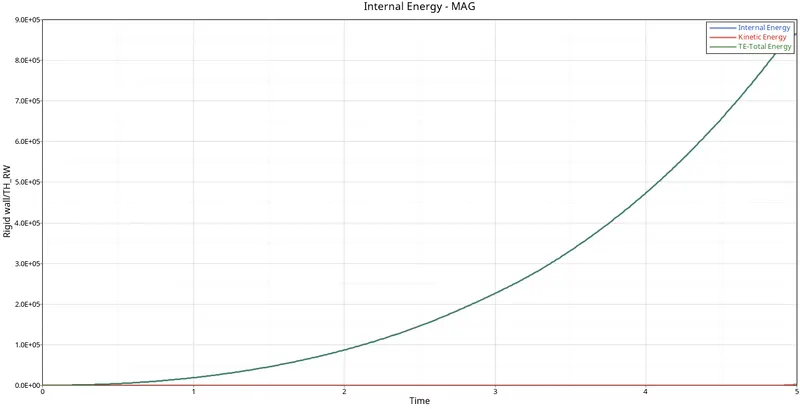
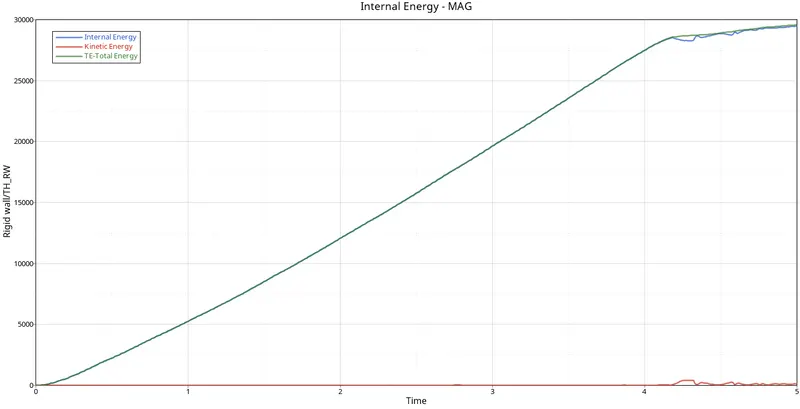
16) Now plot the graph for energy parameters like KE, Total Energy, Internal Energy
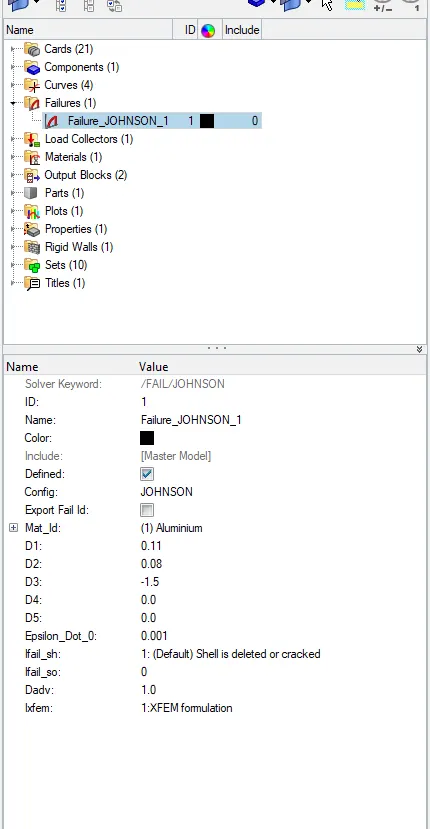
CASE-2 ( CHANGING THE VALUES IN FAILURE CARD)
1) This all changes you have to in the failure card
2) After applying this run the simulation by following the same method as mentioned above.
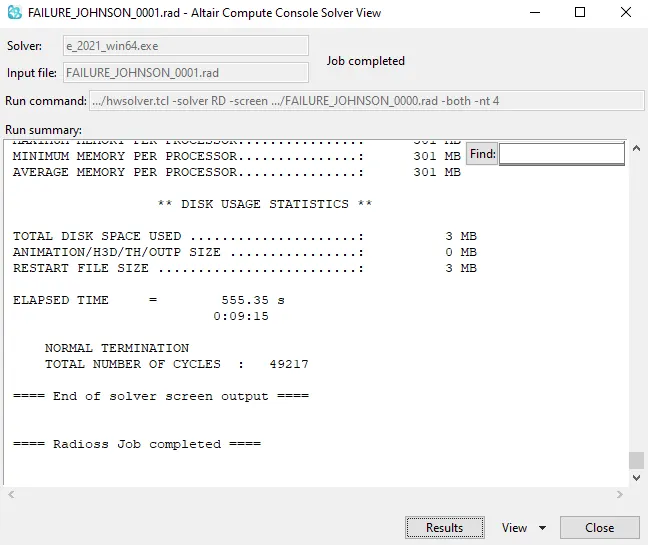
3) Click and Result to see the animation of deformation
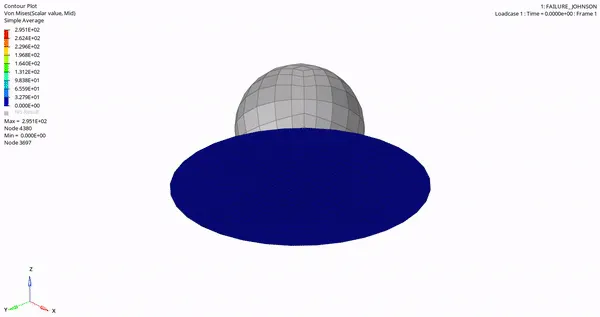
3) Now we plotting the graph for RIGIDWALL--TOTAL RESULTANT FORCE.
4) Plot the graph for KE, Internal Energy, Total energy
CASE-3 ( DELETING THE FAILURE CARD)
1) Delete the failure card
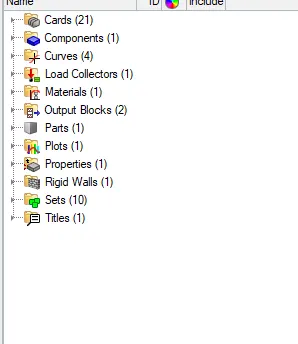
2) Rin the simulation.
3) Animation of deformation
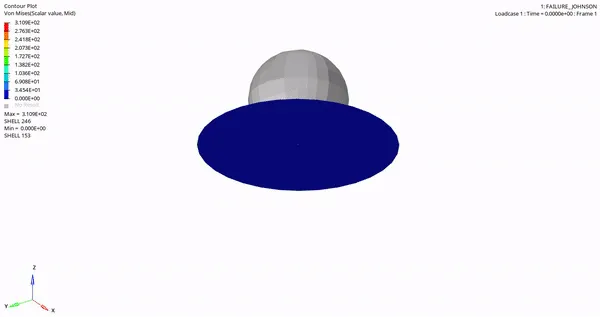
4) Now we plotting the graph for RIGIDWALL--TOTAL RESULTANT FORCE.
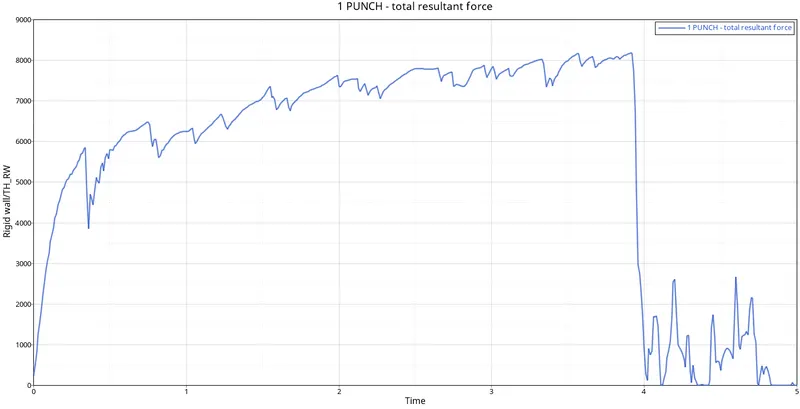
5) Plot the graph for KE, Internal Energy, Total energy
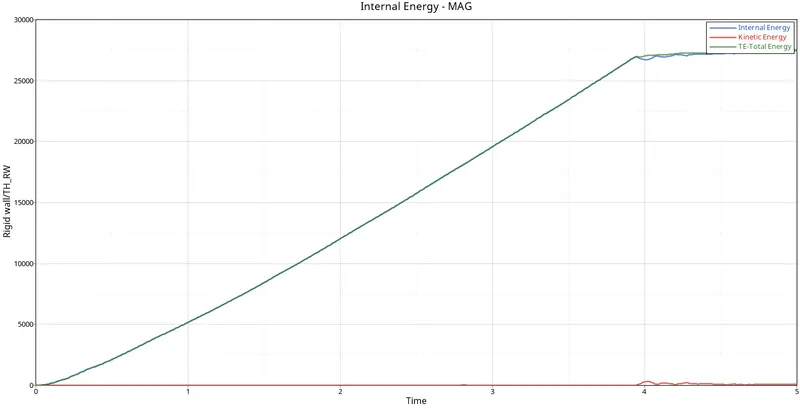
CASE-4 ( DELETING THE EPS_MAX VALUE FROM THE MATERIAL CARD )
1) Deleting the eps_max value from the material card
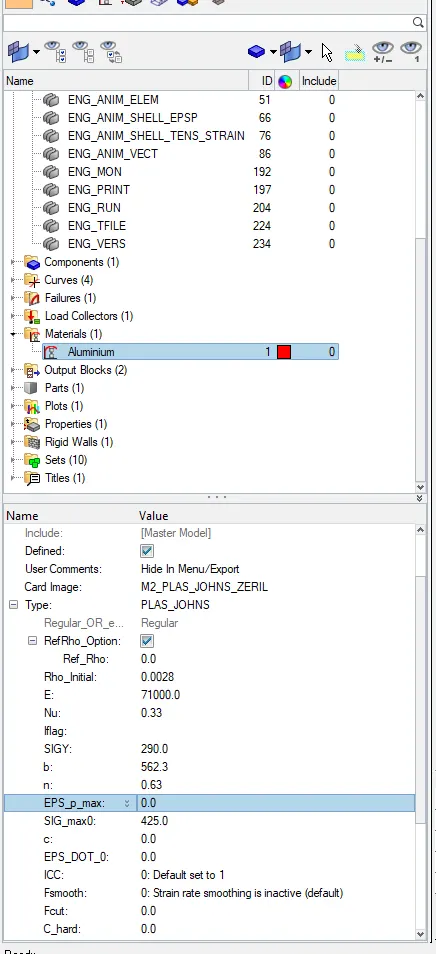
2) After this change run the analysis
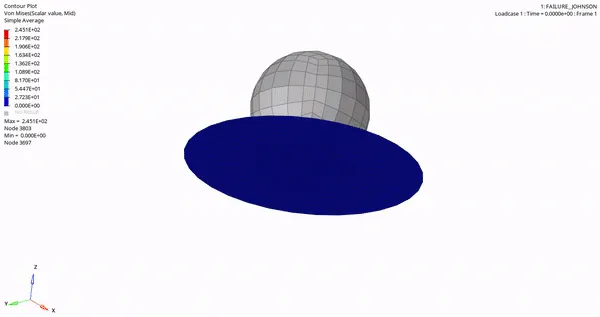
3) Click a result to see the animation of deformation
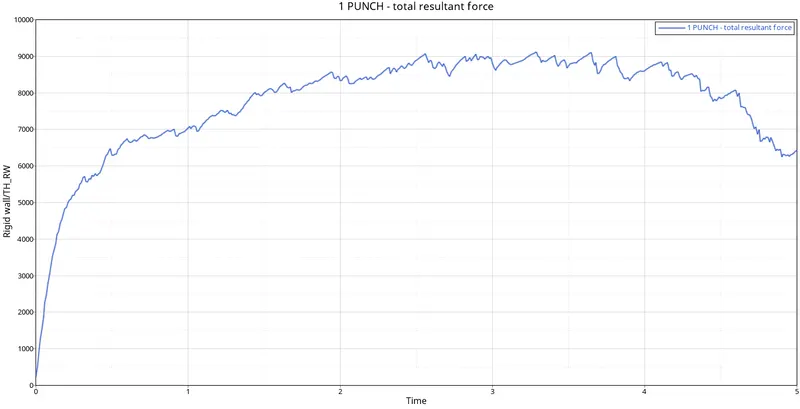
4) Now we plotting the graph for RIGIDWALL--TOTAL RESULTANT FORCE.
5) Plot the graph for KE, Internal Energy, Total energy
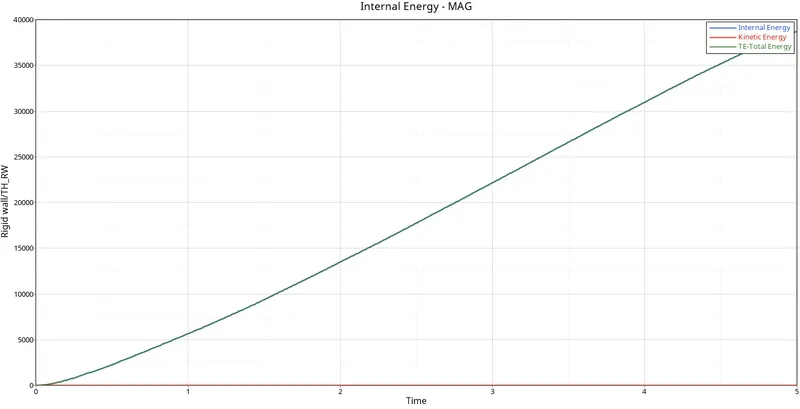
CASE-5 ( CHANGING THE MATERIAL CARD TO LAW 1)
1) Changing the material card to M1/ELAS
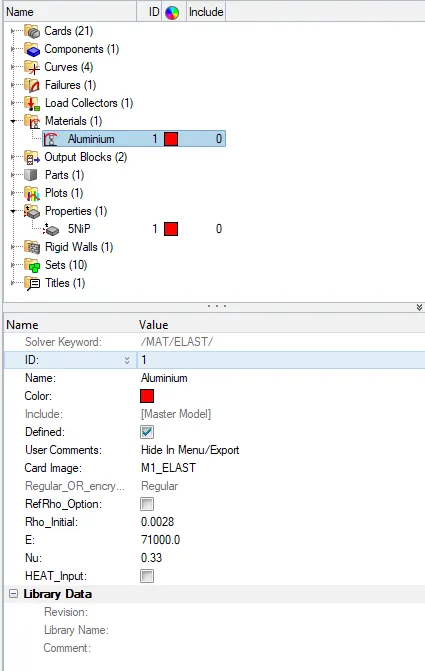
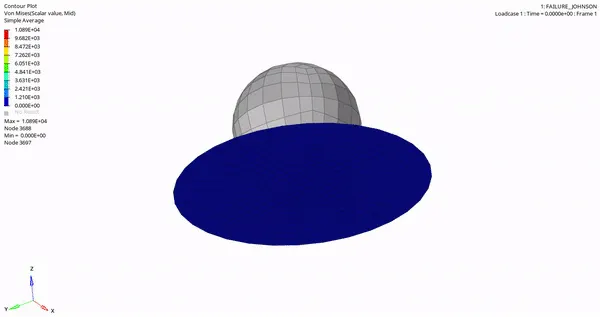
2) Run the analysis to see the animation of deformation
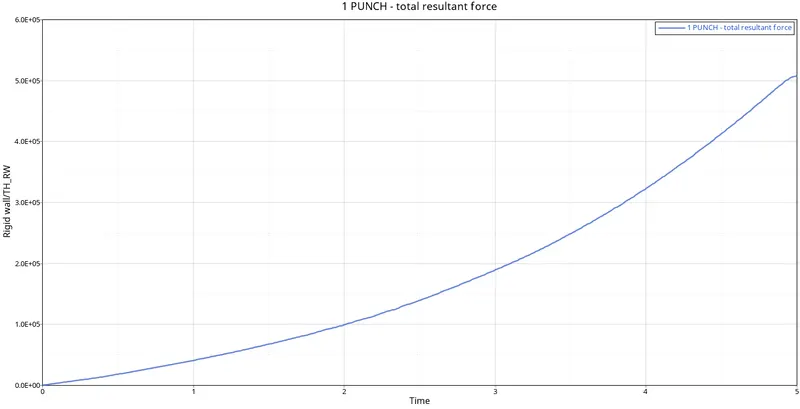
3) Now we plotting the graph for RIGIDWALL--TOTAL RESULTANT FORCE.
4) Plot the graph for KE, Internal Energy, Total energy
CASE-6 ( CHANGING THE SHELL PROPERTY TO RECOMMENDED AND RUN THE ANALYSIS )
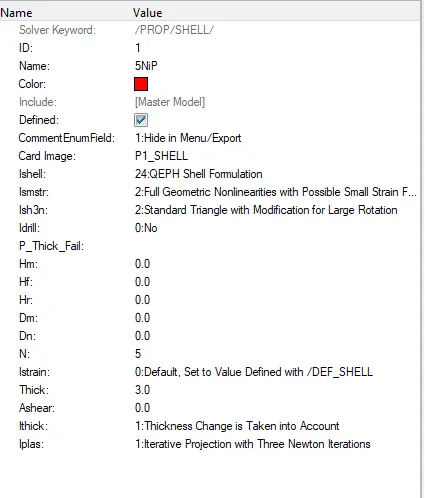
1) Changing it to recommended shell property
2) Run the analysis
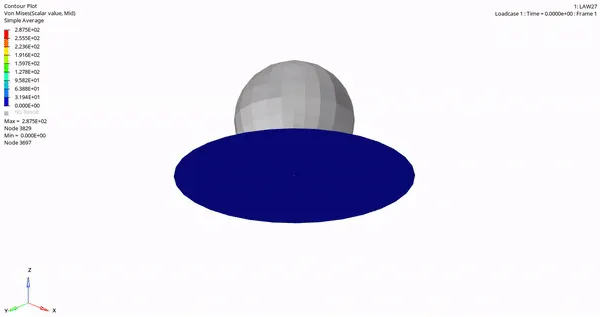
3) Animation of deformation.
4) Now we plotting the graph for RIGIDWALL--TOTAL RESULTANT FORCE.
5) Plot the graph for KE, Internal Energy, Total energy
CONCLUSION:--
1) Learnt about thee various material property.
2) Plotting graph for the various parameters.
3) Comparing all the results.