Assignment 4-RADIOSS Material Laws Challenge
Live Session
Case 1
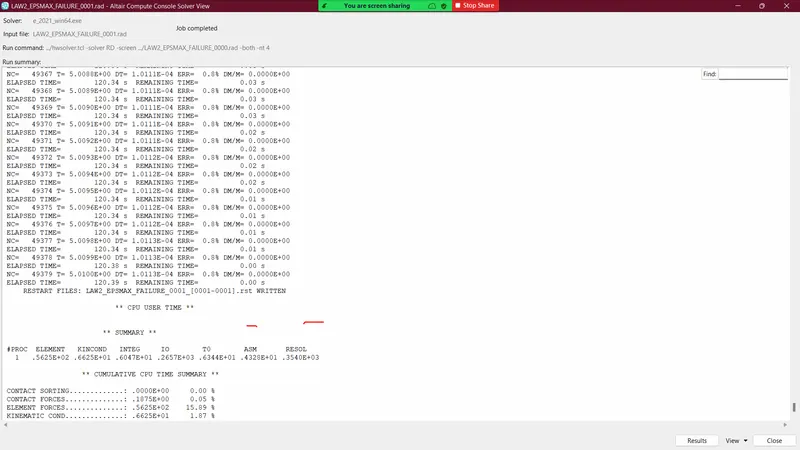
- Import the FAILURE_JOHNSON_0000.rad file and run the model as it is. Give the title name as Law2_epsmax_failure.
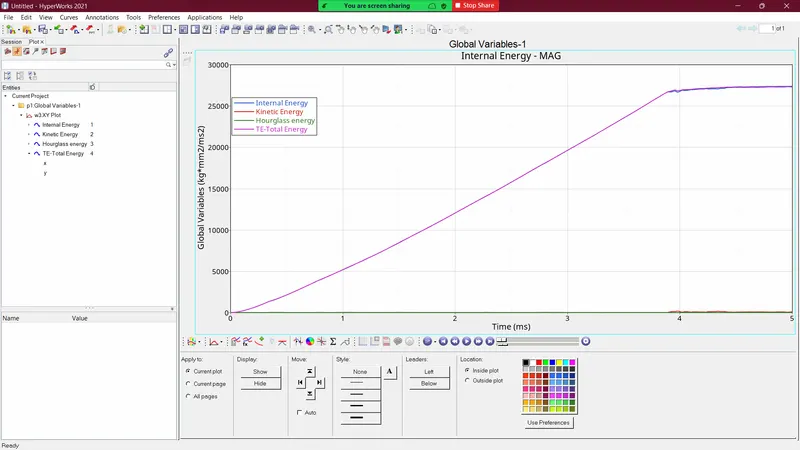
- After running the above rad file I've got the below results.
- As the elements are deleted as the maximum plastic strain value reaches eps_p_max, so there is a small drop in energy absorption by the elements compared to the crack case.
- After running the above rad file I've got the below results.
Case 2
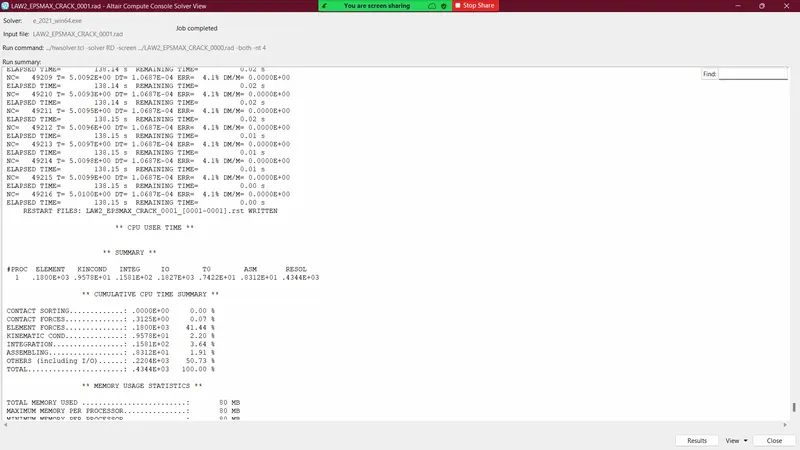
- Import the case 1 rad file, named “Law2_epsmax_failure” and perform the simulation with failure plastic strain (EPS_p_max) and fail_Johson card enabled.
- Changes to be made in /FAIL/JOHNSON card:
- ifail_sh= 1
- Dadv= 1
- Ixfem= 1
- Use the recommended values for the property card.
- Give the title name as Law2_epsmax_crack.
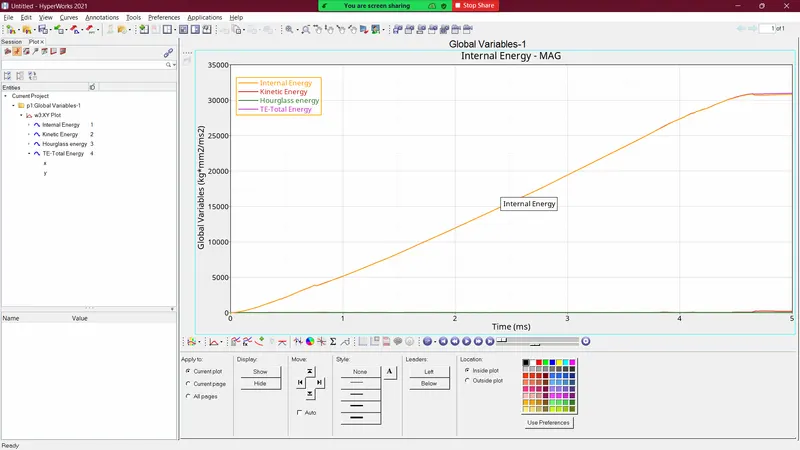
- As we can see in the above figure the drop after the eps_max strain is negligible because here the crack generates and propagates. The deletion of the element is gets delayed as a result the absorption energy never reduces.
Case 3
- Import the case 2 rad file, named “Law2_epsmax_crack” and perform the simulation by removing the fail_Johnson failure card. Give the title name as Law2_epsmax_nofail.
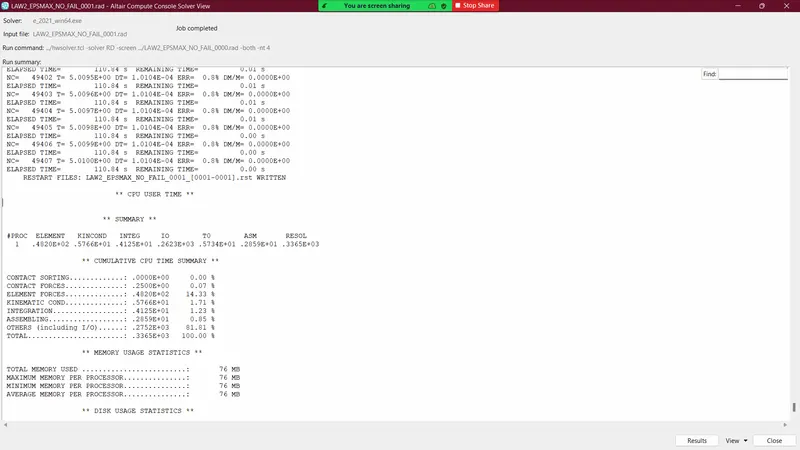
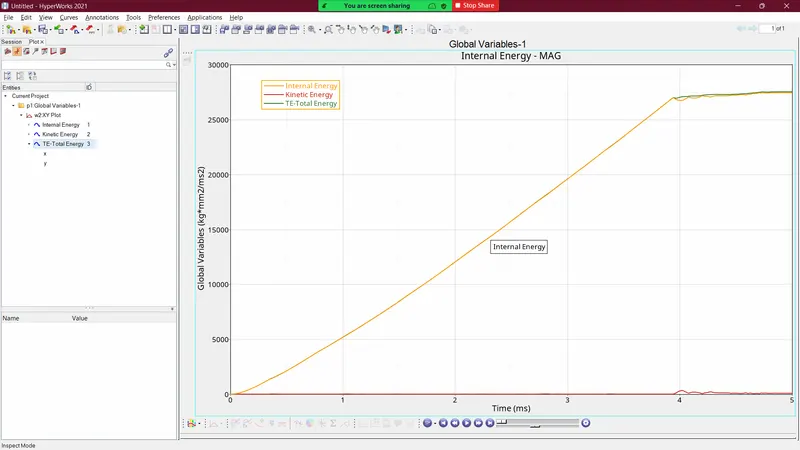
- In this case, as there is no failure model involved the elements get deleted after the plastic strain value reaches the eps_max value and absorbs exactly the same energy as Case1.
Case 4
- Import the case 3 rad file, named “Law2_epsmax_nofail” and perform the simulation by removing both the failure plastic strain (EPS_p_max) and the fail_Jhonson failure card.
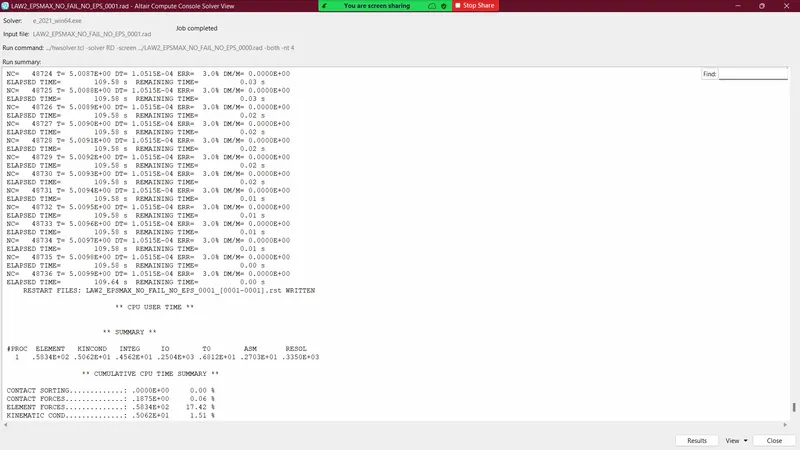
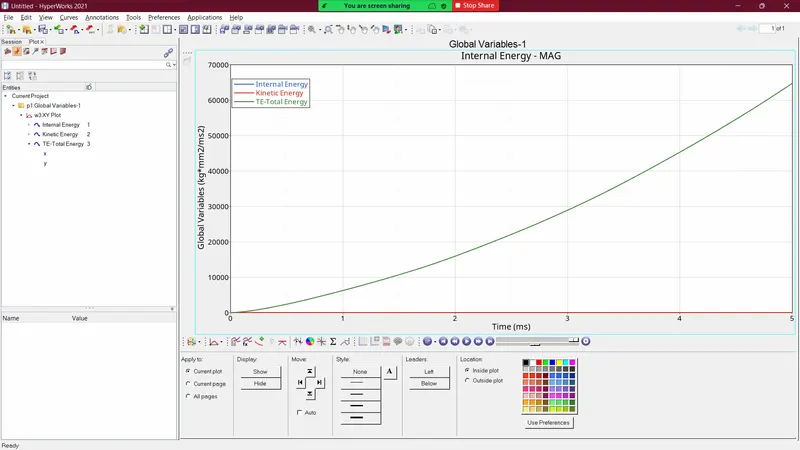
- As there are no failure criteria in the above case the elements are deformed till the end of the simulation and absorb more energy than in the above cases.
Case 5
- Import the case 4 rad file and perform the simulation by changing the material card to Law 1. Keep the same value for rho, E, and nu values.
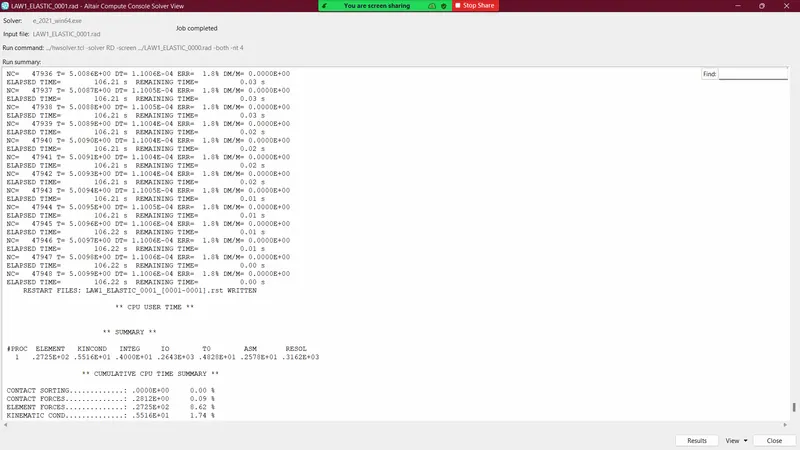
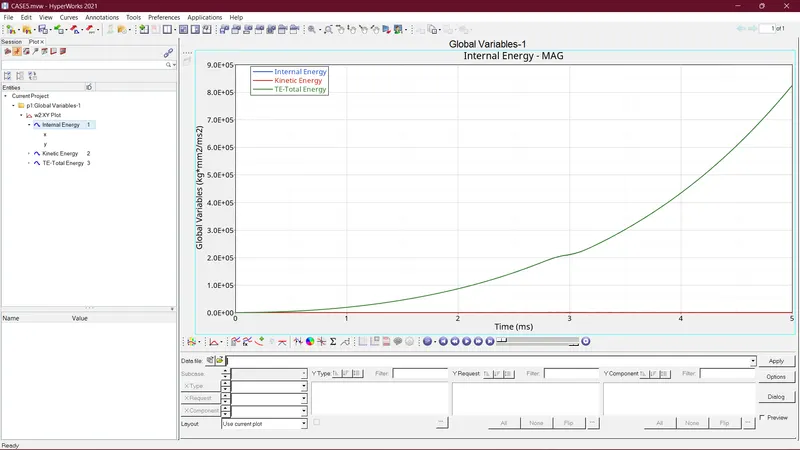
- In this case, we use the Law1 material model where we just consider the elastic behaviour of the material so in this case the plate deforms infinitely and absorbs more energy than in any other case, but the behaviour of the energy curve is similar to Case4.
Case 6
- Import the case 1 rad file, named “Law2_epsmax_failure” and perform the simulation with the law 36 material card. Refer to the video titled "Materials 7" for further information.
-
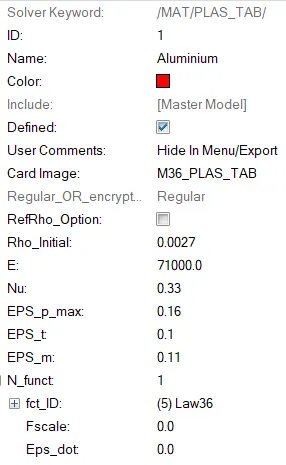
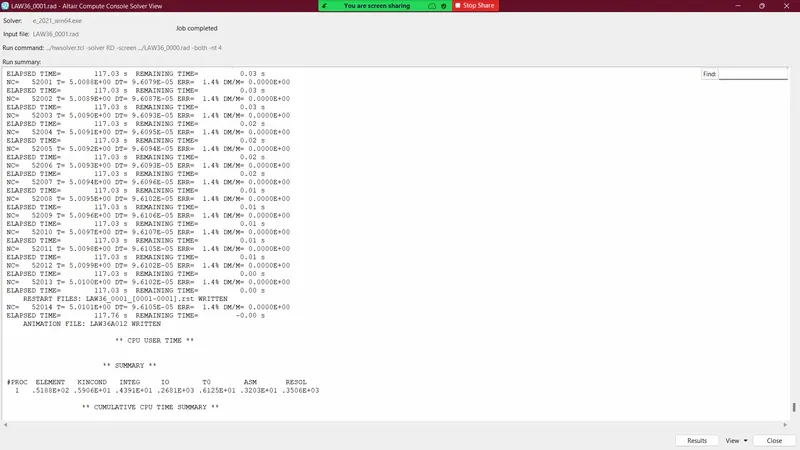
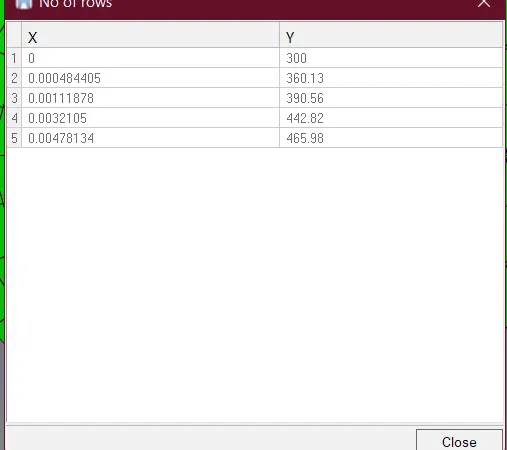
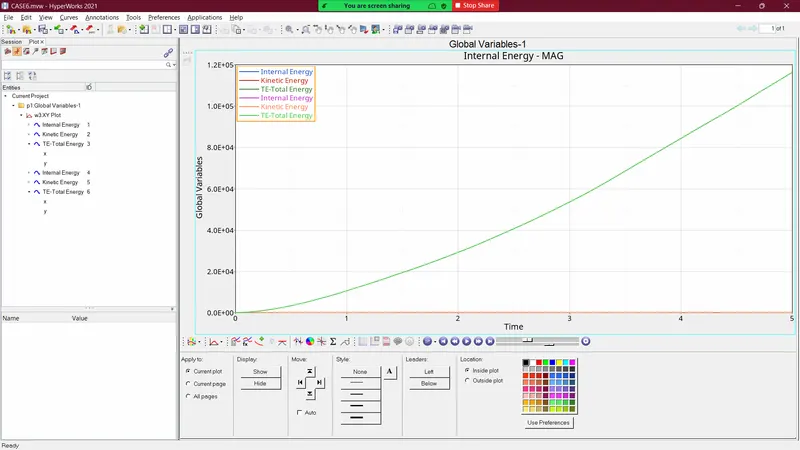
- In this case, we don't use any failure model instead we've used a curve to define the material's plastic property. In this, we case we don't get any deletion of element but we can see a similar nature curve as Case5, but here the energy absorption is less compared to the elastic case.
Case 7
- Open the Law27_0000.rad file and perform the simulation with the law 27 material card. Use the recommended shell properties.
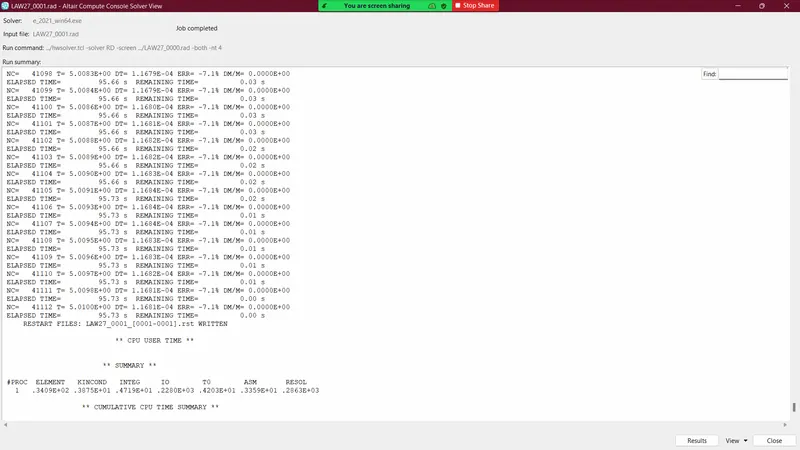
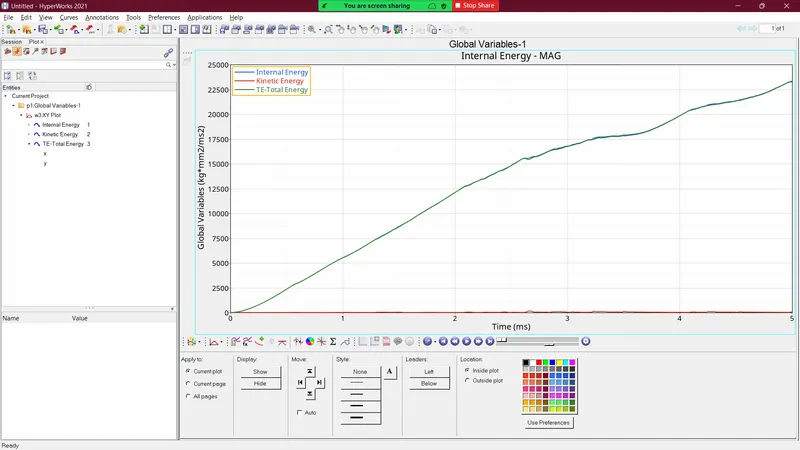
- As the above failure model is for brittle material, we know that the plastic region of brittle material is very small and the brittle material breaks quickly. We can observe from the above image, that after the elastic region the brittle material has a small plastic region and then the elements get deleted as the plastic strain exceeds the maximum.