Assignment 2-RADIOSS Engine File Editing & 3D Meshing Challenge
QUESTION :--
1) Check the material properties of the rail component and calculate the speed of sound in steel rail
ANS:-- ρ= 0.0078 g/mm^3
E= 210 Pascal
C (speed of sound)= √ρ/√E=5188.745217 m/s
2) The length of the rail is about 1000 mm calculate the time takes for a shock wave to travel from one end of the rail to the other L=1000
3) Time for sound to travel the length of rail= L/C= 0.1927 sec
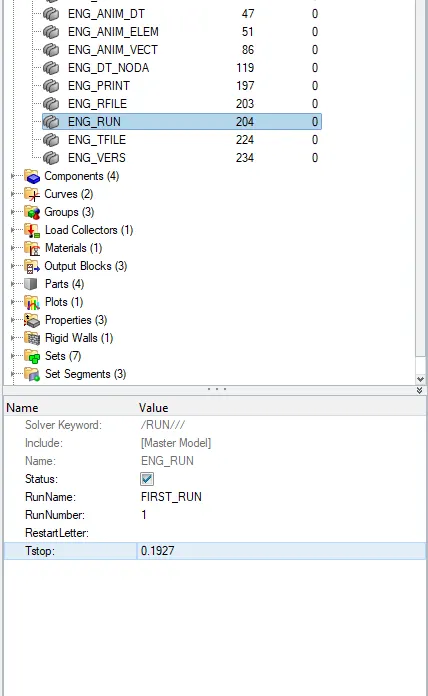
4) Edit the engine file so that the stress wave can be monitored, moving from one end of the rail to the other during an impact -this will require a termination time equal to the time it takes for the sound to travel the length of the rail(set on/RUN card)
TERMINATION TIME=C
Any Model in Radioss will have two file
a) STARTER FILE
b) ENGINE FILE
STARTER FILE:-- The starter file contains the model definition. Definitions like units, material, properties, nodal information, boundary conditions, interfaces, Load collectors, geometrical information, etc., are included in the starter file. It is represented by runname_0000.rad . It is syntax of starter file it cannot be changed. RUNNAME can be change as per the user.
ENGINE FILE:-- Engine file is a file which contains running instruction for the solver. It also contains animation output expected from the model. Engine input is represented by runname_0001.rad where 0001.rad is syntax and runanme can be kept as per the user name.
NOTE:-- BOTH STARTER & ENGINE FILES SHOULD HAVE THE SAME NAME.
PROCEDURE TO EDIT ENGINE FILE:--
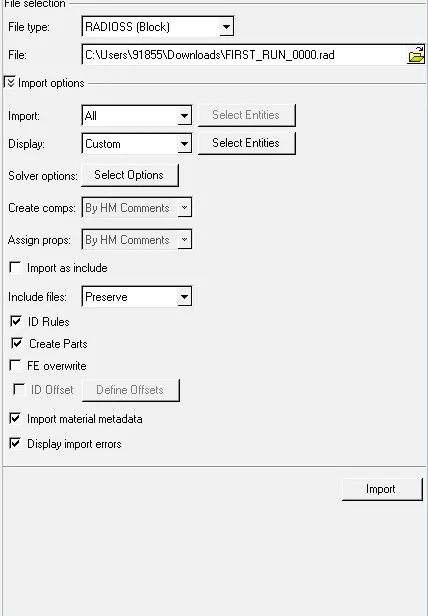
1) Import the STARTER FILE
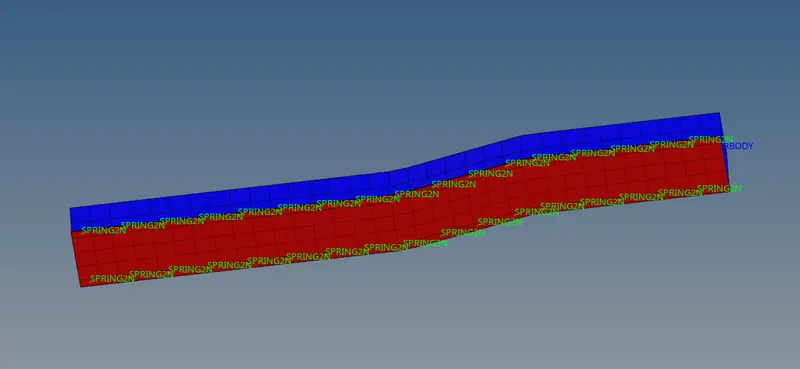
2) The imported model will be shown
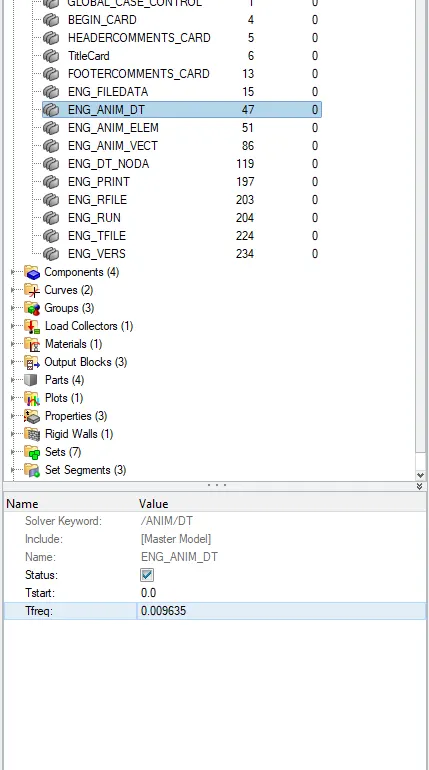
3) Obtained values can is put now
4) Now go to ANALYSIS--RADIOSS. Now solver will run the simulation.

5) Open the C:\Users\91855\Downloads\FIRST_RUN_0000 file and hit RADIOSS
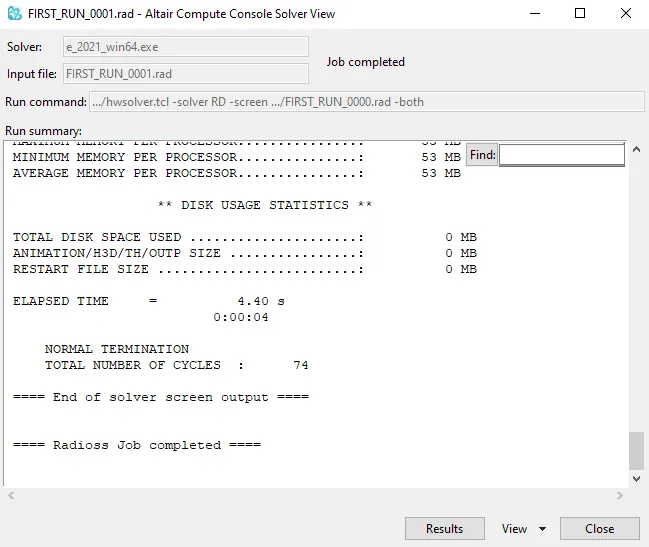
6) Chech whether it is changed or not.
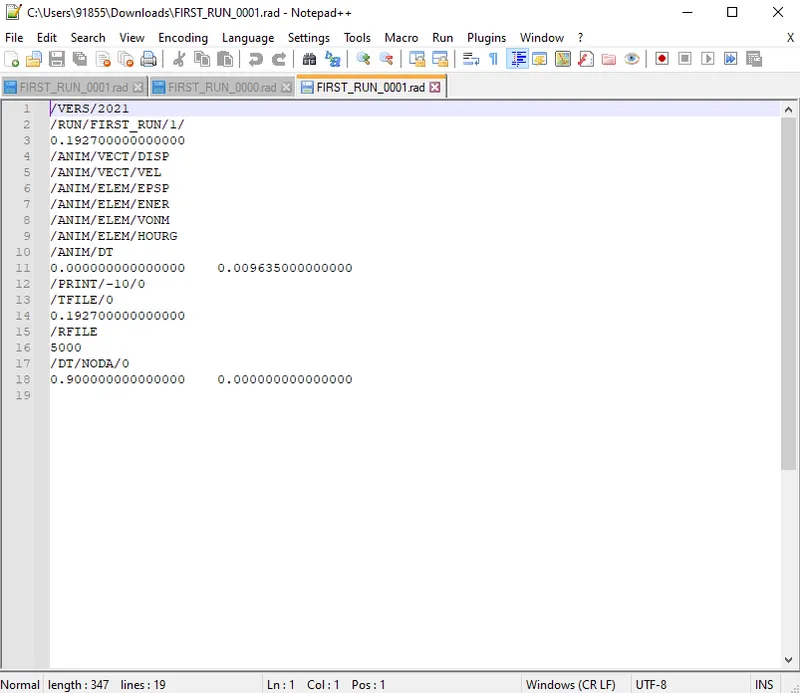
5) Set the frequency of animation output to a time that will give 20 animation steps= Elements time step/20=0.009635
PROCEDURE FOR HEXA & TETRA 3D MESHING:--
1) Import the model
2) Check for geometry cleanup if needed.
3) Delete the Solid as well.
4) Now do the 2D shell meshing on the component
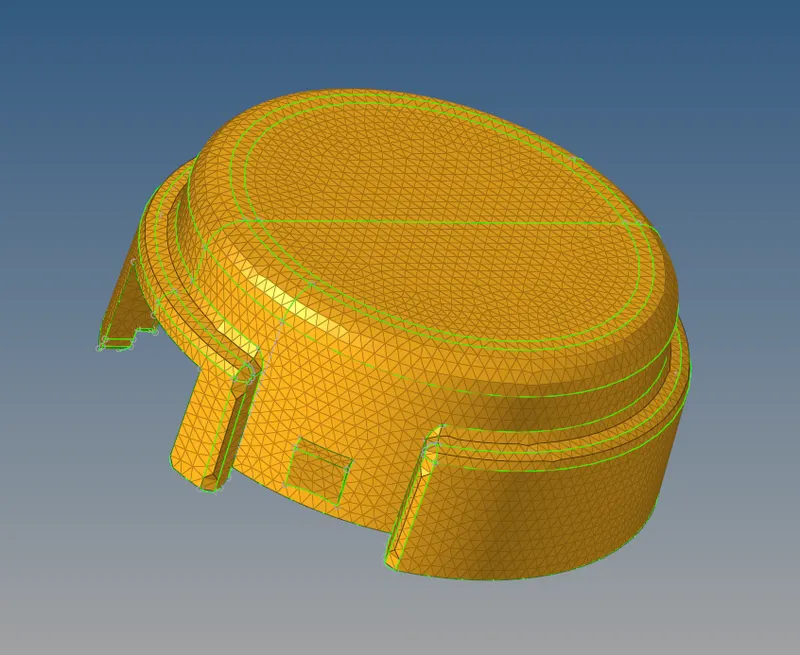
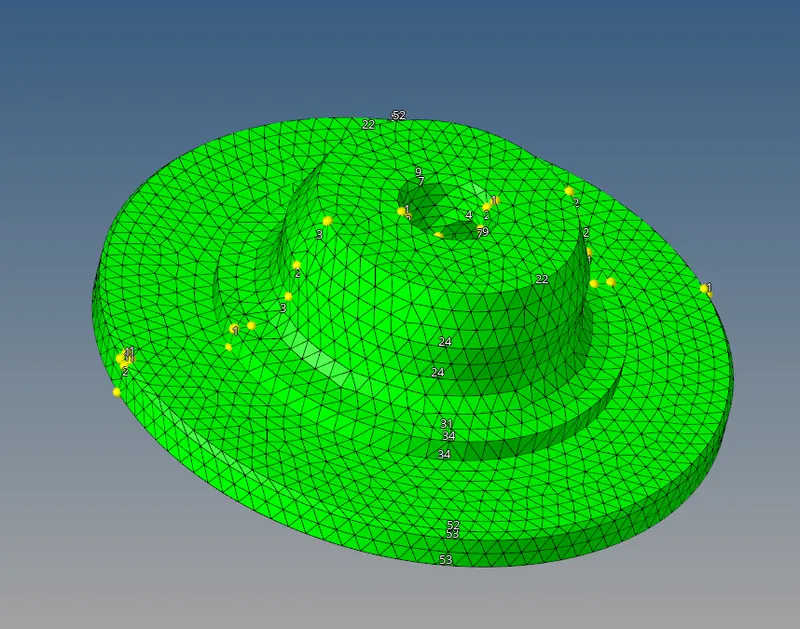
5) Now go to 3D--TETRAMESH--TETRA MESH
Select the component and 2D shell elements

6) 3D models
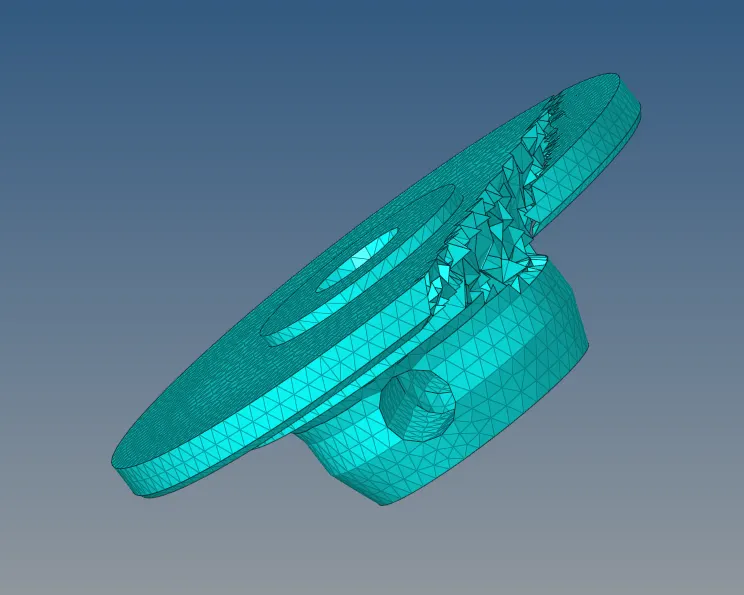
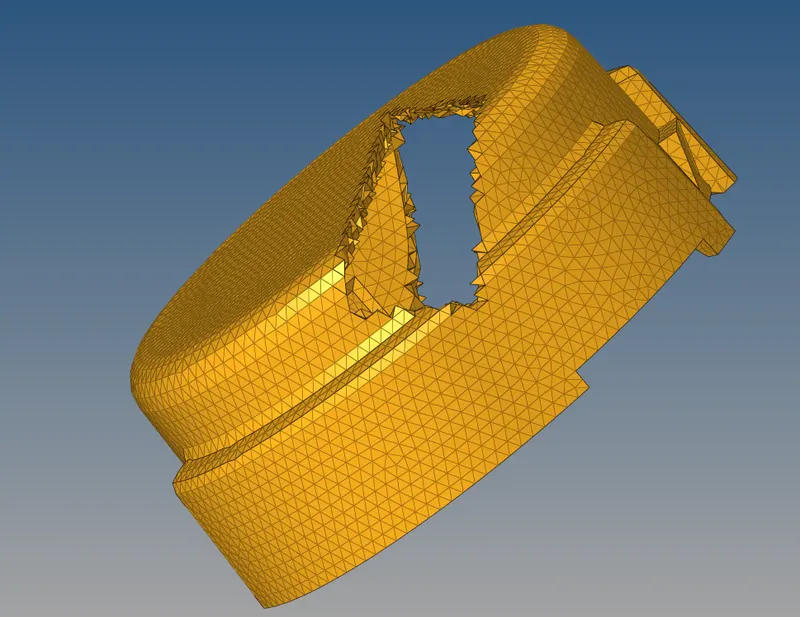
7) Remove the TET COLLAPSE
PROCEDURE OF HEXA MESHING:--
1) Import the model
2) Cleanup the geometry if needed
3) Start meshing
First mesh the top surface with 2D shell mesh target element size is 10mm
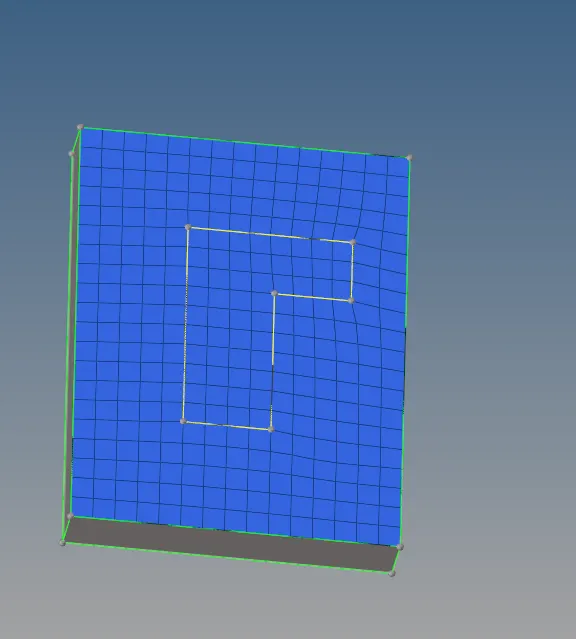
Now by using ELEMENT OFFSET IN 3D--SOLID LAYER

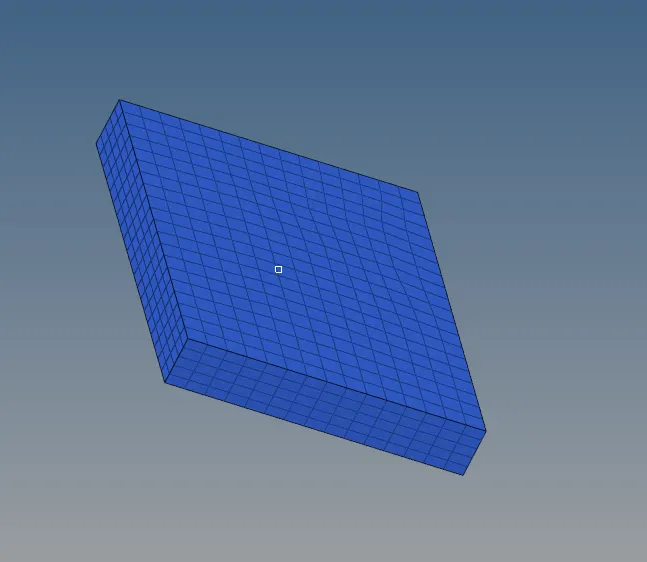
4) For this model First creat the centre point for elements to spin
3D--SPIN--SPIN ELEMENTS

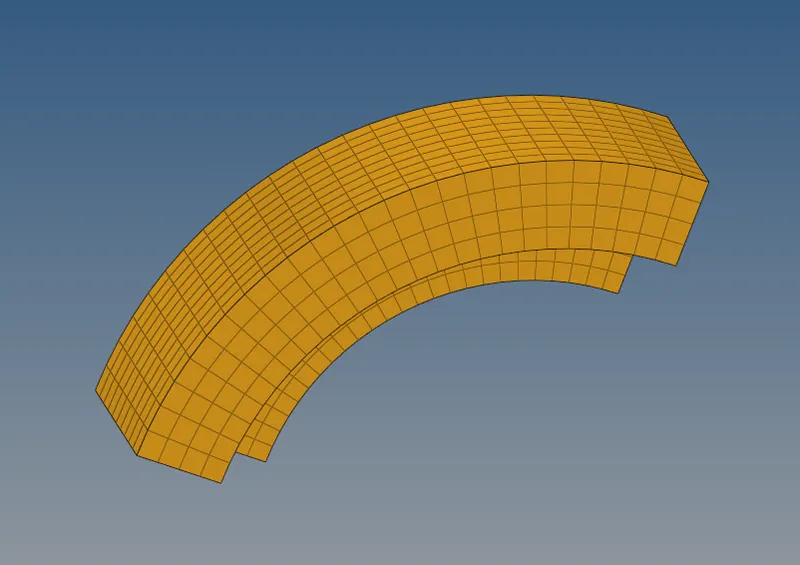
5) Now find faces for above component so that we map those on other components
3D--LINEAR SOLID
And we have to choose extract same orientation in origin elements face and destination elements face
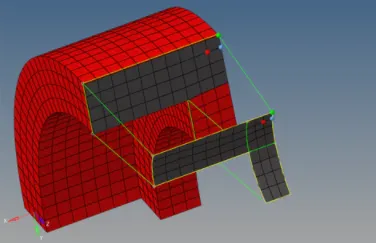
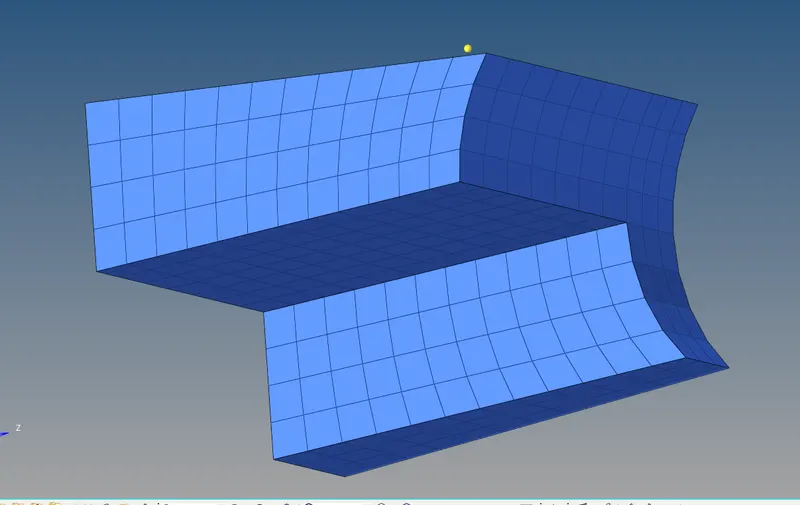
6) For boss component we have to mesh the top surface only and drag those elements through line.
3D--SOLID MAP--LINE DRAG

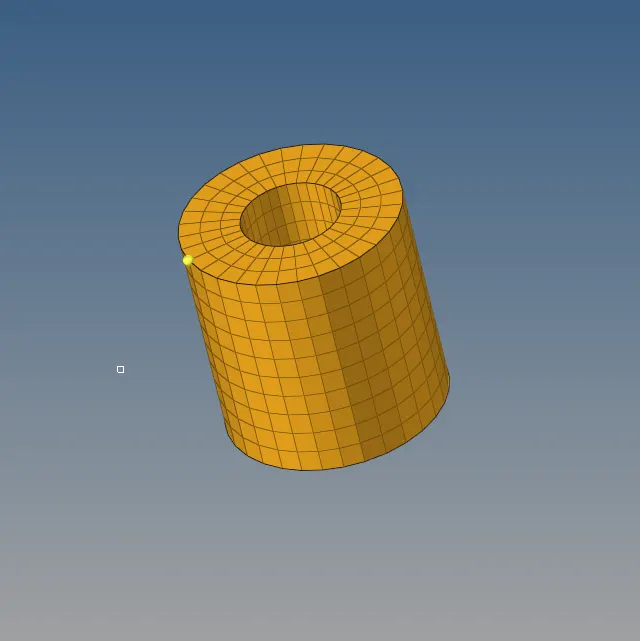
HEXA MESHED
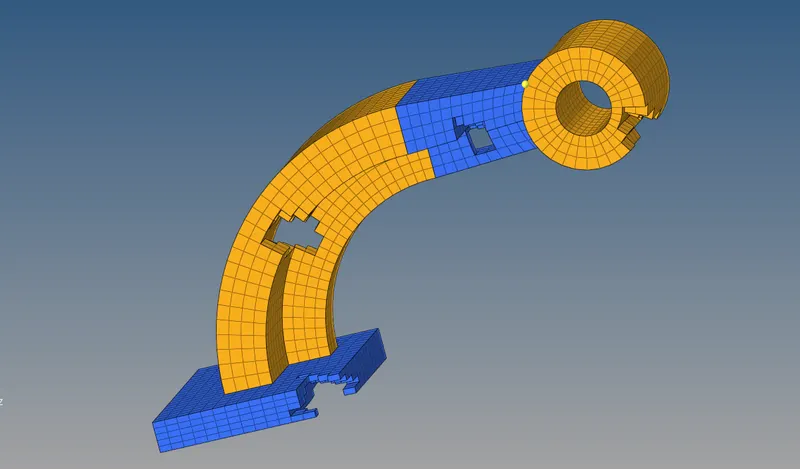
CONCLUSION:--
1) Learned hexa meshing
2) learned tetra meshing
3) changing the starter file and engine file
4) calculation for Element time step, frequency, speed of sound