Assignment 2-RADIOSS Engine File Editing & 3D Meshing Challenge
Aim:-To give the answer of the given question,edit engine file and create mesh given geometry.
Q1:-Check the material properties of the rail component and calculate the speed of sound in steel rail=5188.75m/s
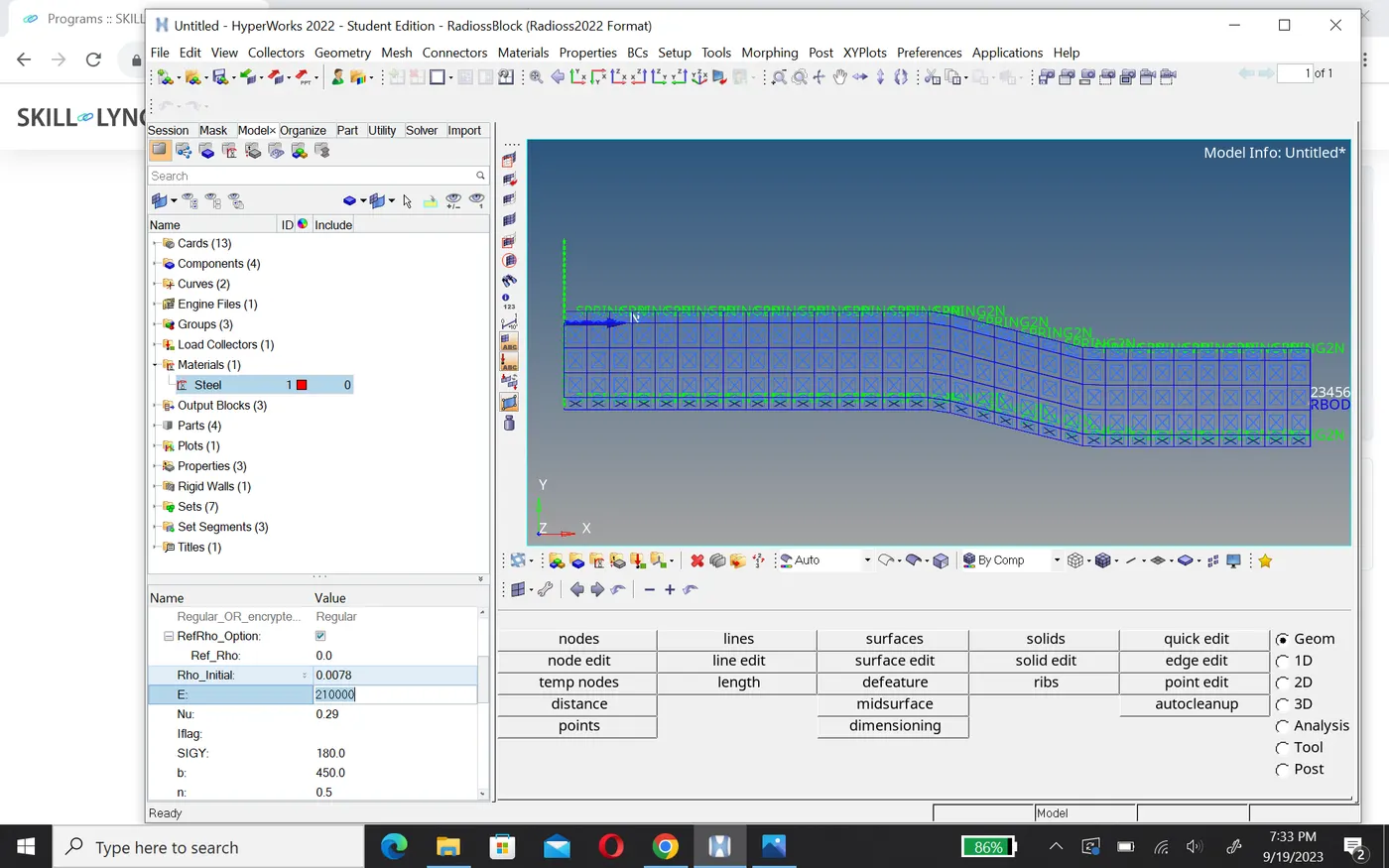
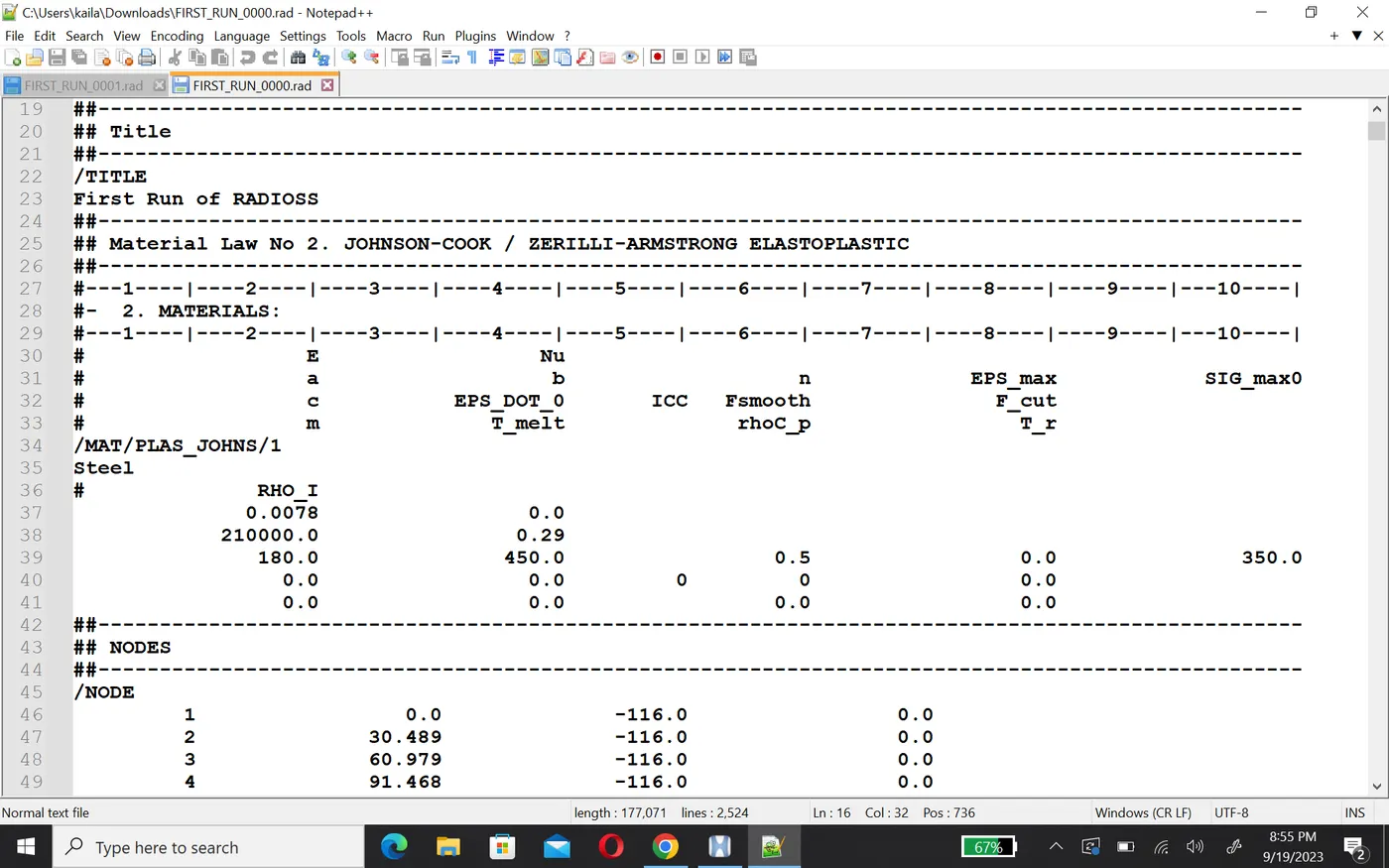
E=210000 MPa
ρ=0.0078 g/mm⊃3;
speed of sound c=√E/ρ=√210000/0.0078=5188.75m/s
Q2:-The length of the rail is about 1000 mm.calculate the time takes for a shock wave to travel from one end of the rail to the other.
Time taken for shock wave t=L/c=1000/5188.75=0.19272ms
Q3:-Time for sound to travel length of rail=0.19272ms and length=1000mm
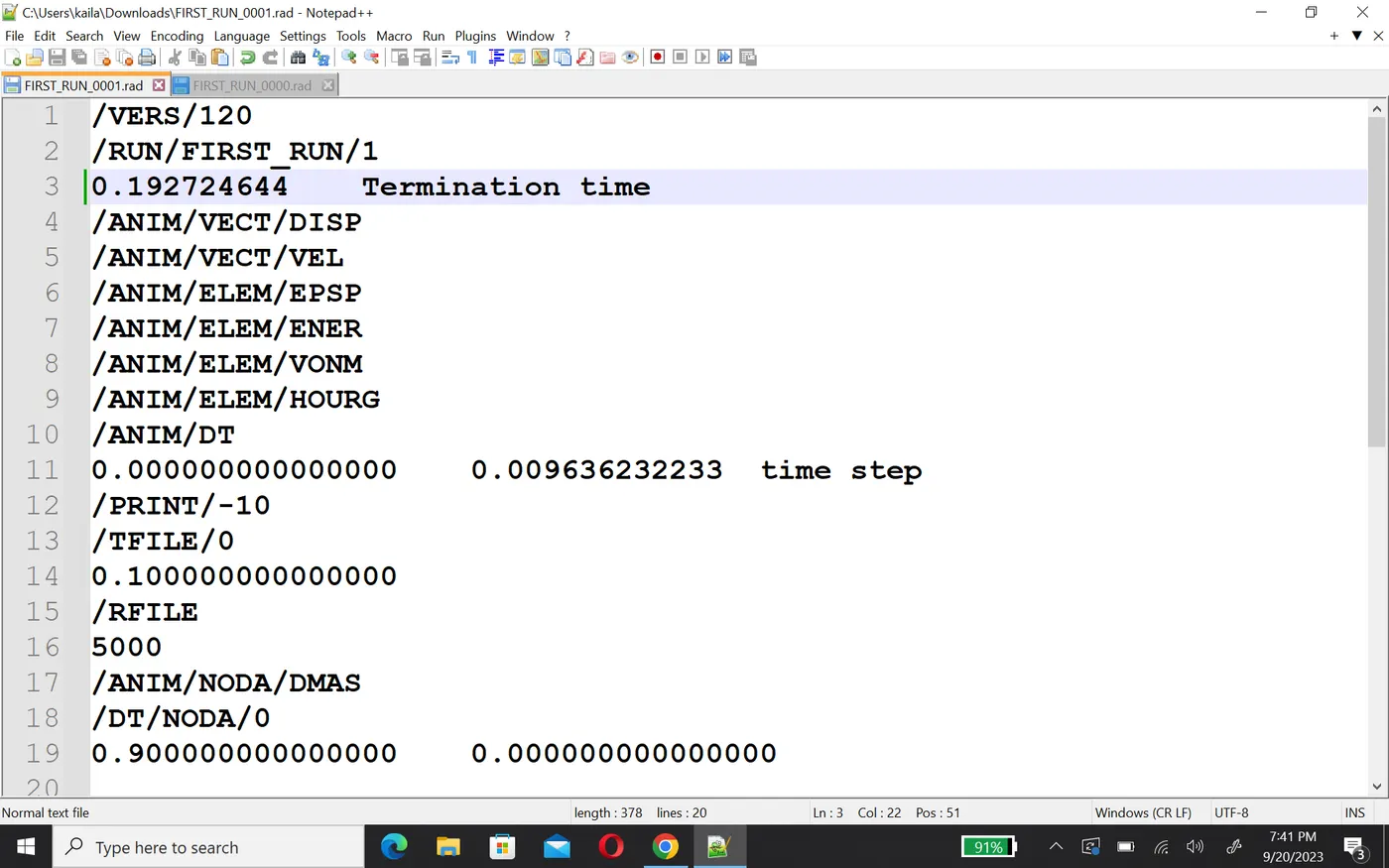
Q5:-Set the frequency of animation output to a time that will give 20 animation steps(/ANIM/DT)
time step =t//animation step=0.19272/20=0.00963ms
Q4,6:-Edit the engine file so that the stress wave can be monitored, moving from one end of the rail to the other during impact -this will require a termination time equal to the time it takes for the sound to travel the length of the rail(set on/RUN card)
0r
.Change /print -10.
Q7:-3d meshing tetra mesh and hex mesh
- Repeat class examples and, maintain the quality.
- Target tet size=5mm,hex size=10mm,tet collapse=0.15.
Arm bracke
1.First import the geometery in hypermesh and check it's qurality and fix them, after that to creating 3D hexa element, first you need to create 2D quard element and after that convet into 3D hexa element.
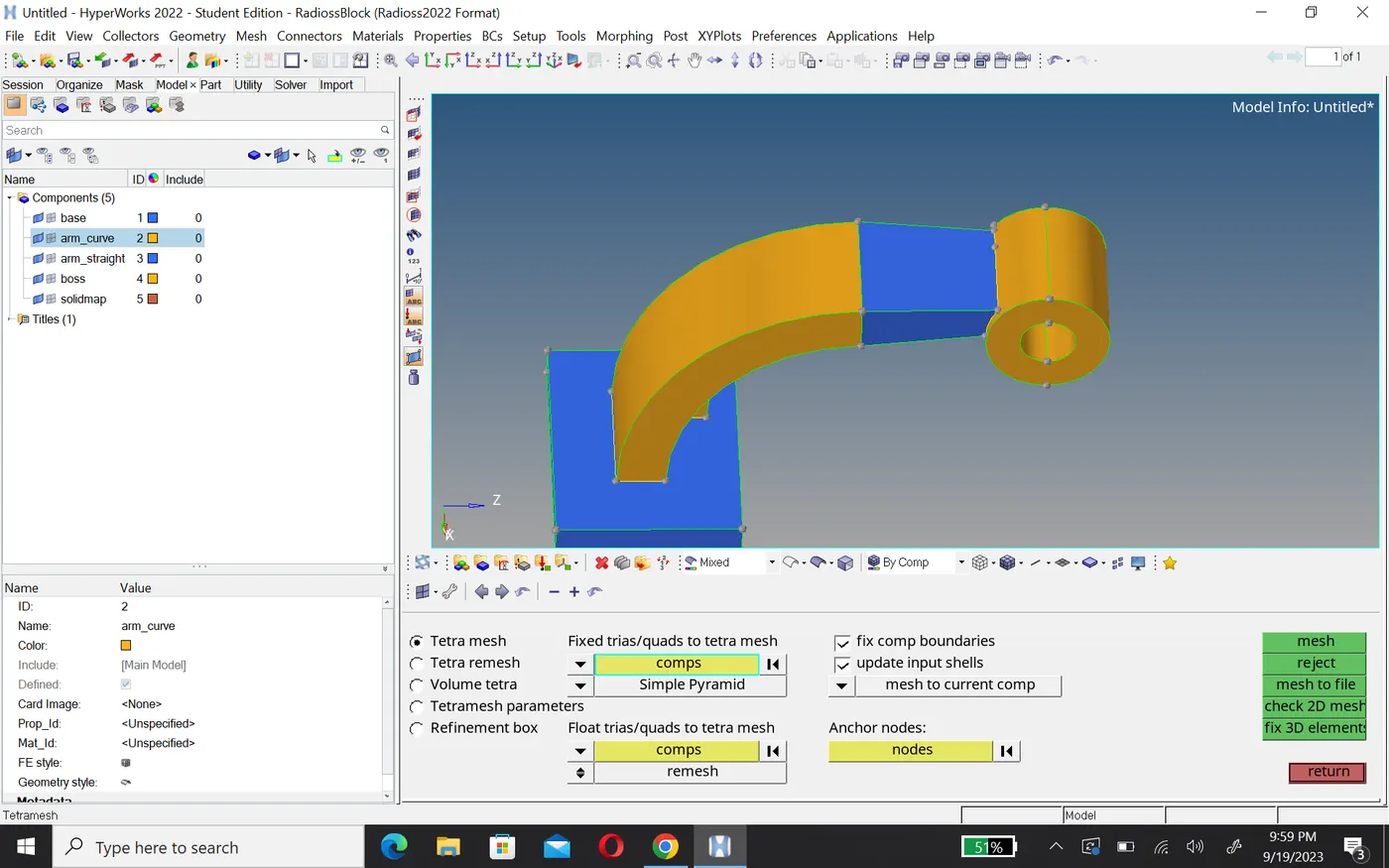
2.Go 2D and create quard mesh and after that convert it into 3D hexa element using drag option.
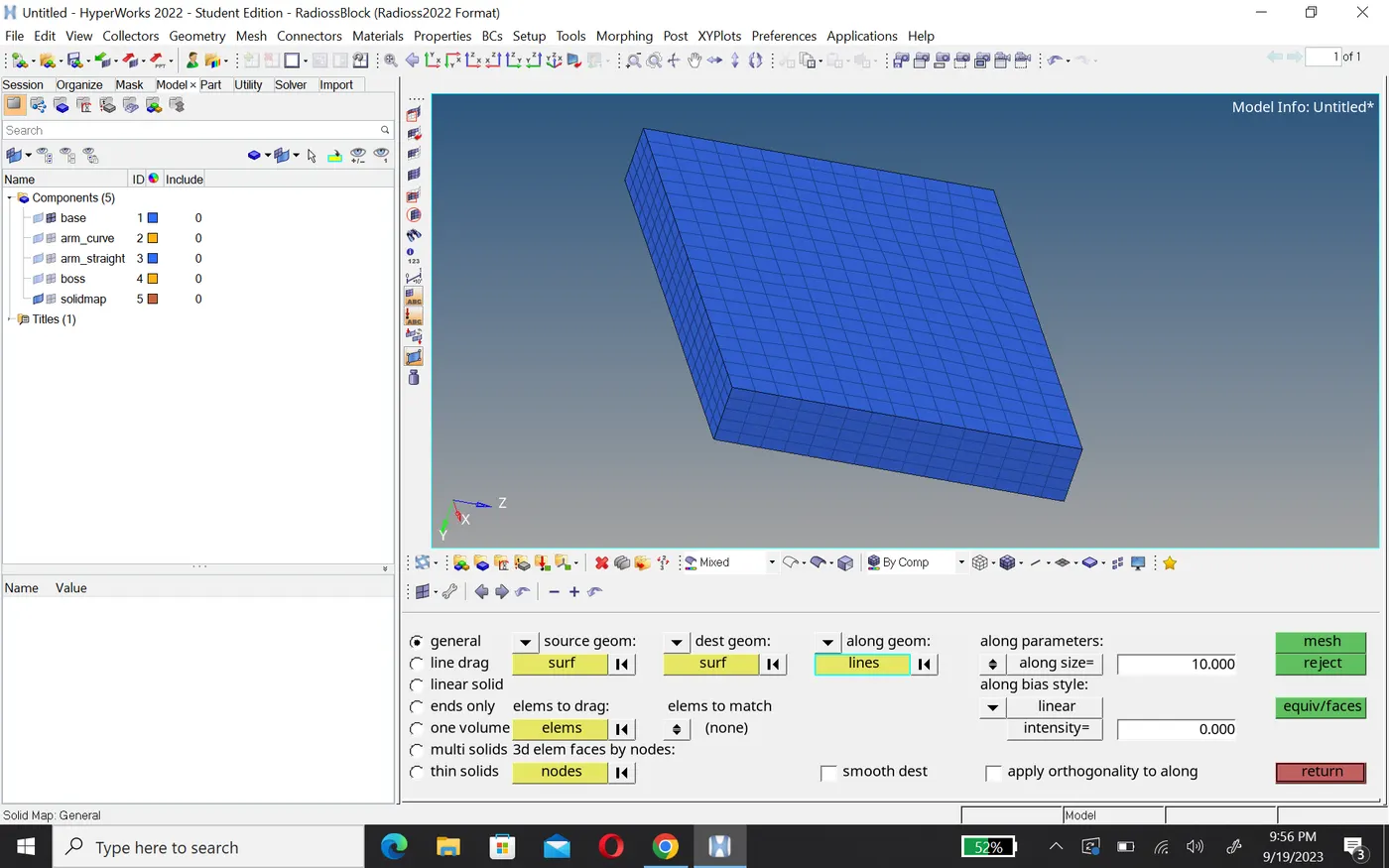
3. now we work on the arm curve,in 3D go with spin option and select base 2D element that connect arm then give angle and number of spin and create 3D hexa element.
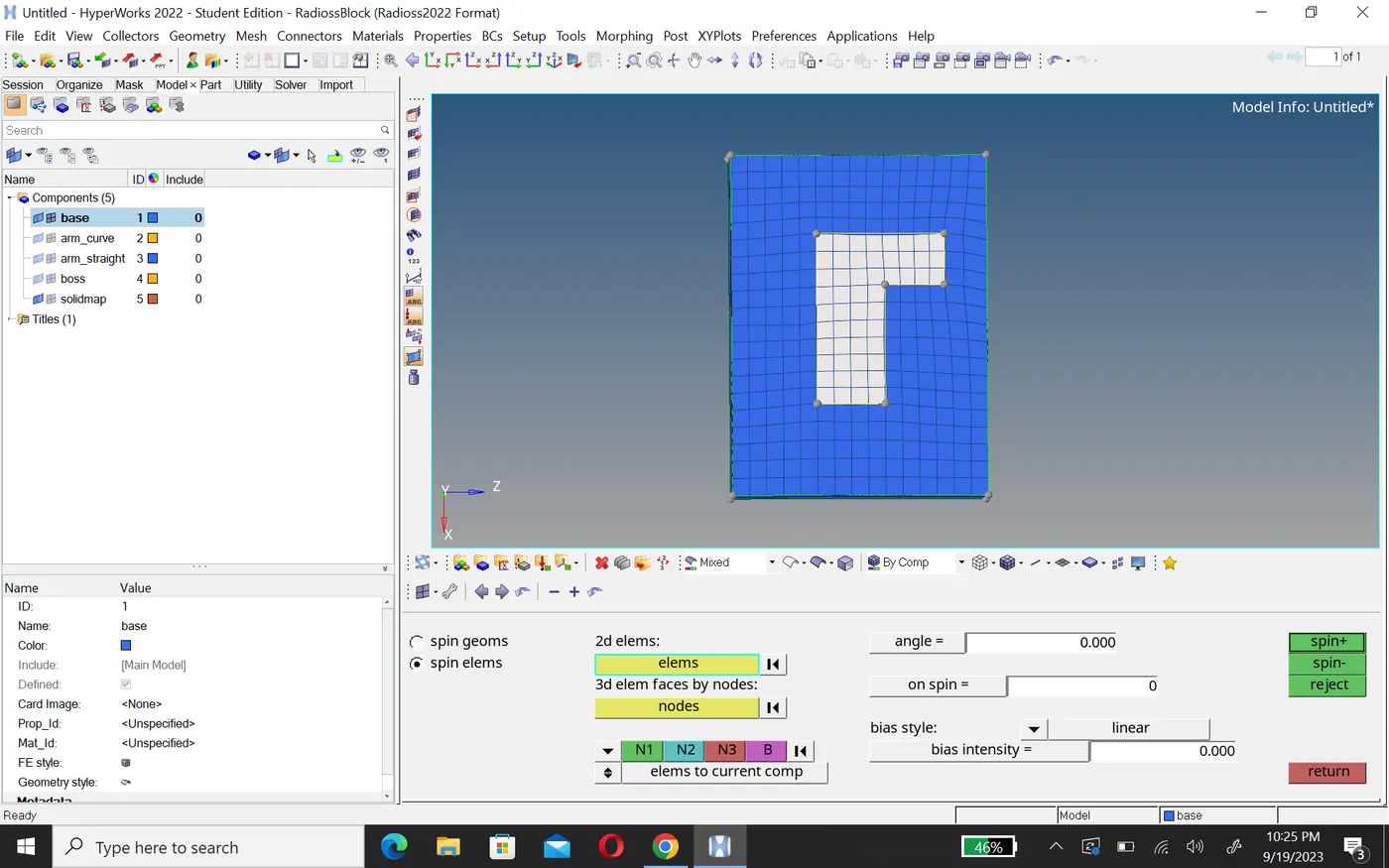
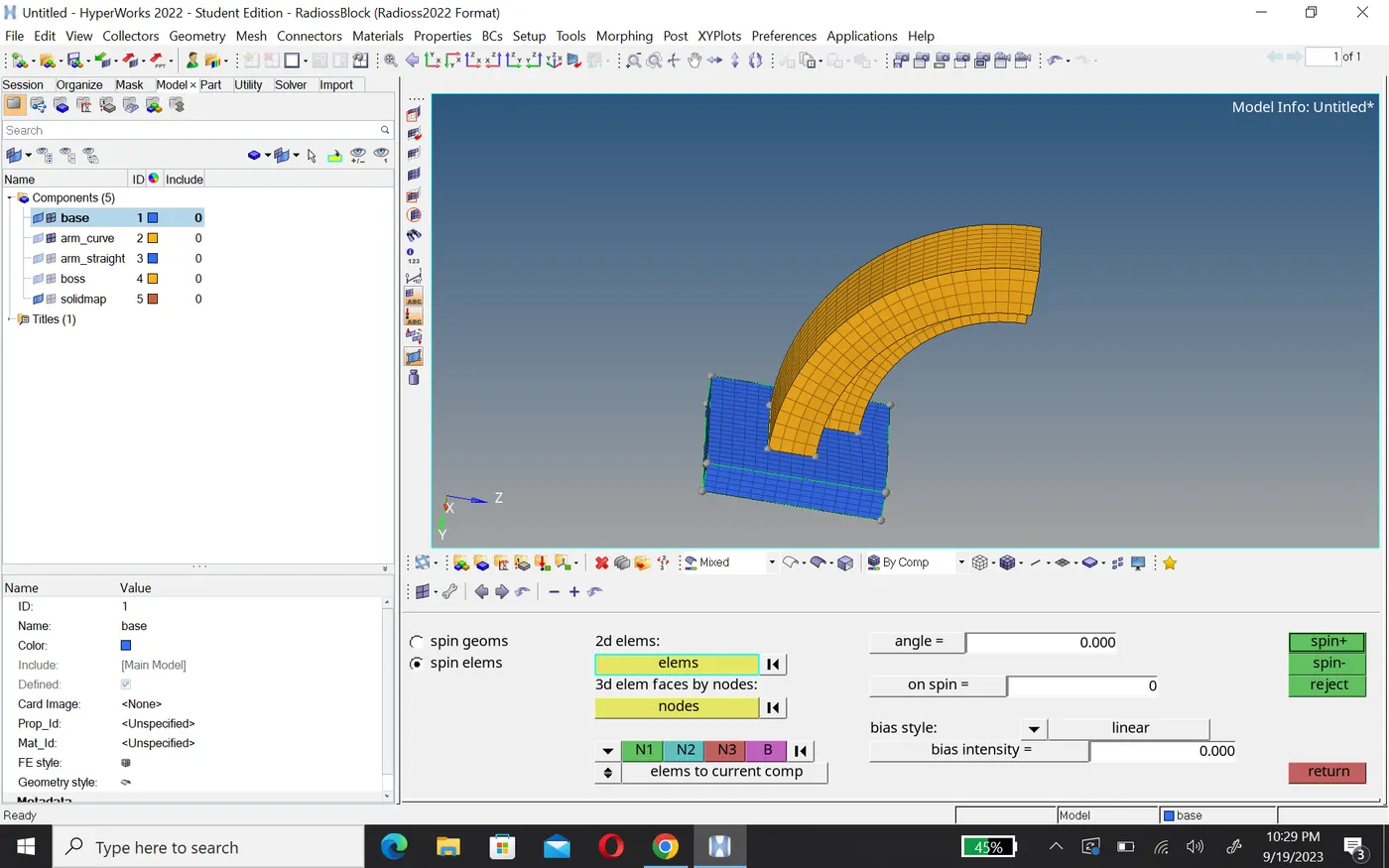
4. To create hexa element on arm straight first create 2D quard on that faces which connected with boss and these element same in number of arm curve face element that connected with arm straight, then create faces in tool options, after that go in 3D linear solid and create hexa element.
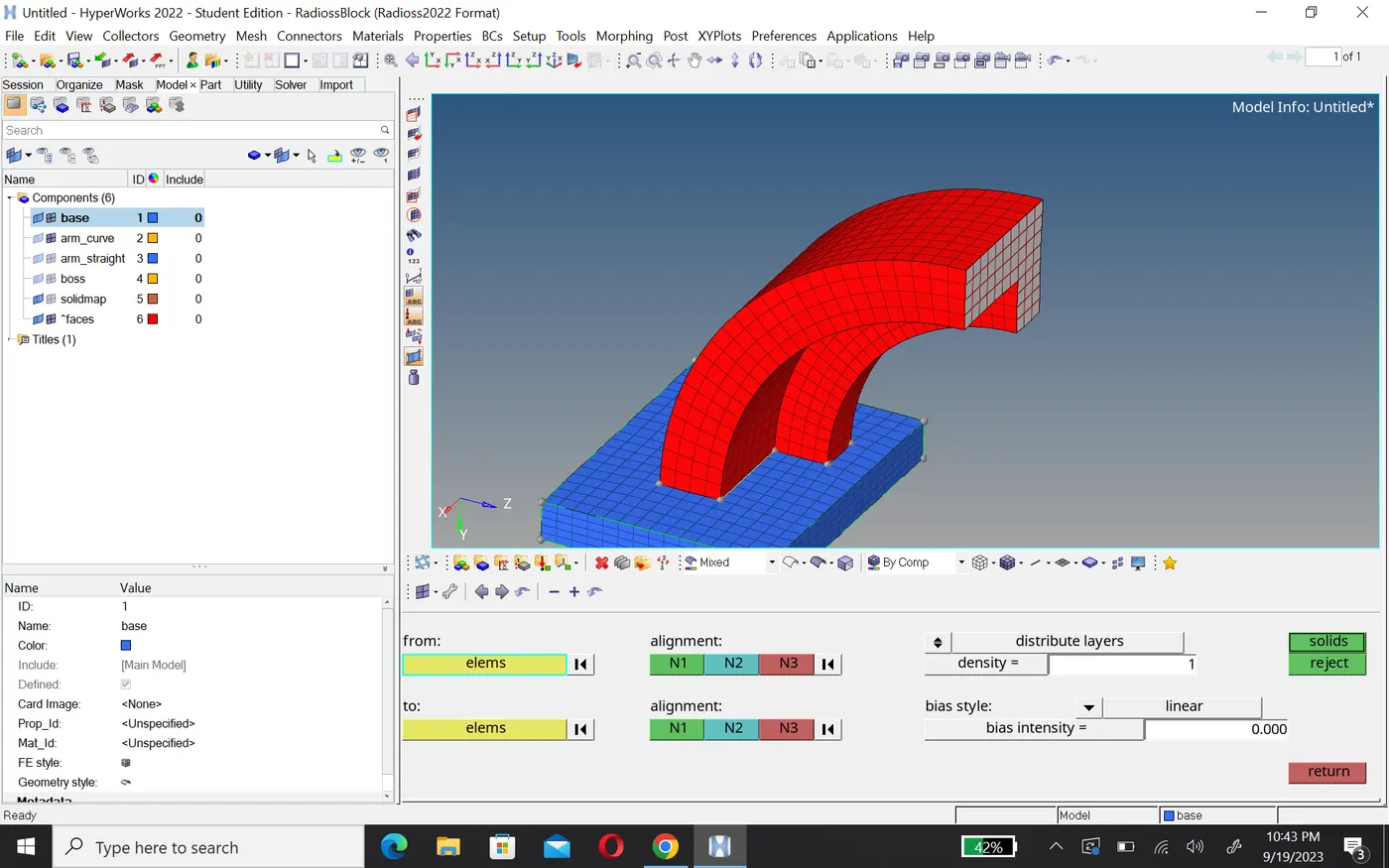
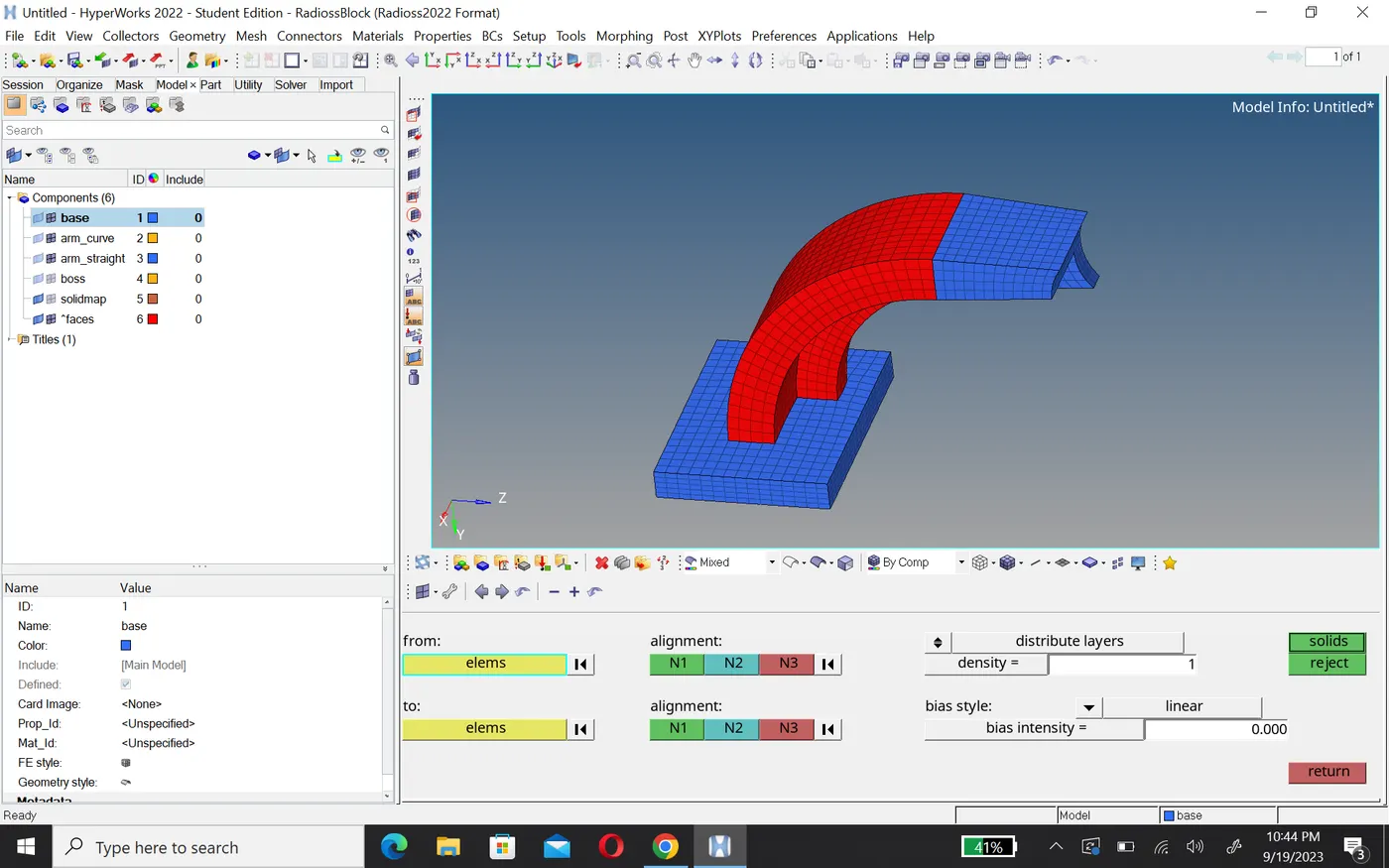
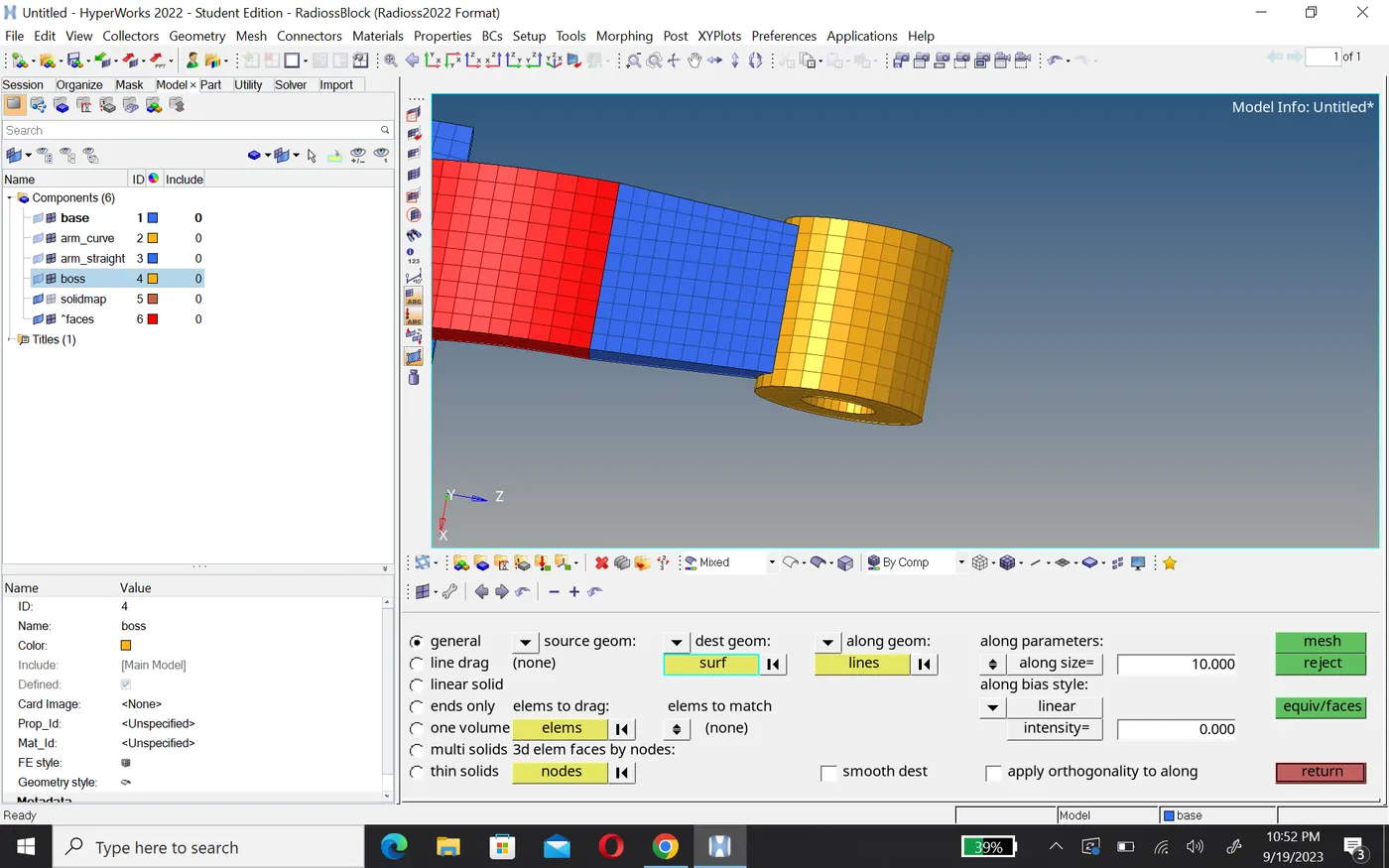
5.now we work on the boss first create 2D element on one surface then go 3D with solid map in gerneral and drag hexa element.
Housing
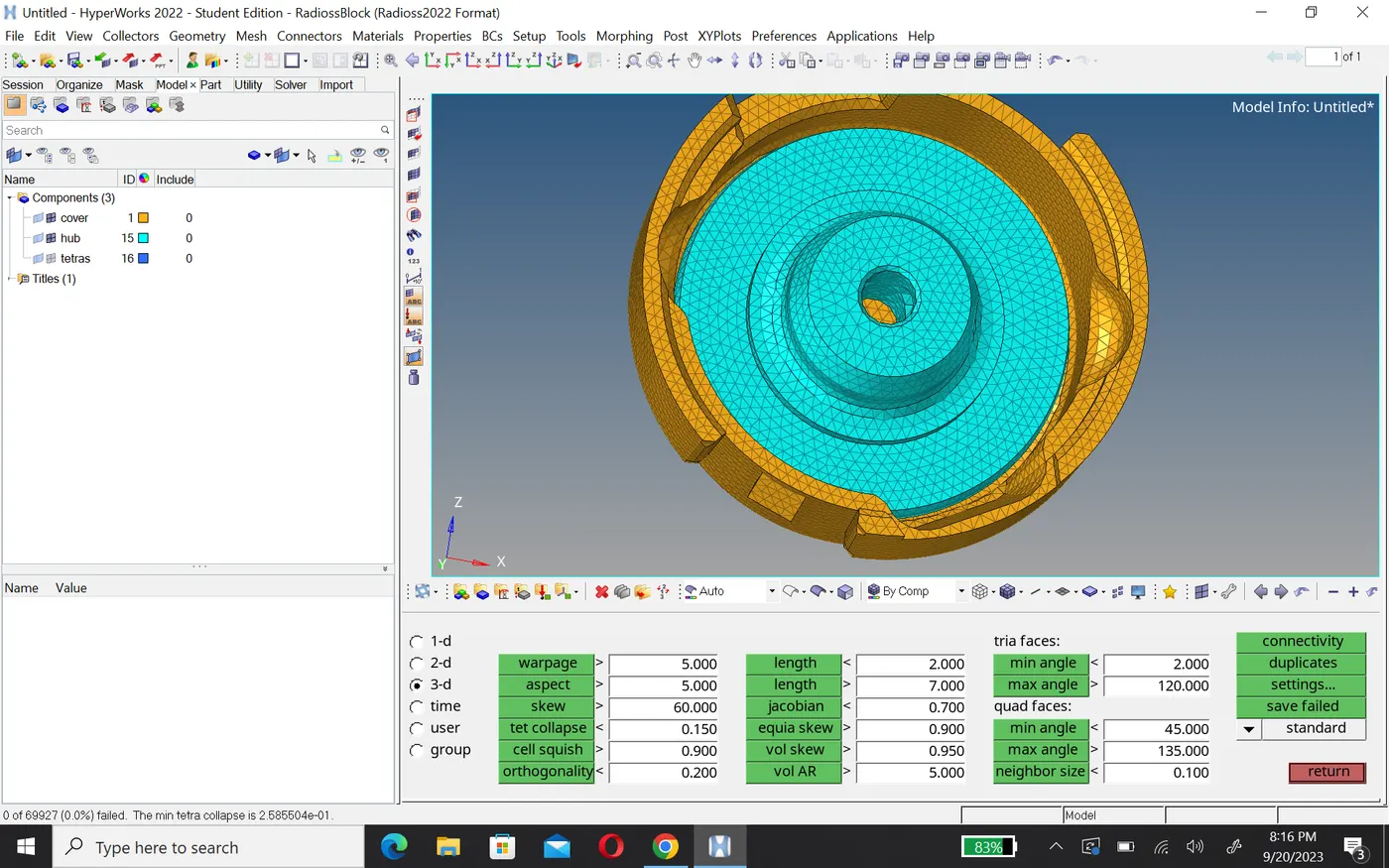
1.First check the geometry and fix, it's error then go 2D mesh and create tetra element.
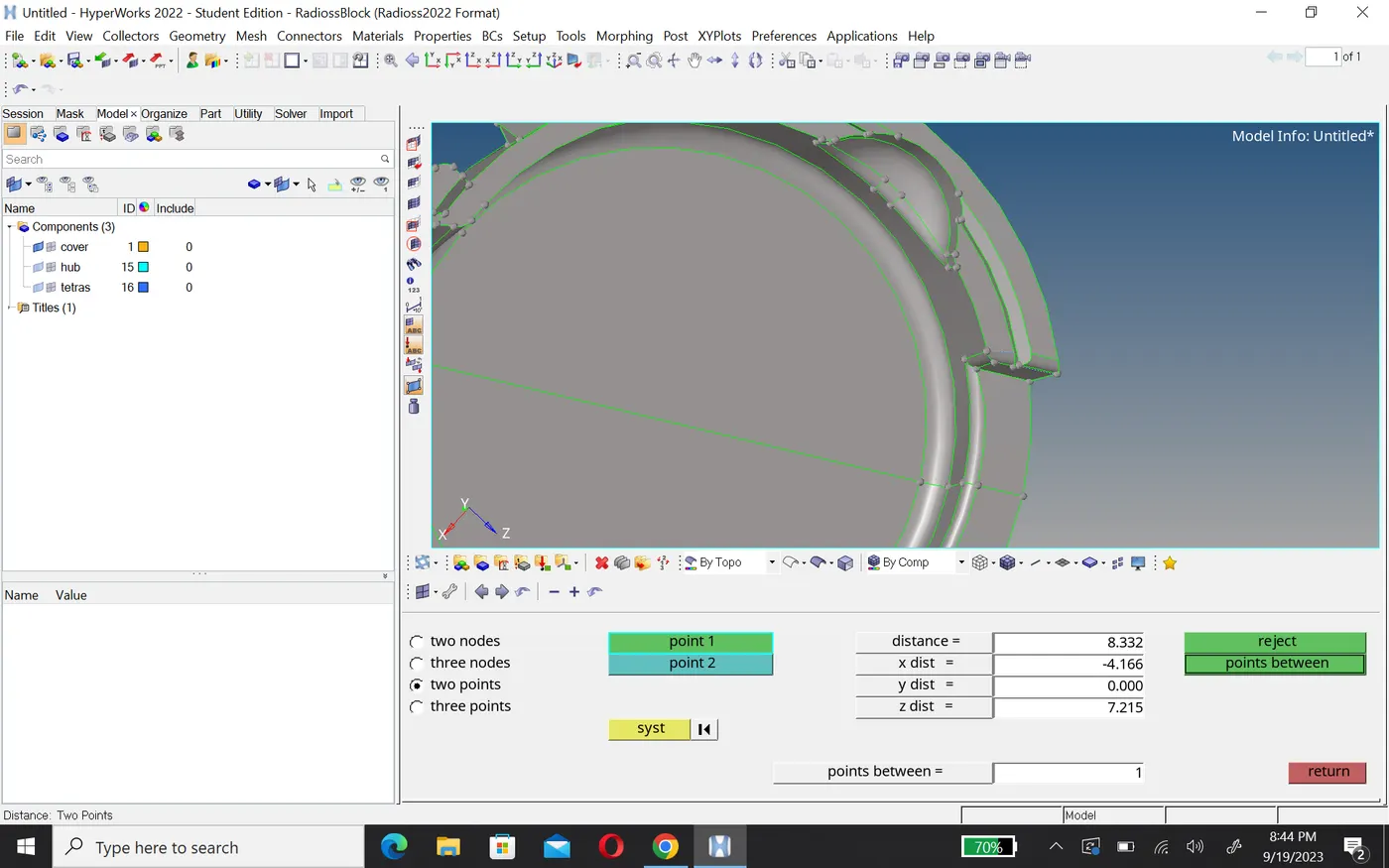
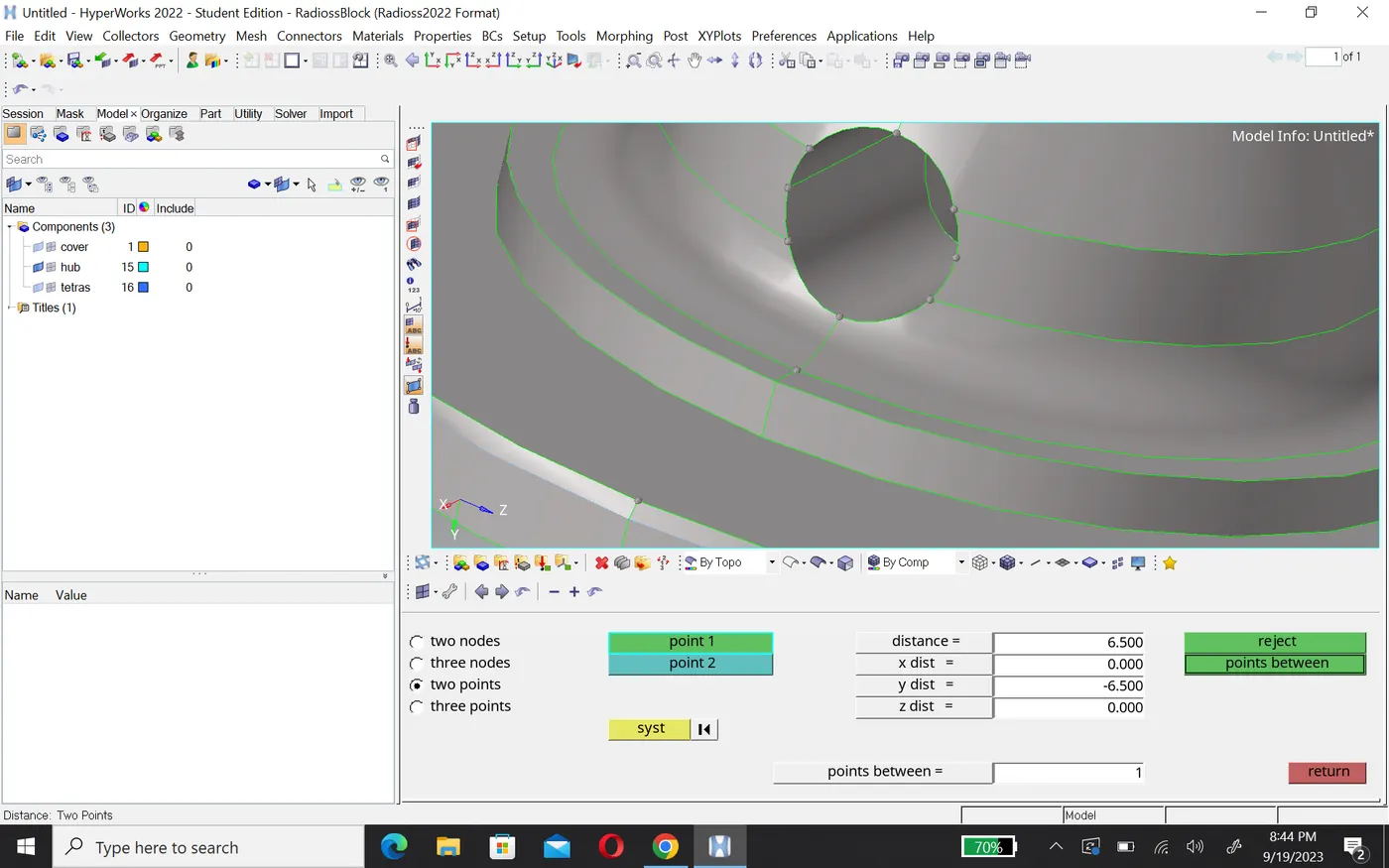
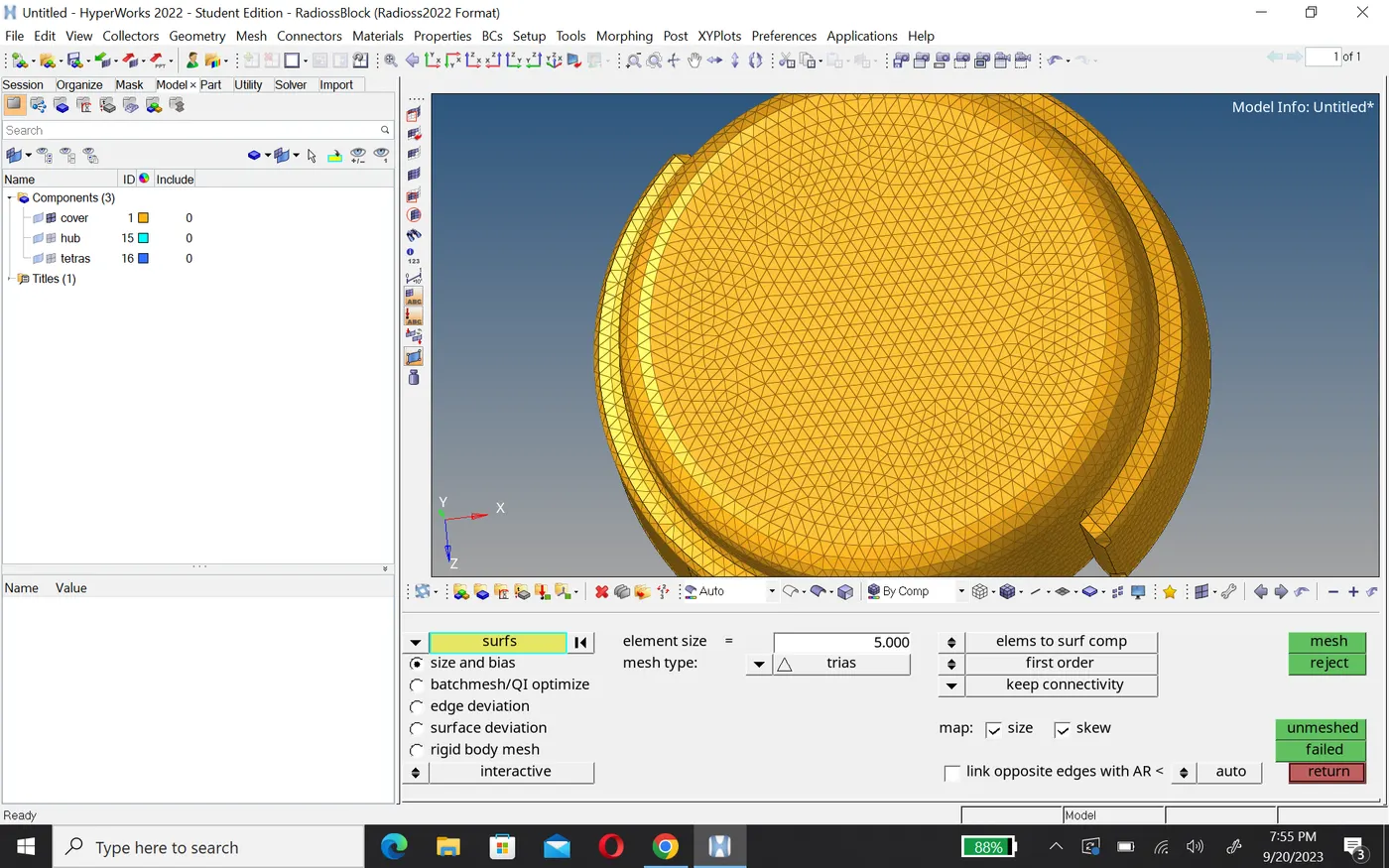
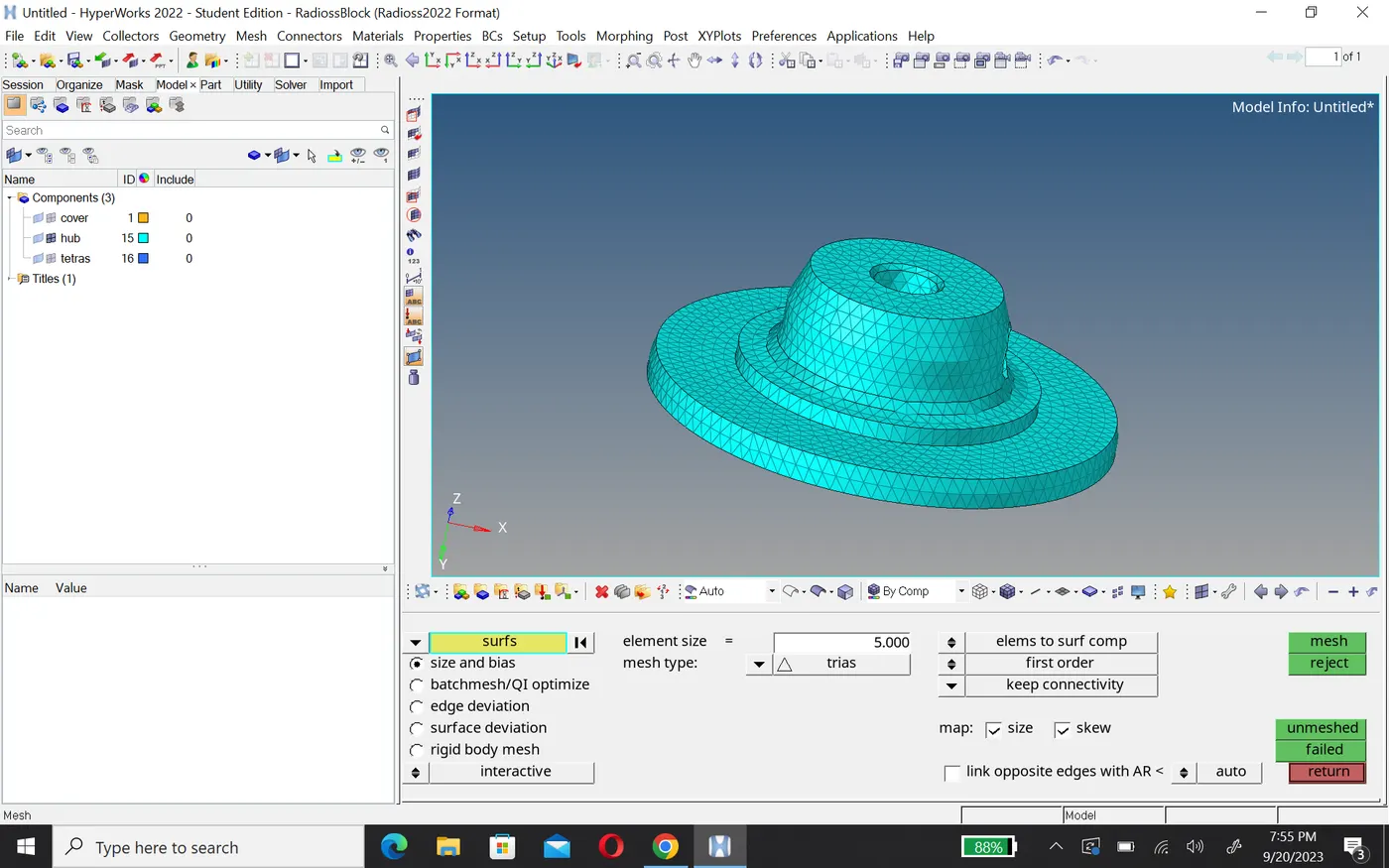
2. After creating 2D tria mesh, go 3D tetramesh and create mesh, before that set tatcollapse according to the question. For check 3D element go mask option and seen the element.
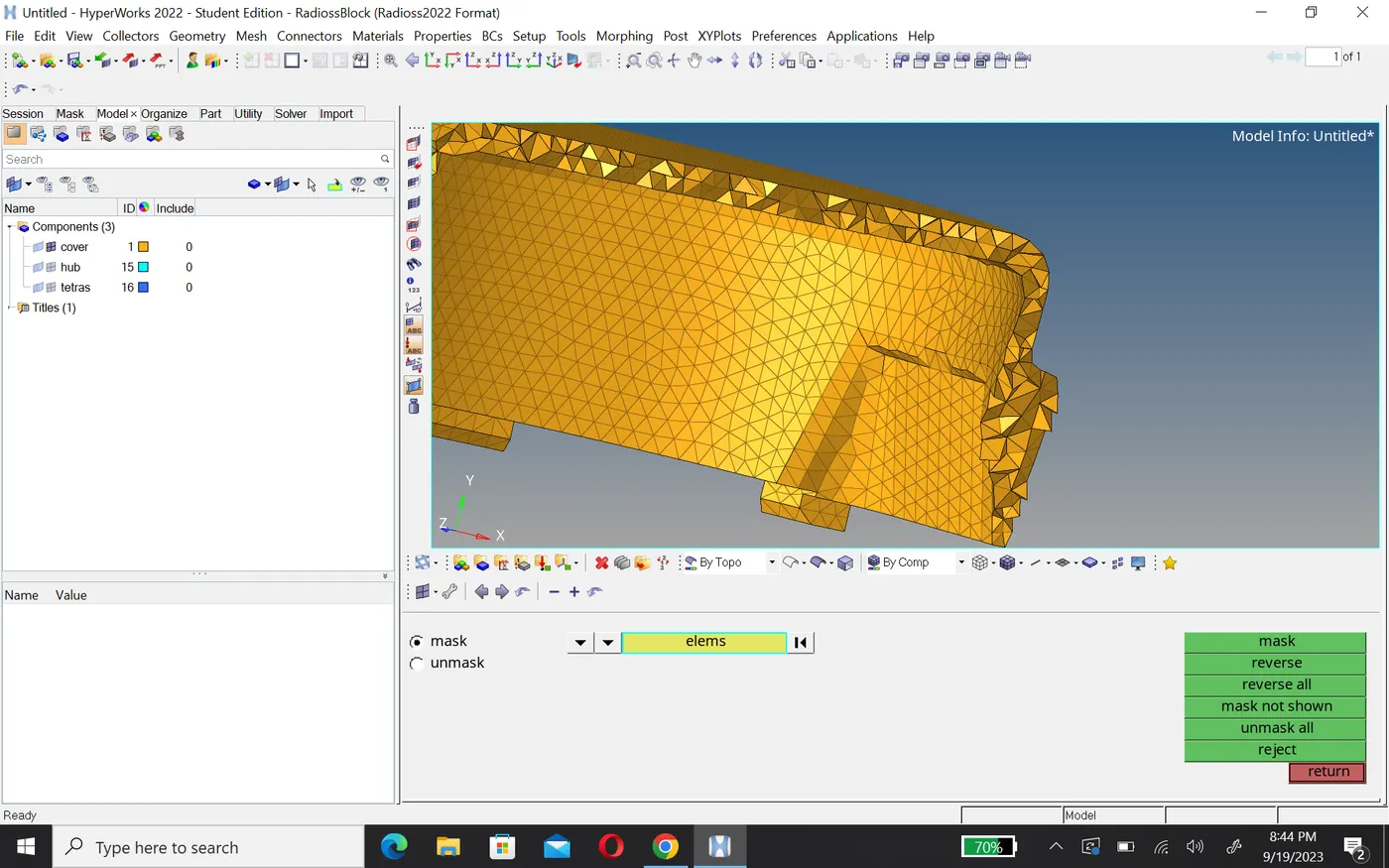
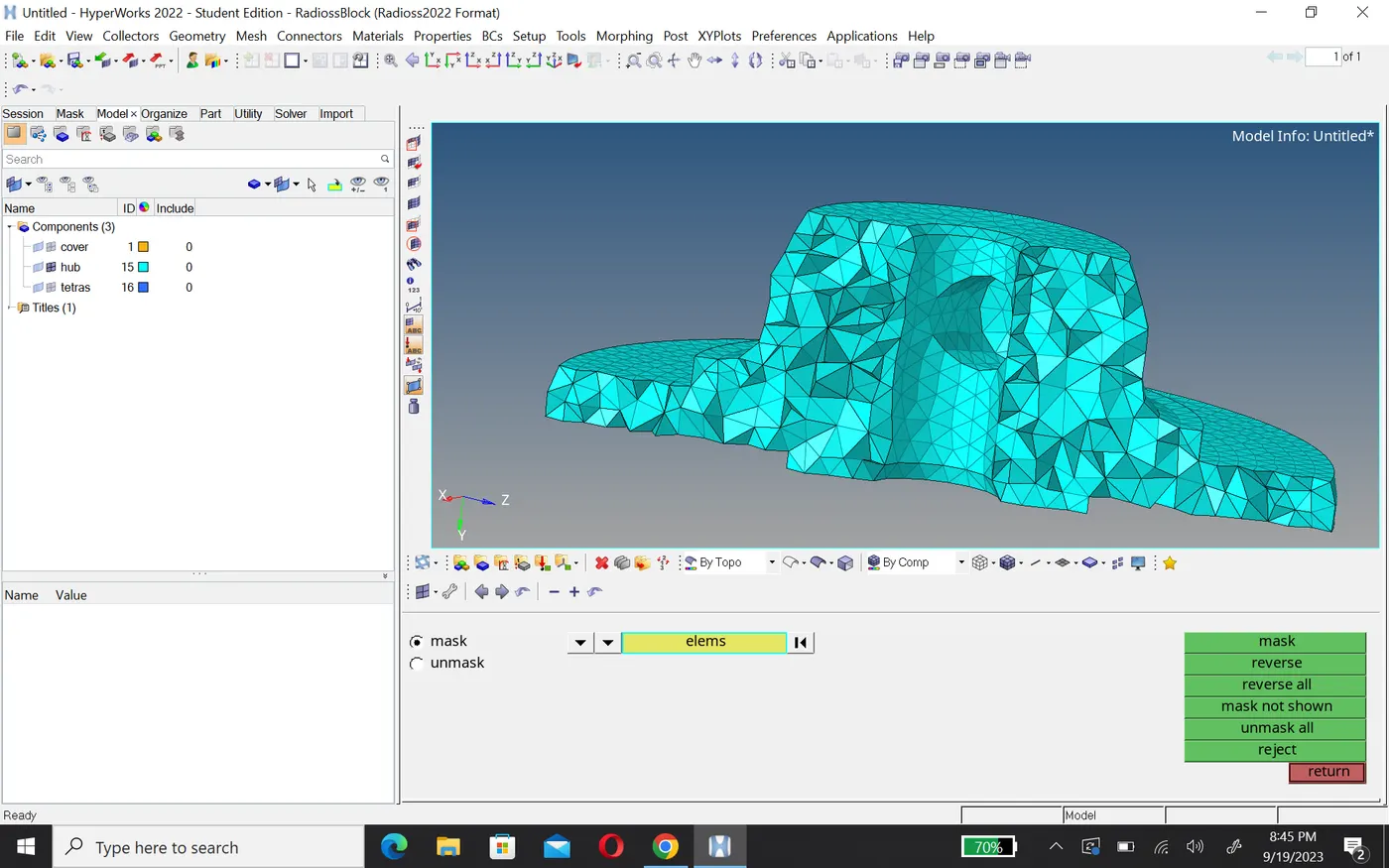
3.Check the tatcollapse use F10 function key and go 3D. there no tatcollapse.
Conclusion
- i'm create 3D mesh as per given quality criteria.
- Edit engine file according to the calculation.