Assignment 2-RADIOSS Engine File Editing & 3D Meshing Challenge
1.Given Data: E=210000, Rho initial=0.0078
- All the Above units are in g mm ms, Following the same as per the formula C=√E/Rho, we get C=1.9272x10^-4 mm/ms.
2.Given Data: Length=1000mm
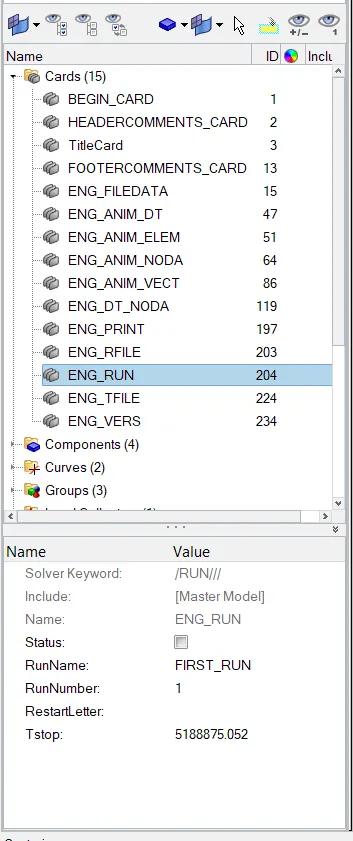
- We know that ΔT=l/C ie...,Elemental time step=1000/1.9272x10^-4=5188875.052 ms.
3.Time for sound to travel length of rail= 5188875.052 ms.
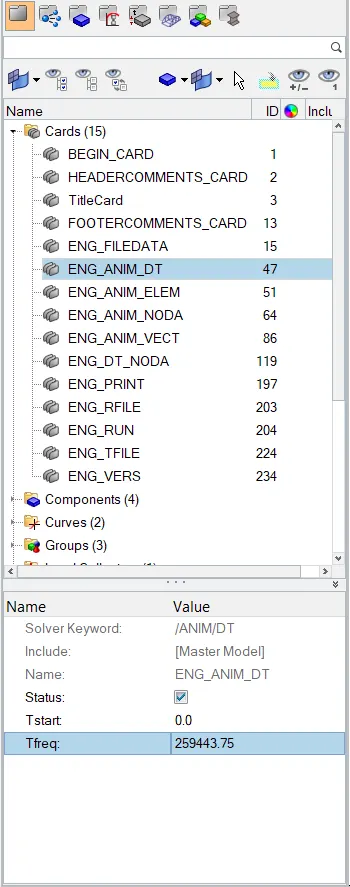
4.Edit the engine file as shown.
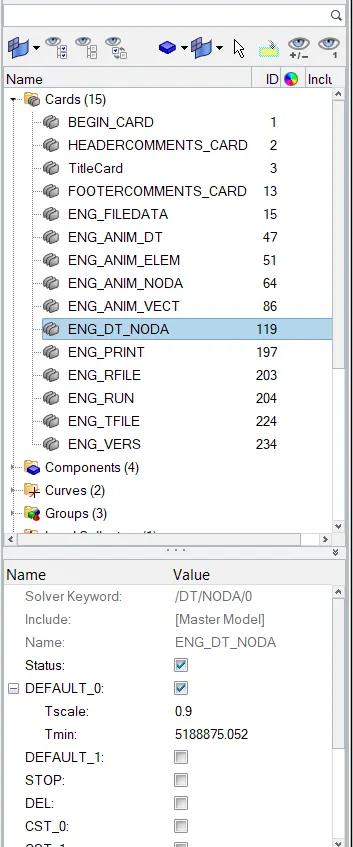
5.Frequency of the animation steps = 5188875.052/20 =259443.75
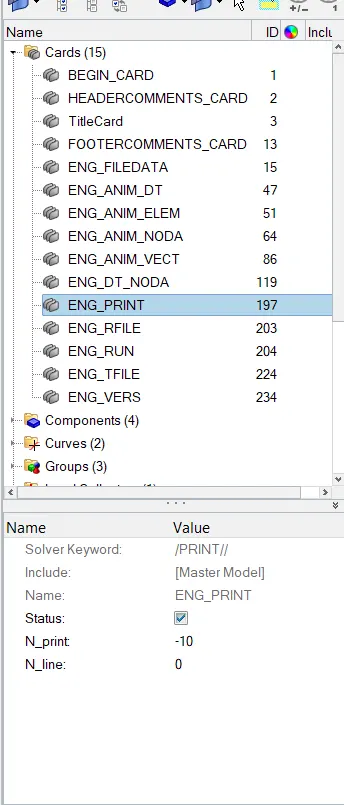
6.Change /print -10.
7: Performing a Tetra Mesh Operation.
- Import the Model.
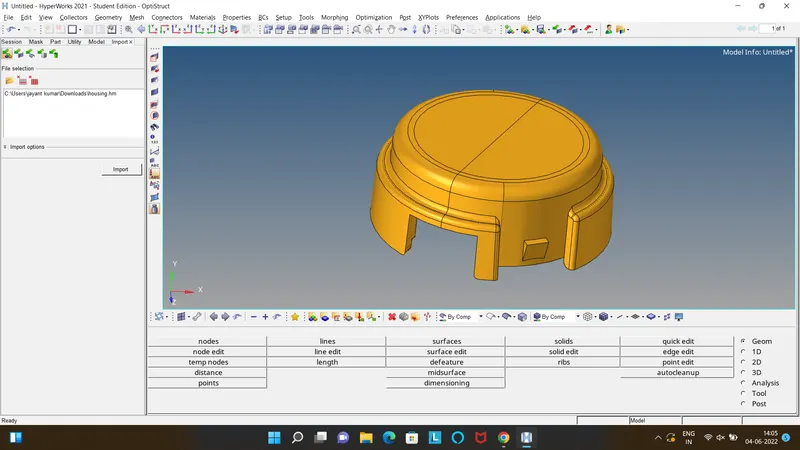
- Perform Geometric Cleanup for the better results.
- View Utility>Geom/Mesh>Quick Tetra Mesh>Select Component, Mesh Size as 5, >Mesh.
- If the results are not reachable to the expectations then,
- Go to Automesh select the surface Mesh it with Trias.
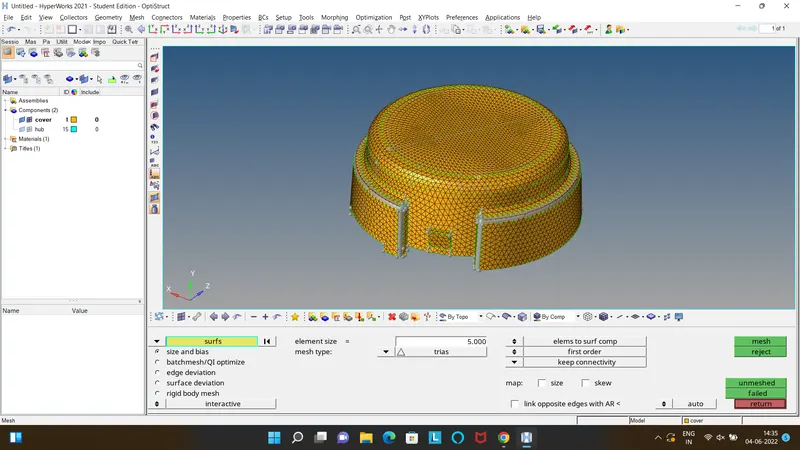
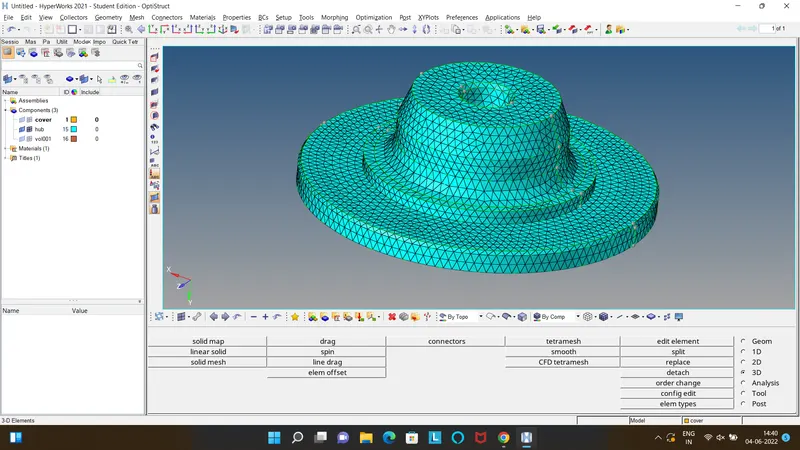
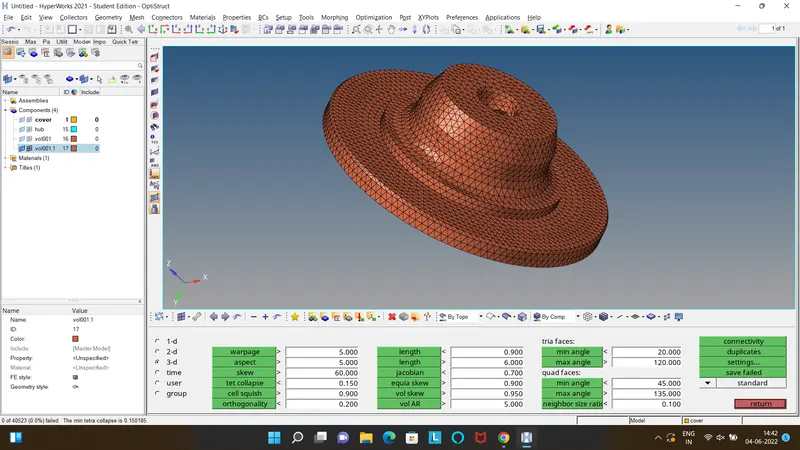
- 3D>Tetra Mesh>Select Components>Split into Trias>Create per Vol Comp>In Vol Tetra>Element Size as %>Check in Proximity and Use Curvature> In tetraMesh Parameters the Tet Collapse as 0.15>Mesh.
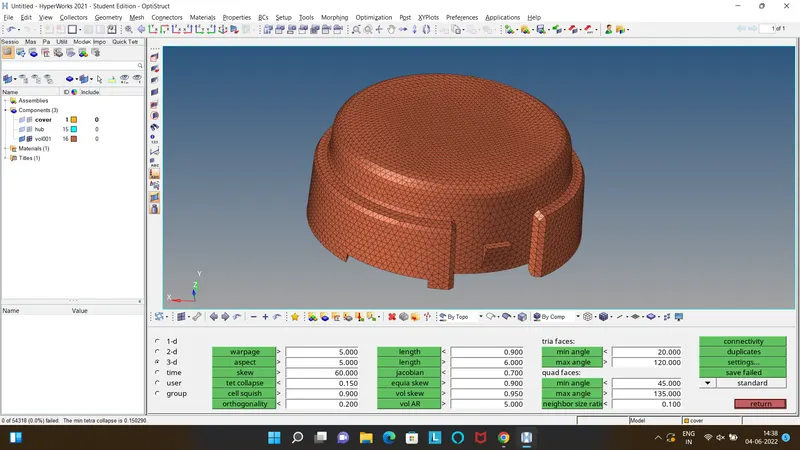
- Similarly the Housing is performed after the cover as shown.
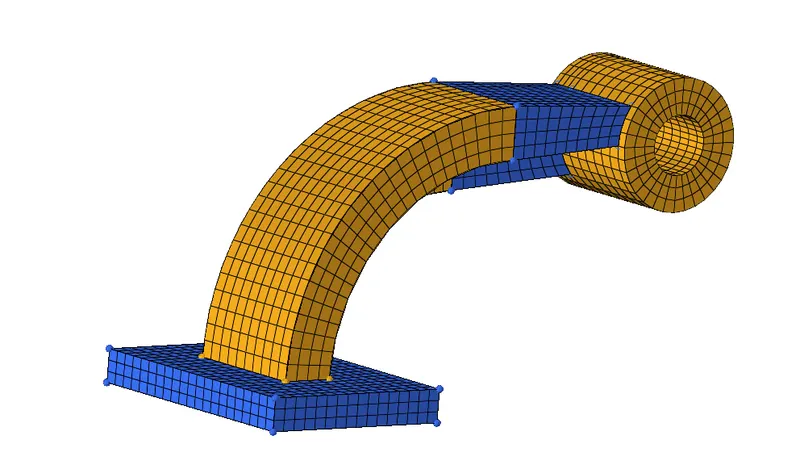
7: Performing a Hexa Mesh Operation.
- Import the Model.
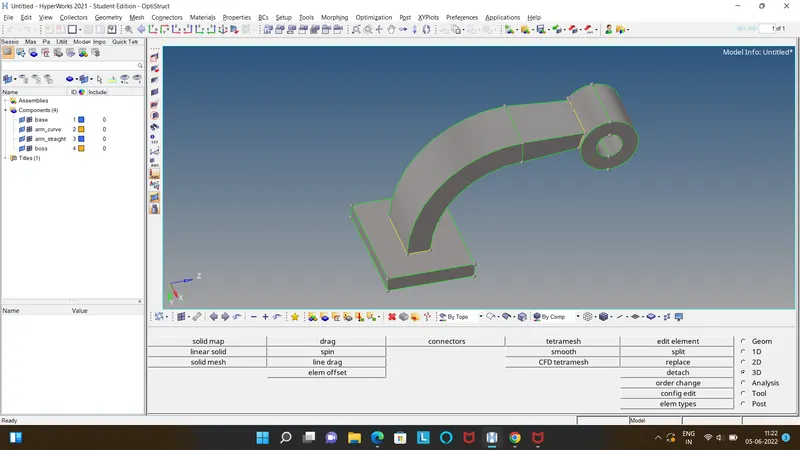
- Make a geometric cleanup for a neat mesh flow.
- Start Meshing From the base.
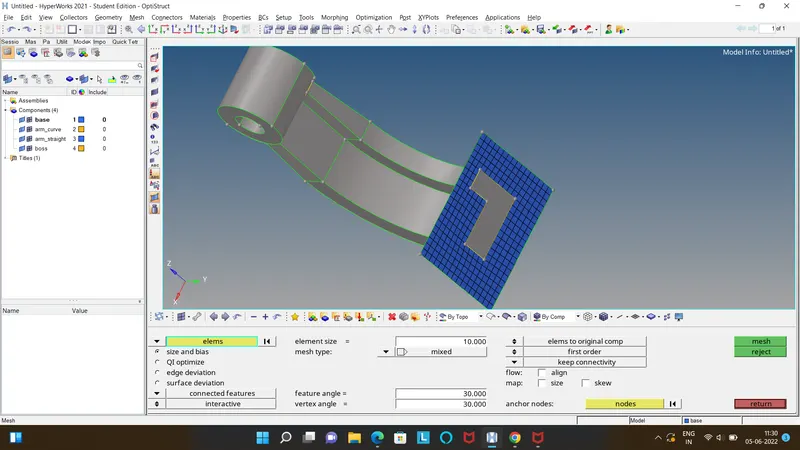
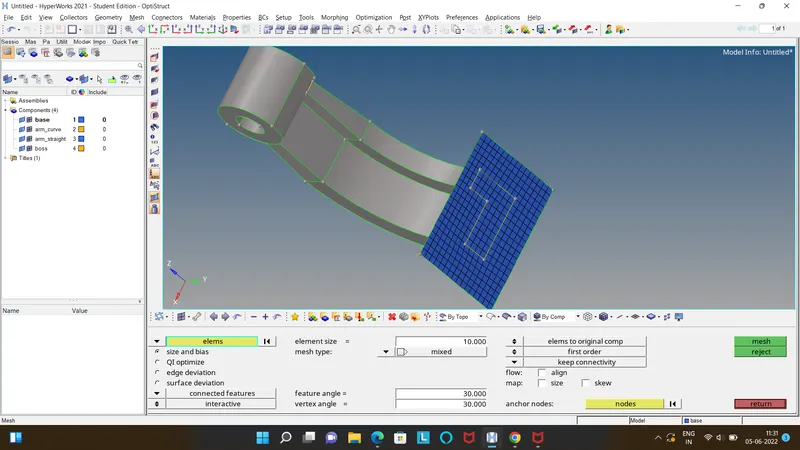
- Go to 3D>Solidmap>Line drag>Select the elements to drag>Line of drag>Mesh.
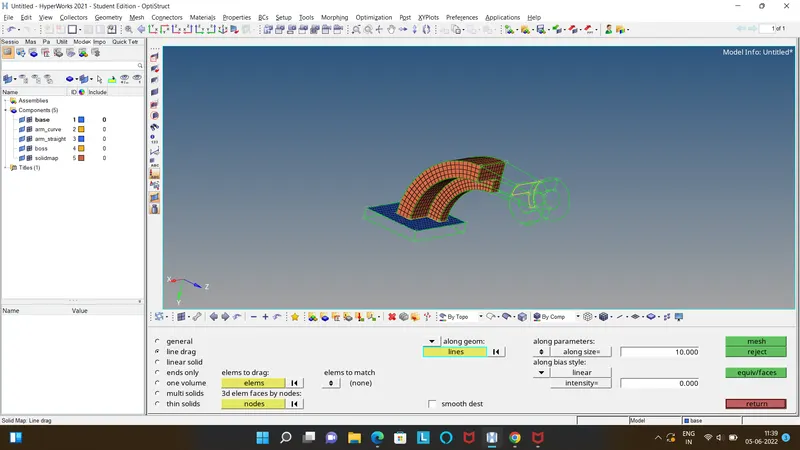
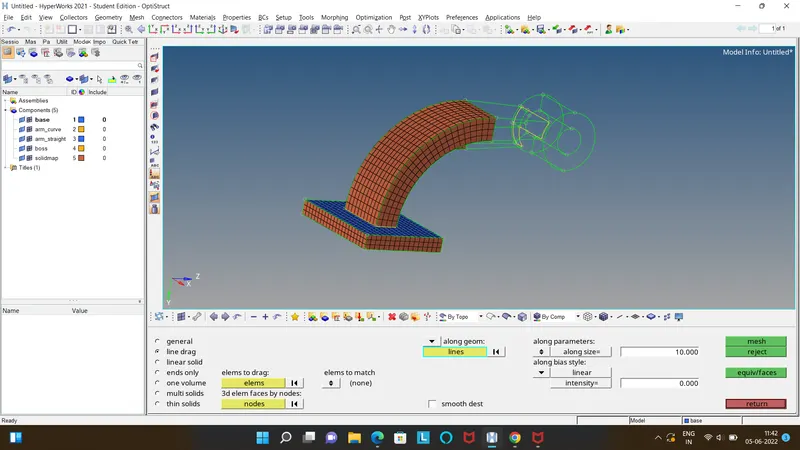
- Mesh the destination surface as shown below.
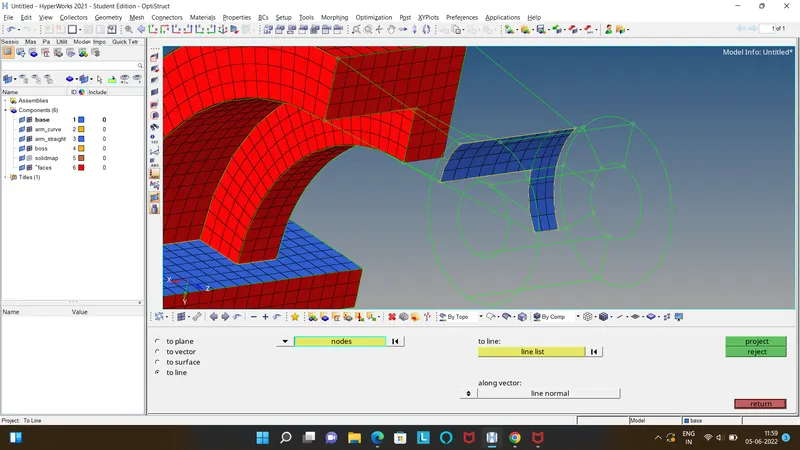
- Go to 3D>Linear Solid, Select the Drag elements and Destination Elements to match>Mesh.
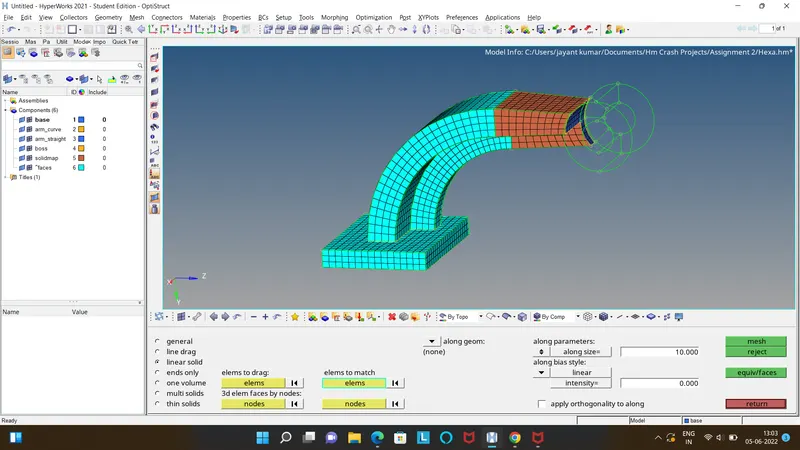
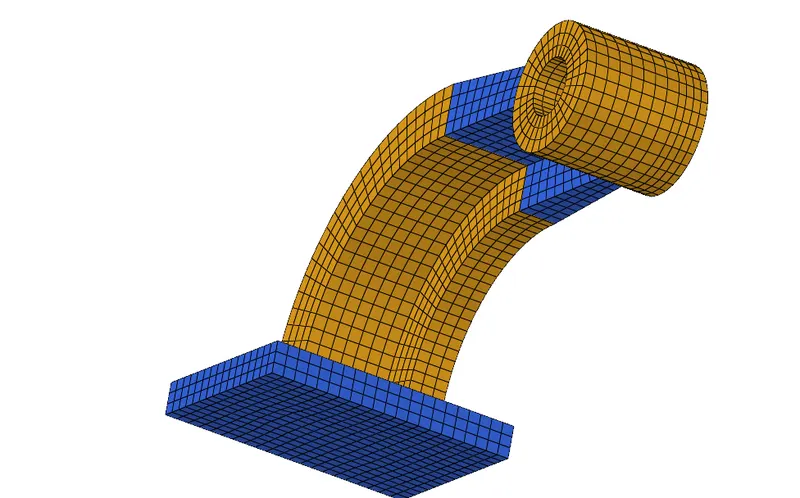
- Hence the final model is shown below.