Assignment 2-RADIOSS Engine File Editing & 3D Meshing Challenge
1) The material details of the rail can we found out through the starter file 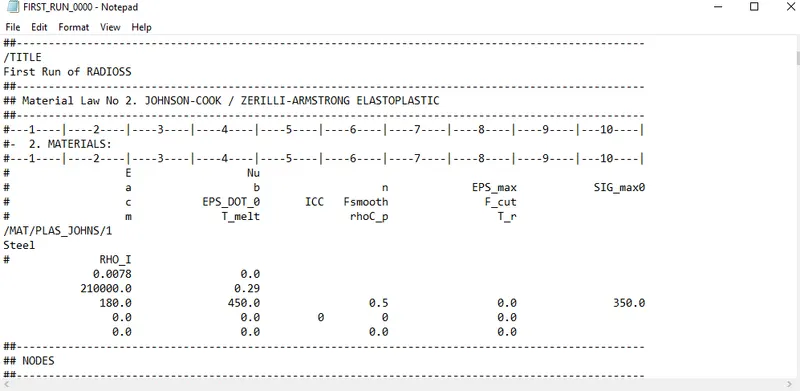
from the above data we know that
youngs modules(E)= 210000 N/m2
density(rho) = 0.0078 kg/m3
speed of light c= `root`E/rho
c= 5188.75
2) timestep t= minimum length/c
= 0.1927
3) time taken for sound to travel through the length l = 0.1927
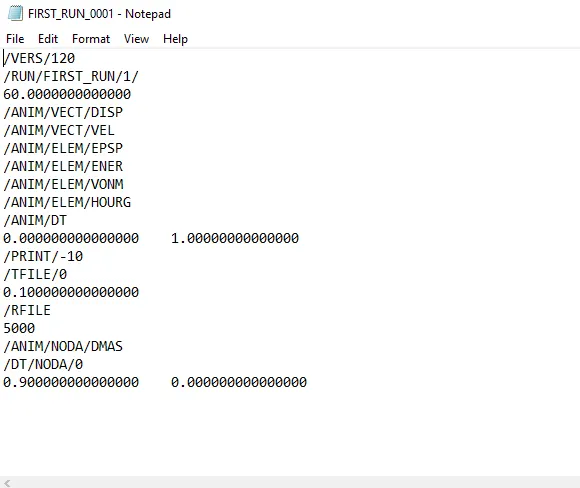
4) The engine file before changing the values
Engine file with change in time step and frequency
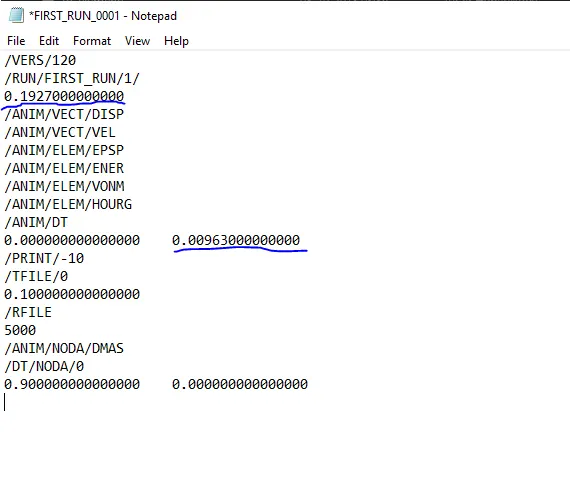
5) frquency= termination time/ animation steps
= 0.00963
6) the print value is given -10 in the engine file
7)
TETRAMESH
Objective: To 3d meshing tetramesh the component
procedure:
Cover
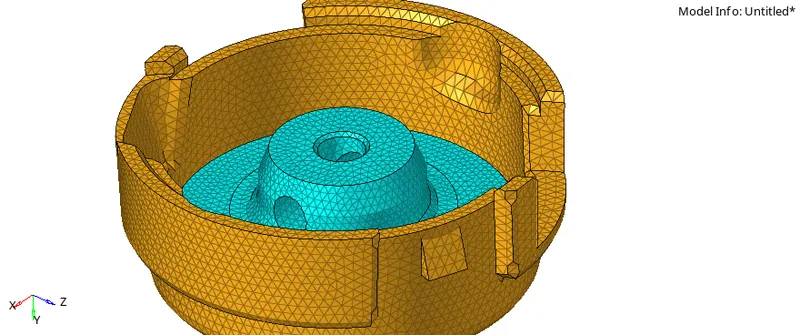
- Import the hub model
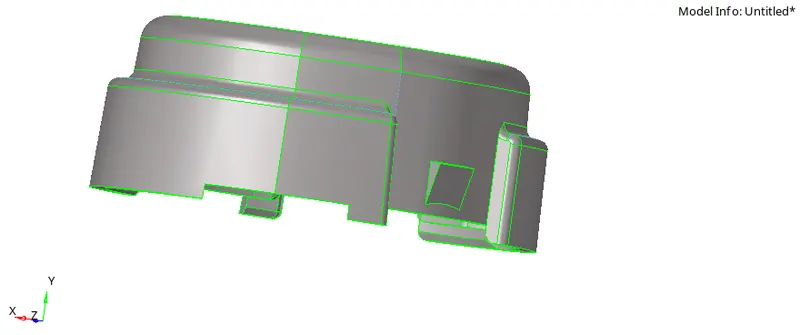
- Check for any geometric errors, if there are no errors we proceed with 2d meshing the cover
- We mesh the component with 5mm element size and only click on "only trias", as we dont need quads
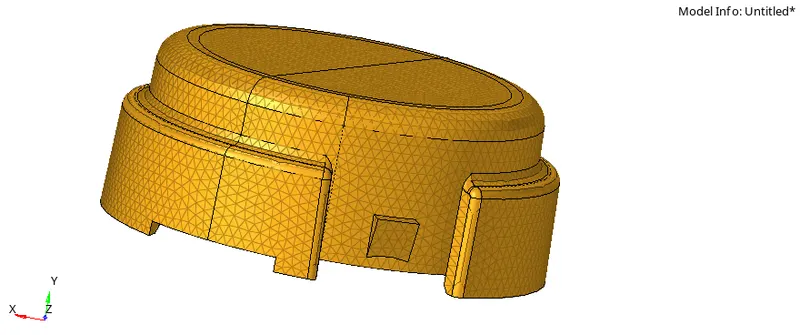
- Now we have go to 3D - Tetramesh - mesh parameters
- in mesh parameters we set up tet collapse = 0.015 and turn on the min angle
- then go back and click on mesh
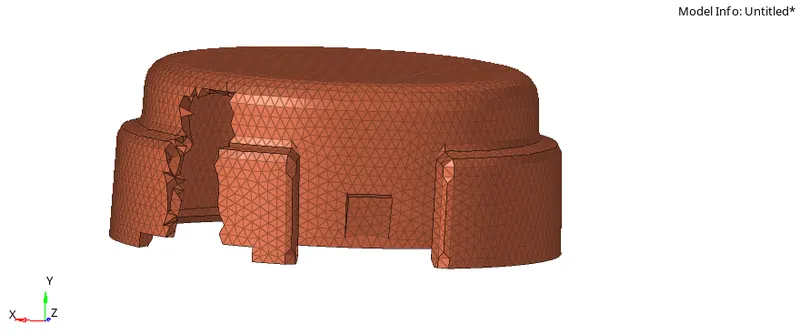
- Now we organise the 3d mesh into the cover component
- now go to delete- elements - by config - tria 3.
- this will delete all the 2d elements
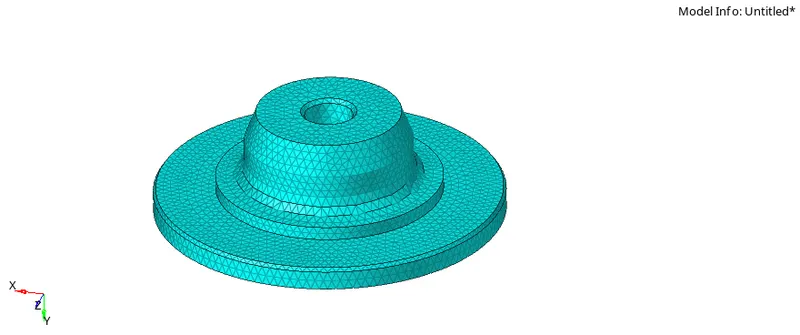
HUB
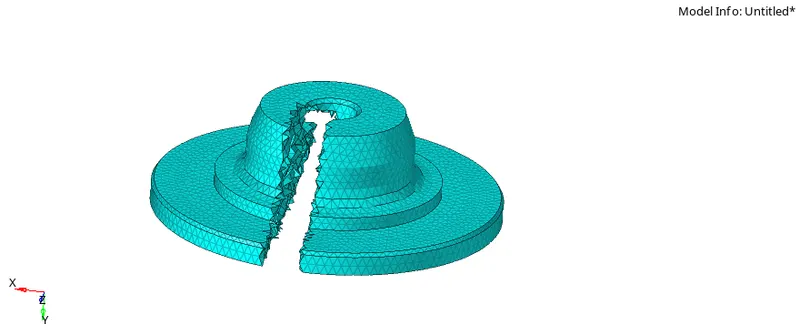
- We do the similar process as the cover for hub too
- 2d mesh
- 3d mesh
Result
- We get 3d mesh of both hub and the cover
HEXAMESH
Objective: To 3d meshing hexamesh the bracket
procedure:
- import the bracket file
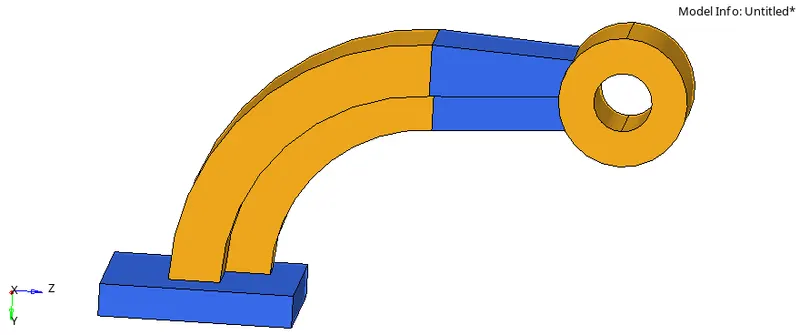
- Check for any geometric errors
- lets isolate the base part
- mesh only top face of the base part with 10mm element size and "quads only" parameter
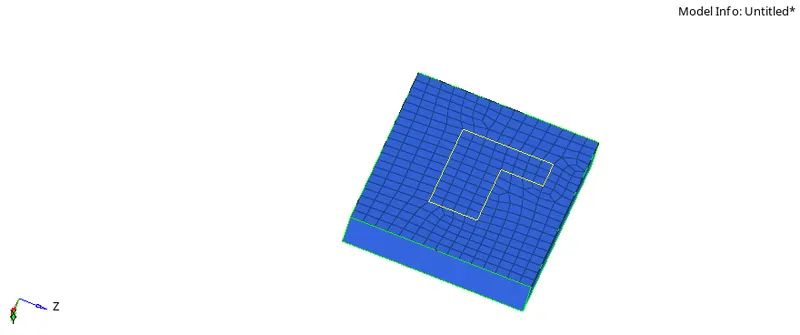
- now go to 3d - Element offset - select 2d elements to offset - select surface along with to drag element- layers (5) - thickness is 25 - offset
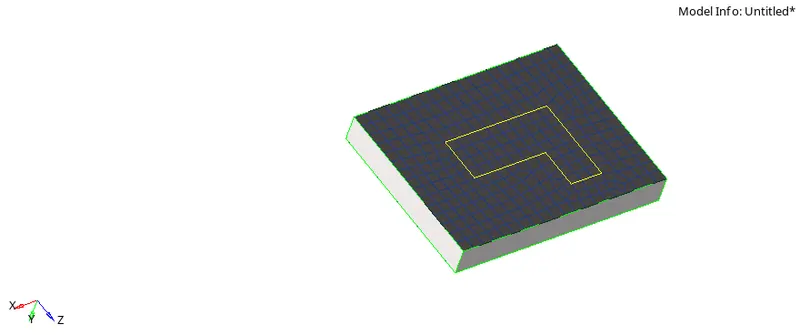
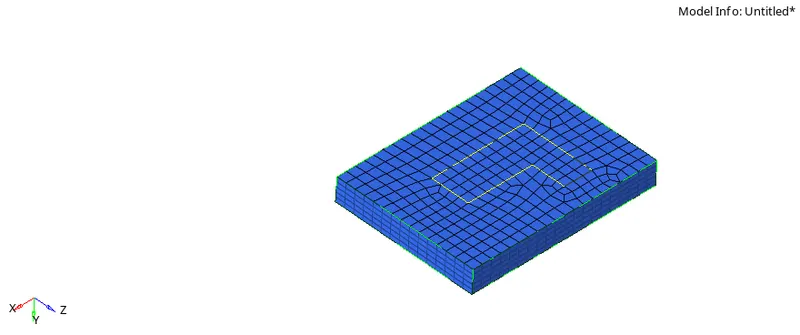
- Now we mask all the 3d elements in the base which leaves us with only 3d elements on the top
- To hexa mesh the curve part of the bracket we use 3D - Spin - spin elements - select the 2d elements(base) - select the axis - select the base pont - angle at 90 - spin
- we can add the base point by using distance command to make a node at the center of the curve part
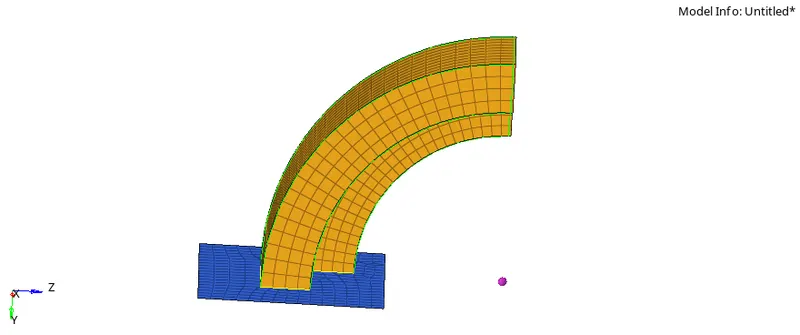
- Now we use face command to create 2d faces for the curve part for better element selection
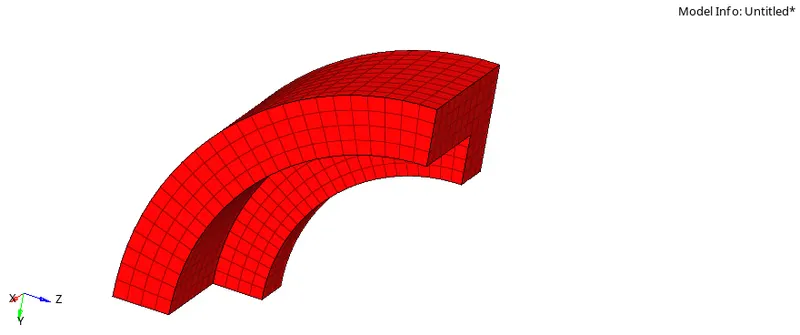
- Now we select the other end of the straight part and mesh only that surface, we then match the number of nodes on the curve part face and striaght part face
- Now we can hexa mesh striaght part by 3D - Linear solid - select from and to elements - give nodes for axis of rotation - solids
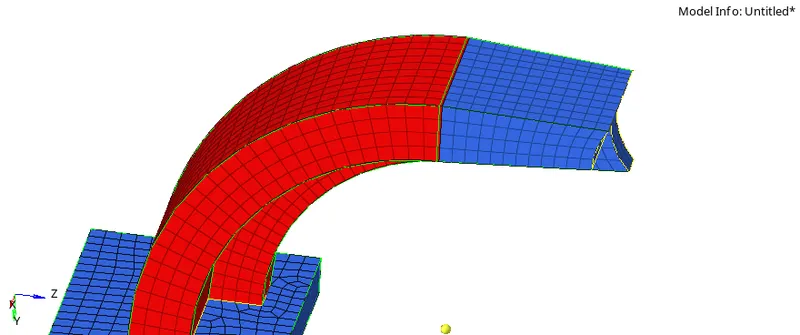

- Now we mesh the top area of the boss
- we use project and duplicate command to keep a node at the bottom side of the boss
- Now we use 3d - solid map - general - source geometry(none) - elements to drag - destination geometry - select along geometry - mesh
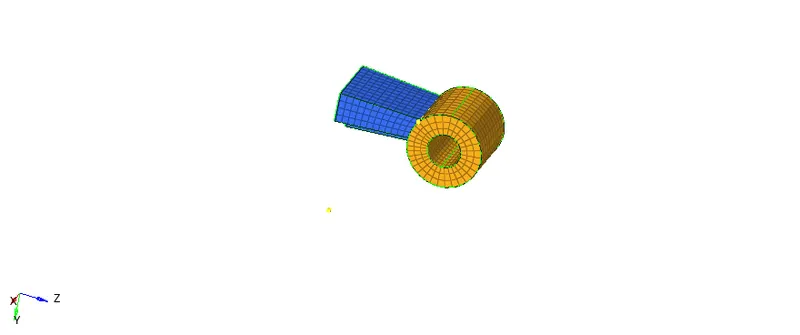
- Now delete all the 2d elements by using delete - elements- by config - quad4 - delete entity
Conclusion
So by the end of this challenge we should be well versed in 3d tetra and hexa meshing and how to find out time step, animation frequency and how to edit the starter and engine files