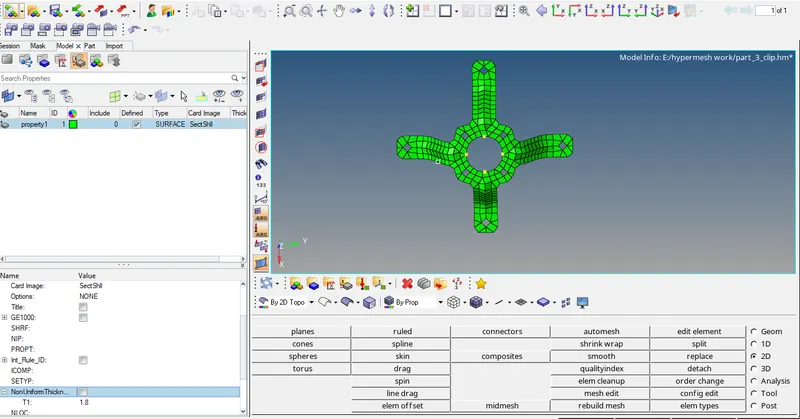
Assignment 1-2D Meshing Challenge
AIM: To create a midsurface for the given component,clear the errors, 2D mesh the midsurface and assign thickness to the component.
OBJECTIVES:
1.Cleaning the given geometry.
2.Extracting the midsurface for that geometry.
3.Cleaning the midsurface.
4.Ignore holes lesser than 5mm in diameter.
5.Mesh the created midsurface with 5mm element size with 3.5mm as minimum size and 7mm as maximum size.
PROCEDURE:
Part-1
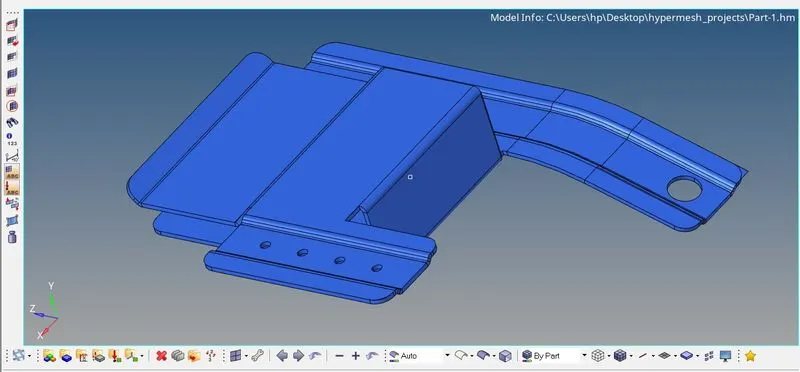
Geometry editing:
1.set the user profile to Radioss.
2.Click on import geometry and import the part 1 from the downloaded location.
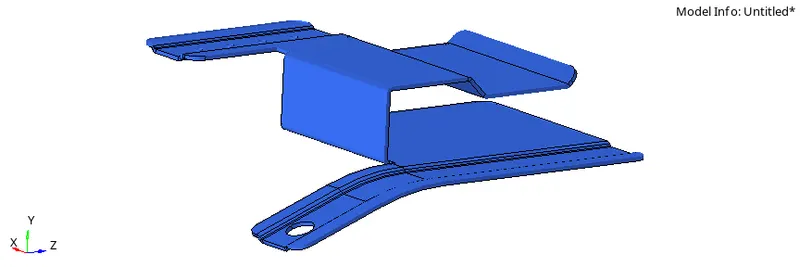
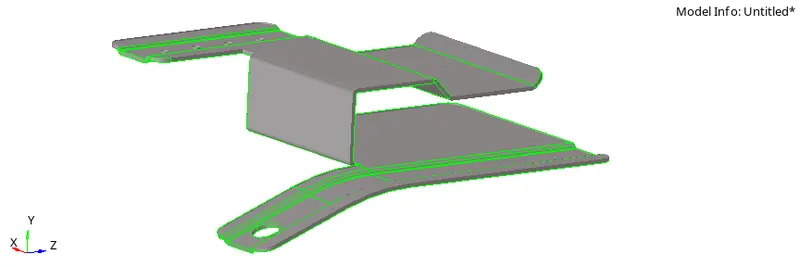
3.Missing surfaces can be eliminated suing the filler surf option.
4.Th disconnecetd edges can be eliminated using the toggle surf option.
Extraction of midsurface:
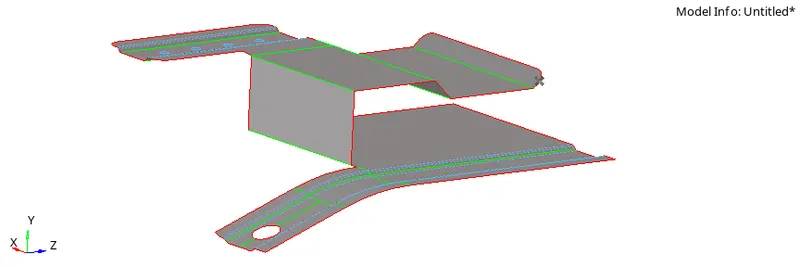
1.The Extraction of midsurface can be done using the midsurafce option in the geometry option.
2.In the midsurface tool,set the offset+planes+sweeps.
3.The diameter of the various holes present in the midsurface can be known by the distance option in the geometry, and they can be filled using the filler surf option i.e the holes wth diameter less than 5mmcan be ignored.
Generating mesh:
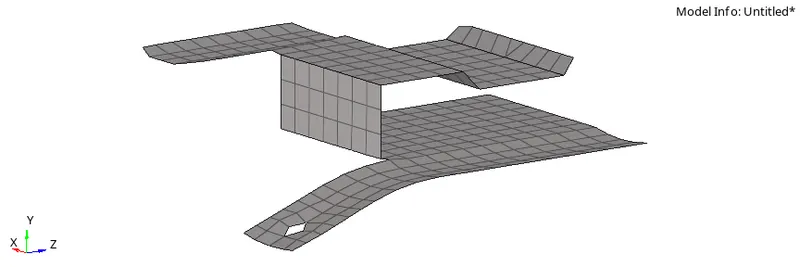
1.After the cleanup of geometry is done,the meshing can be done using the automesh option in the 2D menu.
2.The meshing is done surface wise to avoid the irregularities,that could arise as a result of common meshing.
3.The imputs provided for meshing are the element size of 5mm,minimum size of 3.5mm and maximum size of 7mm.
Quality check:
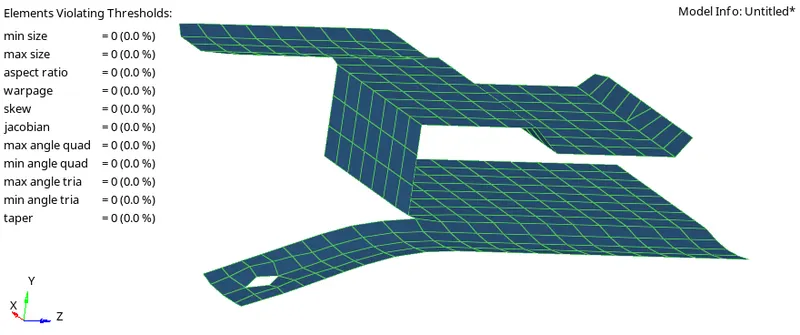
1.The quality of the mesh can be checked from the quality index option in the 2d menu.
2.Issues encountered like the jacobian,minimum size.maximum size and warpage are solved using translation of nodes,cleaning up of elements,element optimize and place node options.
3.Warpage issues are solved by translating the specific nodes in a perpendicular direction.
4.Jacobian issues are solved using the element optimize and place node options.
5.The free edges are removed using the edges panel and find edges option.
Assigning thickness: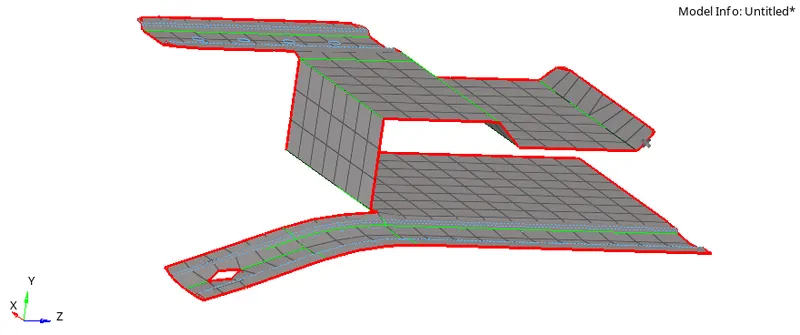
1.A property has to be created in the tab bar, and thickness can be assigned to that property.
2.The thickness provided to the property is about 0.91mm.
3.The thickness can be assigned to the midsurface,by rightclicking on the midsurface and clicking on the assigned option in the dialog box.
Part-2:
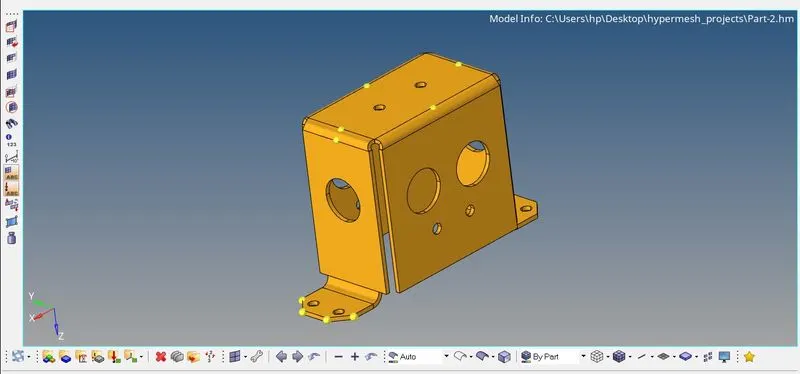
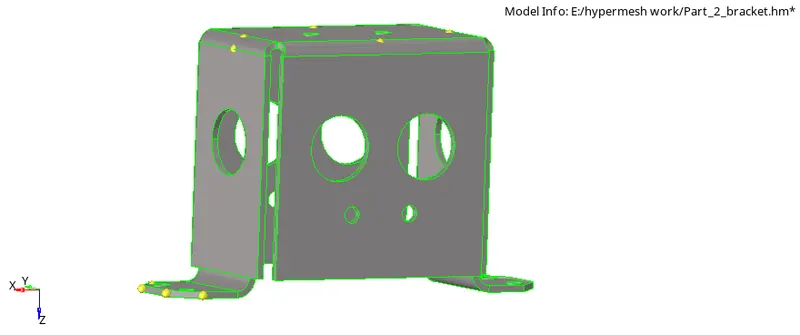
PROCEDURE
Geometry cleaning
- In this model, there was no need for geometry cleanup.
Midsurface
- Next I started doing the midsurface with midsurface command from geometry tool bar.
- Now select the displayed surface in midsurface with offset+sweep+plane in extraction option and extract the midsurface which will be created as a new component.
- After that we will hide the 3d model surface and use the midsurface for operations.
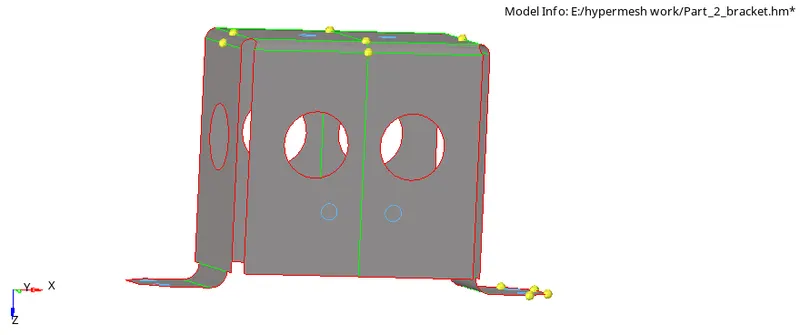
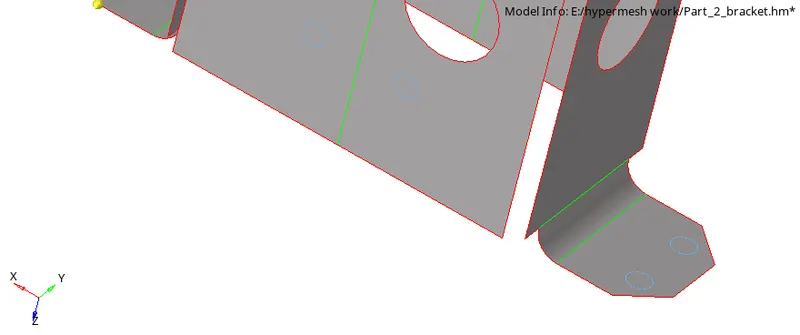
- By using quick edit I edited the geometry in the top of clip repair where the ends of rectangle are not connected properly.
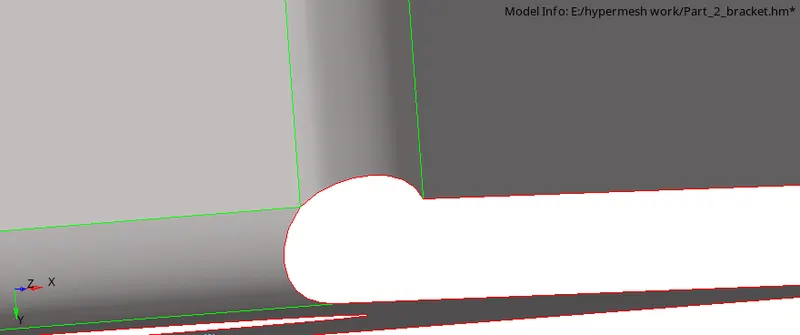
- by using quick edit the geometry was edited at the top of clip where the ends of rectangle are not connected properly
- the diameter of holes are measured, holes with dia less that 5 are ignored and filled with filler surface
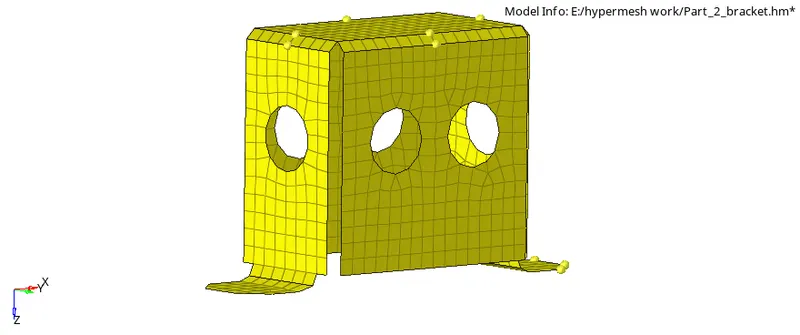
MESHING
- The surfaces are divided so that they could be easily meshed
- Then the divided surfaces are indipendently meshed and the mesh was edited to the reduces the errors that might arise
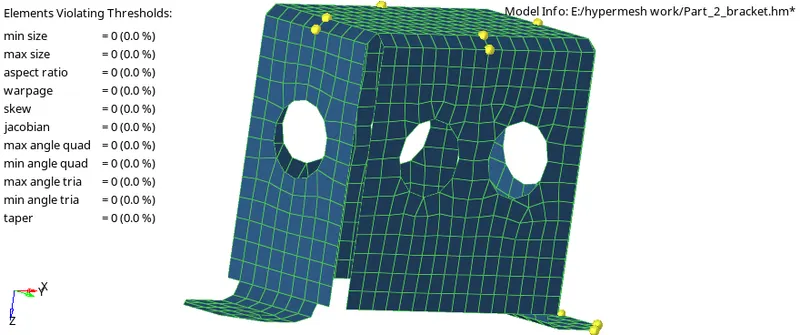
Quality index
- It was made sure that every element follows the criteria which was given
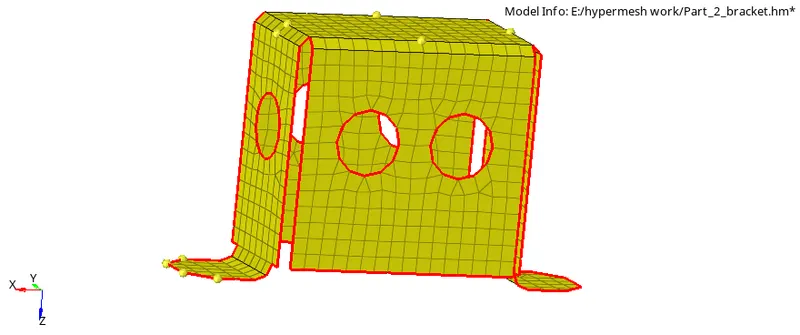
Free edges
- Free edges were checked
Thickness
- Thickness of 2mm is given for the box
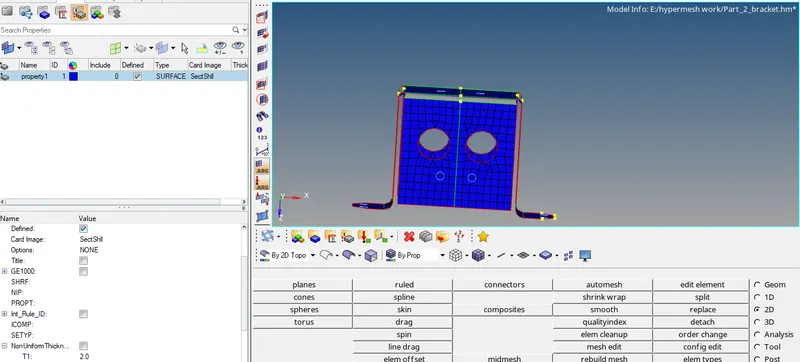
PART 3
- IMPORT:
- Given model is imported using import model option.
- Part-3 Topo View:
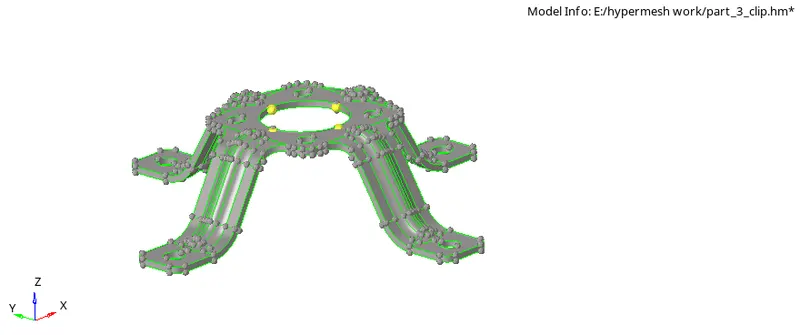
Geometry Cleanup of Part 3:
- The model does not have any sort of geometrical error so no geometry correction was required.
MID-SURFACING:
The Mid-surface of the closed solid is extracted using the Surface-edit tool under the Geometry tab.
The Mid surface is used to obtain the mid-surface with an offset option.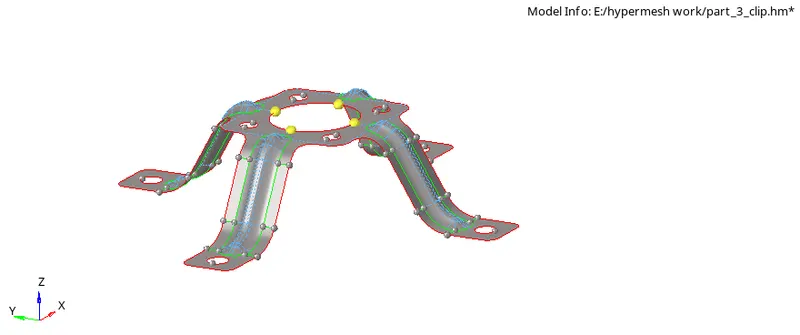
GEOMETRY CLEAN-UP:
Geometry cleanup is done with the help of the auto cleanup tool under the Geometry tab.
- Some of the edges are manually suppressed using the toggle edge option under the quick edit panel.
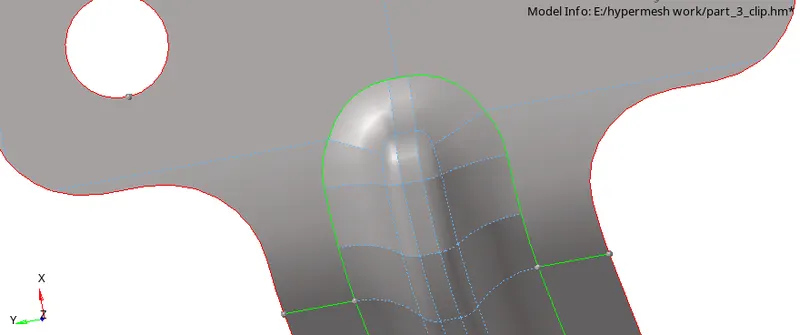
Mesh
- The component is meshed with 5mm
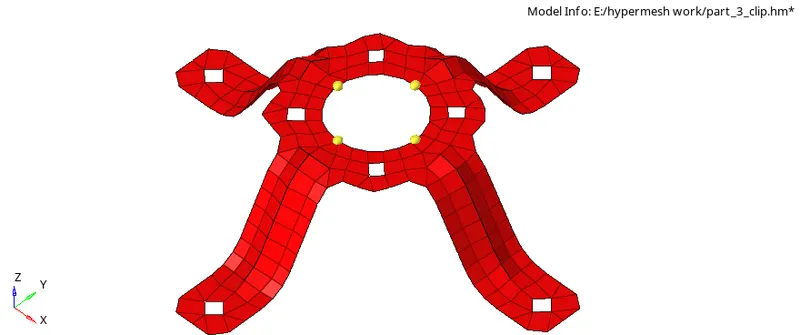
- The componet is corrected using quality index
Thickness
- The thicnkess of the componet is 1.8mm