Assignment 2-RADIOSS Engine File Editing & 3D Meshing Challenge
-RADIOSS Engine File Editing
1, speed of sound, c=E/p^0.5, c=5188.7mm/ms
2, time, delT=lc/c, T=0.19msec(millisecond)
3, T=0.19msec
4, Engine file is edited and submitted the file.
5, animation frequency has been changed to 0.0095.
6, print steps assigned to 10.
7. 3D meshing tetra mesh and hexa mesh
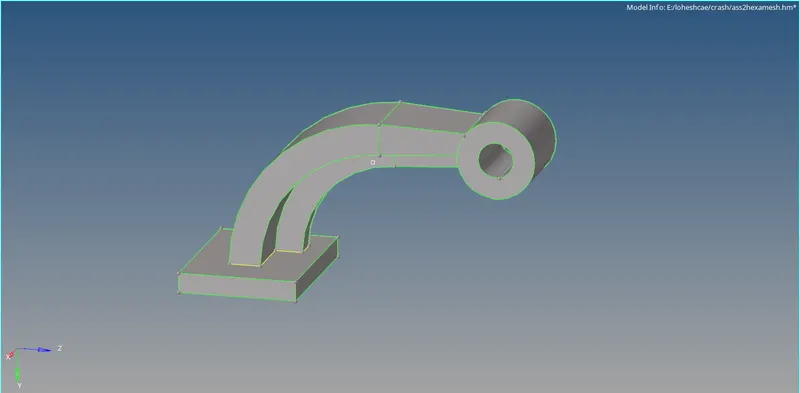
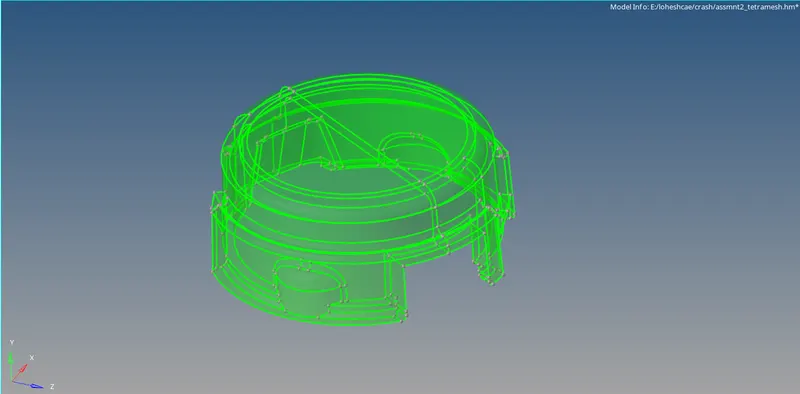
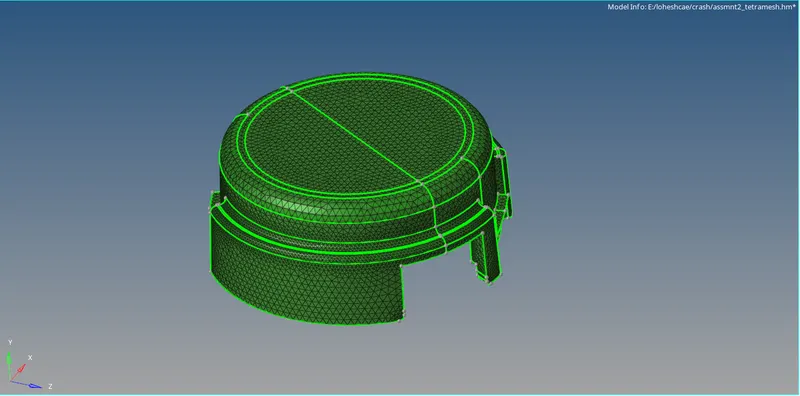
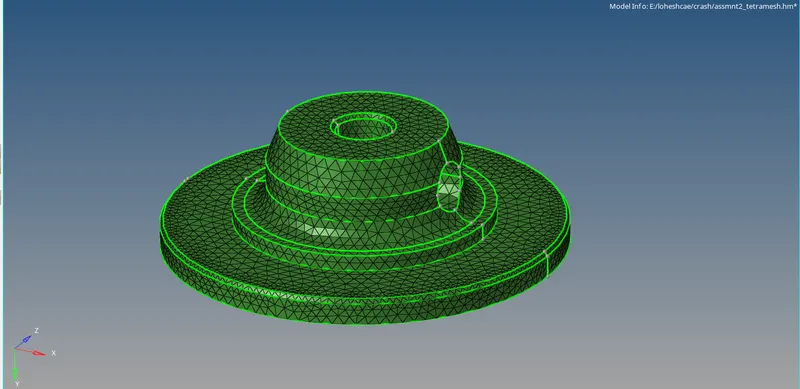
AIM: To 3D mesh the given two geoms. tetra mesh for housing and hexa mesh for arm bracket.
Procedure:
- import the model which is in step file.
- the solid model will be meshed in volume tetra by changing it to solid.
- now seperate the model and do volume tetra mesh.
- 3D<tetra mesh<volume tetra mesh then give the tet collapse value in parameters, then give the mesh size as 5mm
- also have to enable the required fill voids, use curvature, use proximity, smoothing to get a good tetra mesh.
- remesh if any tet collapse is found, thus the tet collapse will be cleared and tetra mesh is generated successfully for the housing geom.
HEXA MESH
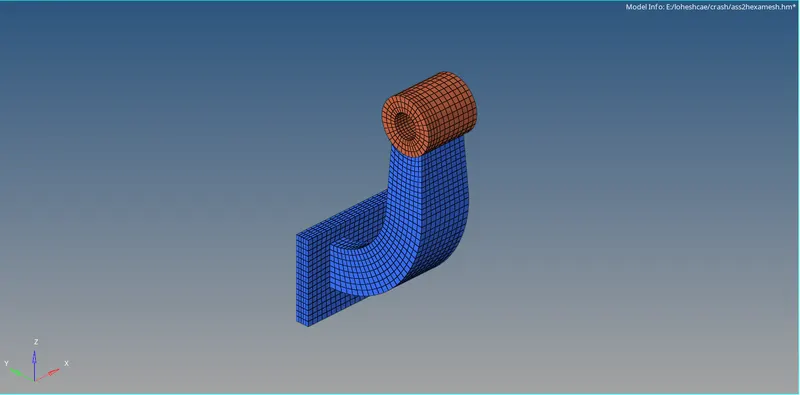
for this arm bracket geom,
- import the model which is in step file.
- then change the wireframe mode to solid part.
- there will be base, connector 2 parts and boss part.
- enable one by one from base and have to work with that
- complete one part by extruding the identical surface areas and move to another.
- use line drag, spin elem, solid map, linear solid, elem offset option for the process.
- for every part the process is same, like first 2D mesh the base part and refine the mesh to proper flow without trias and with that elems drag that to the complete base part.
- like this we should do for every parts.
- for boss part, while using solid map, use the connectivity option as nodes to have a good element connectivity mesh.
- thus by this the hexa mesh can be generated precisely for the arm bracket.
- after completeing, while masking half of the side, inside it should not have any elemnt present this is because the 2D elemnt, so that should be deleted at last.
- check for free edges and thus the wrk is completed.