Week 4-1D Element Creation Challenge
AIM: To create mesh for the given component with size of 5 units, and to create 1D elements like bar, beam and rod on the following component with given cross-section and DOF.
OBJECTIVE:
- create mesh for the given component.
- create 1D elements like bar, rod, beam with their preffered link.
- To apply the mass of magnitude 10 with RBE2 link.
- To join two componenets with spring elements.
PROCEDURE:
- After importing of the model is done, click on shade element option for representing the model.
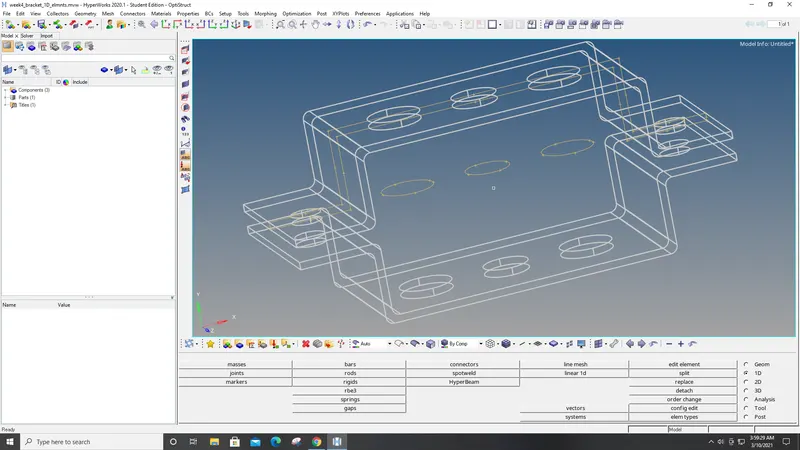
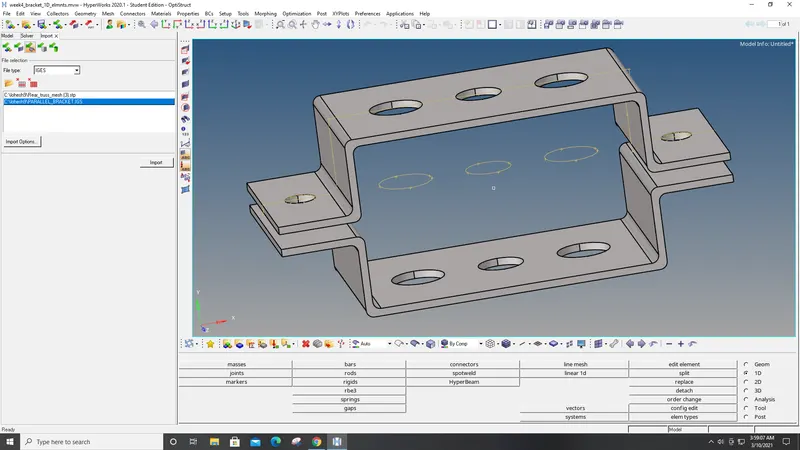
- To create midsurface for the bracket1 and bracket2, click on geometry>midsurface>select one component>for closed solid>extract.
- Follow this for bracket2 thus midsurface will be created for two components.
- Specify both the componenets in entities box in component section for two brackets 1 and 2, and assign a color for each.
- Delete the solid part using (x) icon>choose solids>all>delete entity.
- Delete bracket1 and 2 body in entities box to get the midsurface for both the brackets.
- Assign material used in entities box by material>steel.
- Return and assign cardID - MAT1 - for steel.
- Create properties for brackets1 and 2 in entities.
- Assign thickness and cardID FOR 1 and 2, material as steel, and properties.
- Then for meshing 2D>automesh>mesh type - mixed>element size - 5>all surface>mesh.
- Quik edit>washer split>lines>5.
- Increase the amount of nodes for the washers using mouse.
- mesh will be created and then hide the surface in entities.
RBE2 elements are rigid elements which has infinite stiffness and will never bend, rotate, or move when fixed.
It will distribute loads equally to every elements.
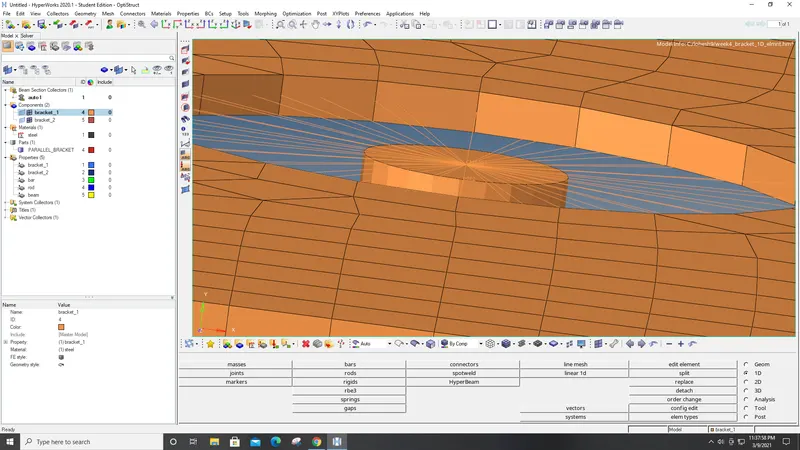
RBE3 elements will distribute forces with respect to displacement.
It can be moved left, right, up, down.
Load distribution is different.
- Create RBE2 link by selecting rigids>create>select node 1 and 2>elem type - RBE2>create. This is for one element.
- For many elements, click on calculate nodes>multiple nodes>by path>select washer surface>create.
- Create RBE3 link by create>calculate nodes>nodes>multiple>RBE3 elemnt type>create.
- It will created for both RBE2 and RBE3 in the selected washers.
- Create springs by springs>create>select node 1 and 2 where u want to create the spring>CELAS1 element type. Spring will be created.
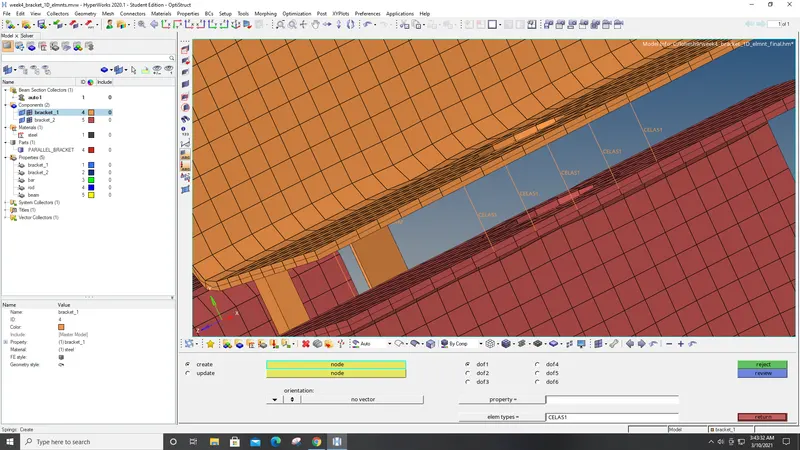
- Now select hyperbeam it is used to create beams for the cross section.
- Click hyperbeam>standard section>hyperbeam>solid circle>create> hyper beam page opens with a circle image, rename it as bar and give radius for it.
- Follow the same procedure for rod and beam and after creating it click on model view to go back to the model without disturbing the hyperbeam section.
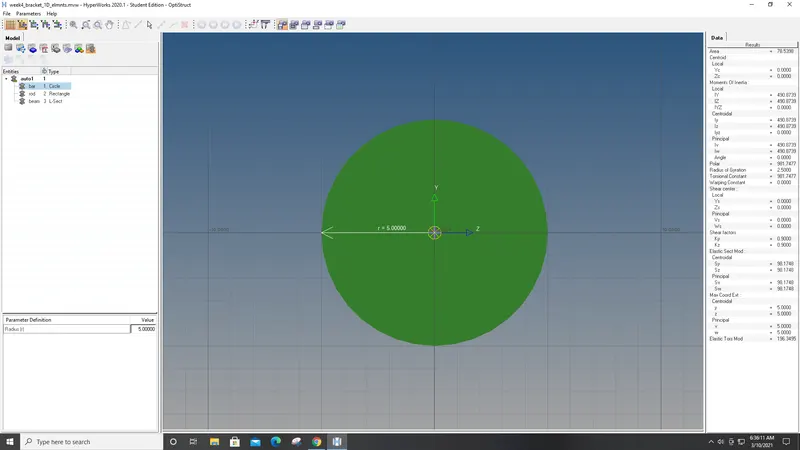
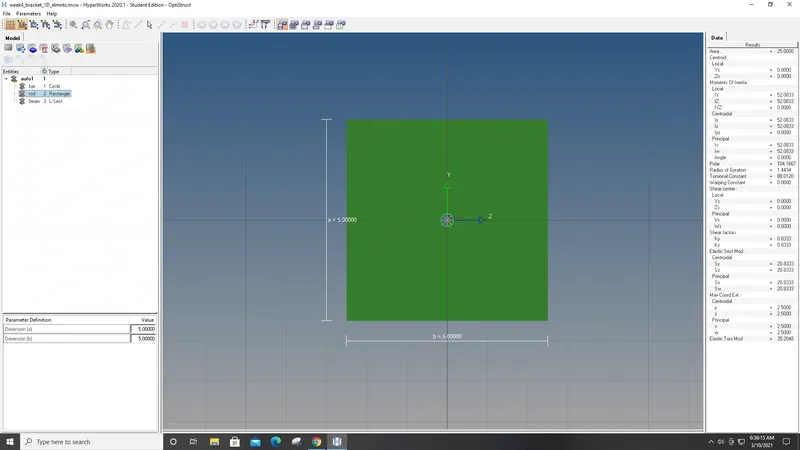
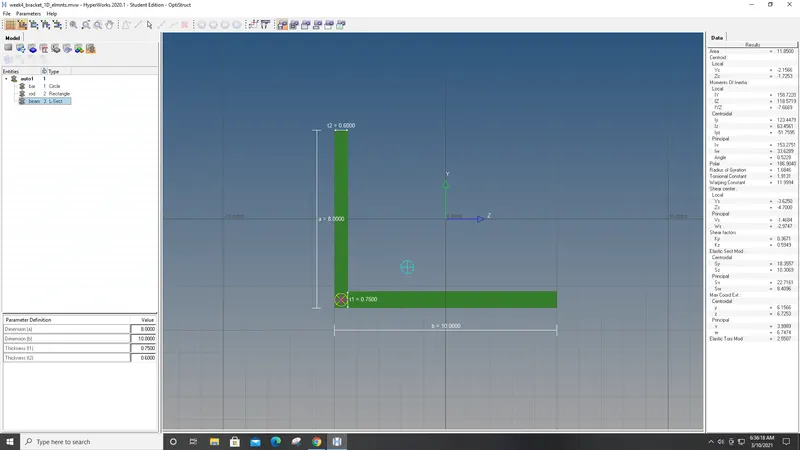
- select bar>bar2>node A and B and place the nodes N1 and N2 for where you want to create the bar.
- For rod>create>node 1 and 2>CROD>update.
- Once beam, bar and rod is created assign cross sectional area by create>property>for bar, rod, beam> assign cardId and beam section for each section.
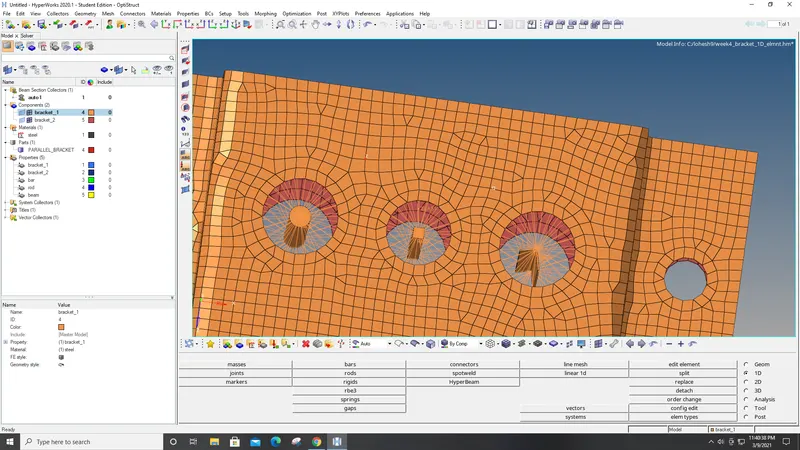
- To add mass click on mass>create>add mass value>CMASS1>nodes>create.
- Then to update bar, beam , and rods for assigning the properties to them.
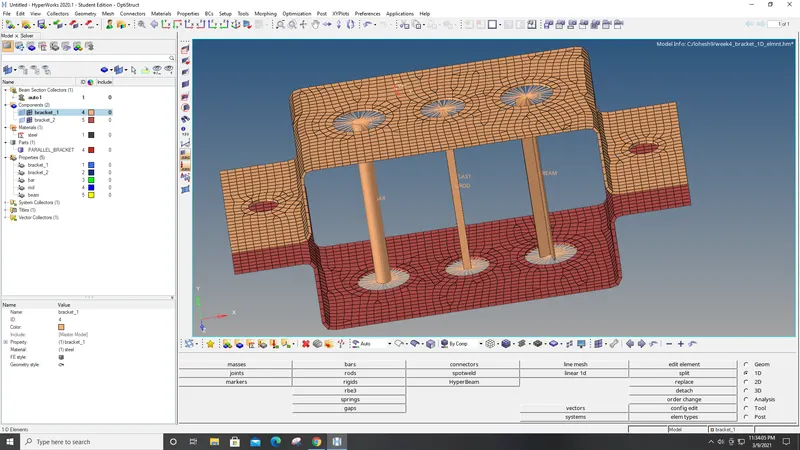
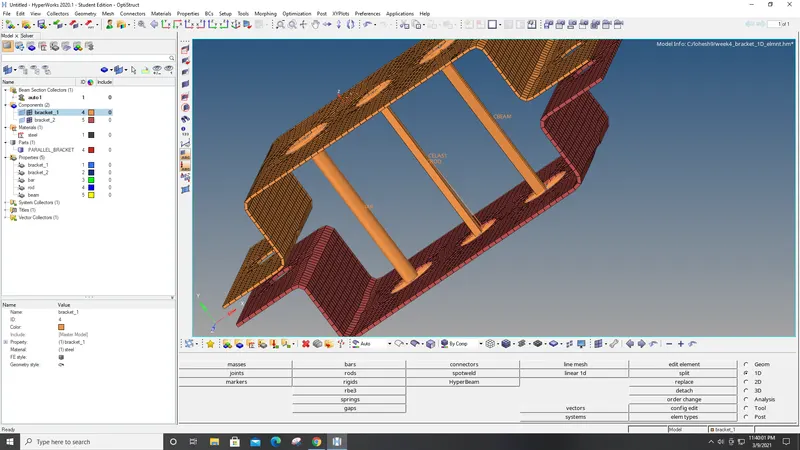
- Finally, click on 1D traditional element representation> 1D detailed element representation. This will create the bar, beam and rod elements.
- At last, click on 2D detailed element representation, to extract the model in 2D figure.
- Thus the given task is completed.
CONCLUSION:
- Meshing is done for the given component.
- Bar, rod, beam with their preffered link is created.
- Mass of magnitude 10 with RBE2 link is applied.
- Two componenets is joined with spring elements.