Scaling, hexa and tetra meshing in hyper-mesh
1. Check the material properties of the rail component and calculate the speed of sound in steel rail=_______
A. The element property can be taken from the starter file (i.e FIRST_RUN_0000.rad)
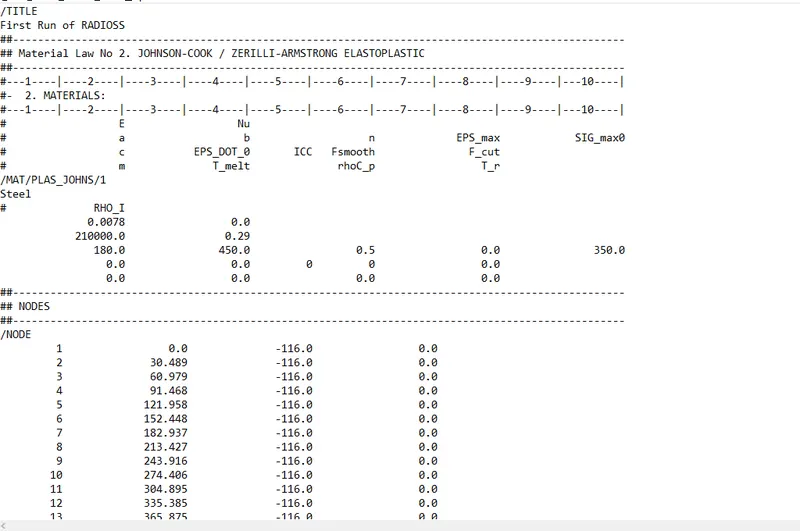
As per starter file the material properties are :-
⍴˞ = 0.0078.
Modulus = 210000 Gpa.
Formula for calculating Speed of sound =
C = √E/⍴˞
where,
C= Speed of sound.
E= Modulus.
⍴˞= Density.
C = √E/⍴˞
= √210000/0.0078
= 5188.7452166 mm/msec.
∴ Speed of sound C= 5188.7452166 mm/msec.
2.The length of the rail is about 1000 mm.calculate the time it takes for a shock wave to travel from one end of the rail to the other.
A.Given the length of rail l = 1000mm.
Formula for calculating time for shock waves to travel from one end of rail to other.
𝝙t = l/ C = l/√E/⍴˞
where,
𝝙t= Time step.
l= length of element.
C= Speed of sound.
E= Modulus.
⍴˞= Density.
As we know the value of speed of sound. Directly substitute.
𝝙t = 1000/5188.7452166
=0.1927ms.
3.Time for sound to travel length of rail=______
A. Time for sound to travel length of rail= 𝝙t
= 0.1927ms.
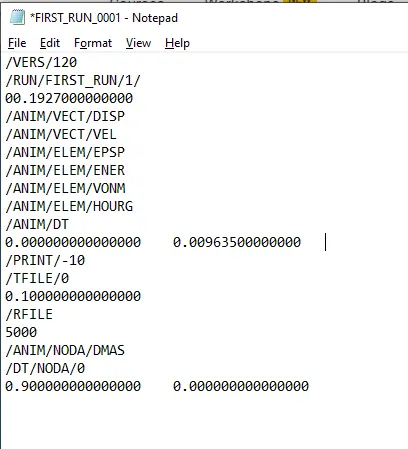
5.Set the frequency of animation output to a time that will give 20 animation steps(/ANIM/DT)
A. Open the file in the notepad and edit the time step value as 00.1927 as per the programmed file to keep the zero’s constant by adding the decimals. To find the time frequency.
Tfreq = Termination time/Number of steps
= 𝝙t/20.
= 0.1927/20.
=0.009635.
Add value for animation displacement 0.00963500000000.
Part 1
Aim:-
To scale, mesh and add connectors to the given 1D element.
Software:-
Hyperworks.
Procedure:-
Firstly, import the file to the graphical screen.
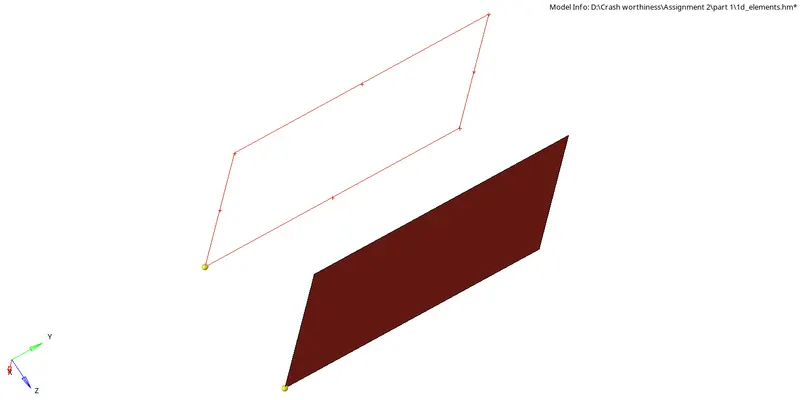
After importing, scale it to 0.5mm and mesh the file.
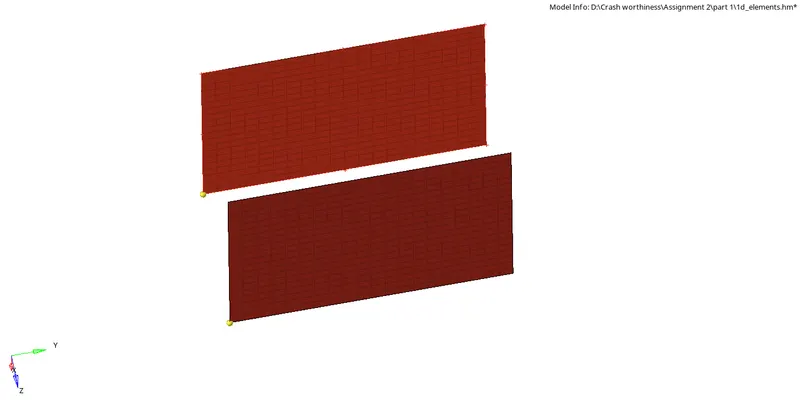
After meshing the element use connectors to connect two parallel elements.
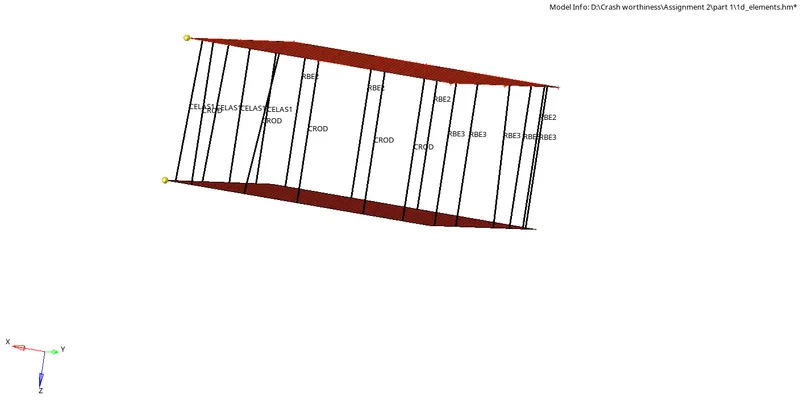
Create a property for the connectors and assign thickness to it.
Assign the property card to the component.
Save the file.
Result:-The given model is scaled, meshed and connected using connectors.
Part 2
Aim:-
To generate 3D hex mesh to the given component.
Software:-
Hyperworks.
Procedure:-
Firstly import the model to the graphical screen.
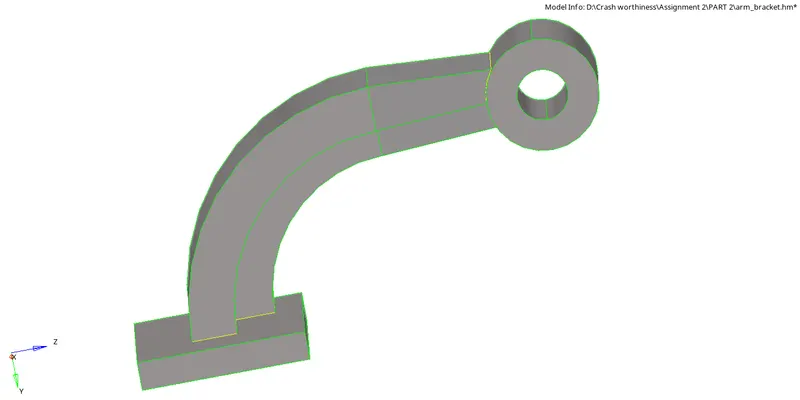
After the model is imported, first mesh it using 2D meshing on base.
Then goto 3D mesh select solid map, select line drag option.

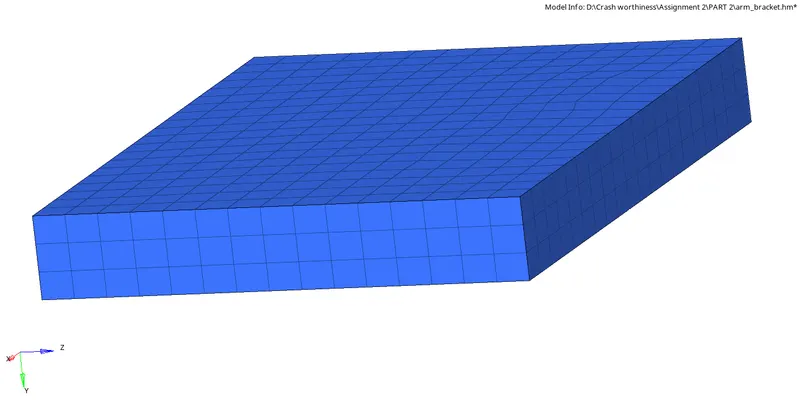
Then for the curve arm use the spin option.

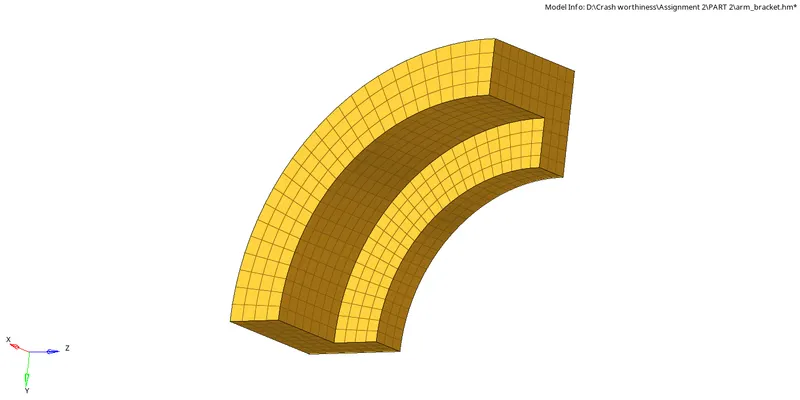
For straight arm use linear solid.

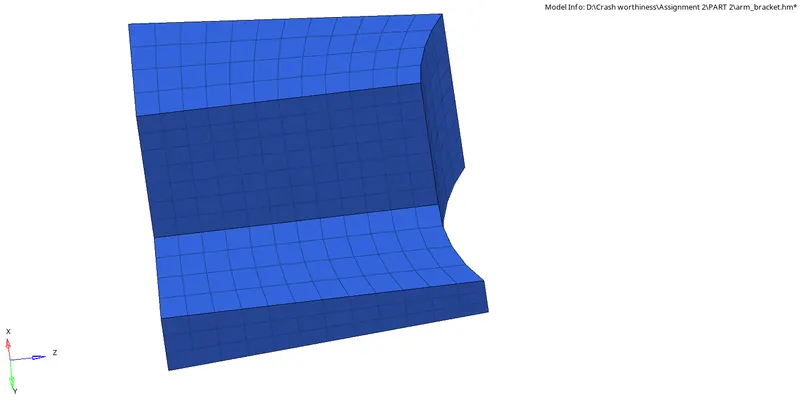
For the boss first create 2D mesh, then use solid map general generate 3D mesh.

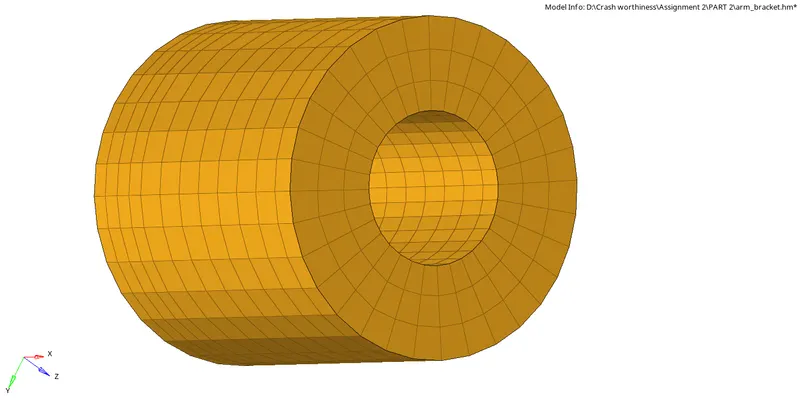
Check for the element size as 10mm.
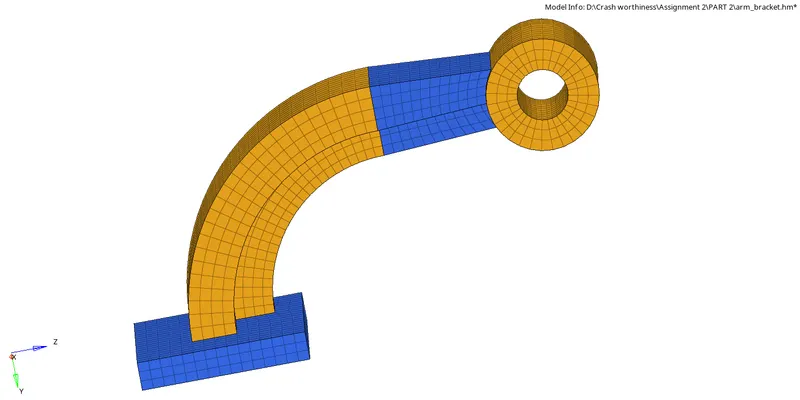
Save the model.
Result:- The model has been hex mesh.
Part 3
Aim:-
To generate tetramesh to the given model.
Software:-
Hyperworks.
Procedure:-
Firstly import the model to the graphical screen.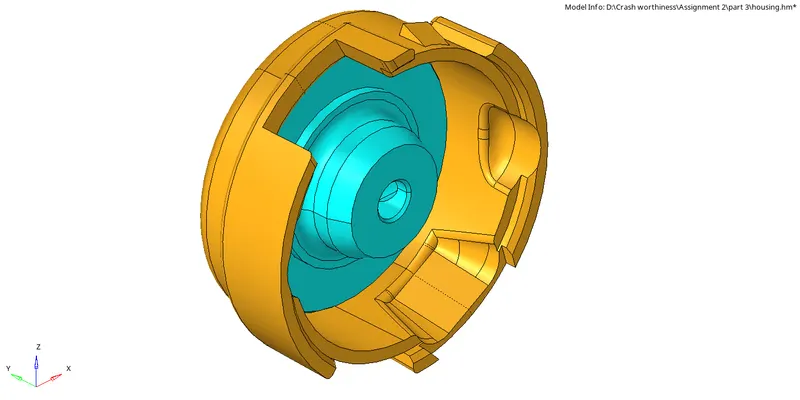
After the model is imported.
Goto 3D , select tetramesh, select volume mesh and enter the size 5mm.

Select the surface and mesh.
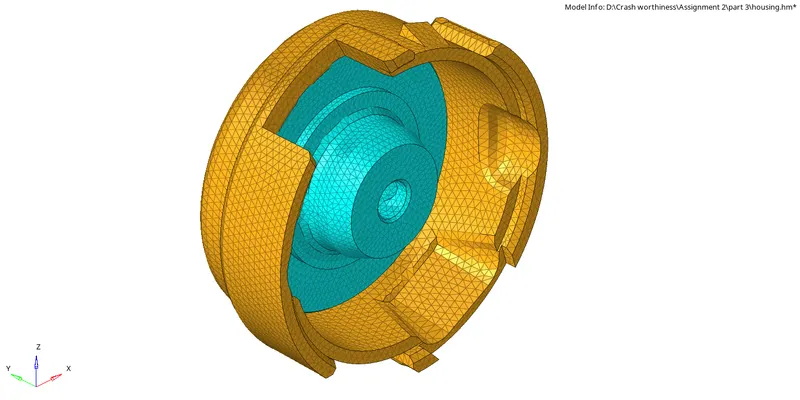
After meshing the element check for the tet collapse.

Save the model.
Result:-
The mesh has been generated as element size as 5mm.