Assignment 1-2D Meshing Challenge
Aim - The given component by considering quality criteria, mesh for the component and assign thickness for the individual component.
Procedure - First we have to import the model from the folder
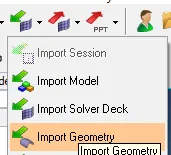
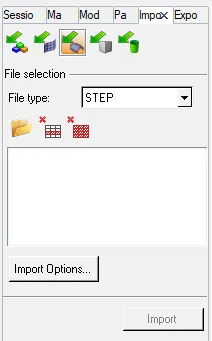
If it is step file import that model.
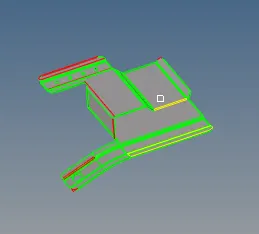
After importing the components first do the cleanup for the geometry errors shown in below.
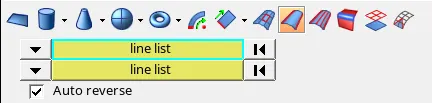
By using the surface commands use the line lis1 and 2 for create the surface.
If small surface to be join use the toggle with the requred tolerence.

After geometrical cleanup the component is seems to be as shown in below.
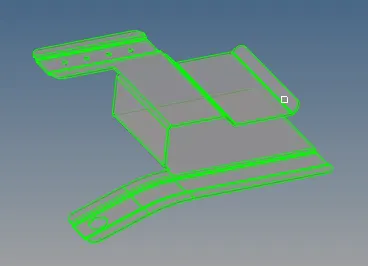
The given component extract the mid surface by selecting the automidsurface option

Select the component as displayed and make that shore with component is closed.

Select the extraction option for the given component as skin offset.

The extracted mid surface should be in the given component is below shown.
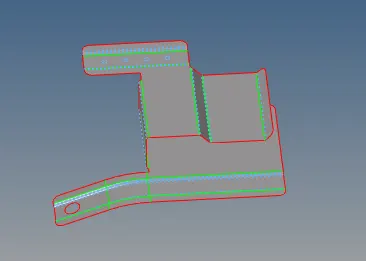
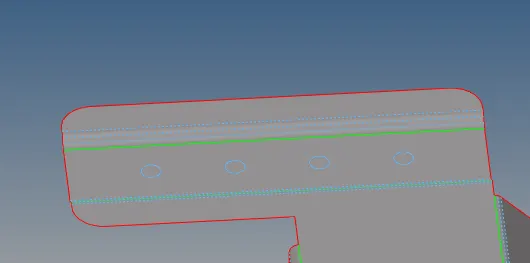
By using the unsplit surf option and remove the small holes less than 5mm.

All small holes can be removed as shown in below.
Do the quality criteria settings for the meshing.
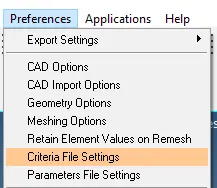
As per the given only assign the min.,max. and target element size.
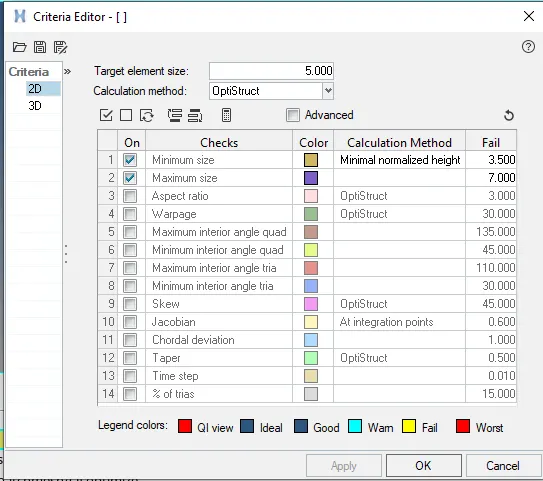
Start doing mesh for the componentby using the automesh.

Select the surface and do the proper mesh for the component.

The given mid surface after meshig is as shown in below.
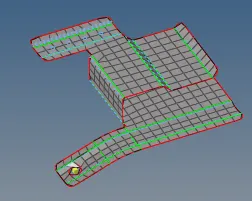
To check the component as have any free edge and make it equvalence as per the given tolerence.

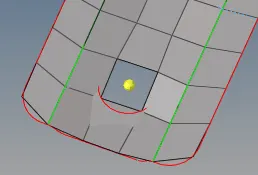
For hole region the hole withthe meshing make the proper by using the rotate command.

Select the rotate option and select the nodes for edge of the hole.select the N1,N2,N3 and select the base point.
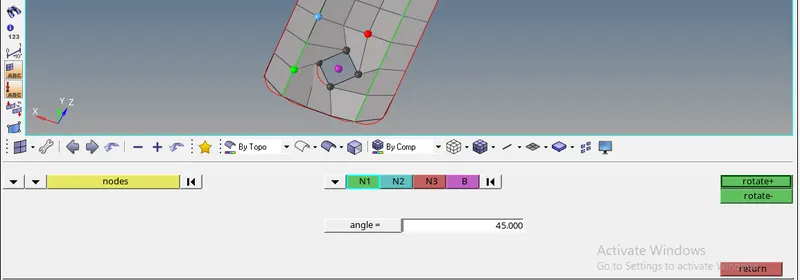
Give the angle of 45 and rotate untill the hole become proper and remesh that area, then it is create the proper.
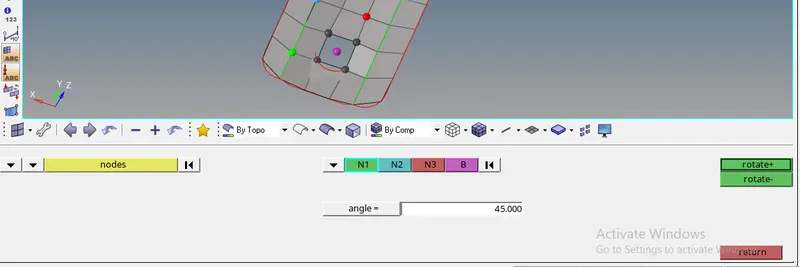
After using the rotate command the mesh for the mid surface as shown in below.
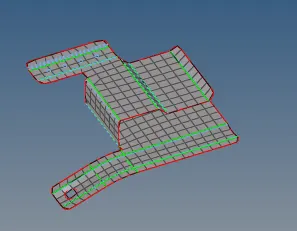
The below component is as shown in figure.
Assign the thickness property for the component.
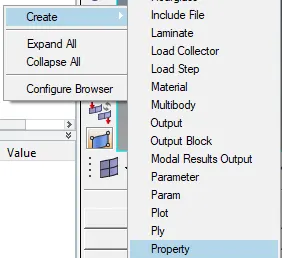
Creating the property for the component as per the thickness.
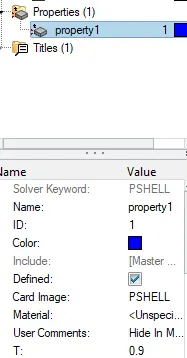
Assign the created property in to the mid surface.
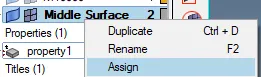
Assigning the property for the mid surface as shown in below.
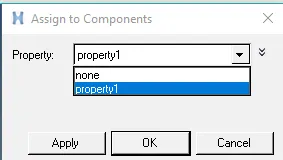
To check for the property select by property.
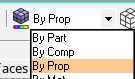
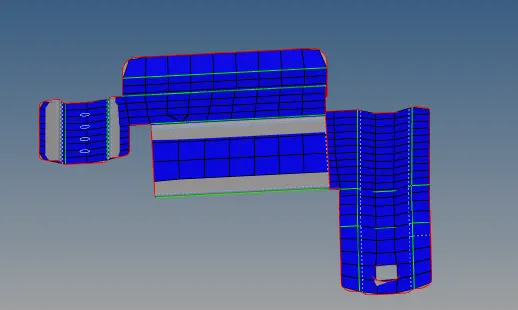
The component colour is change as per the accordingly.
Conclusion
By doing this operations for the given component, concluded that how extrct midsurface, assigning the quality criteria, meshing, to remove quality and assigning the thickness for the component.
Aim - The given component by considering quality criteria, mesh for the component and assign thickness for the individual component.
Procedure - First we have to import the model from the folder
If it is step file import that model.
After importing the components first do the cleanup for the geometry errors shown in below.
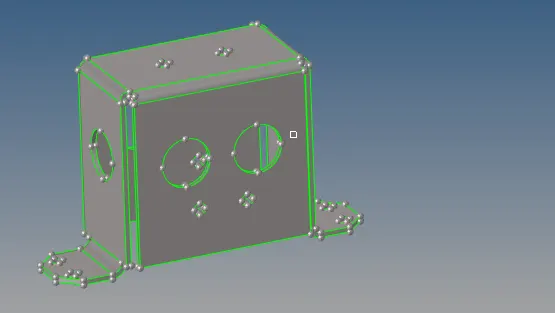
The given component extract the mid surface by selecting the automidsurface option
Select the component as displayed and make that shore with component is closed.
Select the extraction option for the given component as skin offset.
The extracted mid surface should be in the given component is below shown.
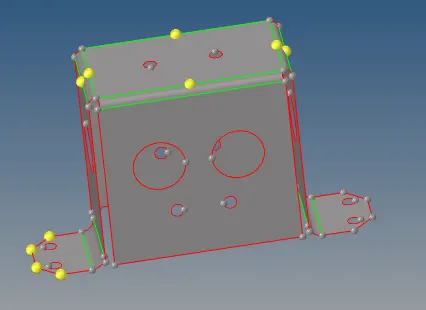
By using the unsplit surf option and remove the small holes less than 5mm.

The holes can be remove properly by using the unsplit surf option.
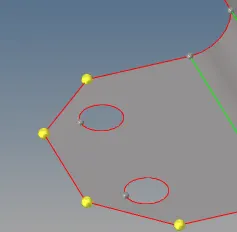
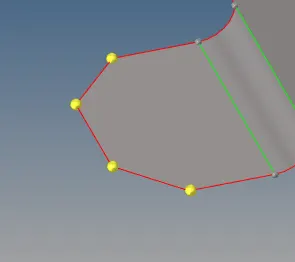
Do the quality criteria settings for the meshing.
As per the given only assign the min.,max. and target element size.
Start doing mesh for the componentby using the automesh.
Select the surface and do the proper mesh for the component.
After doing the mesh as shown in below check for the quality of elements.
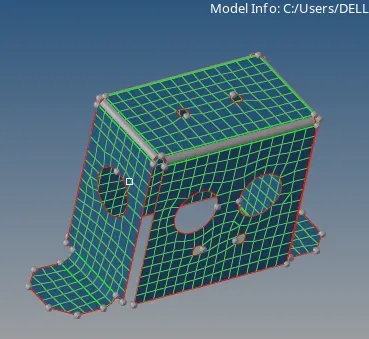
If any quality for the mesh make use of this tools to get proper quality for the component.

After check for the all quality of mesh check for the find edges.
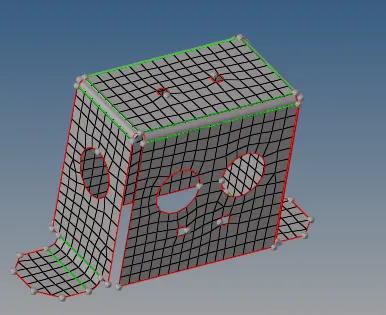
To check the component as have any free edge and make it equvalence as per the given tolerence.
The below component is free from the edges as shown in below figure.
Assign the thickness property for the component.
Creating the property for the component as per the thickness.
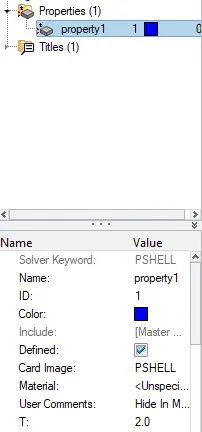
Assign the created property in to the mid surface.
Assigning the property for the mid surface as shown in below.
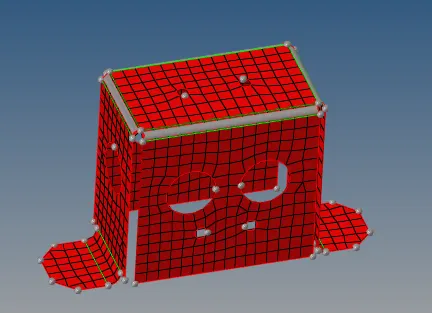
To check for the property select by property.
The component colour is change as per the accordingly.
Conclusion
By doing this operations for the given component, concluded that how extrct midsurface, assigning the quality criteria, meshing, to remove quality and assigning the thickness for the component.
Aim - The given component by considering quality criteria, mesh for the component and assign thickness for the individual component.
Procedure - First we have to import the model from the folder
If it is step file import that model.
After importing the components first do the cleanup for the geometry errors shown in below.
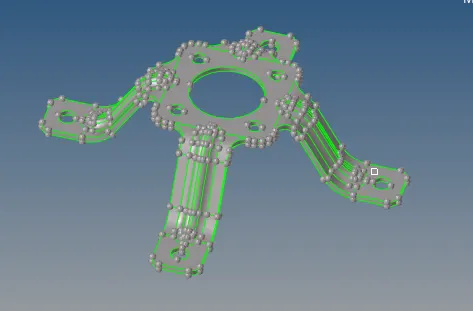
The given component extract the mid surface by selecting the automidsurface option
Select the component as displayed and make that shore with component is closed.
Select the extraction option for the given component as offset+planes+sweeps.

The extracted mid surface should be in the given component is below shown.
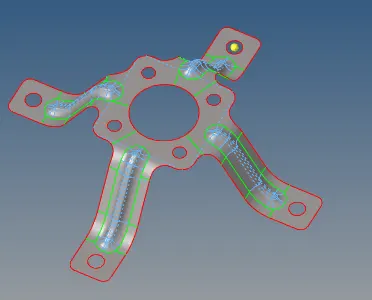
Defeature for the edges by using the defeature option.

By using the surface fillet remove the fillet edges.

Below shown the after defeaturing the edges.
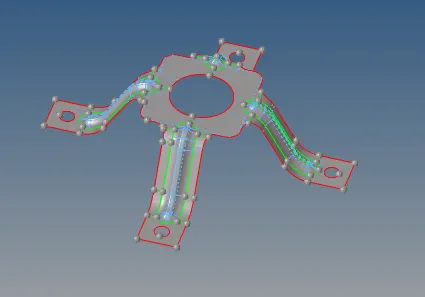
Do the quality criteria settings for the meshing.
As per the given only assign the min.,max. and target element size.
The component is of make toggle unnecessary lines from the extracted mid surface.
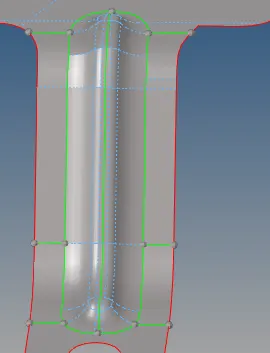
Start doing mesh for the componentby using the automesh.
Select the surface and do the proper mesh for the component.
After doing the mesh as shown in below check for the quality of elements.
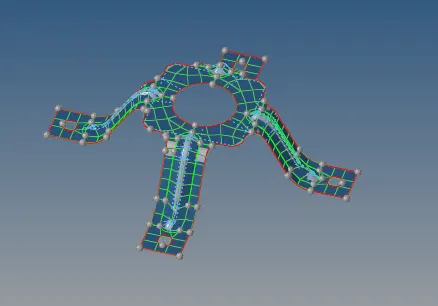
If any quality for the mesh make use of this tools to get proper quality for the component.
After check for the all quality of mesh check for the find edges.
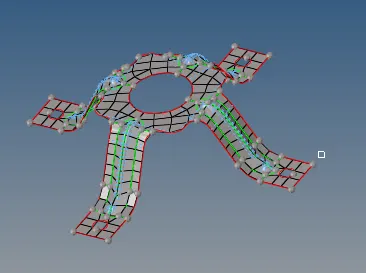
To check the component as have any free edge and make it equvalence as per the given tolerence.
The below component is free from the edges as shown in below figure.
Assign the thickness property for the component.
Creating the property for the component as per the thickness.
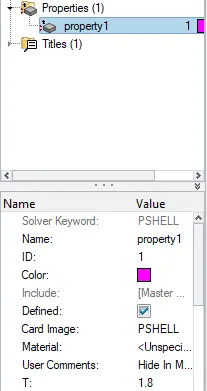
Assign the created property in to the mid surface.
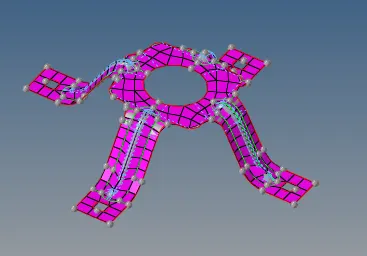
Assigning the property for the mid surface as shown in below.
To check for the property select by property.
The component colour is change as per the accordingly.
Conclusion
By doing this operations for the given component, concluded that how extrct midsurface, assigning the quality criteria, meshing, to remove quality and assigning the thickness for the component.