Assignment 1-2D Meshing Challenge
Objective : Clean up geometry.create midsurface and meshing on its as per quality criteria .
- methodology :
- import a model
- create midsurfac
- clean up geometry
- meshing as per quality criteria
- automesh
- check the qulity
- free edges
- qulityindex
- check elems
- element to surface check by the comparision
- geaometry check
- normal check
- dependency
Procedure:
-
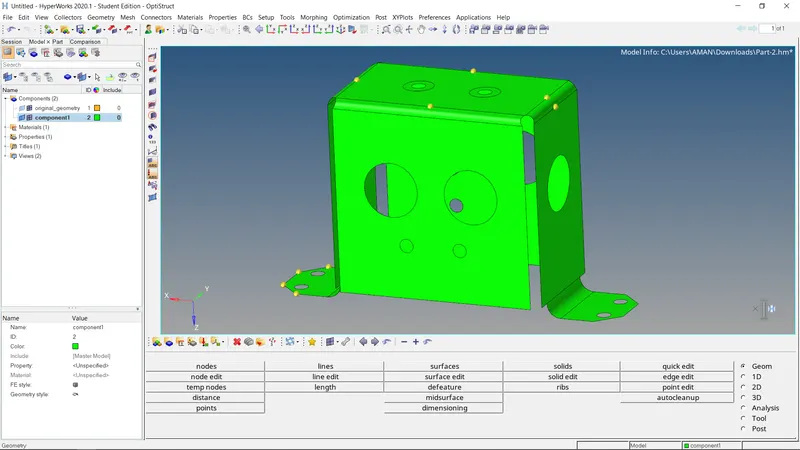
The format of the file is stp , then first of all select import solver deck command , choose import geometry type and select file type is STEP
-now select the file from our folder and import it .
-but it is not visible on our screen due to graphical issue , for that use f key and then its visible
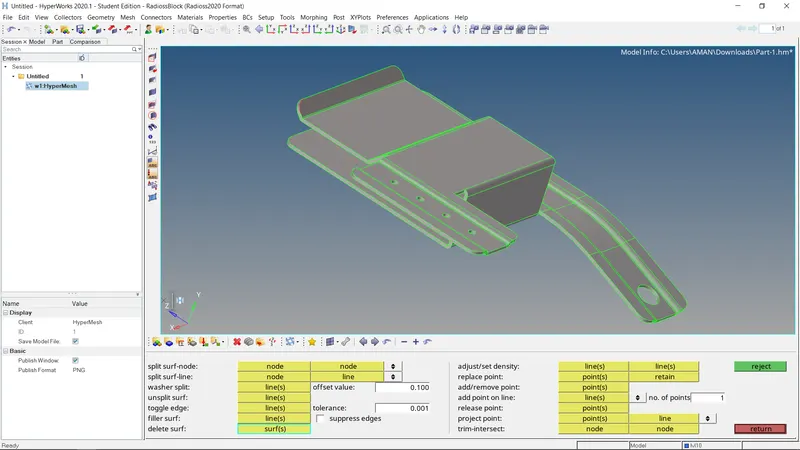
- After importing, change the Geometry color mode to By Topo, if the model consists of solids, which is not required for our further process we will delete it. So we delete the solid from the model, which also benefits in less time consumption for computing in Hypermesh.
- Then, we check the thickness of all the components.
- To check the thickness of the compornent, we go to the distance option in Geom (F4) and select the two points option, then we select any two points from the component and find the thickness of the components. - Thickness O.75mm - Here, we are checking the thickness of the model, so as it is required to extract the mid-surface manually
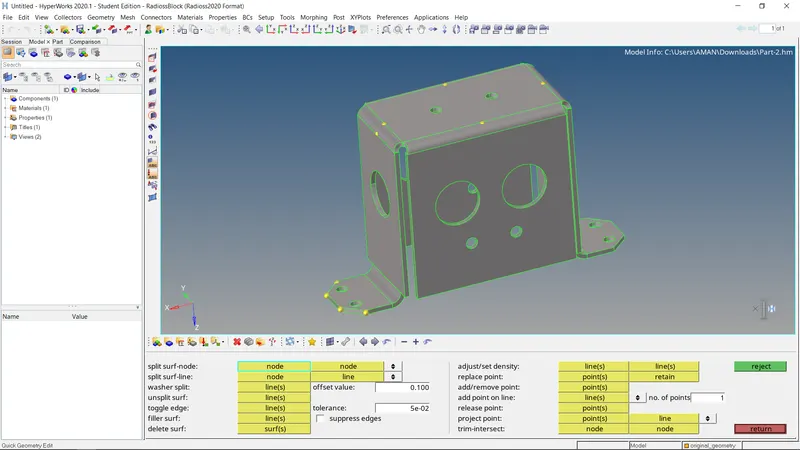
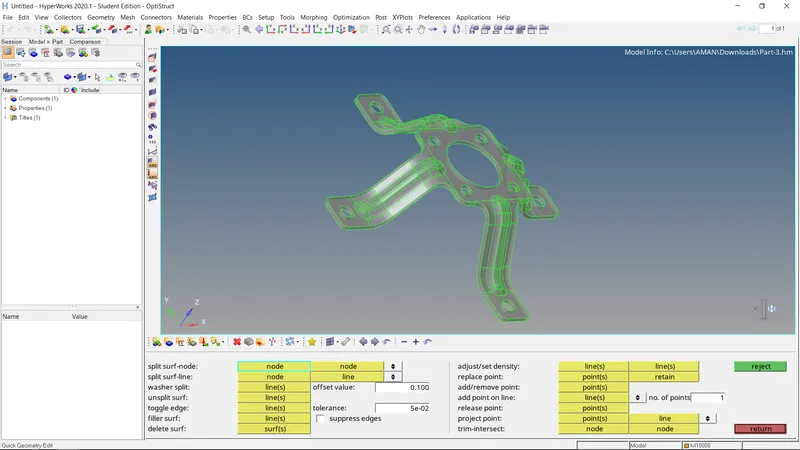
Step 2- Extracting Mid-Surface
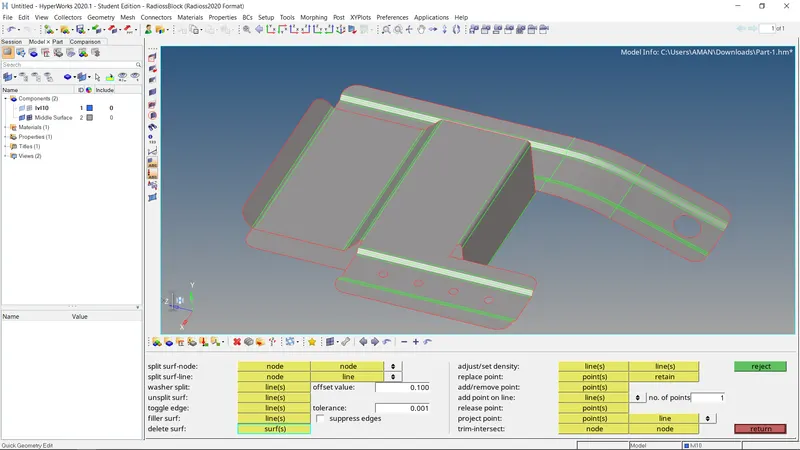
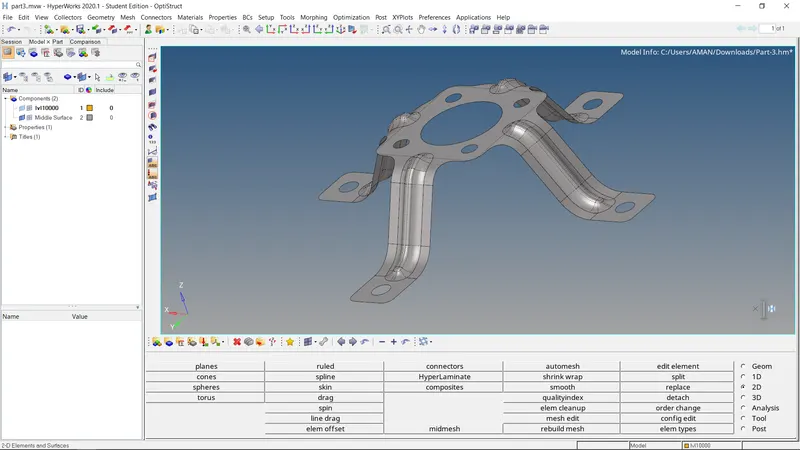
- We extract the mid-surface manually, for that we go to the offset option in the surface edit option in the Geom tab
- Manual mid-surface is a complex method but it is very useful in extracting the mid-surface for the complex geometry.
- For manual mid-surface in offset option in surface edit option, first, we select the surface to be offset, duplicate it, check for the normal where it is to be offsetting give the distance than offest it.
- We need to do this process for every surface one by one, as the thickness of surfaces might be different. Note- For multiple surface selection, it should be mandatory that the normal should be unidirectional.
Step 4- Generate Mesh & Optimize the Mesh quality
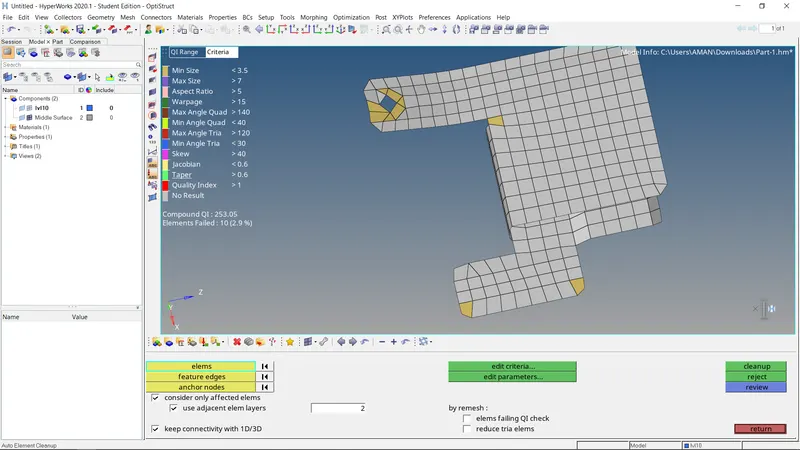
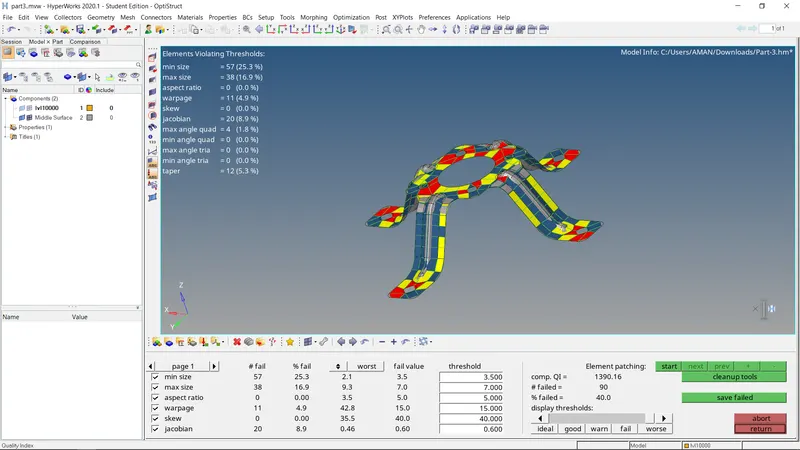
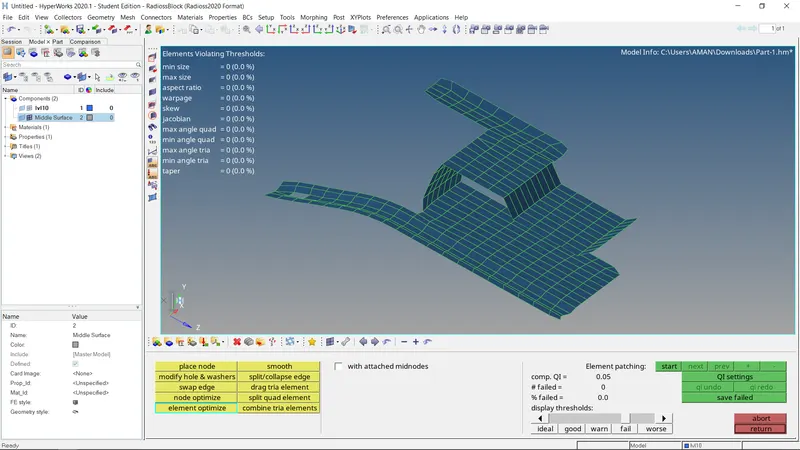
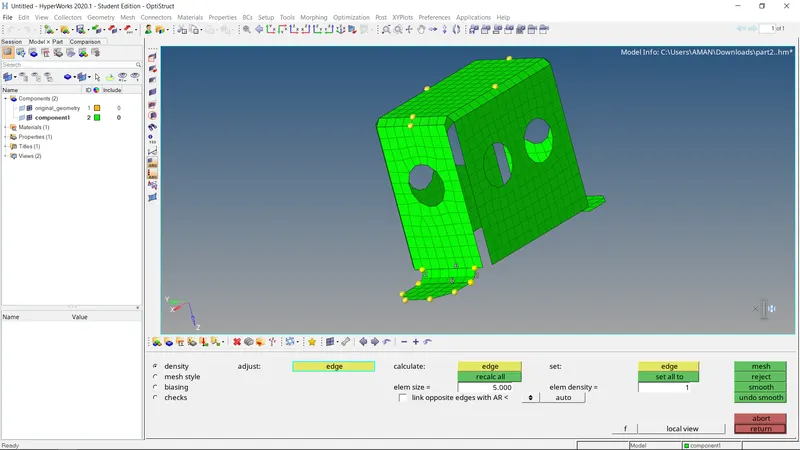
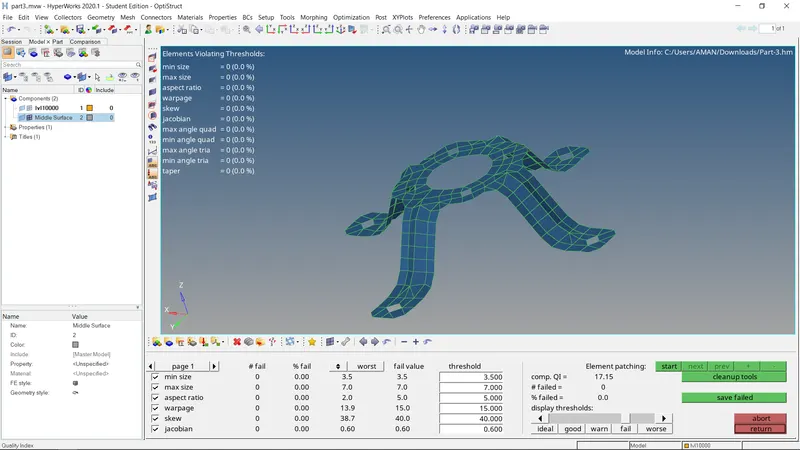
- After extracting the mid-surface and do all the processes required for the proper mesh, We need to provide all the required criteria for the meshing The meshing will automatically generate according to the criteria provided.
- All panels are symmetrical therefore, after extracting mid-surface meshing is done on one half of the mid-surface and then reflecting the other half.
- Now, the automesh is done, keeping the element size to be 5 and mesh type-mixed in auto mesh option.
Learning Outcome:-
- Learn the effect of feature line on meshing, and also Learn the effect of Fillet and curves on the element mesh quality.
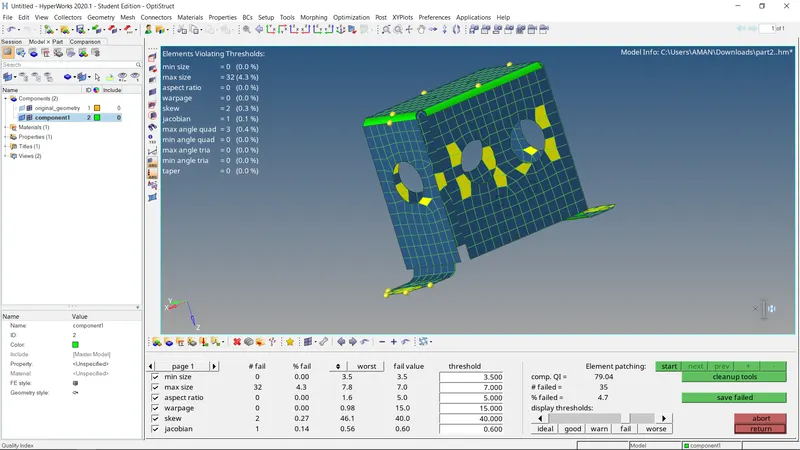
- Learn to remesh, rebuild option to optimize the element quality.
-Learn how to efficiently use the cleanup tools. Most importantly, I learned to create the midsurface manually, which is very helpful for complex geometry.
- The Element Failed is zero.