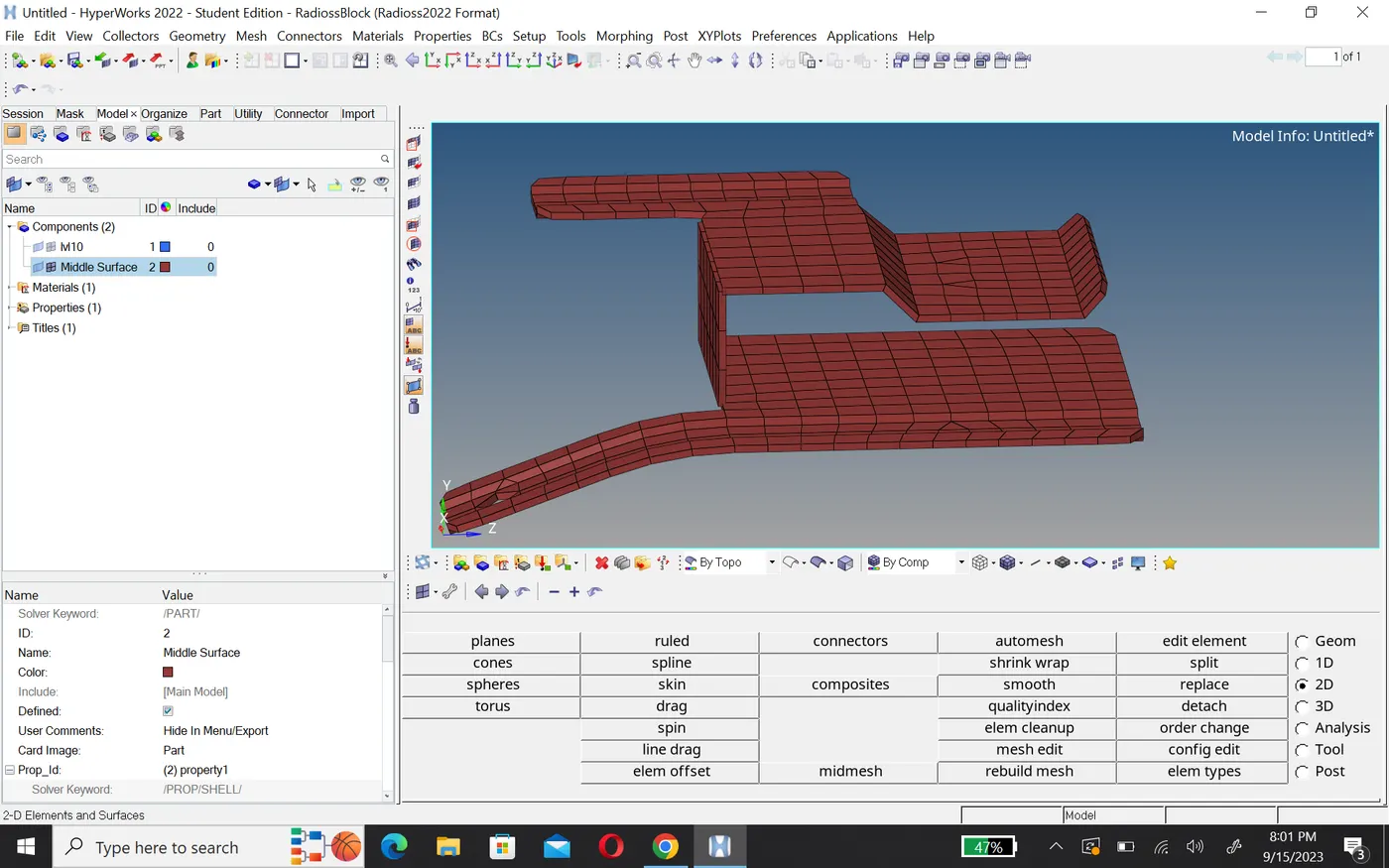
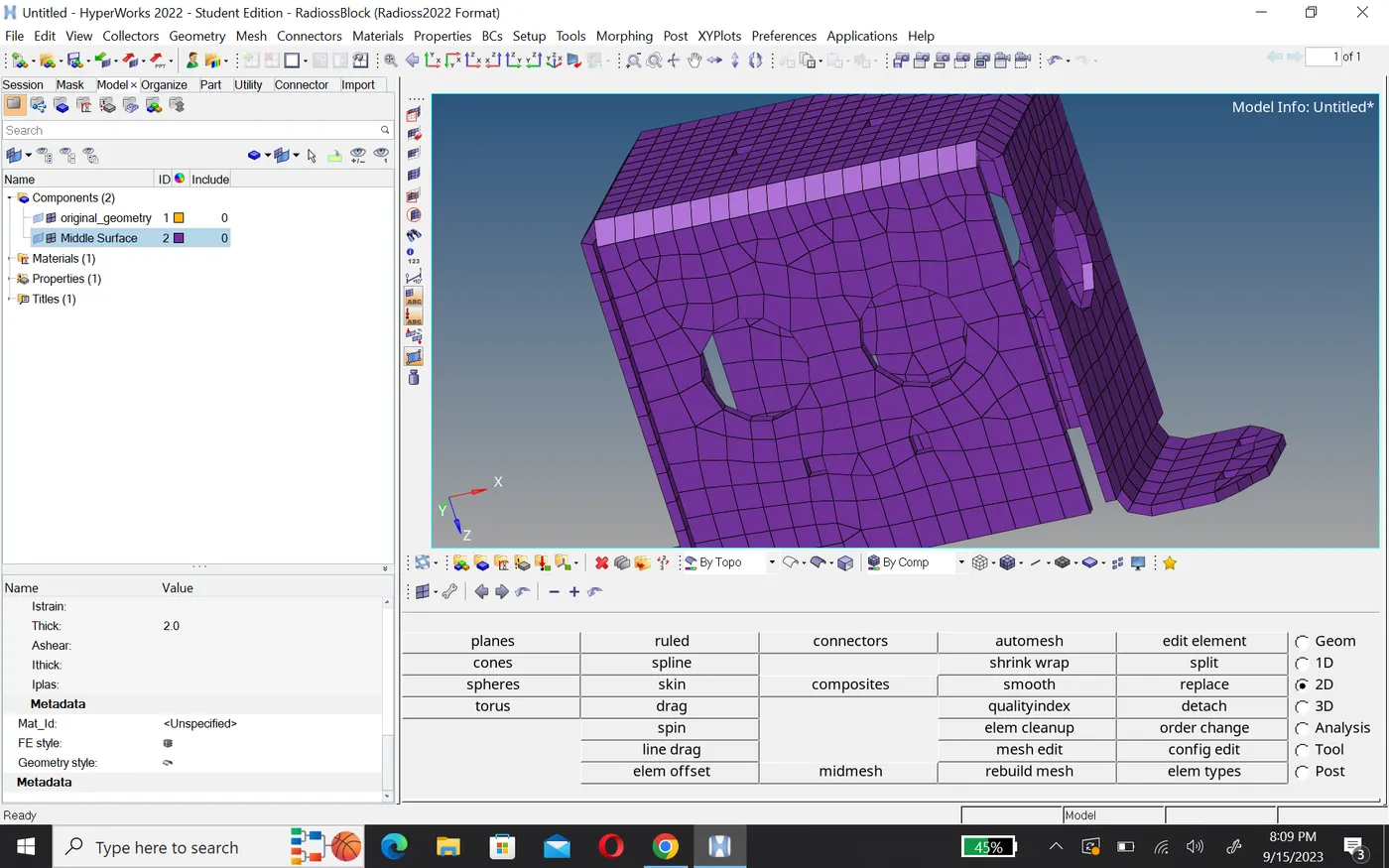
Assignment 1-2D Meshing Challenge
Aim:- At given geometry do these operation.
- Clean the geometry.
- Extract midsurface.
- Clean midsurface geometry.
- Ignore holes less than dia 5mm.
- Create 2D mesh with target length 5mm, min 3.5mm max 7mm.
- And assign proper thickness, by creating a generic property.
- Then Save in .hm format.
Geometry cleanup
Step1:-
- First import the geometry in radioss.
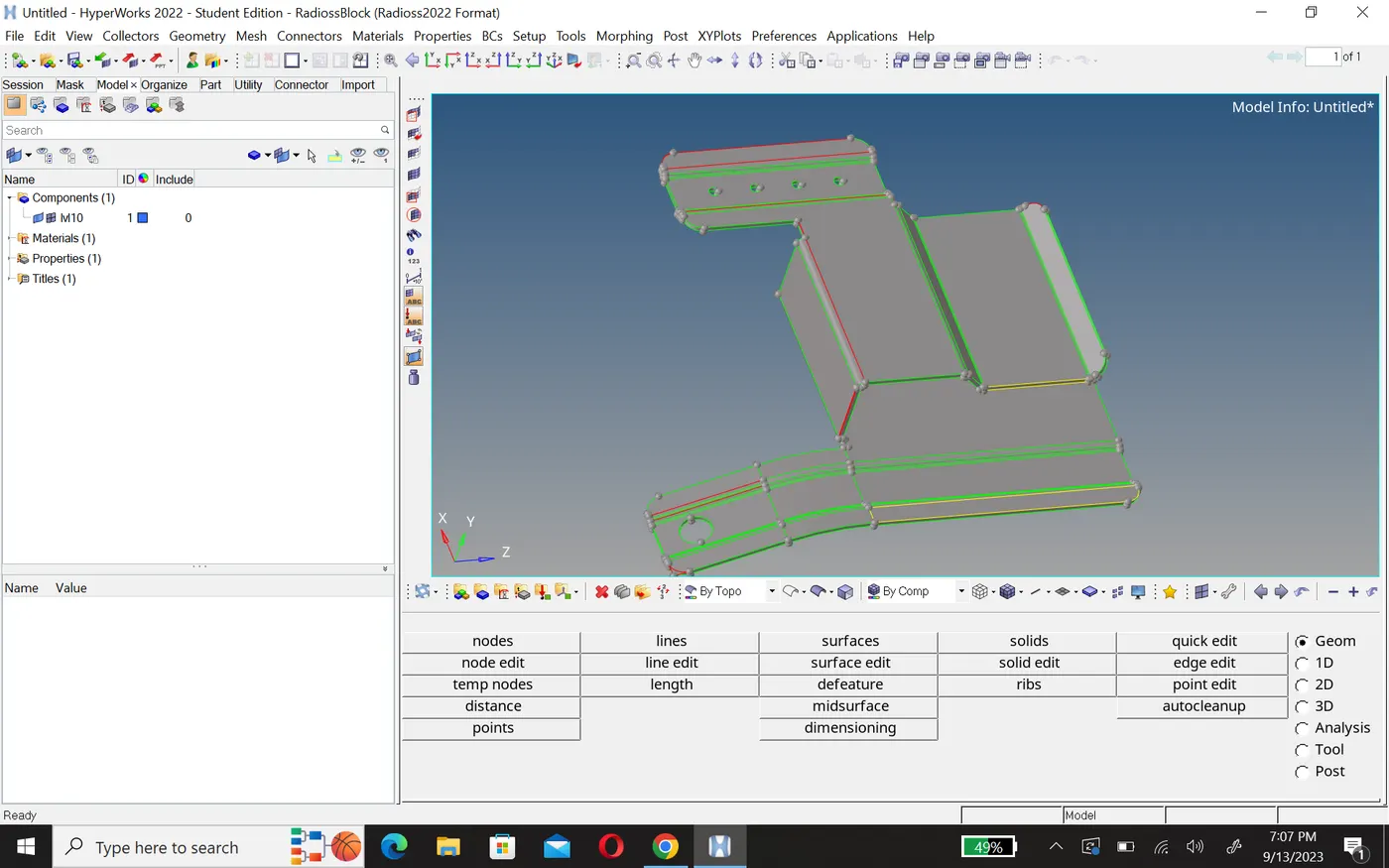
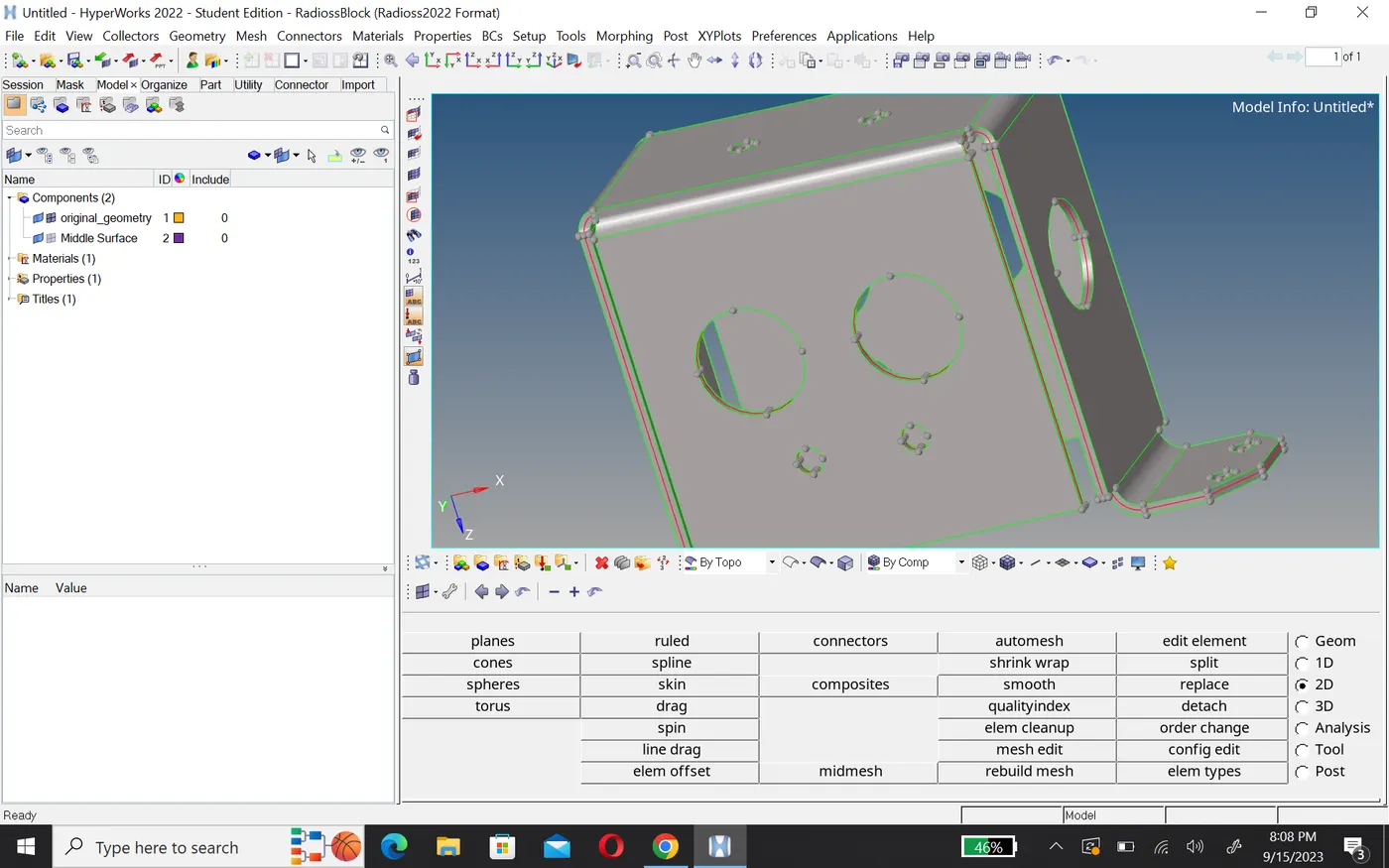
- And chack geometry by using topo, wireframe, if you find any free edges or tripel cons then fix it.
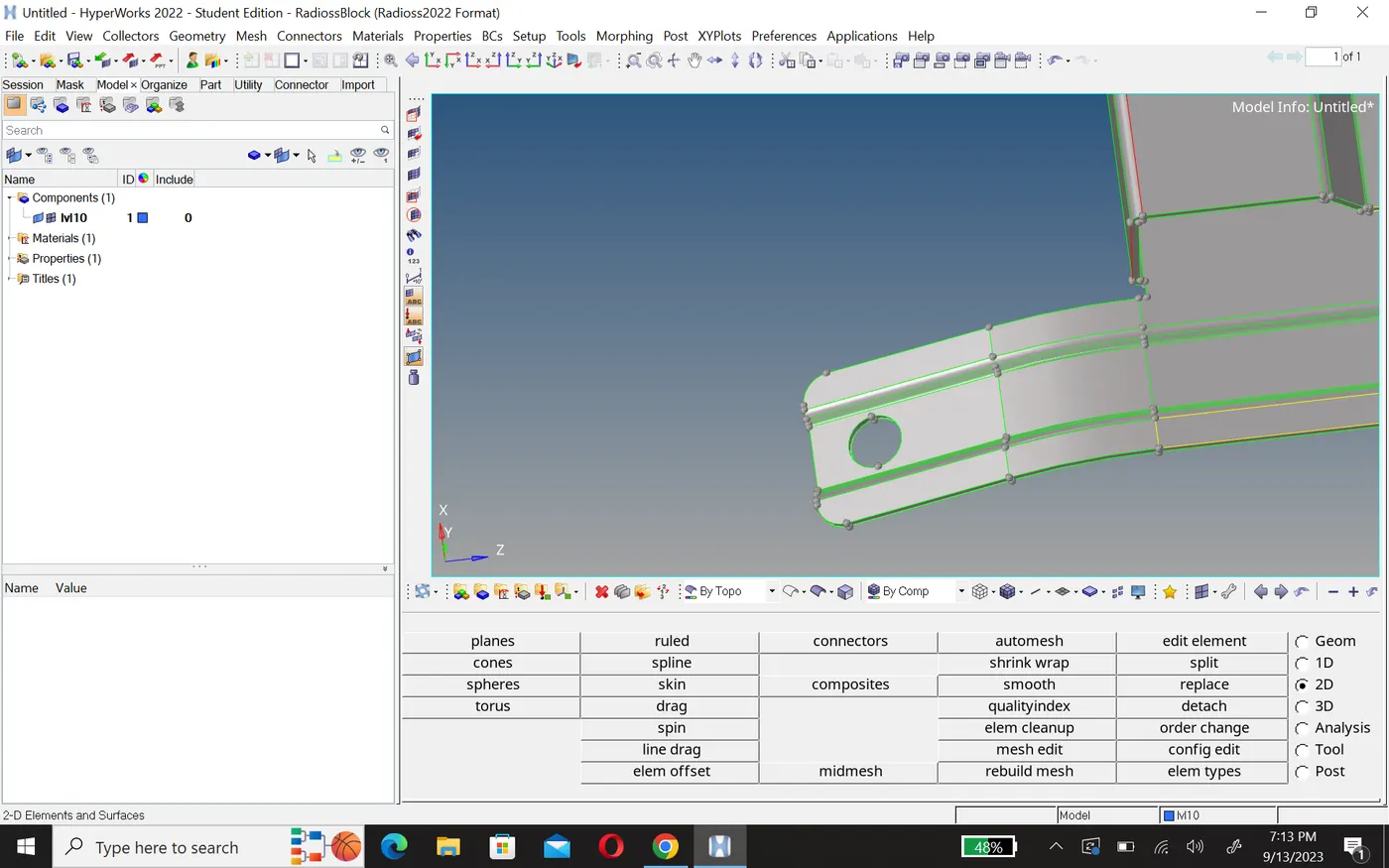
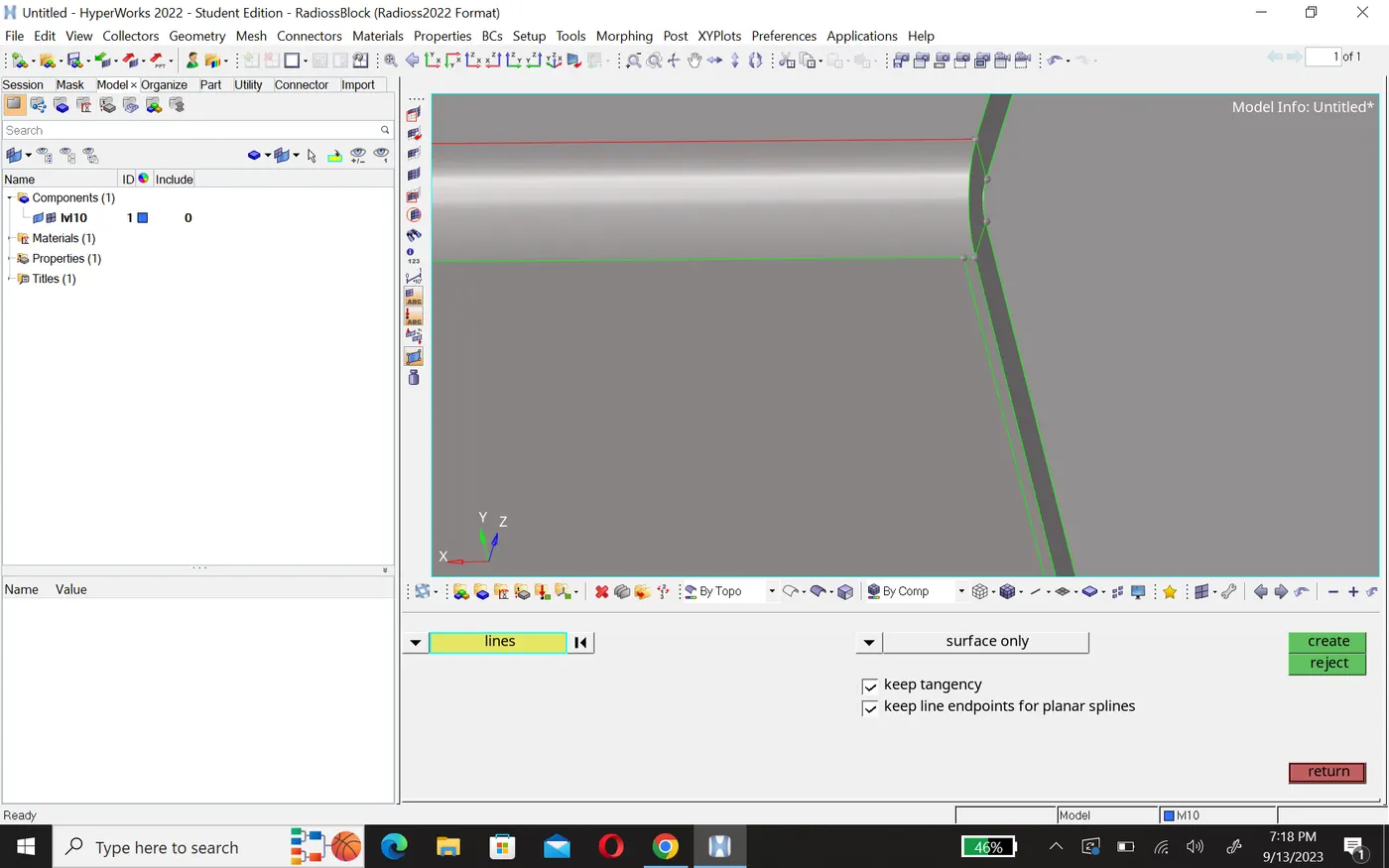
- To fix these you can use surface edit, ruled, spline etc.
Before
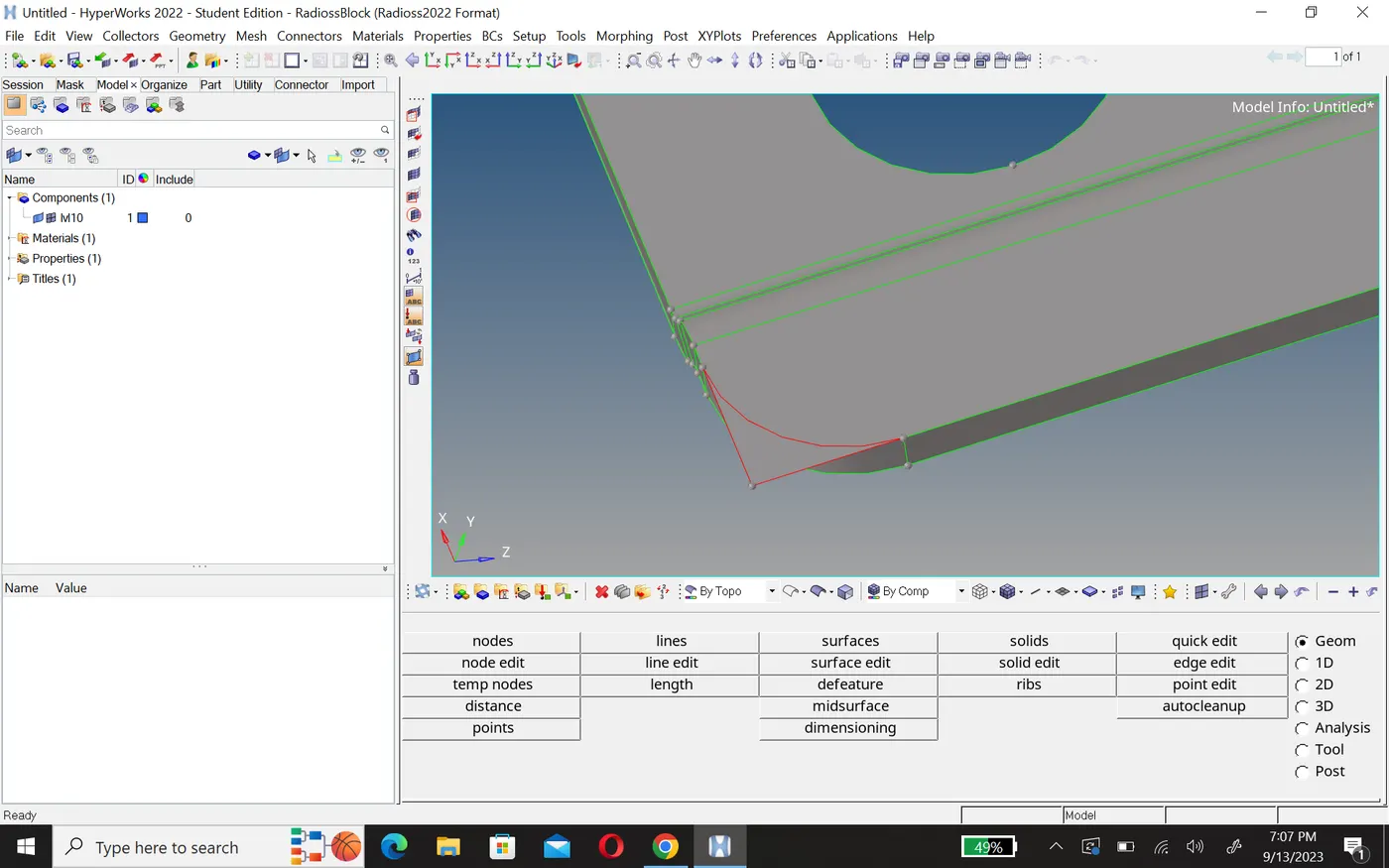
After
- After cleanup geometry chack geometry using wireframe.
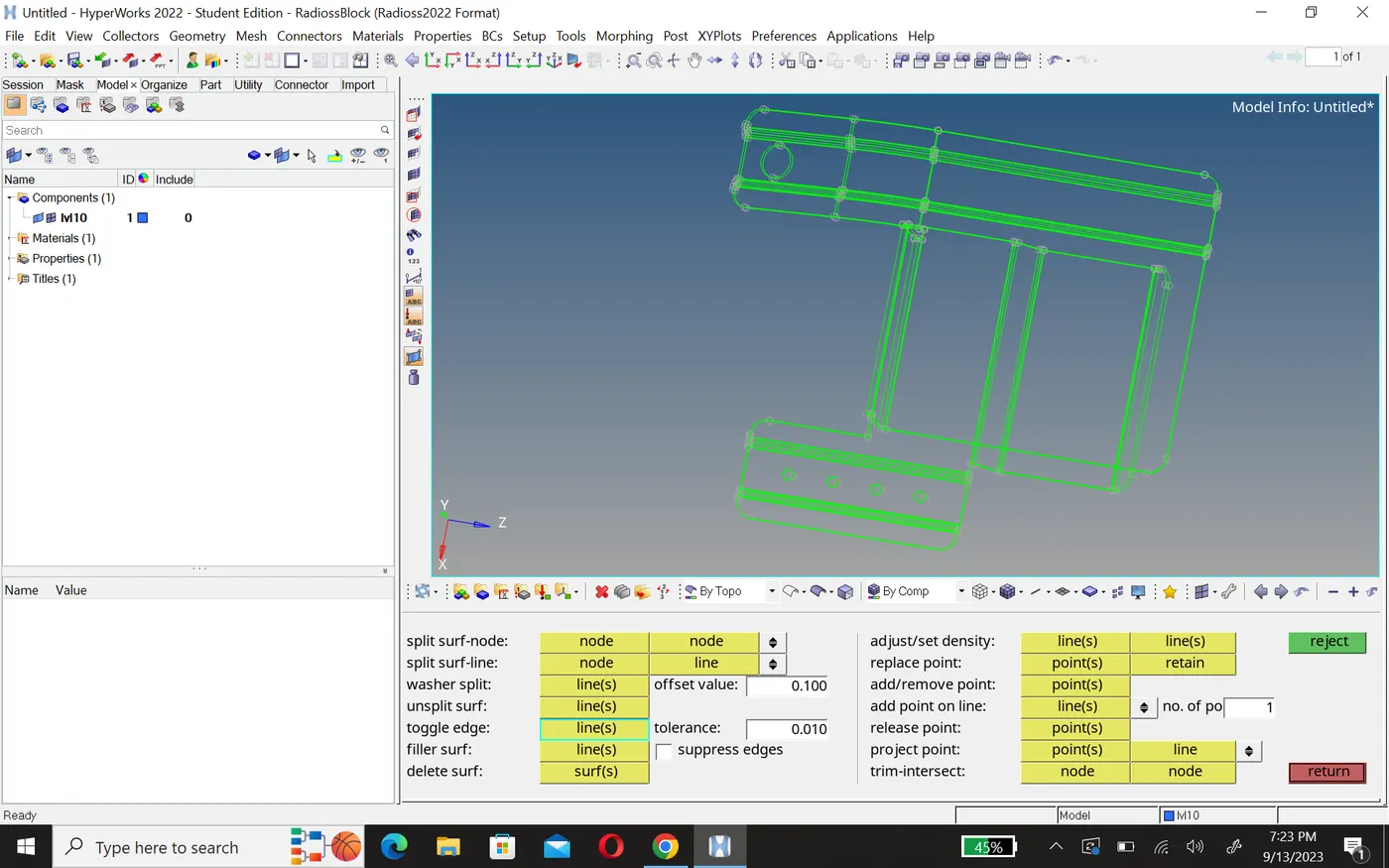
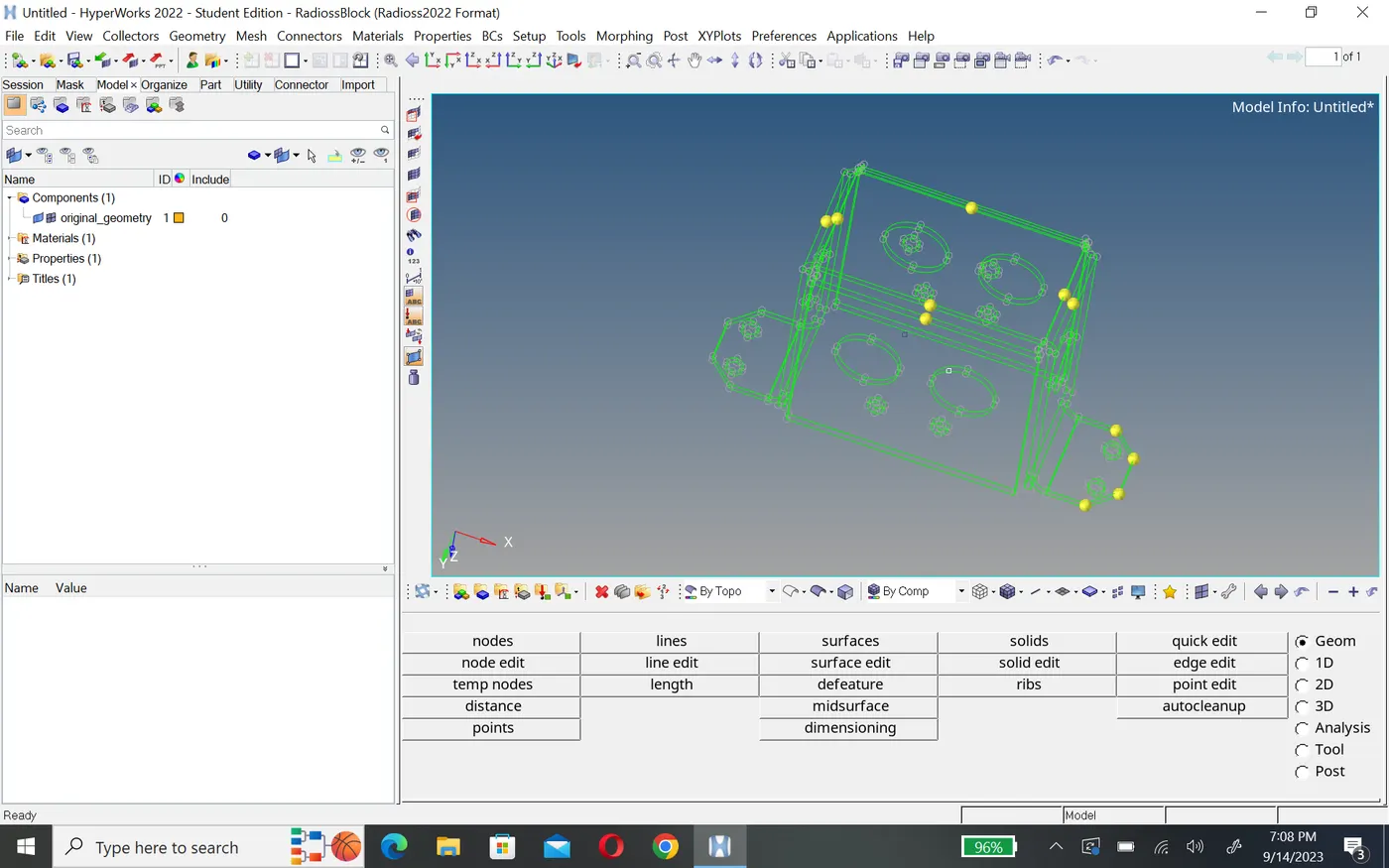
- Now our geometry is cleaned, we can go for next step midsurfacing.
Midsurface
- For midsurfacing we used midface option in geometry panal, here you can use any option i use here final edit tool.
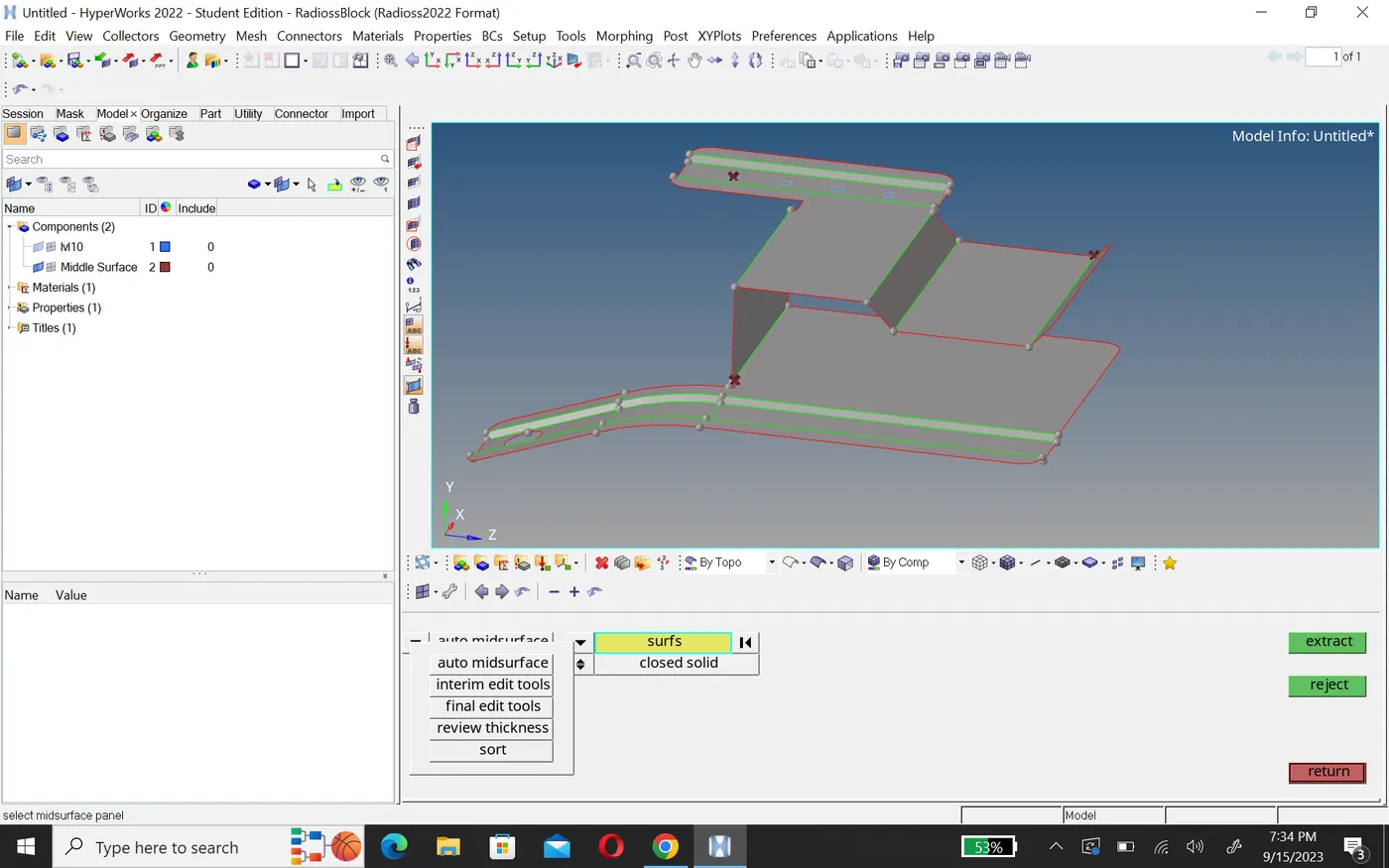
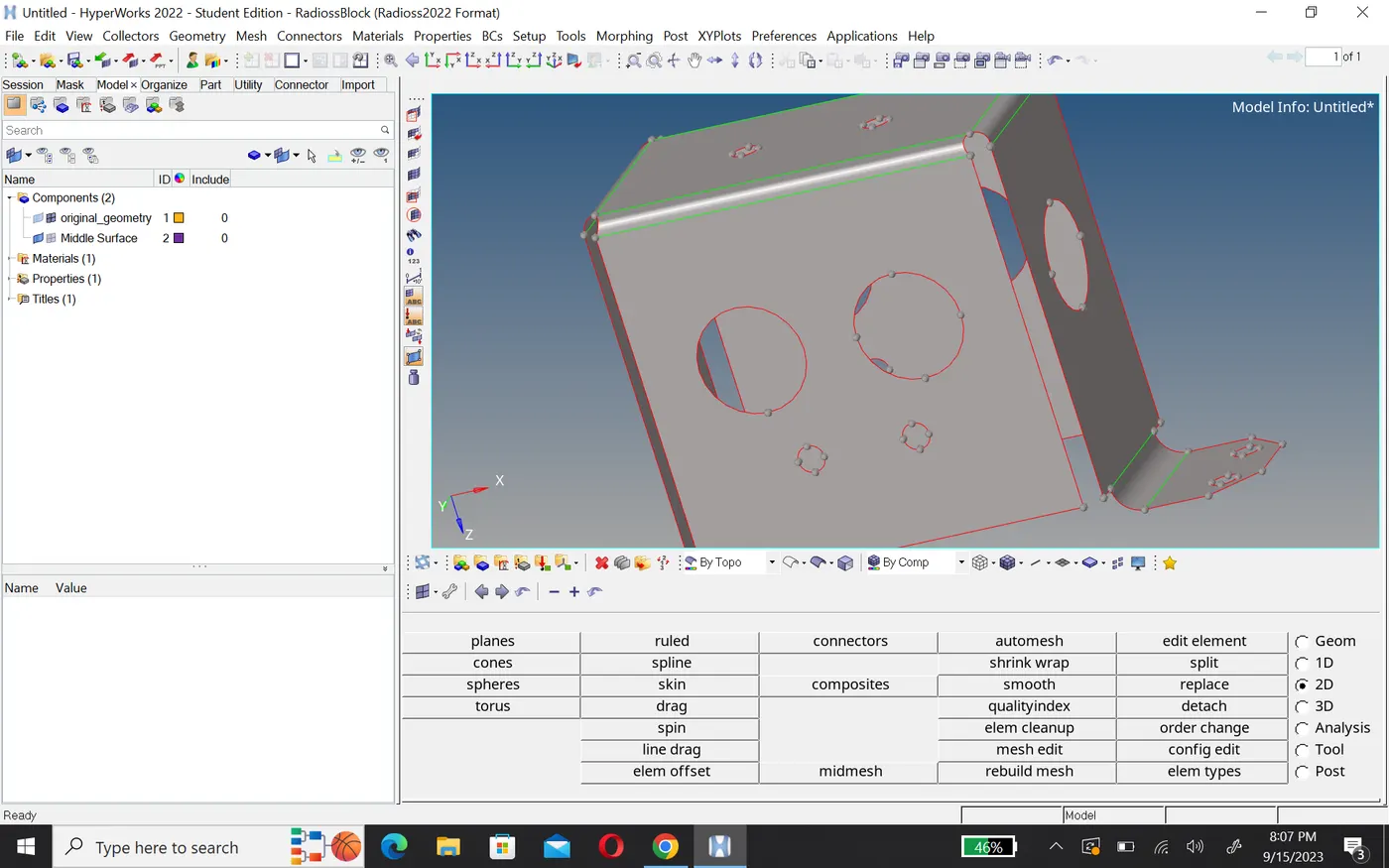
- here i have many fillets, to redusing these fillets ilm use defeature option.
Meshing
- For meshing first set criteria file and mesh element size then create mesh.
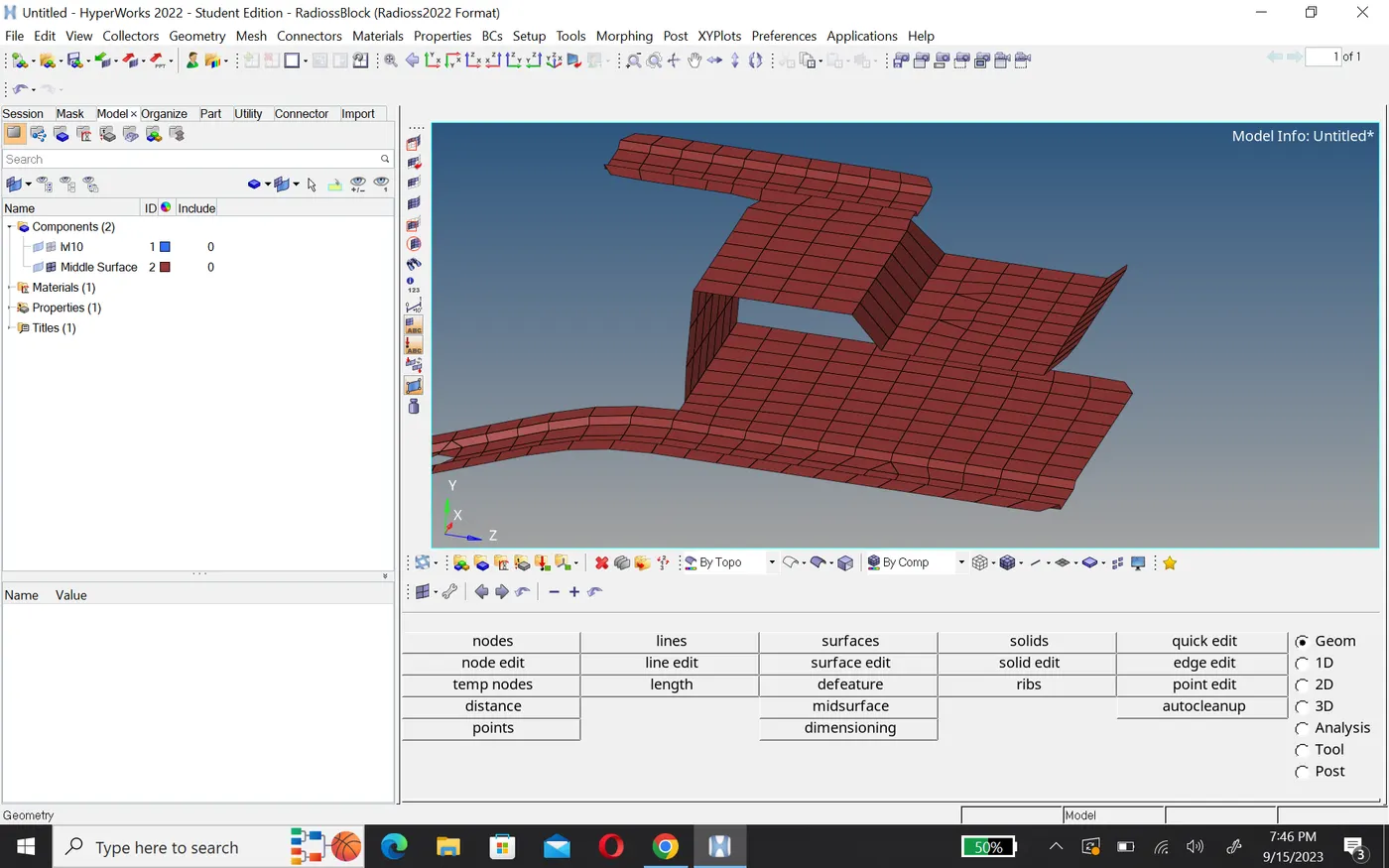
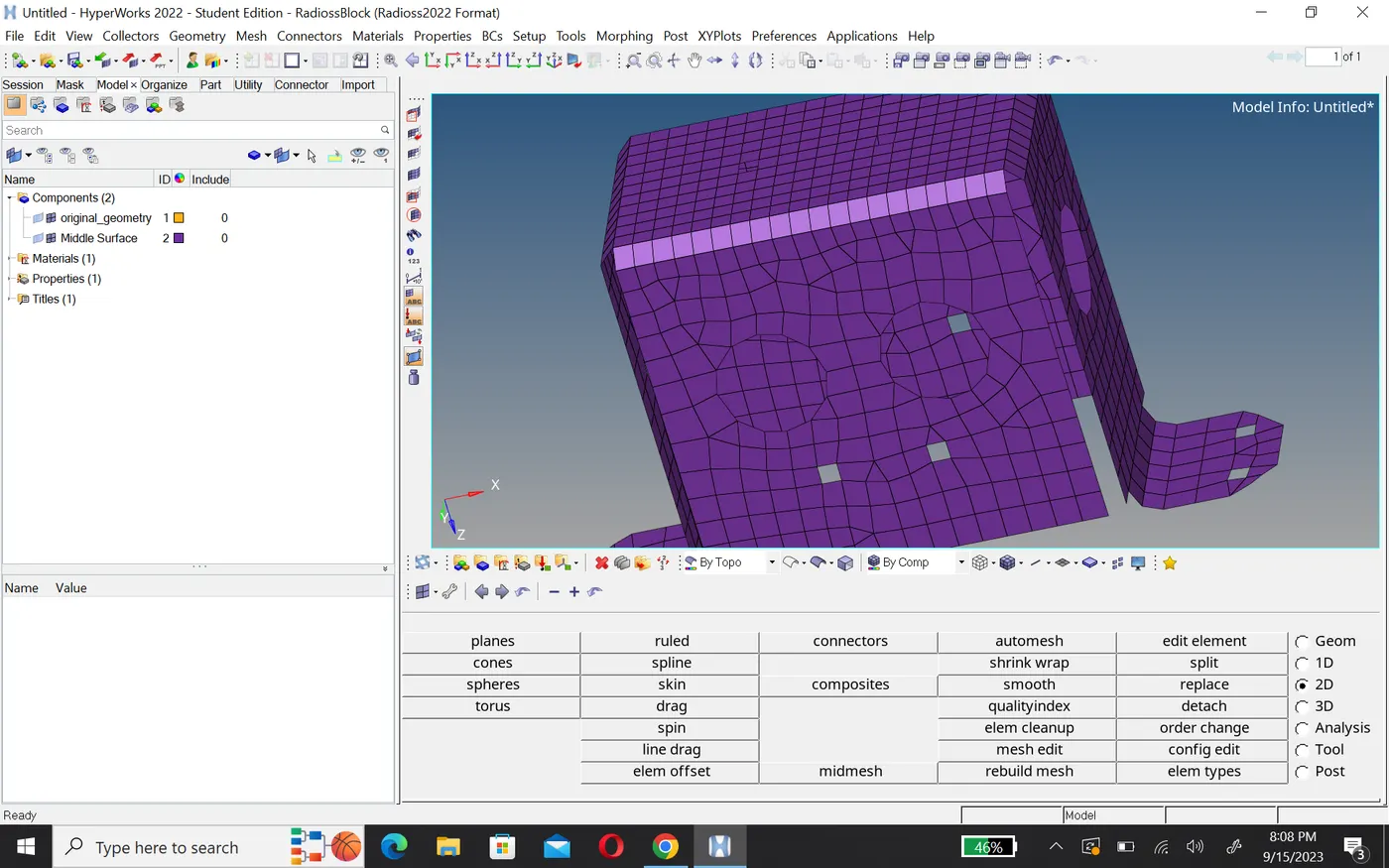
- After creating mesh, To edit mesh use remesh option in 2D panal.
Check mesh quality
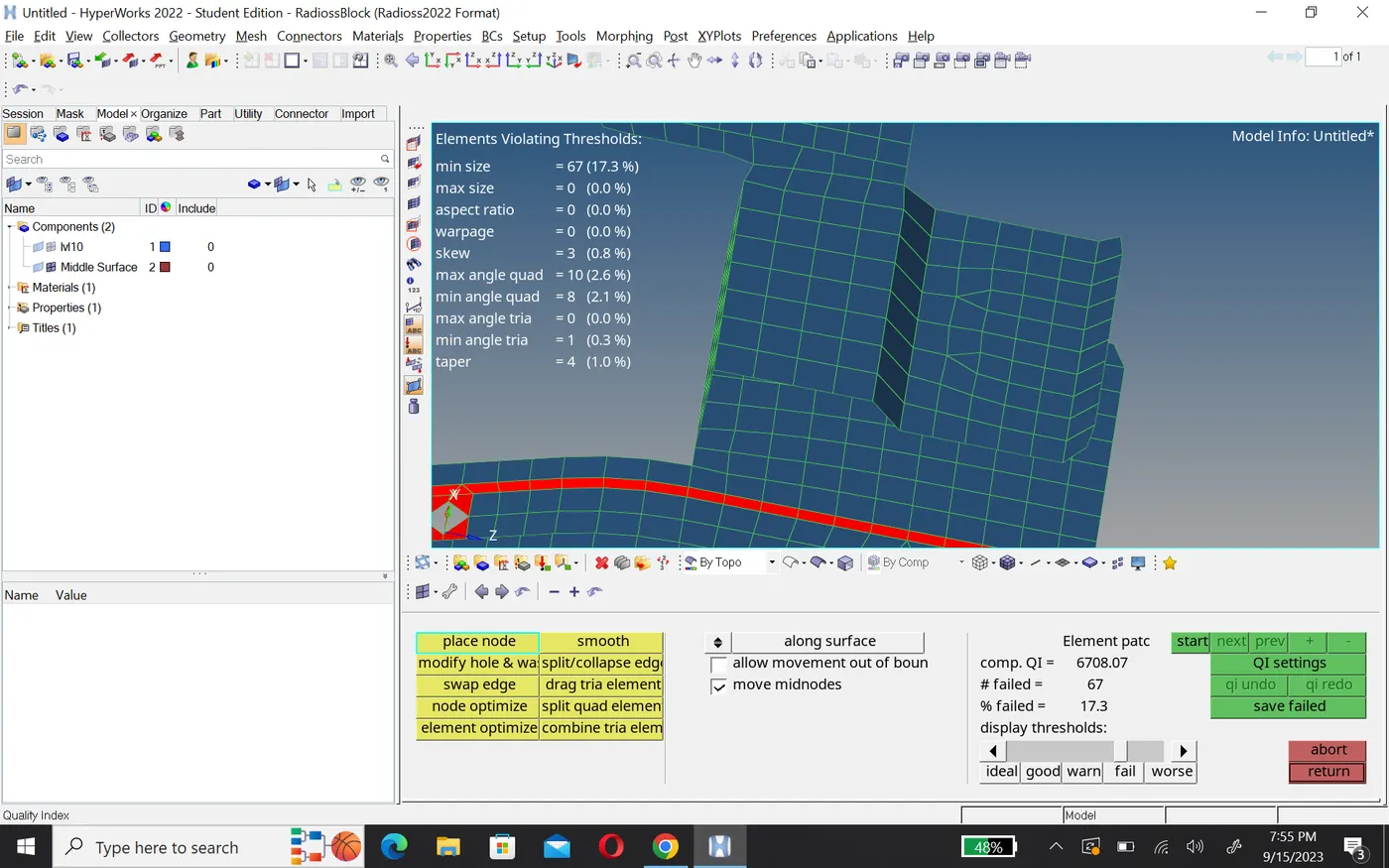
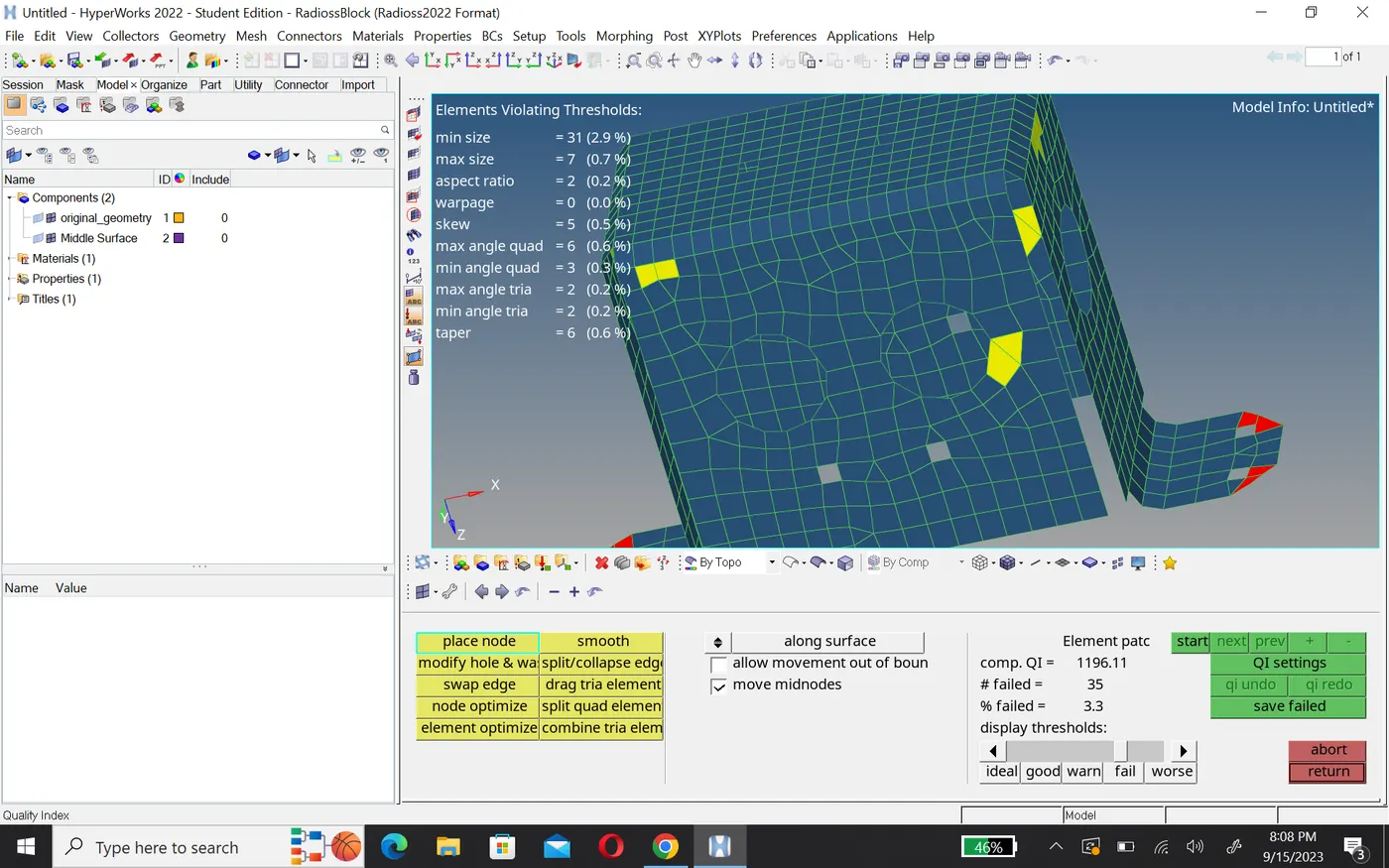
- To check mesh quality we use quality index option in 2D.
- To fix thems we use cleanup tool like node edit, swep edge, element optimize etc.
Assign thickness
- First create a property card and in this card give thickness like 1mm.
- After that this property assing in mesh card.
- To check it you go 2D element representation.