Assignment 1-2D Meshing Challenge
AIM:
Carry out the geometry cleanup operation on the given 3 files.
- Practice
- Clip Repair
- Mounting Bracket
There should not be any free edges, convert all of them into refine geometry.
- Clean the geometry.
- Extract midsurface.
- Clean midsurface geometry.
- Ignore holes less than dia 5mm.
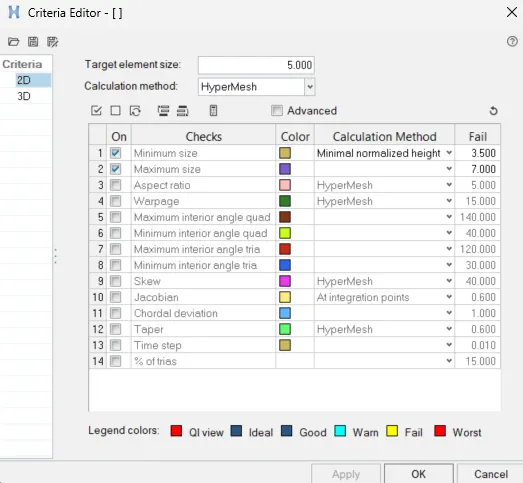
- Create 2D mesh with target length 5mm, min 3.5mm max 7mm.
- And assign proper thickness, by creating a generic property.
- Then Save in .hm format.
Procedure:
1. Import the files into the solver deck
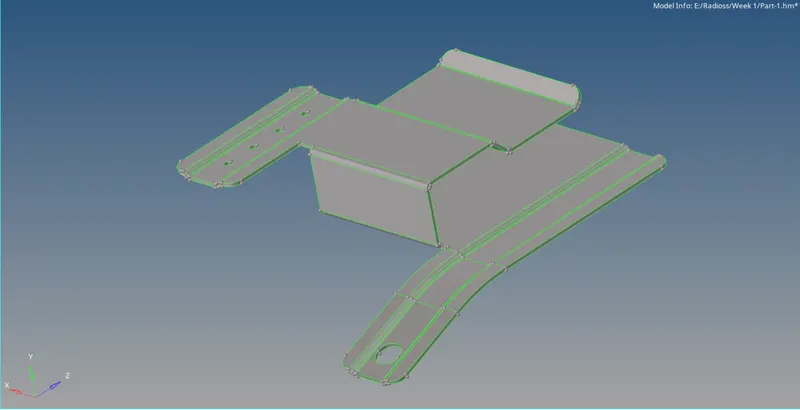
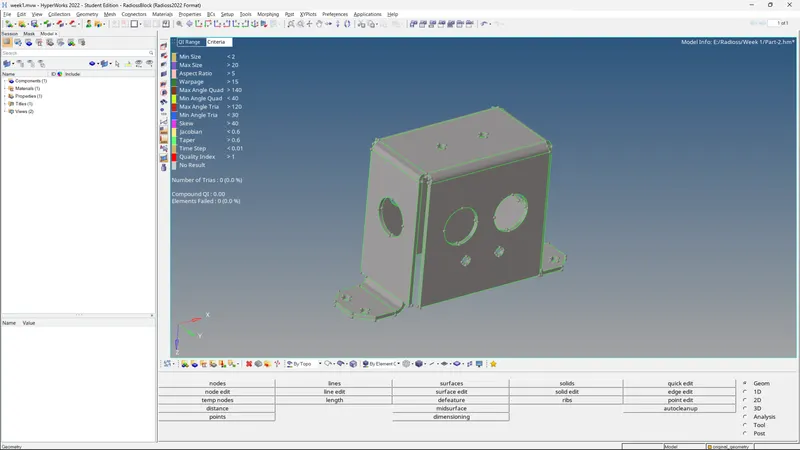
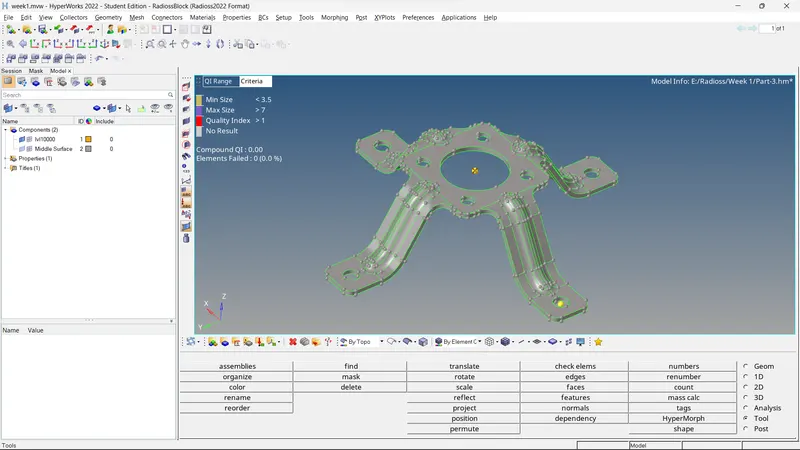
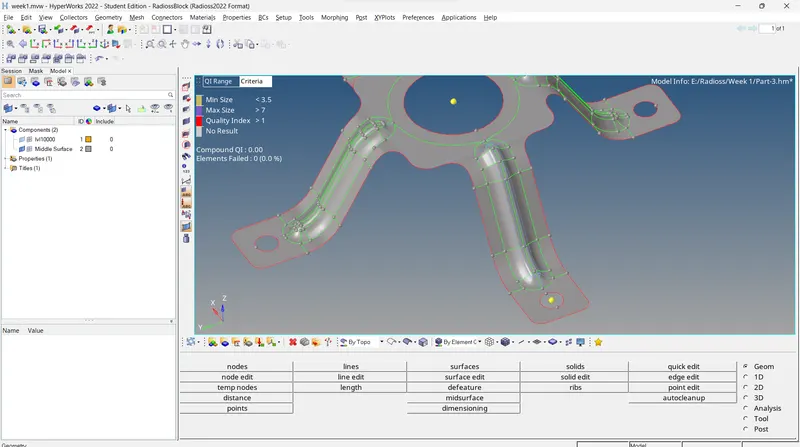
2. Cleanup the geometry using various tools such as quick edit, surface etc., to get rid of open cons or broken surfaces


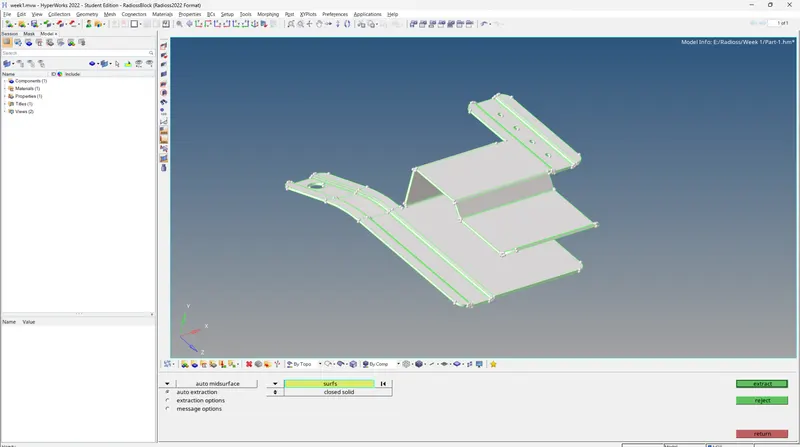
3. After achieving a perfect geometry, extract the midsurface using automidsurface option and setting the parameters on skin offset or offset for best results in this case
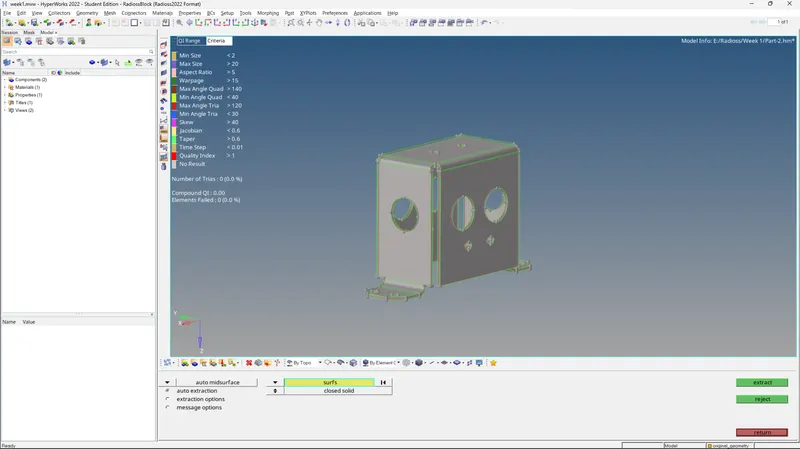
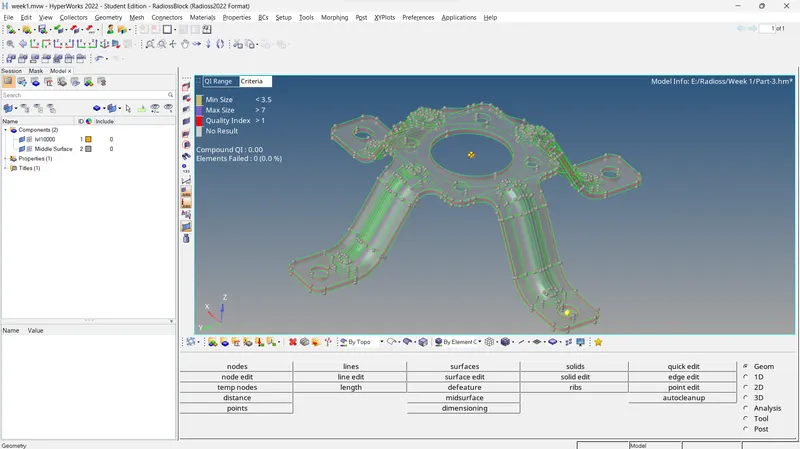
4. Defeature necessary features that might affect the mesh flow and quality criteria using defeature function, lines, quick edit



Supress feature lines that may affect flow or mesh parameter, create mid lines for features that might be too small to compensate, defeature holes less than or equal to 5mm as they are not necessary and will affect mesh flow negatively.
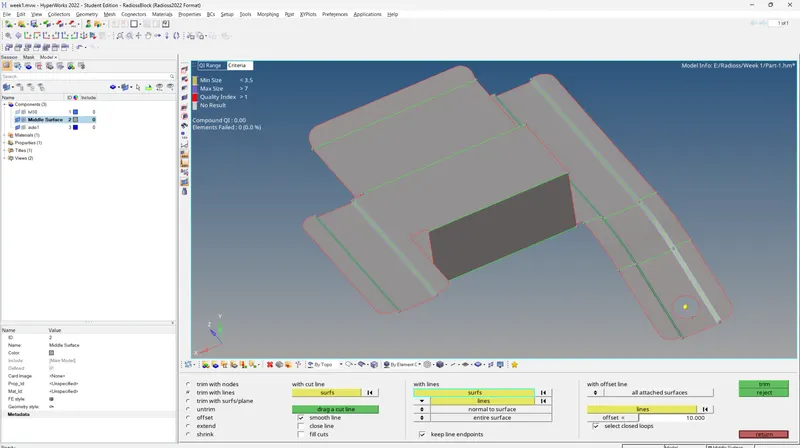
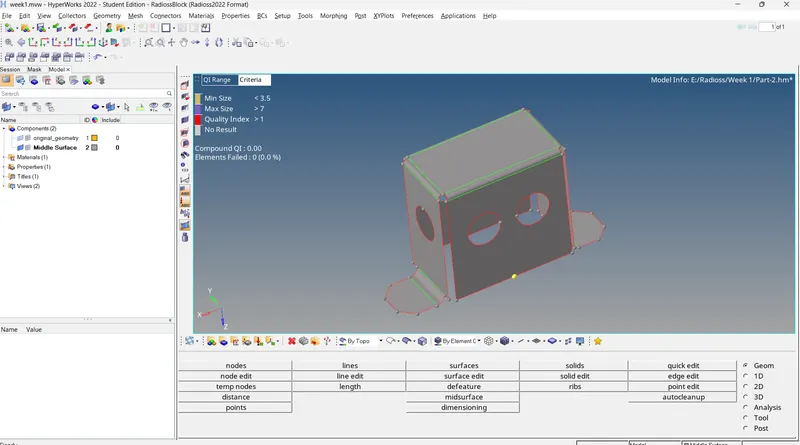
5. Input the mesh criteria and parameters in the file settings
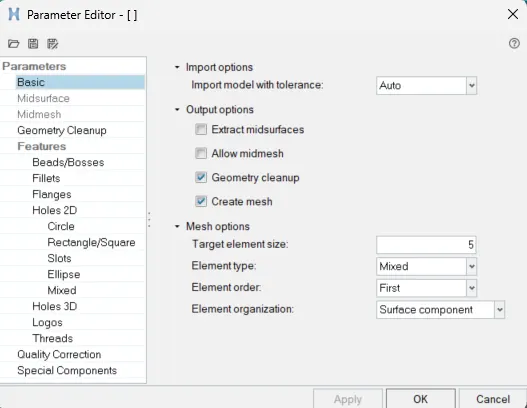
6. Mesh the files using automesh command and finesse using rebuild and smooth commands, also clear failing elements using quality index tools, element cleanup, quick edit and other options
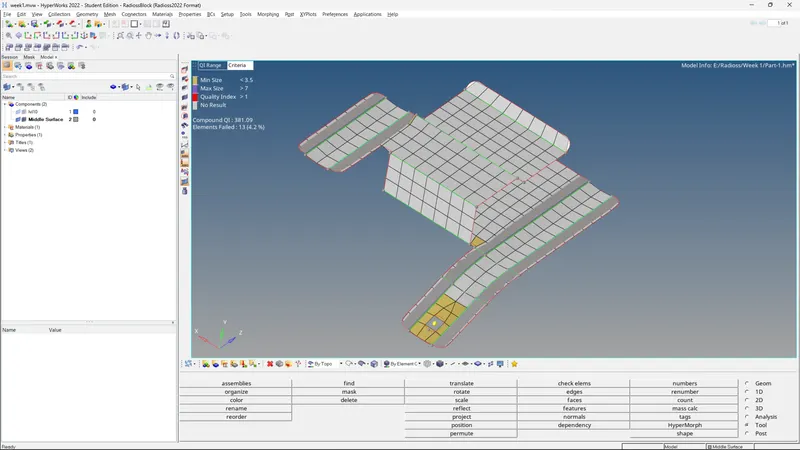
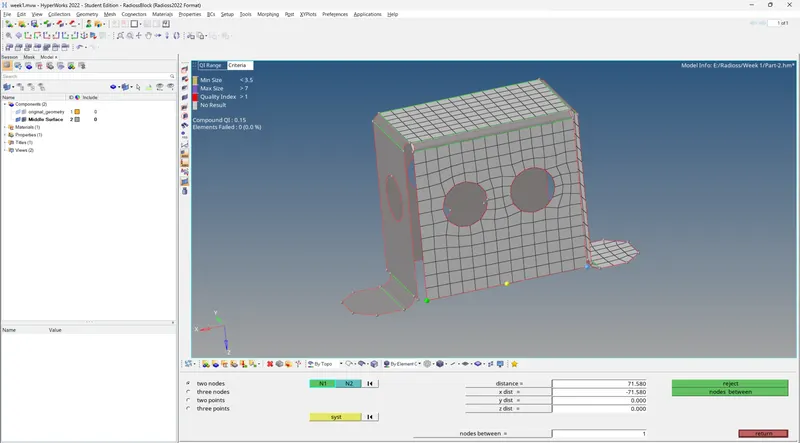
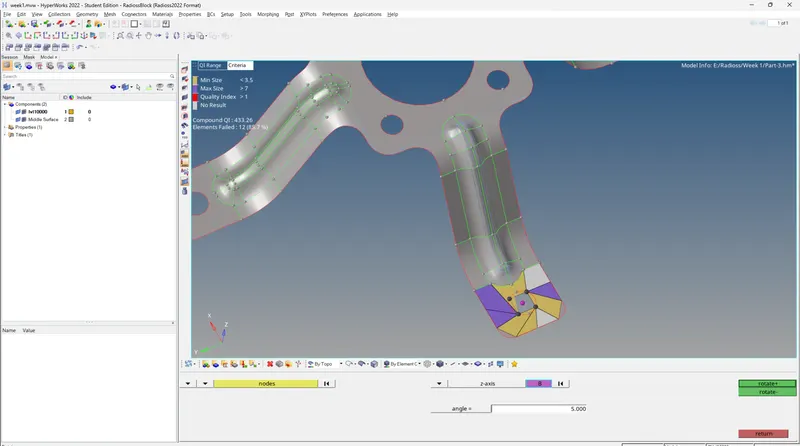
Some features would have holes that need to be kept but need to be rotated using rotate command to be parallel with the mesh flow

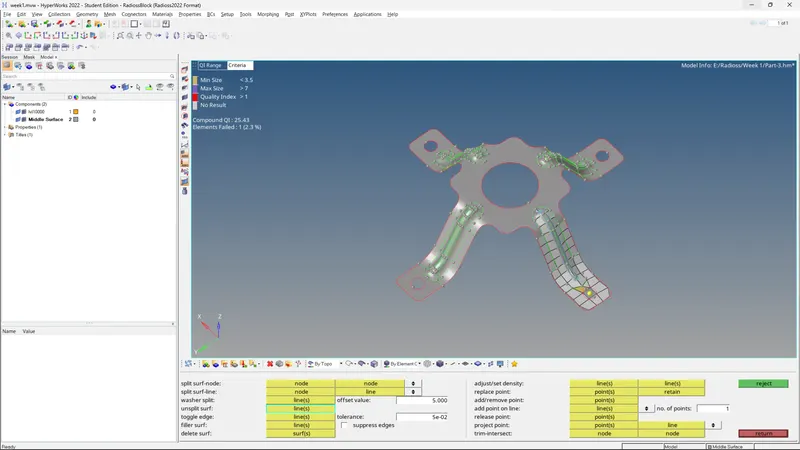
Some elements might fail due to feature constraint and thus can be ignored due to them failing for min length and not max length as these can be ignored if it's not possible to remove them
The symmetrical features can now be reflected or rotated to complete the mesh of the whole part and saving time

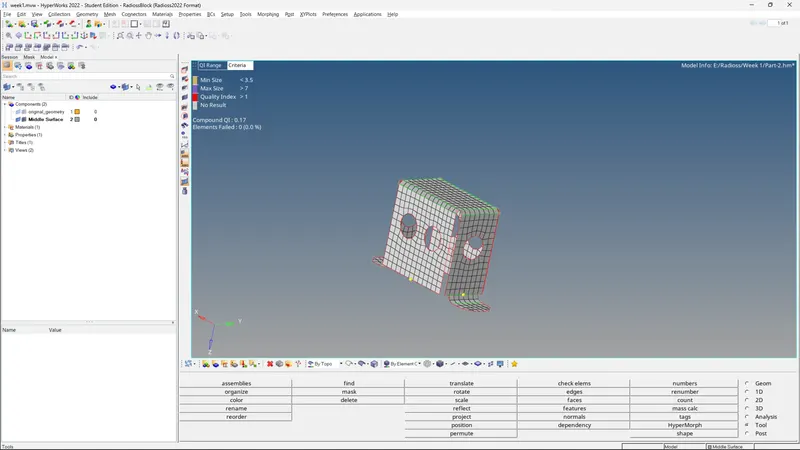
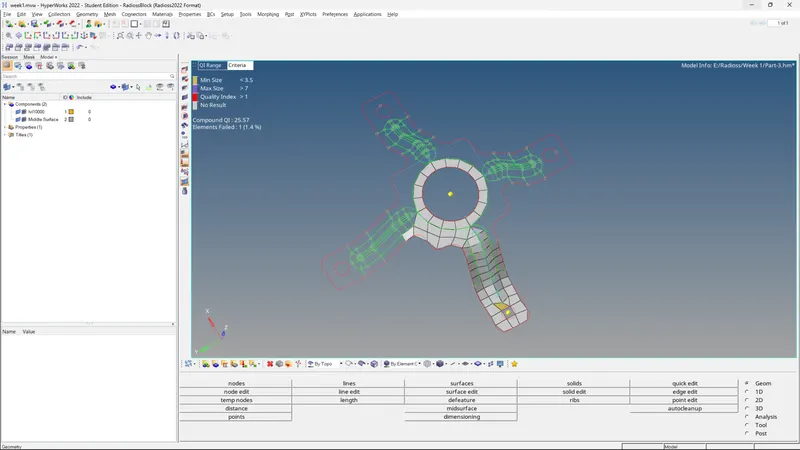
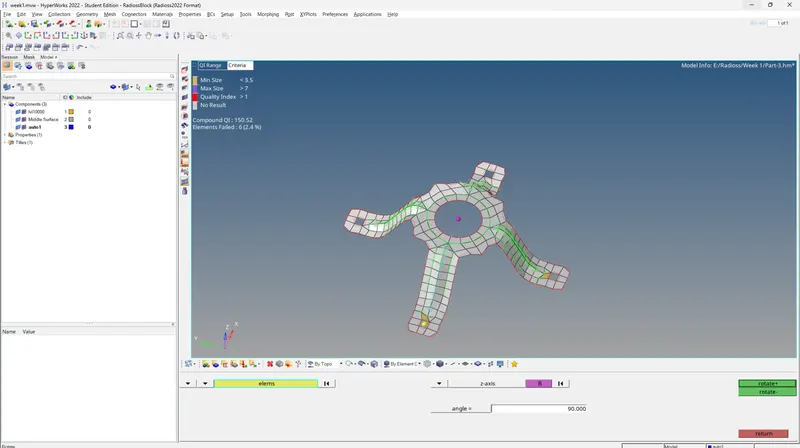
7. USe find edges option to find out the broken or unconnected nodes and connect them using equivalence option until there are no unconnected nodes in the geometry left
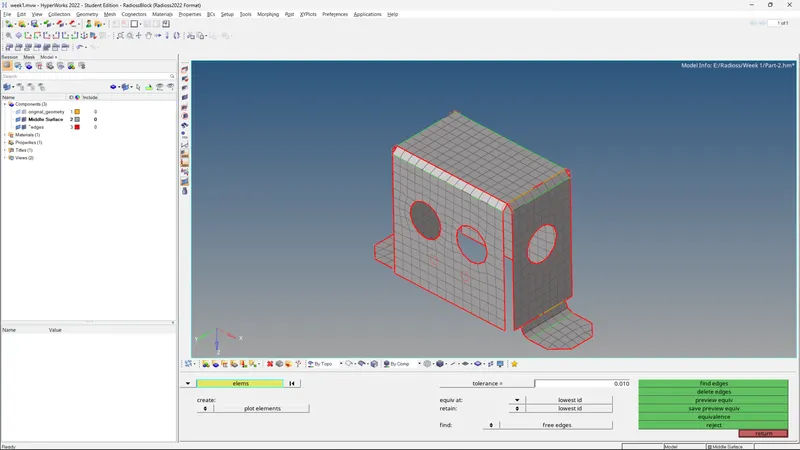
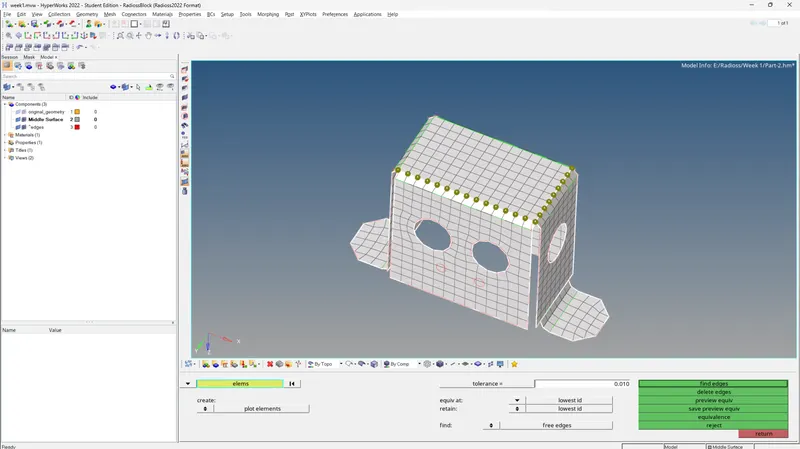
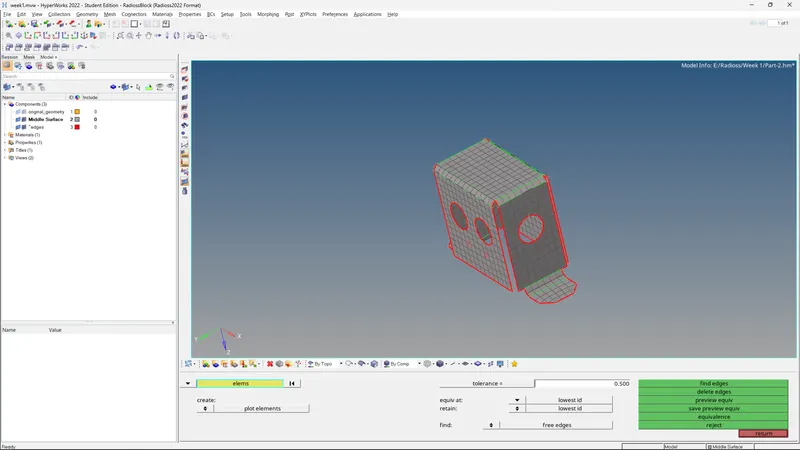
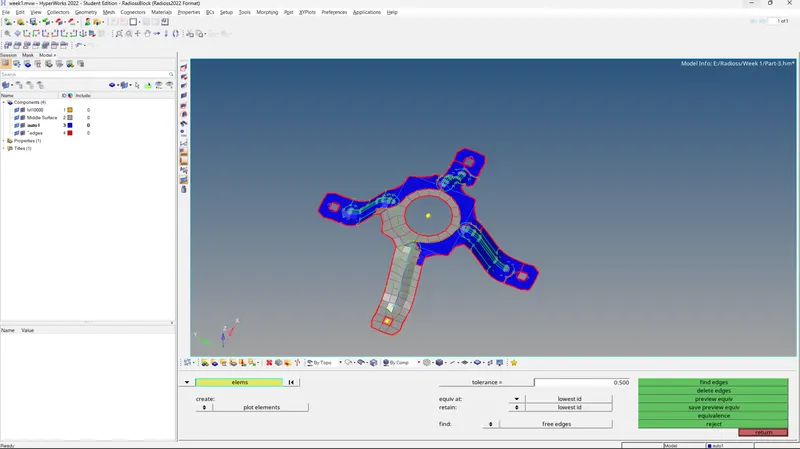
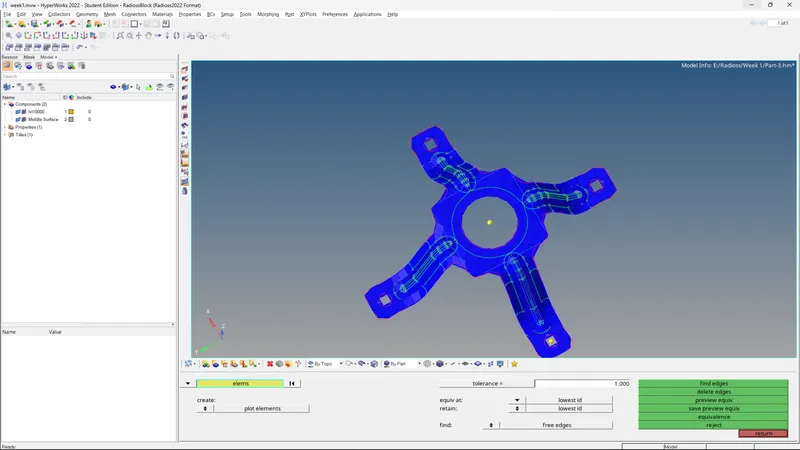
8. Use organize to move all elements into one collector if they are separated

Result: Desired mesh are obtained
Conclusion:
1. Familiarity with the modules
2. Usage of multiple tools to solve 2D meshing