Assignment 1-2D Meshing Challenge
Model_1
The input data file
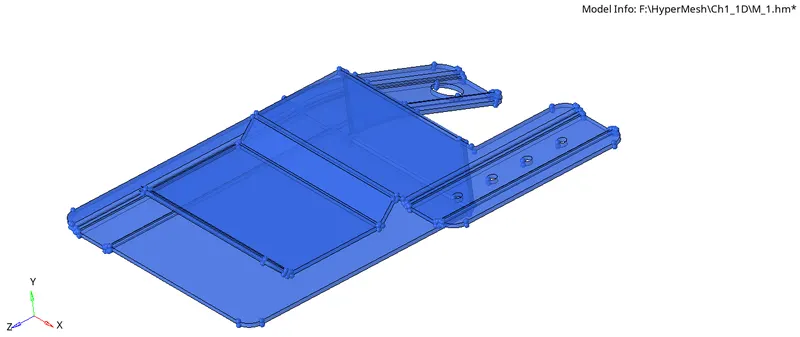
The input data file is put under mixed view mode in wireframe view and cleaned up the model.
Mid Surface Generation
The mid-surface of the model is generated, and the mid-surface is cleaned up using the quick edit toolbar.
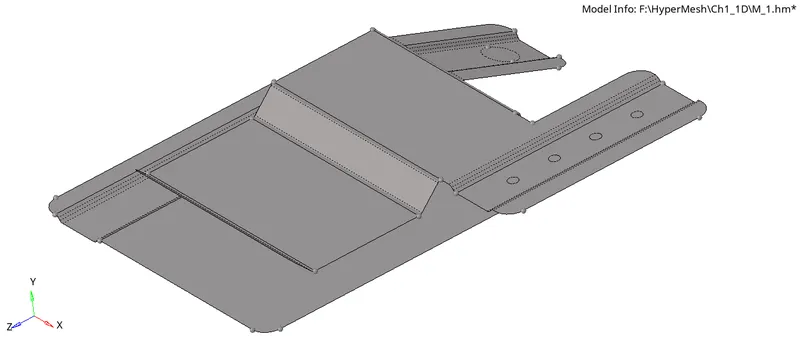
The mesh is created with a target length of 5 mm, a maximum element size of 7mm, and a minimum element size of 3.5 mm.
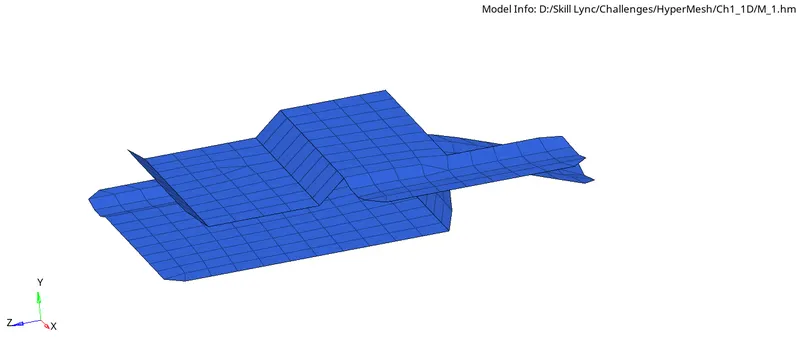
The quality index tool is used to check the range of element size.
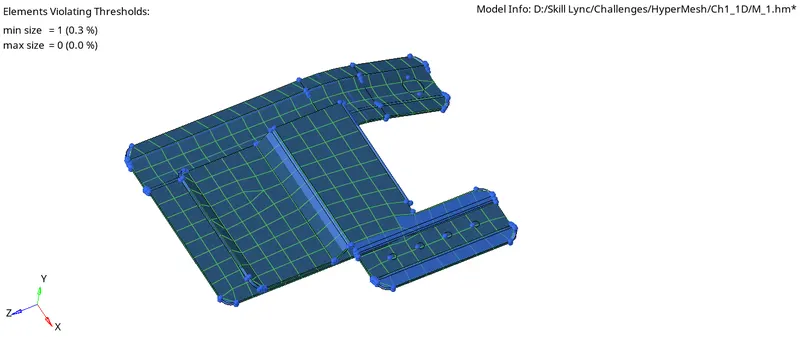
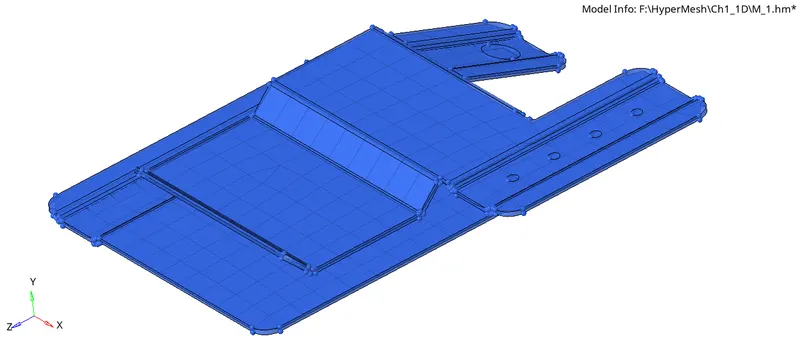
The mesh is copied to the original model from the mid-surface.
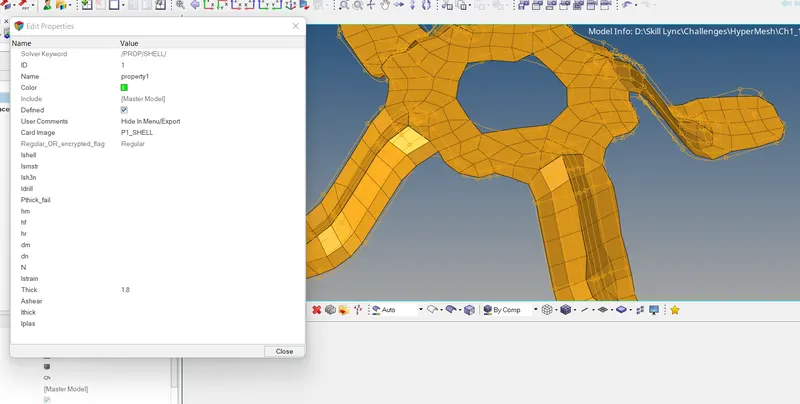
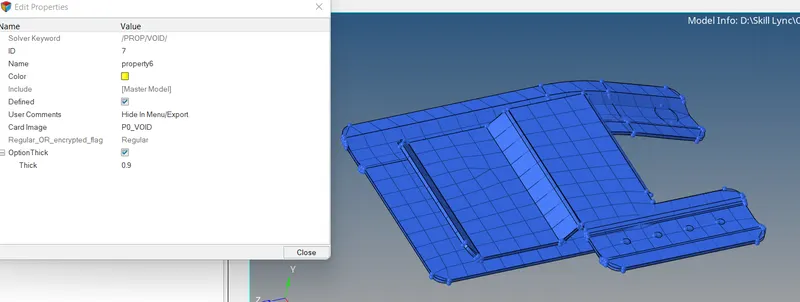
The model is assigned with proper thickness and property.
Model_2
The input data file
The input data file is put under mixed view mode in wireframe view and cleaned up the model.
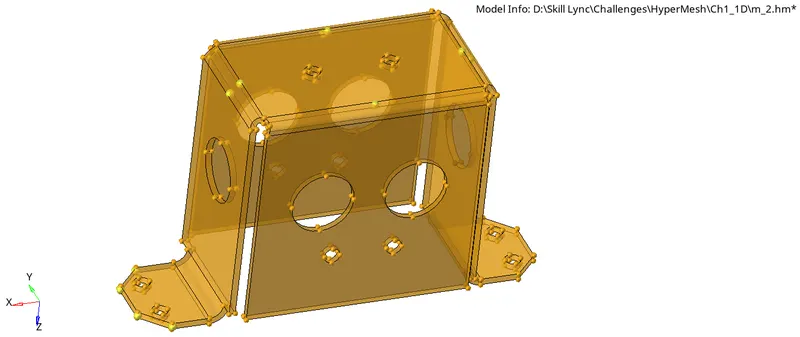
Mid Surface Generation
The mid-surface of the model is generated, and the mid-surface is cleaned up using the quick edit toolbar.
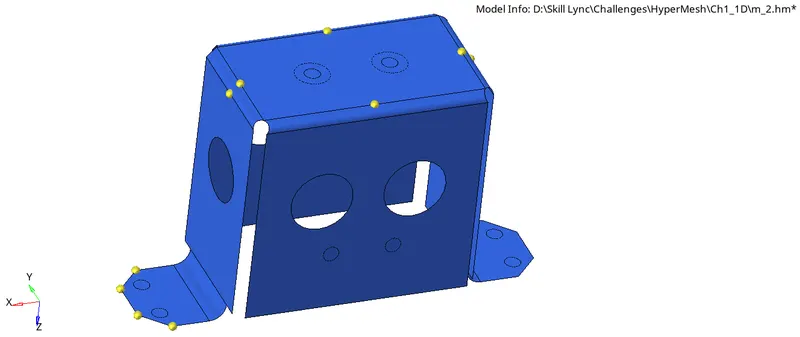
The mesh is created with a target length of 5 mm, a maximum element size of 7mm, and a minimum element size of 3.5 mm.
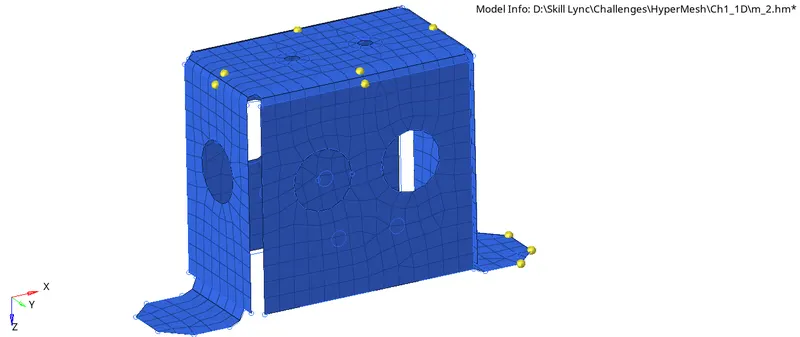
The quality index tool is used to check the range of element size.
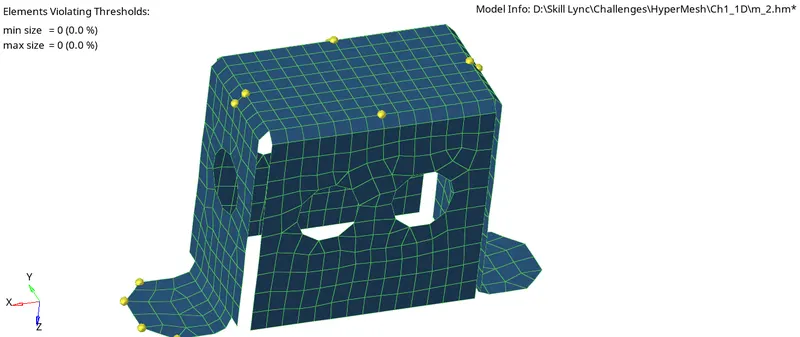
The mesh is copied to the original model from the mid-surface.
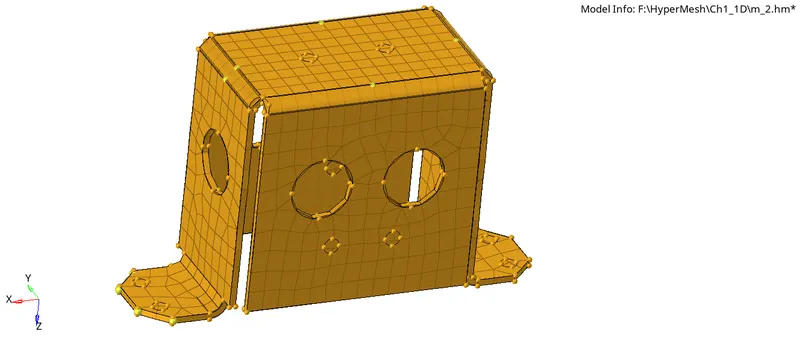
The model is assigned with proper thickness and property.
Model_3
The input data file
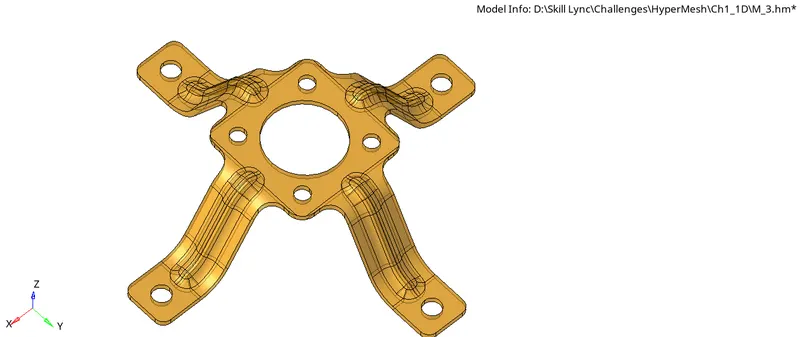
The input data file is put under mixed view mode in wireframe view and cleaned up the model.
Mid Surface Generation
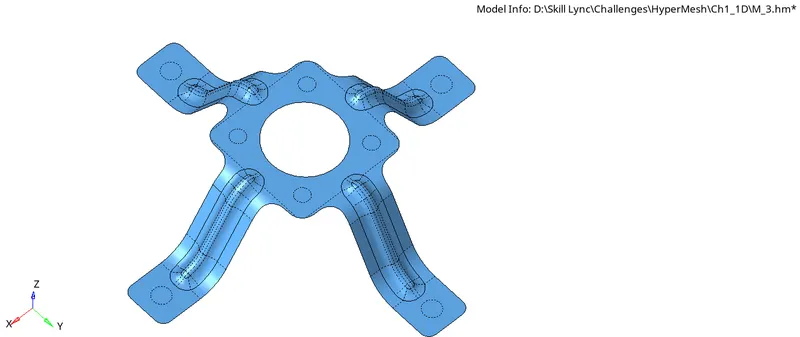
The mid-surface of the model is generated, and the mid-surface is cleaned up using the quick edit toolbar.
The mesh is created with a target length of 5 mm, a maximum element size of 7mm, and a minimum element size of 3.5 mm.
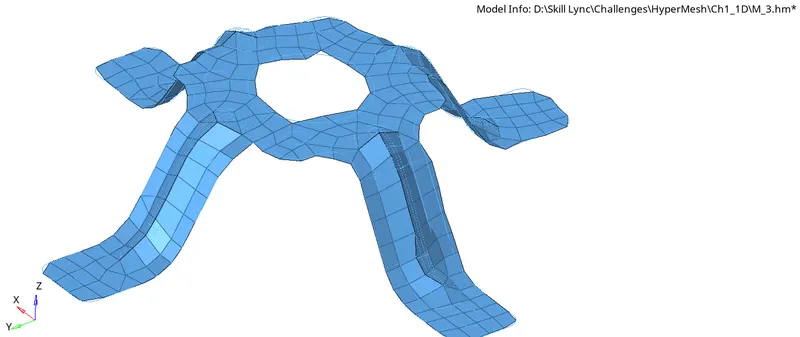
The quality index tool is used to check the range of element size.
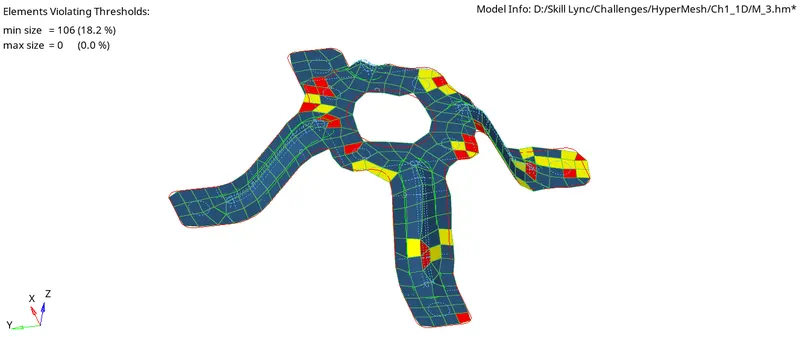
The mesh is copied to the original model from the mid-surface.
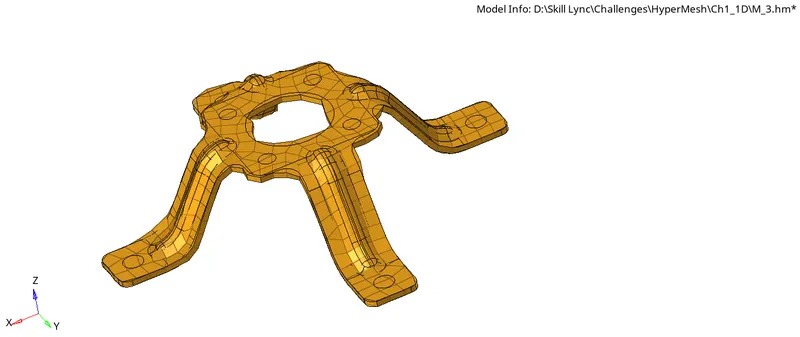
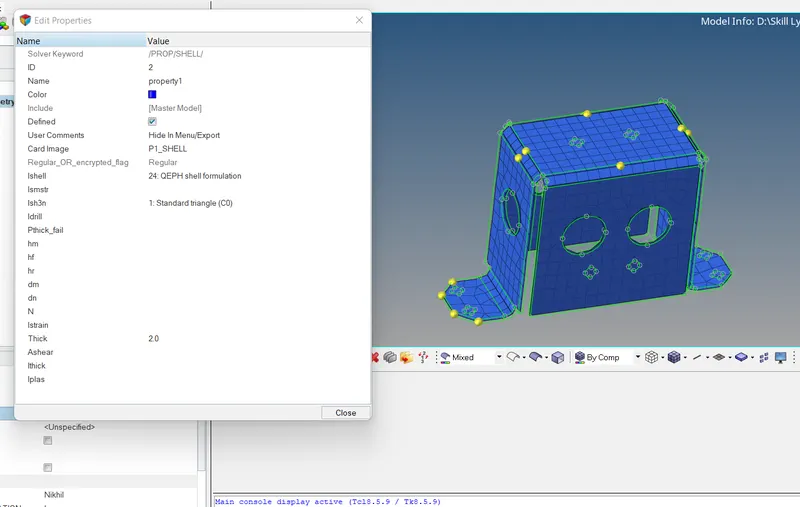
The model is assigned with proper thickness and property.