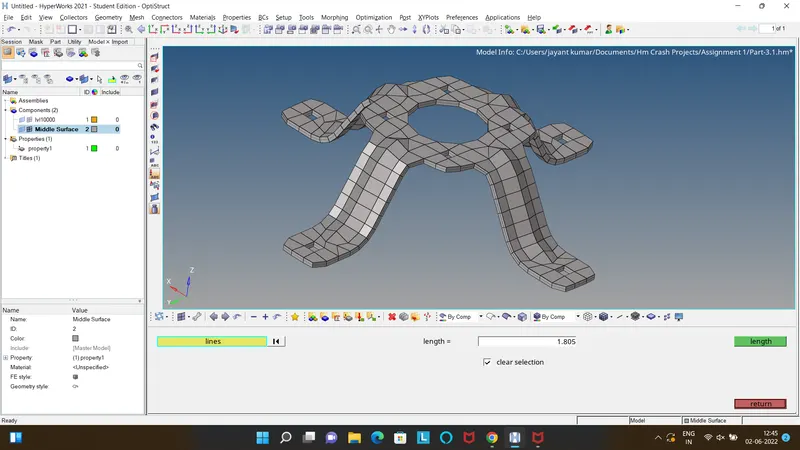
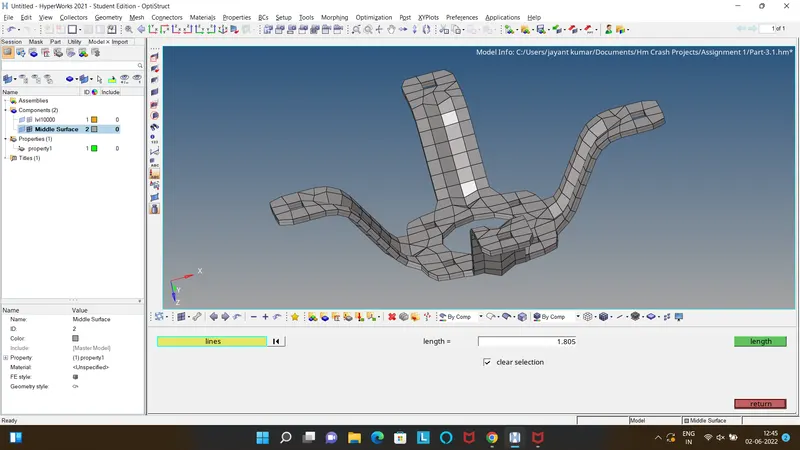
Assignment 1-2D Meshing Challenge
Part-1:
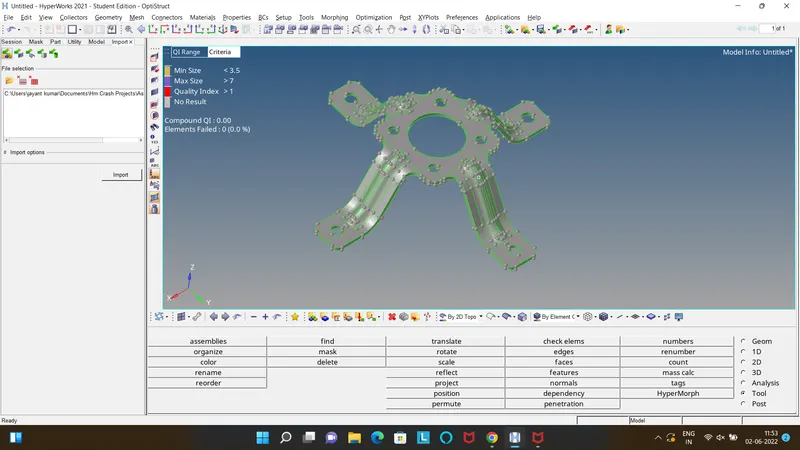
- Import the model hm file part-1.
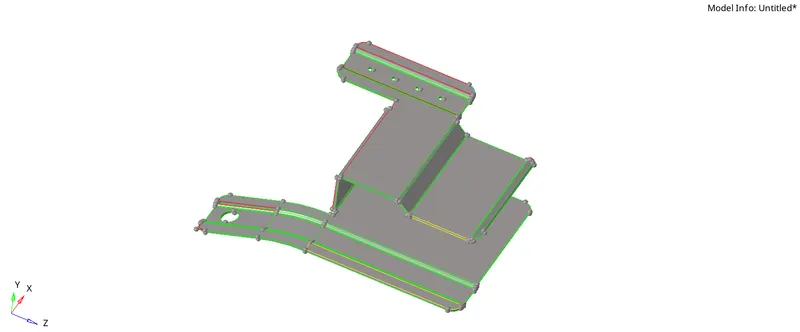
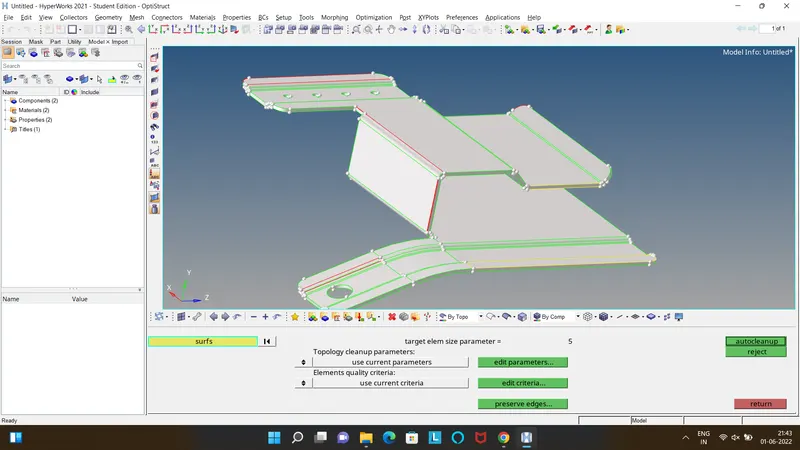
- Edit the Criteira and Parameter file w.r.t the requirement.
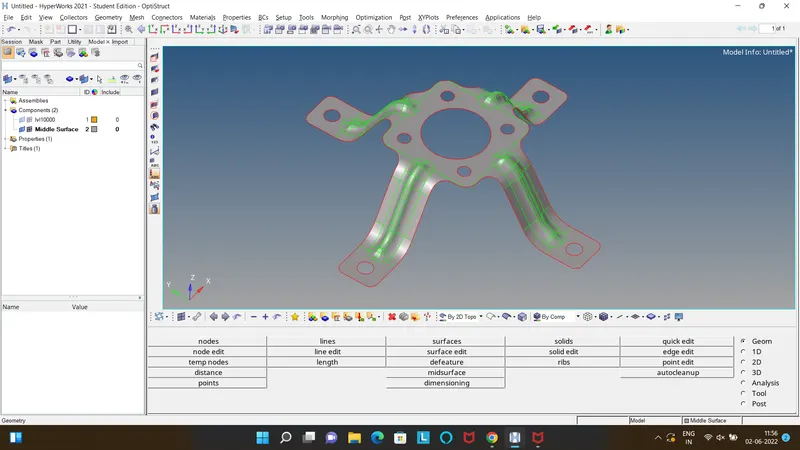
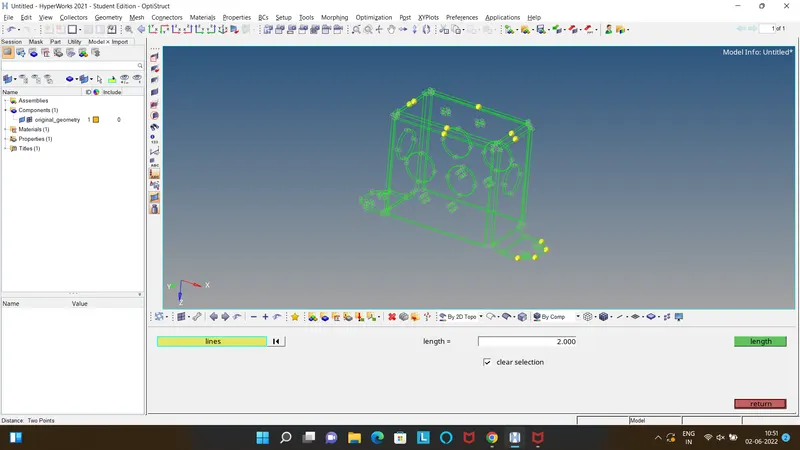
- Perform geometric clean up to clear all the free edges and also toggle the unwanted lines by clicking on "Auto Cleanup".
- If the autocleanup was unsucessful the clean up manually by using "Quick edit" tool command.
- Defeature the duplicate surface by using Defeature command in the Geometric panel area.
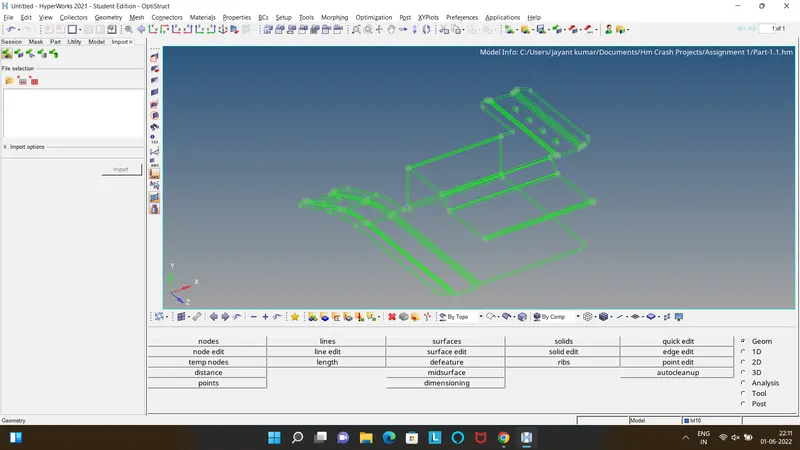
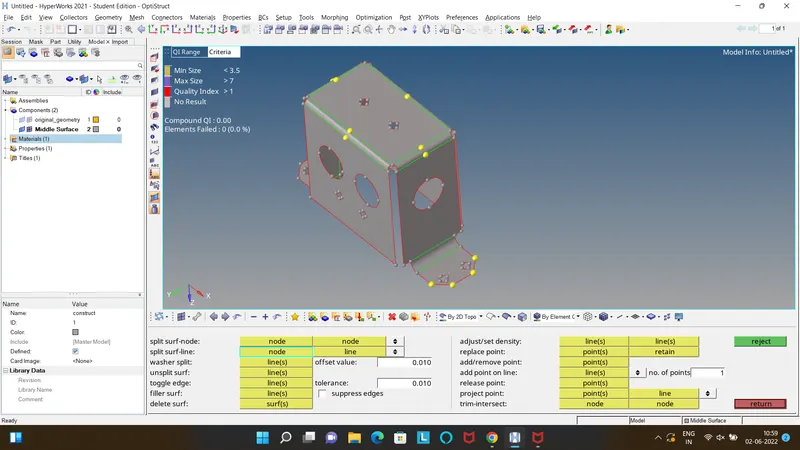
- Extract the mid surface using the midsufrace from the geometric panel if the thickness is uniform.
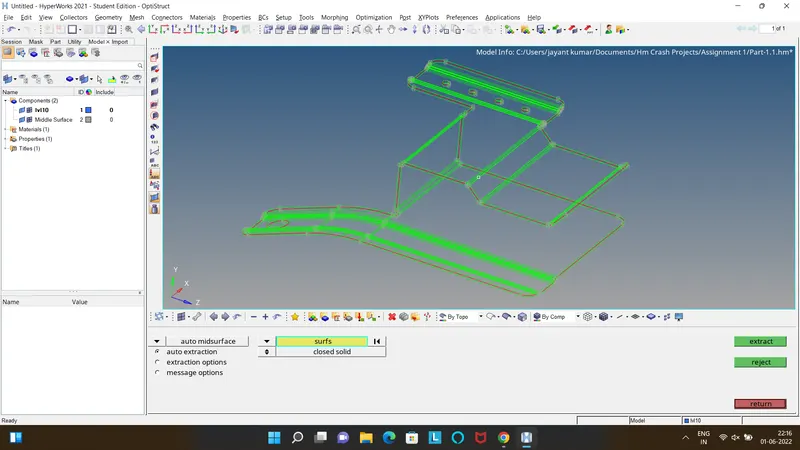
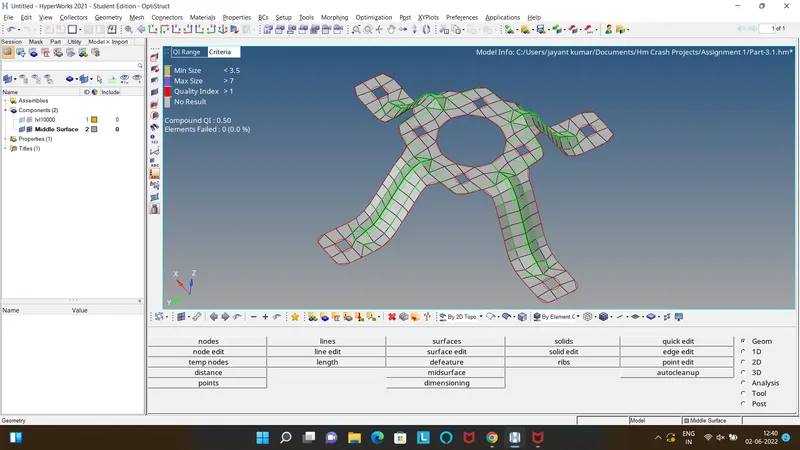
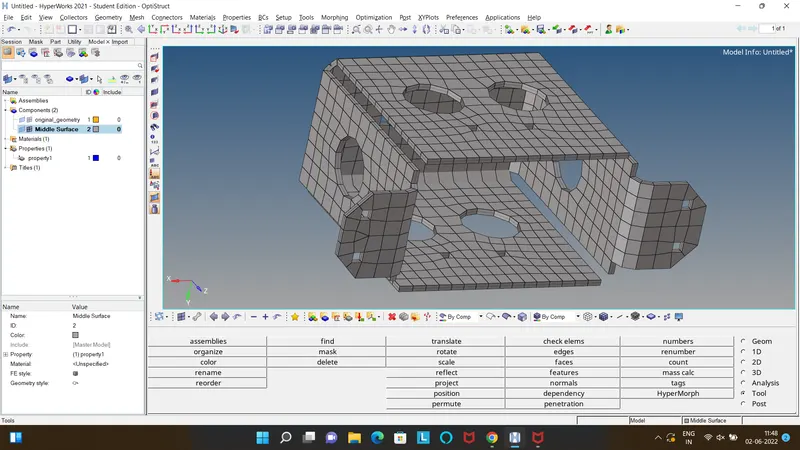
- Keep the Mid surface as the current component and perform all the meshing operations on it by using Automesh from 2D panel area at a target element length of 5.
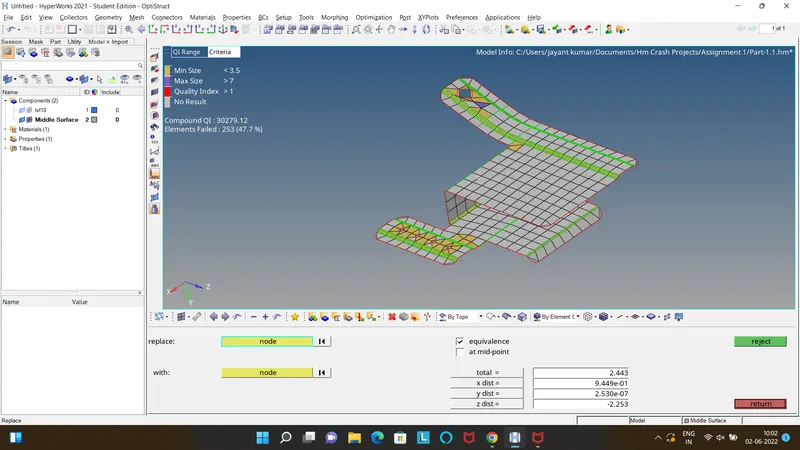
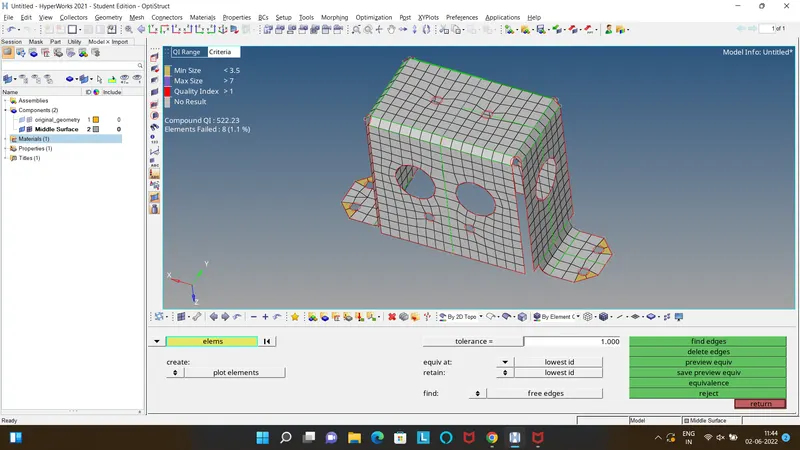
- As it is visible there are quality failure try to remesh the failed elements, also perform operations like replace rotate, translate etc.
- Finally it will end up in only min length failures as it is mandatory to maintain the feature.
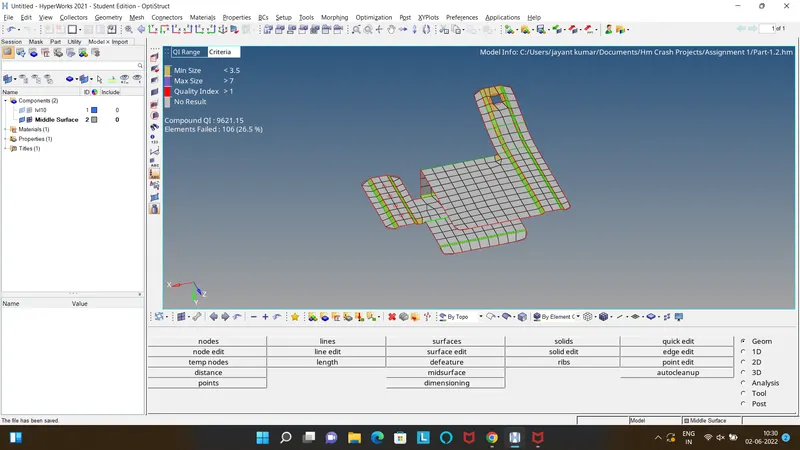
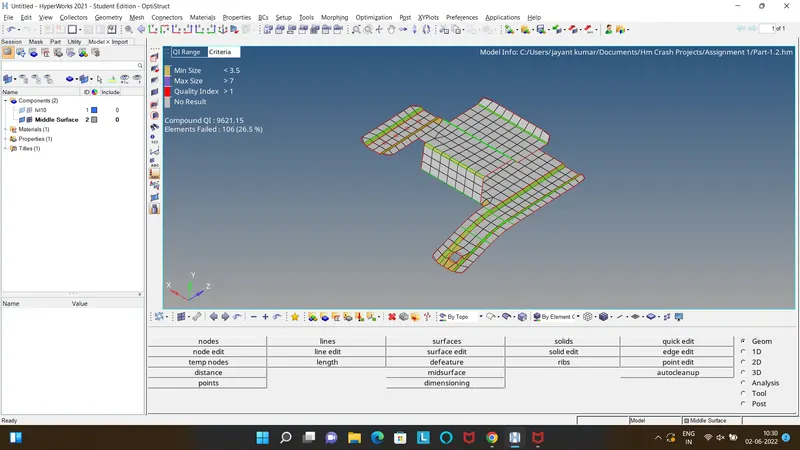
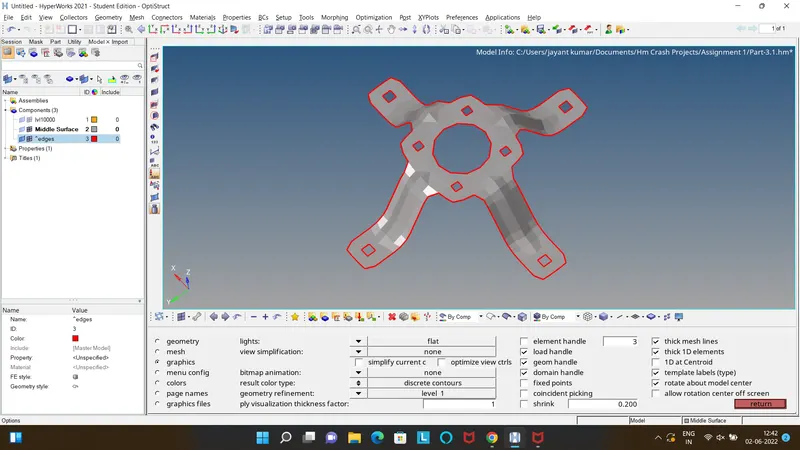
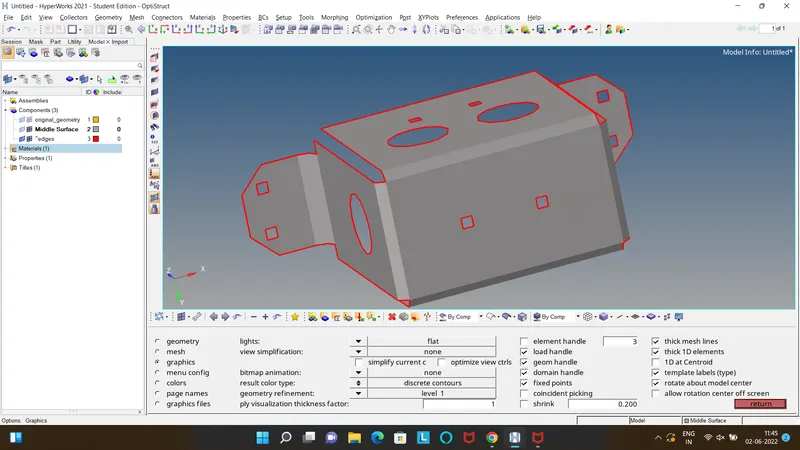
- Check for Free edges using the Edge option from the Tools panel Area.
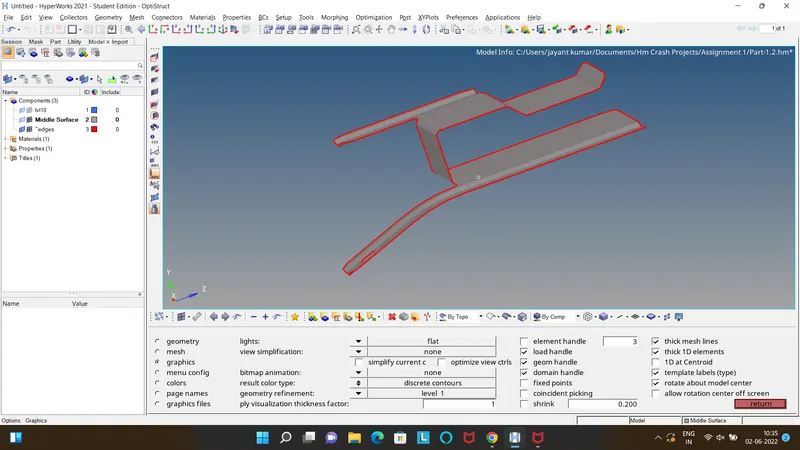
- Now as it is an edge free FE Model.
- Finally Create Property in the Tab bar and Assign the comp thickness which is as same as the parent geometry thickness and Card Image as "PSHELL" to the FE.
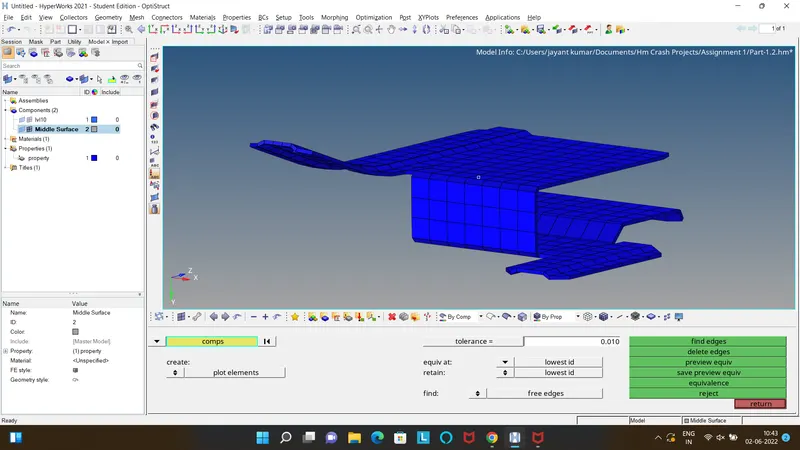
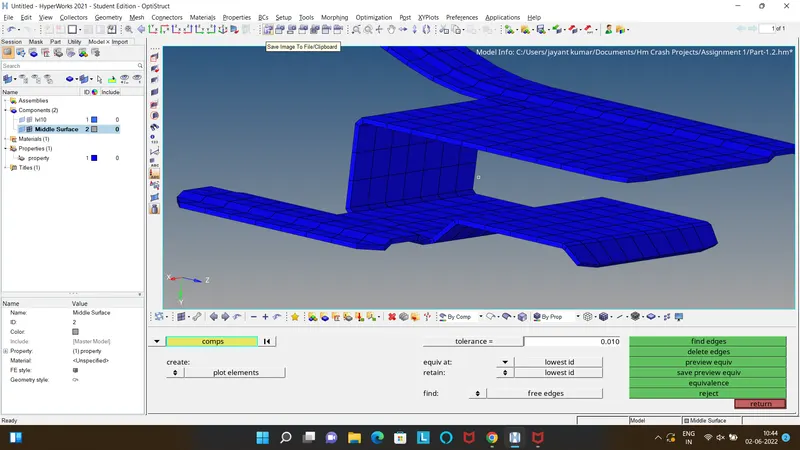
- Following the same procedure to the other components the images are attached respectively in the order.
Part-2:
Part-3: