Assignment 1-2D Meshing Challenge
Aim:
To perform preprocessing on all three models given according to quality criteria required for this challenge.
Objective:-
- To import the model and perform the geometrical cleanup.
- To extract mid surface for all the three components.
- To perform geometry cleanup on the mid surface as well like defeature and holes less than 5 mm.
- To mesh the mid surface according to given quality criteria.
- To clear all the failing elements from quality.
- To assign the thickness to mesh to meet the component requirements.
Procedure:-
Model 1:-
Stage-1
Import the model
Tool we use to import in the way: File >> Import >> Import Model >> File type >> Open File.
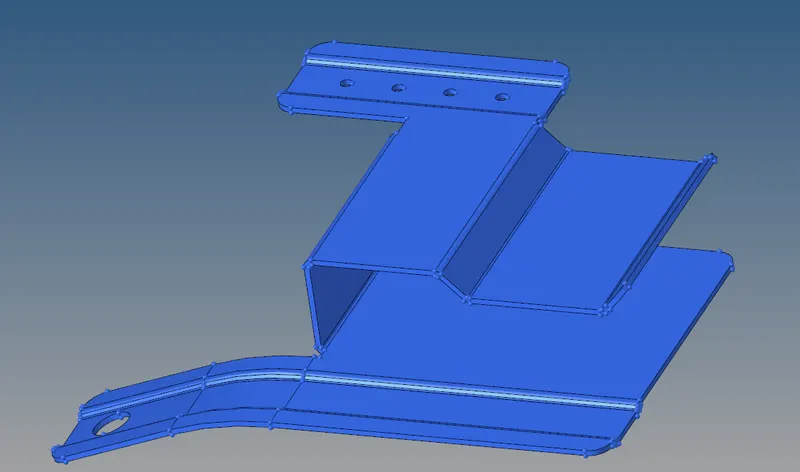
- Now we will check for the solid body after converting it into by topo model.
- After putting the model in by topo mode if the model is having solid then it will show in green colour.
- Delete the solid.
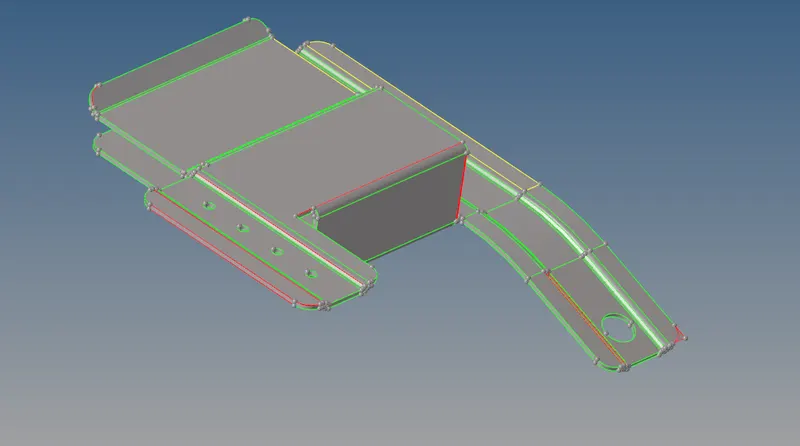
Stage 2-
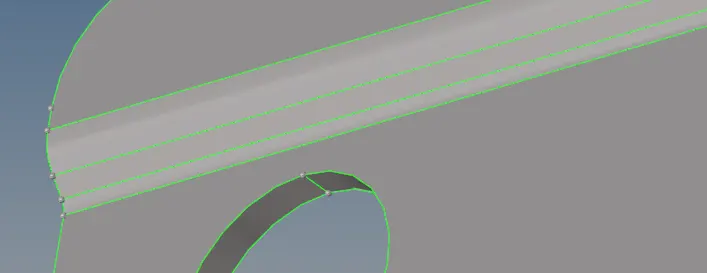
Geometry cleanup :
1. Free edges.
For fixing free edges
Go to geometry > quick edit > Toggle > select the red lines > middle click
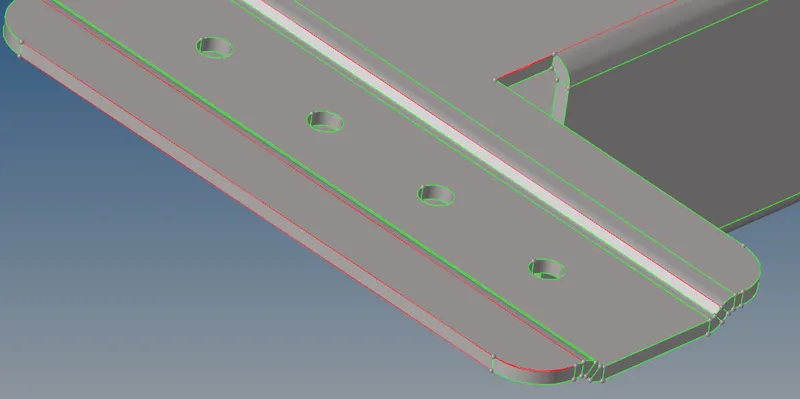
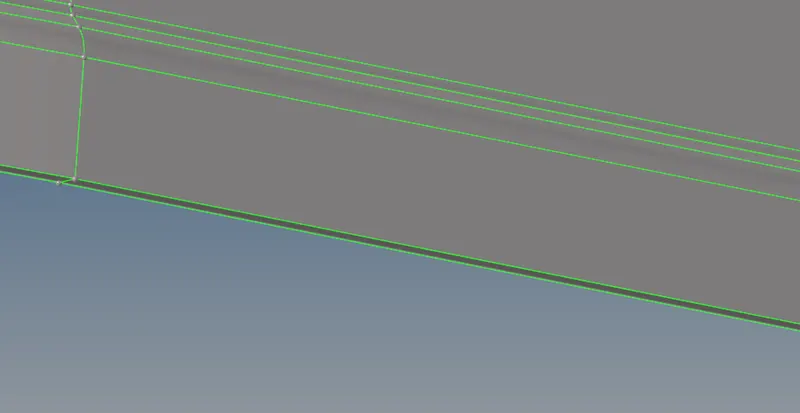
2. Extra surfaces.
Delete extra surface
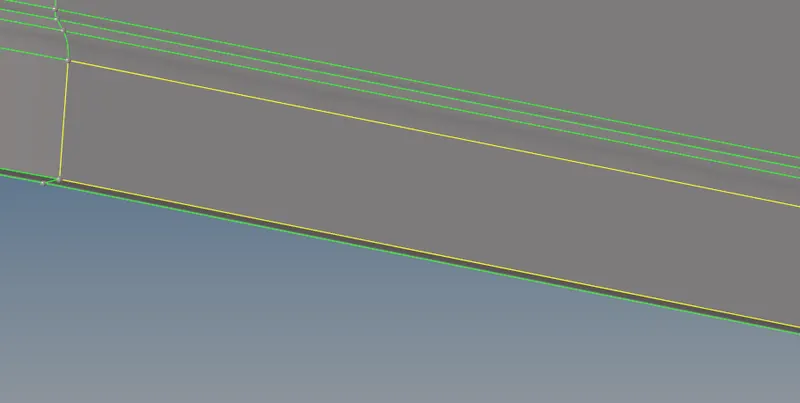
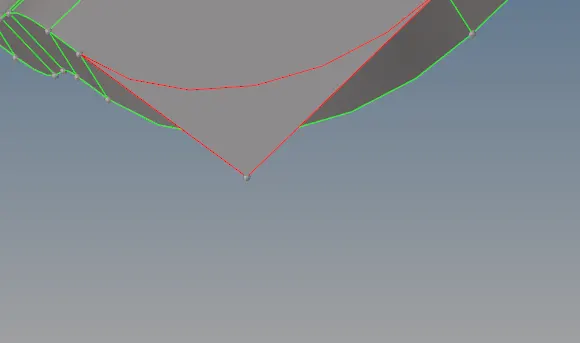
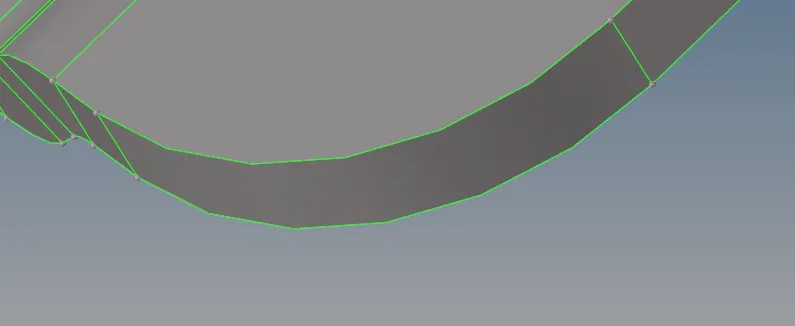
3. Unnecessary surfaces.
Trim unnecessary surface
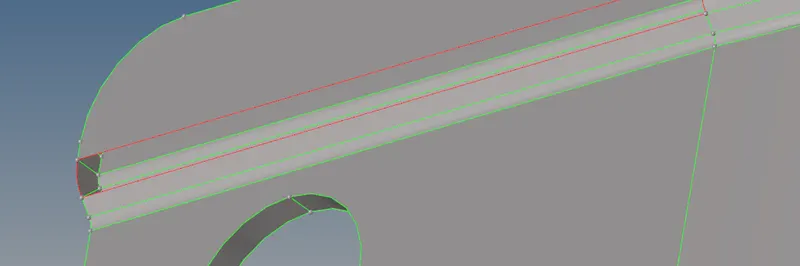
4. Missing surface:-
Fill the surface by fill surface
Stage-3
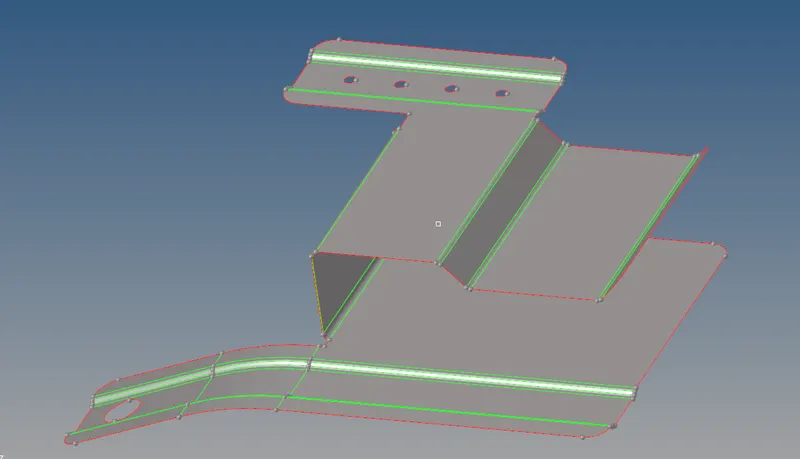
Midsurface extraction
Use auto mid surface extraction since the thickness is uniform.
Go to geometry>midsurface > extraction type as skin midsurface > auto extract
Geometry cleanup on the mid surface:-
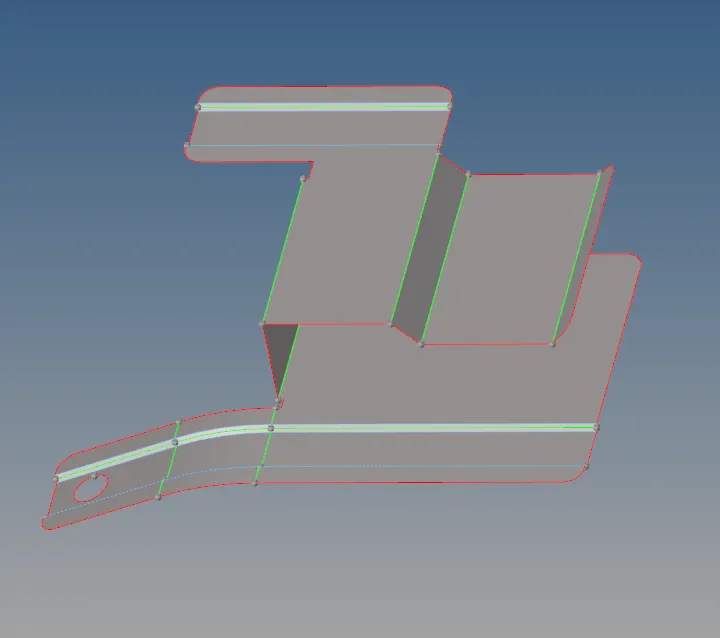
- As we can see there are most of the lines are closer to each other in respect to meshing.
- So toggle those lines in order to maintain features.
- Remove hole less than 5mm.
Stage-4
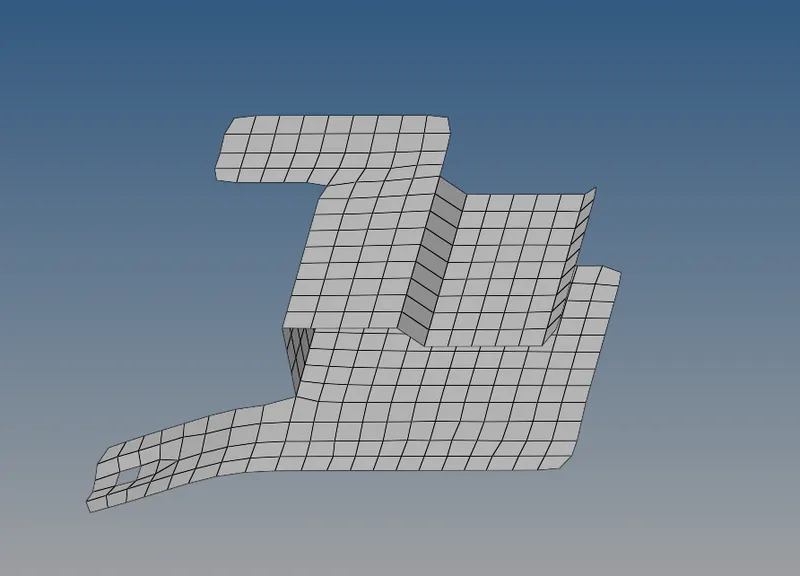
Meshing:-
Given Quality criteria for this model:
Target Element Length = 5 Units
1 Min.Length 3.5mm
2 Max.Length 7mm
Now we will start meshing the components part by part.
And during meshing key points we need to take care about it.
Stage-5
Assigning thickness:-
To assign the thickness create property first
Give thickness of property
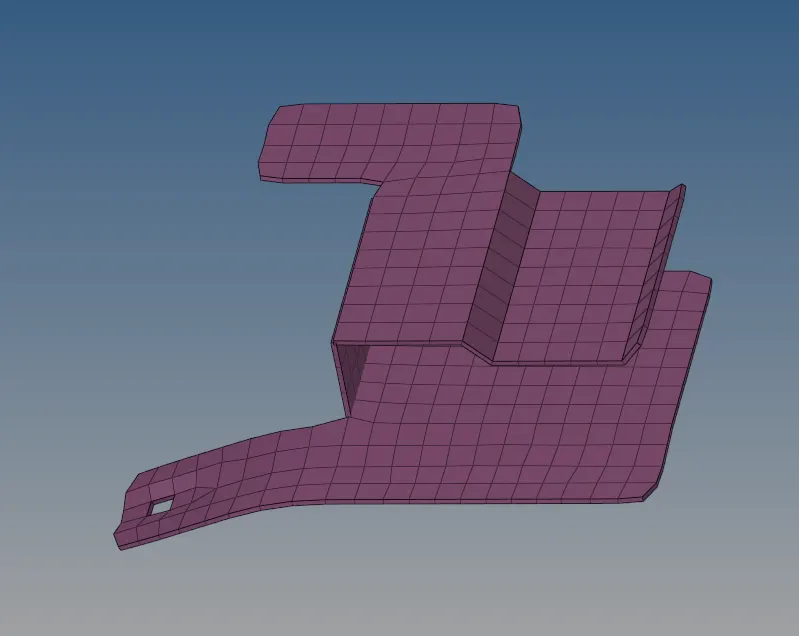
Follow same procedure other two models:-
Model-2
Stage-1: Import
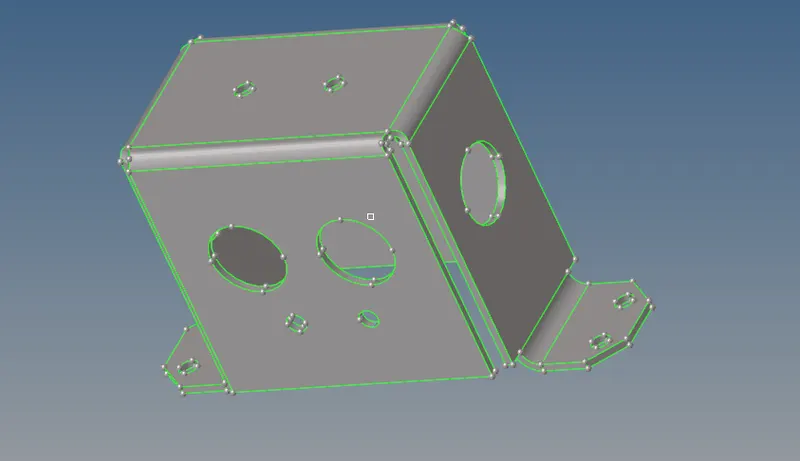
Stage-2:
Midsurface extraction
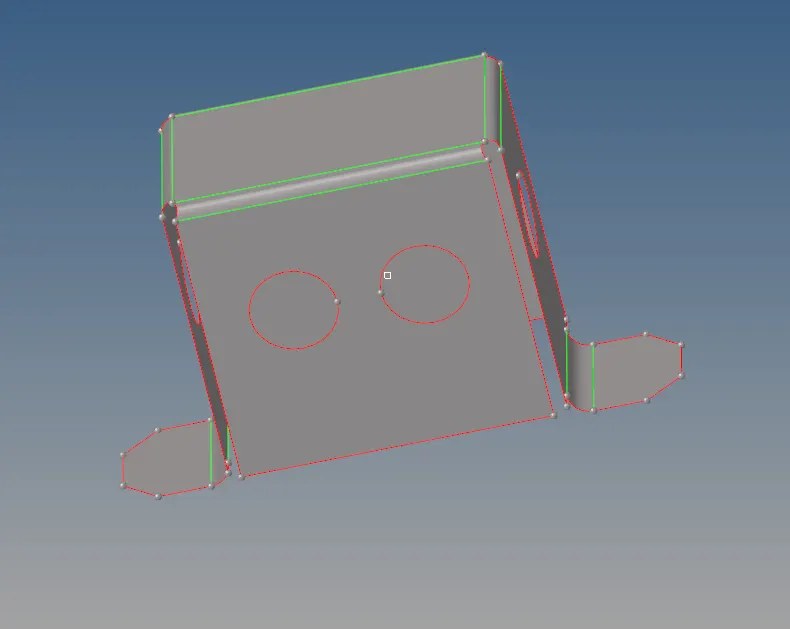
Stage-3:
Geometry cleanup
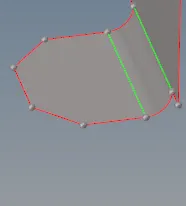
Stage-4:
Meshing
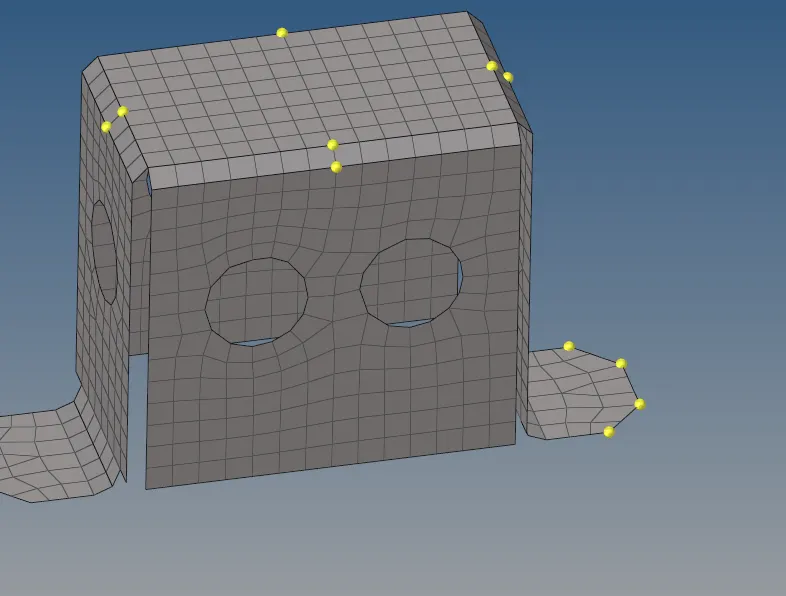
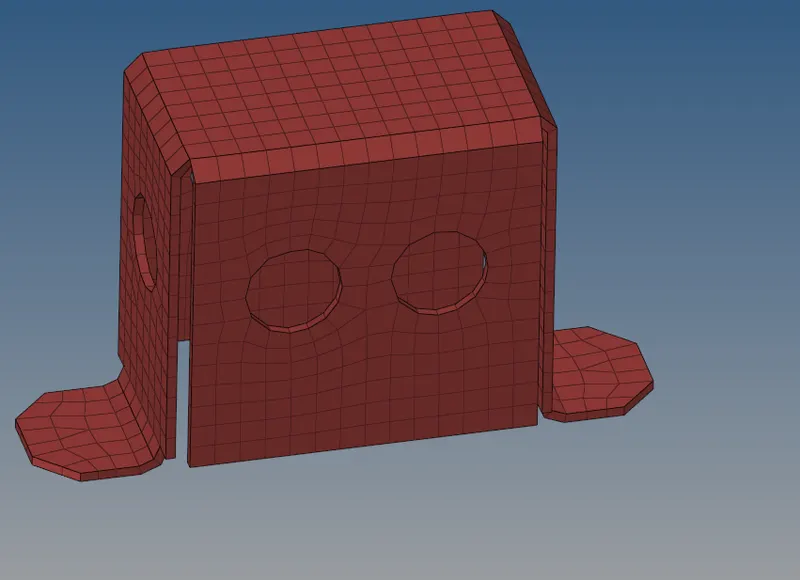
Stage-5:
Assigning Thickness
Model-3
Stage-1:
Model import
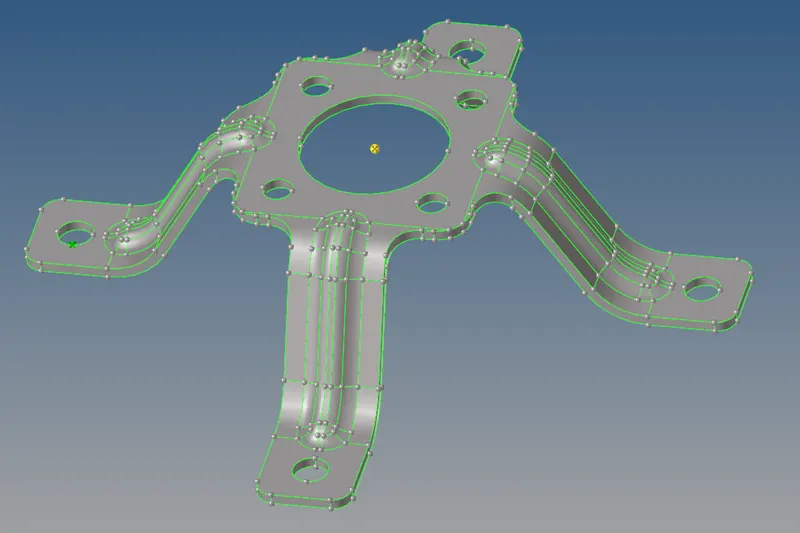
Stage-2:
Midsurface extraction
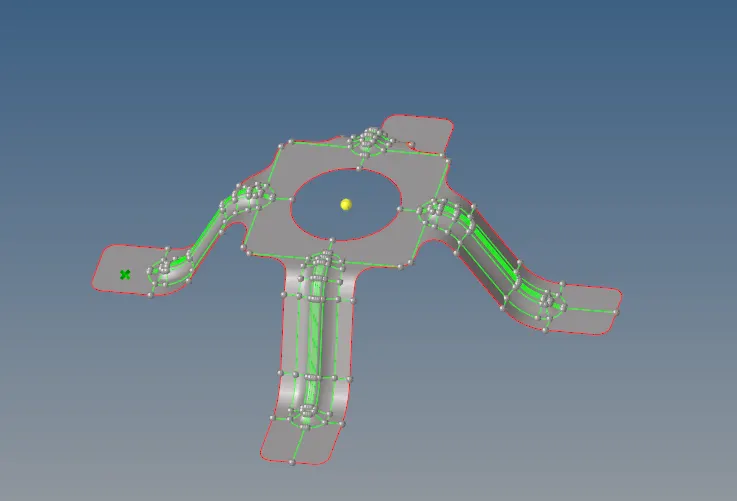
Stage-3:
Geometry cleanup
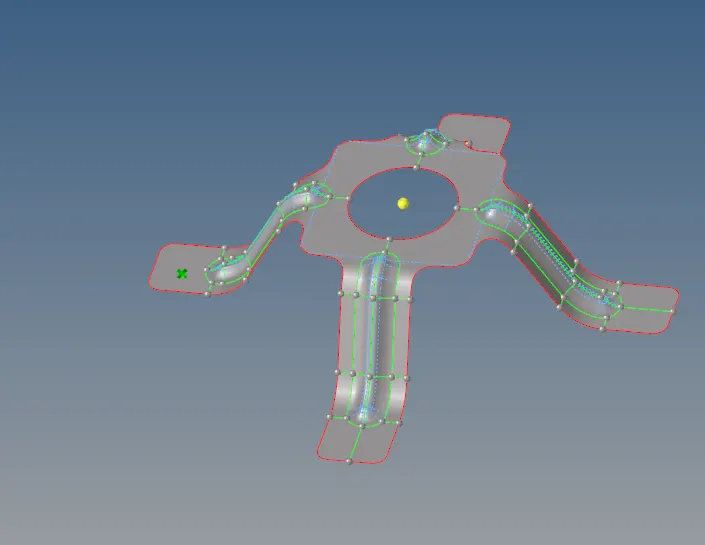
Stage-4:
Meshing
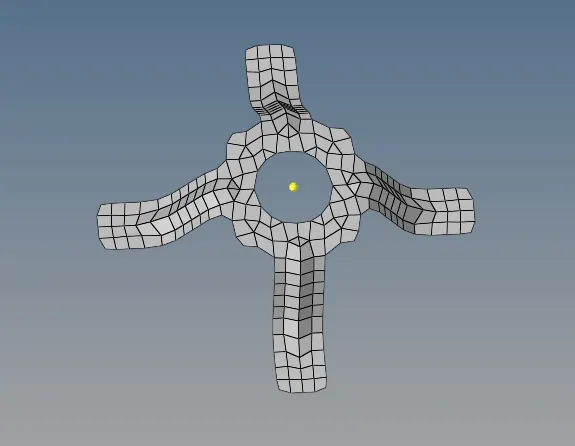
Stage-5:
Assigning Thickness
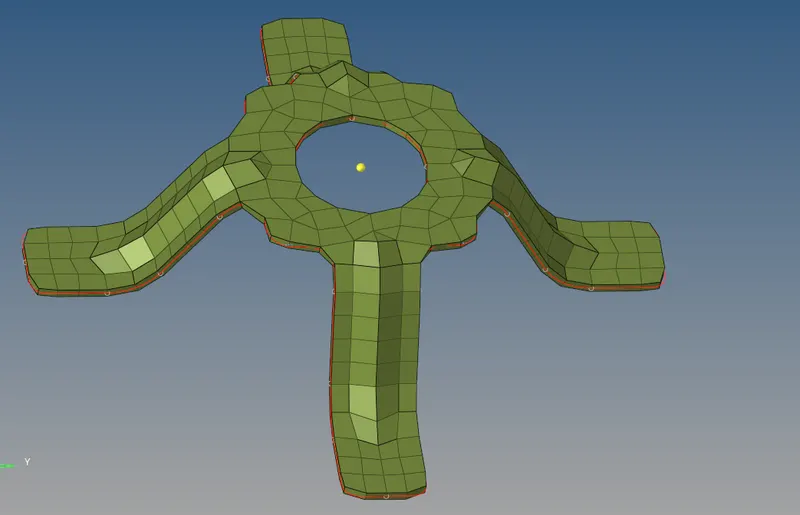
Result:-
- Midsurfaces were extracted for all the 3 models.
- Geometry cleanup was performed for the parent body and mid surface also.
- Meshed the mid surfaces of all three models.
- Thickness has been assigned for all three models.