Assignment 1-2D Meshing Challenge
AIM: carry out geomatric cleanup operation in given models
- Clean the geometry.
- Extract midsurface.
- Clean midsurface geometry.
- Ignore holes less than dia 5mm.
- Create 2D mesh with target length 5mm, min 3.5mm max 7mm.
- And assign proper thickness, by creating a generic property.
PROCEDURE:
model-1
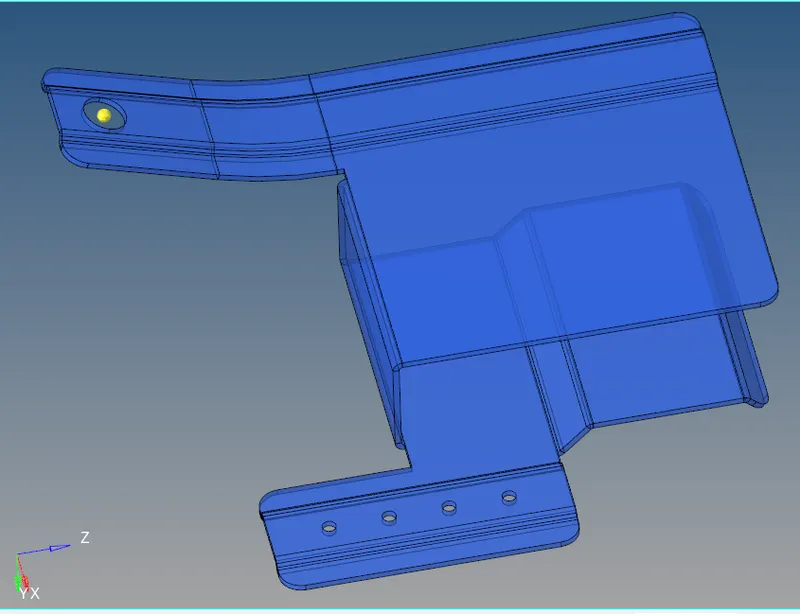
- make the model in topo mode
- there are several surfaces ara missing in geomatry so we want to do geomatric cleanup in parent surface
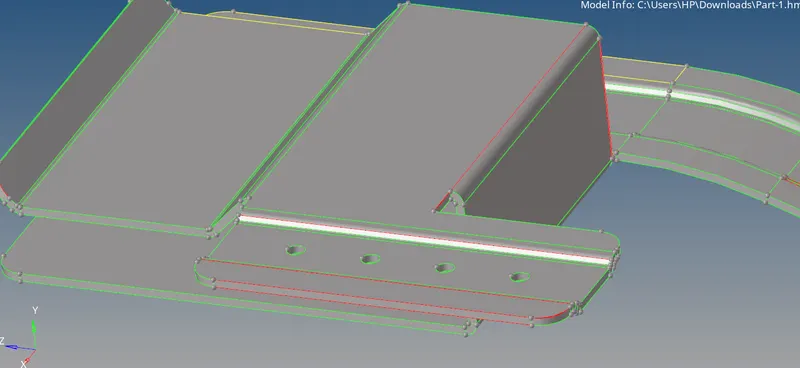
- we want to create missing surfaces for that we use ruled option in surfaces , toggle edges by setting tollarance value
- need to delete unwanted surface in model and also need to delete a duplicate surface
- then check for geomatry is it uniform thickness or not , this geomatery is uniform in thickness
- we can extract the midsurface by using automidsurface option
- go to misdsurface option and go to midsurface option and set offset+planes+sweep
- then select the surface and do auto midsurface extraction
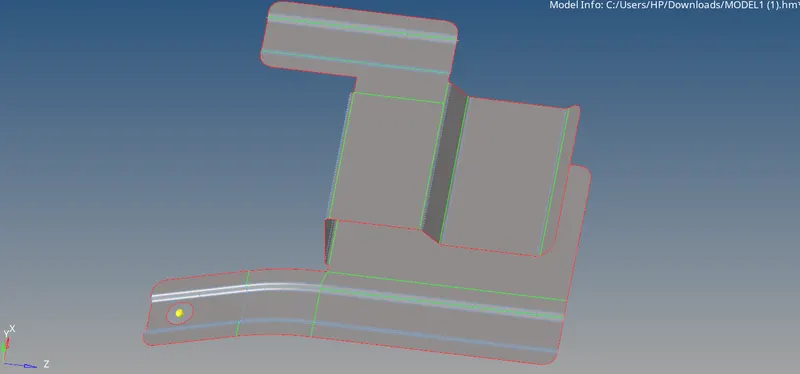
- in midsurface we need to do some geomatric cleanup to avoid minimum element failure
- replace adjucent point to one by using replace option in quik edit option
- by setting midline option toggle the feature lines to avoid minimum element failure
- toggle the holes below 5mm radious by using unsplit surface option and toggle unwanted feature lines
- then we can start meshing on surface
- do mesh on each part of mid surface
- before meshing we need to set quality critirias as min size: 3.5 max size : 7 and target element : 5
- while meshing always keep equal nodels in sqaure surface to avoid trias
- use rebuild mesh option to get better quality mesh
- remove all minimum element failures by adjesting its lenth in using distance option
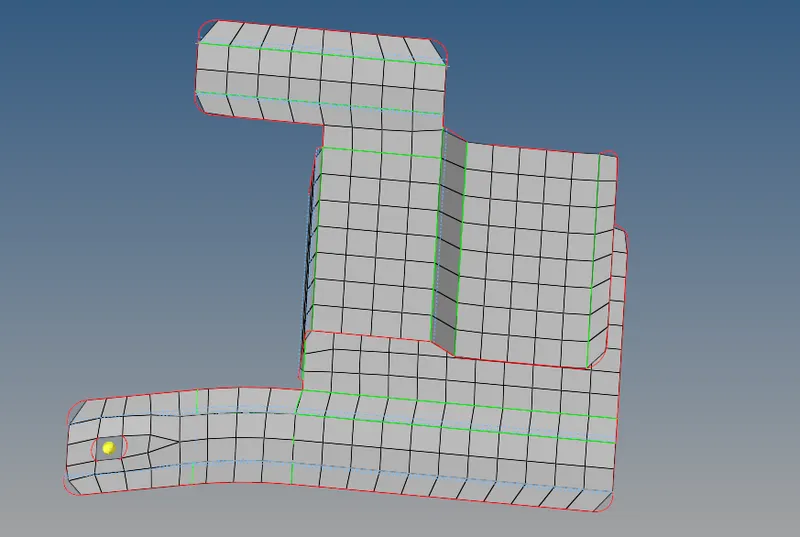
- here we got the geomatry with perfect mesh
- then we need to do normal check
- check for free edges if any use preview equalance to see disconnected mesh and do equalance
- then we need to assign thickness to mesh
- measure the thickness (.9)
- create property and make thickness = .9
- then assign property to mesh
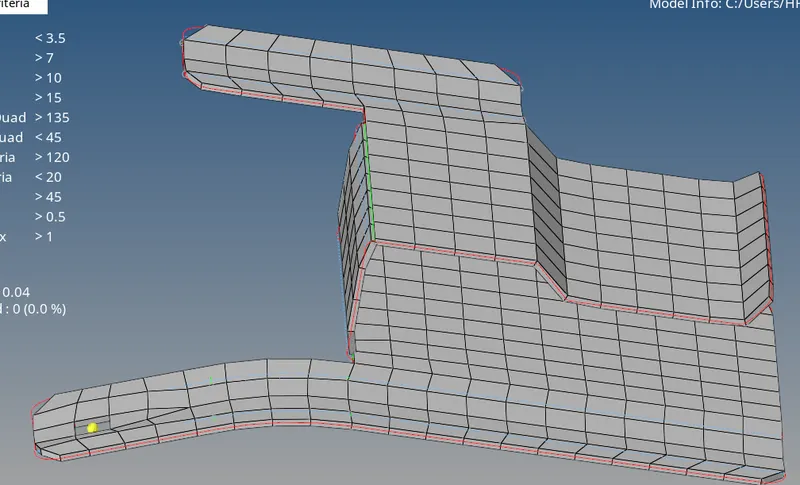
fig: final output of mesh to given mode-1
MODEL-2
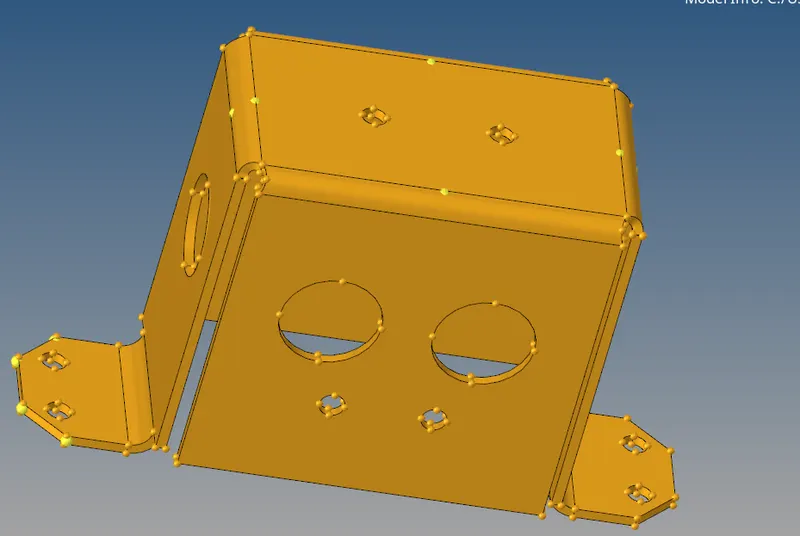
- do all geomatric cleanup as per done one model-1
- toggle unwanted feature lines
- eliminate holes below 5mm
- replace adjusent points
- then extract midsurface by using automidsurface option
- in this geomatry we can only need to mesh some surfaces and we can copy mesh into similer surfaces
- for this use position option then duplicate the mesh and postion to surfaces
- always do above mentioned(model-1) procedures for meshing
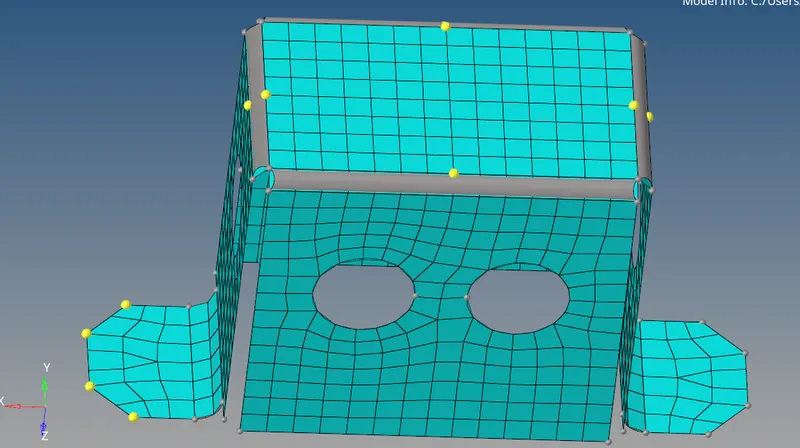
- here we got the geomatry with perfect mesh
- then we need to do normal check
- check for free edges if any use preview equalance to see disconnected mesh and do equalance
- then we need to assign thickness to mesh
- measure the thickness (2)
- create property and make thickness = 2
- then assign property to mesh
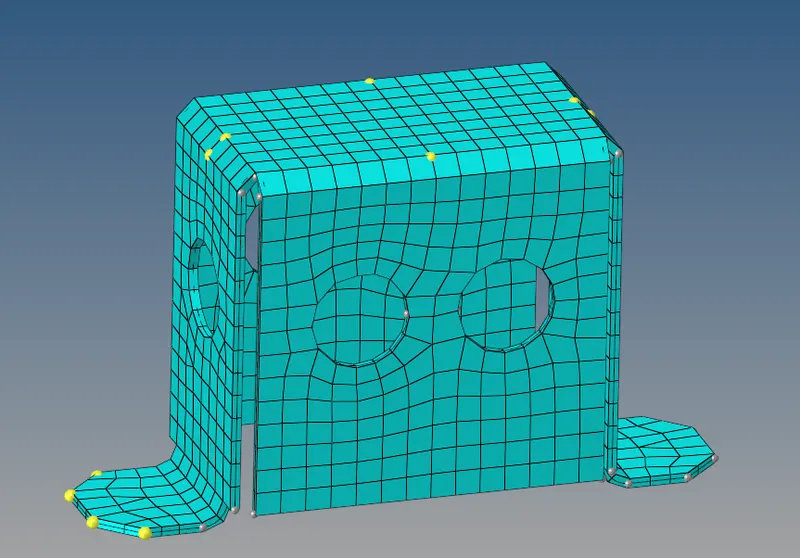
MODEL-3
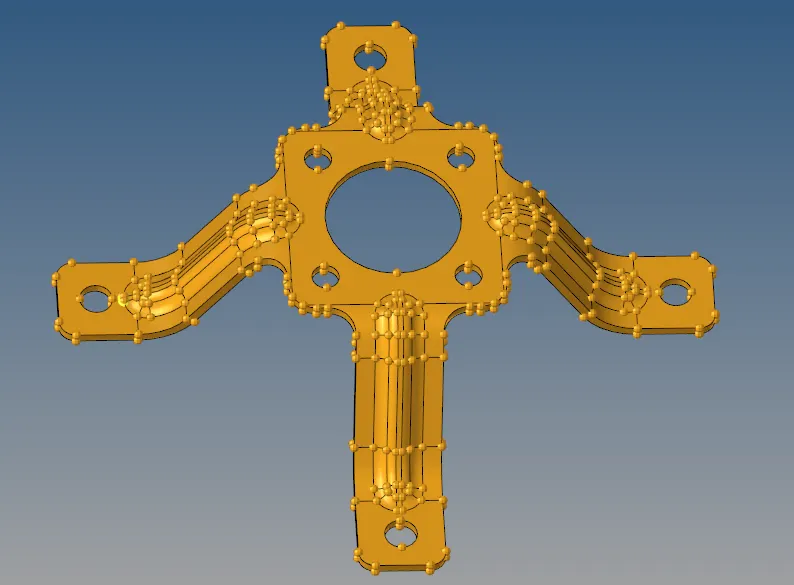
- do all geomatric-cleaunup do as procedure done in above 2 models
- while meshing use positioningoption
- and aso we can do reflect option by done in 1half and re3flect to remining surface
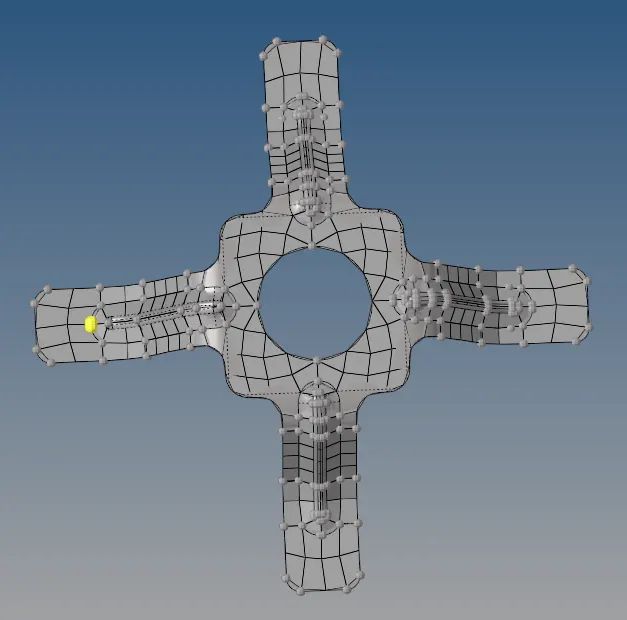
- here we got the geomatry with perfect mesh
- then we need to do normal check
- check for free edges if any use preview equalance to see disconnected mesh and do equalance
- then we need to assign thickness to mesh
- measure the thickness (2)
- create property and make thickness = 2
- then assign property to mesh
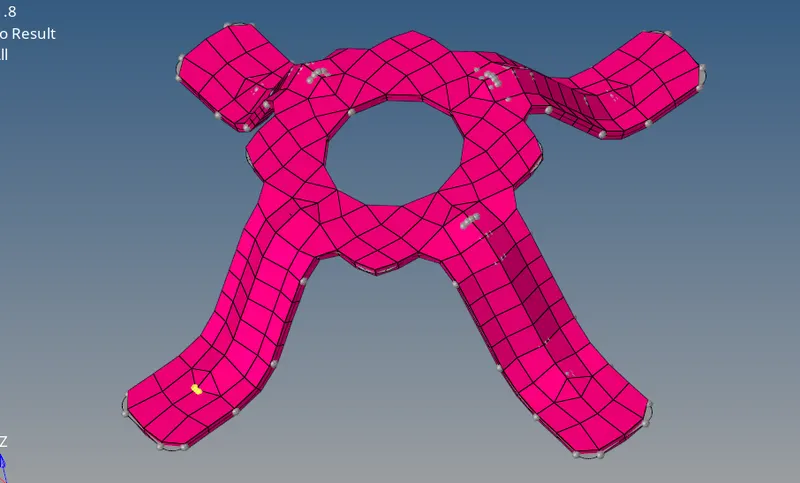
RESULT:
- done geomatric cleanup
- mid surface extracted
- done meshing on surface as per given quality critiria
- assign thickess to models