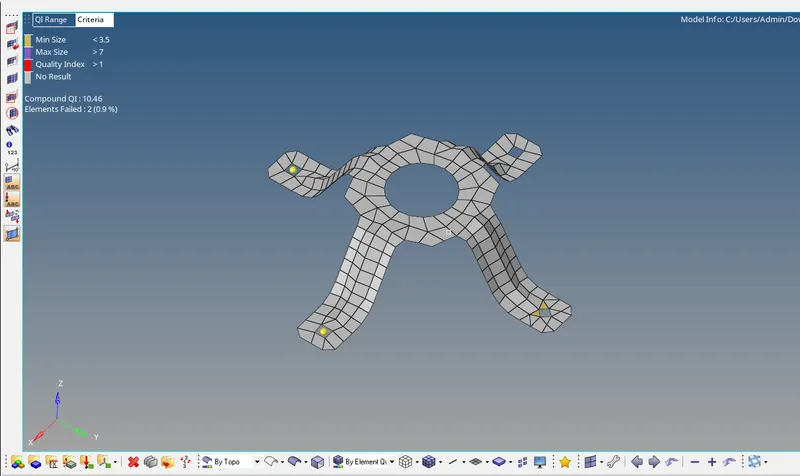
Assignment 1-2D Meshing Challenge
OBJECTIVE:
To Clean the geometry. Extract mid surface. Clean mid surface geometry. Ignore holes less than dia 5mm.Create a 2D mesh with target length 5mm, min 3.5mm max 7mm. And assign proper thickness, by creating a generic property for given parts by using Hyper works 2021.
GIVEN MODELS:
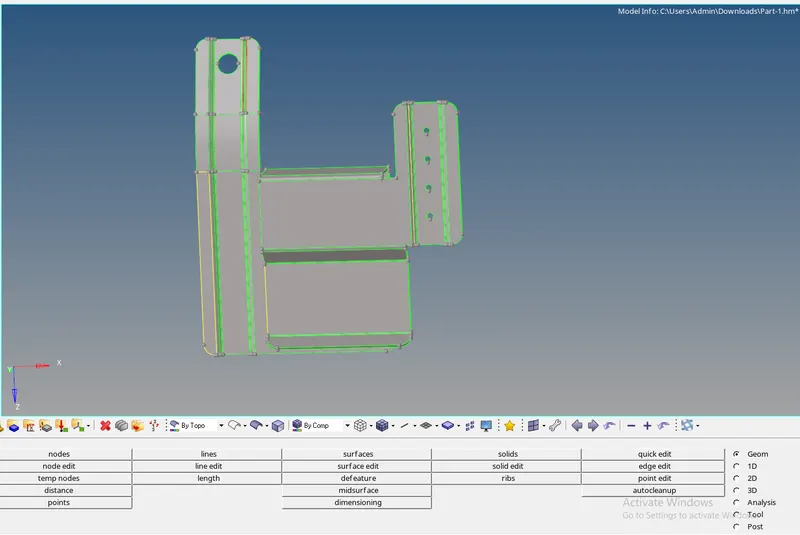
PROCEDURE:
PART1:
1.Import the file into hypermesh SELECT>> IMPORT>> IMPORT MODEL.
2.Click on the files select model and click on import.
3.set the geometry colour mode to Topo.
4.Remove the yellow lines and red line by using Quick edit command tool.
5.See the model where it is failed as shown in the above
6.Some red lines in the geometry clearing those lines by using quick edit and select toggle the lines by changing tolerance.
7.Completed the geometry clean up as mentioned above.
8.Then after completing the geometry clean up goto the mid surface option in the 2D section tool bar.
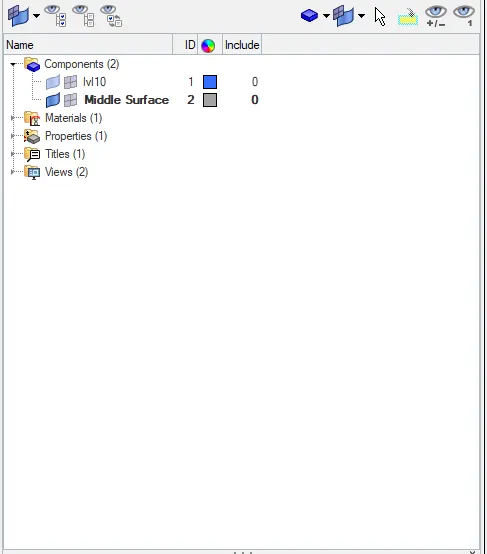
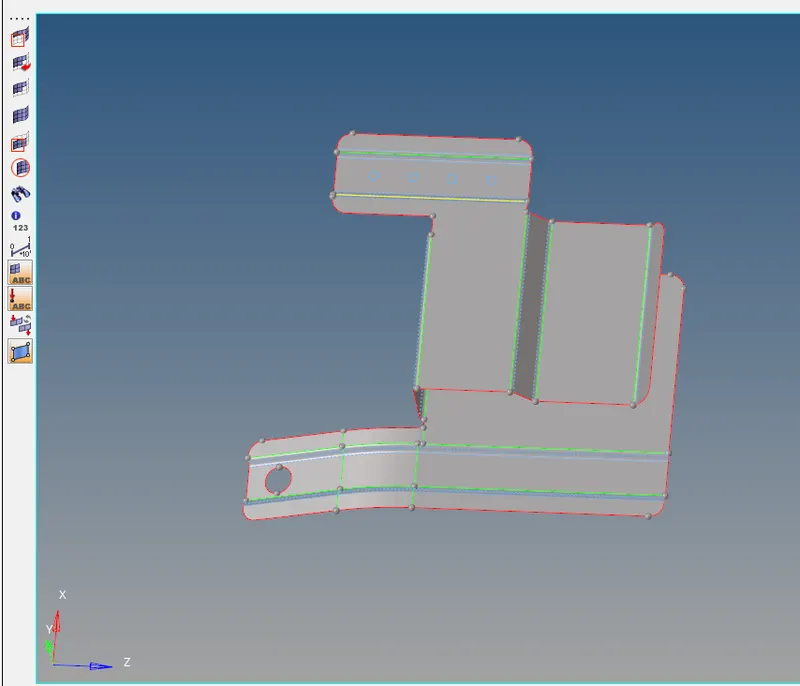
9. Cleanup the middle surface as shown above
10.MESH the component with criteria file settings given in the model
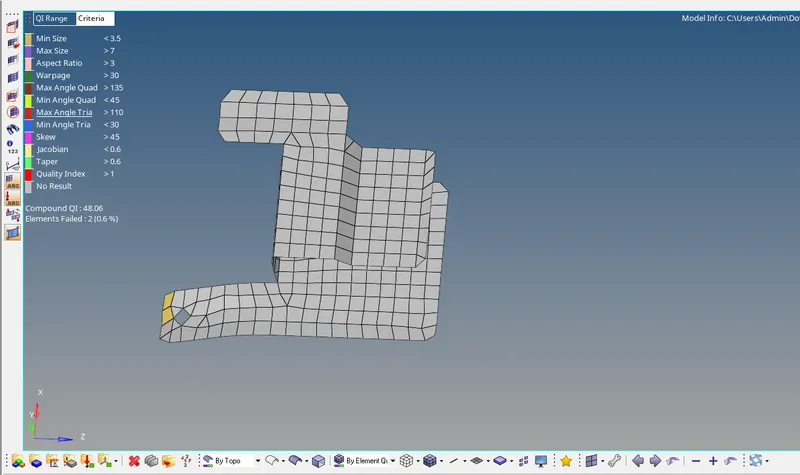
FINAL MESHED COMPONENT
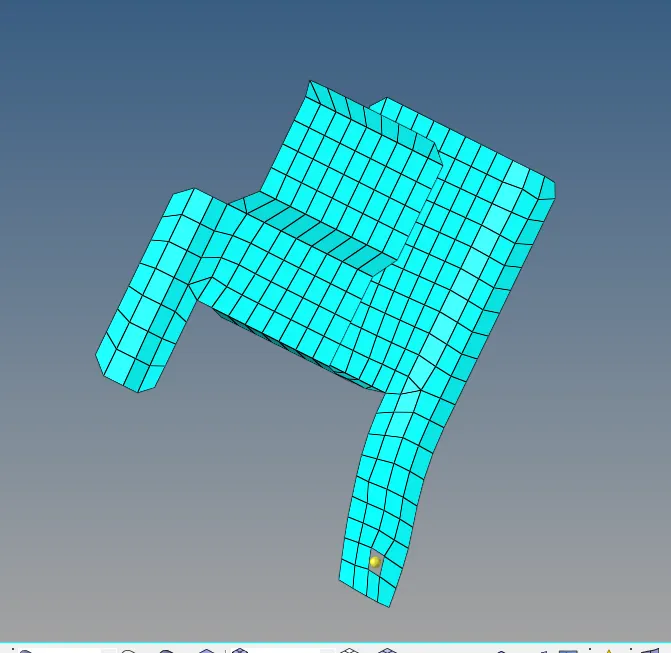
PART 2
PROCEDURE
1.Import the file into hypermesh SELECT>> IMPORT>> IMPORT MODEL.
2.Click on the files select model and click on import.
3.set the geometry colour mode to Topo.
4.Remove the yellow lines and red line by using Quick edit command tool.
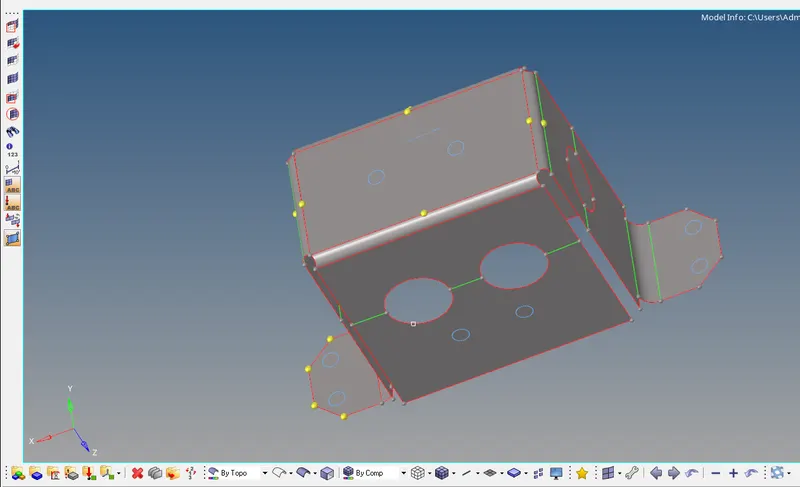
5.See the model where it is failed as shown in the above
6.Some red lines in the geometry clearing those lines by using quick edit and select toggle the lines by changing tolerance.
7.Completed the geometry clean up as mentioned above.
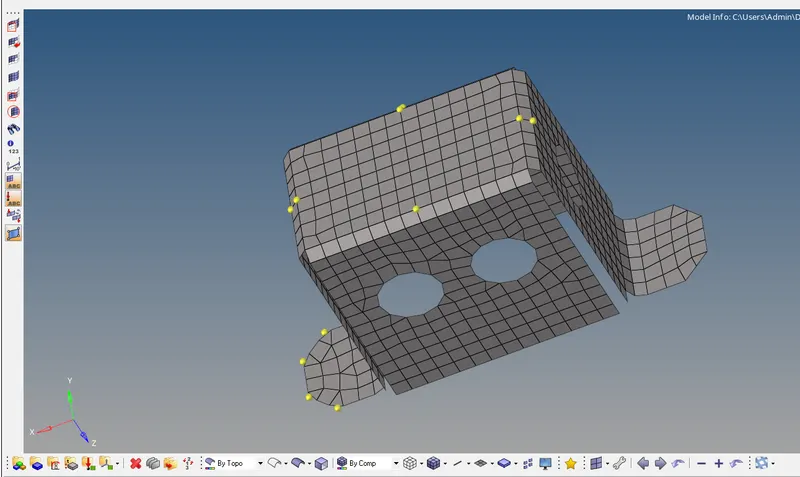
8.Then after completing the geometry clean up goto the mid surface option in the 2D section tool bar.
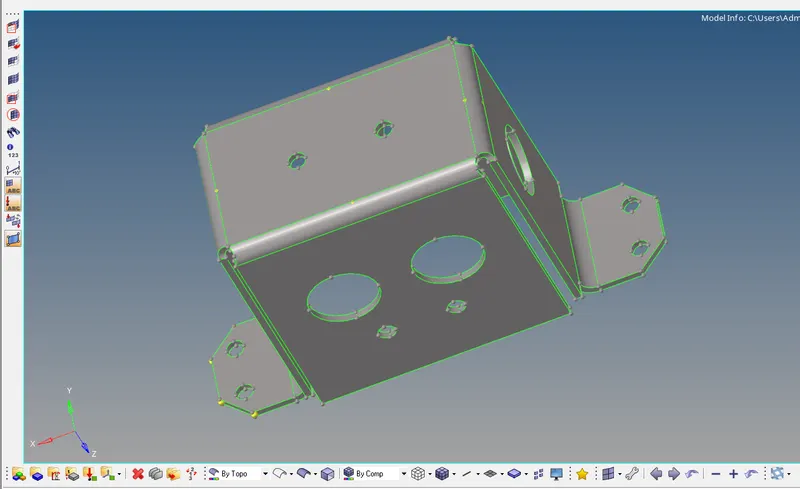
MIDSURFACE CREATION:
FINAL MESHED COMPONENT
PART 3
PROCEDURE
1.Import the file into hypermesh SELECT>> IMPORT>> IMPORT MODEL.
2.Click on the files select model and click on import.
3.set the geometry colour mode to Topo.
4.Remove the yellow lines and red line by using Quick edit command tool.
5.See the model where it is failed as shown in the above
6.Some red lines in the geometry clearing those lines by using quick edit and select toggle the lines by changing tolerance.
7.Completed the geometry clean up as mentioned above.
8.Then after completing the geometry clean up goto the mid surface option in the 2D section tool bar.
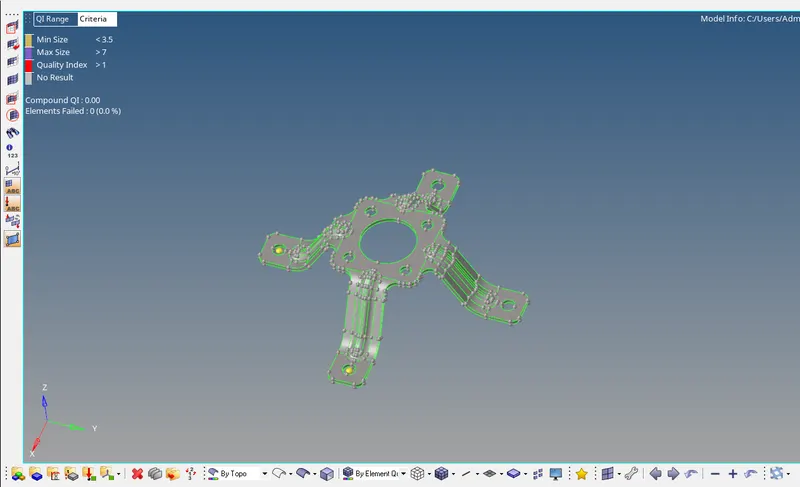
MIDSURFACE EXTRACTION
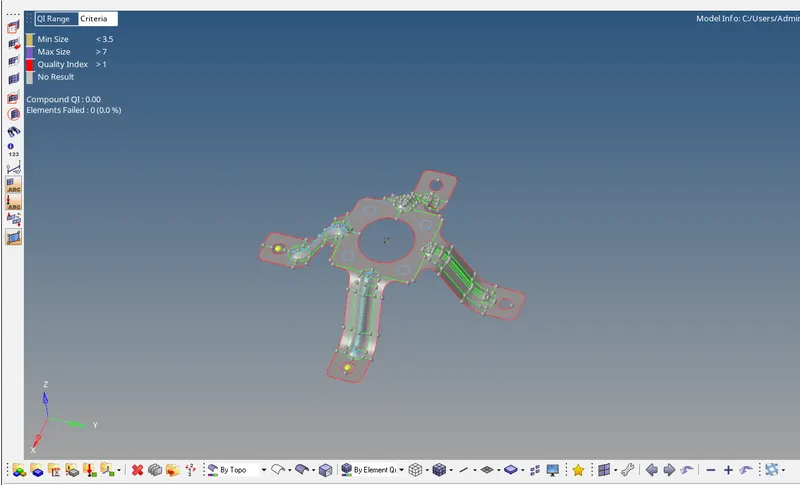
FINAL MESHED COMPONENT