Assignment 1
AIM:
To create better mesh by applying given criteria parameters on the given models.
OBJECTIVE:
Make proper geometry cleanup before going to extract midsurfaces of the different components in the model, After that go for meshing by setting given criteria parameters. Finaly assign the thickness to all the components in the model.
GIVEN MODELS:
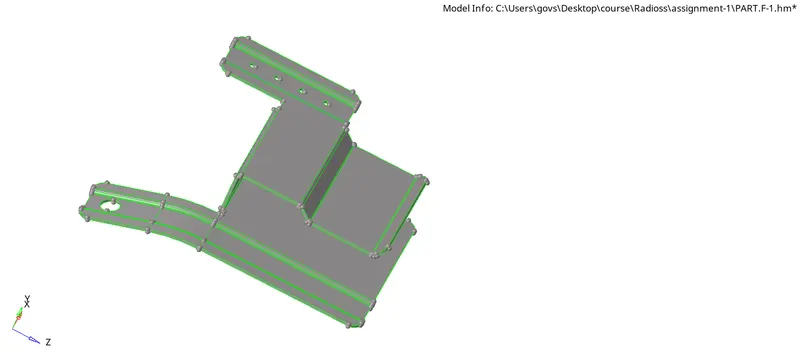
PART-1
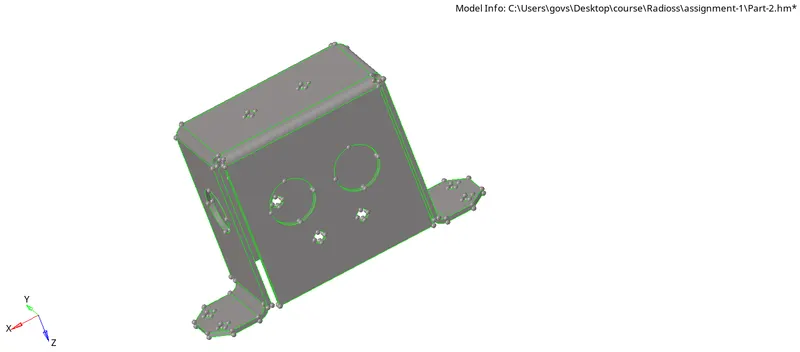
PART-2
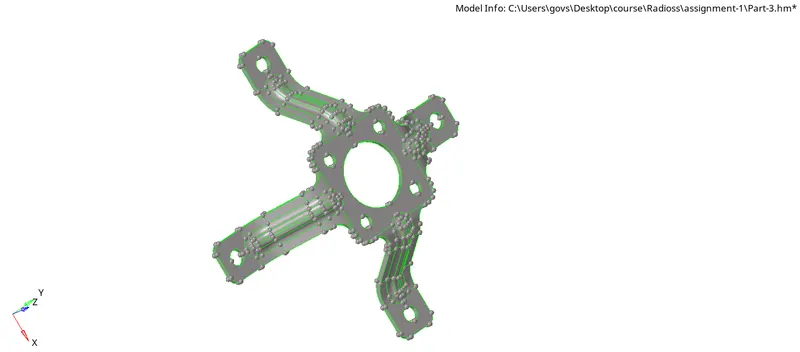
PART-3
PROCEDURE:
- Once received cad model first, perform the geometry cleanup on the model to remove all unwanted points and lines,which are going to disturb the mesh quality using quick edit panel. All this process is done by manualy. we can perform the same operation using automesh tool but, problem here is that system can not identify ideally,which lines are getting disturbance to mesh. So, all the CAE Engineers do geometry cleanyup manually.
- Observe the model if it has any symmetric Geometry so can mesh only the half portion of the geometry and reflect that mesh into another half.
- Delete the half components in both inner and outer extract bodies to perform the mesh.
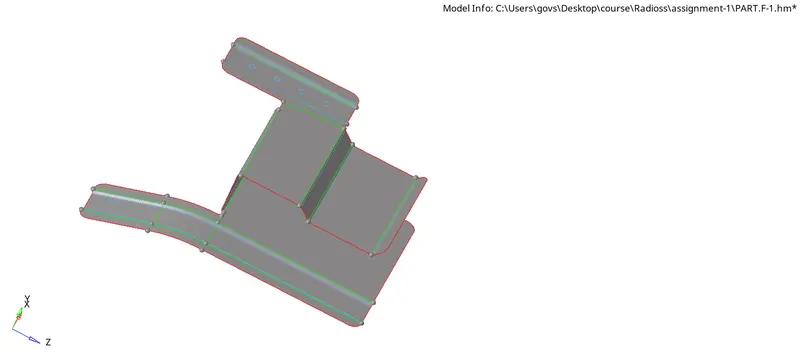
- After that extract midsurfaces for all the above mentioned components using auto midsurface tool. extracting midsurface is recommended for sheet metals and plastics whose thickness is less than 6mm.
- After extracting midsurfaces still there may be some geometry cleanup required to midsurfaces that is also done by using quick edit panel.
MID-SURFACES OF ALL PARTS
PART-1
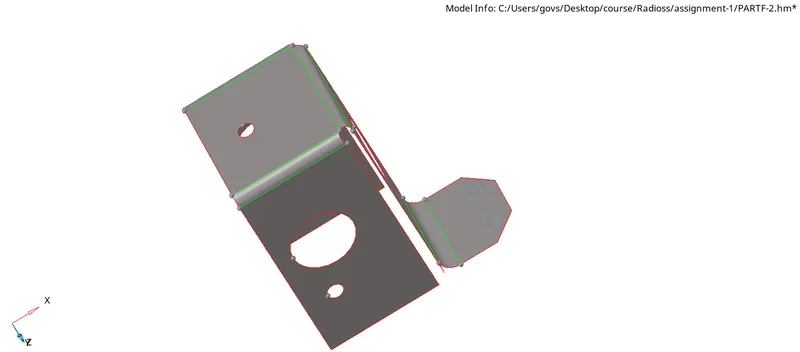
PART-2
*Since Part two has geometric symmetry So, we can delete the half geometry of the part. It is easy to mesh half part geometry then quickly reflect to another half to save the computational time.
PART-3
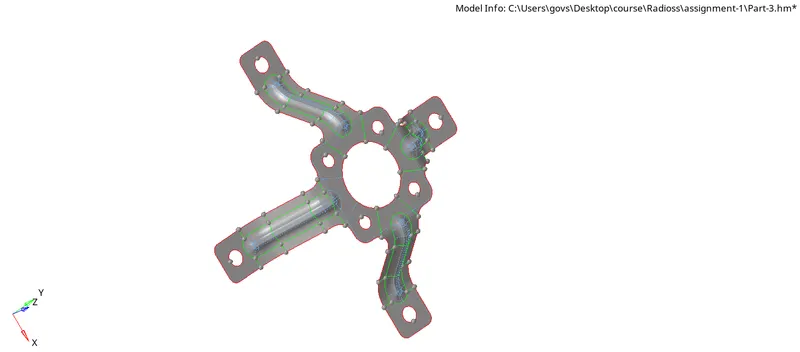
*After extracting the mid-Surface create the criteria file to mesh the model
*Apply same criteria file to all three cases.
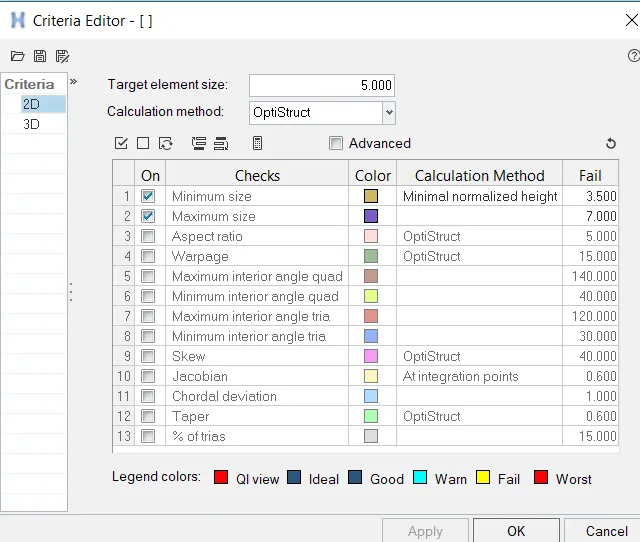
*Perform mesh by applying the above mentioned criteria parameters with element type is mixed to all the surfaces(2D>>automesh>>surf>>mesh).
THICKNEES ASSIGNING:
i.To assign thickness first we need to create the material and property.
ii.Here material is steel, Hypermesh have all the properties of steel (i.e youngs modulus , possion ratio etc) and card image of steel is MAT1.
iii.Create property, since it is a 2D mesh so, card image is PSHELL and assign thickness value in property.
iv.Assign properties to all extracted mid surfaces at required thickness.
RESULTS:
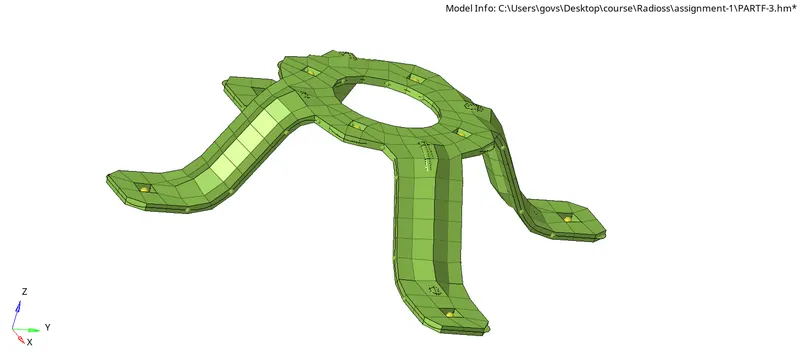
*The final reults of all three model is given below
*To See the thickness of elements then select the 2D detailed Element Representation.
PART-1 ( thickness=0.91 mm )
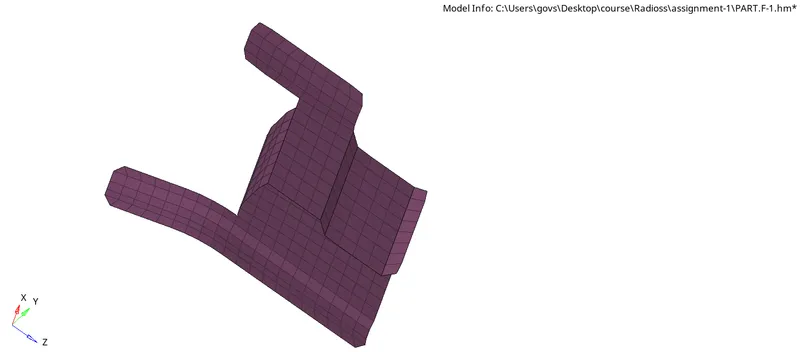
PART-1 ( thickness=2 mm ).
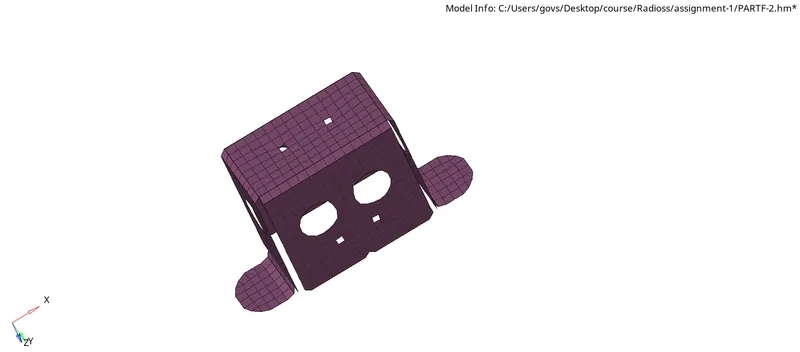
PART-1 ( thickness= 1.8 mm ).