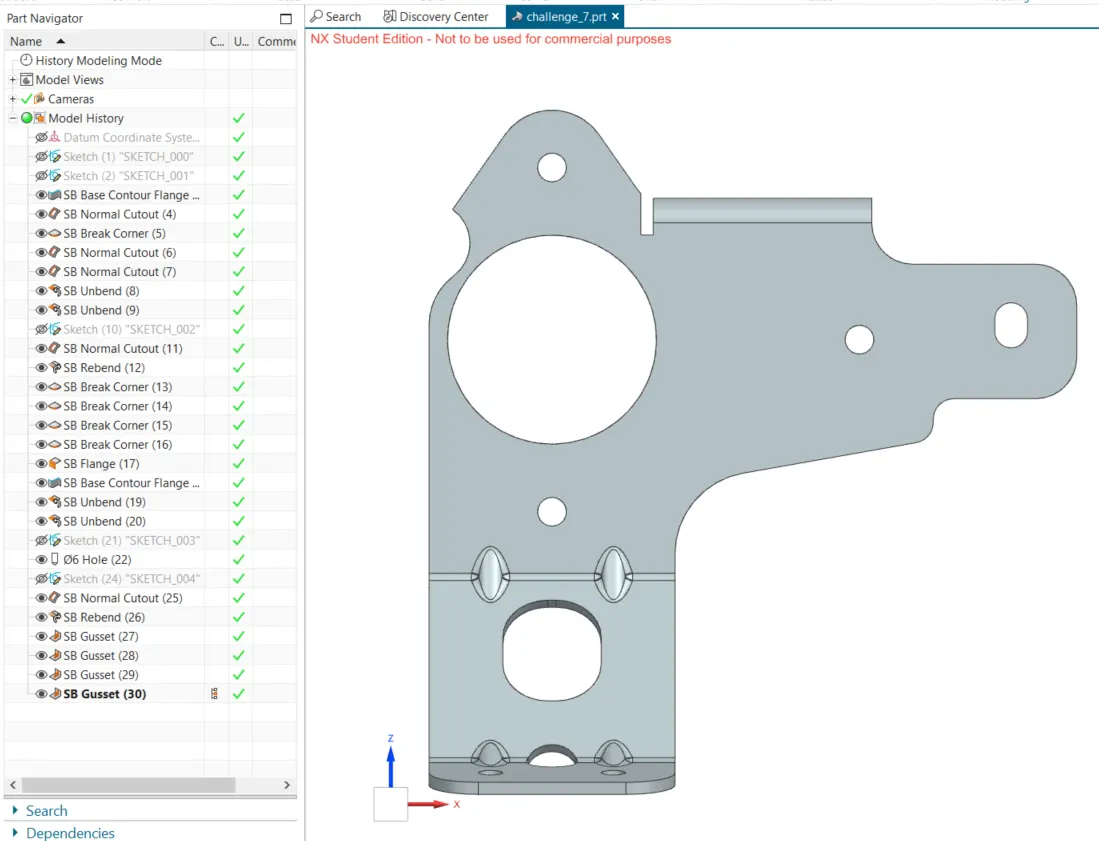
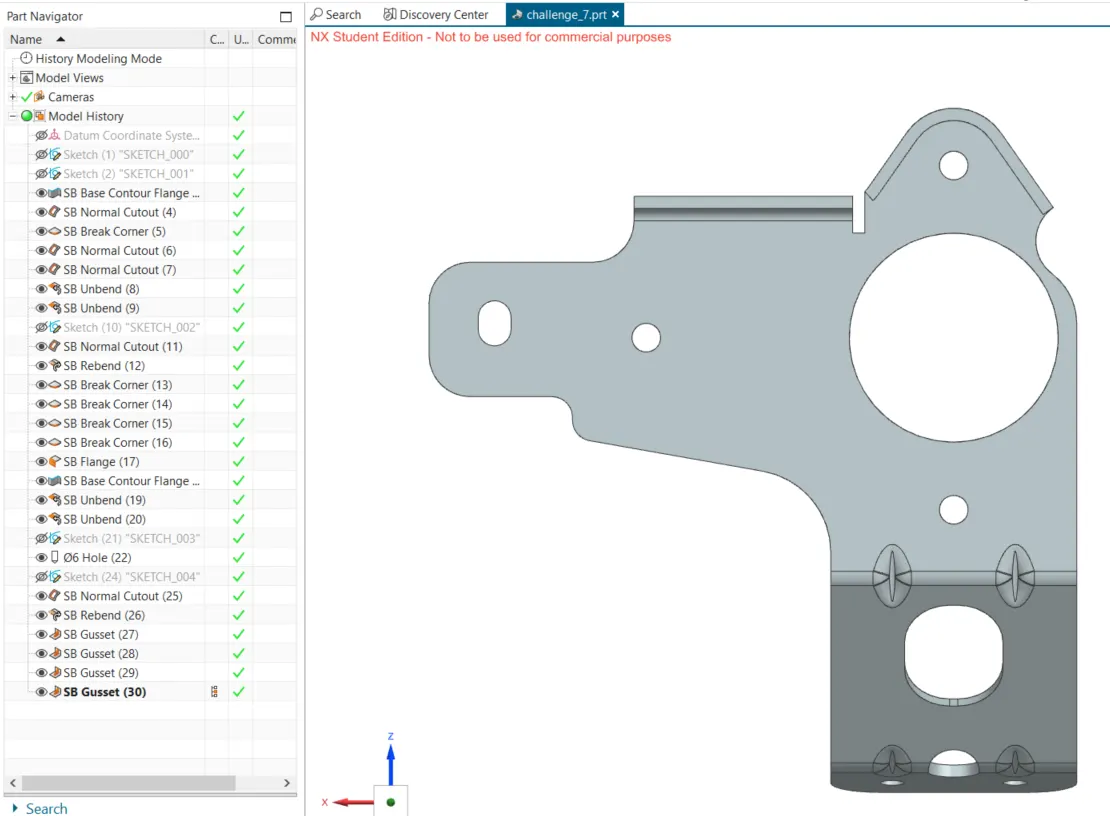
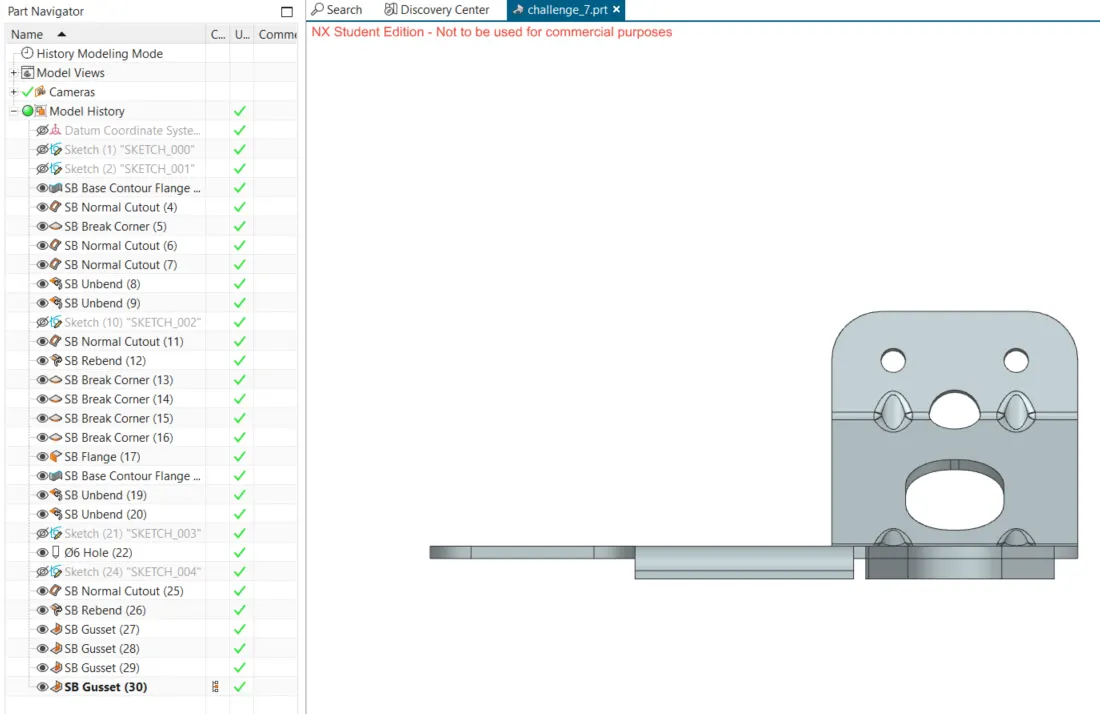
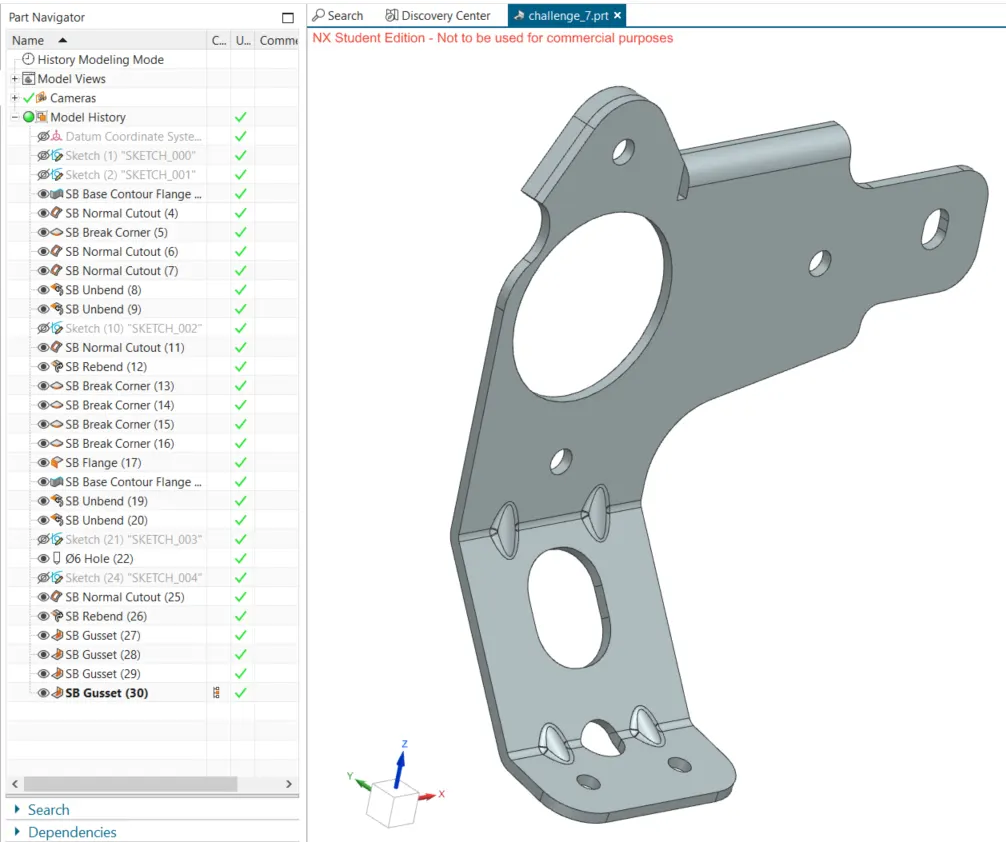
Advanced Sheet Metal Design Using NX Cad Challenge_7_ Metal bracket-II
1. Title:
Advanced Sheet Metal Design Using NX Cad Challenge_7_Metal bracket-II
2. Objective:
To generate a metal bracket design using SIemnes NX sheetmetal application.
3. Intro:
To generate a metal bracket design using SIemnes NX sheetmetal application.
4. Approach:
proper approach and steps of the making of this part are discussed in the following points.
5. Description:
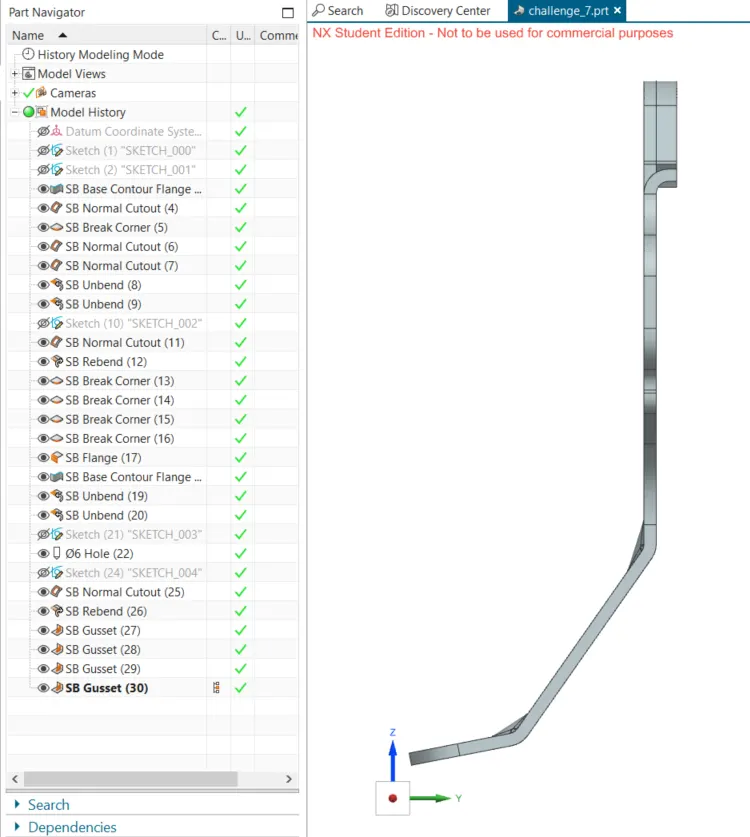
1. proper sketch is created in the YZ plane.
2. a second sketch is created in the XZ plane, an countour flange is created with this sketch.
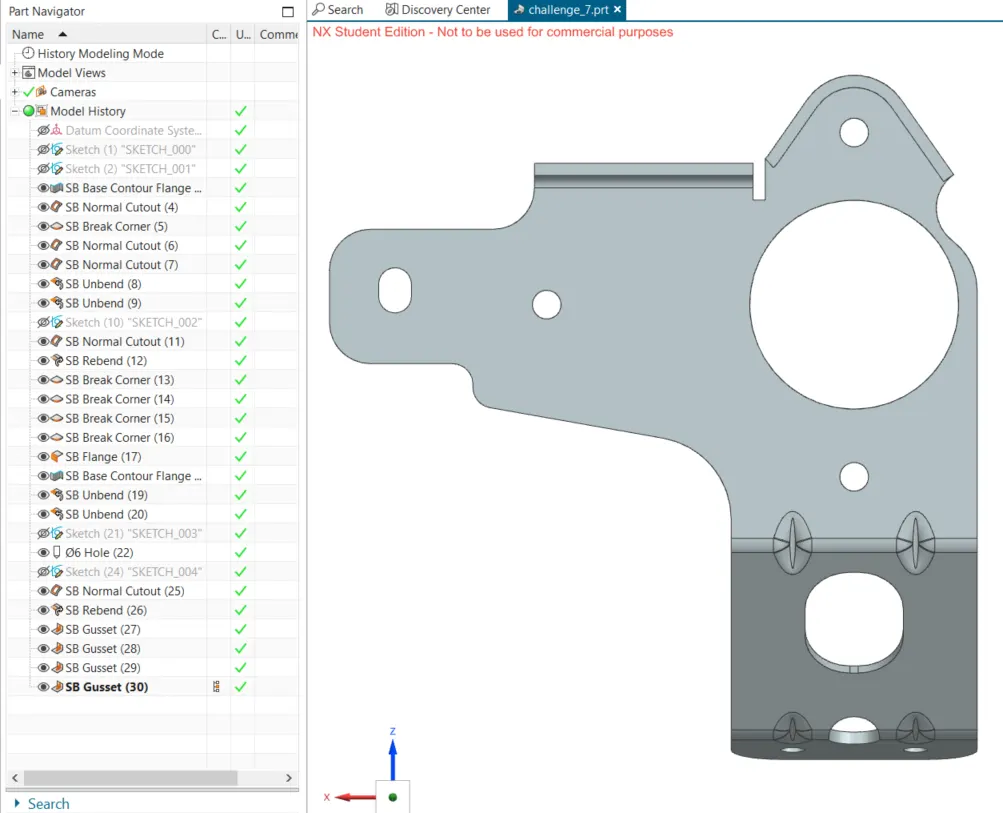
3. normal cutouts are created on the first sketch using the second sketch to bring the sheet metal in shape.
4. break corners are applied on this shaped sheet metal.
5. the holes are cutout and break corners are provided.
6. the sheet is unbent and another hole is drawn to be cut out finally.
7. then the sheet is rebent.
8. now flange is provided on the top part of the sheet metal.
9. advanced flanges could not be provided because NX student version does not support it, so a normal aflange and contoured flange was used instead.
10. four gussets are added with the input of datum plane and curved surface. then the final sheet metal bracket is ready.
conclusion:
metal bracket design of using Siemnes NX sheetmetal application is generated.