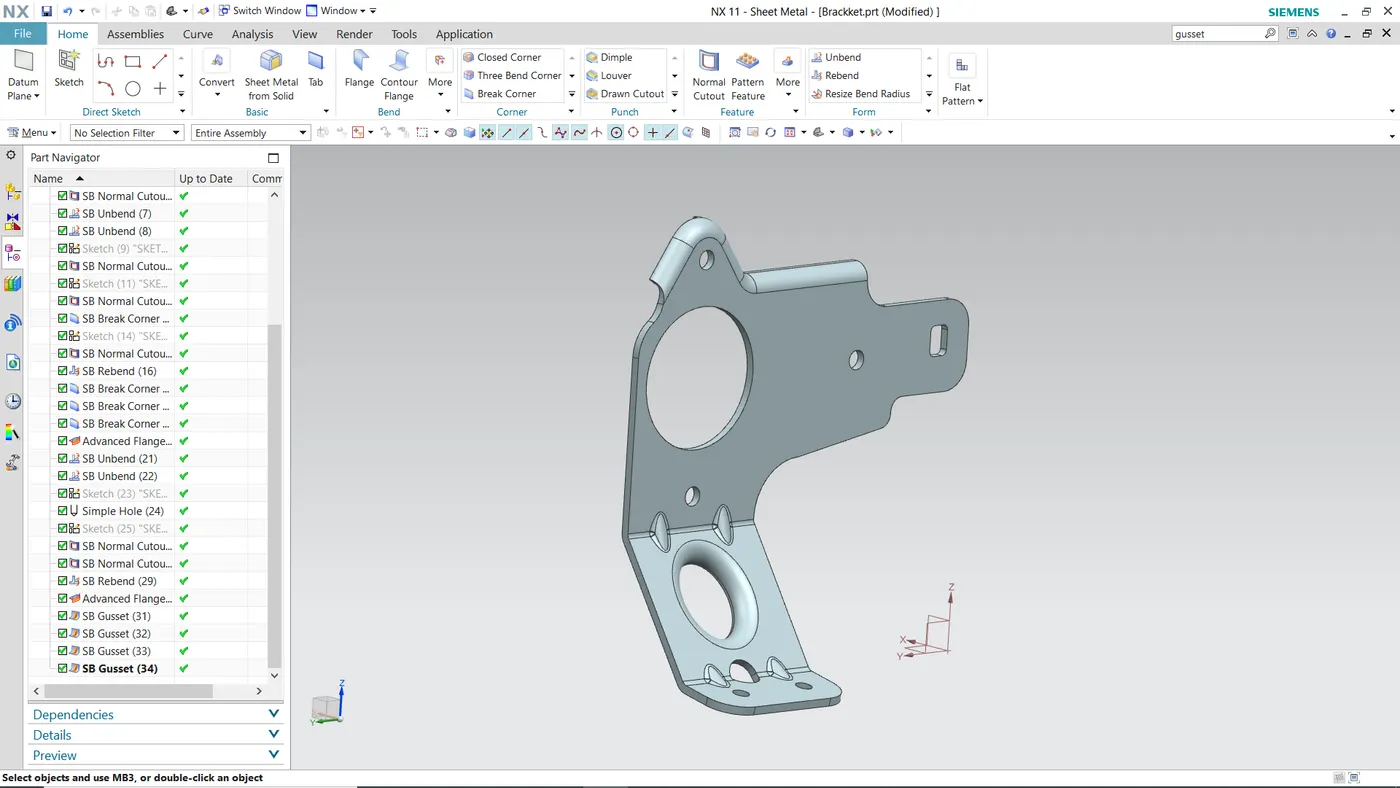
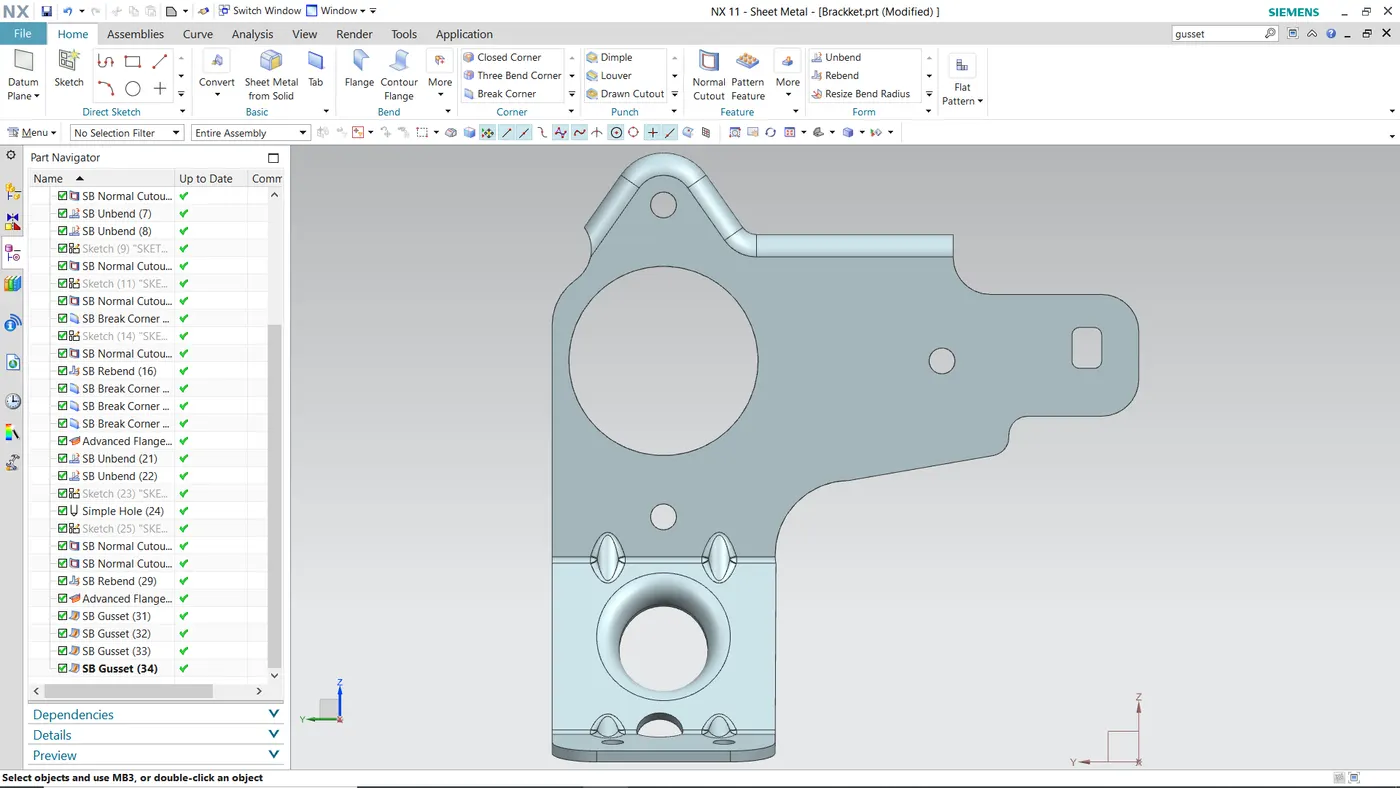
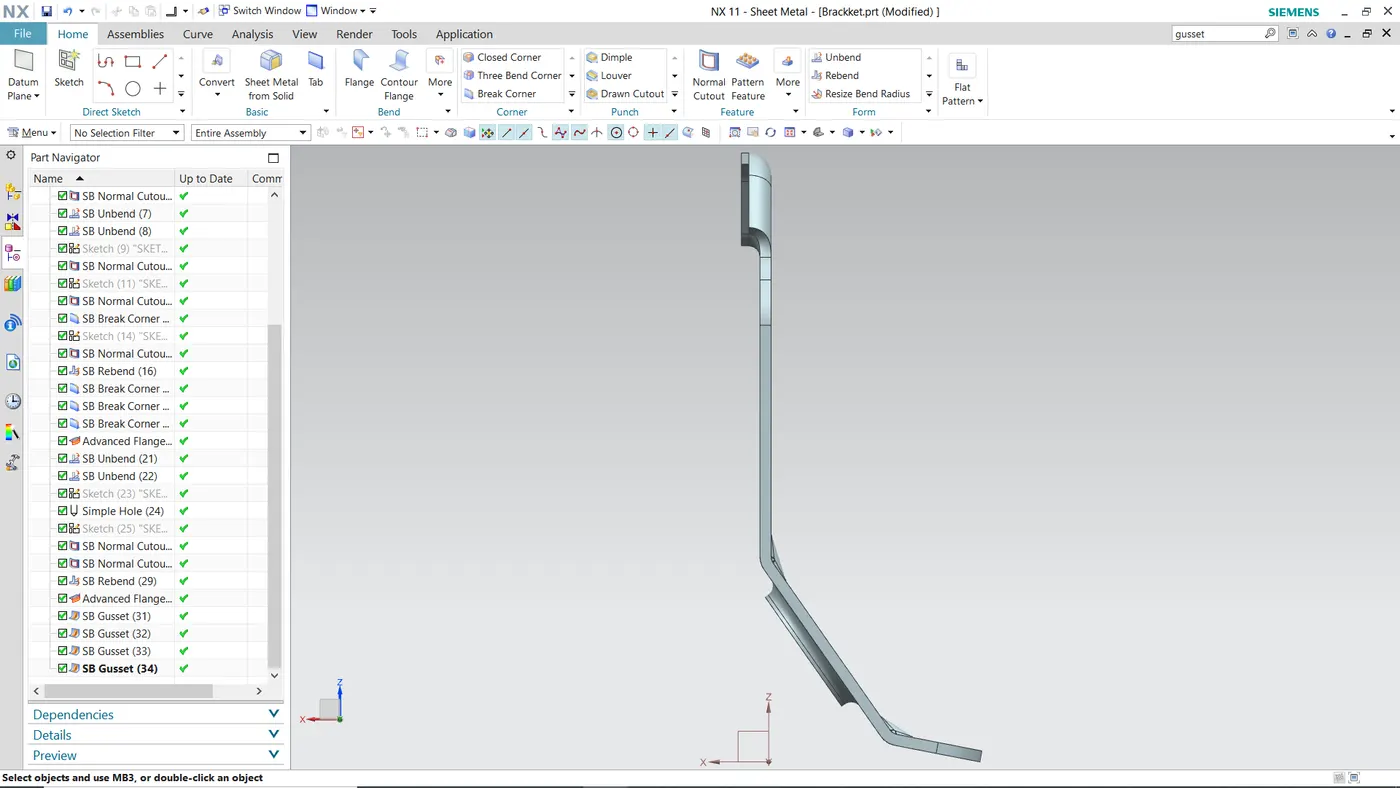
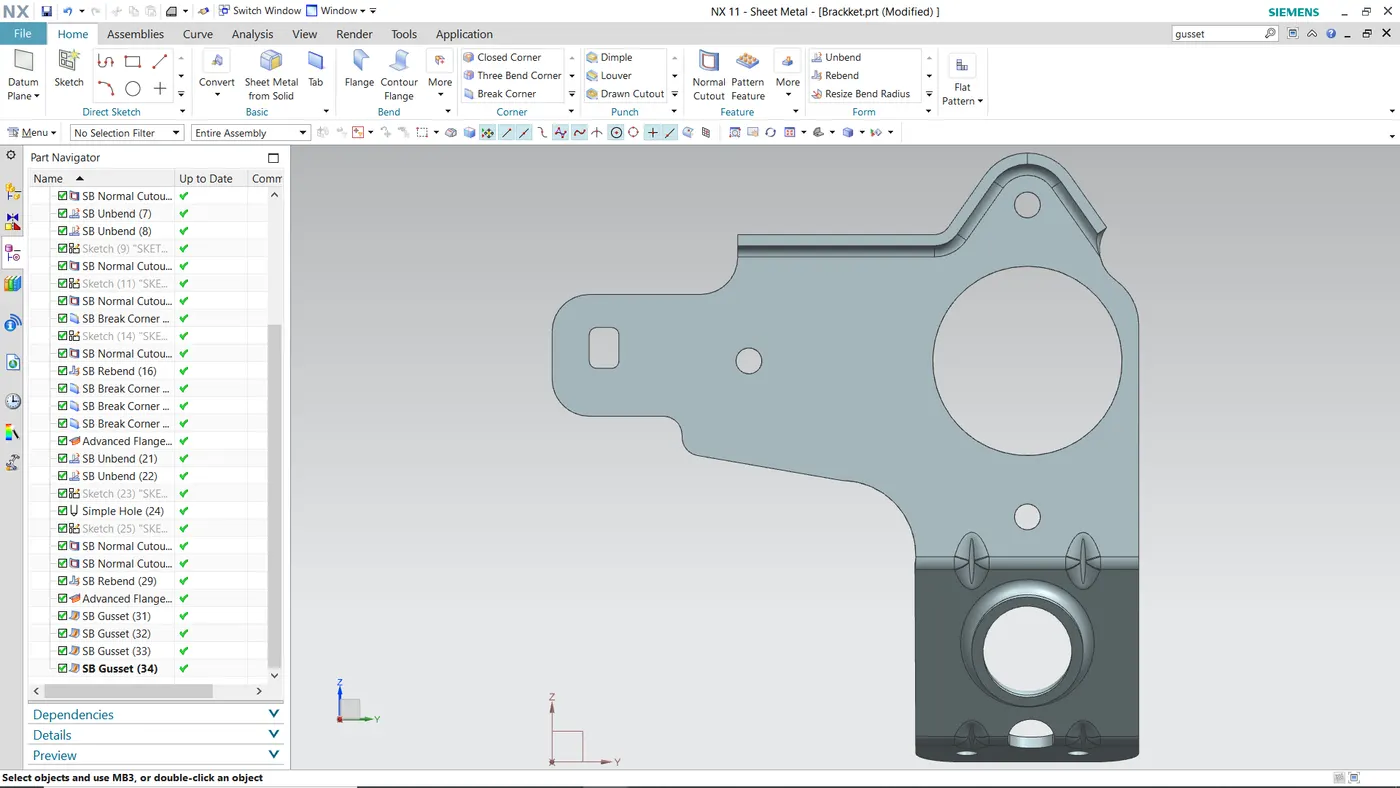
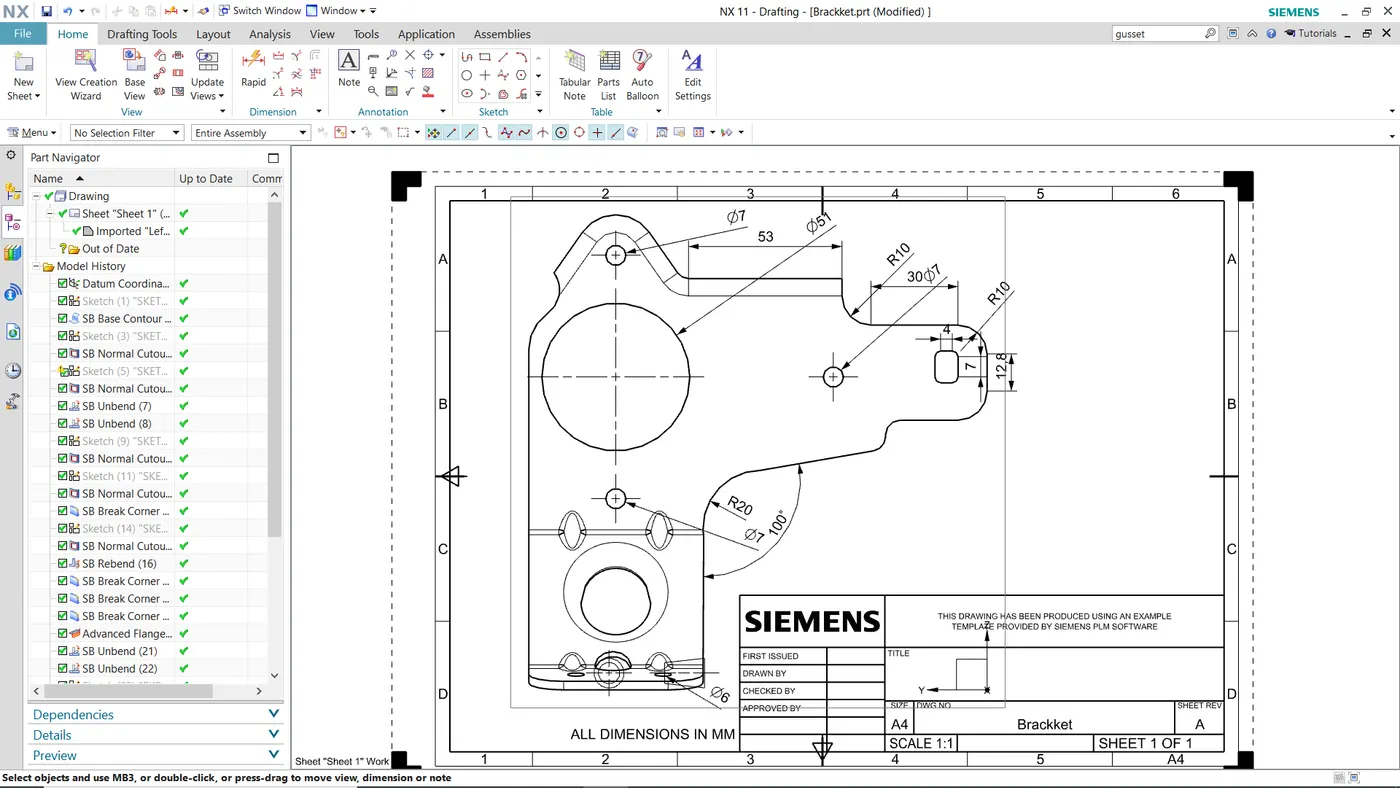
Advanced Sheet Metal Design Using NX Cad Challenge_7_ Metal bracket-II
METAL BRACKET
OBJECTIVE:
To design the Metal Bracket in sheet metal using NX CAD.
INTRODUCTION:
In this project we are going to design Metal Bracket in NX CAD using different basic sheet metal command like Sketch, Extrude, Flange, Jog, Unbend, Rebend , Advance Flange, Gusset, Flat Pattern etc.
DESCRIPTION OF TOOLS:
SKETCH is used to make 2d sketch
FLANGE is a command used to add a flat flange at an angle to a plane face and add an angle between two. A flange consists of a bend region and a web.
ADVANCE FLANGE is used to make advance flages.
CONTOUR FLANGE is used to make flange from 2D sketch Contour.
JOG is used to create Jog.
UNBEND is used to flatten the bend sheet metal to form a flat sheet. It helps in making extra features like Bead, Normal Cutout etc.
REBEND is used to make flat surface that is bend previously to do some extra feature like Hole Bead Back to its original form.
HOLE is a command used to create a hole in the surface.
GUSSET is used to make Gussets in Sheet Metal.
FLAT PATTERN is used to create Flat Pattern of sheet metal.
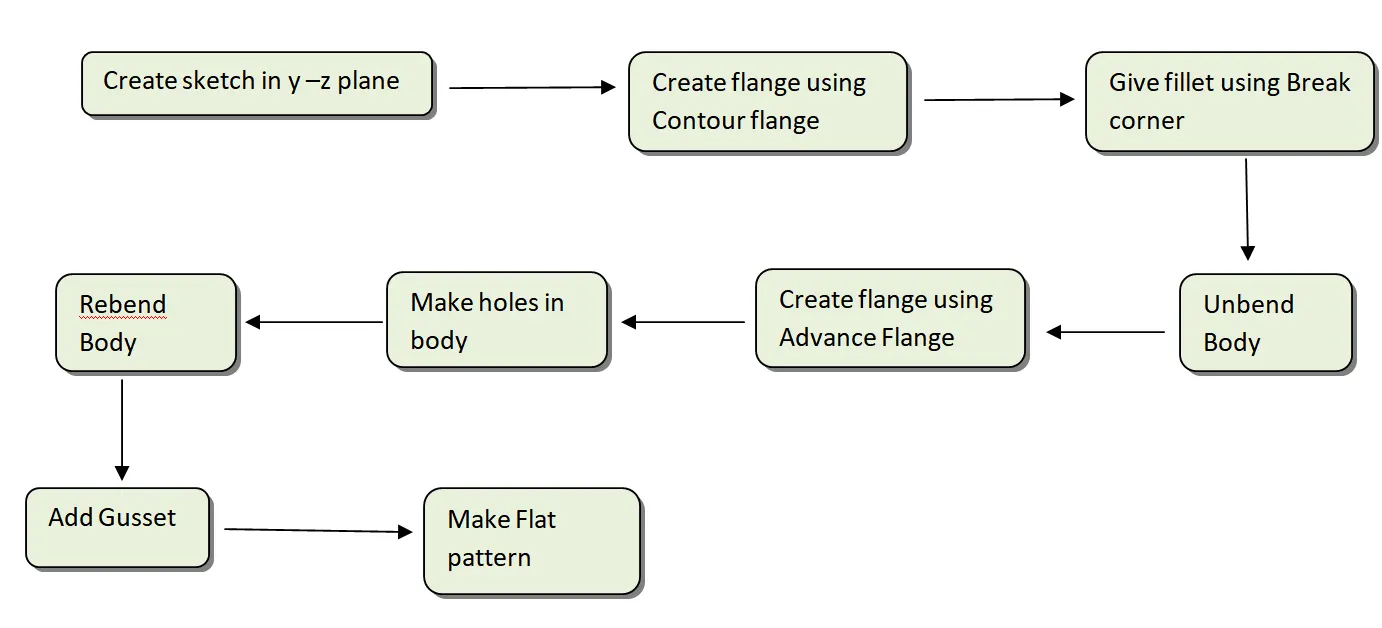
DESIGN METHDOLOGY:
SCREENSHOTS: