Advanced Sheet Metal Design Using NX Cad Challenge_1_Casing Design
CASING DESIGN
Objective :
To design the casing using “Simens NX 11” using sheet metal operation.
Introduction :
CASING DESIGN :
The objective of the casing design is to define a set of casing strings (casing scheme), capable of withstanding a variety of external and internal pressures, thermal loads and loads related to the self-weight of the casing.
SHEET METAL :
Sheet metal is a metal formed into sheet by the help of industrial process. It is one of the fundamental form used in metal working and can be cut , bend into variety of shapes. Countless everyday objects are fabricated from sheet metal.
Description of Tool :
- TAB is a command used to create a base feature by extruding the sketch by giving thickness value or by adding material to existing faces and bend region of the sheet metal parts.
- NORMAL CUTOUT is a command to cutout the material by projecting a sketch onto the model and then cutting perpendicular to the surfaces intersected by the projections.
- BEND is a command used to bend a tab or flanges along the sketch on the surface of tab and flanges
- FLANGE is a command used to add a flat flange at an angle to a plane face and add an angle between two. A flange consists of a bend region and a web.
- BREAK CORNER is a command used to round or chamfer sharp corner of a tab or flange.
- DIMPLE is a command used to lift up an area of model inside a sketch that simulates a stamping tool. You can create an identation in a sheet metal part using a sketch section as a dimple outline.
- HOLE is a command used to create a hole in the surface.
- BREAD is a command used to lift material along the countour of sketch that simulates a stamping tool, Bread can also be created to stiffen sheet metal part.
Design Methodology :
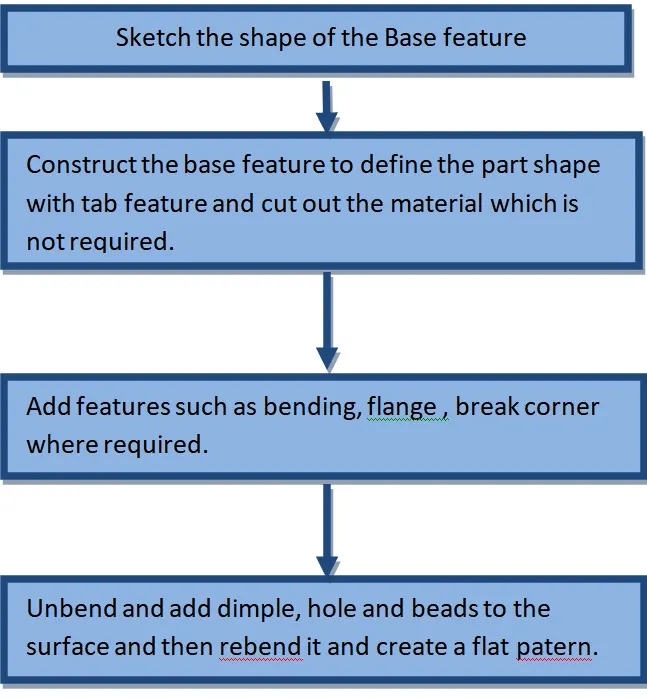
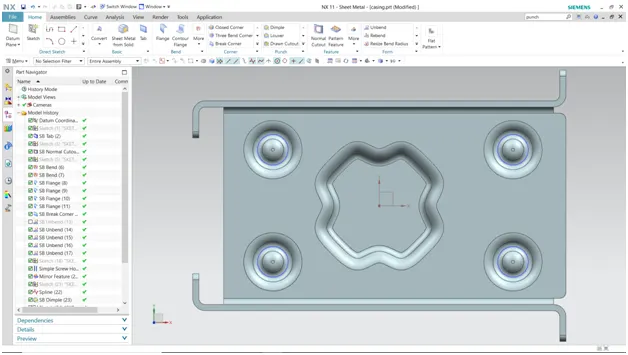
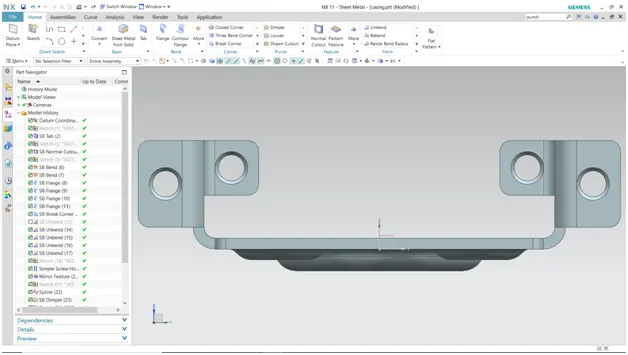
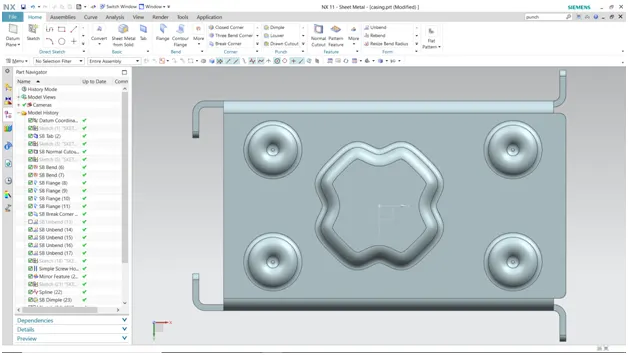
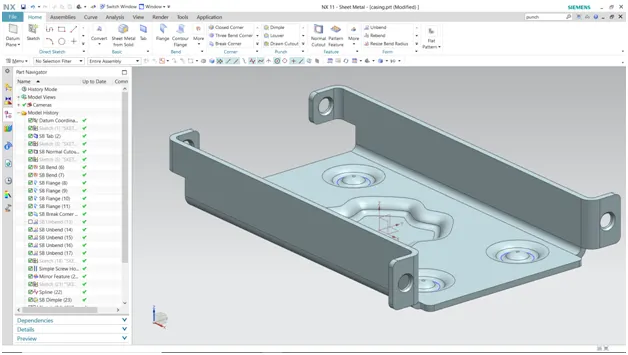
CONCLUSION:
The Casing design is completed.