Advanced Sheet Metal Design Using NX Cad Challenge_7_ Metal bracket-II
TITLE OF THE PROJECT
Design a metal Bracket Using NX Cad by following the design rules.
OBJECTIVE
Design a Sheet metal bracket and provide all the design feature to it according to the design rules.
INTRODUCTION
Brackets can support many architectural items, including a wall, balcony, TV antennas, pergola roof, window box, or a shelf. In addition to creating a connection between two parts, a metal bracket can be used to provide support.
DESIGN METHODOLOGY
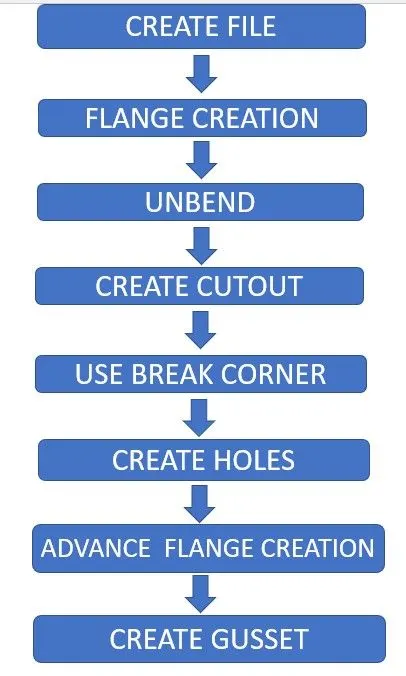
DESCRIPTION
CREATE FILE:- Create a sheet metal design file in Nx Cad and name it.
FLANGE CREATION:- Create a sketch and Use CONTOUR FLANGE to create a 158mm flange.
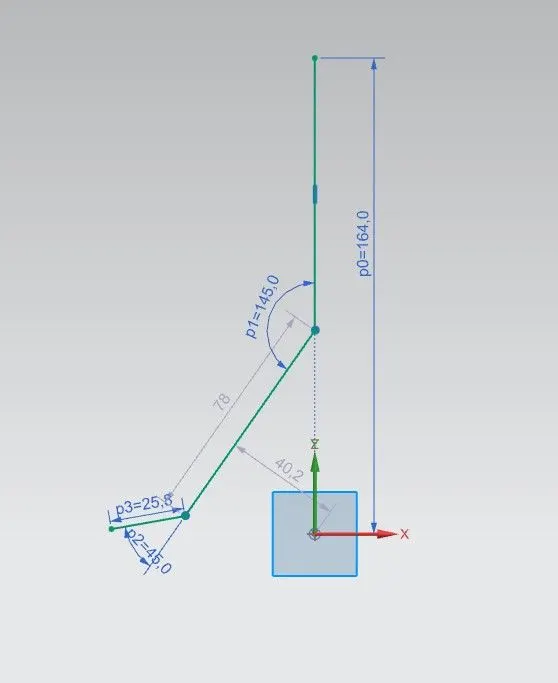
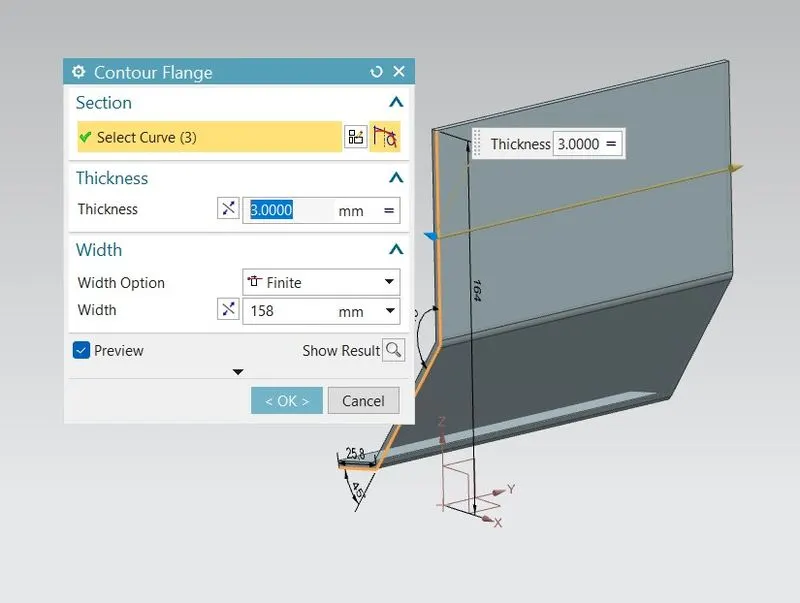
UNBEND:- Use UNBEND command and select a stationary face and the bend faces to create a flat model.
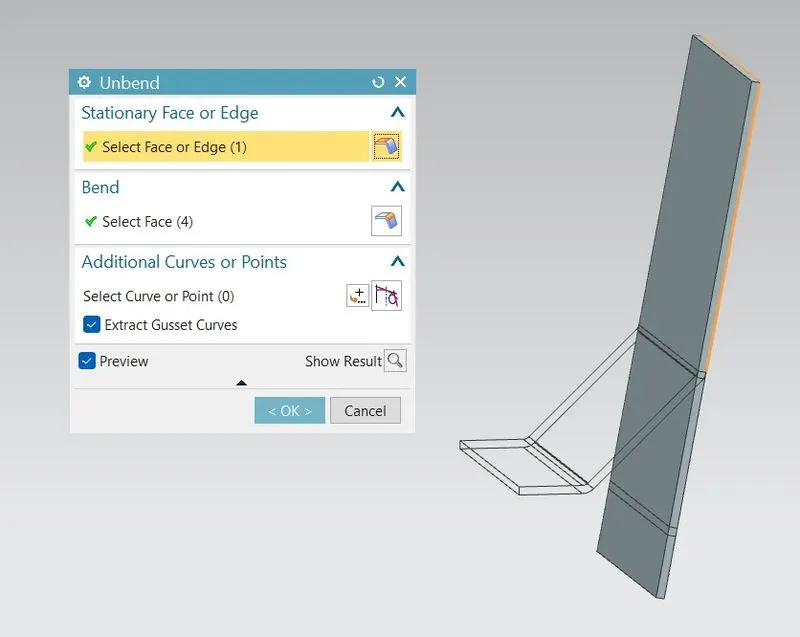
CREATE CUTOUT:- Create cutout as per the design rule and use NORMAL CUTOUT command to cut the part according to the sketch.
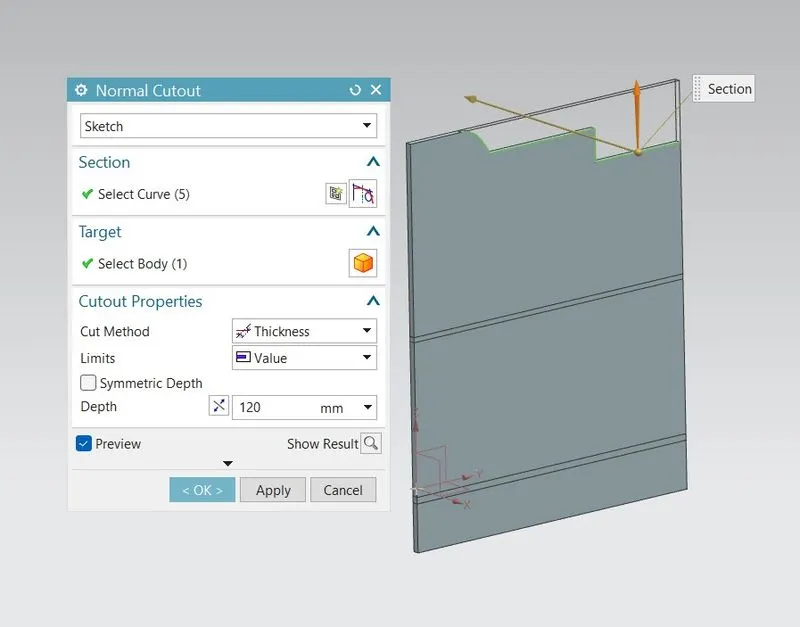
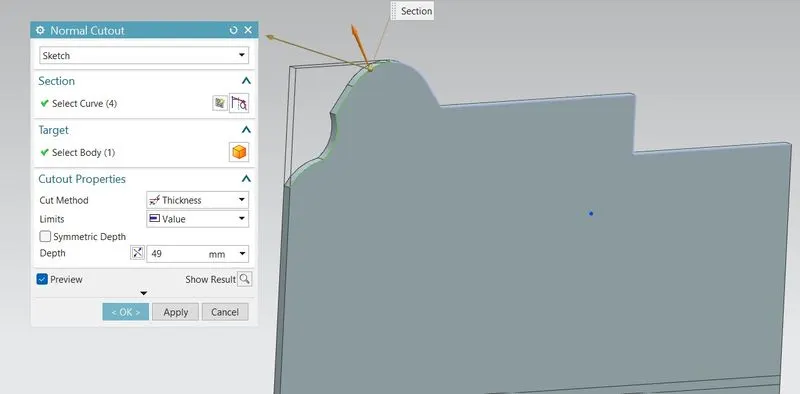
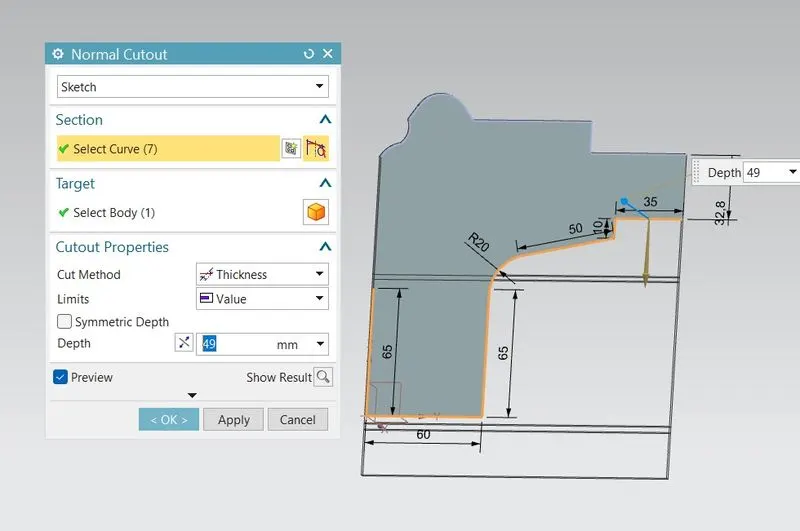
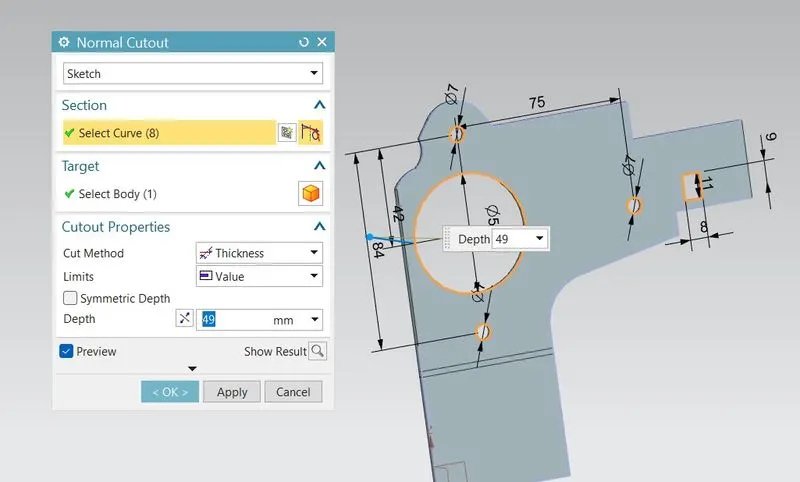
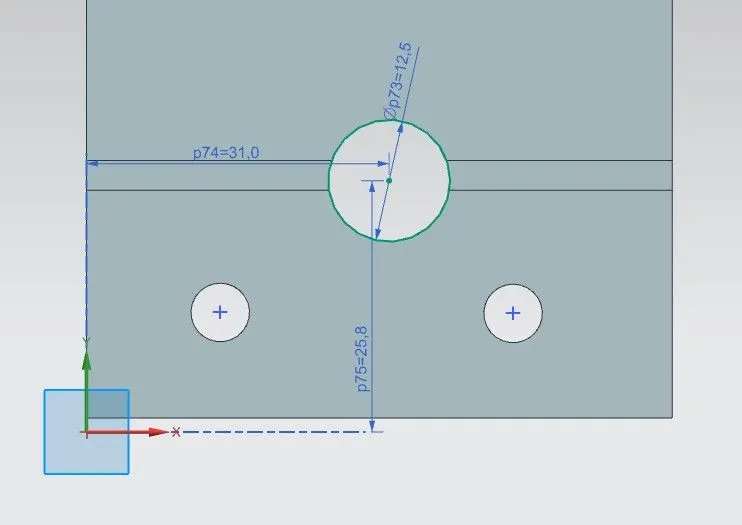
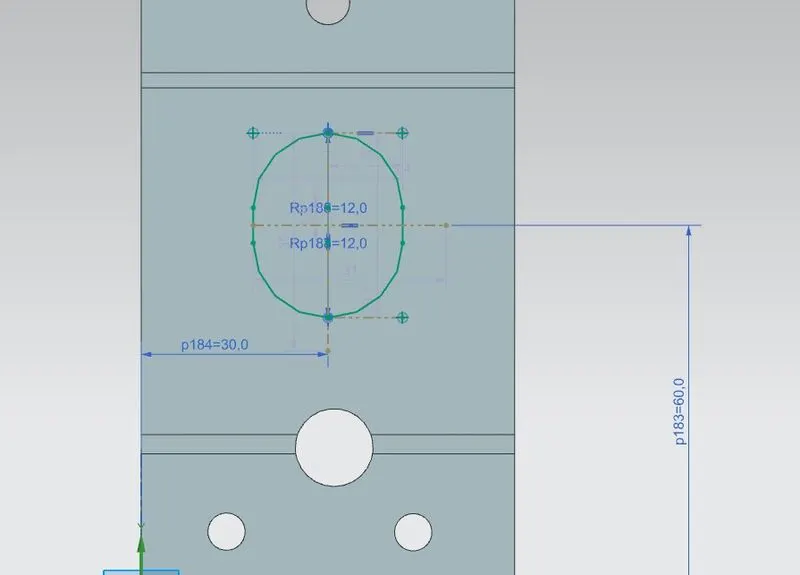
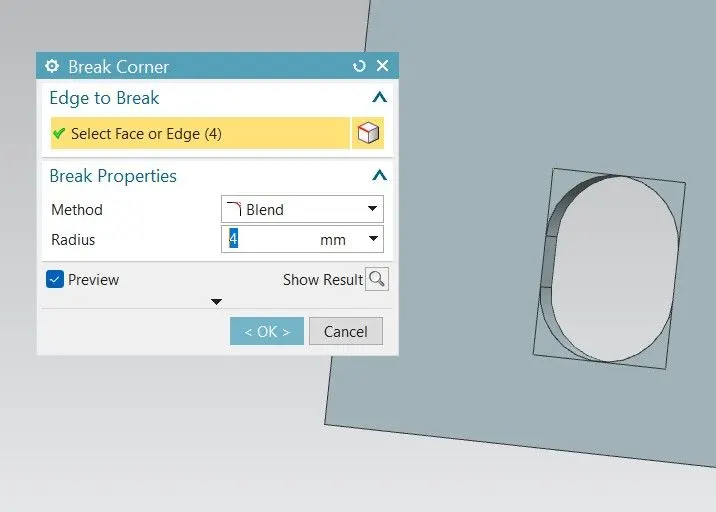
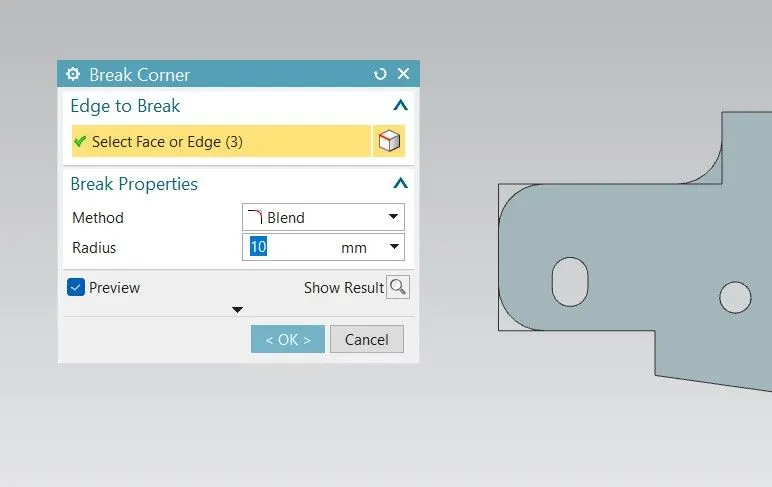
BREAK CORNER:- Use BREAK CORNER command to smoothen the sharp edges of the part.
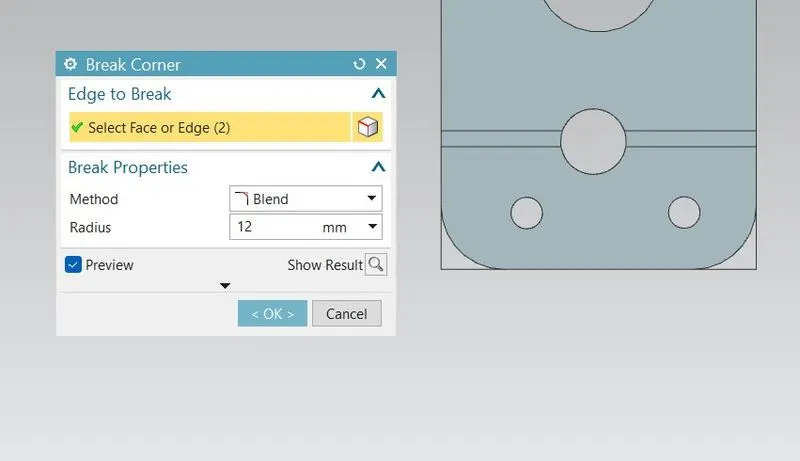
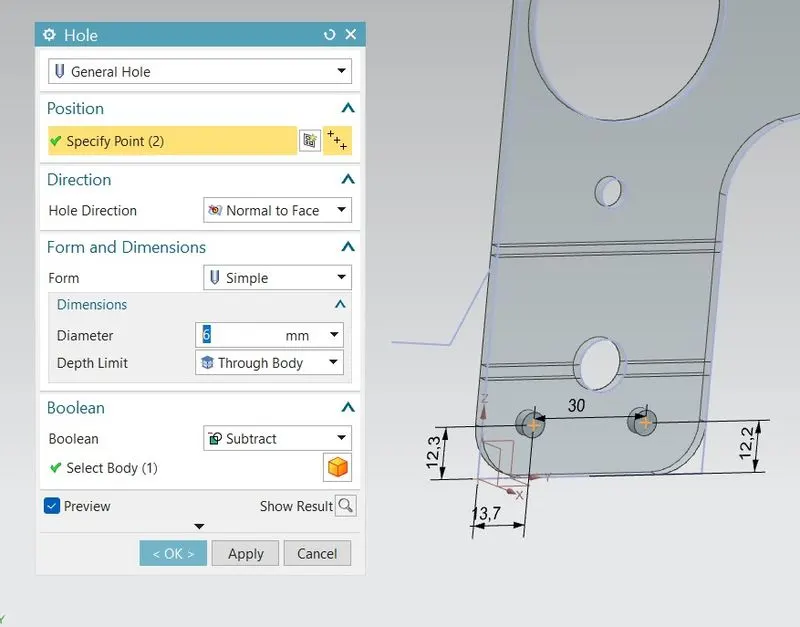
CREATE HOLES:- Create points on the part according to the design guidline and use HOLES commands to create holes of 6mm dia.
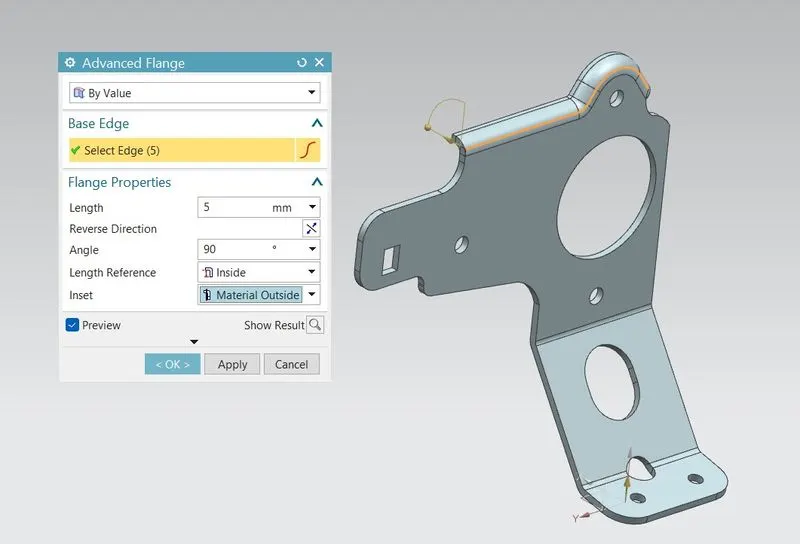
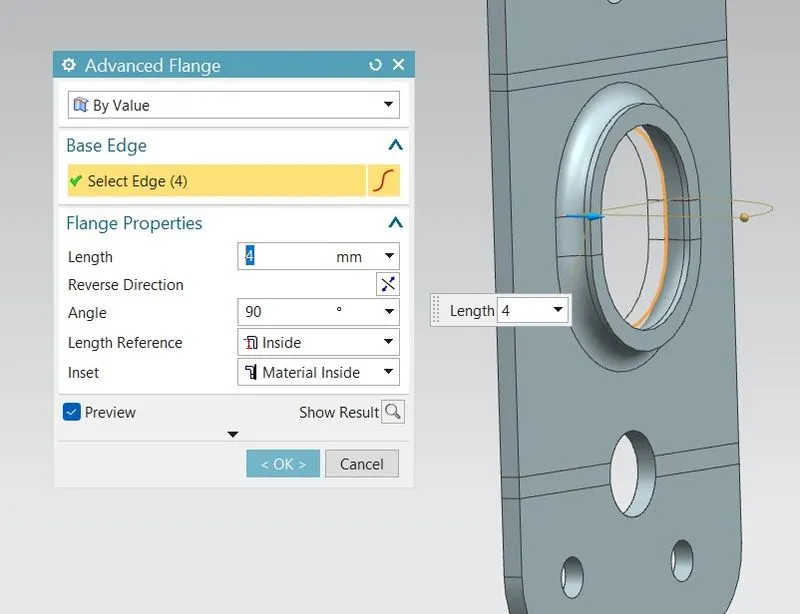
ADVANCED FLANGE CREATION:-
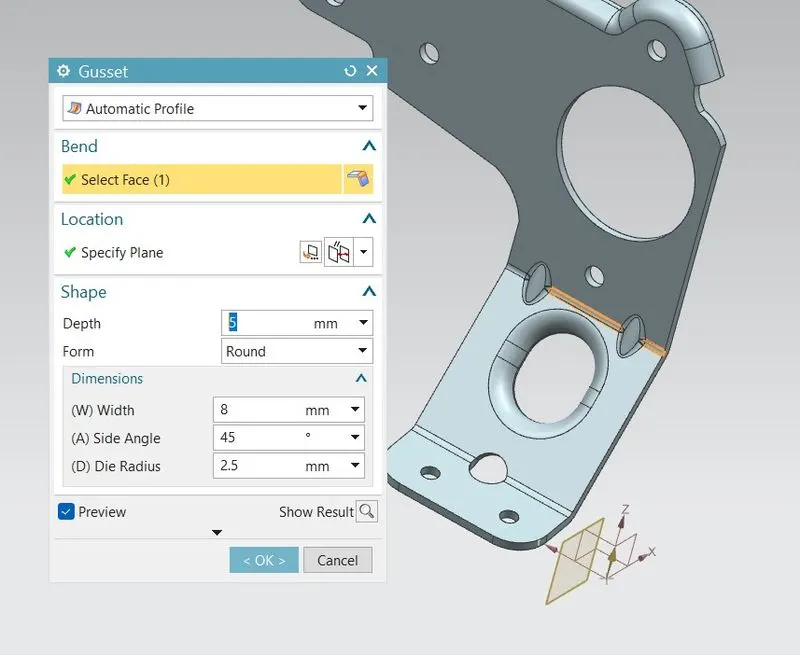
CREATE GUSSET:- A sheet metal gusset is an indented feature that forms a gusset to stiffen a bend in sheet metal part. To create gusset, Open SB GUSSET command then select bend face and adjust the plane according to where you want to create gusset.
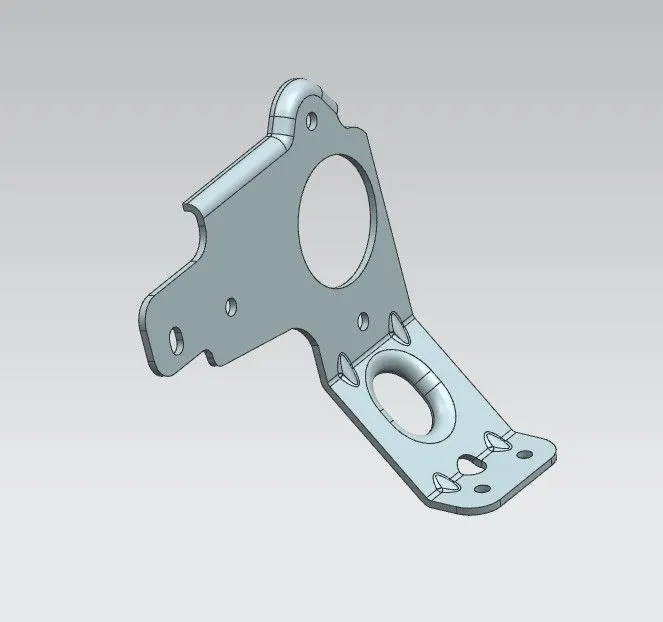
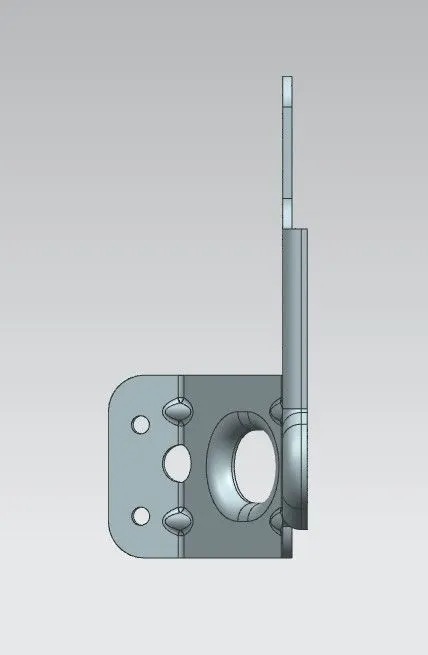
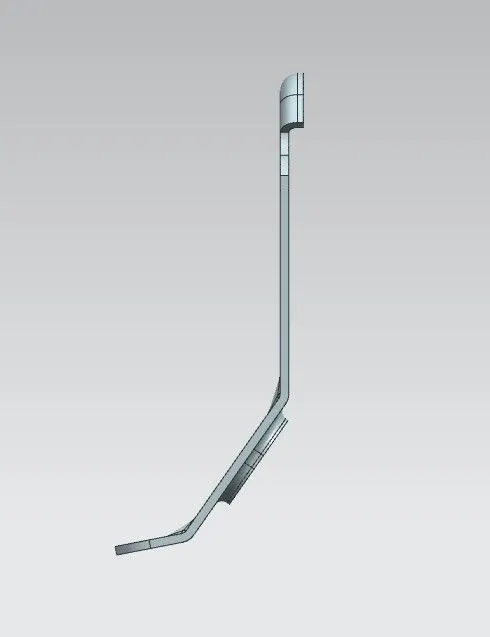
PART IMAGES
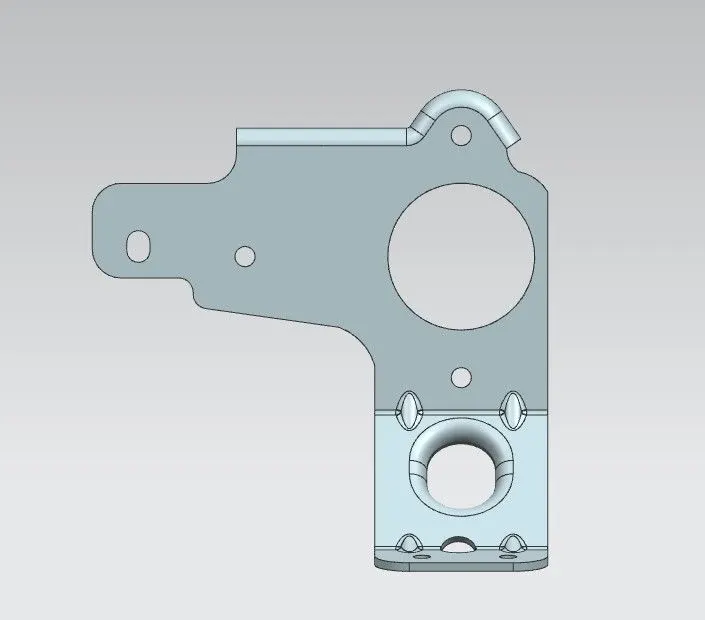
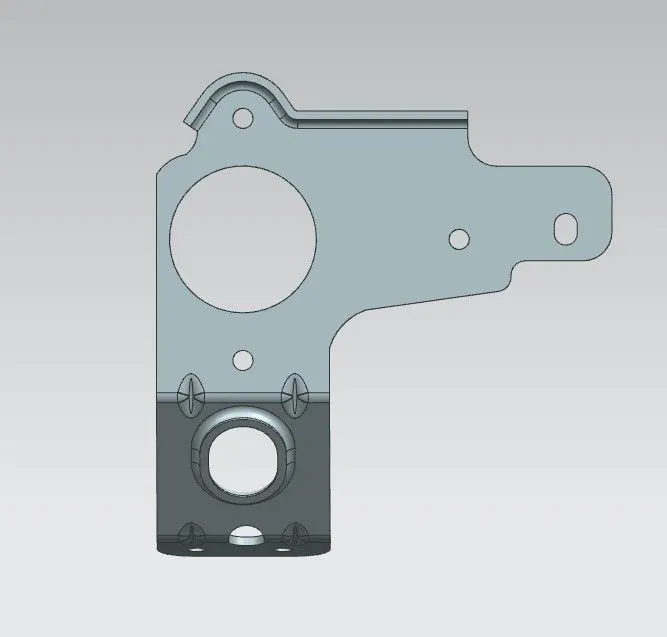
CONCLUSION
This design of METAL BRACKET model is created using nx cad by following the design rules.