Advanced Sheet Metal Design Using NX Cad Challenge_7_ Metal bracket-II
Title- Metal Baacket II
Objective- To learn design metal bracket using NX Cad
Introduction- In this project we will learn how to design metal bracket using differnt NX Cad commands such as Contour flange, normal cutout, Hole, Advance Flange etc. we will also learn how to provide gussets to provide strength to sheet metal body
Design Methodology-
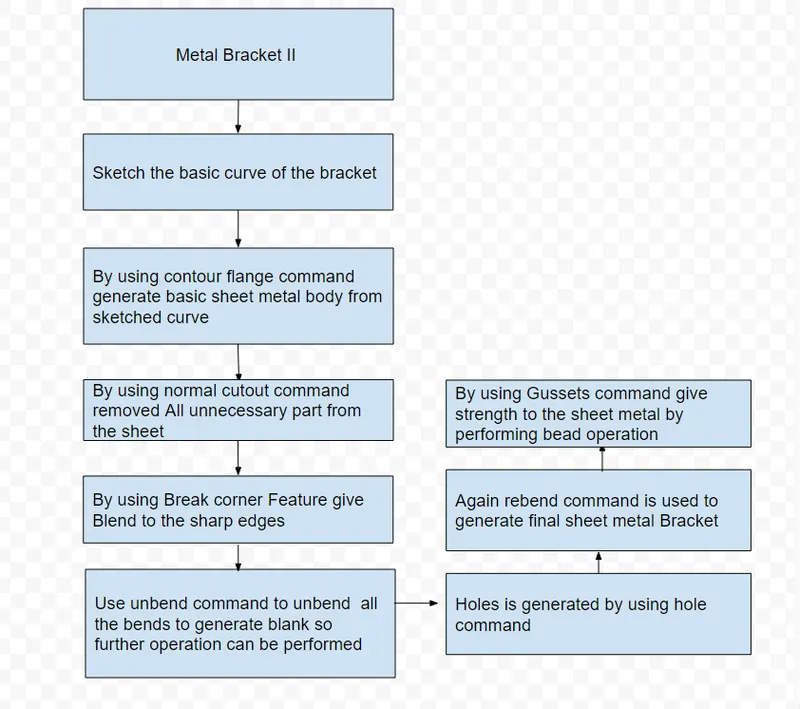
Descripton-
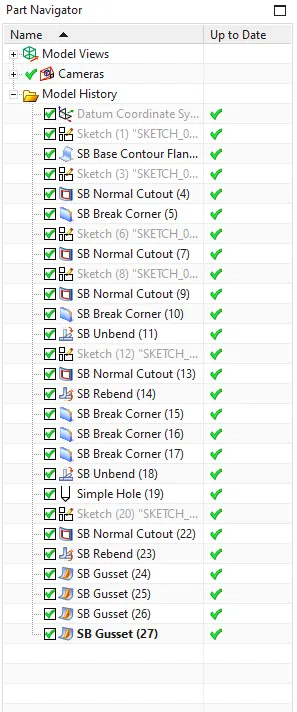
Contour Flange- This command is used to generate normal or basic sheet metal bracket on which remaining operation can be performed
Normal cutout- This command is used to remove the bracket's unnecessary parts.
Break corner- this command is used to provide edge blend to give smooth corners
Unbend- This command is used to undo the sheet's bend.
Normal cutout- Again this command is used to cut remaining unnecessory part of the bracket
Holes- This command makes holes in a sheet metal blank.
Rebend- this command is used to rebend the sheet for final model
Gussets- this command is used to provide gussets to the sheet metal body to provide extra strength
Images-
Front View
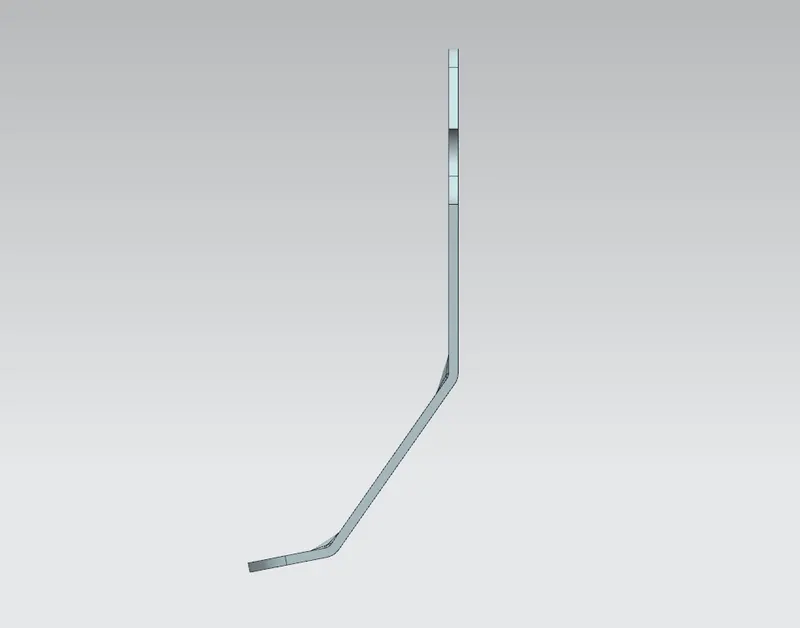
Left Hand Side View
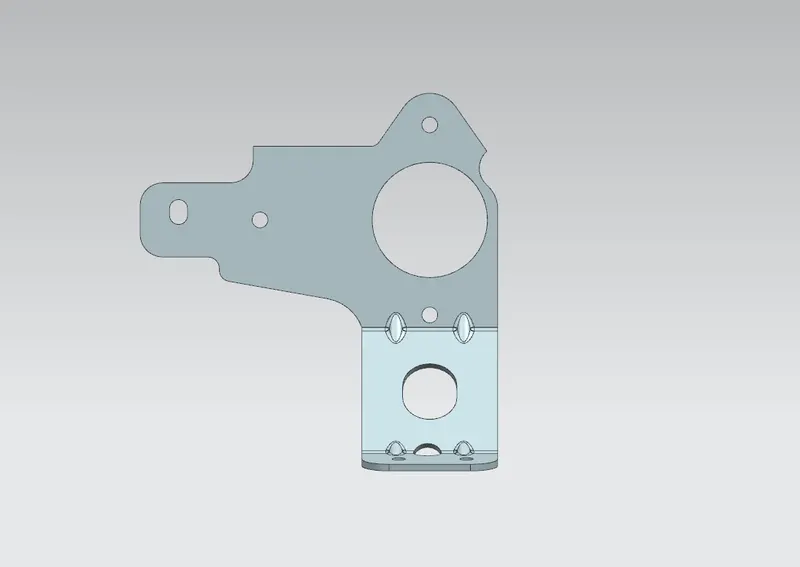
Right Hand Side View
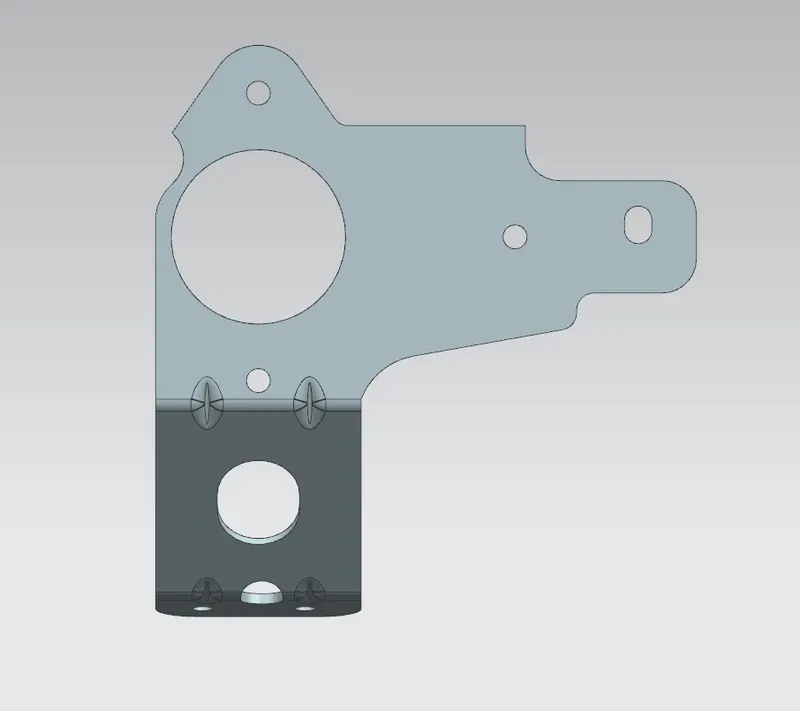
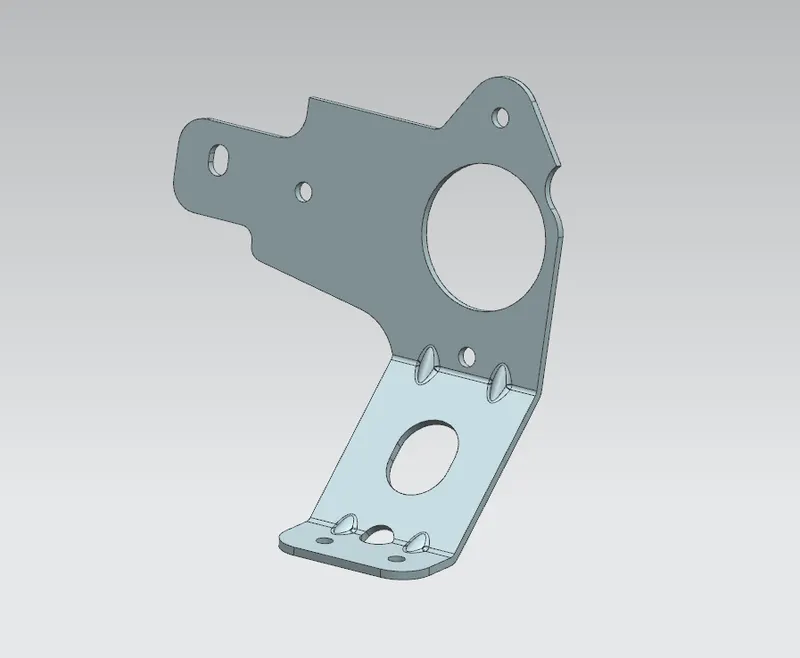
Isometric View
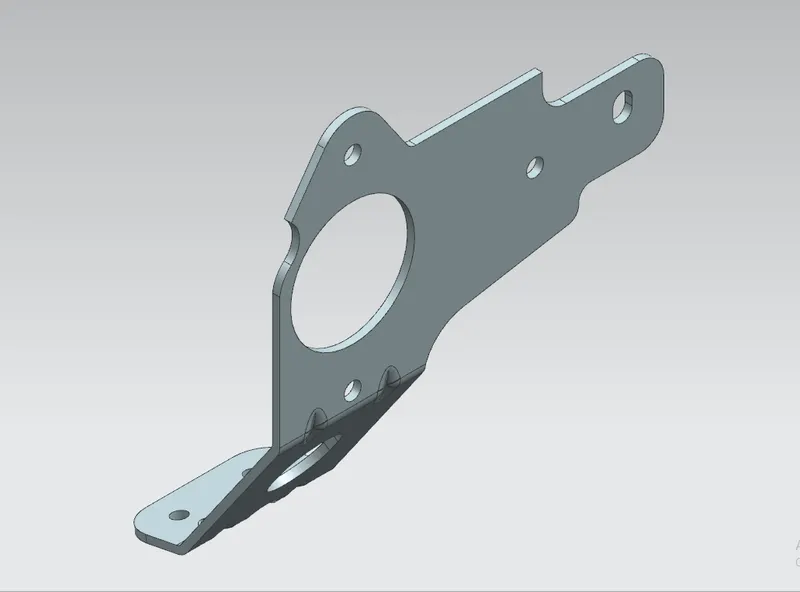
Normal View
Part Navigator
Conclusion- In this project we have learn about how to create metal bracket by using sheet metal command such as Contour flange, normal cutout, Hole, Advance Flange etc. we have also learn how to provide gussets to provide strength to sheet metal body.
NOTE- Due to software licence problem cant perform advance flange operation