Advanced Sheet Metal Design Using NX Cad Challenge_6_Bracket
Title- Bracket Design
Objective- To learn creat Sheet metal body from 2D drawing
Introduction- In this project we will learn step by step process of creating sheet metal bracket from given 2D drawing. By using Contour Flange and to improve strength we will provide some bead.
Design Methodology-
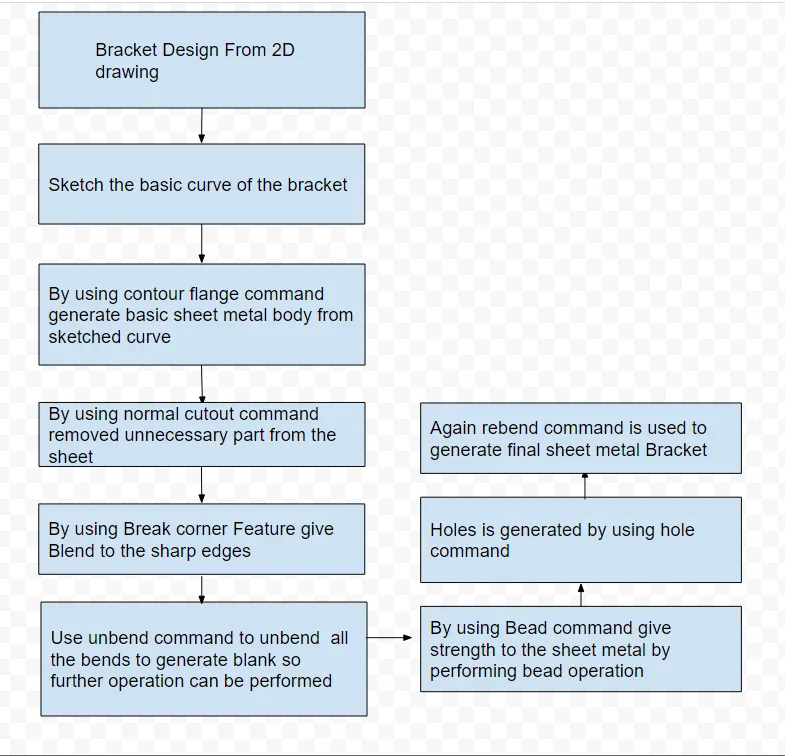
Descripton of tools used-
Contour Flange- By using this feature we can produce basic sheet metal body on which remaining operations can be performed
Normal cutout- This command is used to cut unnecessory part of the bracket
Break corner- this command is used to provide edge blend to give smooth corners
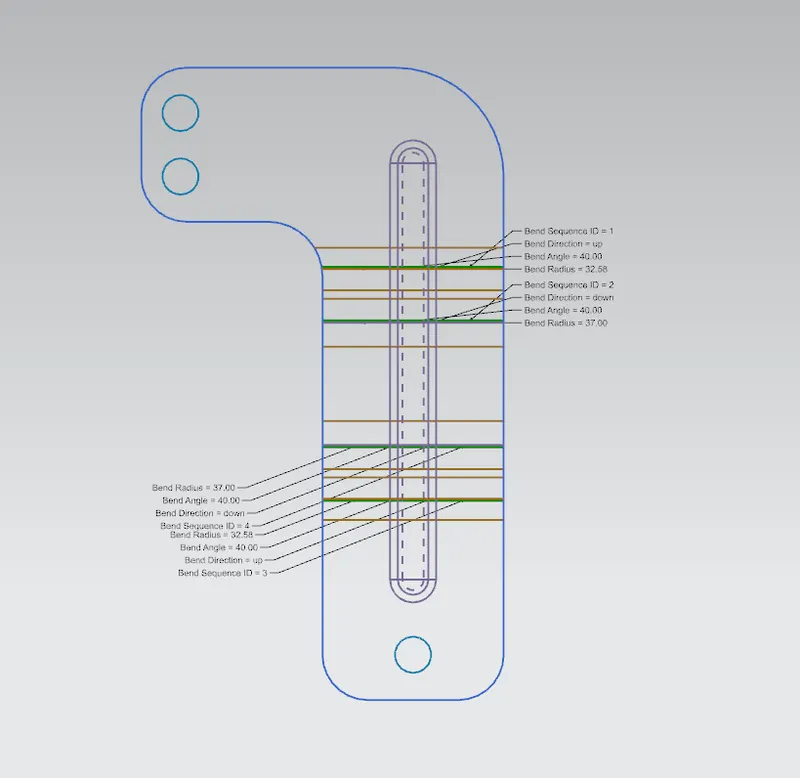
Unbend- this commnad is used to unbend the sheet
Bead- this is the command is used to provide strength to sheet metal by performing bead feature
Holes- this command is used to provide holes to sheet metal blank
Rebend- this command is used to rebend the sheet for final model
Different views of model-
Front view
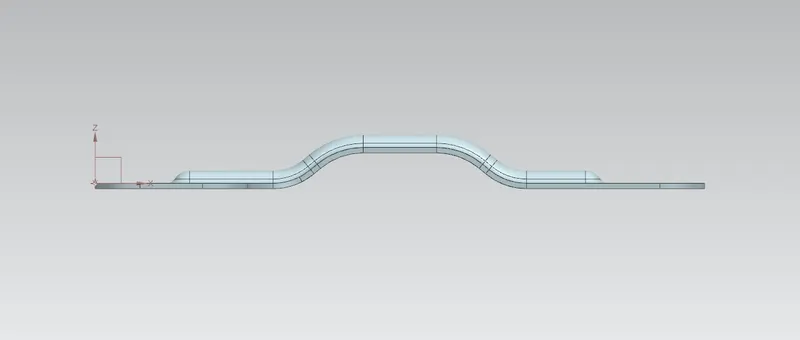
Left Hand Side View
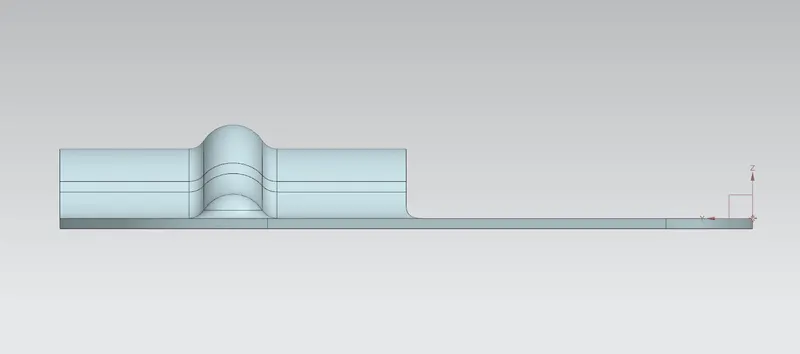
Right Hand Side View
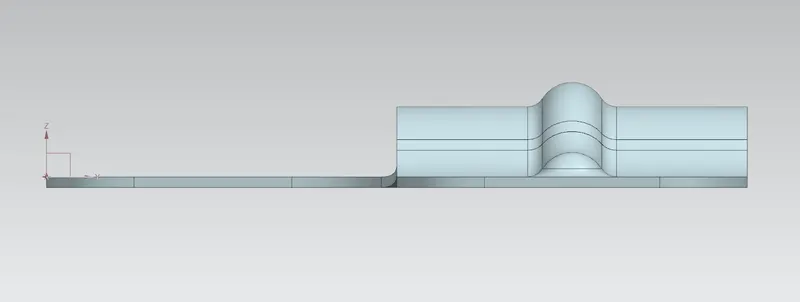
Top View
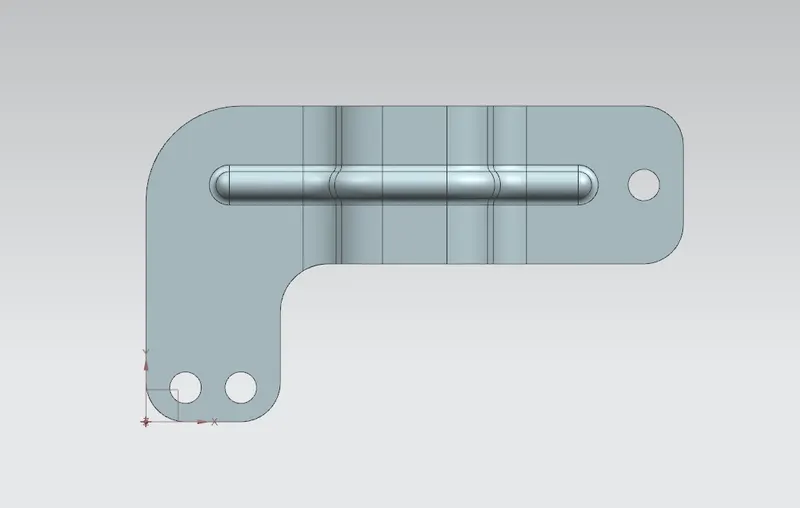
Bottom View
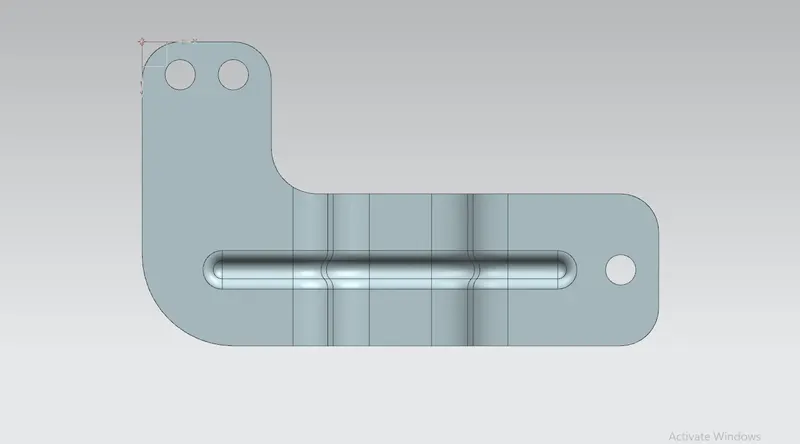
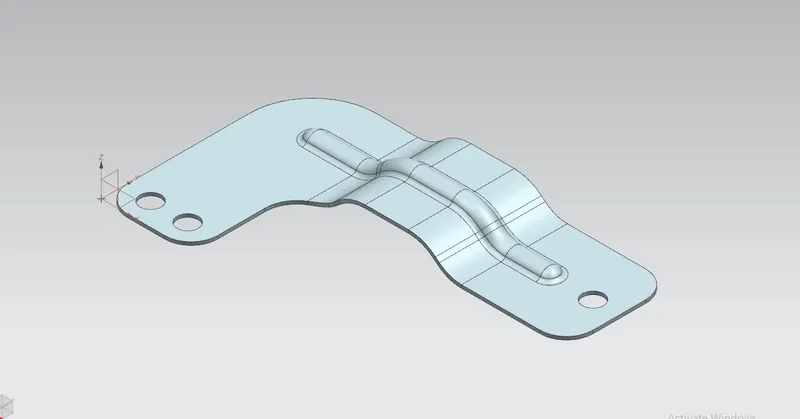
Isometric View
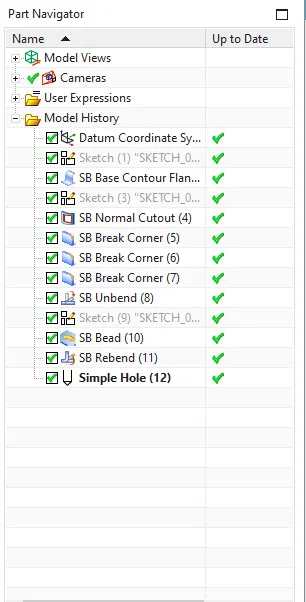
Model Feature View
Drawing Sheet
Conclusion- In this project we have learned about how to create sheet metal bracket from 2D drawing. Also we have learned about how to provide strenghten features such as Bead and holes, We learned how to provide edge blends.