Advanced Sheet Metal Design Using NX Cad Challenge_2_Box Assembly
Title- Box Assembly
Objective- To learn Sheet metal part assembly And basic sheet metal command
Introduction-
Sheet Metal box assembly gives more ideas about how to create, add or modify differnt parts in the assembly, with this projects get good knowledge of basic to advance sheet metal design commands
Design methodology-
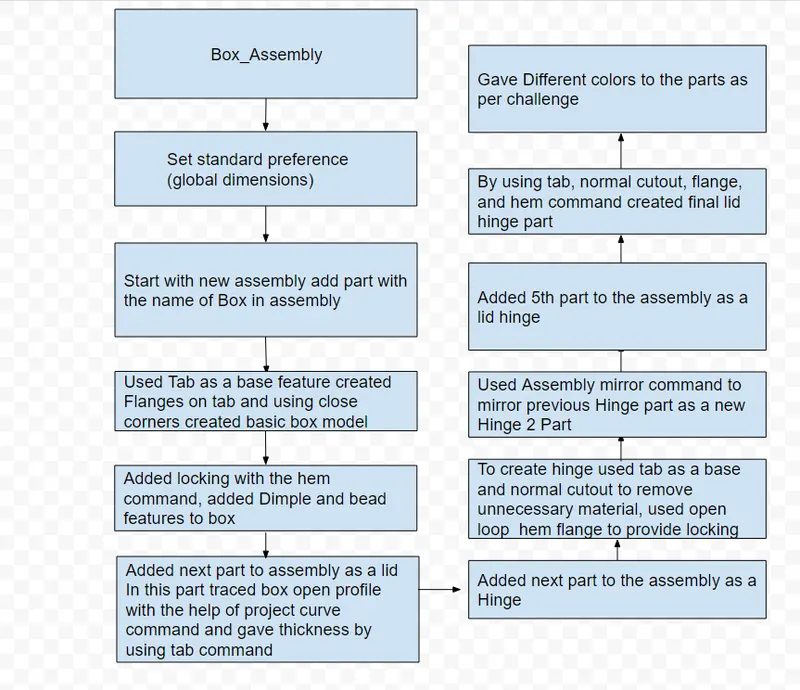
Description-
Tab- this is the base feture used for box
Flange- two 90 degree flanges to the length side of the tab
closed corners- this command used to give proper closing to the corners of the flanges
hem- this command is used to give locking of the box side and to provide smooth edge to the open side of the box
project curve- this command is used to trace the box open side to creat lid profile
tab - used as a base command to give thickness to lid
hem- this command again used to give locking between the box and the lid
tab- this command again used to give base thickness to the hinges
normal cutout- this command used to remove unnecessory material from hinge tab
Hem- Open loop hem command used to give locking shape to the hinge
Mirror part- this command used to creat mirror of the hinge part 1
simmilarly by using tab, flanges, normal cutout and open loop circular hem command created lid hinge
Images of the assembly-
Front view
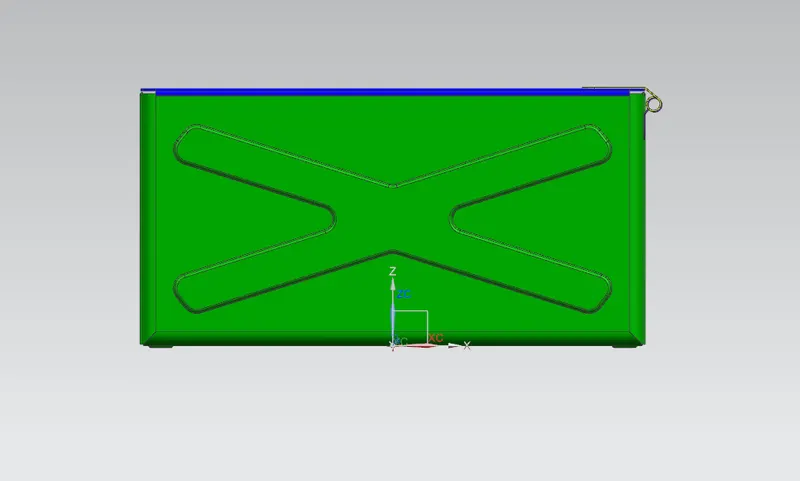
Top View
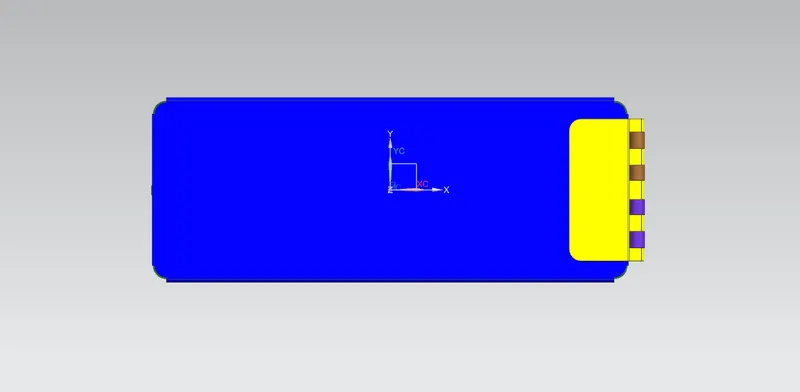
Left hand side view
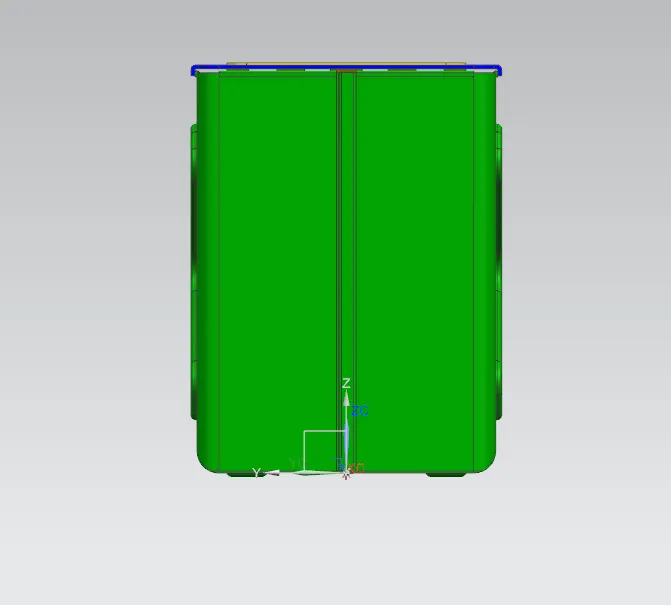
Right hand side view
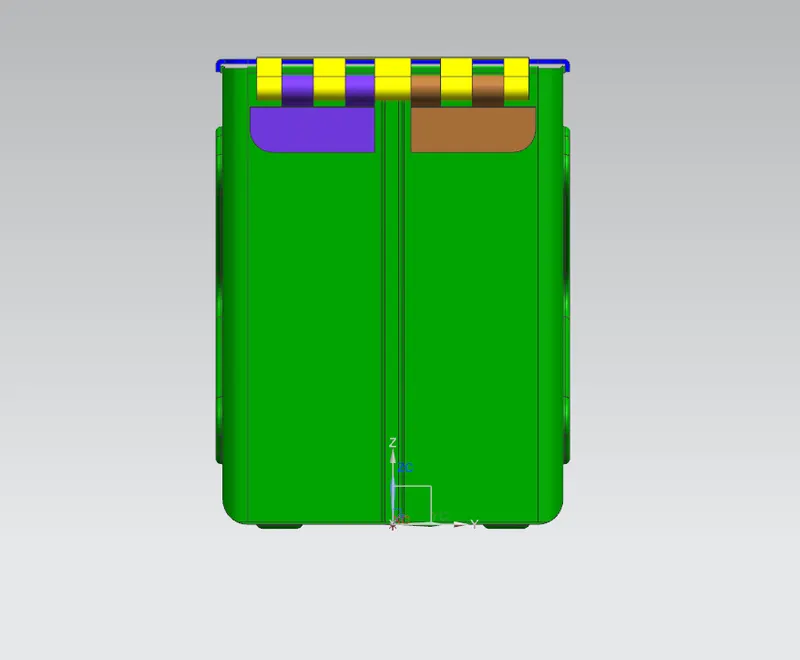
Bottom view
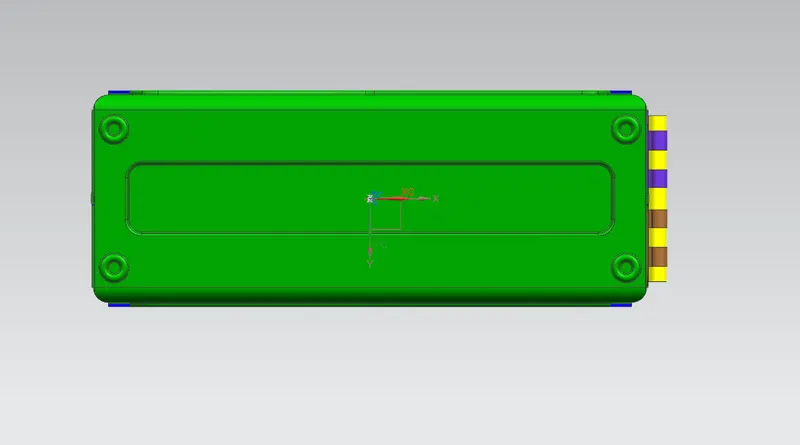
Isometric view
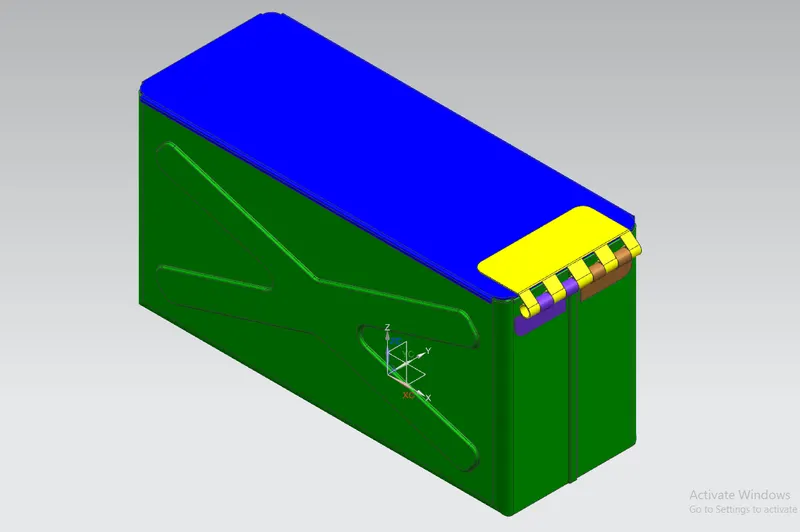
Concusion- In this challange i have lerned about how to create assembly, how to add and modify components in the assembly, how to project curves and use those curves to create new part. Also learned differnt sheet metal commands like tab, hem, dimple, bead, project curves etc.