Advanced Sheet Metal Design Using NX Cad Challenge_5_Odd Shaped Enclosure
Title of the project- Odd shaped enclosure
Objective- To generate sheet metal body from solid body and give differnt features to sheet metal
Introduction- In this projects we will learn about how to generate sheet metal body from solid body and give differnt sheet metal features like strenghing features like bead, adding flanges, jogs etc.
Design Methodology-
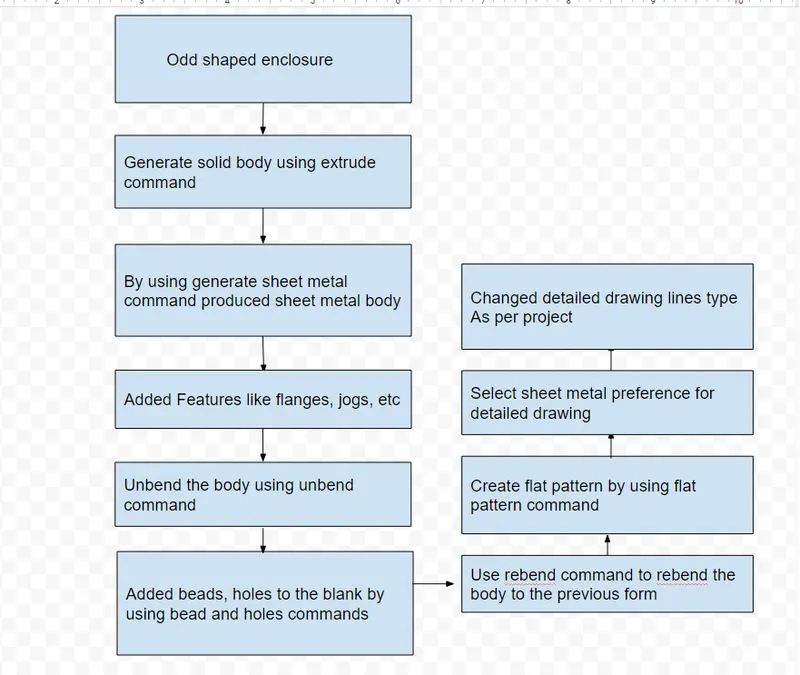
Description-
Extrude- By using this command created solid body
Sheet metal from solid- By selecting web faces and edges created sheet metal body from solid body
Flange- Added flange to the sheet metal body as a feature
Jog- By creating open sketch on the sheet metal side created bend by using Jog command
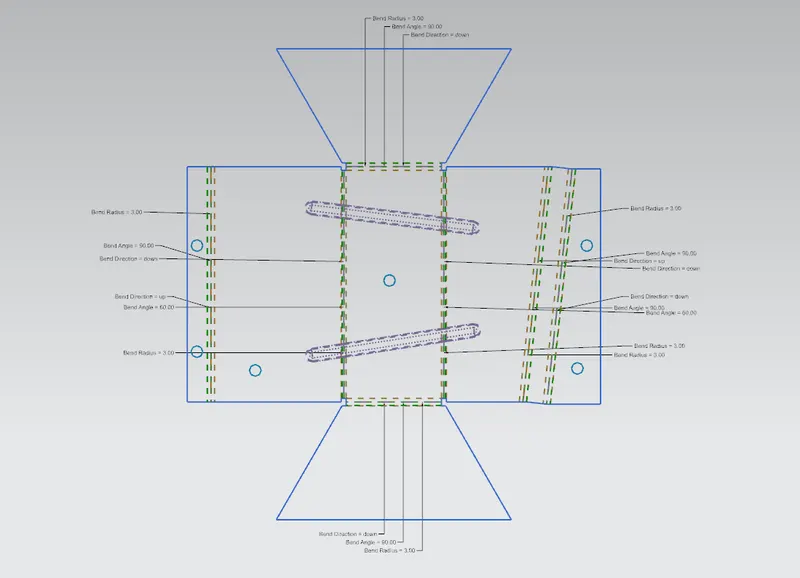
Unbend- By using this command unbend the sheet metal body to add diferent features
Bead- bead is the features we generally use to strengthening the sheet metal body. By creating open sketch or lines we can use bead command to perform bead operation
Holes- To generate holes on the sheet metal body used hole command
Rebend- By using this command perform rebending of a unbended sheet to give sheet metal body its actual shape
flat pattern- by using this command generate flat pattern which is used to generate detailed design sheet
Screenshots of model-
Front View
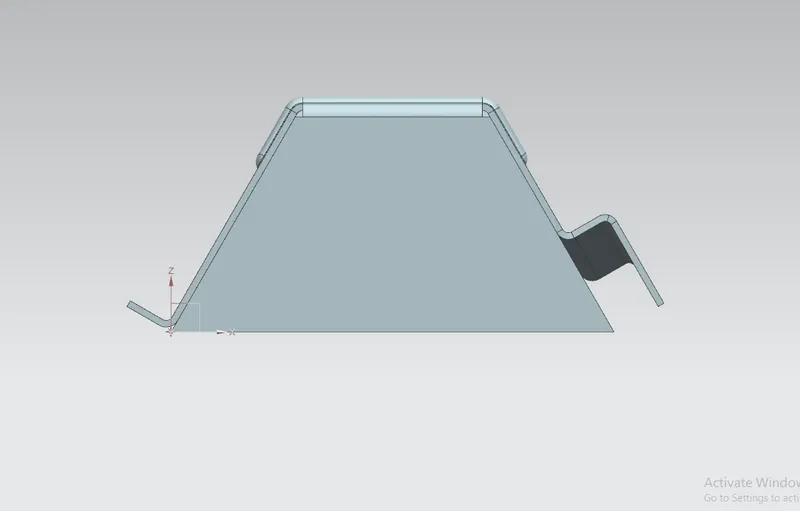
Top View
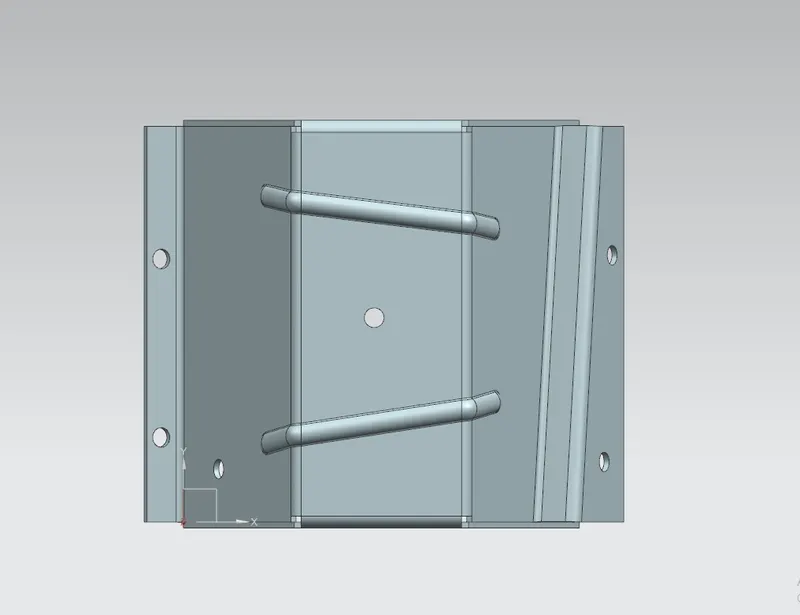
Left Hand Side View
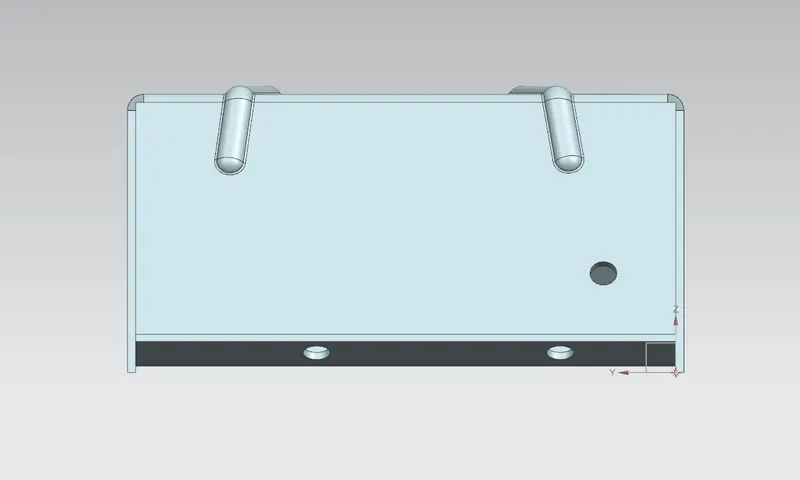
Right Hand Side View
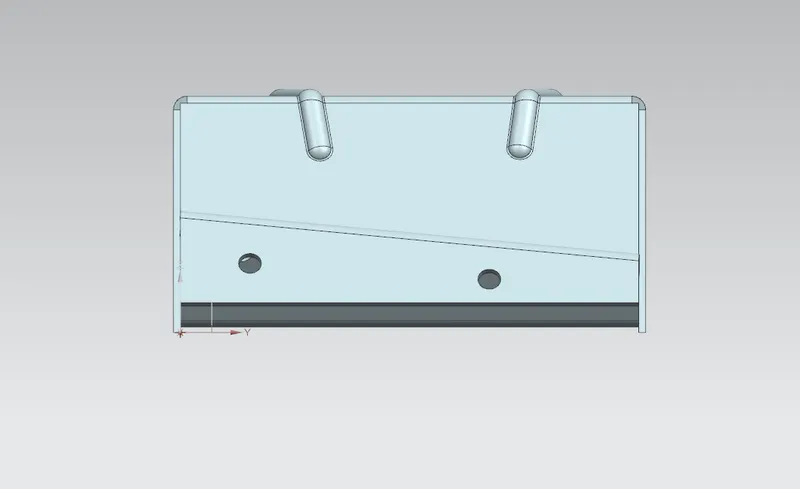
Isometric View
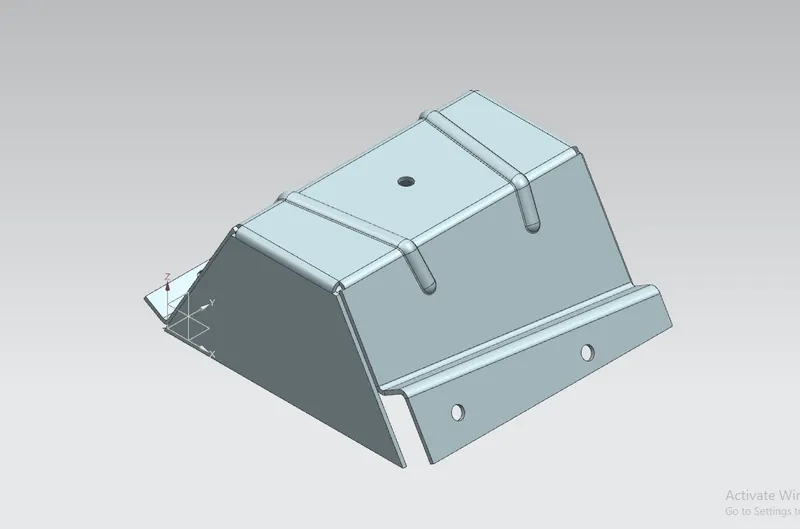
Unbend View
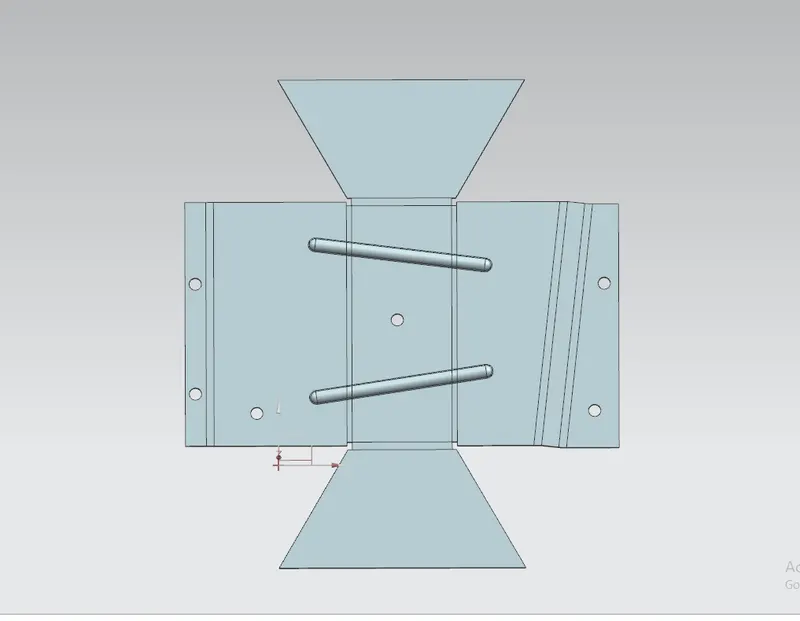
Model Feature Tree
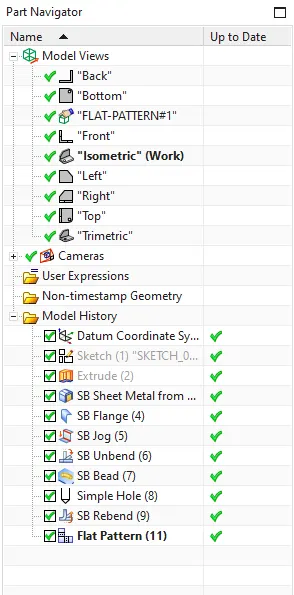
Detailed Drawing Sheet
Conclusion- By doing this project we learnd about how to create sheet metal from solid body, also we have learned how to provide diiferent sheet metal features to the sheet metal body such as flanges, jogs, bead, holes etc.