Advanced Sheet Metal Design Using NX Cad Challenge_7_ Metal bracket-II
DESIGN OF METAL BRACKET 2 USING NX CAD
OBJECTIVE:
The aim of this project is to design a metal
bracket 2 using NX sheet metal application.
INTRODUCTION:
Siemens NX is a high end CAD/CAM/CAE
software. Siemens NX software is a flexible and
powerful integrated solution that helps you
deliver better products faster and more efficiently.
NX delivers the next generation of design,
simulation, and manufacturing solutions that
enable companies to realize the value of the
digital twin.
Sheet metal is a metal formed by an industrial
process into thin , flat pieces. Sheet metal is one
of the fundamental forms used in metal working
and it can be cut and bent in to variety of shapes .
countless everyday objects are fabricated from
sheet metal.
DESCRIPTION:
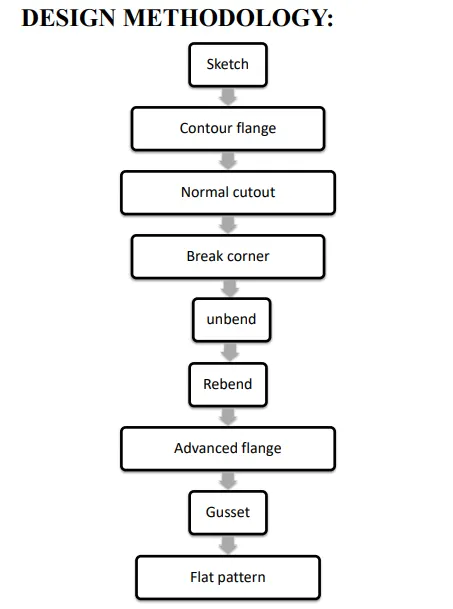
First we have to open the NX CAD sheet metal
application and set the sheet metal preferences
for commands.
SKETCH:
It is a basic and initial operation for
creating any kind of sheet metal
components.
CONTOUR FLANGE:
For 2d sketch open profile we can create
a contour flange by giving thickness and
length .
NORMAL CUTOUT:
This feature is used to cut a section
using a reference 2d sketch.
BREAK CORNER:
This feature is used to create a smooth
edge by selecting a fillet or chamfer
option and by defining certain values.
UNBEND:
This is a feature which is used to flatten
the bended edges in a sheet metal part.
REBEND:
This feature is used to restore a flatten
sheet metal part.
ADVANCED FLANGE:
Advanced Flange adds flange along the
edge using the reference face or bend
angle. The edge and reference face can
be curved.
GUSSET:
Gussets are stiffening features created
across a bend to reinforce the sheet metal
part . click on the gusset command and
select bend face and plane and give
values and click ok. So that the gusset
will be created.
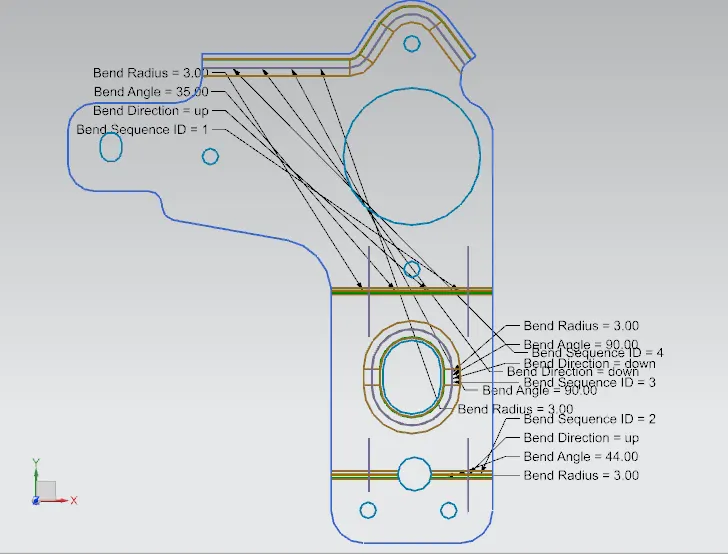
FLAT PATTERN:
It creates a flat pattern feature from the
formed sheet metal part.
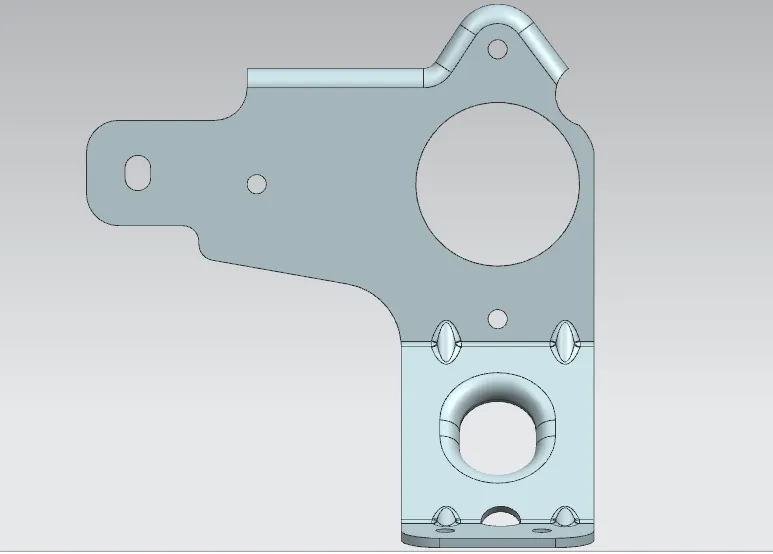
VIEWS:
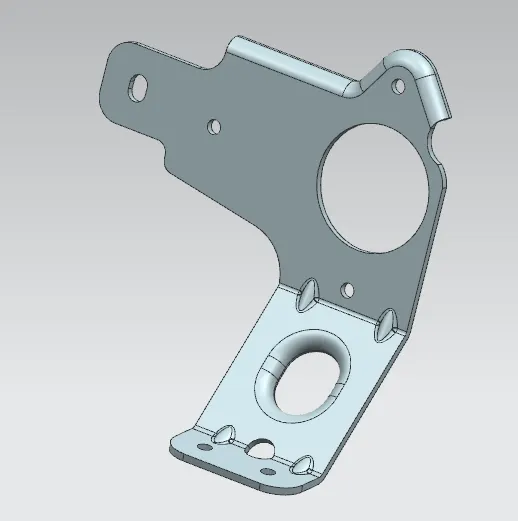
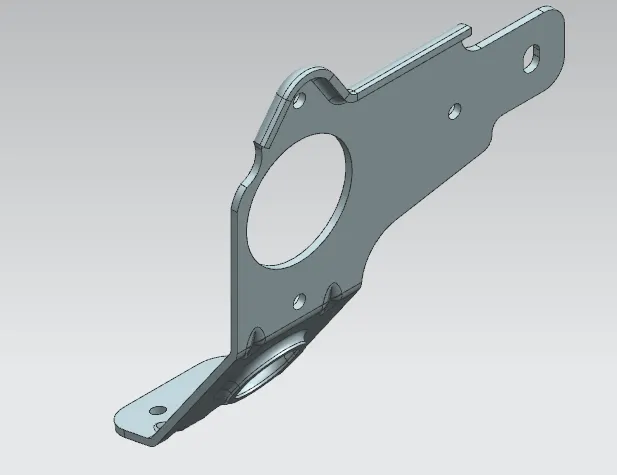
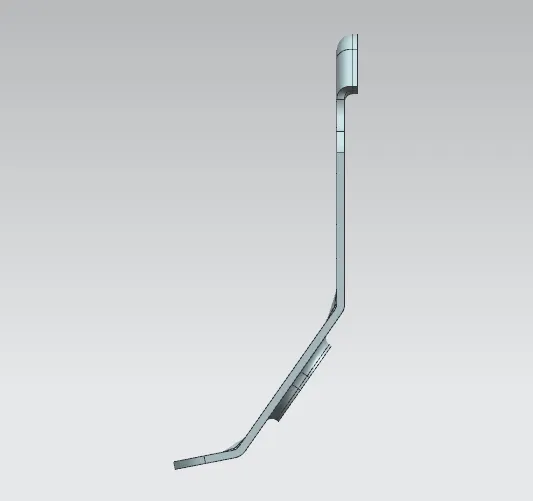
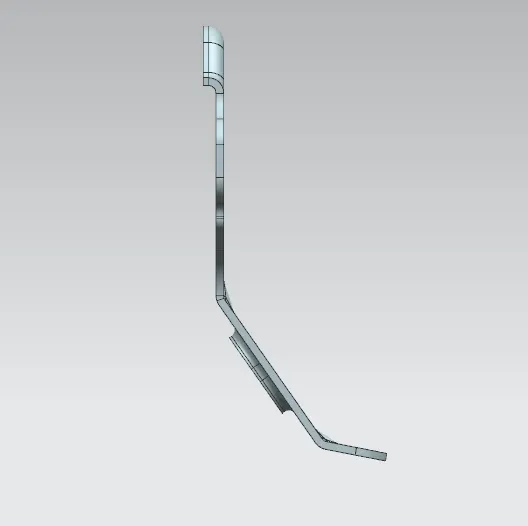
DRAFTING:
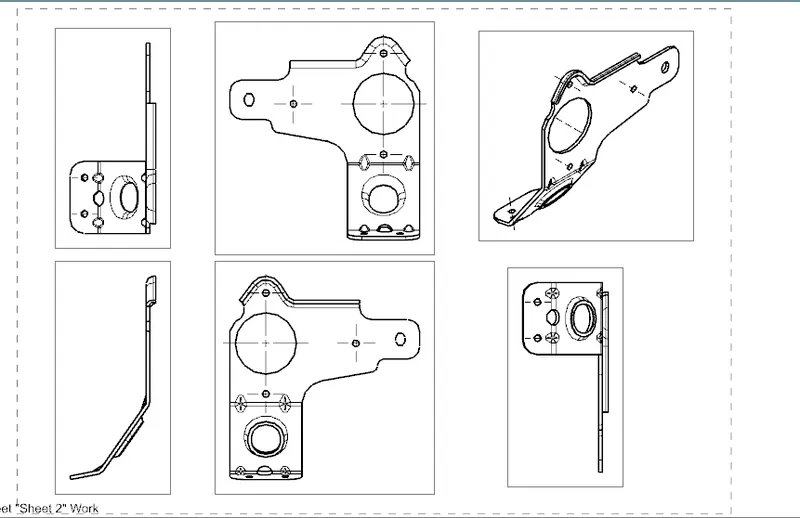
Starts the drafting application which
provides tools to create and maintain
drawings of design model.
1.NEW SHEET: Creates a new drawing
sheet.
2.BASE VIEW : Creates a model based
view on the drawing
sheet.
CONCLUSION:
Thus the design and drafting of metal Bracket 2
using NX cad(sheet metal application) has done.
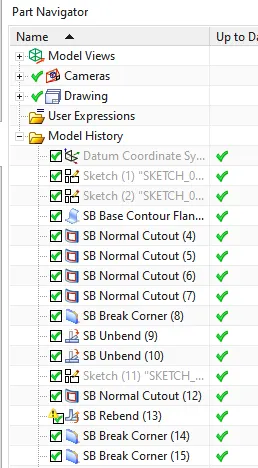
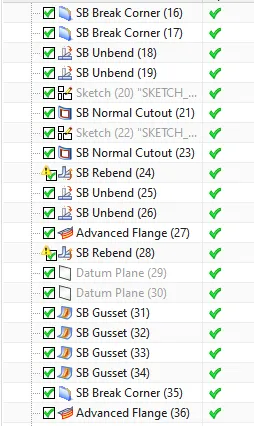
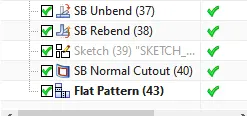
feature manager tree: